
8 Best Native Google Ads Optimization Tools Worth Using
This guide ranks the 8 best native Google Ads optimization tools, from Chrome extensions to first-party Google features, that let advertisers clean up campaigns directly inside the Google Ads interface without exporting data or logging into a separate dashboard.


If you manage Google Ads accounts, you already know the drill: you spot a pile of junk search terms, export them to a spreadsheet, clean them up, then paste changes back into the dashboard. It works, but it's slow, and it means constantly switching context between Google Ads and some other tab. The tools below all skip that step. Each one either runs as a Chrome extension overlay directly in the Google Ads interface or is a first-party Google feature built into your account, so nothing gets exported and no separate login is required. Standalone platforms that connect to your account via API and live in their own dashboard, however useful, didn't make this list because they don't meet that "native" bar.
Quick Comparison
- Keywordme: best for agencies and solo advertisers who want fast, in-interface search term cleanup; starts at $12/month per user; it's the only tool here that overlays one-click cleanup actions directly onto the live Search Terms Report.
- Google Ads Editor: best for advertisers making large bulk edits across accounts; free; it lets you edit offline and review every change before posting.
- Google Ads Automated Rules: best for hands-off guardrails like auto-pausing low performers; free; it runs conditional if/then logic on a schedule with zero setup outside the dashboard.
- Google Ads Scripts: best for technical advertisers who want custom automated audits; free; it runs actual JavaScript against your account data natively.
- Google Ads Recommendations Page: best for a quick native health check; free; it's the only tool here that surfaces suggestions automatically without you asking.
- Smart Bidding Strategies: best for established accounts automating bid management; free to use (cost is ad spend); it adjusts bids at auction time using signals no manual tool can see.
- Search Terms Report Native Filters: best for small accounts that don't need bulk tooling yet; free; it requires zero install since every account already has it.
- Google Ads Mobile App: best for monitoring and reacting on the go; free; it's the only option built for action away from a desktop.
1. Keywordme
Keywordme is a Chrome extension that lays one-click optimization actions right on top of the Google Ads Search Terms Report. Instead of exporting search terms to a spreadsheet, filtering for junk, and pasting negatives back in, you click directly on the row inside Google Ads. It's built for advertisers and agencies who spend real hours every week doing search term cleanup and want that time back.
What sets it apart from everything else on this list is that it's the only third-party tool here that's genuinely native: it doesn't pull your data into a separate dashboard or require a new login. The extension reads the report you're already looking at and lets you act on it in place.
- Removes junk search terms and creates negative keywords in a single click instead of a multi-step export/edit/import cycle
- Applies match types (broad, phrase, exact) instantly within the native report
- Groups related search terms into clusters so you can spot patterns instead of reading rows one by one
- Supports bulk editing across large search term lists rather than one row at a time
- Gives agencies multi-account and team access, so multiple people can work the same account without stepping on each other
Setup is just installing the Chrome extension and logging into Google Ads as normal, no separate account or API connection needed. Day to day it's run by whoever handles search term reviews, which for freelancers is usually the same person managing the whole account, and for agencies could be a dedicated PPC analyst.
It's narrowly focused: Keywordme covers search term and keyword workflows inside Google Ads, not bid strategy, cross-channel reporting, or ad copy testing. If you're looking for an all-in-one PPC suite, this isn't it. It's a tool for one job, done inside the interface you already use.
Pricing is a flat $12/month per user as of 2026, with a 7-day free trial. Cost scales with the number of users on your team rather than ad spend or account count, worth checking on keywordme.com since SaaS pricing can shift.
Best for: Agencies and solo advertisers who want fast, in-interface search term cleanup without spreadsheets.
2. Google Ads Editor
Google Ads Editor is Google's free desktop application for making bulk changes to an account offline, then uploading them all at once. It's designed for advertisers who need to restructure campaigns, update bids across hundreds of ad groups, or make the same edit across multiple accounts in one sitting.

Where it stands out compared to everything else here is scale: no other native tool on this list handles bulk structural changes as efficiently. You can download an entire account, make sweeping edits, and review every single change before anything goes live.
- Lets you bulk-edit campaigns, ad groups, keywords, and ads in one interface
- Works offline so you can make hundreds of changes without waiting on page loads
- Lets you copy and paste settings between accounts, useful for agencies replicating structure across clients
- Includes advanced search and filtering to find exactly what you need in a large account
It connects to your Google Ads account through a download-and-upload workflow rather than a live sync, so setup is just downloading the application and signing in. Anyone with account access can run it, though it's most useful for whoever owns campaign structure and bid management.
The tradeoff is that it isn't real-time. You download a snapshot, edit it, and post changes back, which means it's a poor fit if you need to react instantly to what's happening in an auction or want live search term cleanup. It's also a desktop application, so there's no mobile equivalent.
As of 2026, Google Ads Editor is free with no account or spend limits.
Best for: Advertisers managing large accounts who need to make bulk structural changes in one session.
3. Google Ads Automated Rules
Google's Automated Rules feature, built into every account, lets you set conditional actions that run on their own. You define the condition, like "CTR below 1% for 7 days," and the action, like "pause this keyword," and Google checks it on the schedule you set.
The main limitation up front: rules only judge fixed numeric conditions. They can't tell the difference between a search term that's junk and one that's simply new and unproven, so they're better suited to performance thresholds than to nuanced search term decisions.
- Builds if/then logic for pausing keywords, adjusting bids, or changing budgets automatically
- Runs on a schedule you choose, from hourly checks to a one-time execution
- Sends email alerts whenever a rule fires, so you're not checking manually
- Applies at the campaign, ad group, or keyword level depending on what you're managing
There's nothing to install. Rules are set up directly inside the Google Ads dashboard under Tools and Settings, and whoever manages daily account performance typically owns them. As of 2026, this remains a free, native feature with no separate login.
Because rules act on rigid conditions, they're best treated as guardrails rather than a full optimization strategy. Pairing them with a manual or extension-based review process, like checking the Search Terms Report weekly, covers what rules alone can't catch.
Free, built into every Google Ads account.
Best for: Advertisers who want simple hands-off guardrails, like auto-pausing low performers.
4. Google Ads Scripts
Google Ads Scripts let you write and run JavaScript directly against your account data, all inside Google Ads with no external connection. You can build a custom audit that flags overlapping keywords, or use one of the many pre-built scripts Google and the PPC community have published.
What it does well
Scripts offer more flexibility than any point-and-click native feature on this list, since you're writing actual logic rather than choosing from preset options. You can pull results into Google Sheets for a running audit log without ever leaving the native Google Ads environment.
- Runs custom or pre-built scripts for audits, alerts, and performance reporting
- Executes on a schedule you set, from daily to weekly triggers
- Exports results to Google Sheets for tracking over time
- Requires no third-party account connection or API key setup
Who it's for
This is a tool for technically inclined advertisers or agencies with someone on staff who can write or adapt JavaScript. If you don't have that skill in-house, you're limited to using published scripts as-is, which narrows what you can catch or automate. It's not a beginner-friendly option, and it requires more setup time than any other native feature covered here.
Free, built into every Google Ads account as of 2026.
Best for: Technically inclined advertisers or agencies who want custom automated audits without leaving Google Ads.
5. Google Ads Recommendations Page
The Recommendations page and its Optimization Score sit natively in every Google Ads account, surfacing suggested changes and estimating how well your account is set up according to Google's model.
Unlike scripts or rules, which you have to configure yourself, this feature pushes suggestions to you automatically the moment you log in. That makes it the fastest way to get a native gut-check on account health with zero setup.
- Calculates an Optimization Score estimating how well your account is positioned to perform
- Suggests bid, budget, keyword, and ad changes based on account activity
- Lets you apply suggestions with a single click straight from the dashboard
- Lets you dismiss suggestions that don't apply, which refines future recommendations
There's no setup at all: it's visible in every account under the Recommendations tab. Anyone with account access can review it, though it's worth having whoever owns budget decisions sign off before applying suggestions, since several of Google's recommendations (like raising budgets or broadening match types) tend to favor higher spend.
That bias is the real limitation. Treat the page as a prompt for investigation, not a checklist to blindly apply. As of 2026, it remains free and built into every account.
Best for: Advertisers who want a quick native gut-check on account health.
6. Smart Bidding Strategies
Google's Smart Bidding strategies, including Target CPA, Target ROAS, and Maximize Conversions, adjust your bids automatically at auction time using signals like device, location, time of day, and audience data that no manual or extension-based tool can access.
This real-time signal access is what separates it from everything else on this list. Even the most sophisticated script or rule reacts after the fact; Smart Bidding adjusts within the auction itself.
- Offers Target CPA, Target ROAS, and Maximize Conversions/Value strategies for different goals
- Adjusts bids in real time using auction-level signals
- Lives directly in your campaign bidding settings, no extra configuration screen
- Supports seasonality adjustments for known demand spikes, like a planned sale
Setup is choosing a bidding strategy in campaign settings, so there's nothing to install. It's managed by whoever owns bid strategy, typically the account manager, and it requires periodic review rather than daily hands-on work.
The catch is conversion volume. Smart Bidding needs enough conversion data to learn from, generally a steady flow each month, and accounts below that threshold often see inconsistent results while the algorithm is still learning. New or low-volume accounts may be better served by manual bidding until they build up conversion history.
Free to use as of 2026; your only cost is the ad spend itself.
Best for: Established accounts with steady conversion volume looking to automate bid management.
7. Search Terms Report Native Filters
Every Google Ads account includes a Search Terms Report with built-in filtering and sorting, letting you add any term as a keyword or negative keyword directly from the row it appears in.
Its advantage is simplicity: this is the zero-install baseline every advertiser already has, with nothing to set up and nothing to learn beyond the existing Google Ads interface.
- Filters and sorts search terms by cost, conversions, and clicks
- Adds a term as a keyword or negative keyword directly from the table row
- Segments results by match type and campaign for more targeted review
- Requires no extension, export, or separate login
There's no setup because it's already part of your account. Anyone with access to the account can use it, which makes it a reasonable starting point for freelancers managing a single small account.
The drawback shows up at scale. It's a manual, row-by-row process with no clustering or bulk actions built in, so cleaning up a report with hundreds of junk terms becomes tedious fast. This is exactly the gap that a tool like Keywordme is built to close, since it adds the bulk and clustering capability the native report lacks.
Free, included in every account.
Best for: Advertisers with small accounts who don't need bulk tooling yet.
8. Google Ads Mobile App
The official Google Ads mobile app for iOS and Android gives you a real-time performance dashboard and the ability to make quick changes from your phone, no browser required.
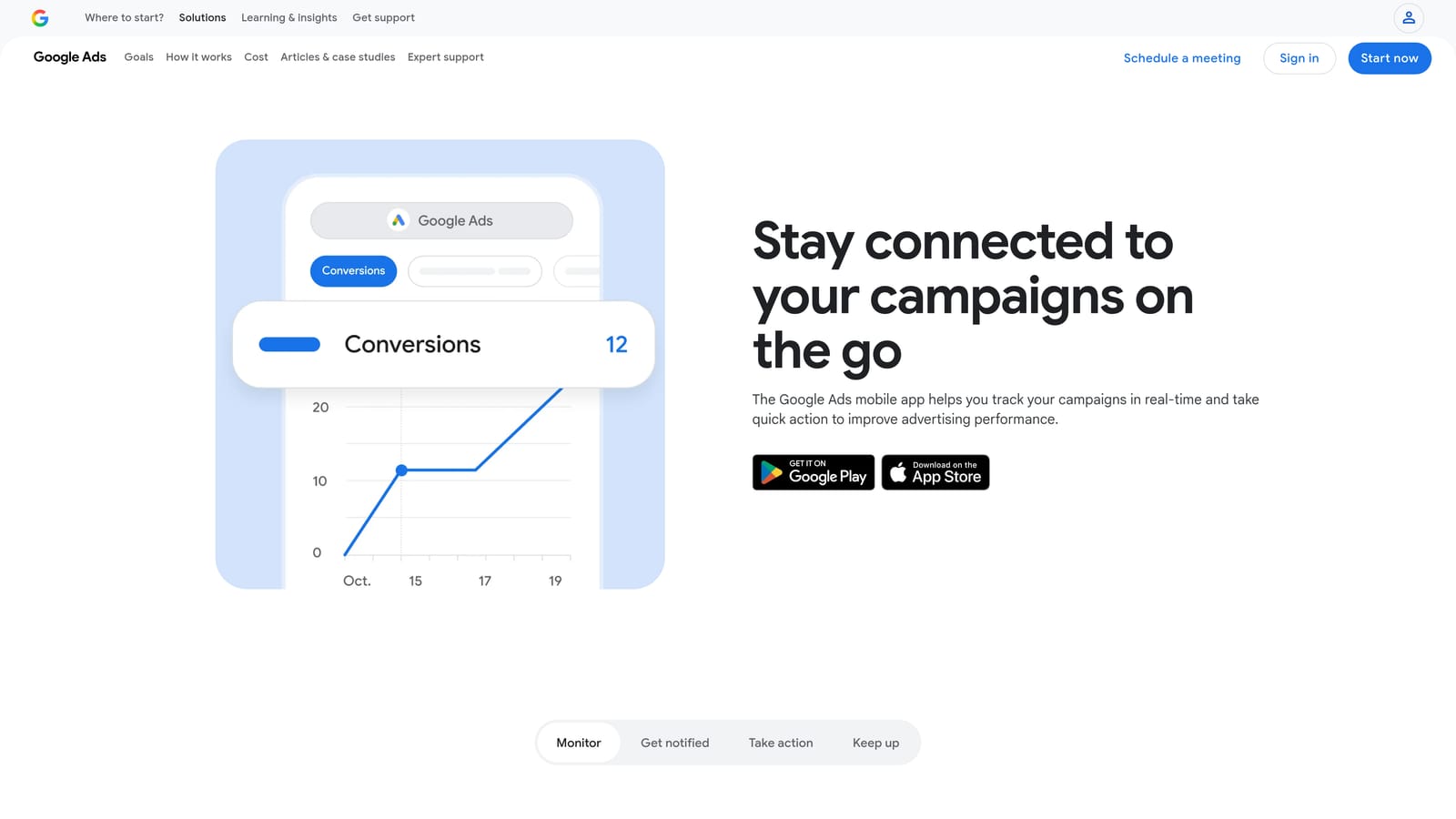
It's the only tool on this list built specifically for monitoring and reacting away from a desktop, which makes it a different category of "native" than the rest: native to your phone rather than to the desktop interface.
- Shows a real-time performance dashboard with push notifications for account activity
- Lets you pause or enable campaigns and adjust budgets on the go
- Alerts you to spend anomalies and ad approval status changes
- Provides native account access without needing a browser or extension
Setup is just downloading the app and signing in with your existing Google Ads credentials. It's typically used by account owners or managers who need visibility outside of working hours rather than for deep optimization work.
It isn't built for search term cleanup or bulk keyword work. The screen size and interface are meant for quick monitoring and simple actions, not detailed campaign restructuring, so it complements desktop tools rather than replacing them.
Free, official Google Ads app as of 2026.
Best for: Advertisers who need to monitor and react to account issues while away from their desk.
Picking the Right Native Tool for Your Workflow
If your biggest time sink is search term cleanup, Keywordme is the standout: it's the only tool here that turns a manual, row-by-row process into one-click actions without ever leaving Google Ads. For advertisers managing large or multi-client accounts, Google Ads Editor earns its place for bulk structural work that would take hours in the native UI. And if you want optimization to run in the background, Automated Rules and Scripts handle the hands-off cases, while the Recommendations page and mobile app cover lightweight monitoring with zero install.
Most accounts end up using a mix: Smart Bidding for bid management, Automated Rules for guardrails, and a dedicated search term tool for the cleanup work that rules and scripts can't judge on their own. That's the gap Keywordme is built to fill. Optimize Google Ads campaigns up to 10x faster without leaving your account: remove junk search terms, build high-intent keyword lists, and apply match types instantly, all inside the native Search Terms Report. Start your free 7-day trial (then just $12/month) and take your Google Ads game to the next level.
.svg)