
8 Best Native Google Ads Optimization Tools
This guide reviews the eight best native Google Ads optimization software tools built or tightly integrated within the Google Ads interface in 2026, covering keyword management, negative keyword building, search term analysis, and bid adjustments. Whether you're a solo advertiser or a multi-client agency, these tools are chosen for their ability to reduce manual work without pulling you into a separate dashboard.


If you're still copying search terms into spreadsheets to figure out what to block or add, you're doing it the slow way. Native Google Ads optimization software—tools that work directly inside the Google Ads interface rather than pulling you into a separate dashboard—cuts out that friction entirely. You stay in the platform, make decisions faster, and spend less time on admin.
This list covers the best tools built or tightly integrated for in-interface Google Ads optimization in 2026. We're prioritizing tools that genuinely reduce manual work: keyword management, negative keyword building, search term analysis, bid adjustments, and campaign-level optimization. Whether you're a solo advertiser or running campaigns for a dozen clients, there's a fit here.
1. Keywordme
Best for: Marketers and agencies who want to triage search terms and manage keywords without leaving Google Ads.
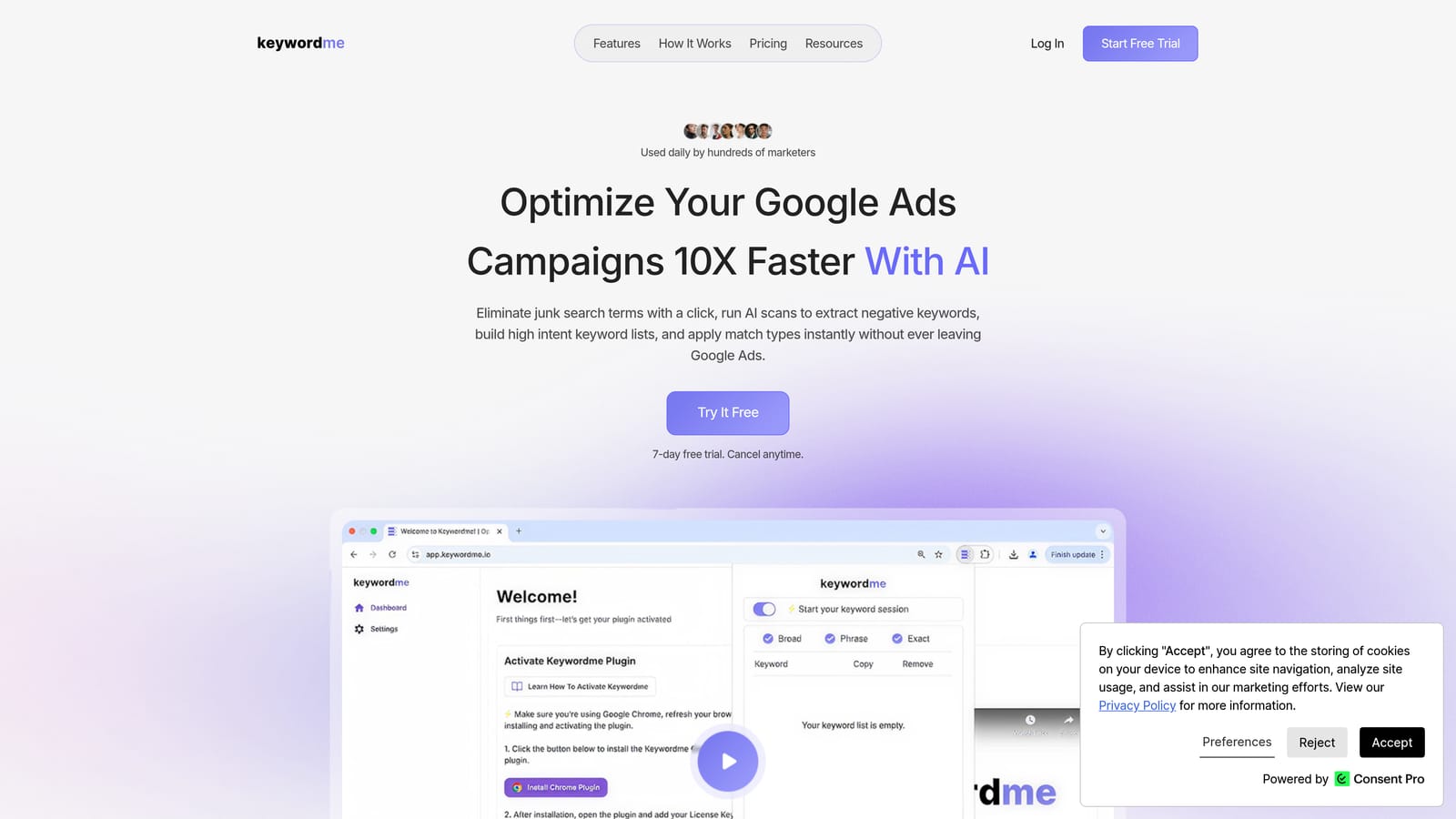
Keywordme is a Chrome extension that overlays the Google Ads Search Terms Report, letting you add negatives, apply match types, and promote search terms to keywords with a single click—all without opening a spreadsheet or switching tabs.
Where This Tool Shines
Most optimization tools pull you out of Google Ads and into their own dashboard. Keywordme does the opposite: it installs directly into the interface you're already using. When you're reviewing search terms, every action—blocking irrelevant queries, adding high-intent terms as keywords, applying match types—happens right there in the Search Terms Report.
For agencies managing multiple accounts, the multi-account and team support means you're not juggling logins or exporting CSVs to hand off work. Keyword clustering lets you group related search terms into logical ad groups, which is especially useful when you're building out campaign structure from scratch or reorganizing an existing account.
Key Features
One-click search term triage: Add negative keywords, apply match types, or promote terms to keywords directly inside the Search Terms Report.
Keyword clustering: Group related search terms into logical ad groups without leaving the Google Ads interface.
Bulk editing: Apply changes across multiple search terms simultaneously, cutting down repetitive manual work.
Multi-account and team support: Designed for agency workflows where multiple users need to collaborate across client accounts.
True in-interface operation: No separate dashboard, no CSV exports, no context-switching—everything happens inside Google Ads.
Best For
Keywordme suits freelancers and agency teams who spend meaningful time each week in the Search Terms Report. If your main workflow bottleneck is keyword management and negative keyword building, this is the most frictionless solution on this list. It's less suited to advertisers whose primary need is bid automation or ad copy testing.
Pricing
$12/month per user (flat rate). A 7-day free trial is available with no credit card required upfront.
2. Google Ads Editor
Best for: Advertisers who need to make large-scale bulk edits across campaigns before pushing changes live.
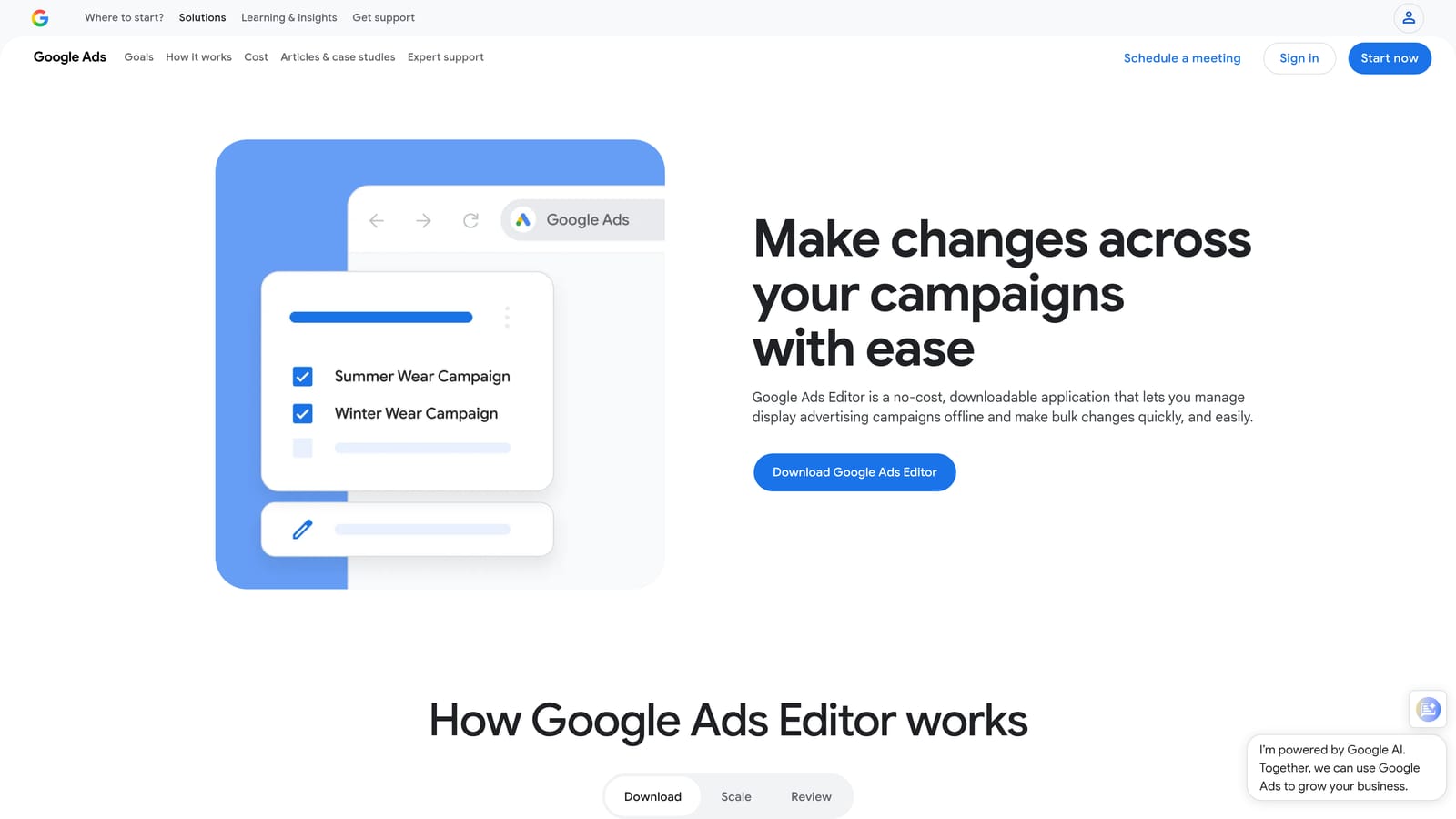
Google Ads Editor is Google's free official desktop application for making bulk offline edits to campaigns, ad groups, keywords, ads, and extensions before uploading changes to a live account.
Where This Tool Shines
When you need to restructure a large account—renaming campaigns, updating hundreds of keywords, or applying changes across multiple ad groups at once—doing it inside the browser-based Google Ads interface is painfully slow. Google Ads Editor lets you make all of those changes offline, review them before anything goes live, and upload in bulk when you're ready.
It's worth noting that Editor is a separate desktop application, not a browser overlay. It doesn't work inside the live Google Ads UI, so it's better described as an official offline companion than a true in-interface tool. That said, it's from Google, it's free, and for bulk structural changes, nothing else on this list competes with it.
Key Features
Offline bulk editing: Edit campaigns, ad groups, keywords, ads, and extensions without a live internet connection.
Find-and-replace: Update text across multiple campaigns simultaneously, useful for seasonal changes or brand updates.
Multi-account management: Manage several Google Ads accounts from a single desktop application.
Draft and review: Stage all changes and review them before pushing anything live, reducing the risk of mistakes.
Free access: Available to any Google Ads account holder at no cost.
Best For
Google Ads Editor is ideal for account managers who regularly perform large-scale structural changes: keyword list overhauls, campaign duplications, bulk ad copy updates, or negative keyword list management across many campaigns at once. It's less useful for day-to-day in-interface optimization.
Pricing
Free. Available to all Google Ads account holders.
3. Google Ads Scripts
Best for: Advertisers with JavaScript knowledge who want to automate repetitive tasks without any third-party tool.
Google Ads Scripts is a JavaScript automation environment built natively into Google Ads, allowing advertisers to automate reporting, bid adjustments, negative keyword additions, and more—running entirely on Google's infrastructure.
Where This Tool Shines
Scripts are genuinely native. They live inside Google Ads under Tools and Settings, run on Google's own servers, and don't require any external API connection or third-party login. If you want to automate a task that you'd otherwise do manually every week—pausing underperforming keywords, flagging budget pacing issues, adding negatives based on performance thresholds—a script can handle it on a schedule you set.
Google provides a library of pre-built scripts for common tasks, so you don't always need to write from scratch. That said, customizing or troubleshooting scripts does require comfort with JavaScript. For teams without a developer, the learning curve can be steep.
Key Features
True native automation: Runs inside Google Ads infrastructure with no external API or third-party tool required.
Broad automation scope: Covers bid adjustments, budget pacing, negative keyword additions, alerts, and custom reporting.
Pre-built script library: Google provides ready-to-use scripts for common optimization tasks.
Scheduled execution: Scripts can run on a set frequency—hourly, daily, or weekly—without manual triggering.
Free access: Included with any Google Ads account.
Best For
Scripts are best for technically capable advertisers or teams with developer resources who want custom automation without paying for a third-party platform. If you're comfortable with JavaScript and have repetitive tasks that follow consistent rules, scripts can save significant time. If you're not a developer, the pre-built library is a reasonable starting point.
Pricing
Free. Included with all Google Ads accounts.
4. Google Ads Recommendations
Best for: Advertisers who want quick, AI-generated optimization suggestions without any setup or additional tools.
Google Ads Recommendations is Google's built-in AI-driven suggestion engine, embedded in the Recommendations tab of the Google Ads interface, surfacing one-click optimization ideas across keywords, bids, budgets, and ad copy.
Where This Tool Shines
Recommendations requires zero setup—it's already in your account. Google's system analyzes your campaign data and surfaces suggestions you can apply or dismiss with a single click. It covers a wide range: keyword expansion ideas, bid strategy changes, budget adjustments, ad copy variations, and audience targeting suggestions.
One important caveat: recommendations are generated by Google's algorithms with Google's objectives in mind, which don't always align perfectly with every advertiser's specific goals. Each suggestion should be reviewed on its own merits before applying. Dismissing a recommendation you disagree with is a legitimate and often sensible choice—it won't penalize your account.
Key Features
Zero setup required: Embedded directly in the Google Ads interface with no configuration needed.
One-click apply or dismiss: Act on each suggestion individually without leaving the interface.
Broad coverage: Suggestions span keywords, bid strategies, budgets, ad copy, and audiences.
Optimization Score integration: Applying recommendations contributes to your account's Optimization Score, though score alone shouldn't drive decisions.
Best For
Recommendations works well as a quick audit tool—a way to surface potential gaps you might have missed. It's most useful for advertisers who want a low-effort starting point for optimization ideas. It's less reliable as a primary strategy tool, since suggestions should always be evaluated against your specific campaign goals.
Pricing
Free. Included with all Google Ads accounts.
5. Optmyzr
Best for: Agencies and in-house teams managing multiple Google Ads accounts who need rule-based automation and consolidated reporting.
Optmyzr is a PPC management platform with deep Google Ads API integration, offering one-click optimizations, rule-based automation, and multi-account reporting for teams managing significant ad spend.

Where This Tool Shines
Optmyzr sits in the near-native category: it connects to Google Ads via API, so changes you make in Optmyzr sync back to your live campaigns. It's not a browser extension or in-interface overlay, but the connection is tight enough that you're not manually exporting and reimporting data. For agencies juggling multiple client accounts, the consolidated dashboard and one-click optimization workflows can meaningfully reduce time spent on routine tasks.
The platform covers a wide range of optimization types—bid adjustments, budget pacing, keyword management, ad scheduling, and Shopping campaign management—which makes it a reasonable single tool for teams that would otherwise need several. The pre-built PPC scripts and rule-based automation are particularly useful for setting up guardrails that run without daily intervention.
Key Features
One-click optimizations: Apply bid, budget, keyword, and ad schedule changes with a single action, synced to Google Ads via API.
Rule-based automation: Build custom rules and pre-built PPC scripts to automate recurring tasks.
Shopping campaign management: Dedicated tools for product feed optimization and Shopping campaign structure.
Multi-account dashboard: Manage and report on multiple client accounts from one interface.
API-connected workflow: Changes apply directly to Google Ads without manual CSV uploads.
Best For
Optmyzr is a strong fit for agencies or in-house teams managing multiple accounts with meaningful monthly ad spend. Solo advertisers or small accounts may find the pricing hard to justify relative to the features they'll actually use. Verify current pricing at optmyzr.com before committing.
Pricing
Paid plans with pricing based on managed ad spend. A free trial is available. Check optmyzr.com for current rates, as pricing tiers are updated periodically.
6. Adalysis
Best for: Advertisers who want systematic ad testing and Quality Score monitoring without building manual tracking systems.
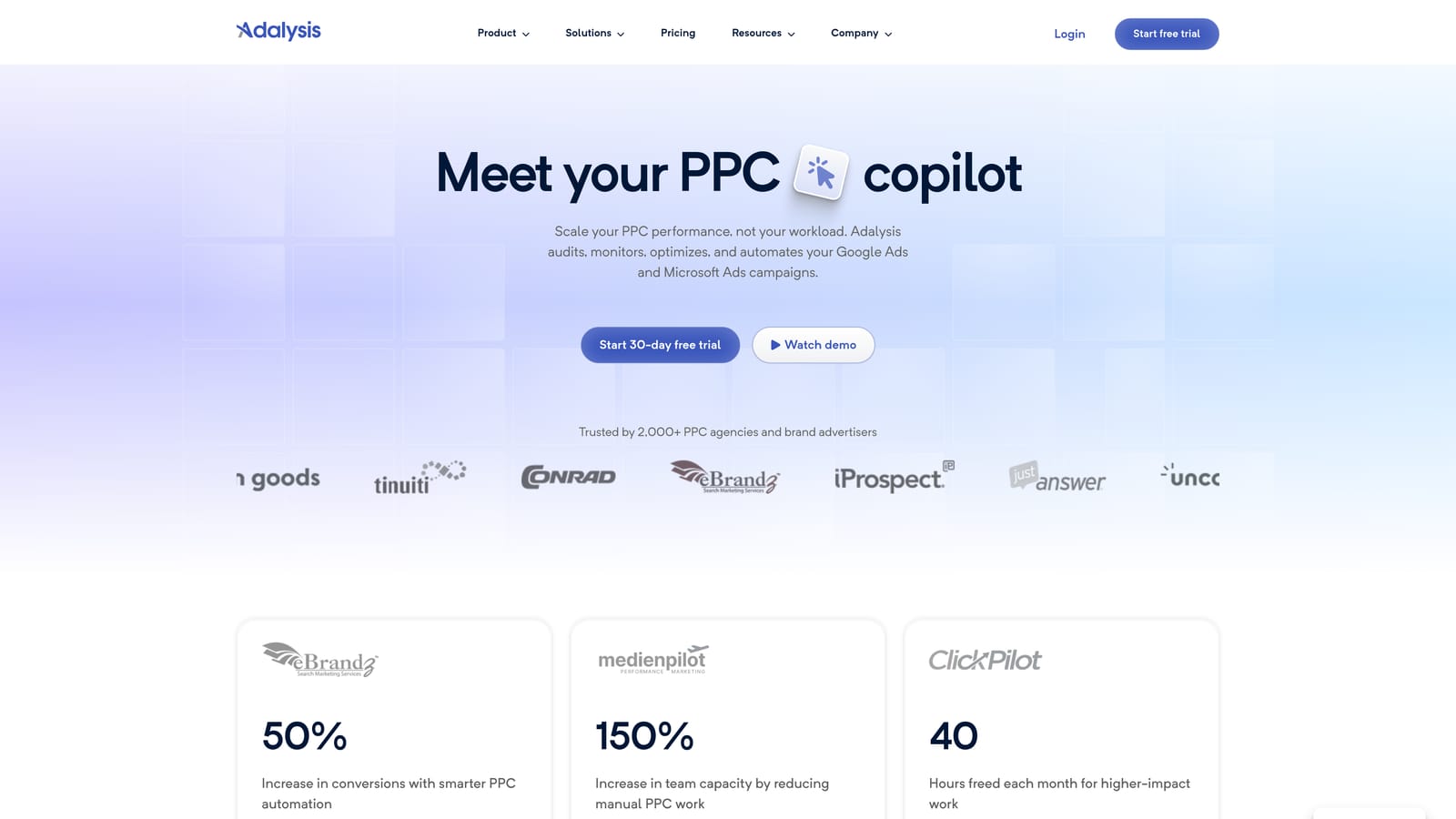
Adalysis is a Google Ads management platform focused on automated A/B ad testing, Quality Score monitoring, and account health auditing, connected to Google Ads via API.
Where This Tool Shines
Ad testing is one of those tasks that most advertisers know they should be doing systematically but rarely do. Adalysis automates the testing framework: it monitors your ad variations, tracks statistical significance, and flags when a test has reached a conclusion. That removes the manual work of checking performance data and deciding when you have enough data to act.
The Quality Score tracking is genuinely useful because Google Ads doesn't store Quality Score history natively. Adalysis keeps that historical data, so you can see how individual keywords' scores change over time and diagnose what's driving low scores—whether it's expected CTR, ad relevance, or landing page experience.
Key Features
Automated A/B ad testing: Tracks ad variations and flags statistically significant winners without manual monitoring.
Quality Score history: Stores keyword-level Quality Score data over time, which Google Ads itself does not retain long-term.
Account health alerts: Surfaces issues across the account before they become significant problems.
Ad copy diagnostics: Analyzes ad performance patterns and flags underperforming copy.
API-connected workflow: Syncs with Google Ads via API; operates in its own dashboard.
Best For
Adalysis suits advertisers who are serious about ad testing discipline and want data on Quality Score trends over time. It's a near-native tool—you'll work in its own dashboard rather than inside Google Ads directly. Verify current pricing at adalysis.com before subscribing.
Pricing
Paid plans starting from a monthly fee. A free trial is available. Check adalysis.com for current rates.
7. Google Keyword Planner
Best for: Advertisers researching new keywords, estimating search volume, or planning campaign structure before launch.
Google Keyword Planner is Google's free keyword research tool, built directly into the Google Ads interface, providing search volume estimates, competition data, and keyword ideas sourced from Google's own index.
Where This Tool Shines
Keyword Planner is genuinely native—it lives inside Google Ads under Tools and Settings, and it draws on Google's own search data. That makes it the most authoritative source available for understanding search volume and competition for any given keyword. You can generate keyword ideas from a seed keyword, a URL, or a product category, which is useful both for building new campaigns and for identifying gaps in existing ones.
One limitation worth knowing: volume data is shown as ranges rather than exact numbers unless your account has sufficient spend history. For planning purposes, ranges are usually enough to make directional decisions, but they're not precise enough for detailed forecasting.
Key Features
Keyword idea generation: Discover new keywords from seed terms, URLs, or product categories using Google's own data.
Search volume and trends: View volume ranges and seasonal trend data directly from Google's index.
Bid range estimates: Get low and high bid estimates to inform budget planning before launching campaigns.
Keyword grouping suggestions: Receive grouping ideas to help structure campaigns and ad groups.
True native access: Embedded inside the Google Ads interface with no additional login or tool required.
Best For
Keyword Planner is most valuable during campaign planning and keyword expansion phases. It's a research tool rather than an optimization tool, so it's most useful before campaigns launch or when you're deliberately expanding into new keyword territory. For ongoing search term management, you'll need something else alongside it.
8. Tenscores
Best for: Advertisers who want to track Quality Score history and get keyword-level diagnostics to lower CPCs over time.
Tenscores is a Google Ads tool focused specifically on Quality Score tracking and diagnosis, storing historical Quality Score data and providing account structure recommendations to help advertisers understand and improve keyword-level performance.
Where This Tool Shines
Quality Score matters because it directly influences your cost-per-click and ad position. The problem is that Google Ads doesn't store Quality Score history natively—you can see today's score, but not how it's changed over the past month or quarter. Tenscores fills that gap by logging historical data, which lets you see whether your optimizations are actually moving the needle over time.
Beyond tracking, Tenscores provides diagnostics that break down which component of Quality Score is dragging a keyword down: expected CTR, ad relevance, or landing page experience. That specificity is more actionable than a raw score, because it tells you where to focus your improvement efforts.
Key Features
Historical Quality Score tracking: Stores keyword-level Quality Score data over time, filling a gap that Google Ads doesn't address natively.
Component-level diagnostics: Identifies whether expected CTR, ad relevance, or landing page experience is the primary driver of a low score.
Account structure analysis: Provides recommendations on campaign and ad group structure to support better Quality Scores.
Ad relevance and landing page scoring: Surfaces specific improvement areas at the keyword level.
API-connected workflow: Connects to Google Ads via API and operates in its own dashboard.
Best For
Tenscores is a focused tool for advertisers who want to systematically improve Quality Scores and reduce CPCs over time. It's near-native rather than in-interface, so you'll work in a separate dashboard. It's most useful for accounts with established keyword lists where Quality Score improvement is a meaningful lever. Verify current pricing at tenscores.com before subscribing.
Which Tool Fits Your Workflow?
The honest answer is that the best tool depends on where your time is actually going. These tools solve different problems, and picking the wrong one means paying for features you'll rarely use.
Here's a quick reference by workflow bottleneck:
Search term management and negative keyword building: Keywordme is the standout here. It's the only tool on this list that works directly inside the Search Terms Report without pulling you into a separate dashboard. If this is where you lose the most time each week, it's the most direct fix.
Large-scale bulk edits and campaign restructuring: Google Ads Editor. Free, official, and purpose-built for exactly this kind of work.
Custom automation without a third-party tool: Google Ads Scripts, if you have the technical capability. Nothing else on this list is as flexible or as native.
Multi-account agency management with automation: Optmyzr covers the most ground for teams managing significant spend across multiple clients.
Ad testing and Quality Score tracking over time: Adalysis for testing discipline; Tenscores if Quality Score history is the specific gap you need to fill.
Keyword research and campaign planning: Google Keyword Planner. It's free, it's native, and the data comes straight from Google.
If keyword management and search term triage are eating your time, start with Keywordme. It removes the biggest source of friction in day-to-day Google Ads work without adding a new dashboard to your stack. Start your free 7-day trial and see how much faster your optimization workflow gets when everything happens right inside Google Ads—then continue for just $12/month.
.svg)