
8 Best Multi-Client PPC Management Tools for Agencies in 2026
Managing PPC across dozens of client accounts doesn't have to mean chaos — the right multi-client PPC management tools help agencies move faster, eliminate wasted spend, and scale without overloading their teams. This guide reviews 8 top tools evaluated on multi-account support, workflow efficiency, collaboration features, and pricing transparency, so you can identify exactly what's missing from your current stack.


TL;DR: Managing PPC across multiple client accounts is one of the biggest time sinks in agency life. The right multi-client PPC management tools let you move faster, cut wasted spend, and scale without burning out your team. This list covers tools built for exactly that: from in-interface optimization Chrome extensions to full-blown agency dashboards. Whether you're a solo freelancer juggling five accounts or an agency running fifty, there's something here for you.
Tools were evaluated on multi-account support, workflow efficiency, ease of use, team collaboration features, and pricing transparency. Tools requiring enterprise contracts with zero public pricing were noted but deprioritized in favor of options accessible to growing agencies.
How to Read This List
These tools don't all compete directly. Some live inside Google Ads, some replace your dashboard entirely, and some just pull your data somewhere useful. Most agencies end up stacking two or three of these rather than relying on one. The goal here is to help you identify which category you're missing, not just hand you a winner-takes-all recommendation.
With that framing in place, let's get into it.
1. Keywordme
Best for: Agencies doing hands-on keyword management directly inside Google Ads
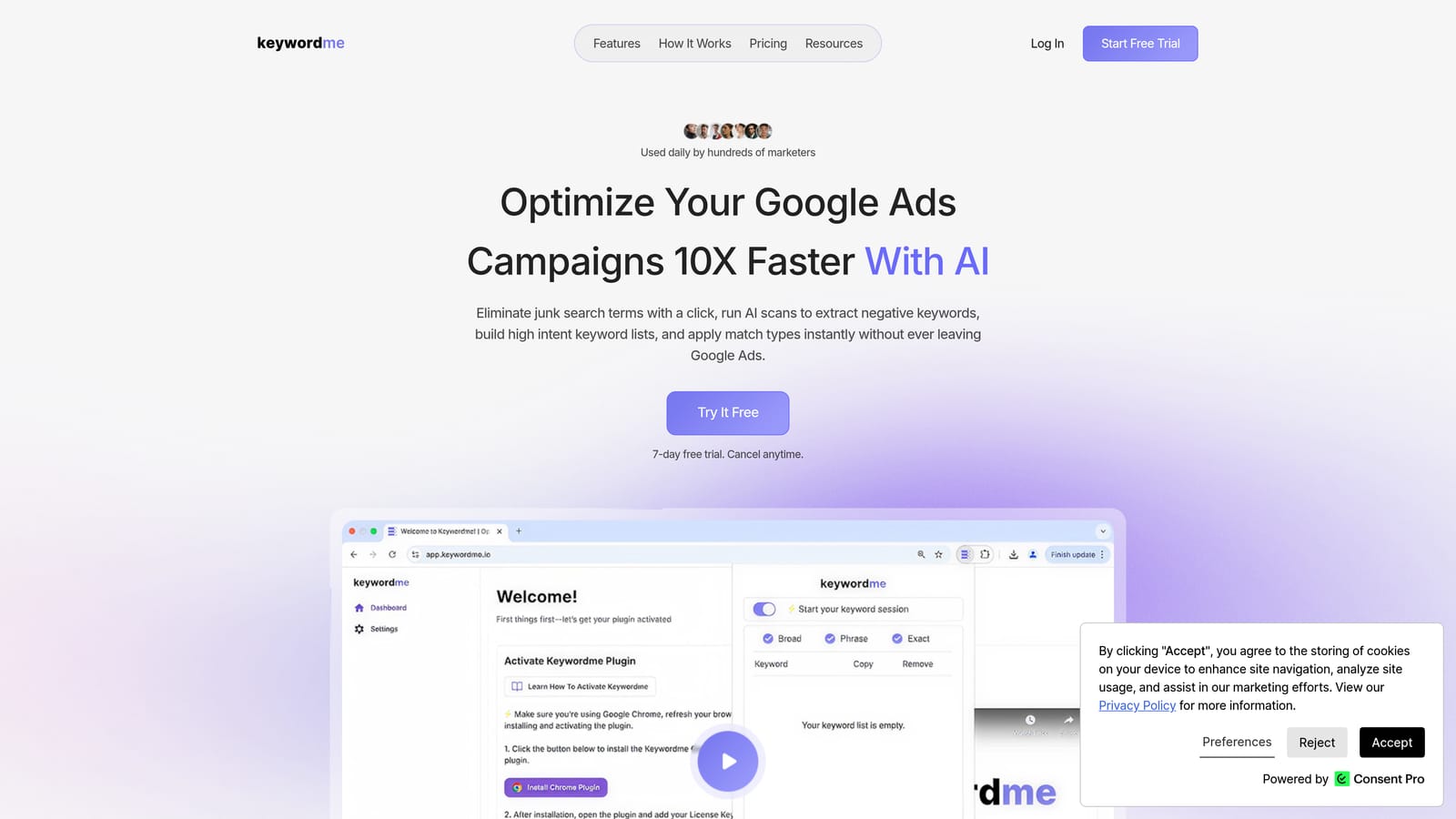
Keywordme is a Chrome extension that plugs directly into Google Ads' Search Terms Report, letting you manage keywords, negatives, and match types without ever leaving the native interface.
Where This Tool Shines
In most accounts I audit, the Search Terms Report is where the real money is. It's also where agencies spend an embarrassing amount of time copy-pasting terms into spreadsheets, cross-referencing negative lists, and toggling between tabs. Keywordme collapses that entire workflow into one-click actions right where you're already working.
For agencies managing multiple accounts, the multi-user and multi-account support is the real differentiator. Your team can work inside Google Ads at full speed without needing a separate dashboard login or a shared spreadsheet flying around in Slack.
Key Features
One-Click Negative Keyword Addition: Flag and remove junk search terms instantly from inside the Search Terms Report, with match type applied on the spot.
Keyword Clustering: Group related search terms into structured keyword lists without leaving the interface, which speeds up campaign build-outs significantly.
Bulk Editing: Apply actions across multiple terms at once instead of handling them one by one, which is where the real time savings add up.
Multi-Account and Team Support: Each user gets their own seat, and the tool works across all accounts accessible from your MCC, making it genuinely useful for agency teams rather than just solo advertisers.
Match Type Application: Apply broad, phrase, or exact match types to new keywords directly from the search terms view, no spreadsheet step required.
Best For
Agencies and freelancers who spend meaningful time each week inside the Google Ads Search Terms Report. If keyword hygiene and negative list management are regular parts of your workflow, this is the most friction-free way to handle them. It's also a strong fit for junior team members who need guardrails without a steep learning curve.
Pricing
Flat rate at $12/month per user. A 7-day free trial is available with no credit card required upfront. No spend-based tiers or enterprise gating.
2. Google Ads Manager Accounts (MCC)
Best for: Centralized access and baseline multi-account management across all client Google Ads accounts
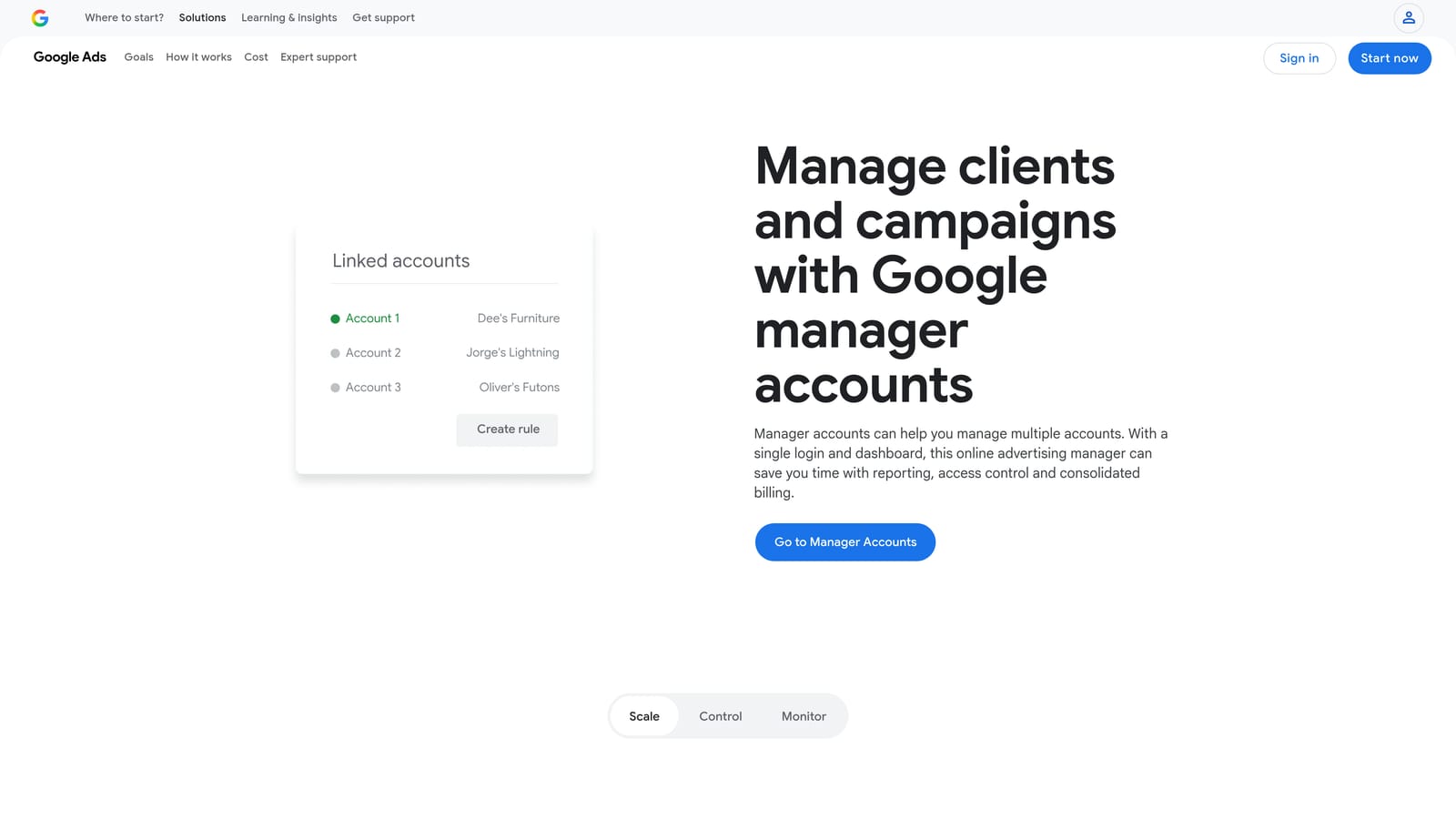
Google Ads Manager Accounts is the native multi-account management layer built into Google Ads, giving agencies a single login to access, report on, and manage all client accounts.
Where This Tool Shines
MCC is the foundation. Every agency running Google Ads should have one set up before doing anything else. It's not glamorous, but centralized billing, cross-account reporting, and the ability to run Google Ads Scripts at scale make it genuinely powerful infrastructure.
The mistake most agencies make is treating MCC as just an access tool. It's also where you can run bulk campaign changes across accounts, monitor performance at a portfolio level, and set up automation rules that apply across your entire client base.
Key Features
Centralized Account Access: One login to access every client account without logging in and out or managing separate credentials.
Cross-Account Reporting: Pull performance data across multiple accounts into a single view for portfolio-level analysis.
Consolidated Billing: Manage billing for multiple client accounts from one place, which simplifies invoicing and payment workflows.
Google Ads Scripts: Run custom scripts across accounts at scale, which is where MCC really earns its keep for technically inclined teams.
Bulk Campaign Management: Apply changes across accounts without opening each one individually.
Best For
Every agency running Google Ads, full stop. This is non-negotiable infrastructure, not an optional add-on. If you're not using MCC, you're making your life harder than it needs to be.
Pricing
Free. No subscription, no tiers, no spend minimums.
3. Optmyzr
Best for: Agencies that want rule-based automation and one-click optimization recommendations across multiple accounts
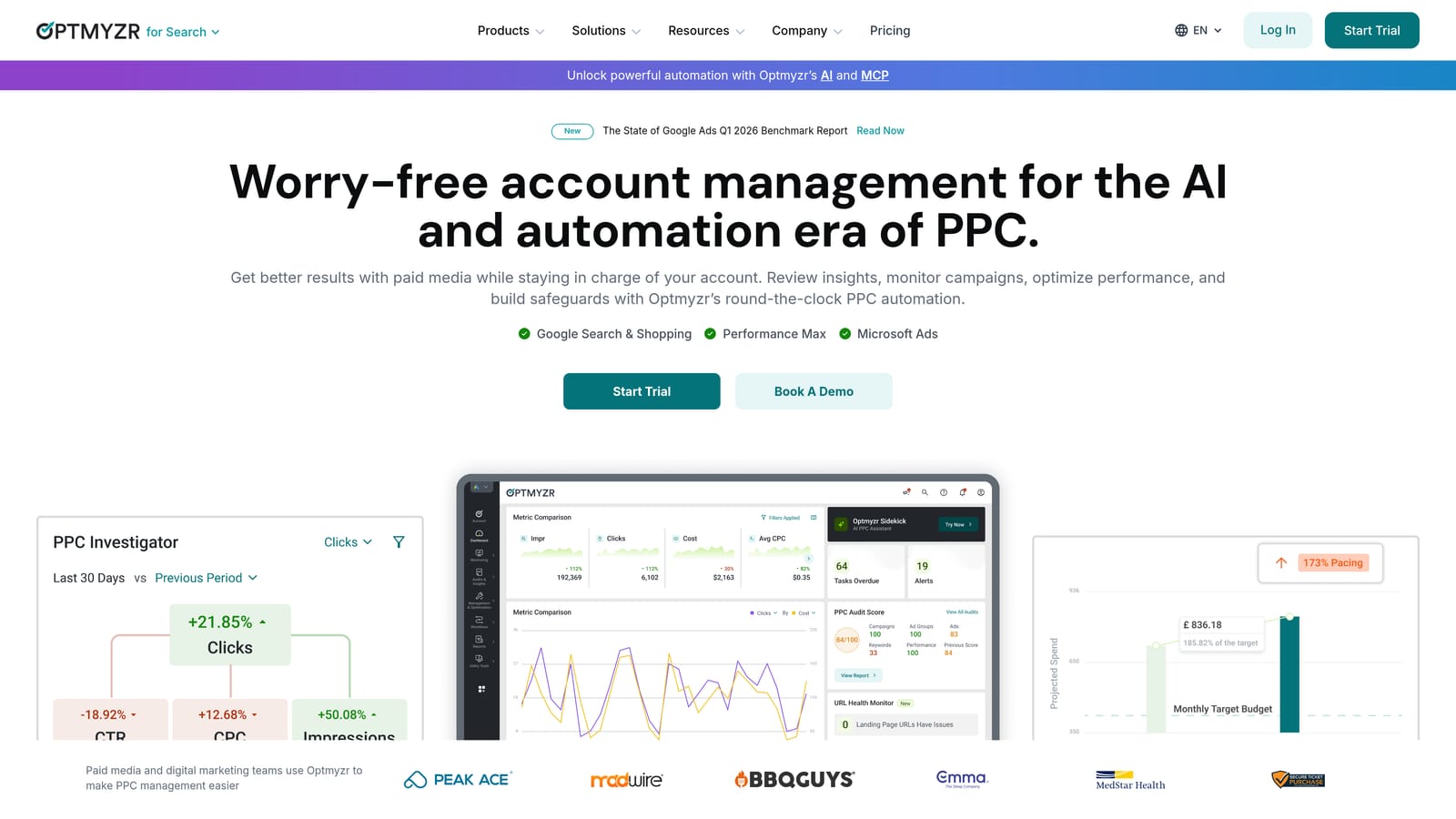
Optmyzr is a PPC management platform known for its automation engine, campaign experiment support, and structured optimization workflows designed specifically for agencies and in-house teams.
Where This Tool Shines
Optmyzr is where agencies go when they've outgrown manual optimization and need to systematize their processes. The rule-based automation engine is genuinely flexible, and the one-click optimization recommendations give account managers a clear action queue rather than a blank canvas.
What usually happens here is that agencies use Optmyzr to build repeatable workflows: automated bid adjustments, budget pacing alerts, keyword management rules. Once those are set up, the day-to-day becomes a lot more manageable across a large account roster.
Key Features
Rule-Based Automation: Build custom rules for bid adjustments, budget pacing, and keyword management that run on a schedule without manual intervention.
One-Click Optimization Recommendations: Surface prioritized actions across accounts so managers know exactly what to work on first.
Campaign Experiments: Set up and track A/B tests across accounts with built-in statistical tracking.
Multi-Platform Support: Covers Google Ads, Microsoft Ads, and Amazon Ads, which matters for agencies with clients across multiple channels.
Agency Reporting Workflows: Client management features and reporting tools designed for agency-client relationships.
Best For
Mid-to-large agencies managing significant ad spend who want to systematize optimization workflows. There's a learning curve, but the payoff for teams willing to invest in setup is real.
Pricing
Tiered pricing based on managed ad spend. Check optmyzr.com for current rates, as pricing is updated regularly.
4. WordStream Advisor for Agencies
Best for: Smaller agencies that want a guided, structured optimization workflow with multi-client reporting
WordStream Advisor for Agencies is a guided PPC management platform built to simplify multi-client Google Ads and Microsoft Ads management, best known for its structured weekly optimization workflow.
Where This Tool Shines
The "20-Minute Work Week" concept is WordStream's signature feature, and it's genuinely useful for agencies where account managers are stretched thin. Instead of staring at a dashboard wondering what to do next, the tool surfaces the highest-priority actions and walks you through them systematically.
For SMB-focused agencies with a high volume of smaller accounts, this kind of guided structure can be the difference between consistent optimization and accounts that drift for weeks without attention.
Key Features
20-Minute Work Week Workflow: A guided optimization process that surfaces the most impactful actions for each account and walks managers through completing them efficiently.
Multi-Account Dashboard: Cross-client performance views that make it easy to spot which accounts need attention without opening each one individually.
Automated Alerts: Notifications for account issues and optimization opportunities so nothing slips through the cracks.
White-Label Reporting: Client-ready reports with agency branding for professional delivery.
Google Ads and Microsoft Ads Integration: Covers both major paid search platforms in a single interface.
Best For
Agencies managing a high volume of SMB accounts where consistent, structured optimization matters more than advanced automation. Less suited for agencies with complex, high-spend accounts that need granular control.
Pricing
Pricing is available on request. Check wordstream.com for current agency plans.
5. AgencyAnalytics
Best for: Agencies that need white-label client reporting dashboards pulling from multiple data sources
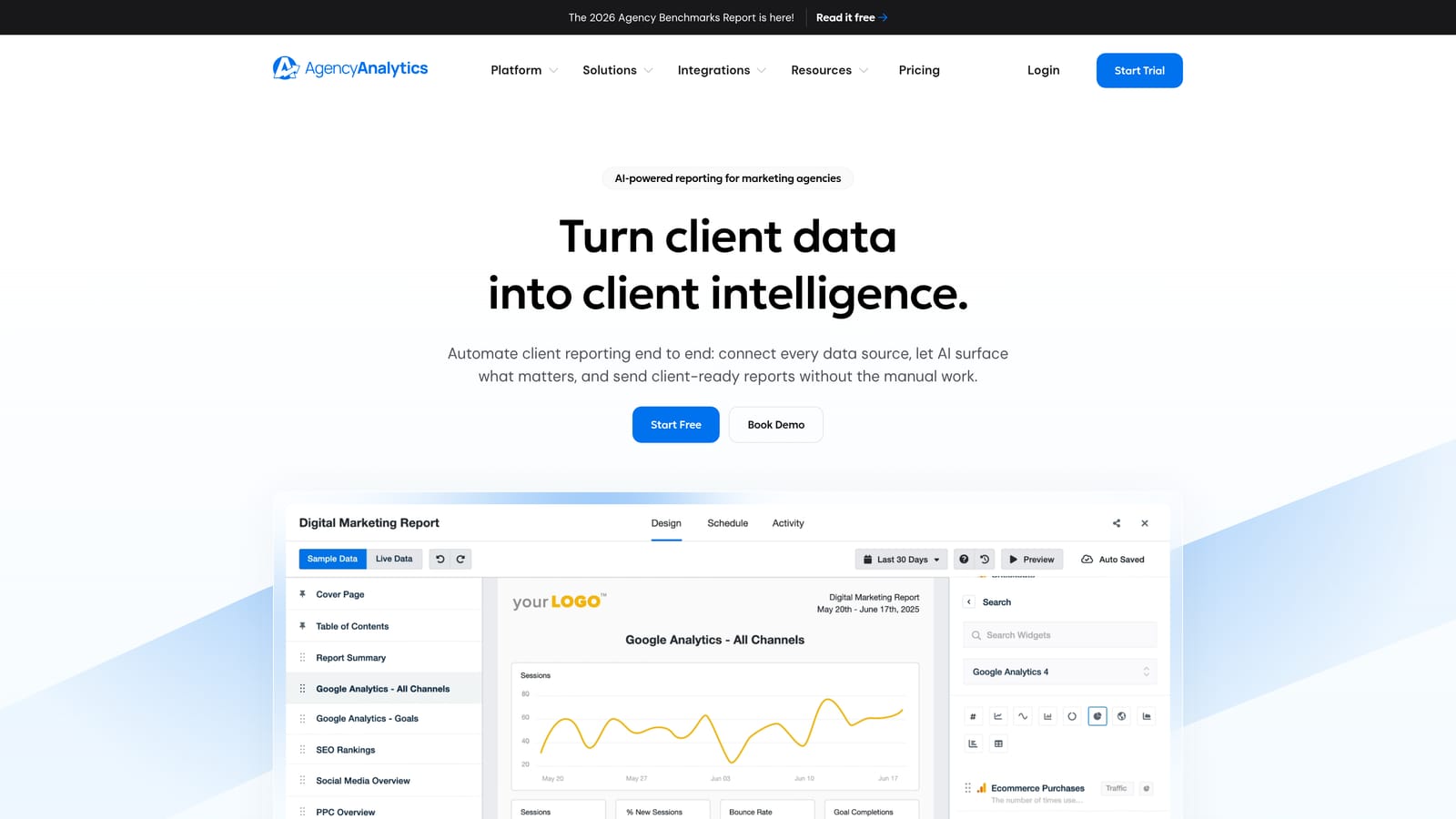
AgencyAnalytics is a client reporting and dashboard platform built specifically for digital marketing agencies, pulling data from Google Ads, Meta, SEO tools, and more into automated white-label dashboards.
Where This Tool Shines
AgencyAnalytics doesn't manage your campaigns. It makes your results look good to clients. That's a meaningful distinction. If your team is spending hours each month building custom reports in Google Slides or Looker Studio, this tool eliminates most of that work.
The drag-and-drop dashboard builder is flexible enough to create genuinely polished client-facing reports, and the automated scheduling means reports go out on time without anyone having to remember to send them.
Key Features
White-Label Dashboards: Fully branded client dashboards with your agency's logo and colors, shareable via link or scheduled email.
Automated Report Scheduling: Set reports to generate and deliver automatically so client communication runs without manual effort.
Broad Integration Library: Connects to Google Ads, Meta Ads, Google Analytics, and a wide range of SEO platforms in a single dashboard.
Custom KPI Widgets: Build dashboards around the metrics that matter to each specific client rather than defaulting to generic views.
Multi-User Access Controls: Separate permission levels for team members and clients, so clients only see what they're supposed to see.
Best For
Agencies where client reporting is a significant time cost and where professional, branded dashboards are part of the value proposition. Often used alongside a campaign management tool rather than as a standalone solution.
Pricing
Tiered pricing per client campaign. Check agencyanalytics.com for current plans.
6. Adalysis
Best for: PPC specialists running systematic ad testing and account audits across multiple Google Ads accounts
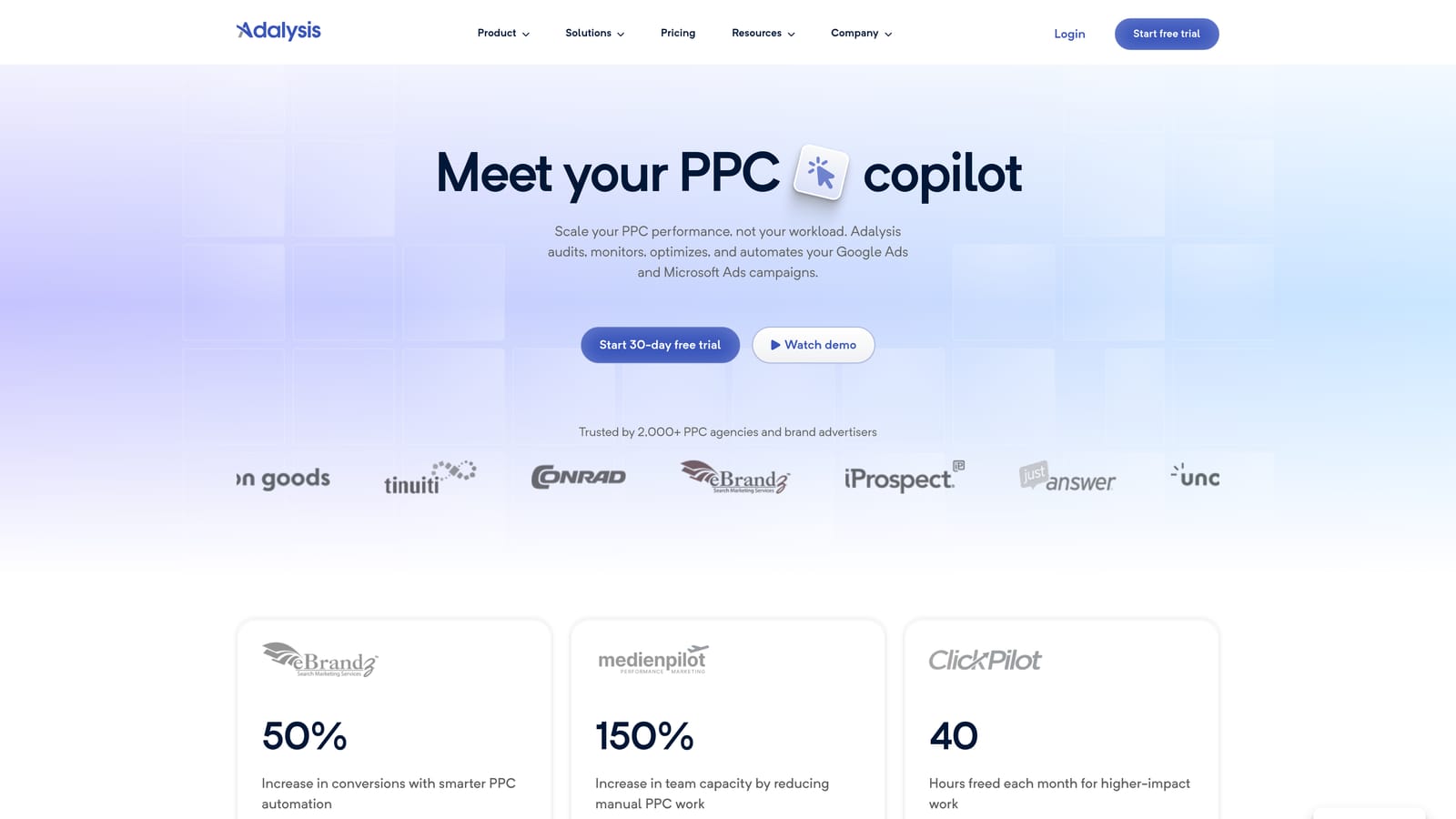
Adalysis is a Google Ads-focused optimization and auditing platform that specializes in structured A/B testing workflows and ongoing account health monitoring across multiple accounts.
Where This Tool Shines
Adalysis is a niche tool in the best sense. It doesn't try to do everything. It focuses on ad testing and account auditing, and it does both well. For agencies that run structured creative tests across many accounts, having statistical significance tracking built in removes a lot of the guesswork from declaring a winner.
The account audit functionality is particularly useful for onboarding new clients. Instead of manually reviewing every setting, Adalysis surfaces issues and flags them with actionable recommendations, which speeds up the discovery process considerably.
Key Features
Automated Ad Testing: Systematic A/B testing with statistical significance tracking so you know when a test has actually reached a conclusion.
Account Audit Tools: Automated auditing that flags account issues with specific recommendations for fixing them.
Quality Score Monitoring: Tracks Quality Score trends across accounts and surfaces opportunities to improve ad relevance and landing page experience.
RSA Testing and Analysis: Dedicated tools for testing and analyzing responsive search ad performance, which is increasingly important as RSAs dominate Google Ads.
Multi-Account Reporting: Cross-account views for agencies managing multiple clients on the platform.
Best For
PPC specialists and agencies that take ad testing seriously and want a structured, data-driven approach rather than eyeballing performance in the native interface. Less useful for agencies that don't run regular creative tests.
Pricing
Tiered pricing based on number of accounts and ad spend. Check adalysis.com for current rates.
7. Skai (formerly Kenshoo)
Best for: Large agencies and in-house teams managing significant cross-channel ad spend across paid search, social, and retail media
Skai is an enterprise-grade cross-channel advertising platform covering paid search, paid social, retail media, and app advertising, built for organizations managing complex, high-spend campaigns across multiple channels and markets.
Where This Tool Shines
Skai operates at a different scale than most tools on this list. If you're managing Google, Meta, Amazon, and Apple Search Ads simultaneously for large clients, the unified management layer and cross-channel attribution capabilities are genuinely valuable. The AI-powered bidding and budget forecasting tools are built for the complexity that comes with that kind of scale.
For smaller agencies, the enterprise pricing and contract structure will likely be a barrier. But for large agencies or in-house teams at mid-to-enterprise brands, Skai is one of the most capable platforms available.
Key Features
Unified Cross-Channel Management: Google, Meta, Amazon, Apple Search Ads, and more managed from a single platform.
Advanced Budget Management and Forecasting: Portfolio-level budget tools with forecasting capabilities for complex multi-channel spend allocation.
AI-Powered Bidding Optimization: Automated bidding algorithms that operate across channels and account for cross-channel performance signals.
Enterprise Reporting and Data Integrations: Deep reporting capabilities with integrations into enterprise data infrastructure.
Audience Management and Cross-Channel Attribution: Unified audience tools and attribution modeling across channels.
Best For
Large agencies or in-house marketing teams at enterprise brands with significant cross-channel ad spend and the resources to support an enterprise platform relationship.
Pricing
Custom enterprise pricing. Contact Skai directly for a quote. Not suited for smaller agencies or those without significant managed spend.
8. Supermetrics
Best for: Agencies that build custom reporting pipelines pulling PPC data into Google Sheets, Looker Studio, or BI tools
Supermetrics is a data connector platform that pulls PPC and marketing data from Google Ads, Meta, and dozens of other sources into the reporting and analytics tools your team already uses.
Where This Tool Shines
Supermetrics isn't a campaign management tool, and it's important to understand that going in. It's data infrastructure. If your agency builds custom client reports in Looker Studio, runs analysis in Google Sheets, or pipes data into BigQuery for deeper work, Supermetrics is the layer that makes all of that possible without manual data exports.
The scheduled automatic data refresh is where the real value shows up. Reports stay current without anyone having to pull fresh data before a client meeting, which is one of those small workflow improvements that adds up quickly across a large agency.
Key Features
100+ Data Source Connectors: Google Ads, Meta Ads, Microsoft Ads, and dozens more, all accessible through a consistent connector interface.
Flexible Data Destinations: Push data to Google Sheets, Looker Studio, BigQuery, Snowflake, and other BI tools depending on your reporting stack.
Scheduled Data Refreshes: Automate data pulls on a schedule so reports are always current without manual intervention.
Multi-Account Data Aggregation: Pull and combine data across all client accounts into unified reporting views.
Data Transformation Options: Flexible field mapping and transformation capabilities for custom reporting needs beyond what native exports provide.
Best For
Agencies with a technical reporting setup who want to centralize PPC data without building custom API integrations. Also useful for teams that already use Looker Studio or Google Sheets heavily and want to automate the data layer.
Pricing
Connector-based pricing with multiple tiers depending on data destinations and sources. Check supermetrics.com for current plans.
Which Tool Is Right for Your Agency?
Here's the honest summary: there's no single tool that does everything well. The agencies that run the tightest PPC operations are usually stacking two or three of these, each solving a different problem in the workflow.
A practical way to think about it by use case:
In-account keyword optimization: Keywordme. If your team spends real time each week in the Search Terms Report, this is the most efficient tool for that specific job.
Centralized account access: Google MCC. Non-negotiable baseline. Use it regardless of what else you add.
Automation rules and optimization workflows: Optmyzr. Better suited for agencies with the bandwidth to set up and maintain rule-based automation properly.
White-label client reporting: AgencyAnalytics. The go-to for agencies where client-facing dashboards are part of the deliverable.
Structured ad testing and account auditing: Adalysis. Niche but highly effective for agencies that run systematic creative tests.
Cross-channel enterprise management: Skai. Only relevant at scale, but genuinely capable at that level.
Custom data pipelines and reporting infrastructure: Supermetrics. The right choice if your team builds reports in Looker Studio, Sheets, or BI tools.
Guided workflows for smaller teams: WordStream. Useful for agencies managing high volumes of SMB accounts where structure matters more than advanced control.
Start with your biggest time drain and solve that first. For most agencies doing hands-on Google Ads management, keyword hygiene and search term review is where the most time gets lost, which is exactly the problem Keywordme was built to fix.
If that sounds familiar, Start your free 7-day trial and see how much faster your Search Terms Report workflow gets when you're not jumping between tabs and spreadsheets to do it.
.svg)