
9 Best Multi Account PPC Management Tools for Agencies and Freelancers in 2026
This guide compares nine tools for managing many Google Ads accounts at once, helping agencies, freelancers, and in-house marketers choose the right multi account PPC management tool. Each option is judged on multi-account handling, optimization and reporting depth, setup speed, and cost, with limits described honestly for every pick.


Running Google Ads for a handful of clients means the same chores on repeat: log into another account, clean up another search term report, rebuild another report deck. The tools below are for freelancers, in-house marketers, and agency owners who want to cut that repetition. We judged them on how well they handle many accounts at once, how deep their optimization or reporting goes, how quickly a small team can get running, and what they cost. Keywordme is our own product and sits first; we describe it with its limits like the rest. Keywordme has more on its workflow.
Quick Comparison of the Multi Account PPC Tools
- Keywordme: freelancers and agencies buried in search term cleanup; $12/month per user; does one-click actions inside the native Google Ads Search Terms Report.
- Google Ads Manager Account (MCC): anyone with more than one Google Ads account; free; the native layer that links and controls client accounts.
- Optmyzr: agencies wanting broad optimization automation; see website for pricing; deepest rule-based, cross-account optimization tools here.
- Adalysis: agencies that want systematic quality checks; see website for pricing; continuous automated auditing and ad testing analysis.
- Google Ads Editor: account builders making large structural changes; free; offline bulk editing with review before posting.
- Search Ads 360: large agencies and enterprises; quote-based; multi-engine search management at enterprise scale.
- Looker Studio: agencies building custom dashboards on a budget; free (paid connectors extra); fully customizable client dashboards.
- Supermetrics: agencies consolidating multi-channel data; see website for pricing; the widest range of data connectors.
- Swydo: agencies that need repeatable client reports; see website for pricing; report templates with built-in KPI monitoring.
1. Keywordme
Keywordme is a Chrome extension that adds one-click actions to the Search Terms Report inside Google Ads. A quick definition: a search term is what someone actually typed, while a keyword is what you bid on. A negative keyword is a term you tell Google not to match. Keywordme is built for the daily work of turning search terms into either new keywords or negatives.
What sets it apart on this list is where it lives. You stay in the native Google Ads interface, so cleanup needs no spreadsheet exports and no separate dashboard. If your biggest time sink is scrolling through search terms across client accounts, that matters more than another reporting layer.
- One-click negative keywords straight from the Search Terms Report, so junk queries get blocked without copy and paste.
- Add keywords and apply match types in the interface, so promising search terms become keywords quickly.
- Keyword clustering to group related terms and build tighter keyword lists.
- Bulk editing for handling many terms in one pass.
- Multi-account and team support, so several people can work across client accounts.
Setup is light: it installs as a Chrome extension and works with Google Ads, so there are no other integrations to configure. The person doing search term reviews day to day is the one who uses it, which usually means a freelancer or a campaign manager.
The limits are plain. It works with Google Ads only, and it is not a reporting, bidding, or auditing platform. You still review terms and decide what to add or exclude; it speeds up the clicking, not the judgment. If you need client dashboards or cross-platform data, pair it with something further down this list.
Pricing is $12/month per user, with a 7-day free trial, so cost scales with the number of people on your team, not with ad spend or client count.
Best for: Freelancers and agencies that spend the most time on search term and keyword cleanup across client accounts.
2. Google Ads Manager Account (MCC)
The Google Ads Manager Account, often called an MCC (My Client Center), is Google's free way to link many Google Ads accounts under one login. It is the foundation most multi-account setups start from, and it is aimed at anyone who touches more than one account.
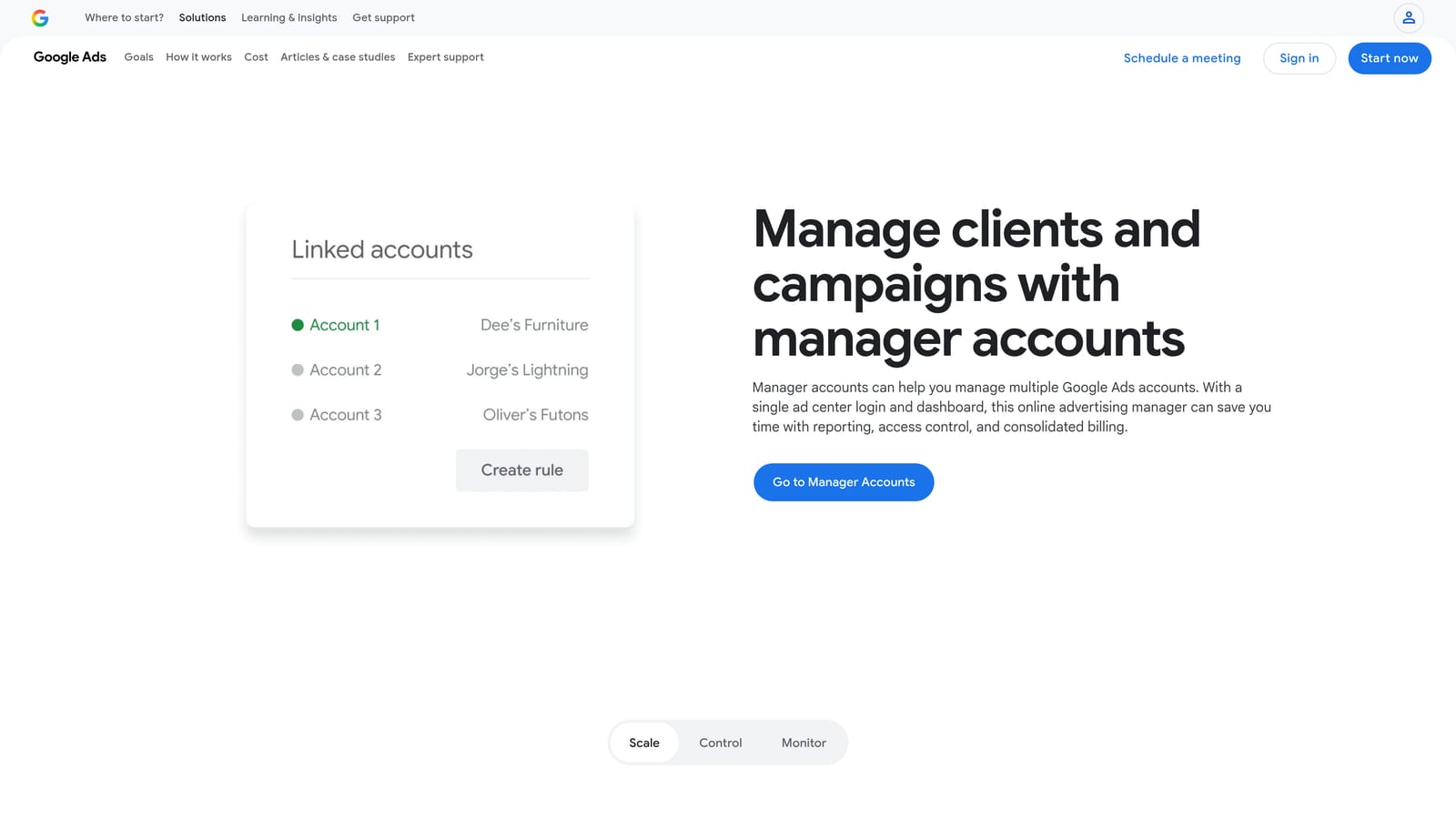
Its edge over everything else here is that it is native. Account linking and access control come straight from Google, so you are not granting a third party a new layer of permissions just to see your clients in one place.
- One login for many client accounts, so you stop switching credentials.
- A consolidated account list with access management, so you control who sees which client.
- Cross-account shared resources such as negative keyword lists, which can save rebuilding the same exclusions per client. Check Google's current documentation for what can be shared and how.
- Manager-level reporting. Confirm in Google's help pages what is available at the time you set up.
Setup means sending or accepting link requests between the manager account and each client account. The account owner or lead strategist usually runs it.
The limitation is scope. It covers Google Ads only, with no cross-platform view, and clean-up still happens account by account. It organizes access; it does not speed up the actual optimization work much on its own.
Pricing: free.
Best for: Anyone managing more than one Google Ads account who needs a free baseline structure.
3. Optmyzr
Optmyzr is a PPC management platform built around rule-based optimizations, recommendations, and reporting for people running many accounts. It targets agencies and in-house teams that want to systematize routine work.

Where it stands out is depth. Few tools here let you apply optimization logic across a whole book of accounts, so a task you would repeat per client can be configured once and run broadly.
- Bulk optimization tools across accounts, so one change pattern covers many clients.
- A rule engine and automation, so recurring checks run without you remembering them. Confirm the exact automation options on the site.
- Reporting templates for client updates.
- Budget and bid management tools to keep spend pacing on track.
It connects to Google Ads and Microsoft Advertising, and the vendor lists support for further ad platforms; check the current list for the channels you run. Expect a real onboarding period, since someone on the team needs to learn the rules and decide what to automate.
The downside is the learning curve and cost, which can be heavy for a solo advertiser with a few accounts. Powerful automation also needs oversight, because a badly set rule repeats its mistake at scale.
Pricing is tiered; see the website for current plans, as the price depends on the plan and typically on the scale of what you manage.
Best for: Agencies wanting broad optimization automation across many accounts.
4. Adalysis
Adalysis is a PPC auditing and monitoring platform. Rather than editing campaigns, it watches your accounts and flags problems and testing opportunities, which is useful when you cannot eyeball every client daily.
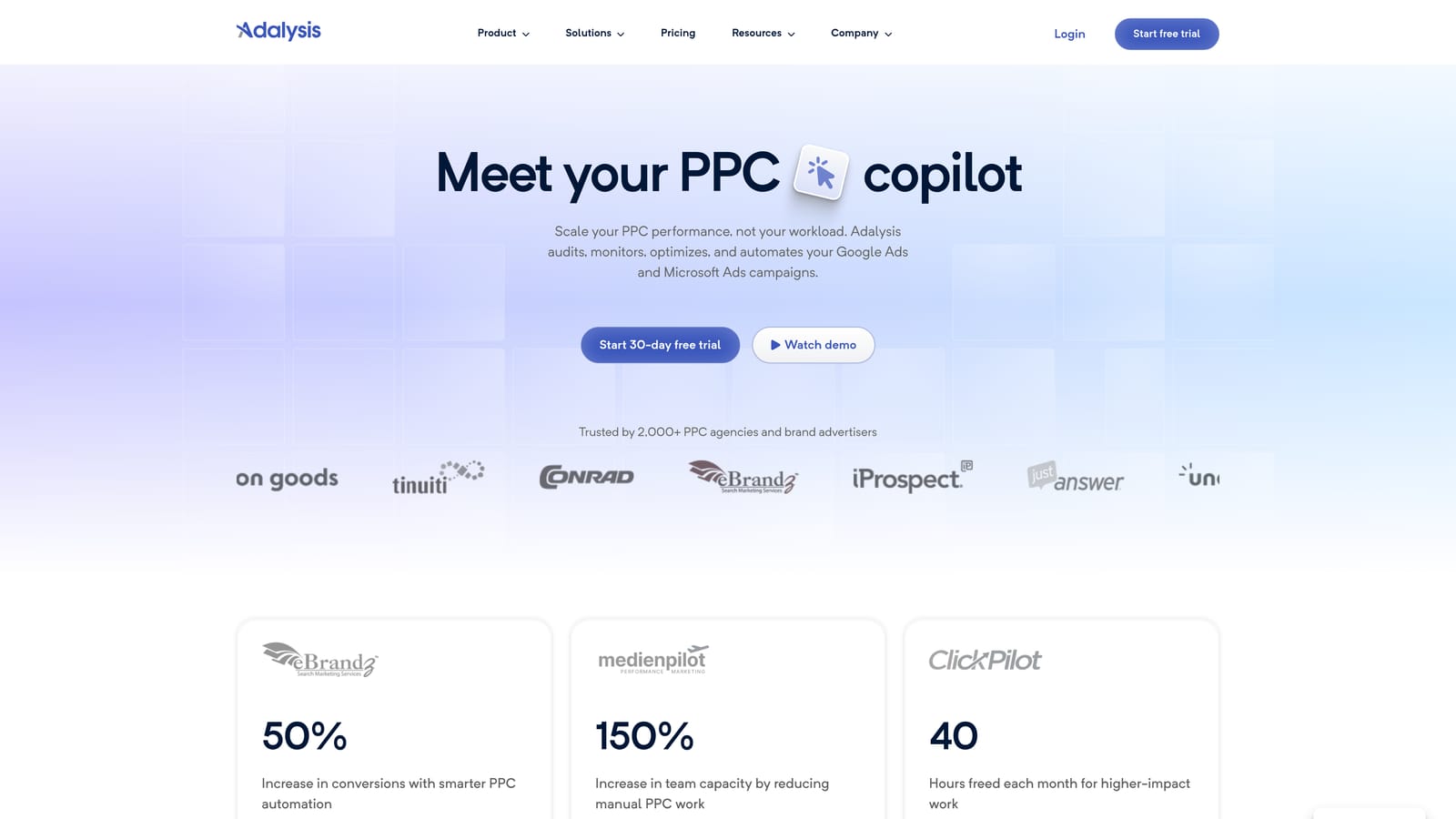
Its distinct strength is continuous, automated auditing. Compared with the rest of the list, it is the one most focused on telling you what is wrong or worth testing across accounts.
- Automated account audits that surface issues you might otherwise miss.
- Ad testing analysis, so you can see which ad variations are worth keeping or replacing.
- Alerts and monitoring, so sudden changes in an account get noticed.
- Reporting. Check the current feature set for what is included in your plan.
It works with Google Ads, and Microsoft Advertising support should be confirmed on the vendor's site. Setup involves connecting accounts, and then a strategist or account manager works through the flagged items.
The key limitation: it mostly surfaces issues rather than fixing them directly in most workflows. You still need a second step, in the Google Ads interface, an editor, or another tool, to act on what it finds.
Pricing is tiered; see the website for current plans.
Best for: Agencies that want systematic quality checks and ad testing insights.
5. Google Ads Editor
Google Ads Editor is a free desktop app from Google for managing campaigns in bulk, including offline. It suits people building or restructuring accounts at volume.

The standout is large-scale editing with a review step. You make hundreds of changes offline, check them, and only then post them to the account.
- Bulk edits to campaigns, keywords, and ads, so structural changes happen in one sweep.
- Offline editing with review before posting, which lowers the risk of pushing a bad change live.
- Copy and paste between accounts, handy for reusing a proven structure for a new client.
- Multi-account management, so you can work across several accounts in one session.
You download and install it, then sign in and download the accounts you want to work on. The hands-on person is typically whoever builds campaigns.
It has no reporting or insight layer, and it is clunky for search term analysis, which is where you would pair it with something built for that review. It is a builder's tool, not an analyst's.
Pricing: free.
Best for: Account builders and managers making big structural changes across accounts.
6. Search Ads 360
Search Ads 360 is part of Google Marketing Platform: an enterprise search management and reporting tool. It is designed for large advertisers running search across several engines.

What separates it is scale. It manages campaigns across engines from one place, with the reporting and bid controls big teams expect.
- Cross-engine campaign management, so one team handles several search platforms together.
- Bid strategies applied across campaigns.
- Enterprise reporting for large, complex account structures.
- Conversion tracking integration. Verify current details with Google.
It works with Google Ads and Microsoft Advertising, and other engines may be supported; confirm which on the product page. Implementation is a real project and typically needs dedicated specialists, not a quick afternoon setup.
It is built for large advertisers, so it is overkill for freelancers and small agencies. If you manage a few dozen modest accounts, the setup and cost will likely outweigh the benefit.
Pricing is quote-based.
Best for: Large agencies and enterprises with high search spend across engines.
7. Looker Studio
Looker Studio is Google's free reporting tool for building dashboards from Google Ads and other data sources. It handles the client-facing side of the job, not the optimization.

Its advantage is flexibility at no software cost. You can design dashboards that match how each client wants to see results.
- Custom dashboards, so reports show the metrics each client cares about.
- A Google Ads connector that pulls account data in directly.
- Shareable client reports, which cuts down on emailed PDFs.
- Third-party connectors for other platforms, extending reports beyond Google.
It integrates with Google Ads and Google Analytics, plus partner connectors. Expect to spend time on the first build, then reuse the template across clients. A marketer or analyst usually maintains it.
It is reporting only: it cannot change anything in an account. Third-party connectors may cost extra, and those costs can climb as you add clients or sources.
Pricing: free; paid connectors extra.
Best for: Agencies building custom client dashboards on a budget.
8. Supermetrics
Supermetrics is a data connector that pulls marketing data from many platforms into reporting and spreadsheet tools. It does the plumbing, not the analysis.

Its differentiator is connector breadth. If your clients run Google Ads, Meta, LinkedIn, and more, it is the tool on this list best suited to getting all of it into one place.
- Connectors for many ad platforms, so you are not stitching exports together.
- Destinations including Looker Studio and Google Sheets, fitting the reporting setup you already use.
- Scheduled data refreshes, so reports stay current without manual pulls.
- Multi-account data pulls, handy when one report covers several clients.
It supports Google Ads, Meta Ads, LinkedIn Ads, and others, and it feeds Looker Studio and Google Sheets. Setup means authorizing each source and building the queries, which is a task for whoever owns reporting.
It moves data only; it does not optimize campaigns. It is also another subscription on top of your reporting destination, so budget for both.
Pricing is tiered; see the website for current plans, which depend on the connectors and scale you need.
Best for: Agencies consolidating multi-channel data from many clients.
9. Swydo
Swydo is an agency-focused reporting and monitoring platform with templated client reports. It aims to make the monthly report a repeatable task instead of a rebuild.
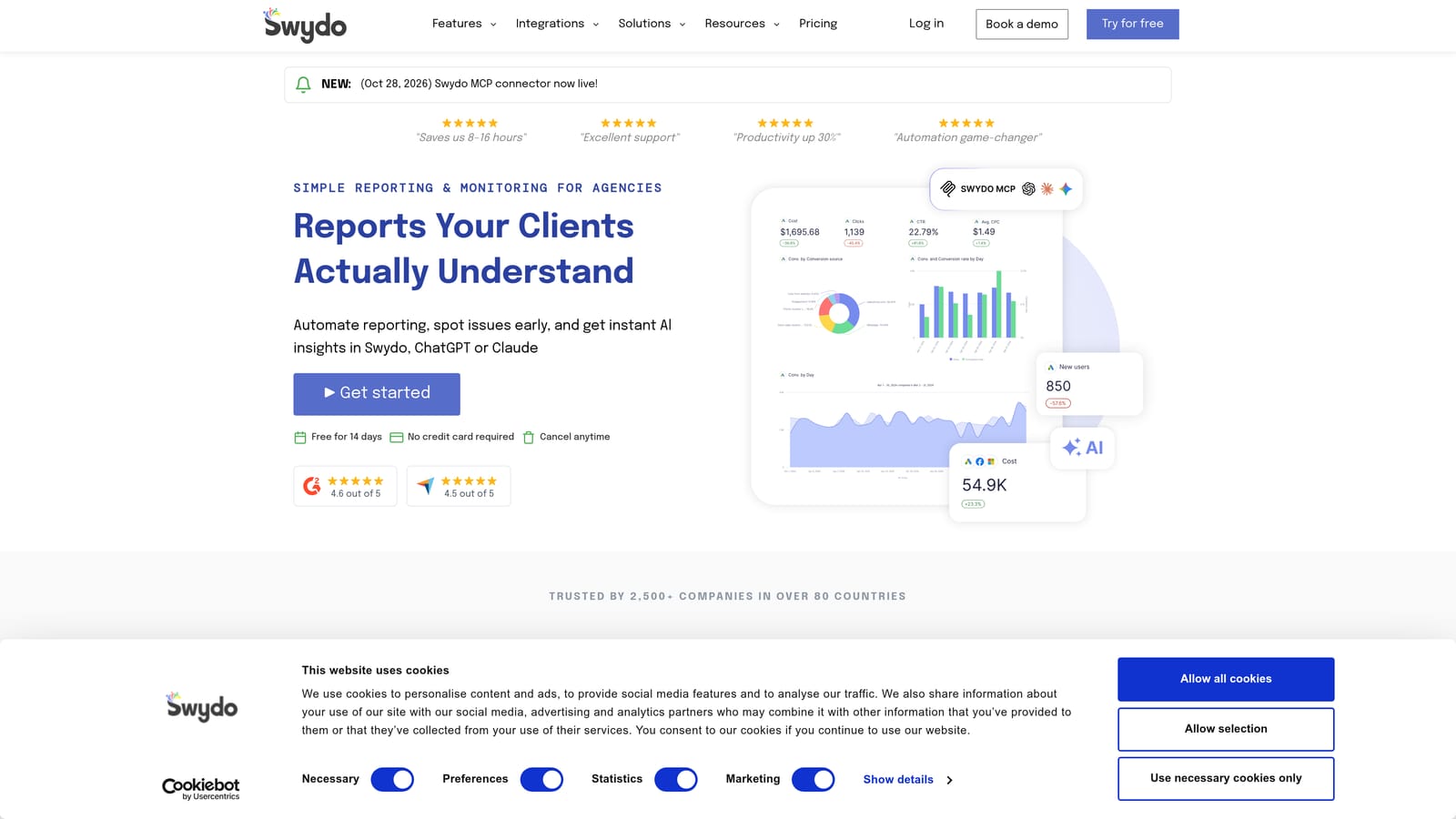
The standout is the pairing of ready-made agency templates with KPI monitoring, so reports and goal tracking come from the same place.
- Report templates that you reuse across clients instead of designing each time.
- KPI and goal monitoring, so you see whether a client is on track.
- Multi-platform data sources, covering more than Google Ads.
- Client-ready reports you can send without heavy reformatting.
It connects to Google Ads, Meta Ads, and Google Analytics, with other platforms possible; verify the current list. Setup is mostly connecting data sources and picking templates, and an account manager can usually run it.
It is reporting-focused, so it will not help with hands-on account editing. If your hours disappear into search term review, it will not touch that problem.
Best for: Agencies that need fast, repeatable client reporting.
Matching Each Tool to the Job You Need Done
These tools do different jobs, so the first question is which job eats your week. A common mistake is buying a reporting tool when the real time sink is search term cleanup, or the reverse.
- Faster search term and keyword cleanup: Keywordme, if you work in Google Ads and want one-click actions in the Search Terms Report.
- Free structural control: MCC plus Google Ads Editor covers account access and bulk changes at no cost.
- Automation and audits: Optmyzr for rule-based optimization, Adalysis for monitoring and ad testing.
- Client reporting: Looker Studio for free custom dashboards, Supermetrics for multi-platform data, Swydo for templated reports.
- Enterprise scale: Search Ads 360 for large multi-engine spend.
Most agencies combine two or three. A typical stack might be an MCC for access, Keywordme for the cleanup grind, and a reporting tool for client updates.
If search term review is where your hours go, Start your free 7-day trial (then just $12/month). Keywordme lets you remove junk search terms, build high-intent keyword lists, and apply match types instantly, right inside Google Ads. No spreadsheets, no switching tabs, just quick, seamless optimization.
.svg)