
9 Best Lightweight and Enterprise PPC Tools for Google Ads Management in 2026
This guide breaks down lightweight vs enterprise PPC tools for Google Ads management, ranking nine options from quick search term add-ons to full bidding and reporting platforms. Each pick is judged on workflow speed, depth, multi-account support, and pricing transparency, so you can start at the lightweight end and stop where your needs stop.


If you run Google Ads for yourself, clients, or a handful of accounts, the real question is how much tool you need. Some days a quick add-on that speeds up search term review is all that stands between you and a finished to-do list. Other days you need a platform with bidding, reporting, and cross-channel management. These nine tools were picked by fit for each camp: workflow speed, depth, team and multi-account support, and how clearly the pricing is published. The list runs from lightweight to enterprise, so start at the top and stop where your needs stop.
Quick Comparison of the Nine Tools
- Keywordme: freelancers and agencies cleaning up search terms; $12/month per user; works inside the native Google Ads Search Terms Report.
- Google Ads Editor: advertisers making large structural changes; free; official bulk editing across multiple accounts, with offline drafting.
- Optmyzr: agencies managing many accounts that want automation; see website for pricing; rule-based automation alongside one-click optimizations.
- Adalysis: teams wanting continuous monitoring; see website for pricing; a large library of automated audits.
- Opteo: small teams wanting a guided to-do list; see website, based on ad spend; prioritized improvements reviewed one by one.
- WordStream Advisor: small business owners running their own ads; see website for pricing; simplified guidance for non-specialists.
- Semrush PPC Toolkit: marketers planning campaigns and benchmarking rivals; subscription, see website; competitor ad and keyword intelligence.
- Marin Software: large advertisers across multiple channels; quote-based; cross-channel management at scale.
- Skai: big brands across search, social, and retail media; quote-based; retail media and omnichannel coverage.
1. Keywordme
Keywordme is a Chrome extension that adds one-click actions to the Search Terms Report inside Google Ads. It is built for freelancers, in-house marketers, and agency teams who spend a big chunk of their week sorting search terms (the actual queries people typed) into keywords worth adding and junk worth blocking.
Its edge over everything else here is where it lives. You stay in the native Google Ads interface, so there is no export, no spreadsheet, and no separate dashboard to log into. That is the whole pitch, and it is a narrow one.
- Add negative keywords straight from the Search Terms Report, so junk queries stop triggering your ads.
- Add keywords and apply match types in one click, instead of typing brackets and quotation marks by hand.
- Cluster related terms so you can review and act on themes rather than single queries.
- Bulk edit multiple items at once when a report has hundreds of rows.
- Share work across multi-account and team setups, which suits agencies handling several clients.
Setup is light: install the extension in Chrome and use it where you already work in Google Ads. The person running it day to day is whoever does search term reviews, and you still decide every action yourself.
The limits are plain. It covers Google Ads only, and only keyword and search term workflows. There is no bidding, no dashboards, no client reporting, and no other ad platforms. If you need those, pair it with something below.
Pricing is a flat $12/month per user, with a 7-day free trial. Cost scales with the number of seats, not ad spend or account count.
Best for: Freelancers and agencies that want faster search term cleanup.
2. Google Ads Editor
Google Ads Editor is Google's free desktop application for managing accounts in bulk. It suits anyone making big structural changes: restructuring campaigns, rewriting hundreds of ads, or rolling the same setup out across several accounts.

What it does better than the rest of this list, at the price, is official bulk editing across multiple accounts. Nothing else here gives you that for free from Google itself.
- Edit many campaigns and accounts at once, which saves hours on large rebuilds.
- Work offline and post changes when you are ready, so you can draft without touching live campaigns.
- Copy and paste between accounts to reuse a structure that already works.
- Review a change history before upload, so you catch mistakes before they go live.
It integrates with Google Ads only. Setup means downloading the app and syncing your accounts, and it is usually run by whoever owns account structure. Expect a learning curve if you are used to the web interface.
The limitation is the workflow it was not designed for. It is not built for in-context search term review or for giving recommendations, so you will not find it helpful for deciding what to block or add on a given day. It edits; it does not advise.
Pricing: free.
Best for: Advertisers making large structural changes.
3. Optmyzr
Optmyzr is a PPC management suite aimed at agencies, with optimization tools, audits, and reporting under one roof. It sits a clear step above the lightweight add-ons in depth.

Its distinctive strength is pairing rule-based automation with one-click optimizations at agency scale. You can set conditions that run across many accounts, then review and apply suggested fixes without building each one by hand.
- Optimization tools surface changes worth making, so you spend less time hunting through accounts.
- Rule-based automation handles repeating checks and tasks across your client list.
- Account audits flag problems before a client notices them.
- Client reporting packages results for the people paying you.
It connects to Google Ads, and has been listed as supporting Microsoft Advertising too; confirm current platform coverage on the official site. Plan on real setup time to connect accounts and configure rules, and on someone owning the system, usually a senior account manager or PPC lead.
The trade-off is the learning curve. It asks for more setup and more time to master than a lightweight extension, which is a poor deal if all you need is faster search term handling.
Pricing is tiered, and the starting price is on the website. Check what each tier includes before comparing it to flat-rate tools.
Best for: Agencies managing many accounts that want automation.
4. Adalysis
Monitoring is where Adalysis earns its place. It is an automated audit platform for paid search accounts, built to watch your campaigns continuously and tell you what has gone wrong or drifted.
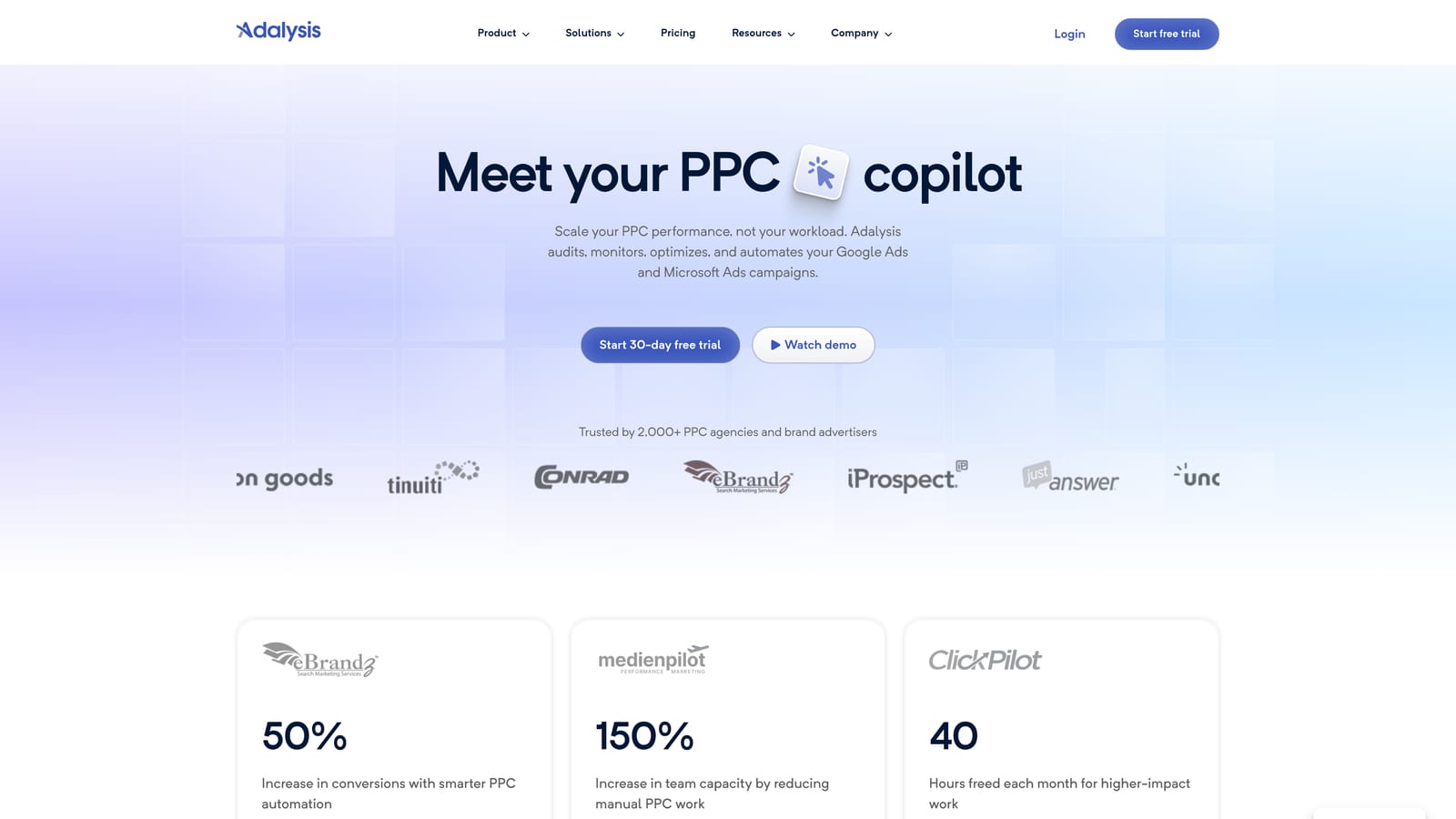
The standout is the size of its library of automated audits. Rather than relying on you to remember what to check, it runs checks and flags issues for you.
- Automated account audits scan for common problems across your campaigns.
- Alerts tell you when something needs attention, so you do not rely on manual spot checks.
- Ad testing analysis shows which ad variations are performing, which helps with copy decisions.
- Reporting turns findings into something you can share with clients or stakeholders.
It works with Google Ads, and has been listed as supporting Microsoft Ads; verify current coverage on the site. Setup involves connecting accounts and tuning which alerts matter, and it is typically run by a PPC specialist or an account lead who acts on the findings.
The honest limitation is that it is analysis-first. It tells you what is wrong, but fixes often still happen in the ad platform itself, so you may want an execution tool alongside it. It also does not suit someone who just wants to clear a search terms queue.
Pricing and pricing details are listed on the website, so check there for the current starting point and what changes the cost.
Best for: Teams wanting continuous account monitoring.
5. Opteo
Opteo turns a Google Ads account into a prioritized to-do list. It is a Google Ads improvement tool that presents recommendations for you to approve, so a small team can work through issues in order of importance.
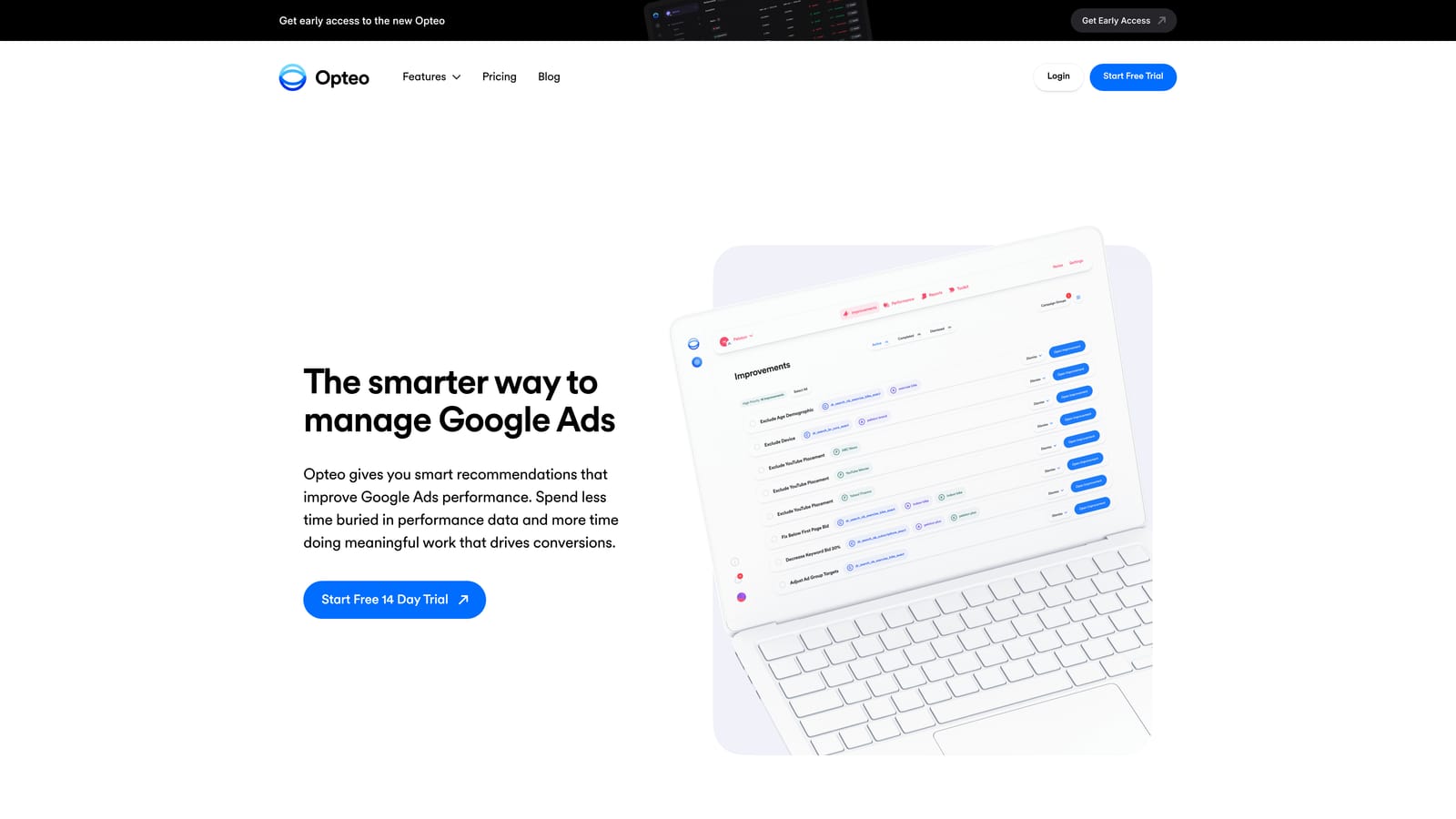
The distinguishing feature is the feed itself. Improvements arrive prioritized and reviewed item by item, which keeps you in the decision seat rather than handing control to a black box.
- Prioritized improvement suggestions tell you what to look at first.
- Client reporting gives agencies and freelancers a shareable summary.
- Account monitoring keeps an eye on performance between your manual reviews.
It integrates with Google Ads. Setup is relatively simple compared with enterprise suites, and day-to-day use falls to whoever manages the account, since the feed is meant to be worked through regularly.
Platform coverage is narrower than enterprise suites, so if you manage Meta, retail media, or other channels in the same workflow, you will need other tools. Its recommendations also replace neither judgment nor a dedicated search term workflow.
Pricing is based on ad spend, so costs move as the budgets you manage grow. Current rates are on the website.
Best for: Small teams wanting a guided to-do list.
6. WordStream Advisor
WordStream Advisor is a guided PPC management platform for small business advertisers. It is designed for people who run ads alongside everything else and do not have a PPC specialist on staff.
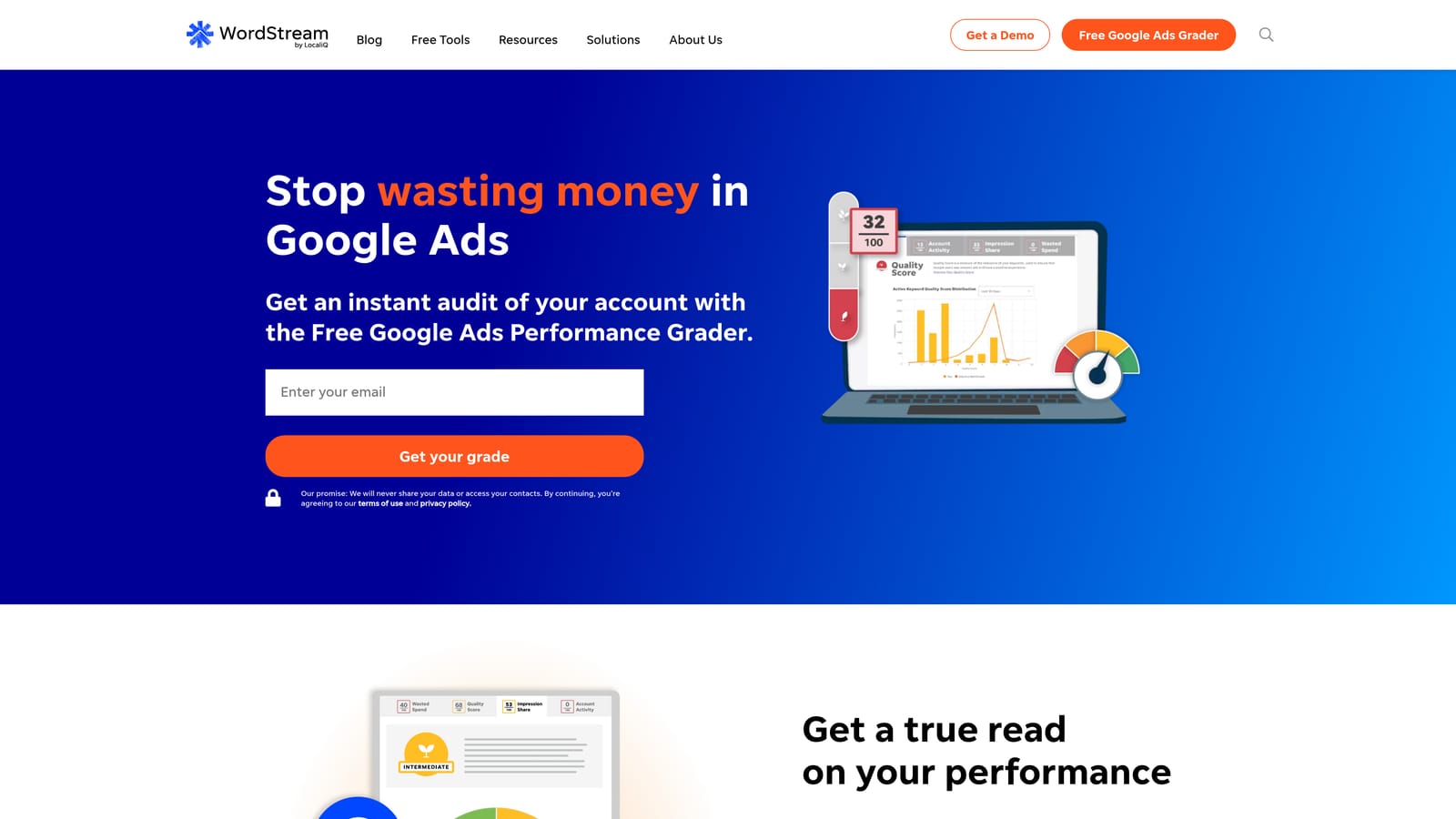
Its edge is simplified guidance. Where other tools assume you know what a good account looks like, this one walks non-specialists through what to improve.
- Guided recommendations tell you what to change without requiring deep PPC knowledge.
- Multi-platform ad management lets you handle more than one channel from one place.
- Performance grader tools give a quick read on account health; confirm current availability on the site.
It has been listed as supporting Google Ads, Microsoft Advertising, and Meta, so verify the current platform list before you commit. Setup is aimed at beginners, and the day-to-day user is usually the business owner or a marketing generalist.
The trade-off is control. Experienced specialists often want finer levers than a guided platform gives, and a freelancer managing client accounts may find it too simple. It is also not a search term workflow tool in the way a Search Terms Report add-on is.
Pricing details are on the website, so check there for the current starting price and what changes it.
Best for: Small business owners running ads themselves.
7. Semrush PPC Toolkit
Semrush approaches PPC from the research side. Its PPC toolkit sits inside the wider Semrush platform and helps you understand the market before you spend and benchmark against rivals once you do.
What it does that the others here do not is competitor intelligence. You can look at what competitors advertise and which keywords they target, which is information none of the account-management tools above are built to supply.
- Competitor ad research shows how rivals position their offers and copy.
- Keyword research helps you find terms worth bidding on before launch.
- PPC planning supports building a campaign structure from the research.
It works as part of the Semrush platform tools rather than connecting into your live ad account as an editor. Setup is mostly learning the platform, and it is usually run by a strategist, SEO, or marketer who also uses Semrush for other work.
The limitation is that it is research-focused. It does not edit your live account, clean up search terms, or manage bids, so it complements an execution tool rather than replacing one.
Pricing is by subscription, with plans and the starting price listed on the website. What you pay depends on the plan and the limits you need.
Best for: Marketers planning campaigns and benchmarking competitors.
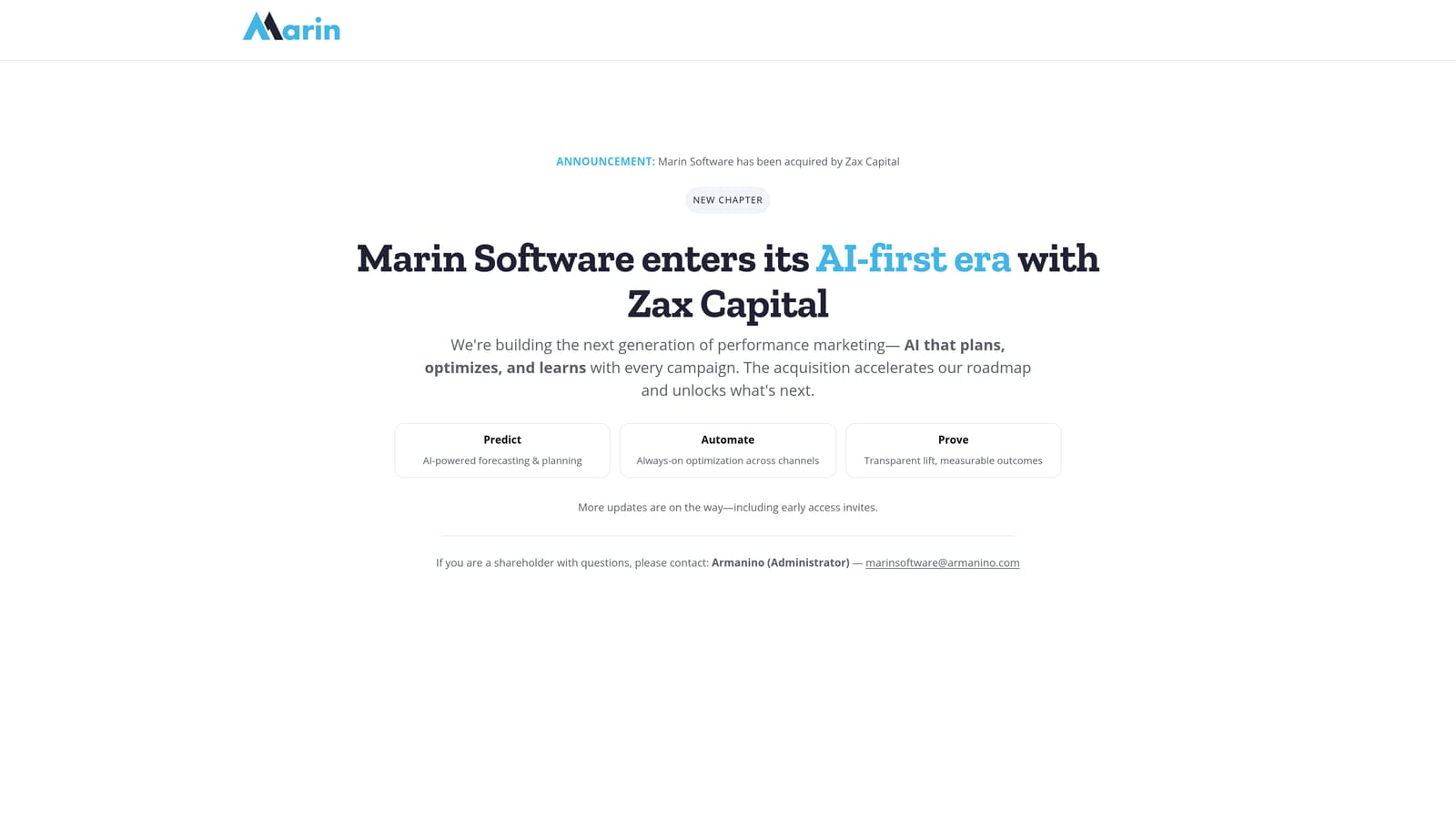
8. Marin Software
Marin Software is an enterprise cross-channel ad management platform. It is meant for advertisers running large programs across several channels who need one system for bids, budgets, and reporting.
Its difference from the rest of the list is scale across channels. The lightweight tools handle one task in one platform; this one is built to manage many.
- Cross-channel campaign management lets teams run search and other channels from one place.
- Bid and budget management supports large-scale spend decisions.
- Reporting consolidates performance across the channels you run.
It has been described as connecting to major search and social platforms; confirm the current list and the company's current status and offering on the official site before shortlisting. Expect a sales-led onboarding process and a dedicated team or specialist to run it.
It is too heavy and costly for freelancers and small agencies. If your day is mostly search term cleanup and match type work, this is far more platform than you need.
Pricing is quote-based, so you will need to talk to the vendor.
Best for: Large advertisers managing multiple channels.
9. Skai
Skai is an enterprise omnichannel marketing platform covering search, social, and retail media. It targets large brands whose advertising spans more than classic paid search.
The standout is retail media and omnichannel coverage. If part of your budget runs through retail marketplaces alongside search and social, few tools on this list address that at all.
- Search and social management keeps core paid channels under one roof.
- Retail media support covers advertising on retail platforms, which general PPC tools usually skip.
- Reporting and automation help large teams track results and reduce repetitive work.
It has been described as supporting major ad and retail platforms; check the current integration list on the official site. Implementation is a larger project than installing an extension, and it is run by dedicated marketing operations or paid media teams.
It is built for enterprise budgets and teams, so freelancers, small agencies, and single-channel Google Ads advertisers will find it out of proportion.
Pricing is quote-based.
Best for: Big brands advertising across search, social, and retail media.
Matching Lightweight and Enterprise Tools to Your Setup
A bigger platform does not automatically produce better results. Plenty of teams mostly need faster search term and match type work, and that does not require a six-figure contract.
- Solo advertisers and search term cleanup: Keywordme for the daily Search Terms Report routine, plus Google Ads Editor when you need bulk structural changes.
- Agencies that want depth: Optmyzr for automation, Adalysis for monitoring, or Opteo for a guided queue, depending on whether you want to act, watch, or work through a list.
- Large cross-channel teams: Marin Software or Skai, once spend and channel count justify a quote-based platform.
Many practitioners combine one lightweight tool with one larger platform: a fast add-on for hands-on search term work, and a suite for audits, reporting, or cross-channel needs. Semrush fits alongside either when you need competitor research.
Optimize Google Ads Campaigns 10X Faster. Without Leaving Your Account. Keywordme lets you remove junk search terms, build high-intent keyword lists, and apply match types instantly, right inside Google Ads. No spreadsheets, no switching tabs, just quick, seamless optimization. Start your free 7-day trial (then just $12/month) and take your Google Ads game to the next level.
.svg)