
8 Best Lightweight PPC Tools for Solo Advertisers and Small Teams in 2026
A practical guide to lightweight ppc tools.


If you run Google Ads solo or with a small team, you probably don't want a heavy platform with long onboarding, per-client contracts, and dashboards you never open. These lightweight PPC tools share four traits: quick setup, low or transparent cost, a narrow job, and a short learning curve. They were picked for freelancers, marketers, and small agency owners, and judged on setup time, price clarity, how focused the use case is, and whether they work alongside Google Ads instead of replacing it.
Quick Comparison of the Tools
- Keywordme: solo advertisers and agencies who clean up search terms regularly; $12/month per user (as of November 2026); works inside the native Search Terms Report, so there is no separate dashboard.
- Google Keyword Planner: anyone building a starting keyword list; free with a Google Ads account; first-party keyword ideas and forecasts.
- Google Ads Editor: people making large structural edits; free; offline bulk editing with a review step before changes post.
- Google Looker Studio: anyone sending client or internal reports; free to start; shareable custom dashboards with a native Google Ads connector.
- Optmyzr: agencies managing many accounts; tiered pricing, see website; rule-based optimizations that suggest changes for you to review.
- Adalysis: teams running ongoing ad copy tests; tiered pricing, see website; ad test analysis that flags winning and losing ads.
- Google Ads Scripts: technical advertisers who want custom alerts; free; automation that runs inside the account with no subscription.
- Google Ads Mobile App: checking performance away from your desk; free; quick account checks and edits from your phone.
1. Keywordme
Keywordme is a Chrome extension that adds one-click actions to the Search Terms Report in Google Ads. It's our own product, so weigh this entry with that in mind. It's built for advertisers who spend a lot of time deciding which search terms (what people actually typed) should become keywords (what you bid on) and which should become negative keywords (what you block).
Its main advantage on this list is location. There's no separate dashboard or export-and-import loop. You review terms in the report you already use, and the actions happen right there.
- Add irrelevant search terms as negative keywords with one click, so cleanup doesn't need a spreadsheet.
- Add good search terms as keywords with the match type you choose.
- Cluster related keywords so you can spot themes and build tighter lists.
- Edit in bulk when the same change applies to many items.
- Share work across accounts and teammates with multi-account and team support.
Setup is installing the extension and opening Google Ads in Chrome. The person who reviews search terms day to day is the person who uses it, which suits freelancers and small teams.
The limitation is focus. Keywordme covers search term and keyword workflows only. It has no reporting, bidding, or ad copy tools, and it requires Chrome. You still make every decision yourself; it speeds up the clicking, not the judgment.
Pricing is $12/month per user with a 7-day free trial, per Keywordme's listing as of November 2026. Cost scales with the number of users, not accounts or ad spend.
Best for: Solo advertisers and agencies who clean up search terms regularly.
2. Google Keyword Planner
Google Keyword Planner is the free research tool inside Google Ads. It's meant for the stage before launch, when you need to know what people search for and roughly what it costs to show up.
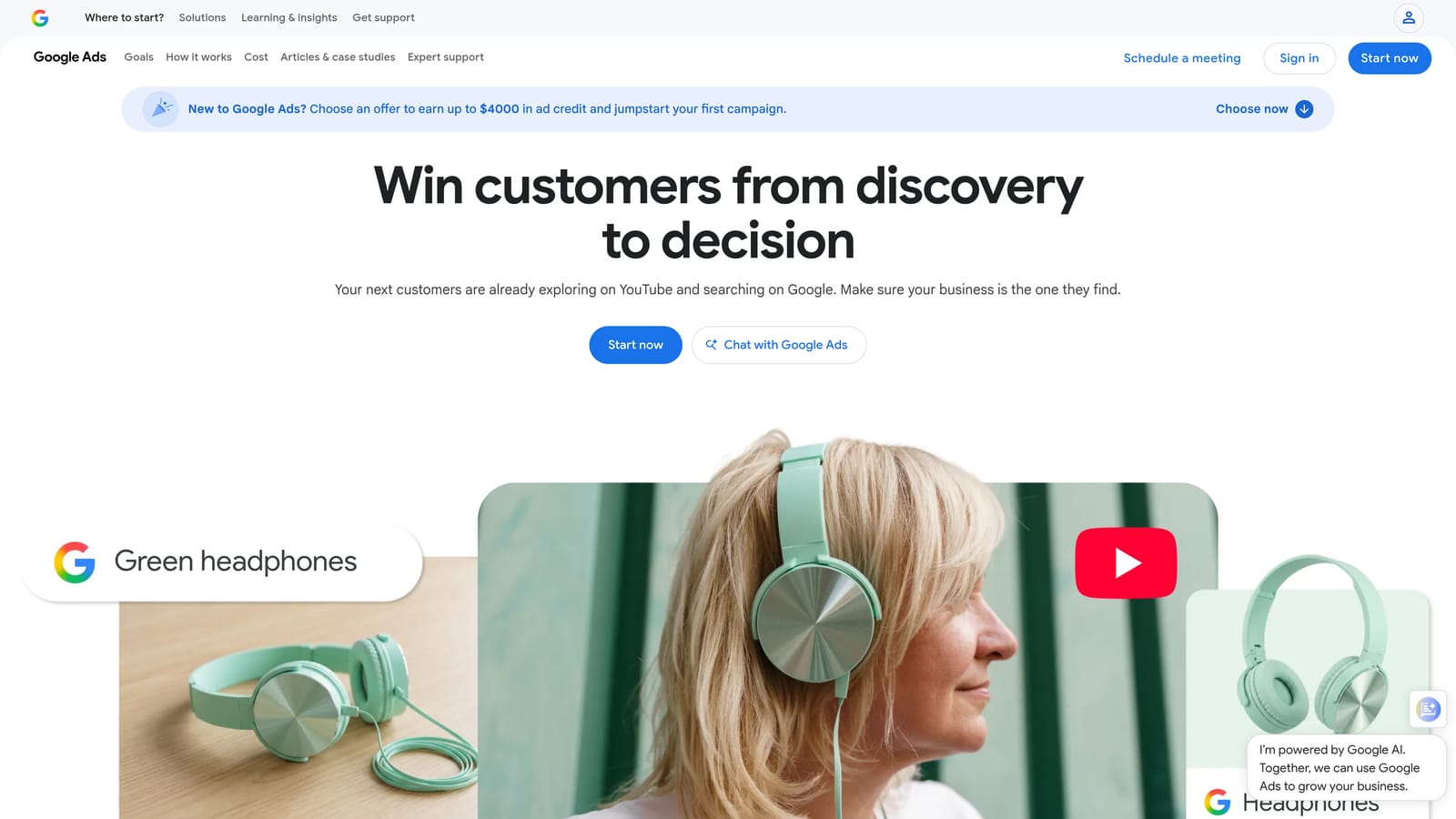
Its edge is that the data comes straight from Google, at no cost. No third-party tool on this list can offer first-party keyword ideas and forecasts for free.
- Generates keyword ideas from a seed term or a website, so you don't start from a blank page.
- Shows search volume ranges, which help you compare demand between ideas.
- Produces forecasts so you can sanity-check a plan before spending.
- Gives bid range estimates, useful for judging whether a keyword fits your budget.
You need a Google Ads account, and there's nothing to install. One person can learn the basics in an afternoon.
It's research only. It won't clean up live campaigns or tell you which search terms are wasting money. Volume figures can also appear as broad ranges depending on your account's spend, so treat them as directional rather than precise. If you need exact numbers, expect to be disappointed.
It's free with a Google Ads account, and nothing about the price changes with usage.
Best for: Building a starting keyword list before launching a campaign.
3. Google Ads Editor
If your problem is volume, Google Ads Editor is the answer. It's a free desktop application from Google for managing campaigns in bulk, including offline.
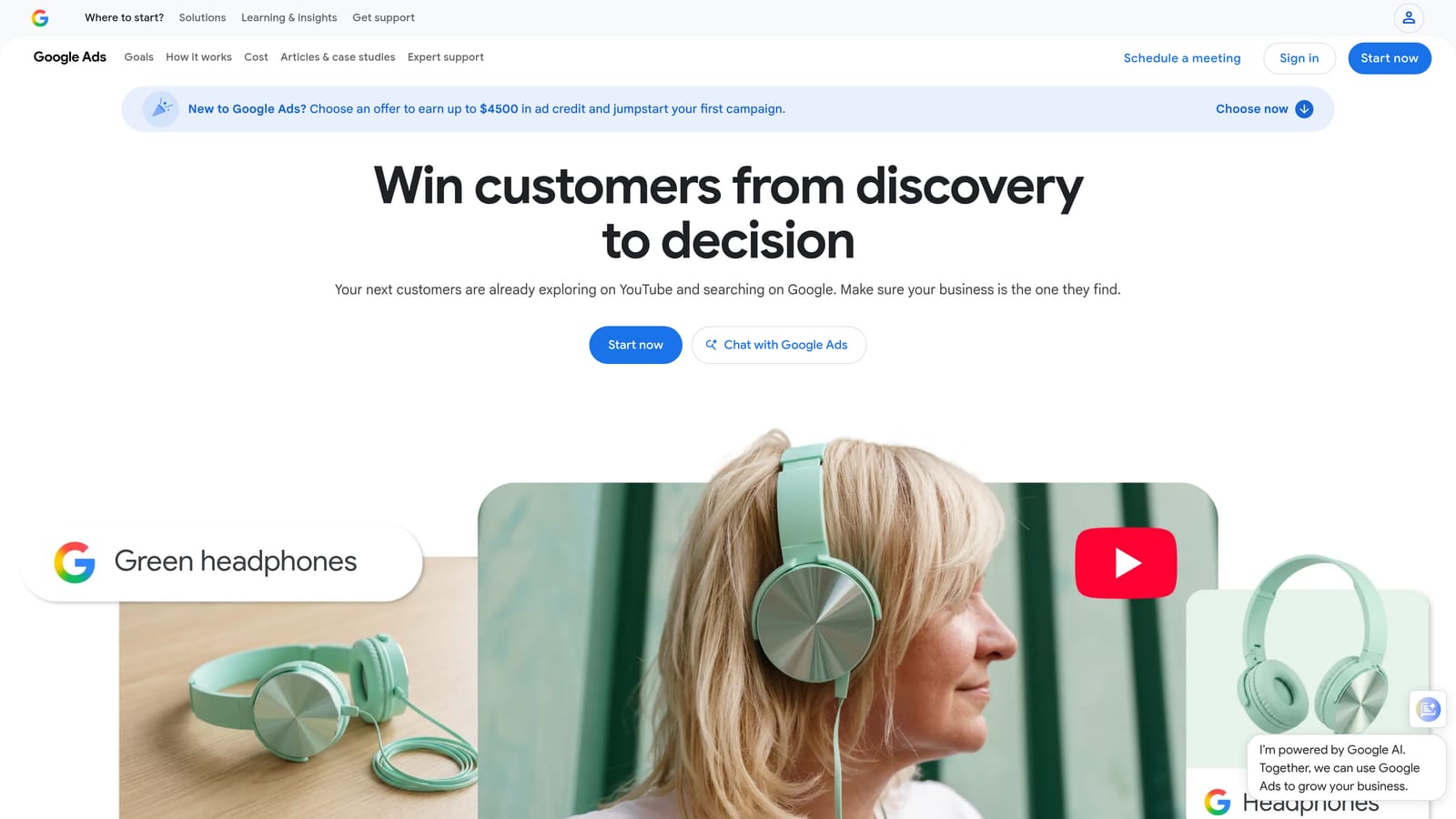
What sets it apart here is the review step. You make a pile of changes locally, check them, and only then post them to the account. That's a safer way to do big edits than clicking through the web interface.
What it handles well
- Bulk edits across campaigns, ad groups, keywords, and ads in one pass.
- Offline editing, so you can build changes without being tied to the browser.
- A review stage that lets you catch mistakes before they go live.
- Copy and paste between accounts, which saves time when you're replicating a structure.
Where it falls short
You have to install a desktop app and keep it updated, and it has more of a learning curve than a browser extension. It also isn't built for search term review. You'd typically find junk terms elsewhere and then use Editor to act on them at scale.
It's free, with no tiers.
Best for: Large structural edits and managing many keywords or ads at once.
4. Google Looker Studio
Google Looker Studio is a free dashboard and reporting tool with a native Google Ads connector. If clients or colleagues want to see numbers, this is how you give them a clean view without building slides every month.
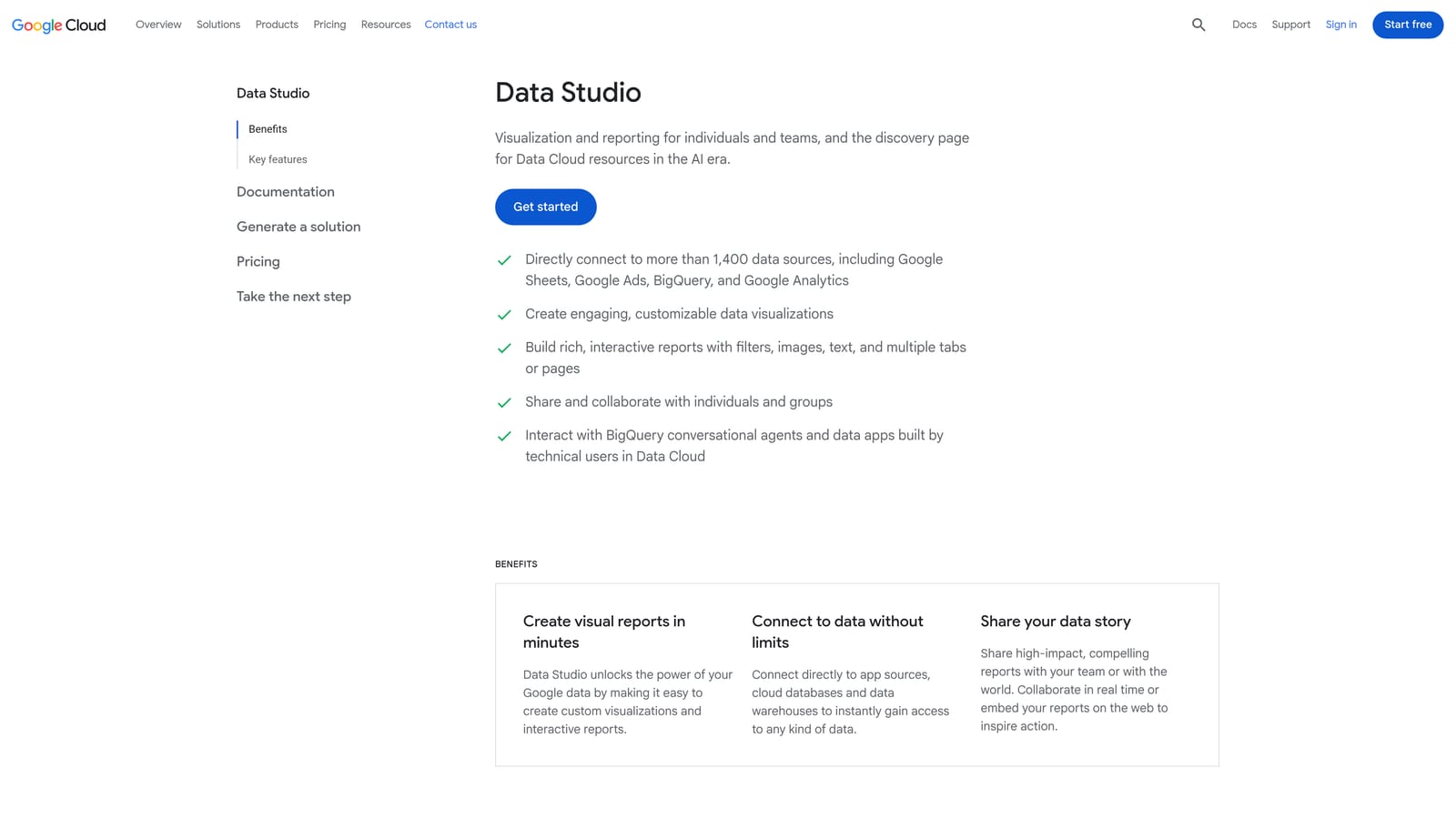
Its strength is free, custom, shareable reporting. You decide which metrics matter and lay them out, and viewers open a link.
- Pulls Google Ads data in directly through the native connector, so there's no manual export.
- Drag-and-drop charts let you build a report without code.
- Report templates give you a starting layout instead of a blank canvas.
- Shareable dashboards keep clients on a live view rather than a static PDF.
It also connects to Google Analytics and Google Sheets, so you can combine ad data with site data or a spreadsheet. Setup takes an hour or so for a first report, and whoever owns client communication usually runs it.
It's reporting only. It can't change a campaign, and some non-Google connectors cost extra. Building a polished template takes real time up front, even if reuse is quick afterward.
Free to start as of November 2026; verify current terms, particularly for third-party connectors.
Best for: Simple client or internal performance reports.
5. Optmyzr
Optmyzr is a PPC management suite, and it's the first tool here that isn't truly light. It's included because many small agencies eventually want guided optimization, and it's worth knowing what that step up looks like.

It's designed for agencies running many accounts. Its distinctive trait is rule-based optimization that suggests changes for you to review, so you work through recommendations rather than hunting for problems manually.
- Rule-based optimization flags changes worth making, saving you from scanning every account.
- Account audits surface issues across structure and settings.
- Reporting is built in, so you may not need a separate dashboard tool.
- Bulk management tools help you apply changes across large accounts.
It supports Google Ads and Microsoft Advertising. Expect more setup than a quick-click tool, since you connect accounts and configure rules to fit how you work.
It's heavier and pricier than everything else on this list. A solo advertiser with one or two accounts will likely find it more than they need.
Pricing is tiered; see the website for current plans, as they change.
Best for: Agencies managing many accounts who want guided optimization.
6. Adalysis
Ad copy testing is easy to neglect, and Adalysis exists to fix that. It's an auditing and monitoring platform focused on ad tests and account quality checks.
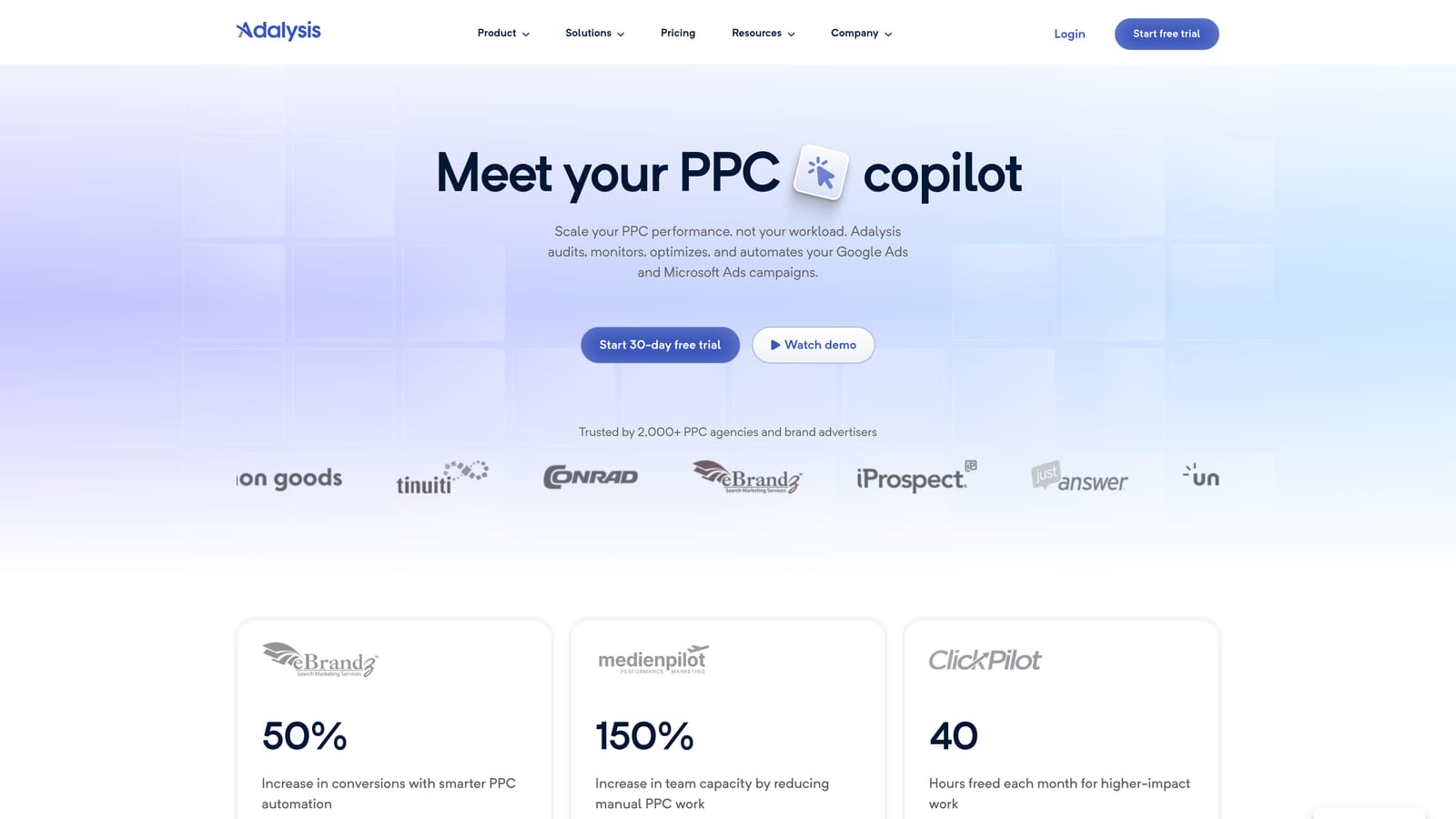
The standout is test analysis that flags winning and losing ads, which saves you from eyeballing click-through rates across dozens of ad groups.
- Ad test analysis points out which variations are ahead and which are lagging.
- Account audits catch quality issues you might not notice on a manual pass.
- Alerts and monitoring tell you when something changes so you don't have to check constantly.
- Quality checks keep structure and settings consistent across accounts.
It works with Google Ads and Microsoft Advertising. Like Optmyzr, it's heavier than the rest of this list, so plan for onboarding time and a learning curve.
It's an audit and monitoring layer, not a quick-action tool. If you want to click a search term and be done, this isn't that. It earns its place when ad testing is a regular part of your work, particularly across accounts.
Pricing is tiered; see the website for current plans.
Best for: Teams running ongoing ad copy tests across accounts.
7. Google Ads Scripts
Google Ads Scripts lets you automate checks and reports with small JavaScript snippets that run inside your account. Nothing to subscribe to, and nothing external to connect.
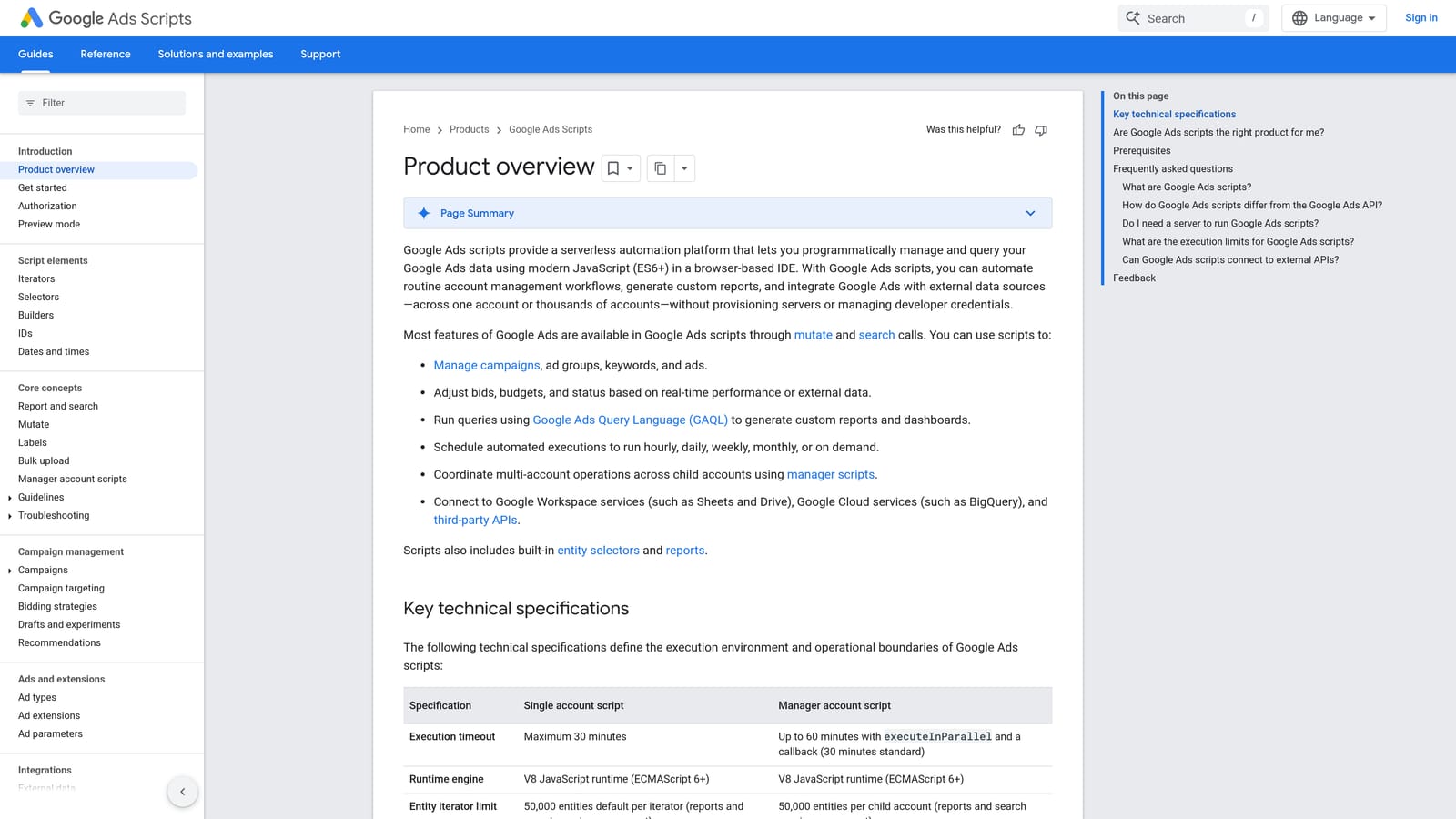
That makes it the most flexible option here. If you can describe the check, a script can probably run it on a schedule.
- Scheduled runs mean checks happen without you remembering to do them.
- Budget and anomaly alerts warn you when spend or performance looks off.
- Broken URL checks catch dead landing pages before they eat budget.
- Custom reporting to Sheets sends data where you can use it.
It connects with Google Ads, Google Sheets, and Gmail, which covers most alerting and reporting needs. Setup effort depends entirely on you: you write or adapt the code, then test it carefully, because a script that edits an account can do real damage if it's wrong.
It's not for anyone without JavaScript skills, or anyone who doesn't want to maintain code. Start with read-only scripts that report or alert before letting any script change anything.
Free.
Best for: Technical advertisers who want custom alerts and checks.
8. Google Ads Mobile App
The Google Ads Mobile App is Google's official app for monitoring accounts and making quick changes from your phone. It's the lightest tool on the list by a long way.
Its value is immediacy. You can check performance or fix a small problem without opening a laptop.
- Performance snapshots show how campaigns are doing at a glance.
- Pause or enable campaigns when something needs to stop or restart now.
- Budget adjustments let you nudge spend up or down on the spot.
- Alerts and notifications flag issues so you hear about them quickly.
Setup is a download and a sign-in. Anyone with account access can use it, which is both convenient and a reason to think about who has permissions.
It isn't suited to deep search term analysis or large edits. The screen and the feature set are built for checks and small fixes, not real optimization sessions.
Free.
Best for: Checking performance and making small fixes while away from your desk.
Matching Tools to Jobs, Not Stacking All Eight
Many accounts only need three things: search term review, a reporting view, and bulk edits. Adding more tools rarely improves optimization, and it adds logins and habits to maintain. Pick by the job you actually do each week:
- Search term cleanup: Keywordme, since it works inside the report where you already review terms.
- Keyword research: Google Keyword Planner, for a starting list before launch.
- Bulk edits: Google Ads Editor, especially for structural changes you want to review first.
- Reporting: Looker Studio for free, shareable dashboards.
- Agency monitoring: Optmyzr or Adalysis once you manage enough accounts to justify the extra weight.
- On-the-go checks: the Google Ads Mobile App, with Google Ads Scripts for alerts if you're comfortable with code.
Start with one or two tools. For most solo advertisers, that's a search term workflow plus a reporting view. Add something else only when a specific task keeps slowing you down.
Optimize Google Ads Campaigns 10X Faster. Without Leaving Your Account. Keywordme lets you remove junk search terms, build high-intent keyword lists, and apply match types instantly, right inside Google Ads. No spreadsheets, no switching tabs, just quick, seamless optimization. Start your free 7-day trial (then just $12/month) and take your Google Ads game to the next level.
