
8 Best Lightweight PPC Management Tools for Google Ads in 2026
This guide compares eight lightweight PPC management tools for Google Ads, built for freelancers, in-house marketers, and small agencies who want less overhead than an enterprise suite. Each tool is judged on setup time, scope, pricing transparency, and fit for small teams, so you can choose by the job you need done.


If you run Google Ads solo or for a handful of clients, an enterprise suite can feel like hauling a toolbox to hang a picture. This list is for freelancers, in-house marketers, and small agency owners who want less overhead. We picked tools by setup time, scope, pricing transparency, and fit for small teams. "Lightweight" here means fast to learn, narrow in focus, low or clear in cost, and light on workflow change. These tools do different jobs, so compare them by job, not as direct rivals.
Quick Comparison of the Tools
- Keywordme: solo advertisers and agencies doing lots of search term cleanup; $12/month per user; works inside the native Google Ads Search Terms Report.
- Google Ads Editor: advertisers making big structural edits for free; free; offline drafting with change review before upload.
- Optmyzr: agencies wanting automation without scripts; see website for pricing; no-code rules and one-click optimizations across many accounts.
- Adalysis: marketers who want a prioritized list of fixes; see website for pricing; systematic ad copy testing and issue flagging.
- Google Ads Scripts: technical advertisers wanting custom monitoring; free; fully customizable automation with no license cost.
- Looker Studio: freelancers building client dashboards on a budget; free; flexible custom reporting with a Google Ads connector.
- Swydo: small agencies drowning in monthly reports; see website for pricing; automated multi-channel client reports ready to send.
- Google Ads Mobile App: business owners checking accounts away from a desk; free; quick fixes and alerts from your phone.
1. Keywordme
Keywordme is our own product, so weigh this section with that in mind. It's a Chrome extension that adds one-click actions to the Search Terms Report inside Google Ads. The report shows the actual queries that triggered your ads. Those search terms are different from your keywords: a junk search term becomes a negative keyword, and a good one can become a new positive keyword.
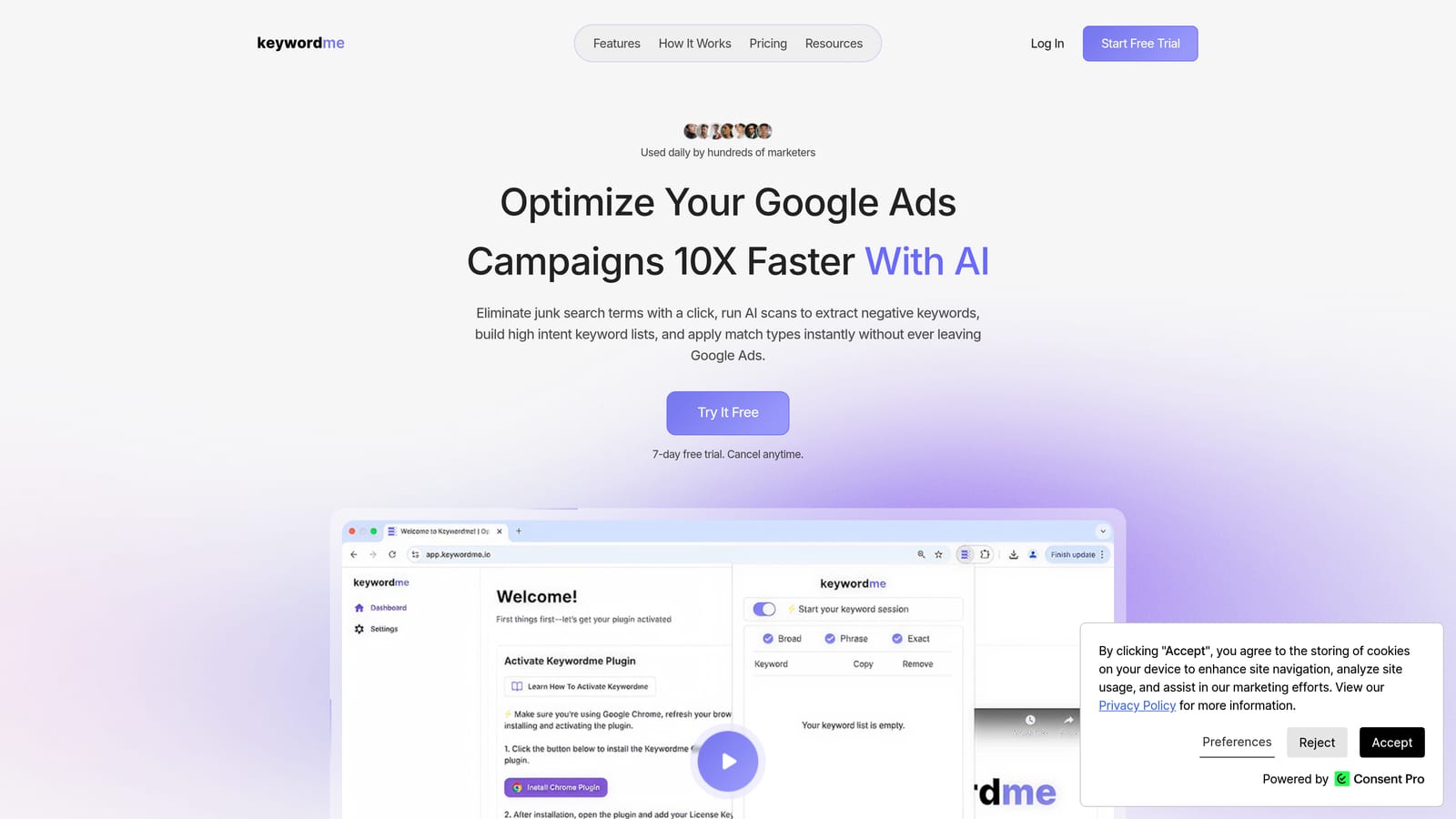
What sets it apart on this list is where it works. You stay in the native Google Ads interface, with no exports and no spreadsheets. The company says it can make optimization up to 10x faster, which is its own claim, and your mileage will depend on how much search term review you do.
- One-click negative keywords straight from the Search Terms Report, so junk queries stop costing you money.
- Add keywords with match types applied instantly, so you skip the manual formatting.
- Keyword clustering to group related terms when building out lists.
- Bulk editing for applying the same action to many terms at once.
- Multi-account and team support, handy if you manage several clients.
Setup is a browser extension install, and whoever reviews search terms day to day uses it. It integrates with Google Ads only.
The limits are real. It's focused on search term and keyword workflows. It is not a bid automation tool or a reporting platform, and it requires Chrome. If you need dashboards or rule-based automation, pair it with something else here.
Pricing is a flat $12/month per user as of 2026, with a 7-day free trial. Cost scales with the number of users, not ad spend or accounts.
Best for: Solo advertisers and agencies who spend lots of time on search term cleanup.
2. Google Ads Editor
Google Ads Editor is Google's free desktop app for managing campaigns in bulk. You download your accounts, make changes offline, and post them when you're ready. It's built for people who edit at scale and want to see exactly what will change before it goes live.

Its edge over the rest of the list is that it's free, official, and reviews changes before upload. Nothing else here gives you that safety net at no cost.
- Bulk edits across campaigns and accounts, so renaming, rebidding, or restructuring takes minutes instead of hours.
- Offline drafting, so you can build out changes without touching the live account.
- Copy and paste across ad groups and accounts, which speeds up launching similar campaigns.
- Multi-account management from one window.
- Change review before upload, so you catch mistakes before they go live.
Setup means installing the app and downloading account data. The person who does the structural work, usually a specialist or freelancer, runs it. It works with Google Ads only.
It gives no optimization guidance. It won't tell you what to change, only help you change it. Search term triage is also clunkier here than in a tool built for the job, since you're working with downloaded data rather than the live report.
Pricing: free.
Best for: Advertisers making large structural edits without paying for software.
3. Optmyzr
Optmyzr is a PPC optimization and management suite with rule-based automation and reporting. It's the heaviest tool on this list, and it earns its place because it covers a lot of ground for agencies that don't want to write code.

Its distinctive strength is no-code rules plus one-click optimizations across many accounts. If you manage a stack of clients and want the same checks applied everywhere, that's where it pays off.
- Optimization suggestions that point out where an account could improve.
- A rule engine to automate recurring tasks without scripting.
- Reporting so you can share results without a separate tool.
- Bulk management tools for changes across accounts.
- Google and Microsoft Ads support, useful if you run both.
It integrates with Google Ads and Microsoft Advertising. Expect more setup than a browser extension: you connect accounts, then configure rules and reports. Someone on the team needs to own that configuration.
The honest drawback is scope. It's broader and costlier than a truly lightweight tool, so a solo advertiser with a single account may end up paying for features they never touch.
Pricing is tiered. I haven't listed figures because plans change; check the website for current plans as of 2026.
Best for: Agencies wanting automation without writing scripts.
4. Adalysis
Adalysis is an account audit and testing tool that flags issues across paid search accounts. Think of it as a second pair of eyes that never gets tired of checking ad copy and structure.
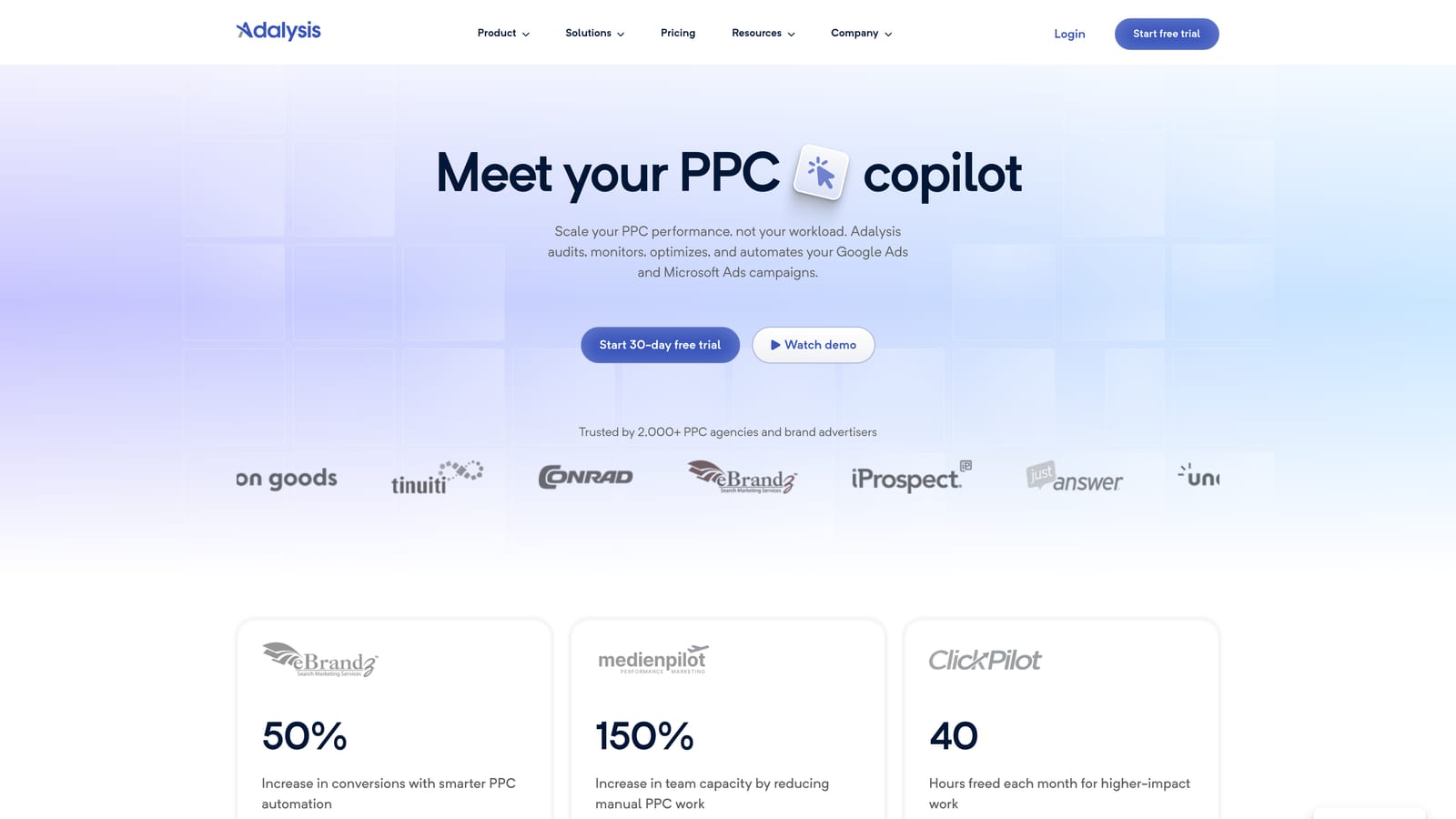
What it does best on this list is systematic ad copy testing and issue flagging. Where other tools help you act, this one helps you decide what deserves your attention first.
- Automated account audits that surface problems you'd otherwise hunt for manually.
- Ad testing analysis to show which copy is actually winning.
- Alerts so issues don't sit unnoticed.
- Quality and structure checks to catch messy account setups.
- Google and Microsoft Ads support.
It integrates with Google Ads and Microsoft Advertising. Setup is connecting your accounts, and the marketer or account manager responsible for performance reviews its findings.
It's audit-oriented, so you still make the changes elsewhere, whether in Google Ads, the Editor, or another tool. If you want something that executes fixes for you, this isn't it.
Pricing isn't something I can state with confidence. Check the website for current plans as of 2026.
Best for: Marketers who want a prioritized to-do list of account fixes.
5. Google Ads Scripts
Google Ads Scripts is free JavaScript automation built into Google Ads. You write (or borrow) a script, schedule it, and it runs inside your account.
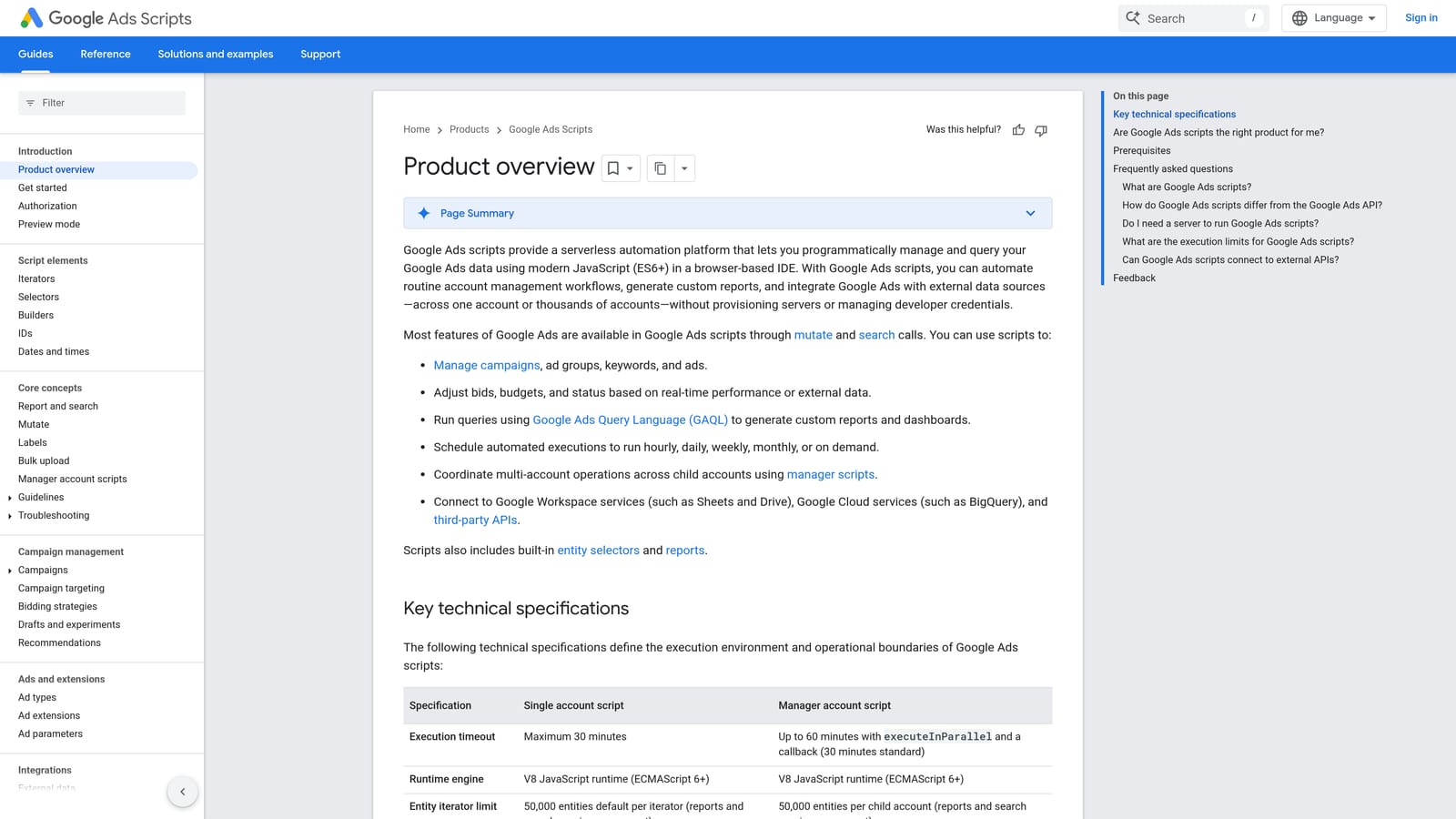
Its advantage is total customization with no license cost. If you can describe a check, you can probably script it.
- Custom alerts that notify you when something looks off.
- Budget pacing checks so you spot overspend or underspend early.
- Anomaly detection for sudden swings in performance.
- Scheduled runs, so monitoring happens without you.
- Community script libraries, so you don't always start from a blank page.
It works with Google Ads and Google Sheets. Setup effort depends on your skills, and someone technical has to run it day to day.
That's the catch. It requires JavaScript knowledge and ongoing maintenance. A script that breaks quietly can be worse than no monitoring, so it's a poor fit if nobody on your team wants to own the code.
Pricing: free.
Best for: Technical advertisers who want custom monitoring.
6. Looker Studio
Looker Studio is Google's free dashboard tool with a Google Ads connector. It's reporting only, which is exactly why it's so light.
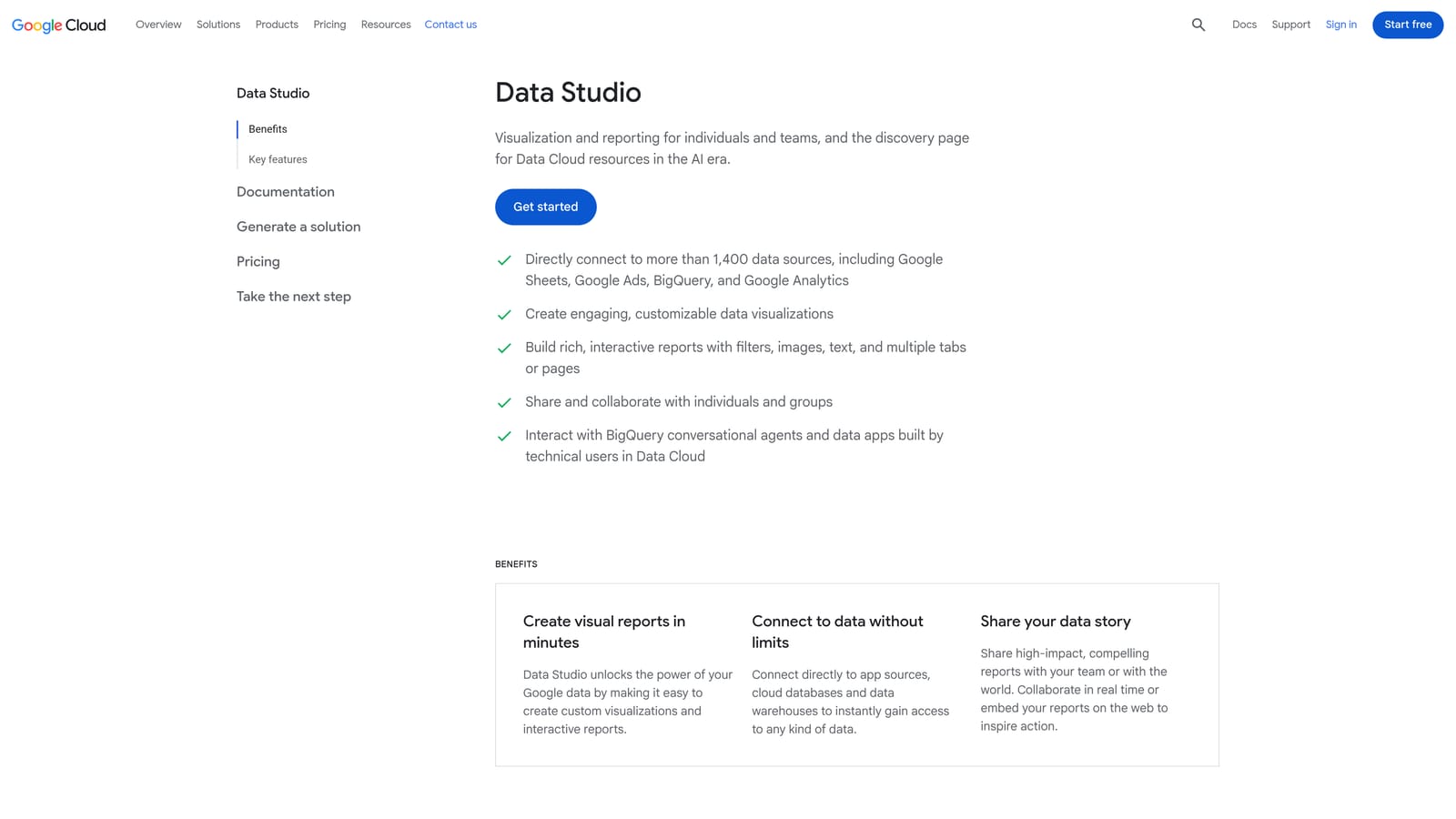
Its edge is free, flexible custom reporting. You decide which metrics appear and how they look, and you can share the result with clients by link.
- A Google Ads connector that pulls your account data into dashboards.
- Custom dashboards, so reports match what each client cares about.
- Shareable reports that save you from emailing screenshots.
- Templates to get started quickly.
- Data blending to combine sources in one view.
It connects to Google Ads, Google Analytics, and Google Sheets. Setup is building (or cloning) a dashboard, which takes some time up front. Whoever owns client reporting maintains it.
It can't change campaigns. You'll still need another tool for optimization. Building polished dashboards also takes real time, so "free" doesn't mean effortless.
Pricing: free.
Best for: Freelancers building client dashboards on a budget.
7. Swydo
Swydo is an agency-focused reporting and monitoring tool. It's aimed at the monthly grind of pulling numbers together for clients.
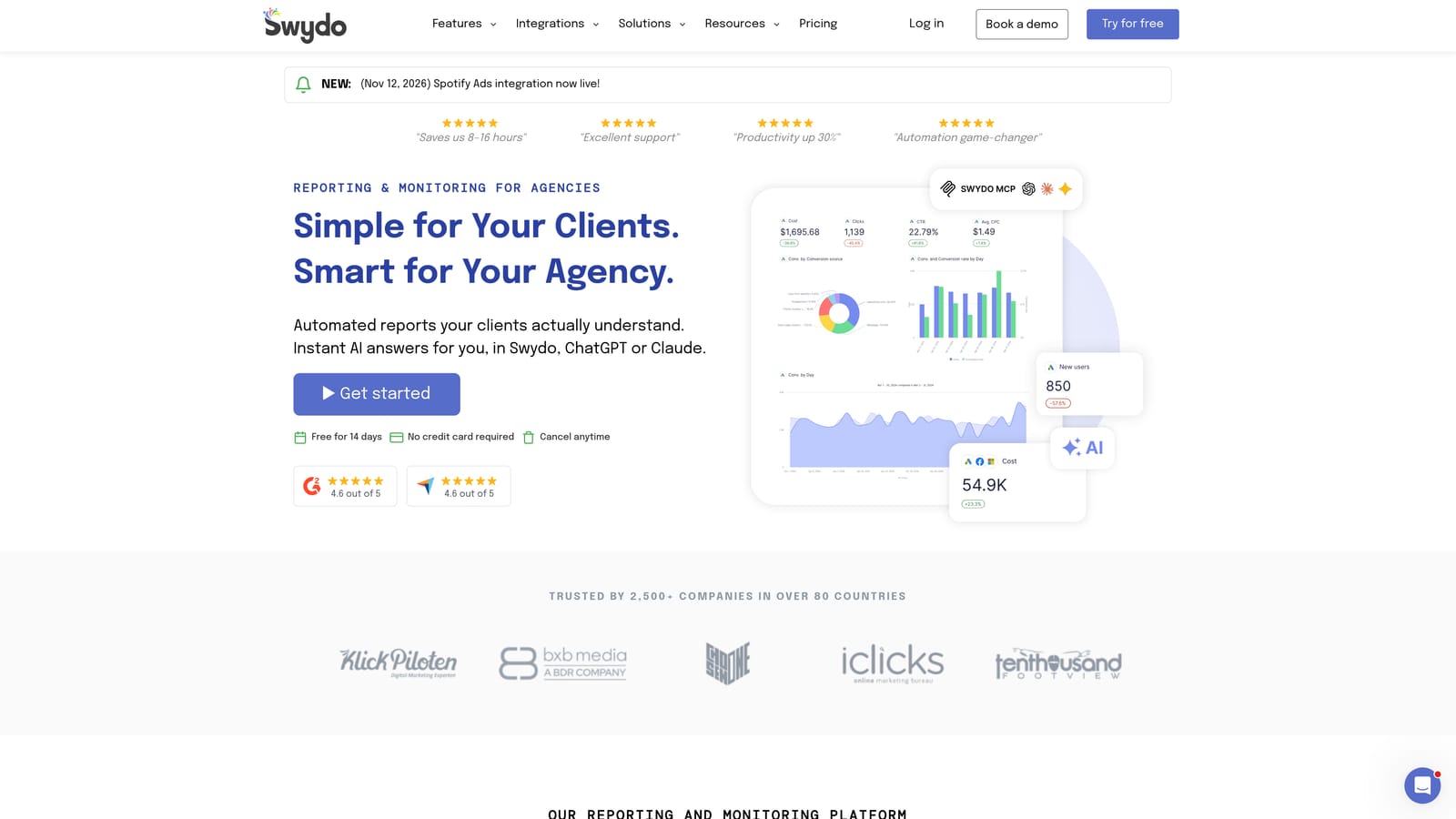
Compared with building your own dashboards, its strength is automated multi-channel client reports that are ready to send. You trade some flexibility for speed.
- Report templates so you don't rebuild the same report each month.
- Scheduled delivery, so reports reach clients without you hitting send.
- White-label options to present reports under your own brand.
- Multi-channel data in a single report.
- Performance monitoring to keep an eye on accounts between reports.
It integrates with Google Ads, Google Analytics, and Meta Ads. Setup means connecting client accounts and picking templates, and an account manager or ops person usually runs it.
It's reporting rather than optimization, so it won't clean search terms or edit campaigns. Solo advertisers with one account likely don't need it.
Pricing isn't something I can quote reliably. Check the website for current plans as of 2026.
Best for: Small agencies that spend too long assembling monthly reports.
8. Google Ads Mobile App
The Google Ads mobile app is Google's official app for monitoring and making quick changes from your phone.
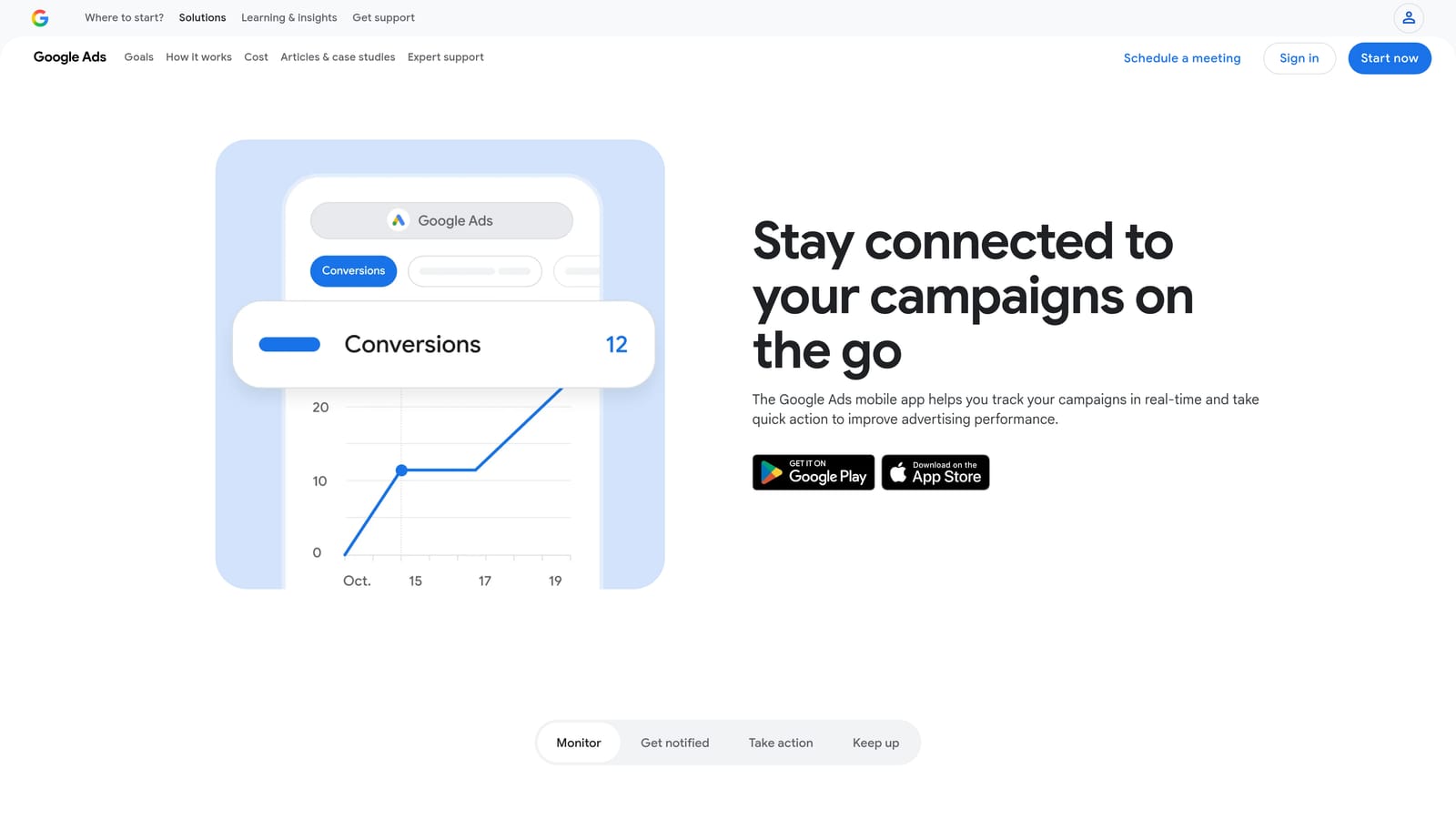
It stands out for one reason: you can react to something while away from your desk. Nothing else on this list is built for that.
- Performance snapshots, so you can check how things are going in seconds.
- Pause or enable campaigns when something needs to stop or start right now.
- Budget adjustments on the go.
- Alerts and notifications that flag issues as they happen.
- Recommendations review, so you can look over Google's suggestions and decide for yourself.
It works with Google Ads only and takes minutes to set up: install it and sign in. The account owner or whoever is on call uses it.
It's too shallow for keyword-level analysis. You won't do serious search term work or structural edits on a phone screen, so treat it as a companion to your main workflow.
Pricing: free.
Best for: Business owners checking accounts away from a desk.
Matching the Tool to the Job
More features don't mean better management. Most of these tools do one job well, so pick by the job you actually need done.
- Search term cleanup: Keywordme, if you want to work inside the Search Terms Report with one-click negatives and match types.
- Free bulk editing: Google Ads Editor for large structural changes with offline review.
- Audits and automation: Adalysis for a prioritized fix list, Optmyzr for no-code rules across accounts, or Google Ads Scripts if you're comfortable with JavaScript.
- Client reporting: Looker Studio if you'll build dashboards yourself, Swydo if you'd rather send templated reports.
A sensible lightweight stack is one optimizer plus one reporting tool. For example, pair Keywordme or Optmyzr with Looker Studio or Swydo, and keep the mobile app on your phone for alerts.
Optimize Google Ads Campaigns 10X Faster. Without Leaving Your Account. Keywordme lets you remove junk search terms, build high-intent keyword lists, and apply match types instantly, right inside Google Ads. No spreadsheets, no switching tabs, just quick, seamless optimization. Start your free 7-day trial (then just $12/month) and take your Google Ads game to the next level.
