
8 Best Lightweight Google Ads Tools for Faster, Simpler PPC Management in 2026
A practical guide to lightweight google ads tools.


Managing Google Ads shouldn't mean learning a whole platform, babysitting spreadsheets, or paying for features you'll never open. This list is for marketers, freelancers, and agency owners who want fast, narrow tools. Each one was picked for light setup, a specific job done well, a low price (or none), and a small footprint on your daily workflow. Pricing and features are as of November 2026, so check each vendor's site before you buy.
Quick Comparison of the Lightweight Google Ads Tools
- Keywordme: advertisers who clean search terms and build keyword lists weekly; $12/month per user; one-click search term actions inside the native Search Terms Report, no export needed.
- Google Ads Editor: people doing large structural edits and account builds; free; offline bulk editing with a review step before you post changes.
- Google Ads Scripts: technical marketers who want custom alerts and automation; free; fully code-based automation that runs on a schedule.
- Google Ads Mobile App: owners who need quick checks away from a desk; free; account access and quick fixes from your phone.
- Looker Studio: freelancers and agencies that need client reporting; free; shareable dashboards with a native Google Ads connector.
- Optmyzr: agencies wanting deeper automation across many accounts; pricing on its website; cross-account optimization suggestions plus a rule engine.
- Adalysis: teams running systematic ad testing; pricing on its website; automated ad-copy test analysis.
- Google Keyword Planner: early keyword research on a budget; free with a Google Ads account; keyword ideas and forecasts straight from Google.
1. Keywordme
Keywordme is a Chrome extension that adds one-click actions to the Search Terms Report inside Google Ads. It's built for advertisers who review search terms (the actual queries people typed) and turn them into decisions: block the junk, keep the good ones. Since it's our own product, we'll be straight about where it fits and where it doesn't.
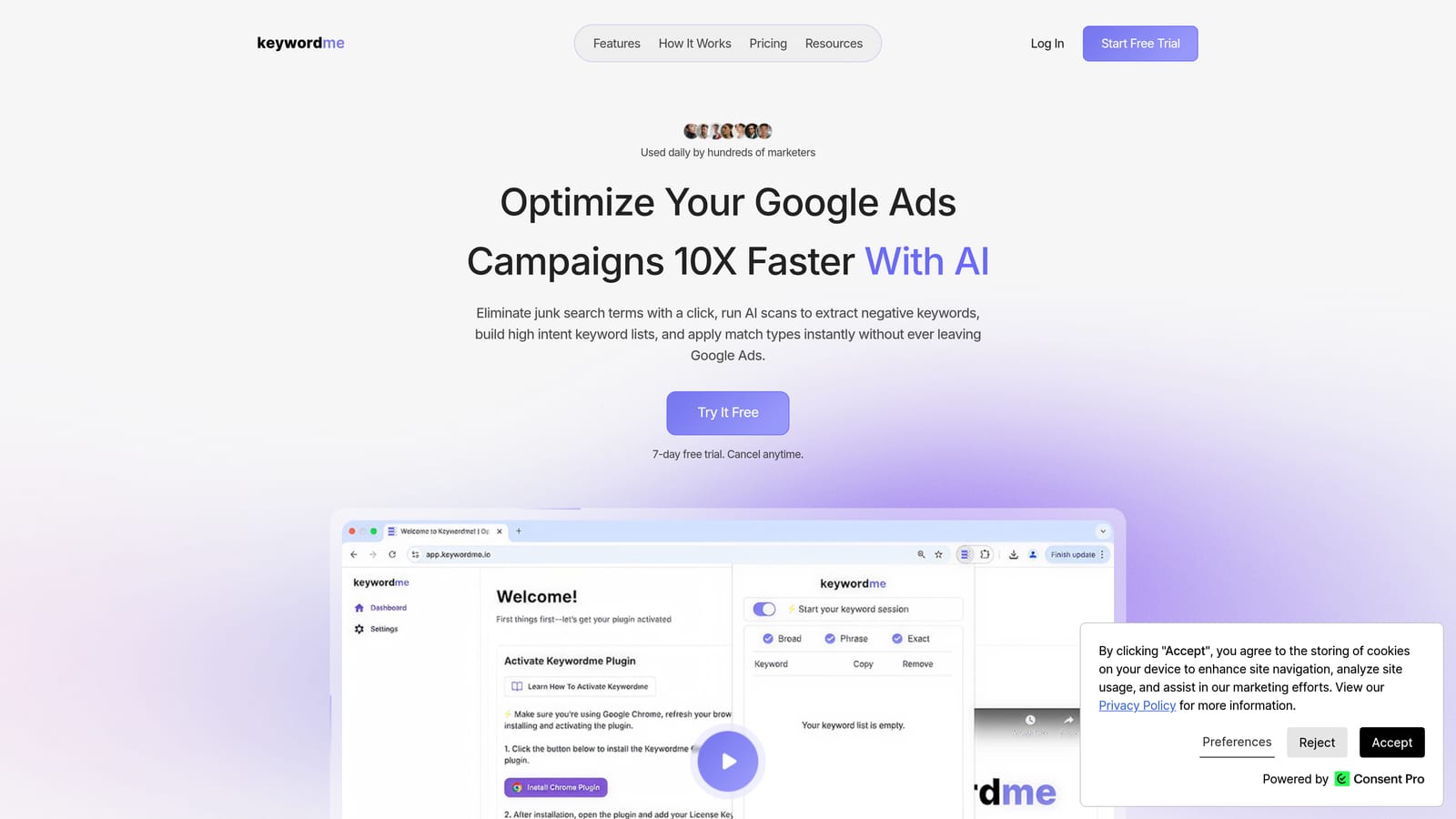
Its standout trait on this list is that it works inside the native report. You don't export a CSV, sort it in a spreadsheet, and re-upload. You see the search term, click, and move on. Keywordme claims this makes optimization up to 10x faster; that's a vendor claim, and your mileage will depend on how you work today.
- One-click negative keywords straight from the Search Terms Report, so irrelevant queries stop triggering your ads.
- Add search terms as positive keywords and apply match types (broad, phrase, exact) in the Google Ads interface, which speeds up building keyword lists.
- Keyword clustering to group related terms instead of sorting them by hand.
- Bulk editing for when you're handling many terms at once.
- Multi-account and team support, handy if you juggle several clients or share work across a team.
Setup is about as light as it gets: install the extension, open Google Ads, and the actions appear where you already work. The person running it day to day is whoever reviews search terms, whether that's a solo advertiser or a PPC manager on an agency team.
The limits are real. Keywordme focuses on search terms and keywords. It doesn't handle bidding, reporting, or ad creative, and it requires Chrome. If you want an all-in-one suite, this isn't it. It's a single-purpose tool, which is the point.
Pricing is a flat $12/month per user as of this writing, with a 7-day free trial. Cost scales with the number of users, not ad spend or account count.
Best for: Advertisers who clean search terms and build keyword lists every week.
2. Google Ads Editor
Google Ads Editor is Google's free desktop application for making bulk changes to campaigns, often offline, and then posting them to your account. It's designed for people who need to change a lot at once: building out new campaigns, restructuring ad groups, or updating hundreds of ads.

What sets it apart here is that it's the official, free bulk-editing workflow. You download your account data, edit locally, and review everything before it goes live. That review step is a safety net you won't get when clicking around the web interface.
- Bulk edits across campaigns and accounts, so one change doesn't mean fifty manual clicks.
- Offline editing, which lets you draft changes on a plane or without a stable connection.
- Change review before posting, so you can catch a typo before it hits live ads.
- Copy and paste between campaigns, which makes duplicating structures fast.
Setup is a desktop install and signing in with your Google Ads credentials. Day to day, it's used by whoever builds and restructures accounts, typically a PPC specialist rather than a casual account owner.
The drawbacks: it's a separate app with a sync step (download, edit, post), so it isn't ideal for quick, in-the-moment fixes. It also has no search term review workflow, so it won't help you decide which queries to block or add. Skip it if your work is mostly small, frequent tweaks.
It's free.
Best for: Large structural edits and account builds.
3. Google Ads Scripts
Google Ads Scripts lets you write JavaScript that runs inside your Google Ads account to monitor performance and automate tasks. It's the most flexible tool here and also the one that asks the most of you.
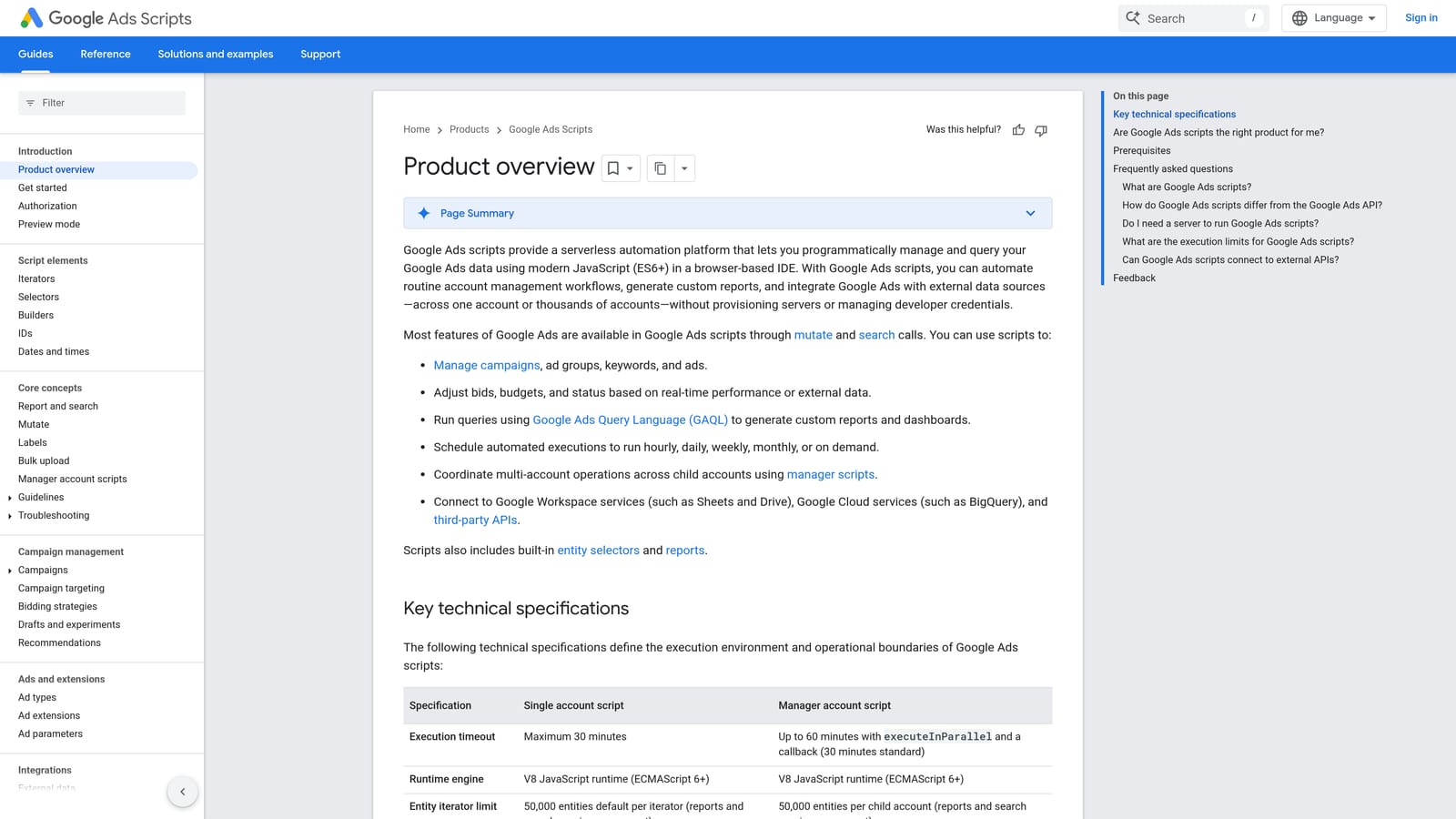
Its distinguishing strength is customization at no cost. If you can describe a check or task precisely, you can probably script it: flag a sudden spend spike, pause something under certain conditions, or pull data into a sheet on a schedule.
- Custom JavaScript automation, so the tool does exactly what you define rather than what a vendor decided to build.
- Scheduled runs, which turn a one-off check into something that happens hourly or daily without you.
- Alerts and anomaly checks that email you when something looks off, such as a spend jump or a drop in impressions.
- Custom reports sent to Google Sheets, useful for lightweight reporting without another subscription.
It integrates with Google Sheets and Gmail, which covers most alerting and reporting needs. Setup is quick if you already have a script to paste in, but you're the one who owns it afterward. Scripts break when requirements change, and someone has to maintain them.
That's the catch: it requires JavaScript skills and ongoing upkeep. If nobody on your team writes code, this will cost you time instead of saving it. It also doesn't give you a visual workflow for search terms.
It's free.
Best for: Technical marketers who want custom alerts and automation.
4. Google Ads Mobile App
The Google Ads mobile app is Google's official phone app for checking on your accounts and making quick changes. It's built for the owner or manager who can't always be at a laptop.
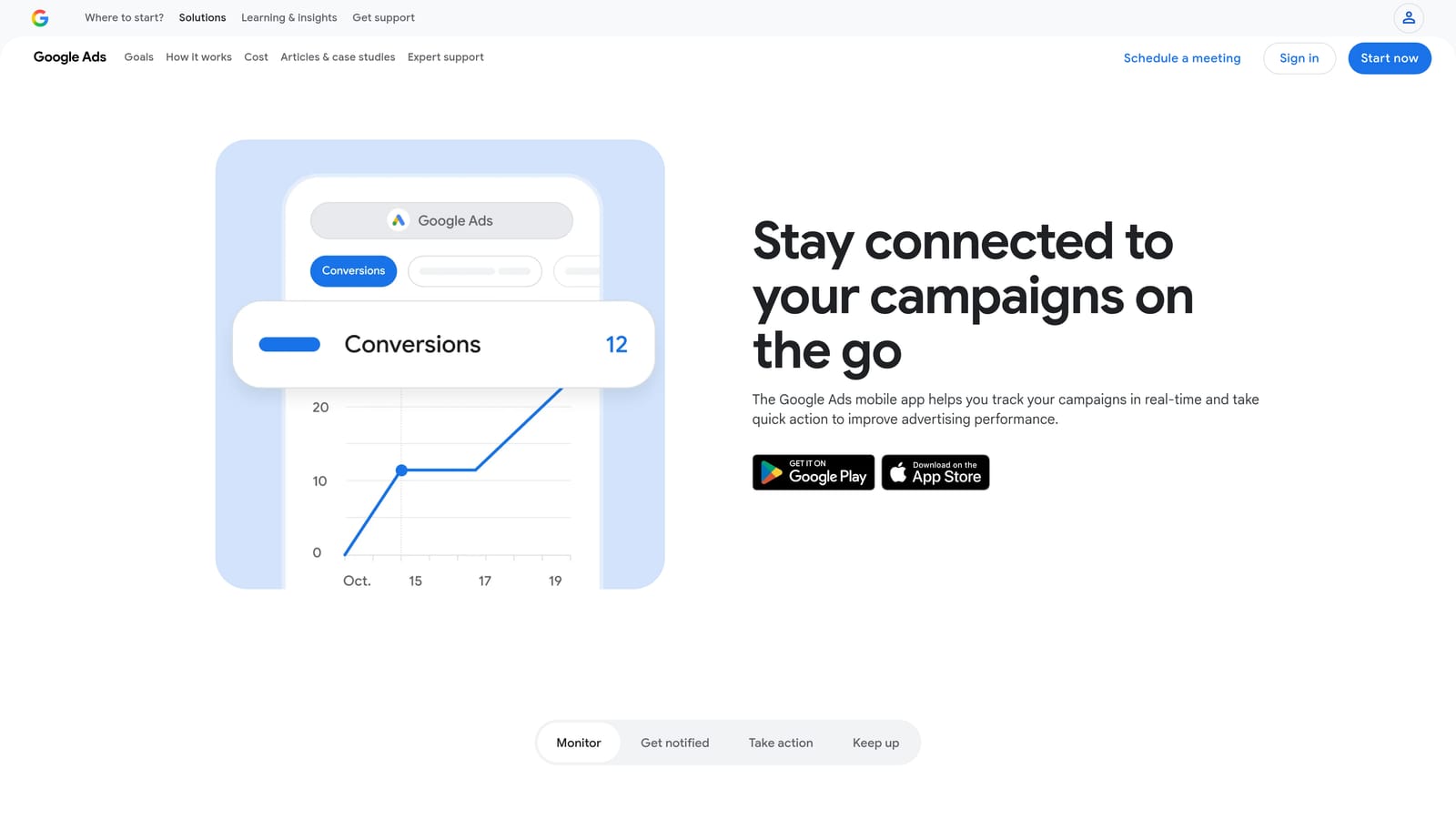
The standout is simple: account access and fast fixes from your phone. If a campaign is overspending on a Saturday, you can deal with it from wherever you are.
- Performance snapshots so you can see how campaigns are doing in a glance.
- Pause or enable campaigns, the fastest way to stop a problem.
- Budget adjustments for quick spend changes without opening a desktop browser.
- Notifications and recommendations that surface issues and suggestions. Treat recommendations as ideas to evaluate, not instructions.
There's essentially no setup beyond installing the app and signing in. It's run by whoever needs eyes on the account, often a business owner or an account manager on the go.
It isn't suited to deep keyword or search term analysis. A phone screen is a poor place to review long lists of queries, so use it for monitoring and emergency changes rather than real optimization work. It also won't replace a desktop workflow.
It's free.
Best for: Owners who need quick checks and changes away from a desk.
5. Looker Studio
Looker Studio is Google's free dashboarding tool. Connect it to your Google Ads data and you can build reports that clients or teammates can open any time. It's a reporting tool, not an optimization one.
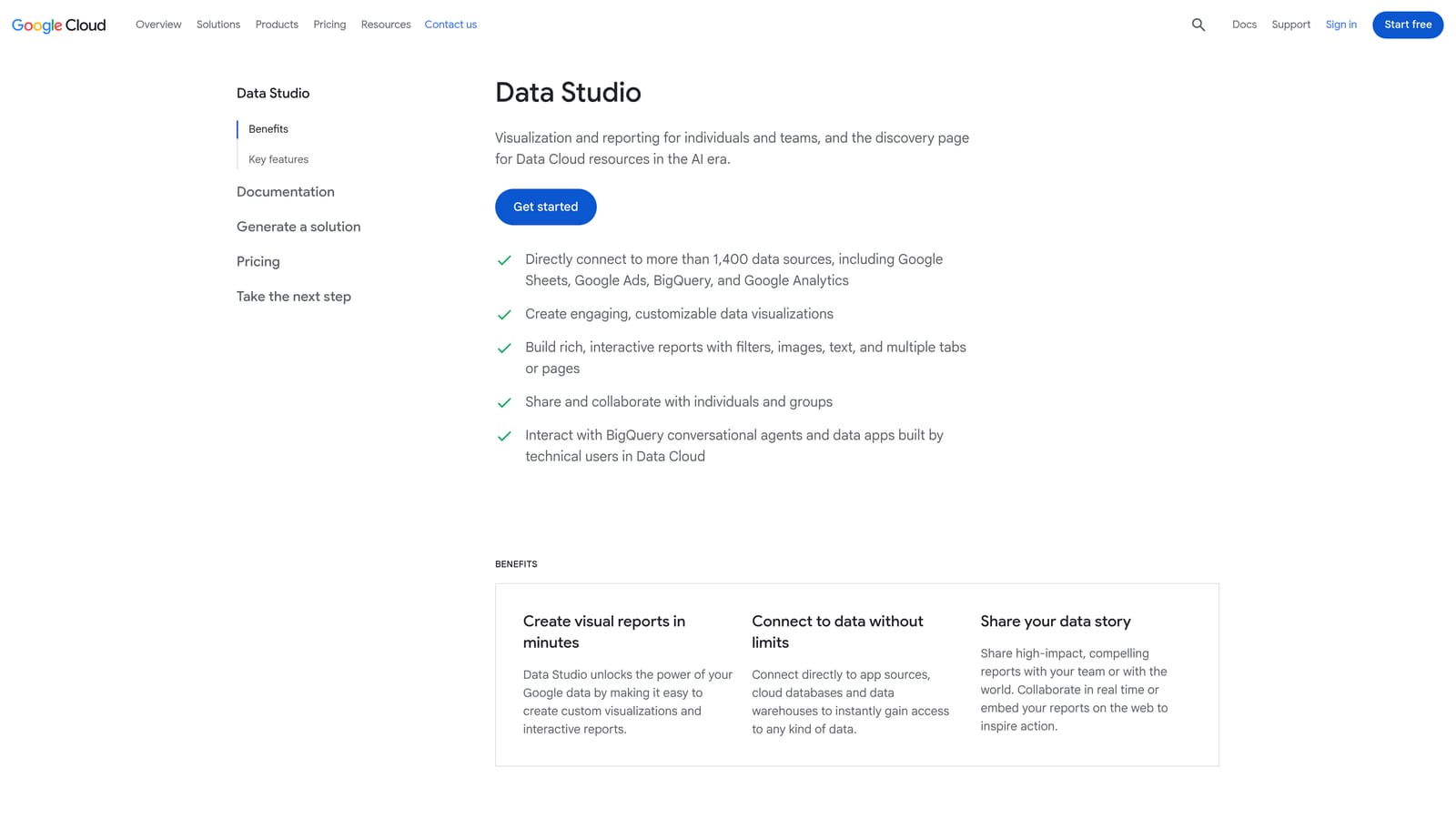
The value for freelancers and agencies is client-facing reporting without paying for a reporting suite. You build a dashboard once, share a link, and stop assembling slides every month.
- Native Google Ads connector, so your campaign data flows in without manual exports.
- Drag-and-drop dashboards that let you lay out the metrics each client cares about.
- Shareable reports, so clients can view live numbers instead of waiting for a PDF.
- Templates that give you a starting point instead of a blank canvas.
It also connects to Google Analytics, Google Sheets, and many third-party connectors, so you can combine ad data with other sources. Setup is light, but the design work isn't: getting a clean, useful dashboard takes time up front, and whoever owns reporting will maintain it.
Limitations: building good dashboards takes effort, and reports can slow down with large data sets. It does nothing to change your campaigns. Some third-party connectors cost money, so check before you rely on them.
It's free, with a paid Pro tier available; see the website for details.
Best for: Freelancers and agencies who need client reporting without paying for a suite.
6. Optmyzr
Optmyzr is a PPC management platform with optimization suggestions, rules, and audits. It's aimed at agencies and in-house teams managing a lot of accounts. We're including it as the heavy end of this list, and it's a trade-off against everything else here.

Its distinguishing strength is breadth: cross-account optimization suggestions plus a rule engine that lets you automate routine work. Nothing else on this list does that much in one place.
- One-click optimization suggestions that you review and apply, so you can work through accounts faster.
- Rule-based automation for repeatable tasks you'd otherwise do by hand.
- Account audits that flag issues across an account without manual digging.
- Reporting, so you can cover client updates in the same platform.
- Scripts, for teams that want more custom automation.
It integrates with Google Ads, Microsoft Advertising, and Meta Ads, which helps if you manage several channels. Setup means connecting accounts and learning the platform, and it's typically run by a PPC lead or an agency team.
This is where "lightweight" breaks down. It's heavier and costlier than the other tools here, with a bigger learning curve. If you only need to clean search terms or build a report, you'll be paying for a lot you won't use.
Pricing isn't listed here; it's a subscription, so see the website for current plans.
Best for: Agencies that want deeper automation across many accounts.
7. Adalysis
Adalysis is a Google Ads auditing and testing platform. Its focus is ad tests, quality checks, and alerts, which makes it narrower than a full management suite but still a separate system to learn.
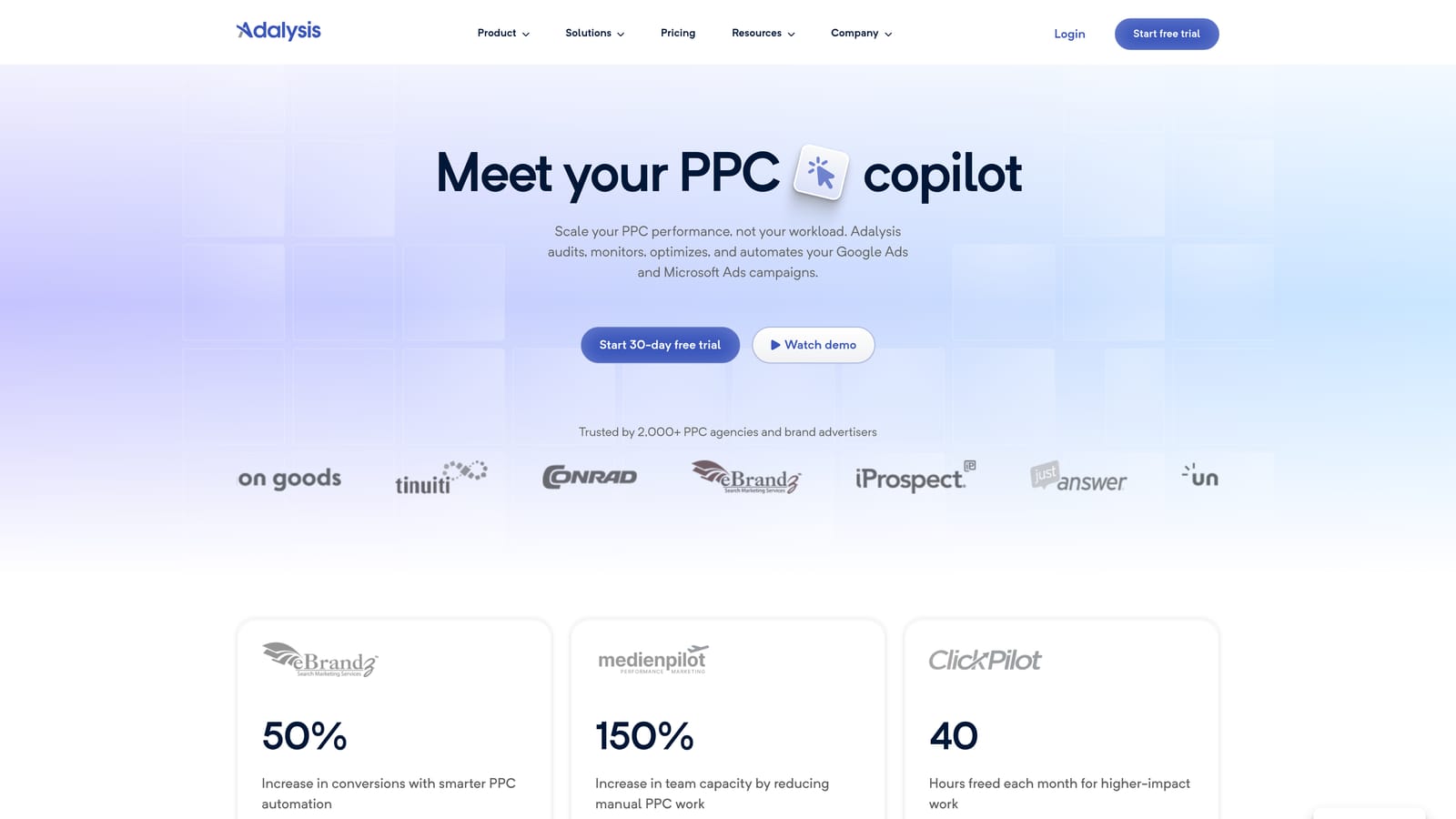
Its standout is automated ad-copy test analysis. Instead of comparing ad variations by hand in a spreadsheet, you get analysis of which ads are winning and which are worth replacing.
- Automated ad test analysis, so you can judge copy experiments without manual number-crunching.
- Account audits that point out problems and gaps across your campaigns.
- Alerts that tell you when something changes or breaks.
- Reporting for sharing results with clients or stakeholders.
It works with Google Ads and Microsoft Advertising. Setup means connecting your accounts, and it's usually run by a PPC specialist or team that tests ads on a regular schedule.
Drawbacks: you work in a separate dashboard rather than in Google Ads itself, and pricing may not suit solo advertisers. If you only run a few ads and rarely test, the value will be thin. It also doesn't handle search term cleanup.
Best for: Teams that run systematic ad testing.
8. Google Keyword Planner
Google Keyword Planner is the free keyword research and forecasting tool inside Google Ads. It helps you find keyword ideas and estimate how they might perform before you commit budget.

What it does best on this list is give you keyword ideas and forecasts straight from Google, which is useful when you're planning a new campaign and want a starting point.
- Keyword idea discovery, so you can expand beyond the terms you already know.
- Search volume ranges that show roughly how much demand exists.
- Forecasts to estimate potential performance for a keyword set.
- Bid and budget estimates that help you size a starting budget.
You need a Google Ads account to use it, and it's built into the interface, so there's nothing to install. Anyone planning campaigns can run it.
The limits: volume data can be limited without active spend, and estimates are just that. Keep in mind it works with keywords you might target, not the search terms people actually used, so it won't help you clean up an existing campaign. Treat the numbers as directional.
It's free with a Google Ads account.
Best for: Early keyword research on a budget.
Which Lightweight Google Ads Tool Fits Your Situation
Adding more tools doesn't automatically improve your optimization. Every extra tool brings another login and another learning curve, so most people only need one or two from this list.
- Search term cleanup: Keywordme, since it works inside the Search Terms Report where you already review queries.
- Bulk edits: Google Ads Editor for large structural changes and account builds.
- Automation: Google Ads Scripts if you can code and maintain scripts.
- Reporting: Looker Studio for free client dashboards.
- Agency-scale management: Optmyzr, accepting the extra cost and learning curve.
For most solo advertisers and small agencies, a sensible pairing is Keywordme for the weekly search term work plus Looker Studio or Google Ads Editor, depending on whether reporting or bulk edits take more of your time. Keep the mobile app for emergencies, Keyword Planner for early research, and Adalysis for teams with a real ad-testing program.
Optimize Google Ads Campaigns 10X Faster. Without Leaving Your Account. Keywordme lets you remove junk search terms, build high-intent keyword lists, and apply match types instantly, right inside Google Ads. No spreadsheets, no switching tabs, just quick, seamless optimization. Start your free 7-day trial (then just $12/month) and take your Google Ads game to the next level.
