
9 Best Keyword Research Tools for Google Ads in 2026
This guide compares nine options for a keyword research tool Google Ads advertisers can use, sorted by whether they find new keywords or refine the ones live campaigns already attract. Each pick is judged on Google Ads workflow fit, data source, pricing transparency, Search campaign usefulness, and whether it suits a solo advertiser or an agency.


You manage Google Ads and you want keyword ideas and search volume without guessing. Before you pay for anything, sort the tools into two jobs: finding new keywords you don't have yet, and cleaning up or expanding the ones your live campaigns already attract. Some tools do the first, a few do the second, and almost none do both well. These were chosen on fit with Google Ads workflows, where the data comes from, pricing transparency, usefulness for Search campaigns, and whether they suit a solo advertiser or an agency.
Quick Comparison of the Keyword Research Tools
- Keywordme: advertisers with live campaigns; $12/month per user; turns search terms into keywords and negatives inside the Google Ads interface.
- Google Keyword Planner: anyone building a new Search campaign; free with a Google Ads account; bid estimates from Google's own auction data.
- Google Trends: planners checking seasonality; free; relative demand over time and by region.
- Semrush: agencies and in-house teams; tiered subscription, see website; competitor paid keywords and ad copy history beside a large keyword database.
- Ahrefs Keywords Explorer: teams splitting topics between paid and organic; tiered subscription, see website; a Clicks metric showing how many searches end in a click.
- SpyFu: people mining competitor history; subscription, see website; multi-year history of competitor ads and paid keywords.
- WordStream Free Keyword Tool: small business owners; free; industry-aware suggestions built for small advertisers.
- Ubersuggest: freelancers on tight budgets; subscription or one-time plans, see website; a low-cost entry point.
- AnswerThePublic: intent mapping; limited free searches, paid plans, see website; question and modifier phrasing that exposes negative keyword candidates.
1. Keywordme
Keywordme is our own product, so weigh this entry with that in mind. It's a Chrome extension that works inside the Search Terms Report in Google Ads. Keywords are what you bid on; search terms are what people actually typed. Keywordme sits at that gap and helps you act on real search terms without exporting anything.
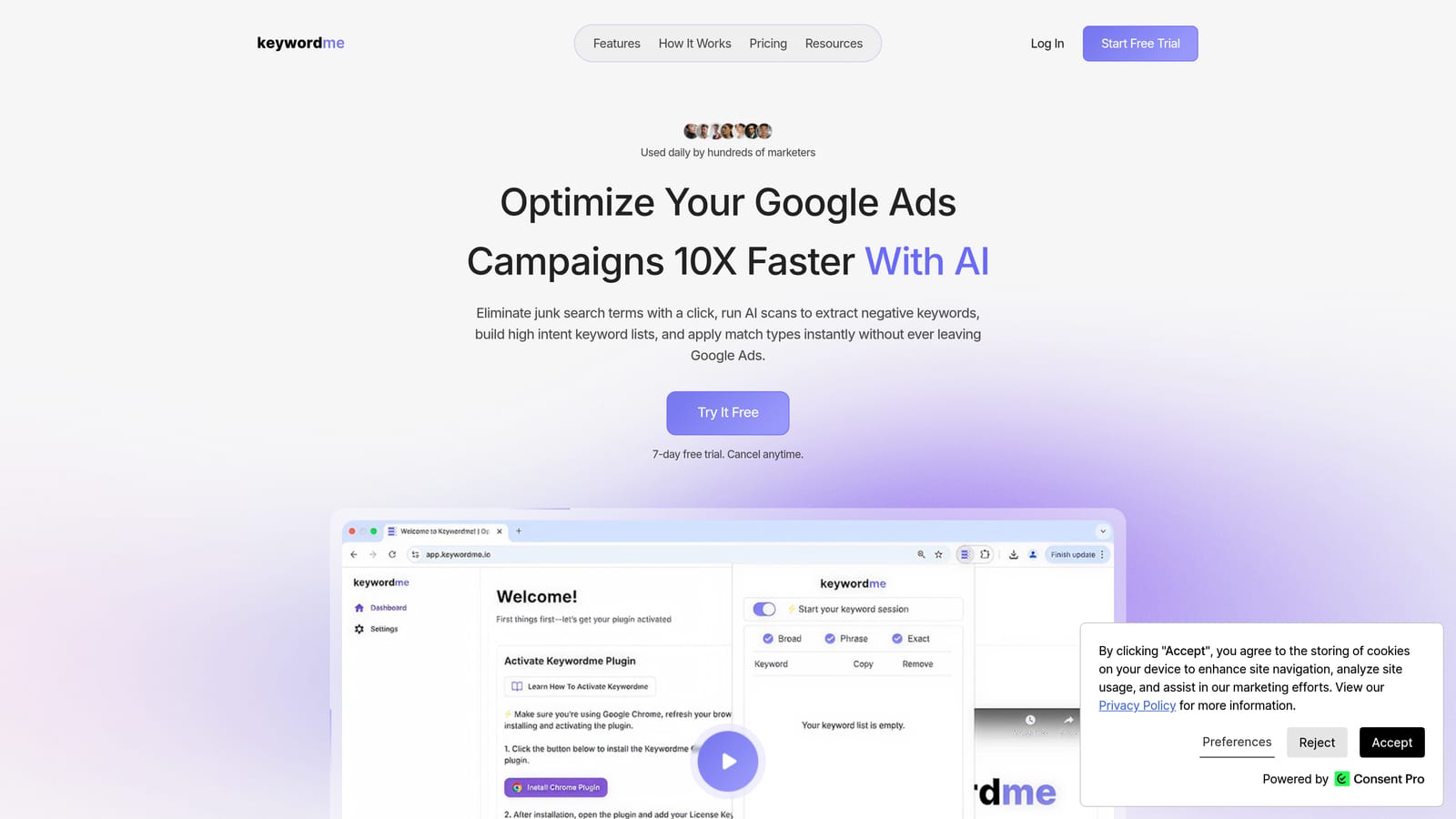
What sets it apart on this list is where it works. Every other tool here asks you to research somewhere else, then carry the results back into Google Ads. Keywordme acts on the data in the native interface, so there's no spreadsheet step.
- Add a search term as a keyword in one click, with the match type applied as you add it.
- Add a search term as a negative keyword in one click, so junk queries stop costing you money.
- Keyword clustering groups related terms so you can build tighter lists faster.
- Bulk editing lets you handle many terms at once instead of one by one.
- Multi-account and team support suits agencies running several clients.
Setup is light: install the extension and use it in the Google Ads account you already work in. It's built for the person who does the weekly search terms review, whether that's a freelancer or an agency account manager.
The limitation is real. Keywordme relies on data your campaigns already produce, so it gives you no search volume and no ideas for topics you haven't targeted. For a brand-new account with no impressions, you'll need another tool from this list first. It also doesn't replace your judgment: you decide which terms become keywords or negatives.
Pricing is $12/month per user, flat, with a 7-day free trial (as of November 2026; confirm on the website). Cost scales with the number of users, not with ad spend.
Best for: Advertisers with live campaigns who want to turn search term data into keyword and negative lists quickly.
2. Google Keyword Planner
Google Keyword Planner is the tool most people mean when they search for a Google keyword research tool. It lives under Tools > Planning in Google Ads and is free with an account. It's designed for anyone building or expanding a Search campaign.
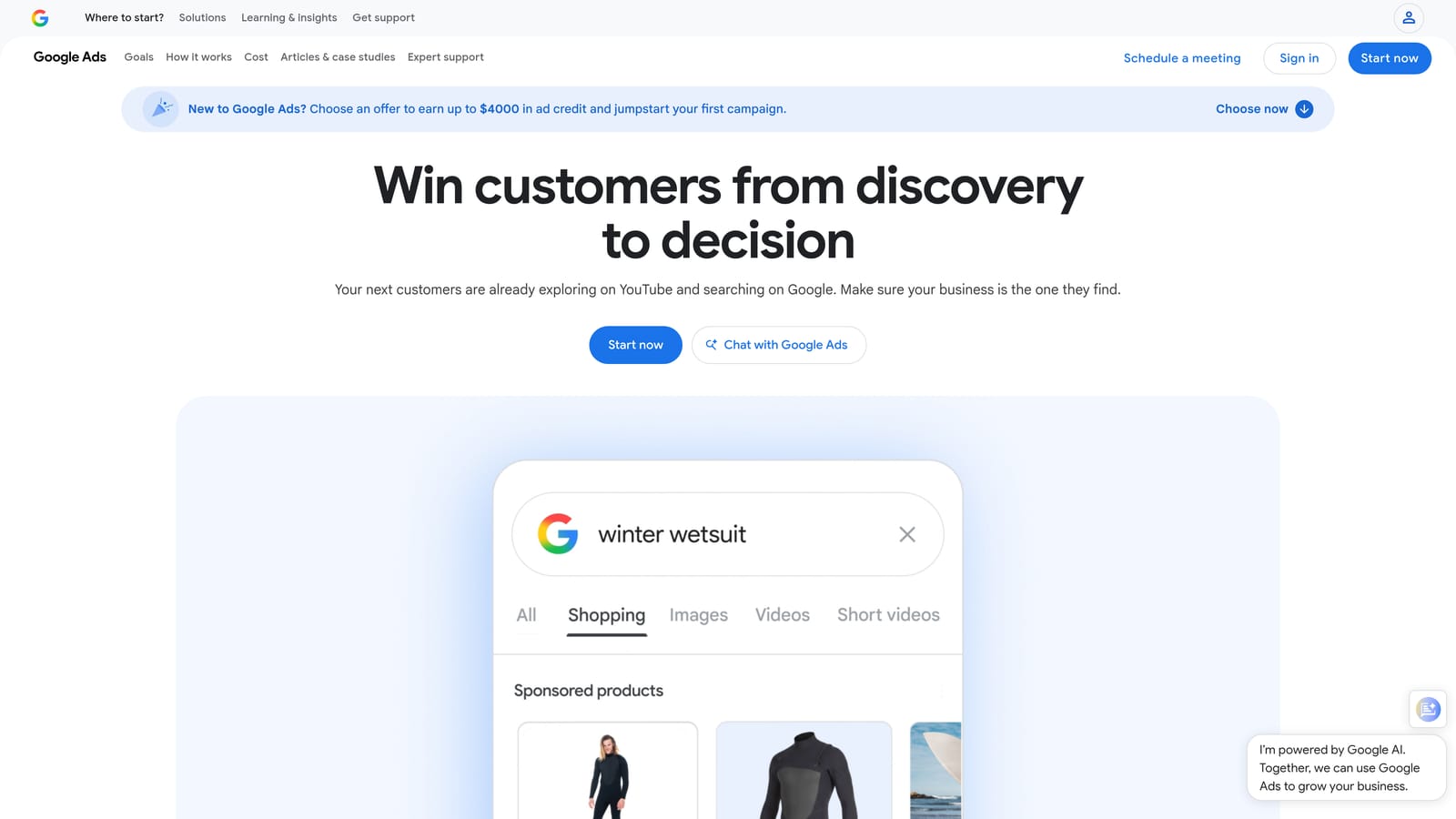
Its edge over the rest of the list is the bid data. Bid range estimates come straight from Google's own ad auction, not from a third party's model. That makes it the most trustworthy starting point for a budget forecast.
- Discover new keywords from a seed term or a landing page URL.
- See search volume and forecasts to size a campaign before you spend.
- Check bid range estimates to judge whether a keyword fits your budget.
- Filter by location and language so the numbers match your targeting.
There's no setup beyond having a Google Ads account, and the person running the campaign uses it directly. The catch: for accounts with low spend, Google shows volume as broad ranges rather than precise figures (check Google Ads Help for current behavior). Suggestions also skew broad, so don't add every idea as broad match. Treat the output as a candidate list, then tighten match types and plan negatives.
It's free with a Google Ads account.
Best for: Building the initial keyword list and budget forecast for a new Search campaign.
3. Google Trends
Start with the limitation: Google Trends doesn't give you search volume. It shows relative interest on a scaled index, over time and by region. That makes it a planning tool, not a keyword list builder.
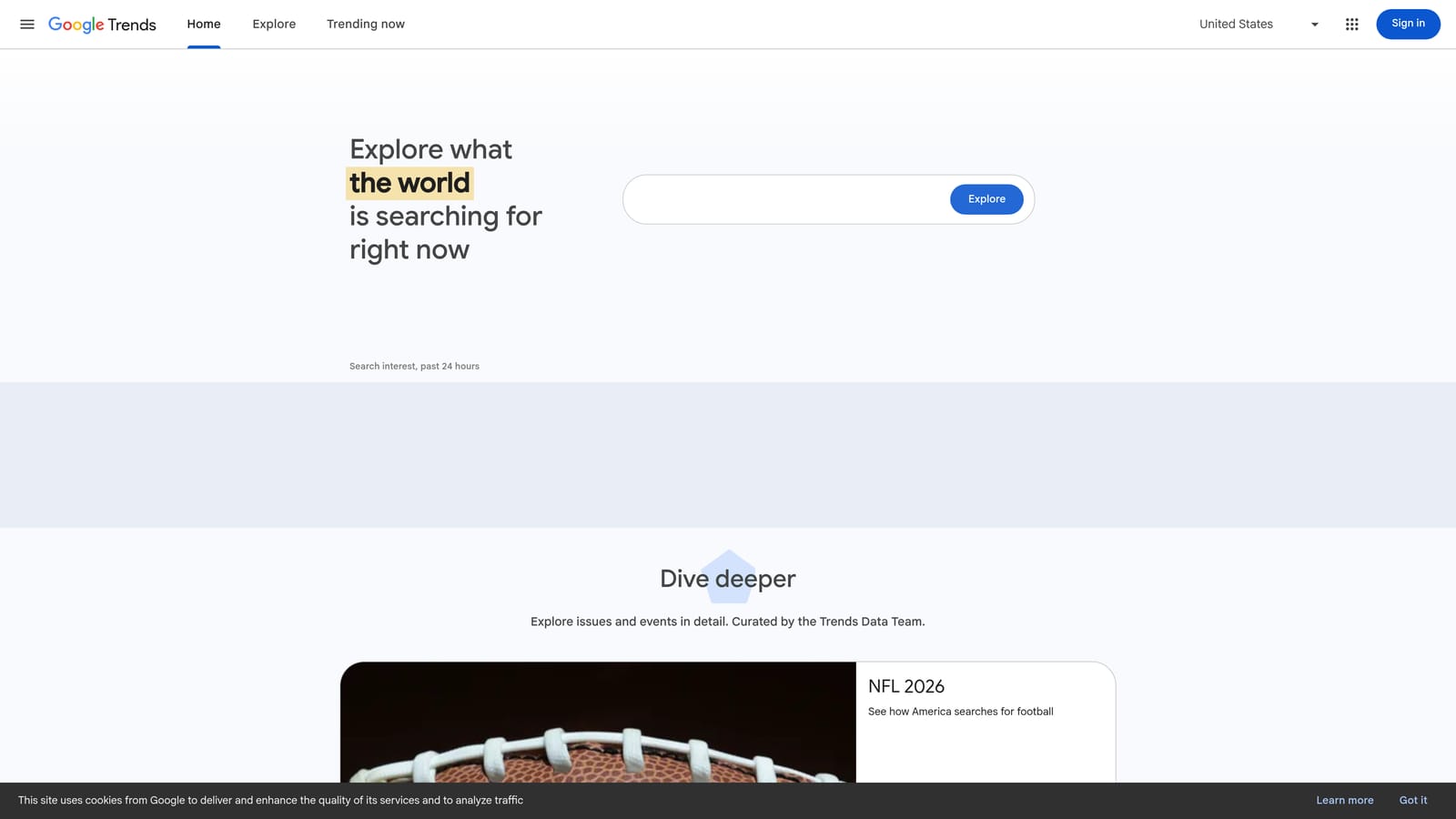
What it does better than anything else here is seasonality. You can see when demand for a product rises, when it fades, and whether a topic is growing or shrinking over several years. It also lets you compare two phrasings of the same idea to see which people use more.
- Interest over time shows when to ramp budgets up or pull them back.
- Regional breakdown shows where demand concentrates, useful for location targeting.
- Related queries and topics suggest angles you may not have considered.
- Term comparison settles wording debates, such as "repair" versus "fix."
It needs no integration and no setup. You can export data as CSV. Check the current limit on how many terms you can compare at once before building a workflow around it.
It gives no CPC, no absolute volume, and no match type guidance, so pair it with Keyword Planner. It's free.
Best for: Checking seasonality and comparing phrasing before planning campaigns.
4. Semrush
Semrush is an all-in-one SEO and PPC suite with a large keyword database. It's aimed at agencies and in-house teams that research both paid and organic search and want it all in one login.
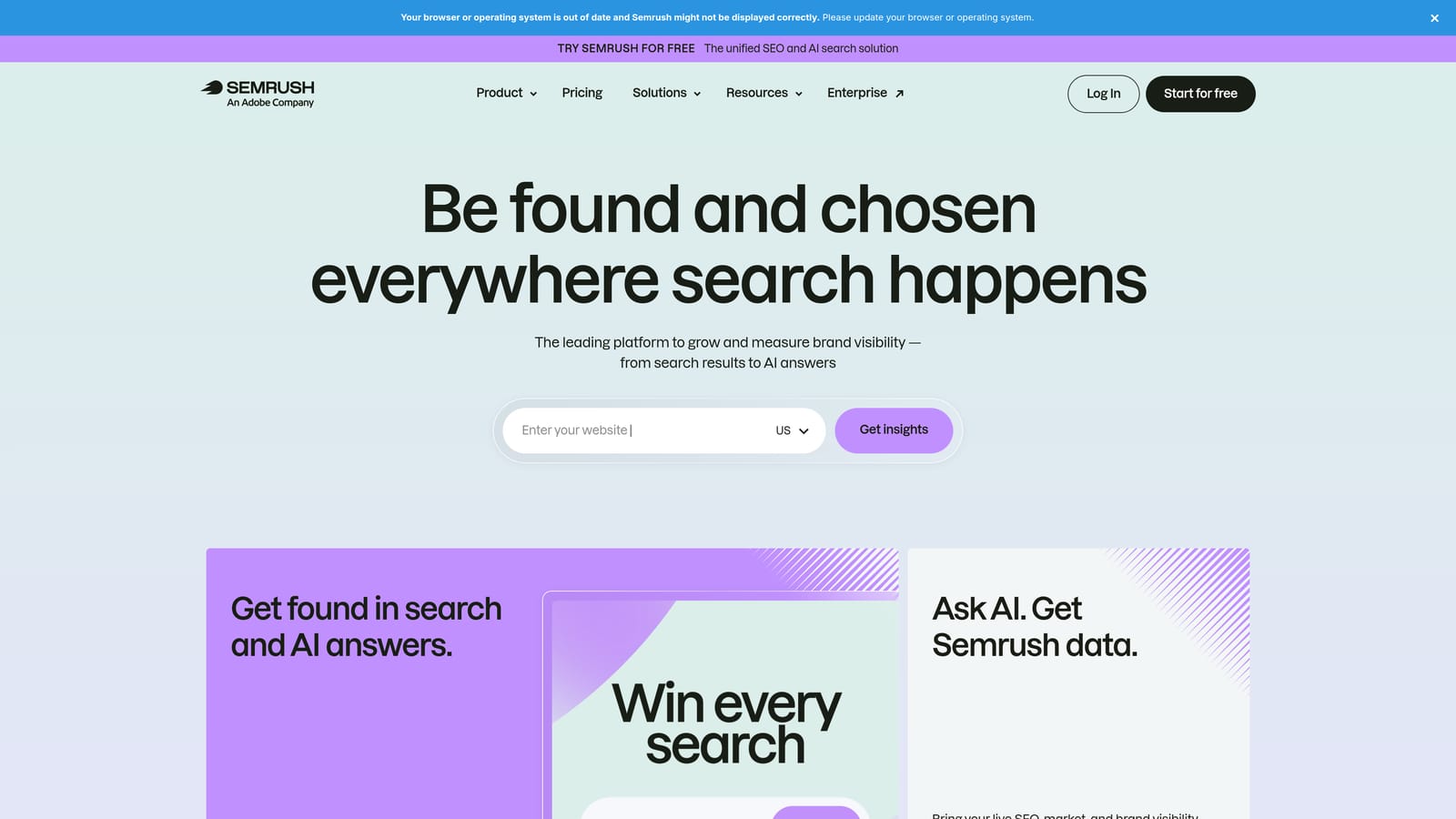
Its standout is competitor paid data. You can see which keywords rivals bid on and how their ad copy has changed, next to keyword difficulty and CPC figures.
- Keyword Magic Tool generates large, filterable keyword lists from a seed term.
- Advertising Research shows how competitors approach paid search.
- Competitor paid keywords reveal gaps in your own account.
- Keyword difficulty and CPC data help you prioritize, though difficulty is an SEO measure, not a gauge of paid competition.
It connects with Google Ads, Google Analytics, and Google Search Console. Expect a learning curve; the breadth of reports means someone on the team needs to own it.
The weak spot is fit. A solo advertiser who only needs Search keyword ideas will pay for a lot they won't use. Plans are tiered monthly subscriptions, and the price moves with the plan level and add-ons. Check current plans on the website as of November 2026.
Best for: Agencies and in-house teams doing competitive paid and organic research.
5. Ahrefs Keywords Explorer
Ahrefs Keywords Explorer is the keyword research module of Ahrefs, and its reputation rests on one idea: not every search produces a click.
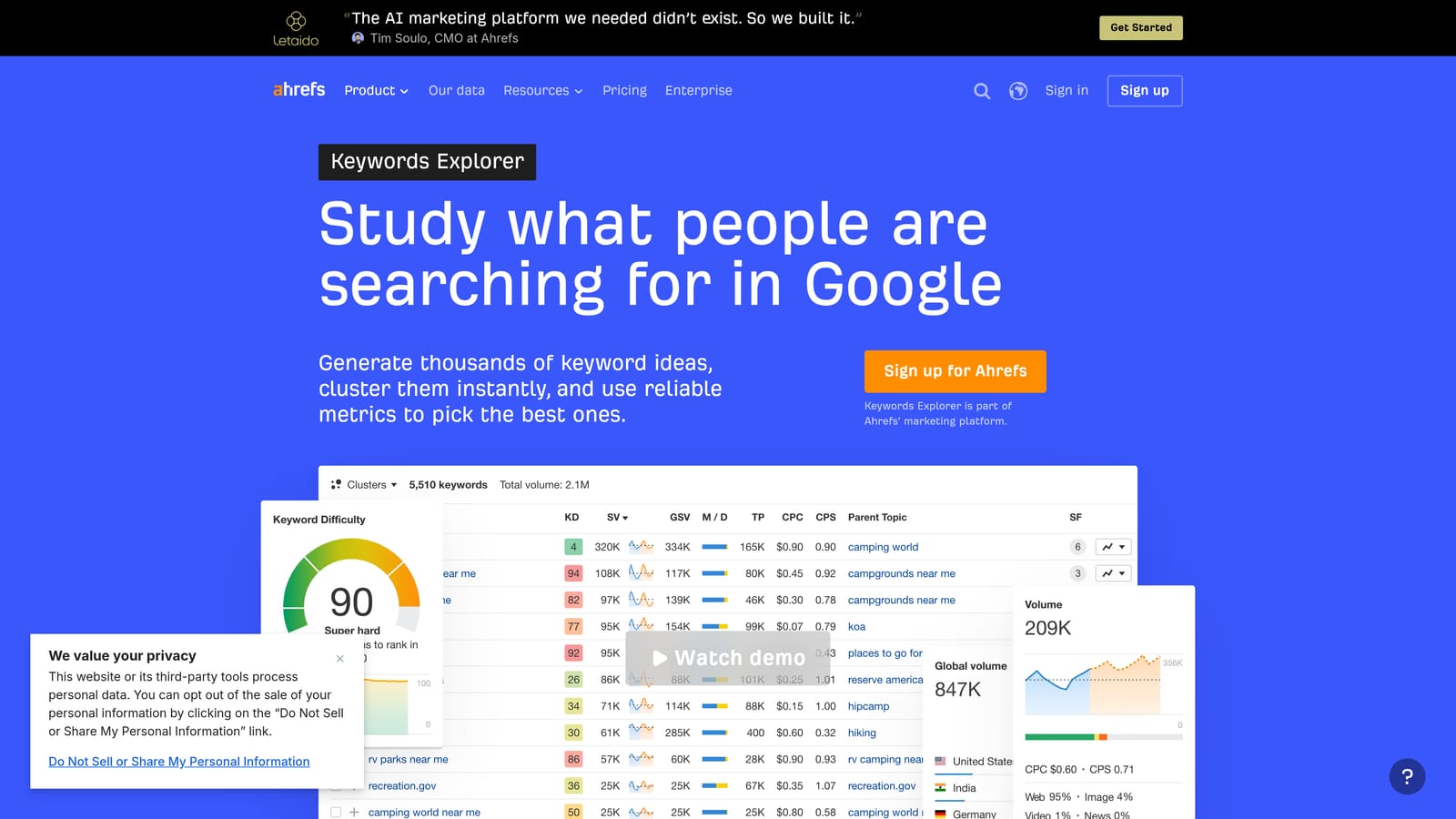
The Clicks metric estimates how many searches lead to actual clicks, which helps you see when a high-volume phrase is mostly answered on the results page. For a paid team, that's a useful sanity check before you chase a keyword.
- Clicks shows the gap between searches and real traffic potential.
- Keyword difficulty scores organic competition, which helps you decide what to pursue in SEO instead of buying.
- Parent Topic grouping rolls related phrases under one theme, which speeds up planning.
- SERP overview shows what currently ranks and what the page looks like.
It connects with Google Search Console and Google Analytics. A marketer or SEO lead typically runs it, and PPC managers dip in for topic decisions.
It's SEO-first, and its PPC competitor data is thinner than Semrush or SpyFu. Don't read its difficulty score as paid competition; that's an organic ranking measure. Pricing is tiered by plan, with usage limits that matter for heavy users. Verify current plans on the website as of November 2026.
Best for: Teams deciding which topics to pursue through paid versus organic search.
6. SpyFu
SpyFu researches competitors by domain. You enter a rival's site and get the keywords they've bought and ranked for, plus their ad history.
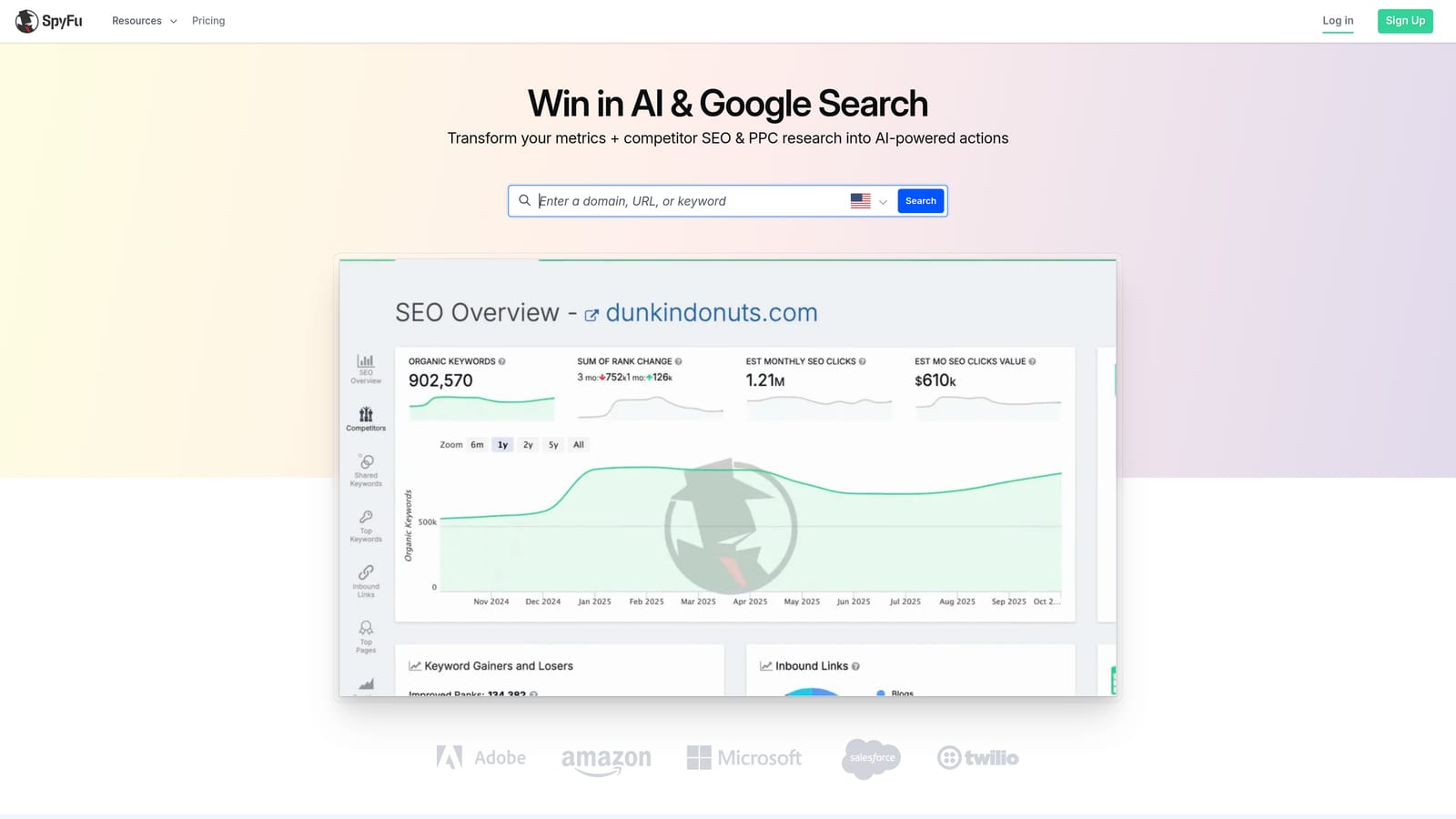
The distinctive piece is depth over time. SpyFu keeps a multi-year record of competitor ad copy and paid keywords, so you can see what a rival has kept running, which is a decent hint at what works for them.
- Competitor paid keyword lists give you candidates to test in your own account.
- Ad variation history shows which messages rivals have stuck with.
- Keyword gap analysis highlights terms competitors target that you don't.
- Domain comparison puts you side by side with several rivals.
It exports to CSV, and setup is simply typing in domains. One analyst can run it.
The data is estimated, and coverage is strongest for the US market, so results for other countries deserve extra skepticism. Competitor keywords also aren't proof of profit; they're hypotheses to test. Subscription plans vary, so check the website for current pricing as of November 2026.
Best for: Mining competitor keyword and ad history to fill gaps in your account.
7. WordStream Free Keyword Tool
The WordStream Free Keyword Tool is built for small advertisers who want suggestions fast and don't want to open a paid account anywhere.
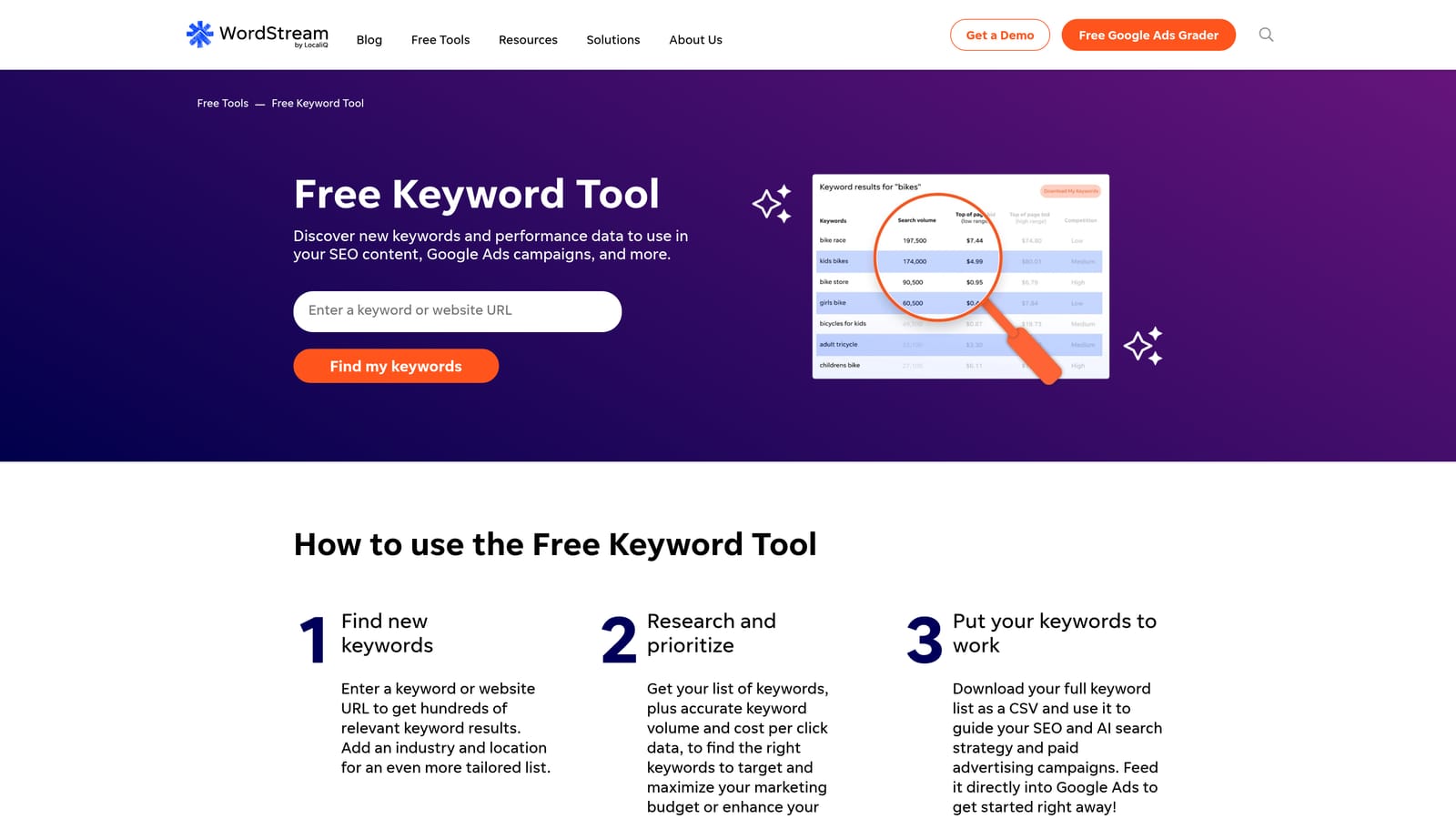
Its angle is the industry filter. You choose your business category and location, and it returns suggestions tuned to that context rather than a generic list.
- Free keyword suggestions from a seed term, with no subscription.
- An industry filter keeps ideas relevant to your type of business.
- A location filter narrows results to where you advertise.
- Basic metrics give a rough sense of competition and cost.
There's nothing to integrate or set up, so a business owner can use it in minutes.
The trade-off is depth. The metrics are basic, and you shouldn't build a large account on them alone. Use it as a starting point, then validate in Keyword Planner. Check the current usage limits on the site, since free tiers change. It's free.
Best for: Small business owners wanting quick, free keyword suggestions.
8. Ubersuggest
Ubersuggest is a budget-friendly keyword and SEO tool that returns search volume, CPC, and difficulty for each idea. It fits freelancers and small businesses that want more data than a free tool gives without paying suite prices.
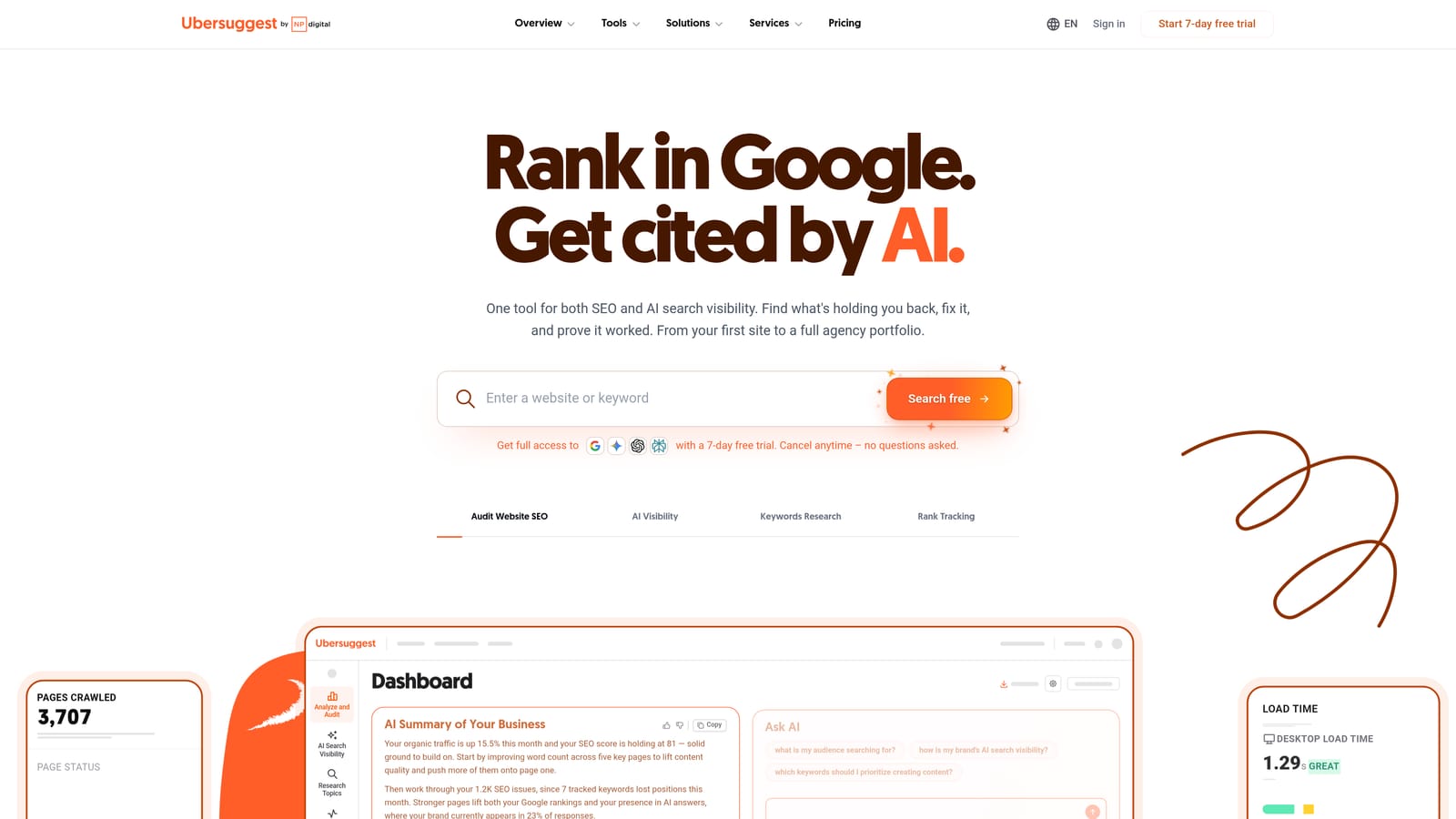
Its main draw is cost flexibility. It has offered both subscription and one-time plan options, which is unusual in this category.
- Keyword ideas expand a seed term into related phrases.
- Volume and CPC figures help you rough out a budget.
- SEO difficulty indicates organic competition, not paid auction pressure.
- Content ideas help if you also run a blog alongside ads.
It integrates with Google Analytics and Google Search Console, and one person can manage it.
The dataset is smaller than the big suites, and PPC-specific features are limited. It won't give you competitor ad history. Pricing depends on the plan type and the number of projects. Confirm current options on the website as of November 2026.
Best for: Freelancers and small businesses on tight budgets.
9. AnswerThePublic
AnswerThePublic takes a seed term and maps the questions, prepositions, and comparisons people attach to it. It's less a volume tool than an intent tool.
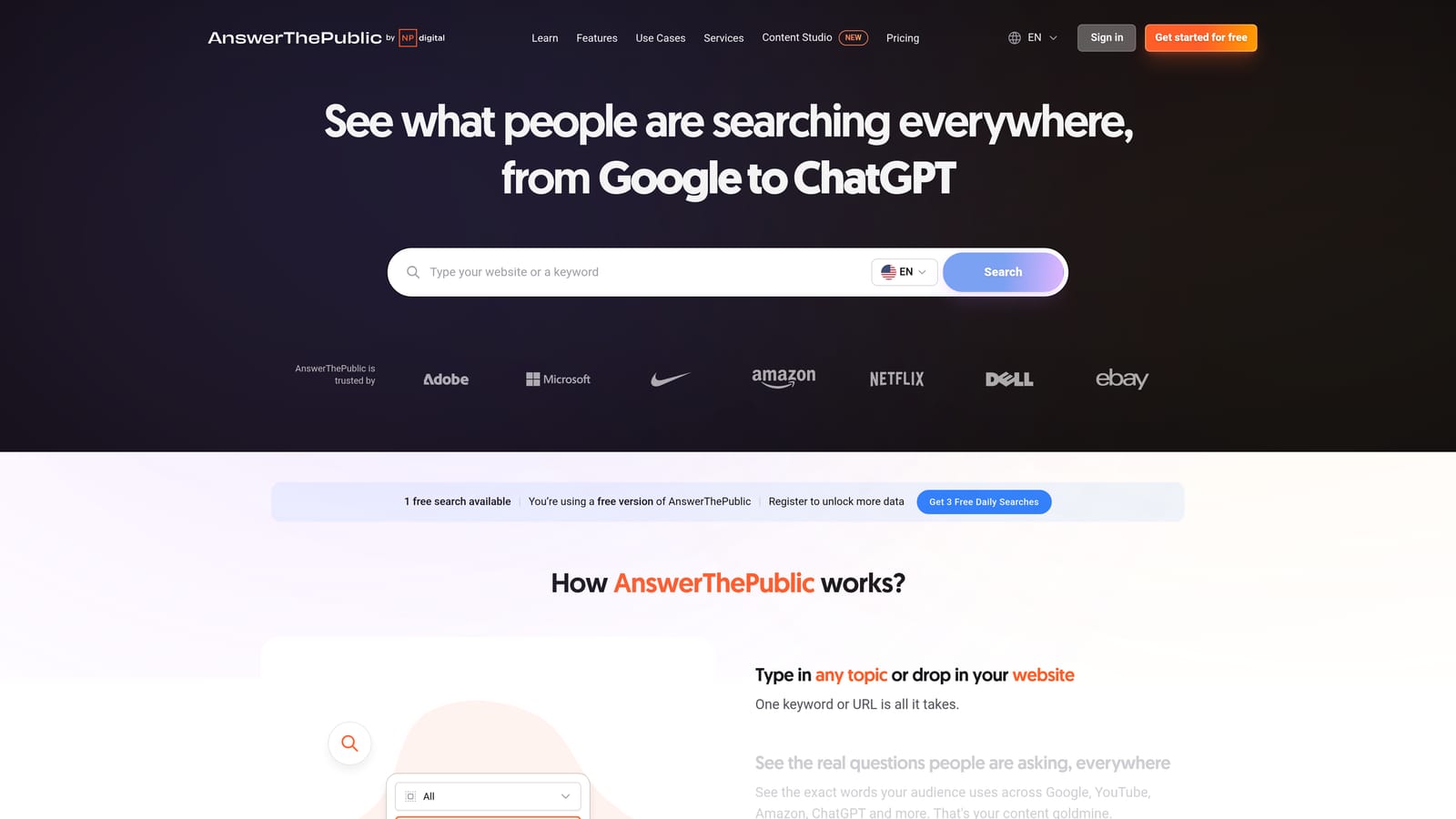
That's why it earns a spot in a Google Ads workflow. Phrases like "free," "jobs," "how to," or "vs" tell you who is searching, and they often point to negative keyword candidates before you've spent a cent on them.
- Question-based ideas show what prospects want to know.
- Preposition and comparison views expose buying and research phrasing.
- Alphabetical suggestions surface long-tail variants.
- CSV export moves the list into your planning sheet.
It needs no integration beyond export, and setup is a single search.
It doesn't offer dependable volume or CPC data, so you can't prioritize with it alone. Plans include a limited number of free searches and paid tiers; check current limits and pricing as of November 2026.
Best for: Mapping search intent and spotting low-intent modifiers to exclude.
Which Keyword Research Tool Fits Your Situation
If you have live Google Ads data, pair Keyword Planner with Keywordme. Planner gives you ideas, volume ranges, and bid estimates for what you haven't targeted yet; Keywordme turns the search terms your campaigns already attract into keywords and negatives. Together they cover both jobs from the opening: finding new keywords and refining existing ones.
For competitor research, choose Semrush if you need paid and organic in one place, or SpyFu if ad copy and keyword history is what you're after. For free idea-seeding, use Google Trends for timing and AnswerThePublic for intent and negative candidates. On a tight budget, Ubersuggest or WordStream will get you started, then validate in Keyword Planner.
Whatever you choose, remember that a keyword idea is a hypothesis and a search term is evidence. If you want to work from the evidence faster, Start your free 7-day trial (then just $12/month) and take your Google Ads game to the next level. Keywordme lets you remove junk search terms, build high-intent keyword lists, and apply match types instantly, right inside Google Ads. No spreadsheets, no switching tabs, just quick, seamless optimization.
