
9 Best Keyword Research Automation Tools for PPC and SEO Teams in 2026
This guide compares nine keyword research automation tools for marketers, freelancers, and agency owners who want to stop wasting hours on exports, spreadsheet deduping, intent sorting, and junk query cleanup. Each tool is labeled by the job it automates and judged on manual effort removed, data quality, workflow fit, and pricing clarity.


Keyword research eats hours when you do it by hand: exporting lists, deduping in spreadsheets, sorting intent, and cleaning out junk queries. This list is for marketers, freelancers, and agency owners who want to cut that work without guessing which kind of tool they need. Each tool is labeled by the job it automates, and was chosen for how much manual effort it removes, the quality of its data, how well it fits a real workflow, and how clear its pricing is.
Quick Comparison of the Keyword Research Automation Tools
- Keywordme: advertisers and agencies cleaning up search terms inside Google Ads; $12/month per user; works inside the native Search Terms Report, so no exports or spreadsheets.
- Google Keyword Planner: PPC advertisers who want free discovery; free with a Google Ads account; first-party Google data at no cost.
- Semrush Keyword Magic Tool: teams combining SEO and PPC research; subscription, see website; keyword, competitor, and PPC research in one suite.
- Ahrefs Keywords Explorer: SEO-led content teams; subscription, see website; clicks and parent topic data that show a topic's real traffic potential.
- SE Ranking: freelancers and small agencies on a budget; subscription, see website; keyword grouping paired with rank tracking and white-label reporting.
- Keyword Insights: content and SEO teams organizing big lists; plan or credit based, see website; large-scale clustering by SERP overlap.
- Optmyzr: agencies running many ad accounts; tiered, see website; rule-based automation across accounts.
- Google Ads Scripts: technical advertisers; free; fully customizable automation with no software fee.
- AnswerThePublic: early-stage ideation; limited free searches, paid plans, see website; natural-language questions and modifiers for long-tail ideas.
1. Keywordme
Keywordme is a Chrome extension that adds one-click actions to the Search Terms Report in Google Ads. It automates the in-account job: turning the real queries people typed into negative keywords or new keywords without leaving the interface. If you've ever exported a search terms report, sorted it in a spreadsheet, and pasted negatives back in, this replaces that loop.
The distinction matters because a search term is what a person actually searched, while a keyword is what you bid on. Discovery tools suggest keywords you might want. Only the Search Terms Report shows what your ads matched, so that's where junk gets caught. Keywordme works at that point, and it's the only tool on this list built purely around it.
- Add negative keywords from the Search Terms Report in one click, so junk queries stop costing you money.
- Add search terms as keywords with the match type already applied, which saves manual formatting.
- Cluster keywords so you can spot themes in a long report rather than reading line by line.
- Edit in bulk when the same change applies to many terms.
- Share multi-account and team support across an agency, so a team can work through client accounts the same way.
Setup is light: install the extension, open Google Ads in Chrome, and it appears in the report you already use. The person running it is whoever does search term reviews, typically a PPC manager or freelancer. Keywordme describes itself as helping users optimize up to 10x faster; that's the company's own claim, not an independent benchmark.
The limits are clear. It works with Google Ads only, and it doesn't offer external keyword discovery, search volume, or competitor data. You'll need a separate tool for finding new ideas. It also speeds up your decisions rather than making them, so you still review each term yourself.
Pricing is a flat $12/month per user with a 7-day free trial, as of writing. Verify on the site before buying, since prices change.
Best for: Advertisers and agencies who want faster search term cleanup and keyword building inside Google Ads.
2. Google Keyword Planner
Google Keyword Planner is the free keyword discovery tool inside Google Ads. You enter seed terms or a website URL, and it returns keyword ideas with historical metrics. It's built for PPC advertisers planning campaigns, and its biggest draw is that the data comes straight from Google at no cost.
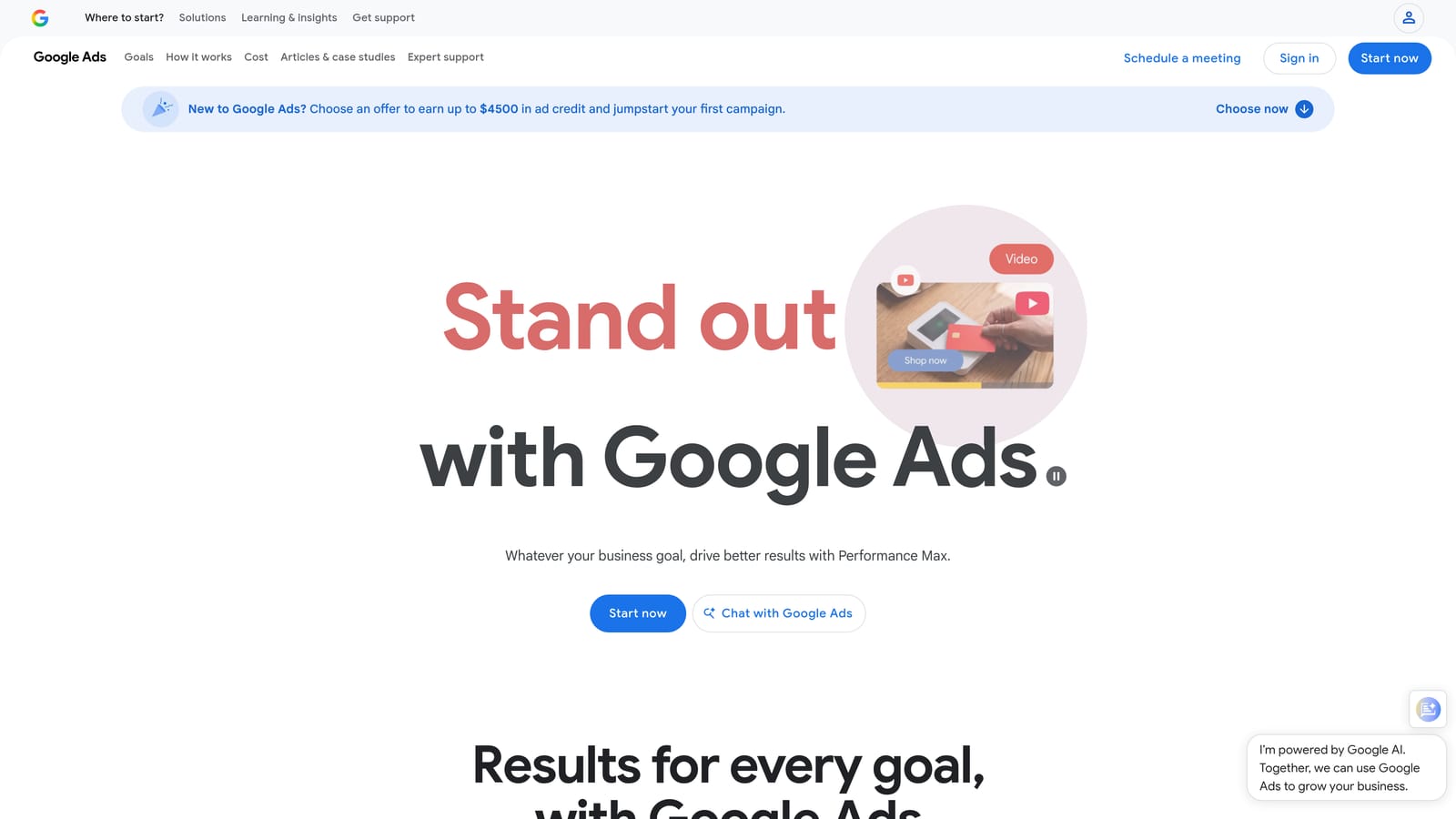
- Generate keyword ideas from seed terms or a URL, so you can start with a product page instead of a blank list.
- See search volume ranges and trends, which helps you spot seasonality before you commit budget.
- Run forecasts for planned keywords to sanity-check expected clicks and spend.
- Add ideas directly to plans or campaigns without copying them between tools.
Setup is minimal if you already have a Google Ads account, and the person who builds campaigns usually runs it. The automation is limited, though. It suggests and organizes, but it won't clean up your live queries or group by SERP intent.
Two cautions. There's no SEO difficulty data, so it's a weak fit for content planning. And volume may show as ranges rather than exact figures in some accounts, so treat the numbers as directional. Keyword Planner volume is not the same as traffic you'll receive; your bids, budget, match types, and ad quality decide that. It also doesn't replace search term review, since real queries only appear in the Search Terms Report once ads run.
Pricing: free with a Google Ads account.
Best for: Free PPC keyword discovery tied directly to campaign planning.
3. Semrush Keyword Magic Tool
Semrush houses the Keyword Magic Tool, a large keyword database you can slice with filters, then save into lists. What sets it apart on this list is breadth: keyword, competitor, and PPC research live in one suite, so a team doing both SEO and paid search can work from a single set of data.
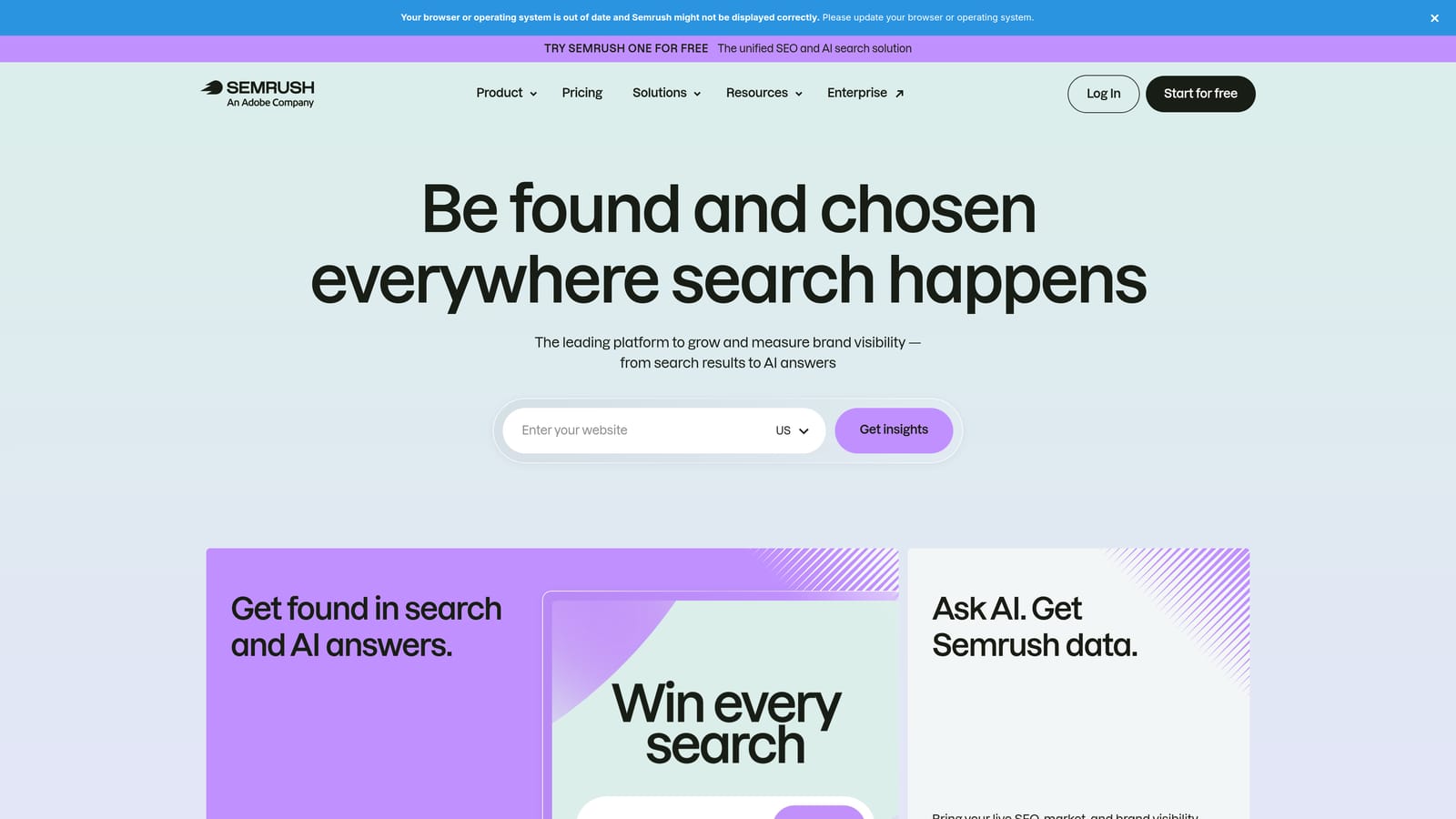
What you get
- Advanced filters let you narrow huge idea lists by volume, word count, and more, instead of scrolling manually.
- Intent and difficulty metrics help you sort which terms suit ads and which suit content.
- Keyword Manager lists keep shortlisted terms organized for handoff to campaigns or briefs.
- Competitor keyword gap analysis shows terms rivals rank or advertise for that you don't.
Setup and fit
It connects to Google Ads, Google Search Console, and Google Analytics, so you can tie research to your own performance data. Setup is mostly account connections, but the learning curve is real because the suite is big. It's usually run by an SEO lead or a marketer who covers both channels.
The trade-off is cost and complexity. If all you need is PPC search term cleanup, you'll pay for a lot you won't touch. It also researches keywords rather than managing your live account queries.
Pricing is subscription tiers; check the website for current plans, which vary by features and usage limits.
Best for: Teams combining SEO and PPC research who want one platform.
4. Ahrefs Keywords Explorer
Ahrefs Keywords Explorer leans toward SEO. Its standout is clicks and parent topic data: instead of only showing search volume, it estimates how many clicks a query tends to earn and which broader topic a page would rank for. That helps you judge whether a keyword with big volume actually sends traffic.
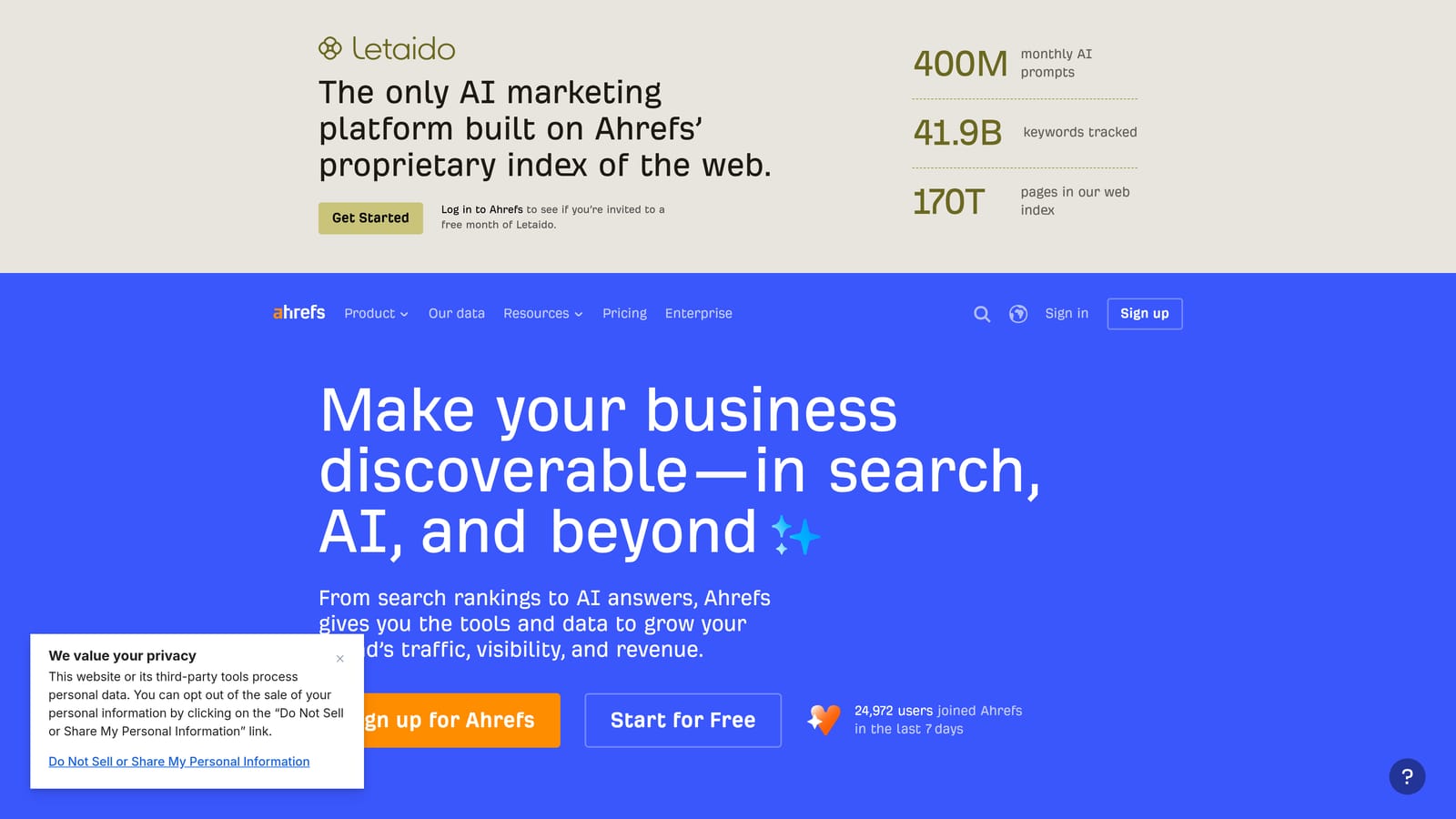
The limitation comes first: it's SEO-focused, with limited PPC workflow features. If your day is bids, match types, and search term reports, it won't touch that work.
- Pull keyword ideas across multiple search engines, useful when you target more than Google.
- Group by parent topic so you can see when several phrases can be served by one page.
- Check clicks and difficulty metrics to prioritize terms that can drive traffic and are realistic to rank for.
- Review competitor organic keyword reports to find what's already working for rivals.
It integrates with Google Search Console and Ahrefs Webmaster Tools, so site owners can pair research with their own data. Setup is quick, and the typical user is a content strategist or SEO specialist. Agencies running both channels often keep it for the SEO side and use something else for ads.
Pricing is subscription based, with tiers; see the website for current plans. Costs generally rise with plan level and usage limits.
Best for: SEO-led content teams researching competitors and topics.
5. SE Ranking
SE Ranking is an all-in-one SEO platform that stays approachable for smaller budgets. What it does differently from the rest of the list is pair keyword grouping with rank tracking and client reporting, so research, organization, and proof of results sit in the same place.
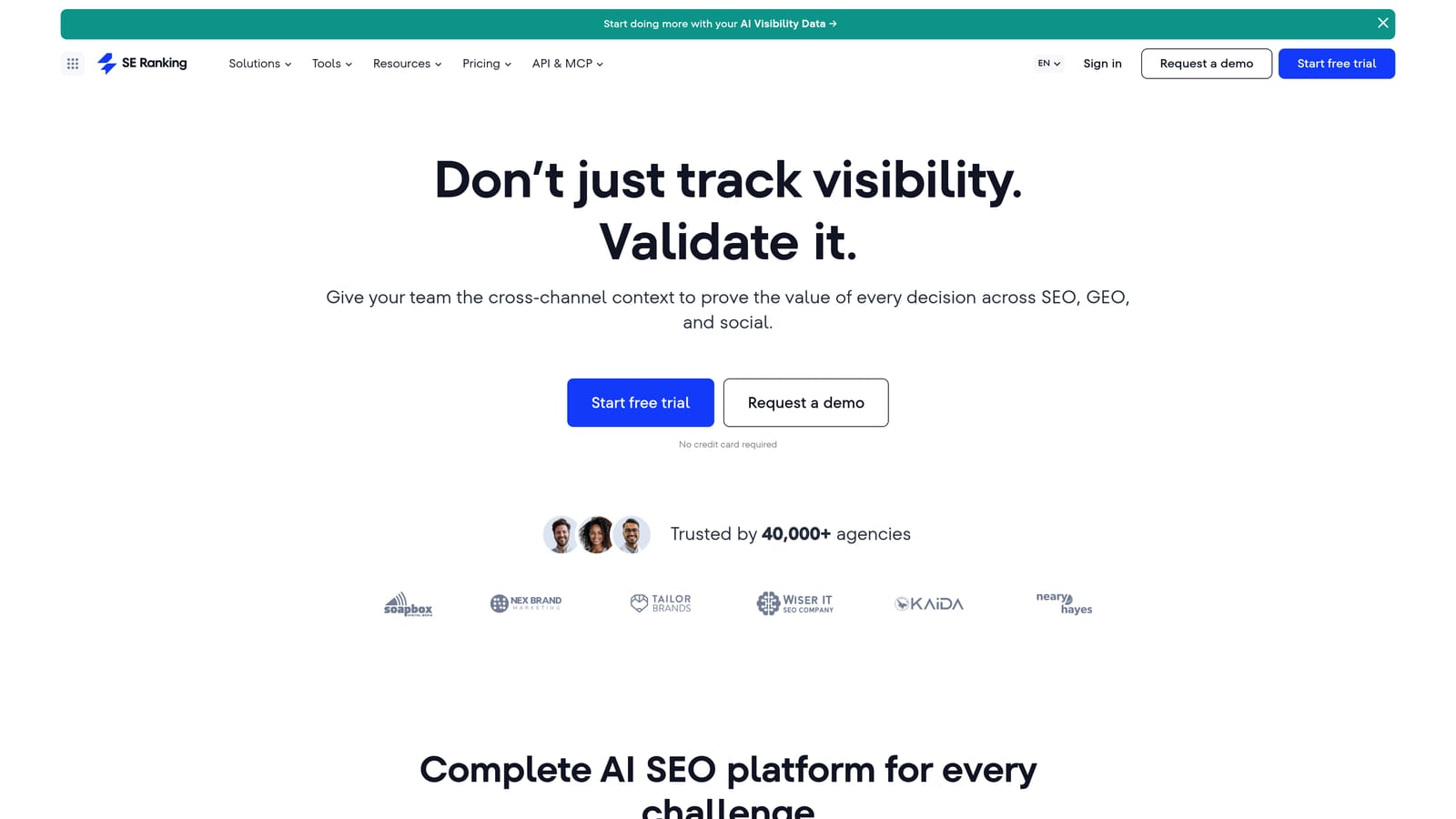
Freelancers and small agencies are the natural buyers. You can research terms, group them, track where you rank, and send a white-label report to a client without stitching together separate products.
- Keyword research tool finds ideas and basic metrics so you can start a project without another subscription.
- Keyword Grouper clusters related terms automatically, cutting the time you'd spend sorting by hand.
- Rank tracking shows whether your target terms are moving, which closes the loop on research.
- White-label reporting lets agencies hand clients branded updates.
It connects with Google Search Console, Google Analytics, and Google Ads. Setup is straightforward, and one person, often the freelancer or account manager, can run the whole thing.
The main limitation is a smaller dataset than the largest SEO suites. For niche or international research where depth matters, you may find gaps. It's also SEO-first, so it won't handle in-account PPC cleanup.
Pricing is subscription tiers; see the website. Plan size typically depends on projects, tracked keywords, and usage limits.
Best for: Freelancers and small agencies on a budget.
6. Keyword Insights
Keyword Insights does one job well: it takes a large list of keywords and clusters them by SERP similarity. Keyword clustering means grouping related terms that should be handled together, such as on a single page or in one ad group. Here, groups are formed by how much the search results overlap, which is a stronger signal than similar wording.

That's what separates it from the others here. It's built to process big lists you already have, say an export from several tools, and make sense of them at scale.
- SERP-based clustering groups terms that Google treats as the same topic, so you avoid creating competing pages.
- Search intent labeling tells you whether a cluster is informational, commercial, or transactional.
- Content brief generation turns a cluster into a starting outline for writers.
- Keyword list import means you bring your own data from whatever source you prefer.
Integrations include Google Search Console and Google Ads, though the available options should be verified on the site, as they change. A content or SEO lead usually runs it, and setup is mostly uploading a list and choosing settings.
The limit is scope. It works on lists you supply and doesn't manage Google Ads accounts, so it won't remove junk queries or apply negatives. PPC teams can use the groupings to plan ad groups, but the changes still happen elsewhere.
Pricing is plan or credit based; see the website for current options.
Best for: Content and SEO teams organizing large keyword lists.
7. Optmyzr
Optmyzr is a PPC management platform where the automation is rule-based. You define conditions and it checks accounts against them, which is the opposite of one-off research. For agencies with many ad accounts, that's the difference: the same checks run across everything instead of someone clicking through each account.

Where it helps
- Search term and negative keyword analysis surfaces wasteful queries across accounts.
- A rule engine runs automated checks, so recurring problems get flagged without manual audits.
- Bulk optimizations apply changes across multiple accounts at once.
- Reporting packages results for clients or internal reviews.
Fit and trade-offs
It supports Google Ads, Microsoft Advertising, and Meta Ads, though you should verify the current list. Setup involves connecting accounts and configuring rules, which takes real time up front. A PPC manager or an agency's optimization lead usually owns it.
It's broader and costlier than needed if keyword work is all you want. Pricing is tied to ad spend, so costs grow as you manage more budget. It also isn't a discovery tool; it won't tell you which new keywords to target the way Keyword Planner or Semrush does.
Pricing is tiered; see the website for current plans.
Best for: Agencies managing many accounts that want rules-driven PPC automation.
8. Google Ads Scripts
Google Ads Scripts let you write JavaScript that runs inside your Google Ads account. It's the most flexible option here and the only one with no software fee, since you build the automation yourself.
Because you write the logic, you can shape it to your exact workflow: a script that flags search terms matching certain patterns, writes them to a Google Sheet, and emails you a summary.
- Custom JavaScript automation lets you encode your own rules instead of accepting a vendor's.
- Scheduled runs mean checks happen daily or hourly without you remembering.
- Search term reporting scripts can pull queries into a format you can review quickly.
- Alerts and spreadsheet output keep you informed through tools you already use.
It integrates with Google Ads and Google Sheets. Setup effort is the catch: someone has to write, test, and maintain the code. That person needs coding skill, and in a small team it's often one technical specialist who becomes the single point of failure.
Scripts can change live accounts, so careful testing matters. Start with read-only reports before you let a script pause anything or add negatives. It's not for anyone who wants a point-and-click interface, and it offers no discovery data.
Pricing: free.
Best for: Technical advertisers who want custom, no-cost automation.
9. AnswerThePublic
AnswerThePublic is an ideation tool. You enter a seed term and it visualizes the questions, prepositions, and comparisons people attach to it. It automates the brainstorming step, which is useful when you're staring at a blank page.
Its edge over the rest of the list is natural language. Where other tools hand you high-volume head terms, this one surfaces phrasing like "can I..." or "vs" modifiers that make good long-tail targets and content topics.
- Question, preposition, and comparison phrases show how real people word their searches.
- Seed-term search gives you a wide spread of angles from one starting word.
- Data export moves ideas into your spreadsheet or another tool for scoring.
- Multi-country search options may be available, so verify current support on the site.
Integration is limited to CSV export, so you'll carry the output into another tool to add numbers. Setup takes minutes, and anyone on the team can run it. Marketers, writers, and PPC planners all use this kind of tool early in a project.
The key limitation is that it lacks precise volume and competition metrics. You can't judge value from it alone, so pair it with Keyword Planner or an SEO suite. Nor does it touch your live account data.
Pricing includes limited free searches plus paid plans; see the website for current terms.
Best for: Early-stage ideation of long-tail and question-based keywords.
Which Tool to Pick for Your Situation
Match the tool to the job. For in-account search term cleanup, Keywordme is the direct fit. For free PPC discovery, start with Keyword Planner. For deep SEO and competitor research, choose Semrush or Ahrefs. For clustering, Keyword Insights handles big lists, while SE Ranking suits smaller budgets. For broader PPC automation, Optmyzr covers many accounts and Scripts covers custom, no-cost builds.
Can keyword research be fully automated? Not really. Tools speed up discovery, grouping, and cleanup, but you still decide which terms fit your offer, so review any suggestion before it goes live. Most teams end up pairing one discovery tool with one in-account optimization tool, because ideas and real queries are different data.
If search term review is your bottleneck, that's where Keywordme earns its place. Check our guides on the search terms report, negative keywords, and match types if you want the groundwork first.
Optimize Google Ads Campaigns 10X Faster. Without Leaving Your Account. Keywordme lets you remove junk search terms, build high-intent keyword lists, and apply match types instantly, right inside Google Ads. No spreadsheets, no switching tabs, just quick, seamless optimization. Start your free 7-day trial (then just $12/month) and take your Google Ads game to the next level.
.svg)