
9 Best Keyword Management Software Tools for Marketers
Discover the 9 best keyword management software for marketers in 2026, covering top tools for PPC optimization, SEO research, keyword clustering, and negative keyword management—from free options like Google Keyword Planner to agency-grade platforms like Ahrefs and Semrush.


TL;DR: The best keyword management software for marketers in 2026 covers a range of use cases: PPC optimization, SEO research, negative keyword management, and keyword clustering. If you're running Google Ads, Keywordme is the fastest in-interface option available. For SEO-focused keyword research, Ahrefs and Semrush lead the pack. For agencies managing multiple accounts, tools with bulk editing and team support are non-negotiable. And if you're just starting out, Google Keyword Planner is free and surprisingly capable.
Managing keywords manually across spreadsheets, dashboards, and multiple ad accounts is one of the biggest time drains in digital marketing. Whether you're a solo freelancer optimizing a single Google Ads account or an agency juggling 30+ clients, the right keyword management software can mean the difference between a profitable campaign and a budget hemorrhage.
This list covers the best keyword management tools available in 2026, evaluated across PPC optimization, SEO research, negative keyword management, match type control, and workflow efficiency. Each tool is assessed on features, pricing, and who it's actually built for. No fluff, no filler.
1. Keywordme
Best for: PPC marketers who want to optimize Google Ads campaigns without leaving the native interface.
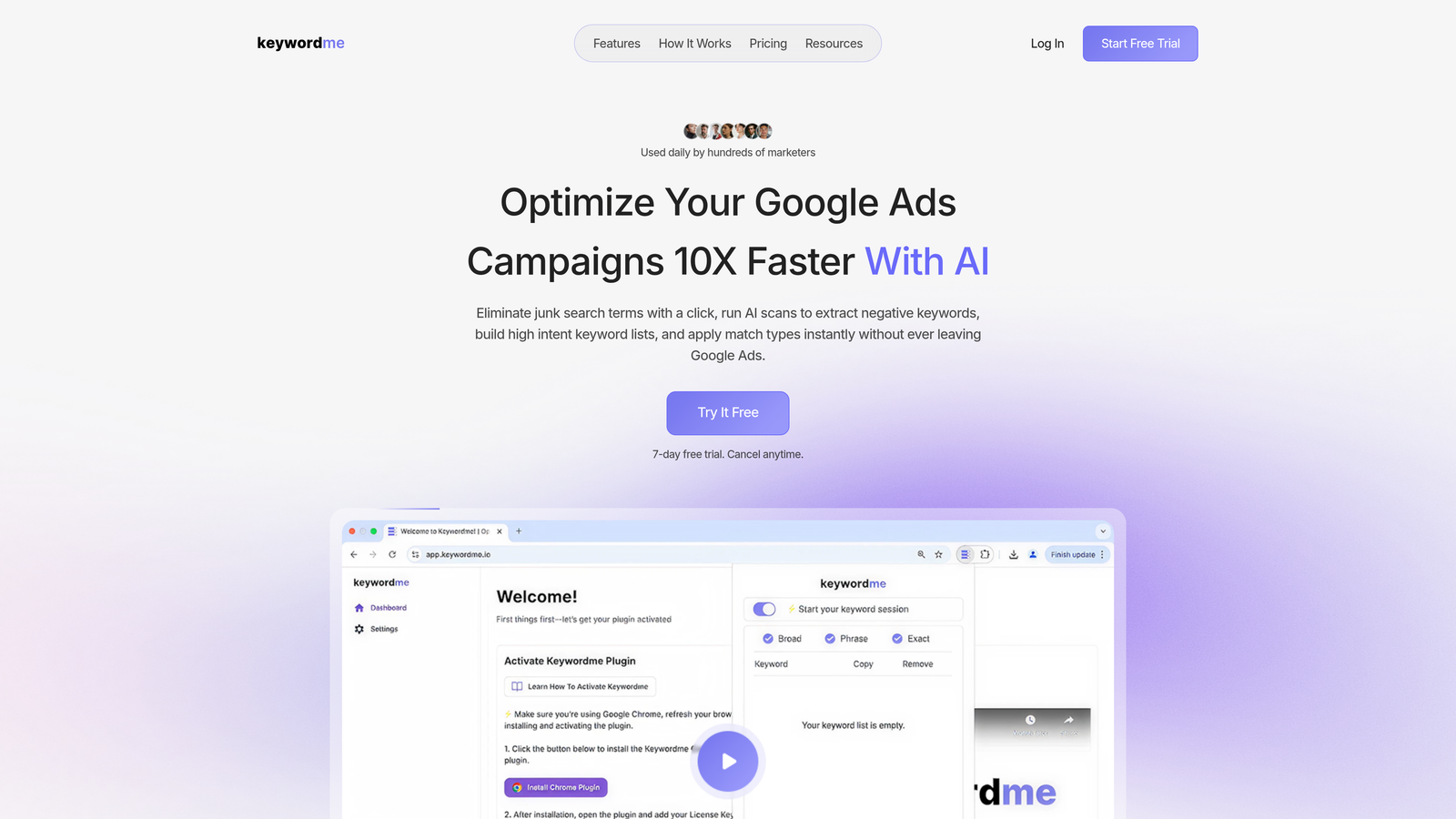
Keywordme is a Chrome extension that plugs directly into Google Ads' Search Terms Report, letting you remove junk search terms, add negatives, apply match types, and build keyword lists without ever switching tabs or touching a spreadsheet.
Where This Tool Shines
In most accounts I audit, the biggest time sink isn't strategy—it's the manual back-and-forth of exporting CSVs, cleaning data in Excel, and re-uploading changes into Google Ads. Keywordme eliminates that entirely. You're working inside the native Google Ads UI, and every action—adding a negative, clustering keywords, applying match types—happens with a click.
For agencies managing multiple client accounts, this is a genuine workflow upgrade. The multi-account and team support means your whole team can work from the same tool without anyone spinning up a separate dashboard. It's not trying to replace your entire marketing stack; it's purpose-built to make the Search Terms Report actually usable.
Key Features
One-Click Negative Keywords: Add negative keywords directly from the Search Terms Report without exporting or switching tools.
Match Type Application: Apply broad, phrase, or exact match types to keywords instantly, without spreadsheet formulas or manual formatting.
Keyword Clustering: Group and organize keywords into logical ad groups within Google Ads, speeding up campaign structure work significantly.
Bulk Editing: Make changes across multiple campaigns at once, which is essential for agencies managing high-volume accounts.
Multi-Account and Team Support: Built for agency workflows where multiple users need access across different client accounts.
Best For
Keywordme is the right fit for Google Ads managers, PPC freelancers, and agency teams who spend meaningful time each week inside the Search Terms Report. If your primary keyword management challenge is operational—removing waste, building negative lists, organizing match types—this tool directly addresses that. It's less relevant if your main need is SEO keyword discovery or competitive research.
Pricing
$12/month per user, flat rate. A 7-day free trial is available with no credit card required. Straightforward pricing with no tiered feature gates.
2. Semrush
Best for: Agencies and marketers who need both SEO and PPC keyword research in a single platform.
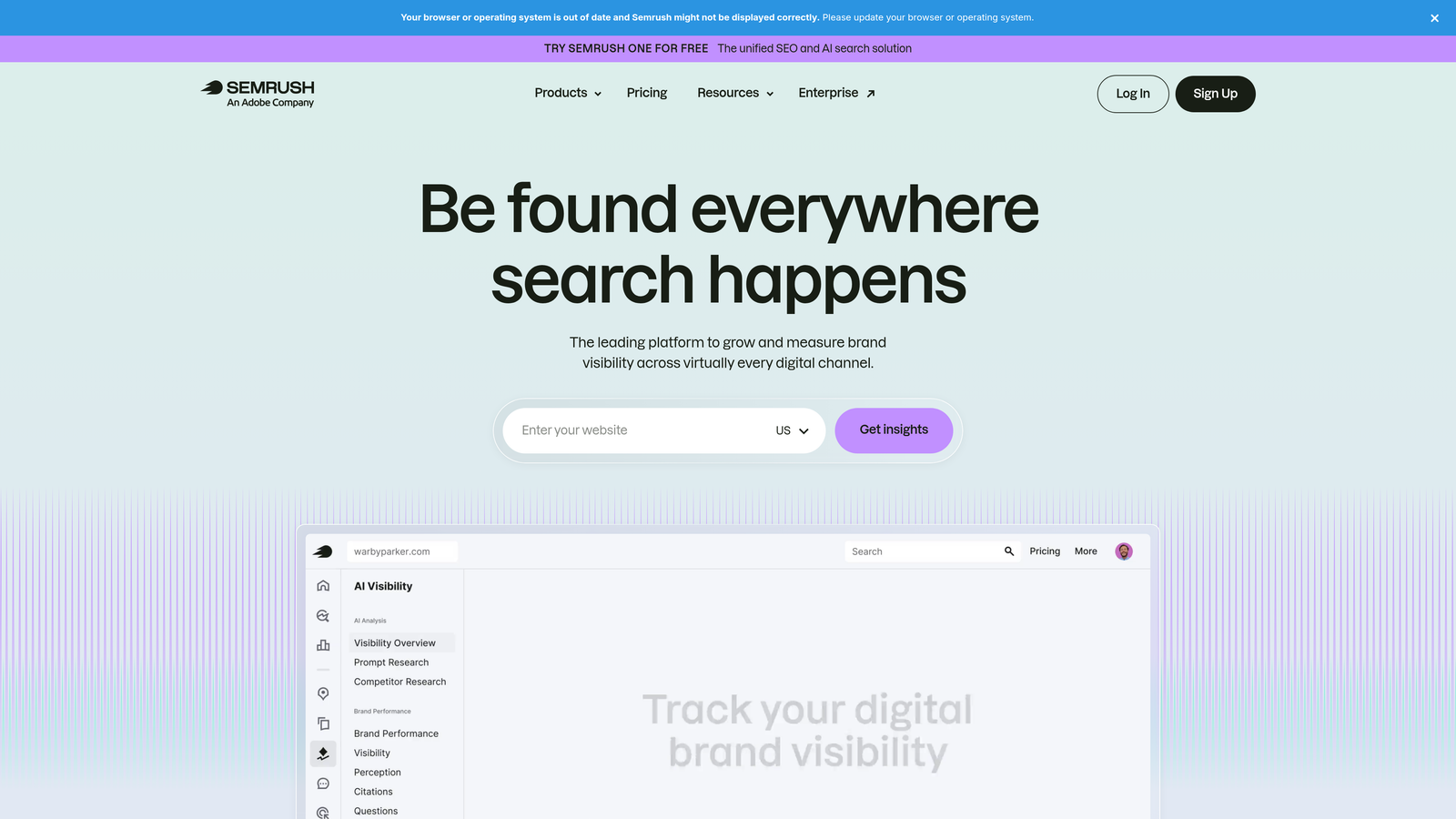
Semrush is a comprehensive digital marketing platform with one of the largest keyword databases available, covering both SEO and PPC keyword research workflows.
Where This Tool Shines
Semrush is the platform you reach for when you need to understand the full keyword landscape before building a campaign. The Keyword Magic Tool is legitimately impressive—billions of keyword suggestions, filterable by intent, CPC, volume, and difficulty. For PPC specifically, the PPC Keyword Tool lets you build ad groups, identify negatives, and spot keyword conflicts before they waste budget.
The breadth can feel overwhelming if you only need one thing. But for agencies that need SEO and PPC research under one roof, Semrush earns its price. The keyword gap analysis feature alone is worth exploring if you're doing competitive research for new clients.
Key Features
Keyword Magic Tool: Billions of keyword suggestions with filters for intent, volume, difficulty, and CPC.
PPC Keyword Tool: Builds ad group structures and identifies negative keyword opportunities before campaigns go live.
Keyword Gap Analysis: Surfaces keywords your competitors rank for that you don't, useful for both SEO and PPC planning.
Position Tracking: Monitors keyword rankings across devices and locations over time.
Advertising Research: Reveals competitor PPC strategies including estimated spend and ad copy history.
Best For
Agencies and in-house teams that need a unified platform for SEO and PPC keyword research. Also strong for content marketers who want a single source of truth for keyword planning across channels.
Pricing
Plans start around $139.95/month. Verify current pricing at semrush.com as rates change regularly.
3. Ahrefs
Best for: SEO professionals who need accurate keyword difficulty scores and deep SERP analysis.
Ahrefs is an SEO-focused platform known for its accurate keyword difficulty scores, deep SERP analysis, and Keywords Explorer tool covering multiple search engines.
Where This Tool Shines
Ahrefs is widely respected for the accuracy of its keyword difficulty metric. Unlike some tools that inflate or deflate difficulty scores, Ahrefs gives you a realistic picture of what it actually takes to rank—including how many backlinks the top-ranking pages have. For organic keyword strategy, it's hard to beat.
The content gap tool is particularly useful during client onboarding. You can quickly identify which keywords competitors rank for that your client doesn't, then prioritize by traffic potential. It's not purpose-built for PPC campaign management, but it's excellent for the research phase before campaigns are structured.
Key Features
Keywords Explorer: Covers Google, YouTube, Amazon, Bing, and more in a single research interface.
Keyword Difficulty Scoring: Provides realistic ranking probability estimates backed by SERP-level data.
Content Gap Analysis: Identifies keywords competitors rank for that your site doesn't yet target.
SERP Overview: Shows traffic estimates and backlink data for each result on the first page.
Keyword Lists: Organize and save keyword sets within the platform for ongoing reference.
Best For
SEO specialists, content strategists, and agencies with a strong organic search focus. Less relevant for marketers whose primary workflow is PPC campaign optimization rather than organic keyword research.
Pricing
Plans start around $129/month. Verify current pricing at ahrefs.com.
4. Google Keyword Planner
Best for: Beginners and advertisers who want first-party Google search data at no cost.
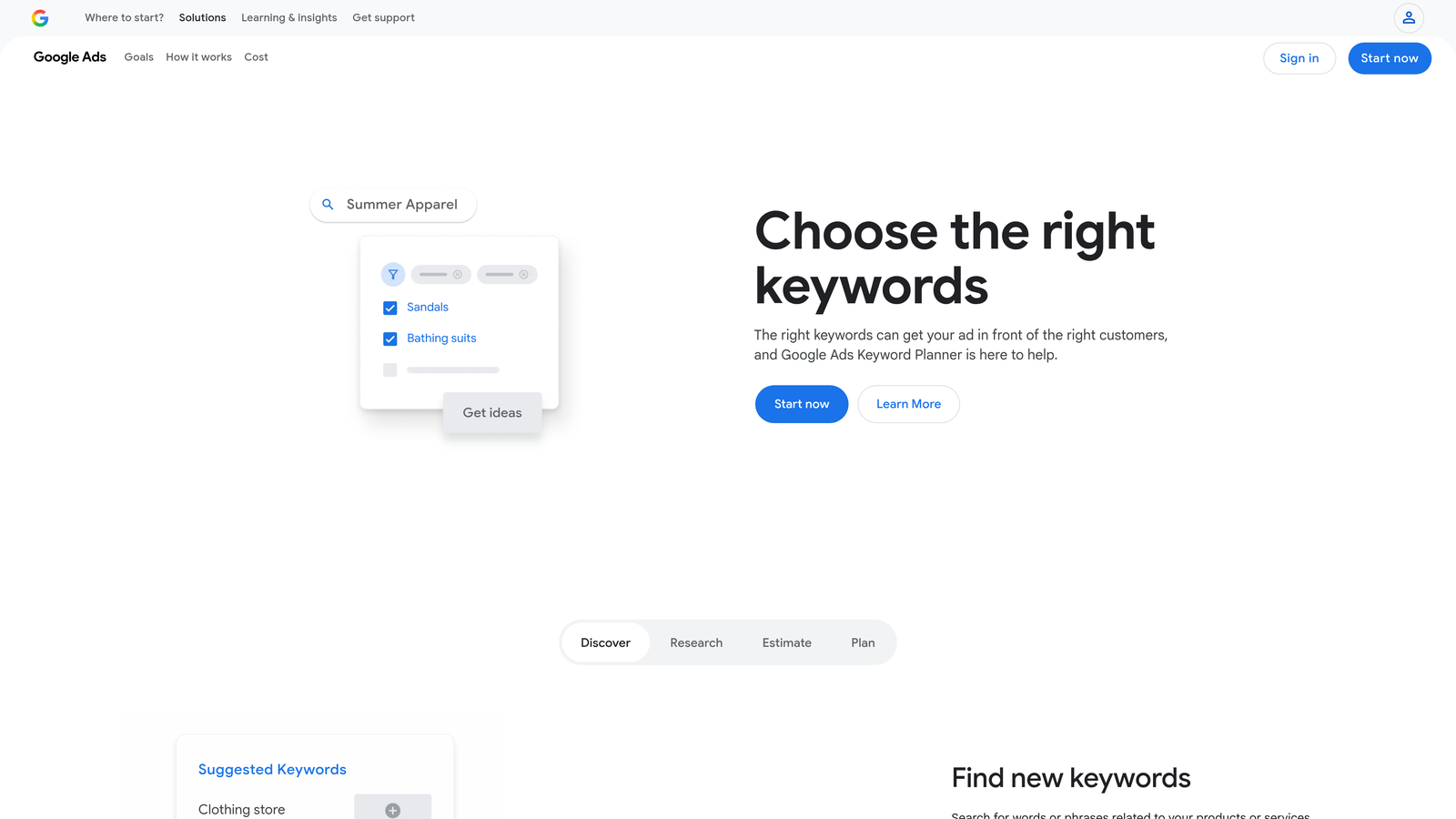
Google Keyword Planner is Google's free, native keyword research tool built directly into Google Ads, providing first-party search volume estimates and CPC data.
Where This Tool Shines
There's a reason every PPC manager has used this at some point: the data comes directly from Google. CPC estimates, search volume ranges, and competition levels are sourced from the same system that runs your campaigns. For initial keyword discovery and rough bid estimation, it's a solid starting point.
The limitation worth knowing: volume data is shown as broad ranges unless your account has active ad spend. This makes it less useful for granular keyword analysis. It also has no clustering, no negative keyword workflow, and no match type management. Think of it as a research starting point, not a full keyword management solution.
Key Features
First-Party Volume Data: Search volume and forecasts sourced directly from Google's ad network.
CPC Bid Estimates: Keyword-level bid range estimates by location and network.
Keyword Discovery: Generate keyword ideas from seed terms or competitor URLs.
Ad Group Suggestions: Basic campaign structure ideas grouped by theme.
Direct Import to Google Ads: Add keywords to campaigns without leaving the tool.
Best For
Beginners getting started with Google Ads, or experienced advertisers who need quick first-party volume checks. Not a standalone keyword management solution for active campaign optimization.
Pricing
Free with any Google Ads account.
5. WordStream
Best for: SMBs and agencies that want guided PPC optimization workflows for Google and Microsoft Ads.
WordStream is a PPC management platform with guided optimization workflows designed to help SMBs and agencies act on recommendations quickly without deep platform expertise.

Where This Tool Shines
The "20-Minute Work Week" feature is WordStream's signature: a prioritized list of optimization tasks the platform thinks you should tackle, ranked by potential impact. For small business owners or account managers handling many clients without deep PPC expertise, this guided approach reduces the cognitive load of knowing where to start.
The keyword grouper and negative keyword conflict detection are genuinely useful features. What usually happens with accounts that have been running for a while is that negative keywords start conflicting with active keywords, blocking impressions without anyone noticing. WordStream flags this automatically.
Key Features
20-Minute Work Week: Prioritized optimization task list with guided recommendations for quick account improvements.
Keyword Grouper: Organizes keywords into tightly themed ad groups more efficiently than manual sorting.
Negative Keyword Management: Identifies and resolves negative keyword conflicts that block legitimate traffic.
Cross-Platform Management: Manages both Google Ads and Microsoft Ads from a single interface.
Account Grading: Audits account performance and surfaces improvement areas with a grade-based report.
Best For
SMBs who want guided PPC management without deep platform expertise, and agencies looking for a simplified workflow layer on top of Google and Microsoft Ads. Less suitable for advanced advertisers who prefer granular, manual control.
Pricing
Custom pricing for agencies; SMB plans also available. Check wordstream.com for current rates.
6. SpyFu
Best for: Competitive keyword intelligence and researching what competitors are buying in Google Ads.
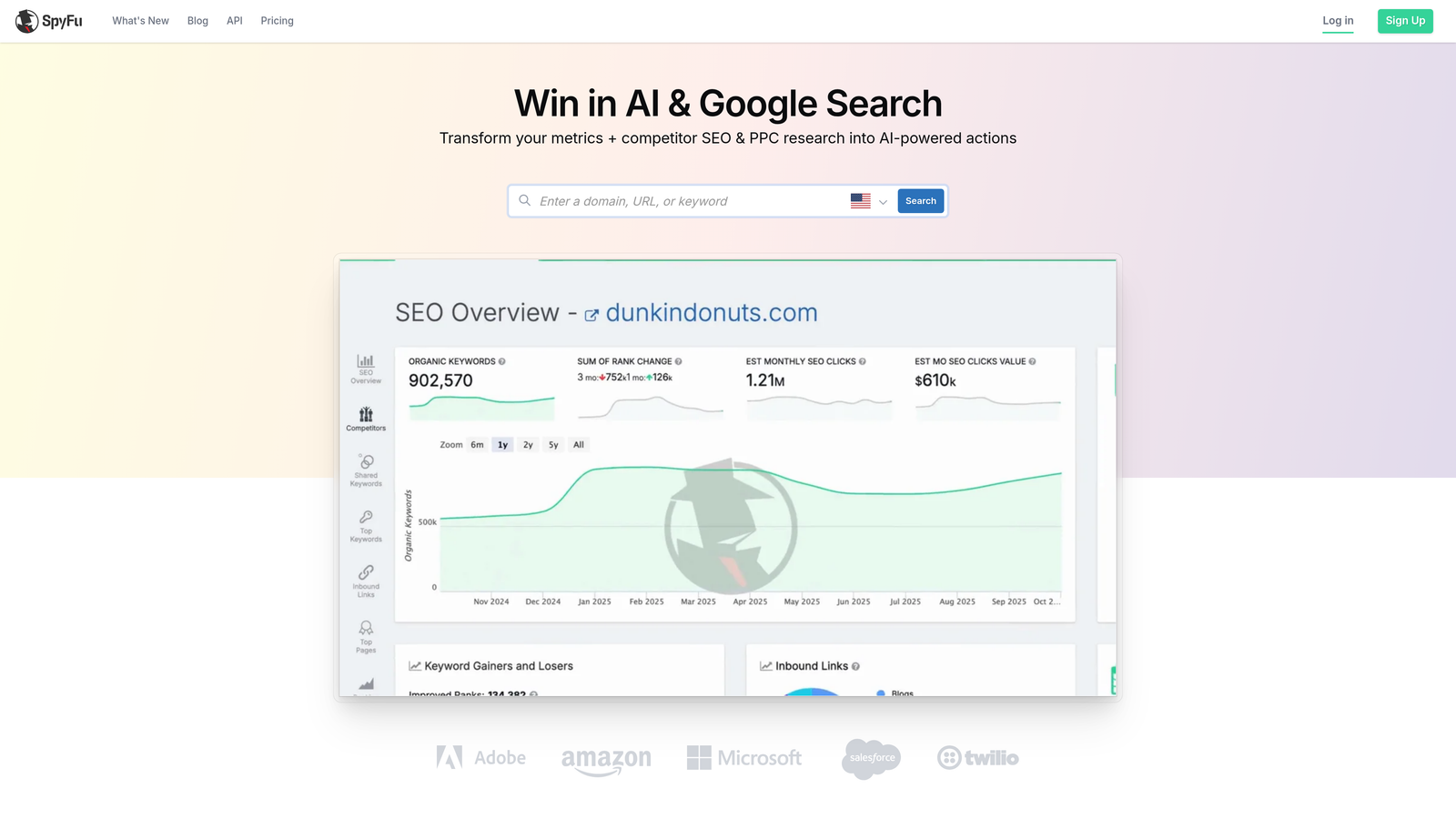
SpyFu is a competitive intelligence tool that lets marketers see exactly which keywords competitors are bidding on in Google Ads and ranking for organically.
Where This Tool Shines
SpyFu is the tool I reach for during client onboarding when I need to understand the competitive landscape fast. Enter a competitor's domain and you get their entire PPC keyword history, estimated spend, ad copy variations, and which keywords they've been bidding on for years. That historical data is genuinely valuable for spotting long-term strategic bets.
It's worth being clear about what SpyFu is and isn't. It's a research and intelligence tool, not an operational keyword management platform. You won't use it to manage match types or build negative keyword lists. But for new campaign strategy and competitive gap analysis, it's one of the most practical tools on this list.
Key Features
Competitor PPC Keyword History: Years of historical data on which keywords competitors have bid on and for how long.
Ad Copy and Landing Page Analysis: See the actual ads competitors have run alongside the landing pages they pointed to.
Organic and Paid Data Together: View both SEO rankings and PPC activity for any domain in one place.
Keyword Kombat: Multi-competitor keyword comparison tool for identifying gaps and overlaps.
SERP Analysis: Ranking difficulty estimates with domain-level context.
Best For
PPC managers doing competitive research before launching new campaigns, and agency teams who need to quickly understand a client's competitive landscape during onboarding.
Pricing
Plans start around $39/month. Verify current pricing at spyfu.com.
7. Moz Keyword Explorer
Best for: Content marketers who want a simpler keyword research tool without the complexity of Semrush or Ahrefs.
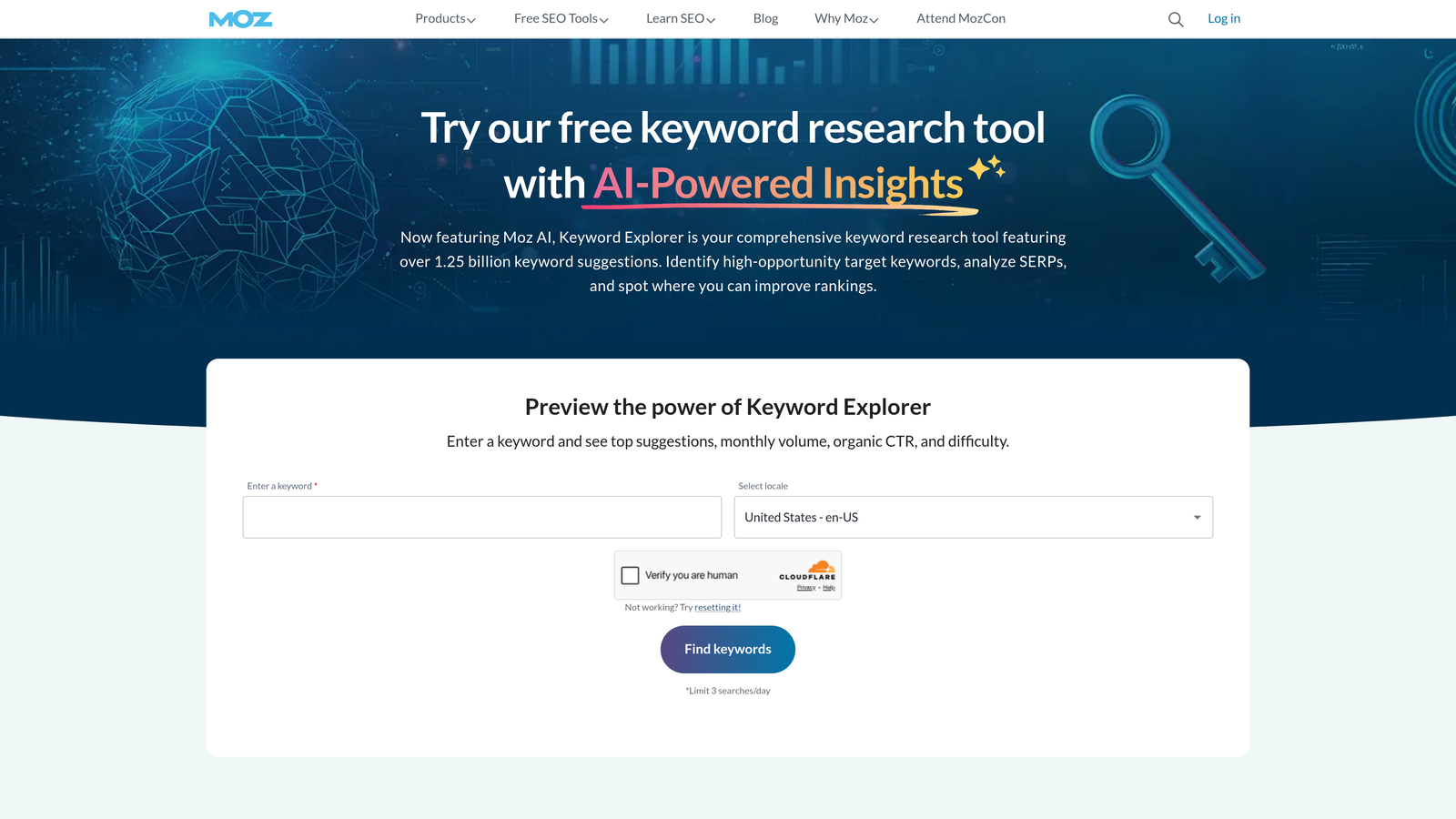
Moz Keyword Explorer is part of the Moz Pro suite, known for its Priority score that combines volume, difficulty, and organic CTR opportunity into a single actionable metric.
Where This Tool Shines
The Priority score is Moz's most distinctive feature. Instead of asking you to manually weigh search volume against keyword difficulty and click-through rate potential, Moz combines all three into a single score that tells you how worth pursuing a keyword actually is. For content marketers who don't want to spend time building their own scoring models, this is a meaningful shortcut.
Moz is the most approachable of the major SEO platforms. It doesn't have the depth of Ahrefs or the breadth of Semrush, but for teams that primarily need keyword research and SERP analysis without a steep learning curve, it delivers solid value at a lower price point.
Key Features
Priority Score: Combines volume, keyword difficulty, and organic CTR opportunity into a single ranking metric.
SERP Analysis: Domain authority context for each result, helping you assess realistic ranking potential.
Keyword List Management: Save and organize keyword sets within the platform for ongoing use.
Organic CTR Modeling: Estimates realistic traffic based on SERP position and click-through patterns.
Topic-Based Suggestions: Groups related keyword suggestions by theme for content planning.
Best For
Content marketers, bloggers, and SEO generalists who want a capable keyword research tool without the complexity or cost of enterprise-tier platforms. Not suitable for PPC-specific keyword management workflows.
Pricing
Included in Moz Pro, starting around $99/month. Verify current pricing at moz.com.
8. Microsoft Advertising Intelligence
Best for: Microsoft Ads users who want free keyword research data directly within Excel.
Microsoft Advertising Intelligence is a free Excel add-in that provides keyword research, search volume, and bid estimate data specifically for the Microsoft Ads (Bing) network.
Where This Tool Shines
If you're running campaigns on Microsoft Ads, this tool is an obvious starting point simply because it's free and the data comes directly from Microsoft's network. The demographic data layer—age and gender breakdowns for keyword audiences—is a feature you won't find in Google's equivalent tool, and it can be useful for audience segmentation planning.
The honest limitation here is the Excel-based workflow. For marketers used to modern SaaS interfaces, working in a spreadsheet add-in feels dated. It's best treated as a complement to your primary keyword tools, not a standalone solution. Use it to validate Bing-specific volume and CPC estimates before scaling campaigns to the Microsoft network.
Key Features
Microsoft Network Keyword Suggestions: Keyword ideas pulled from Bing and Microsoft's partner search network.
Search Volume and CPC Estimates: First-party data for Microsoft Ads bid planning.
Excel-Based Bulk Analysis: Analyze large keyword sets using familiar spreadsheet functionality.
Demographic Data: Age and gender audience data layered onto keyword research, useful for targeting decisions.
Direct Campaign Upload: Push finalized keyword lists directly into Microsoft Ads campaigns.
Best For
Marketers actively running or planning Microsoft Ads campaigns who want free, first-party keyword data. Not a replacement for a full keyword management platform, but a useful free complement.
Pricing
Free with a Microsoft Advertising account.
9. Keyword Tool (keywordtool.io)
Best for: Long-tail keyword discovery across Google, YouTube, Amazon, and other platforms.
Keyword Tool generates long-tail keyword suggestions by pulling autocomplete data from Google, YouTube, Bing, Amazon, and more than a dozen other platforms.
Where This Tool Shines
The autocomplete-based approach is clever. Instead of pulling from a static keyword database, Keyword Tool surfaces what people are actually typing into search bars right now. This makes it particularly strong for long-tail discovery and for finding keyword variations that traditional volume-based tools might miss entirely.
For ecommerce SEO and content marketing, it's a practical research tool. For PPC campaign management, it's more of a discovery aid than an operational platform. There's no campaign integration, no match type management, and no negative keyword workflow. Use it to build initial keyword lists, then move to a dedicated PPC tool for the actual campaign work.
Key Features
Autocomplete-Based Suggestions: Pulls real search query data from 12+ platforms including Google, YouTube, Amazon, and Bing.
Long-Tail Keyword Discovery: Surfaces specific, lower-competition queries that broader tools often overlook.
Search Volume and CPC Data: Available on Pro plans for deeper keyword prioritization.
Hashtag Research: Keyword suggestions for social media platforms, useful for content marketers.
Bulk Export: Export keyword lists for further analysis in your preferred tool or spreadsheet.
Best For
Content marketers, ecommerce SEO specialists, and anyone who needs broad long-tail keyword discovery across multiple platforms. Less relevant for PPC managers focused on campaign optimization and keyword list management.
Pricing
Free version available with limited data. Pro plans start around $89/month. Verify current pricing at keywordtool.io.
Which Tool Is Right for Your Workflow?
The right keyword management software depends almost entirely on what you're actually trying to do. There's no single tool that wins across every use case, so here's how to think about it.
For PPC optimization inside Google Ads: Keywordme is the most efficient option, especially if you spend meaningful time in the Search Terms Report each week. The in-interface workflow removes the biggest friction point in PPC keyword management: the constant tab-switching and spreadsheet work. Agencies managing multiple accounts will get the most mileage from it.
For SEO keyword research: Ahrefs and Semrush are both excellent, and the choice often comes down to whether you lean more toward backlink and SERP analysis (Ahrefs) or want a broader platform covering SEO, PPC research, and competitive intelligence in one place (Semrush). If budget is a constraint, Moz Pro offers solid keyword research at a lower price point.
For competitive intelligence: SpyFu is the most practical tool for understanding what competitors are buying in Google Ads. The historical PPC data is genuinely useful during new campaign setup and client onboarding.
For beginners and budget-conscious advertisers: Google Keyword Planner is free, reliable, and directly integrated with Google Ads. It won't replace a full keyword management workflow, but it's the right starting point before investing in paid tools.
If you're running Google Ads and want to cut the time you spend on manual keyword tasks, Start your free 7-day trial of Keywordme and see what optimizing directly inside your Search Terms Report actually feels like. No spreadsheets, no tab-switching, just faster campaign work at $12/month after the trial.
.svg)