
9 Best Keyword Grouping Software Tools for Google Ads and SEO in 2026
A practical guide to keyword grouping software.


You've got a few thousand search terms sitting in a Google Ads account, or a keyword export for a content plan that's ballooned past what anyone wants to sort by hand. Grouping them in a spreadsheet takes hours, and the result is usually stale by the time you finish. This list is for PPC managers, freelancers, agency owners, and SEOs who need that pile turned into tidy ad groups or topic clusters. We compared tools on how they group (SERP-based, semantic, or manual), whether they suit PPC ad groups or SEO content clusters, speed, price transparency, and team use. The tools fall into two camps, so pick by use case rather than looking for one winner.
Quick Comparison of the Tools
- Keywordme: Google Ads managers and agencies; $12/month per user; groups and acts on search terms inside the native Google Ads interface, no exports.
- Google Ads Keyword Planner: advertisers planning new campaigns; free with a Google Ads account; first-party Google data with theme-based grouping at no cost.
- Semrush: SEO teams wanting a full research suite; subscription, see website; clustering paired with a very large keyword database and intent data.
- Keyword Insights: content teams mapping keywords to pages; see website; intent-aware clustering built into content brief creation.
- Cluster AI: anyone clustering one huge list once; see website; lightweight bulk clustering without a full SEO suite.
- SE Ranking: small SEO teams and freelancers; subscription, see website; grouping with adjustable strictness plus rank tracking in a budget suite.
- Ahrefs: SEOs deciding page targeting; subscription, see website; Parent Topic logic that shows whether keywords belong on one page.
- Optmyzr: agencies running many accounts; tiered, see website; broad PPC automation and reporting across multiple ad platforms.
- Google Sheets / Excel: small lists and tight budgets; free; total control with no extra subscription.
1. Keywordme
Keywordme is our own product, so weigh this section with that in mind. It's a Chrome extension that adds one-click actions to the Search Terms Report in Google Ads. You review the search terms your campaigns actually triggered, then add them as keywords, add them as negatives, or build keyword groups without leaving the interface.
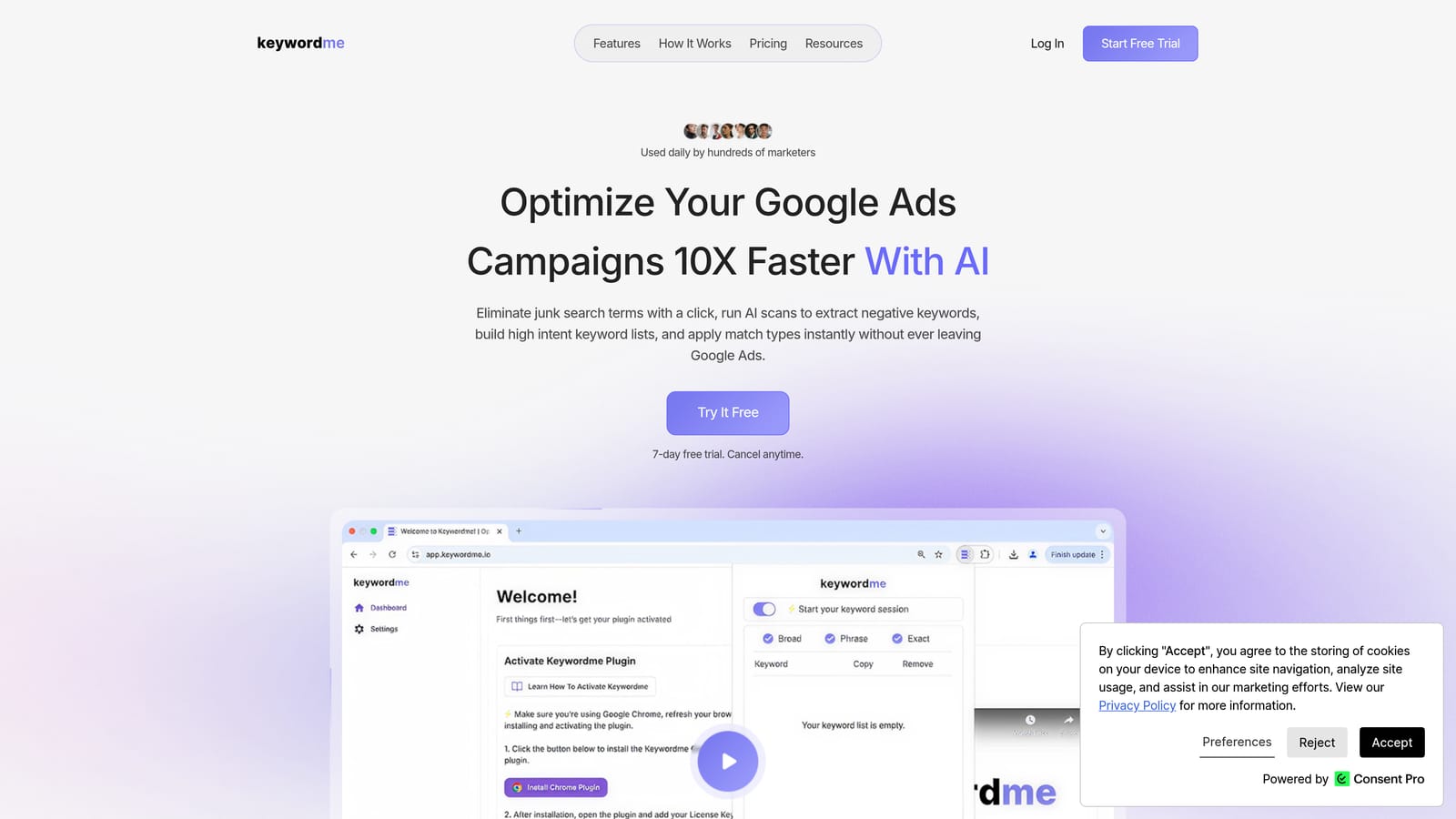
A quick distinction that matters here: a search term is what a person typed, while a keyword is what you bid on. Keywordme works on the first to improve the second. That makes it a PPC grouping tool, not an SEO clustering tool, and it doesn't do SERP-based clustering.
What it does well
The standout is that everything happens in the native Google Ads UI. There's no export, no pivot table, no re-upload. You spot a good search term, pick a match type, and add it. You spot junk, and you add it as a negative or remove it in a click. For anyone who reviews search terms weekly, that cuts out most of the busywork.
- Works inside the Search Terms Report, so you act on real query data where you already look at it.
- One-click negative keywords and junk term removal, which keeps wasted spend in check.
- Match types applied as you add keywords, so you don't fix them afterward.
- Keyword clustering and bulk editing to build themed groups from many terms at once.
- Multi-account and team support, handy when several people manage several clients.
Setup, limits, and who it's not for
Setup is installing the extension and opening Google Ads in Chrome, so the day-to-day user is whoever already manages the account. Integration is Google Ads only, and it's Chrome only. If you need to cluster keywords by SERP overlap for content pages, or you work in Microsoft Advertising, this isn't the tool. Grouping is also something you direct and review yourself; it doesn't restructure your account on its own.
Pricing is $12/month per user, with a 7-day free trial (as of November 2026; confirm on the site). Cost scales with the number of users, not ad spend or keyword volume.
Best for: Google Ads managers and agencies turning search terms into tidy keyword groups fast.
2. Google Ads Keyword Planner
Google Ads Keyword Planner is Google's free planning tool. You enter seed terms or a URL, and it returns keyword ideas, which it can organize into themes. It's designed for advertisers shaping a campaign before launch, not for cleaning up a running account.

Its edge is that the data comes straight from Google, and it costs nothing beyond having a Google Ads account. No other tool here offers first-party search volume and forecasts at that price. Theme-based grouping gives you a reasonable first draft of ad group ideas.
- Generates keyword ideas from seed terms or a website URL, so you start with more than your own guesses.
- Groups ideas by theme, giving you rough ad group candidates.
- Shows search volume and forecast data, helping you judge whether a theme is worth building.
- Lets you add selected keywords to a plan or campaign without leaving Google Ads.
The limitation is coarseness. Themes are broad, and you'll often split or merge them by hand. It also works from ideas, not from the search terms your existing campaigns already matched, so it won't help you mine a messy Search Terms Report or build negatives from it. Setup is nil if you have an account, and whoever plans campaigns usually runs it.
Pricing is free with a Google Ads account. Check Google Ads Help for current grouping behavior, since the interface changes.
Best for: Planning ad group themes before launching a new campaign.
3. Semrush
Semrush is an all-in-one SEO and marketing suite. Its Keyword Strategy Builder clusters keywords into topic groups, and it sits next to the Keyword Magic Tool, so you can research and group in the same place. It's built for SEO teams planning content.
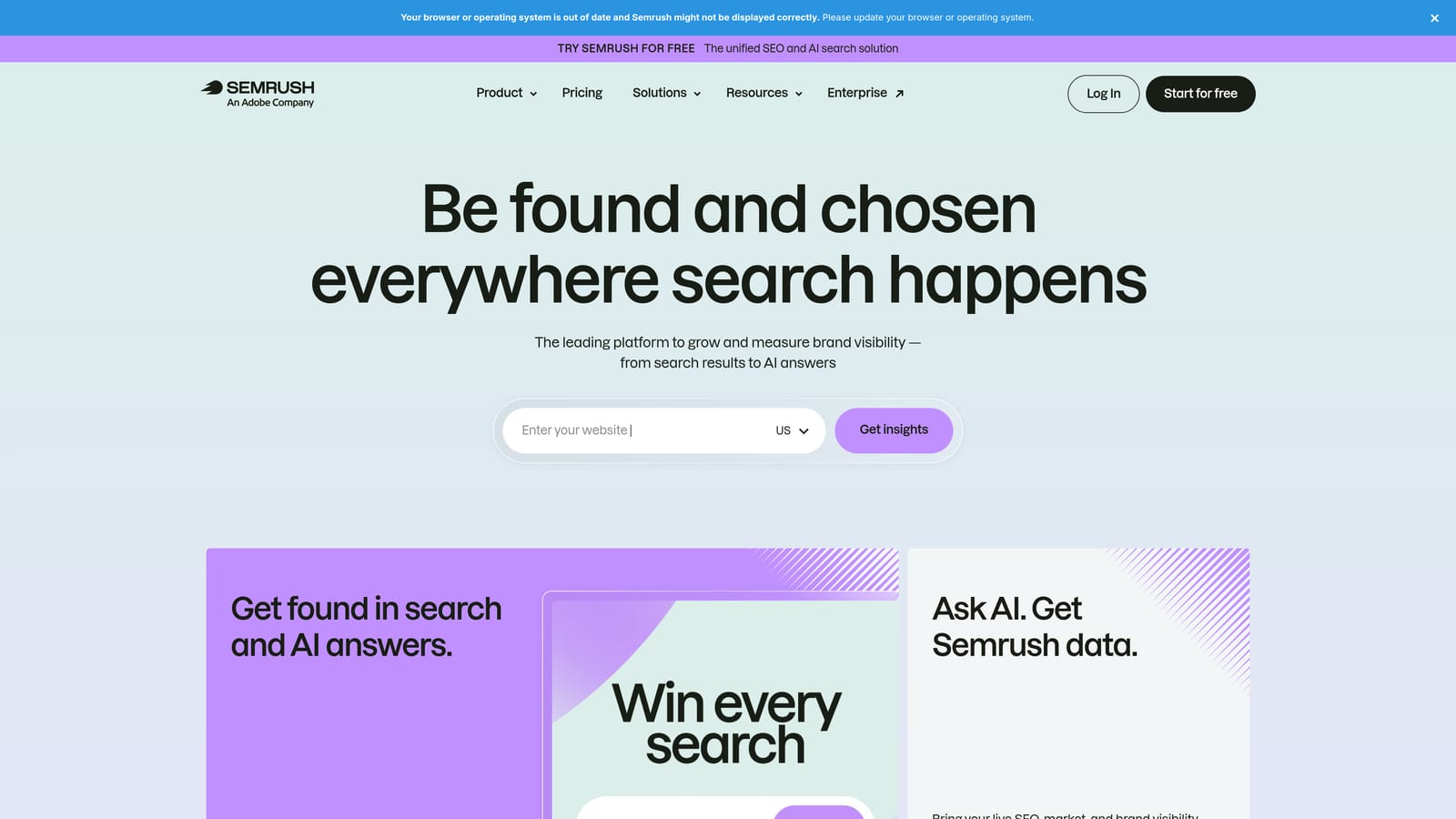
What sets it apart from the dedicated clusterers is the surrounding data: one of the largest keyword databases, plus intent and difficulty metrics that help you decide which clusters deserve a page. Dedicated tools often make you bring your own keyword list; here you can build it inside the suite.
- Keyword Strategy Builder turns a list into topic groups, saving manual sorting.
- Keyword Magic Tool surfaces related terms at scale, feeding the clustering step.
- Intent and difficulty metrics help you prioritize which groups to target first.
- Topic and pillar suggestions point you toward a content hub structure.
It connects to Google Search Console, Google Analytics, and Google Ads, and setup is mostly account linking. SEO or content leads typically run it day to day. The trade-offs are cost and focus: you're paying for a full suite, and it's SEO-first. It's a weak fit for PPC ad group cleanup, since it doesn't act on search terms inside your ad account.
Pricing is by subscription tier, and the price moves with the plan and its limits. See the website for current rates, as they change.
Best for: SEO teams that want clustering inside a full research suite.
4. Keyword Insights
Keyword Insights is a dedicated clustering and content planning tool. It groups keywords by SERP overlap, meaning keywords whose top search results largely match get clustered together on the logic that one page can serve them. It also labels search intent for each group.

Its distinctive move is tying that clustering to content briefs. You go from a keyword list to grouped topics to a brief for the writer without switching tools, which suits content teams more than solo researchers.
- SERP-based clustering groups keywords that Google treats as the same topic, so you avoid writing near-duplicate pages.
- Intent labeling shows whether a cluster is informational, commercial, or transactional, so you match page type to need.
- Content briefs give writers a starting outline for each cluster.
- Topic mapping shows how clusters relate, helping you plan site structure.
It integrates with Google Search Console, and setup is uploading a list or connecting data. Content strategists or SEO managers usually own it. It's not for Google Ads work: it won't touch search terms in your account, build negatives, or suggest ad groups. Its value is on the organic side.
Pricing isn't stated here; see the website for current plans, as limits and tiers tend to change.
Best for: Content teams mapping keywords to pages.
5. Cluster AI
Cluster AI is a focused tool that groups big uploaded keyword lists using search result similarity. It does one job. If you have a very large list and just want it clustered, with no suite attached, that's the pitch.
Compared with the rest of this list, it's the lightest option. You skip the research platform, the rank tracking, and the dashboards, which keeps things simple but narrow.
- Bulk keyword upload lets you drop in a large list instead of working in batches.
- SERP-based clustering groups terms by how similar their search results are.
- Exportable results make it easy to move clusters into a sheet or content plan.
Integrations aren't specified here, so check the website, but expect a file-in, file-out workflow. That's fine for a one-off project and awkward for an ongoing one. There's no PPC account connection, so you can't act on clusters inside Google Ads, and the feature set is narrow. Anyone comfortable with spreadsheets can run it.
Pricing is not detailed here; see the website. Costs in tools like this typically track list size or usage, so confirm what your volume would cost.
Best for: One-off clustering of very large keyword lists.
6. SE Ranking
SE Ranking is an affordable all-in-one SEO platform. Its Keyword Grouper clusters keywords by shared search results, and you can adjust how strict the grouping is. A tighter setting yields smaller, more precise groups; a looser one gives broader groups.
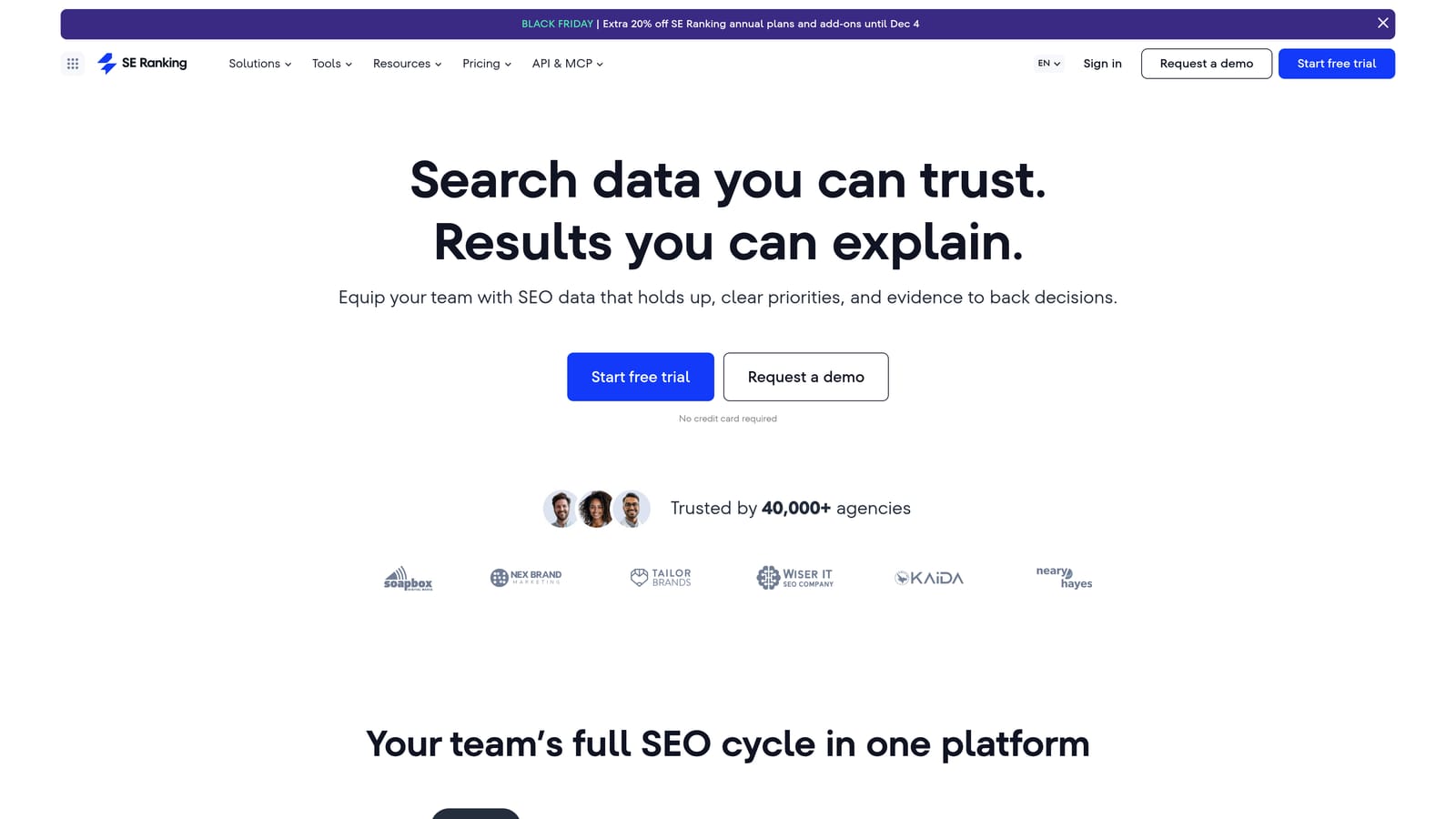
That adjustable strictness is the standout, along with having rank tracking in the same budget suite. You group your keywords, then track how those groups perform, without buying two tools.
- Keyword Grouper clusters by shared results, so groups reflect how Google sees the topics.
- Adjustable grouping accuracy lets you tune between narrow and broad clusters.
- Rank tracking shows whether the pages you build for a cluster actually move.
- Keyword research fills the list before you group it.
It connects to Google Search Console, Google Analytics, and Google Ads. Setup is typical SaaS onboarding, and freelancers or small SEO teams usually run it themselves. It's SEO-oriented, so it won't clean up a search terms report. Grouper limits may depend on your plan, so check how many keywords your tier allows before committing.
Pricing is by subscription tier, and what moves it is the plan level and its usage limits. See the website for current rates.
Best for: Small SEO teams and freelancers wanting grouping and tracking together.
7. Ahrefs
Ahrefs approaches grouping through its Keywords Explorer. Its Parent Topic feature groups keywords under the broader topic whose top-ranking page also ranks for them, which answers a practical question: should these keywords share one page, or do they need separate ones?
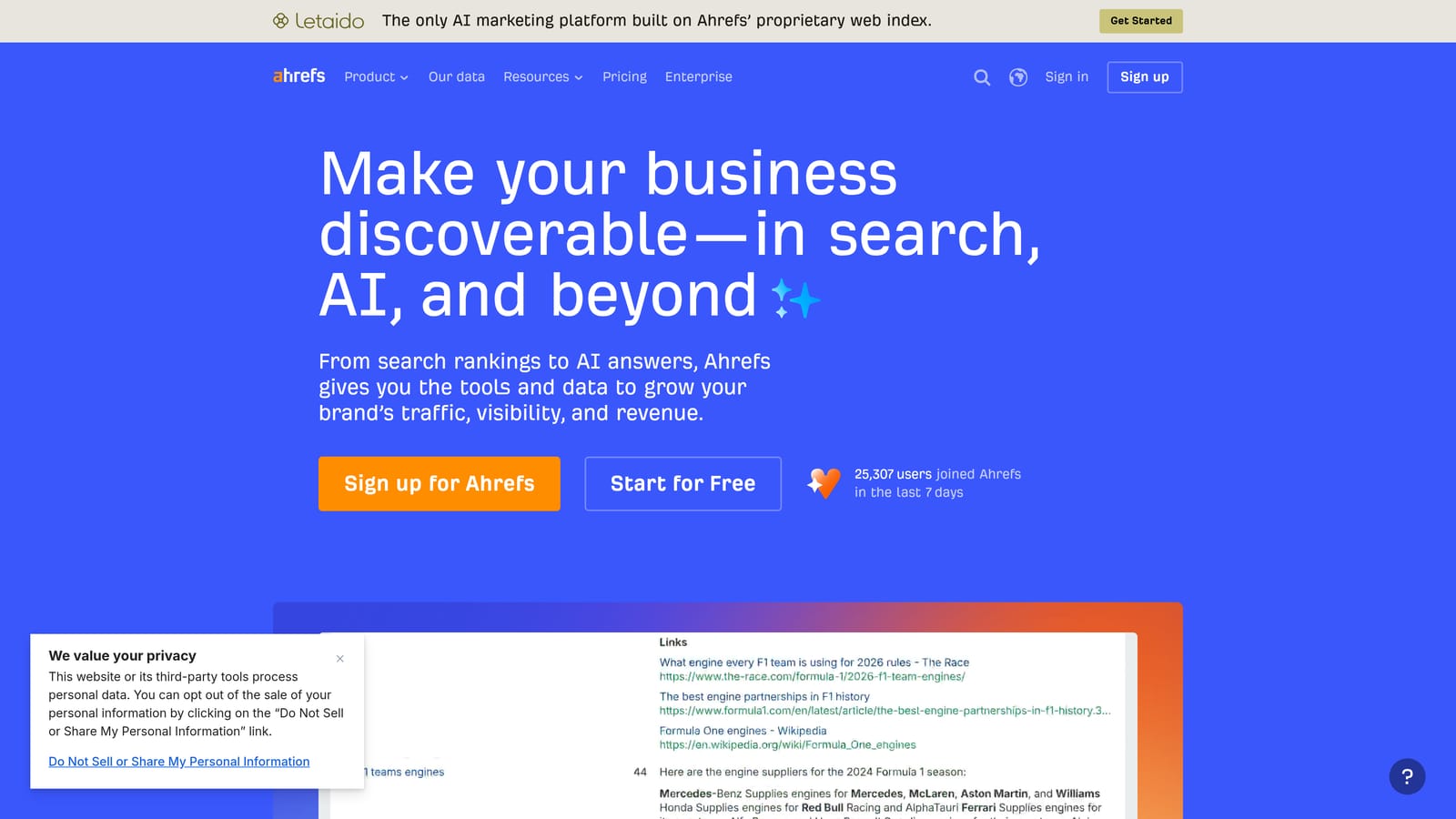
That logic is what sets it apart. Other tools hand you clusters; Ahrefs helps you decide page targeting, backed by a large keyword database and a traffic potential metric that estimates what a page could earn.
- Parent Topic grouping shows which keywords one page can realistically target together.
- Traffic potential helps you size a topic by what the top page gets, not by a single keyword.
- Clusters by terms group keywords by shared words for quick sorting.
- A large keyword database gives you plenty of material to work from.
It integrates with Google Search Console and Google Analytics. Setup is light, and SEO specialists tend to use it. The limitation is that grouping is part of research, not a dedicated clustering workflow, so bulk-clustering a huge list is less direct than in a purpose-built tool. Entry cost is also higher than some alternatives here. It has no role in Google Ads search term management.
Pricing is by subscription tier; the plan level and usage limits move the price. See the website for current rates.
Best for: SEOs deciding page targeting from keyword research.
8. Optmyzr
Optmyzr is a PPC management platform, so it sits in the paid camp, but grouping is a small part of what it does. It's aimed at agencies and in-house teams that want optimization, search term analysis, and client reporting in one place.
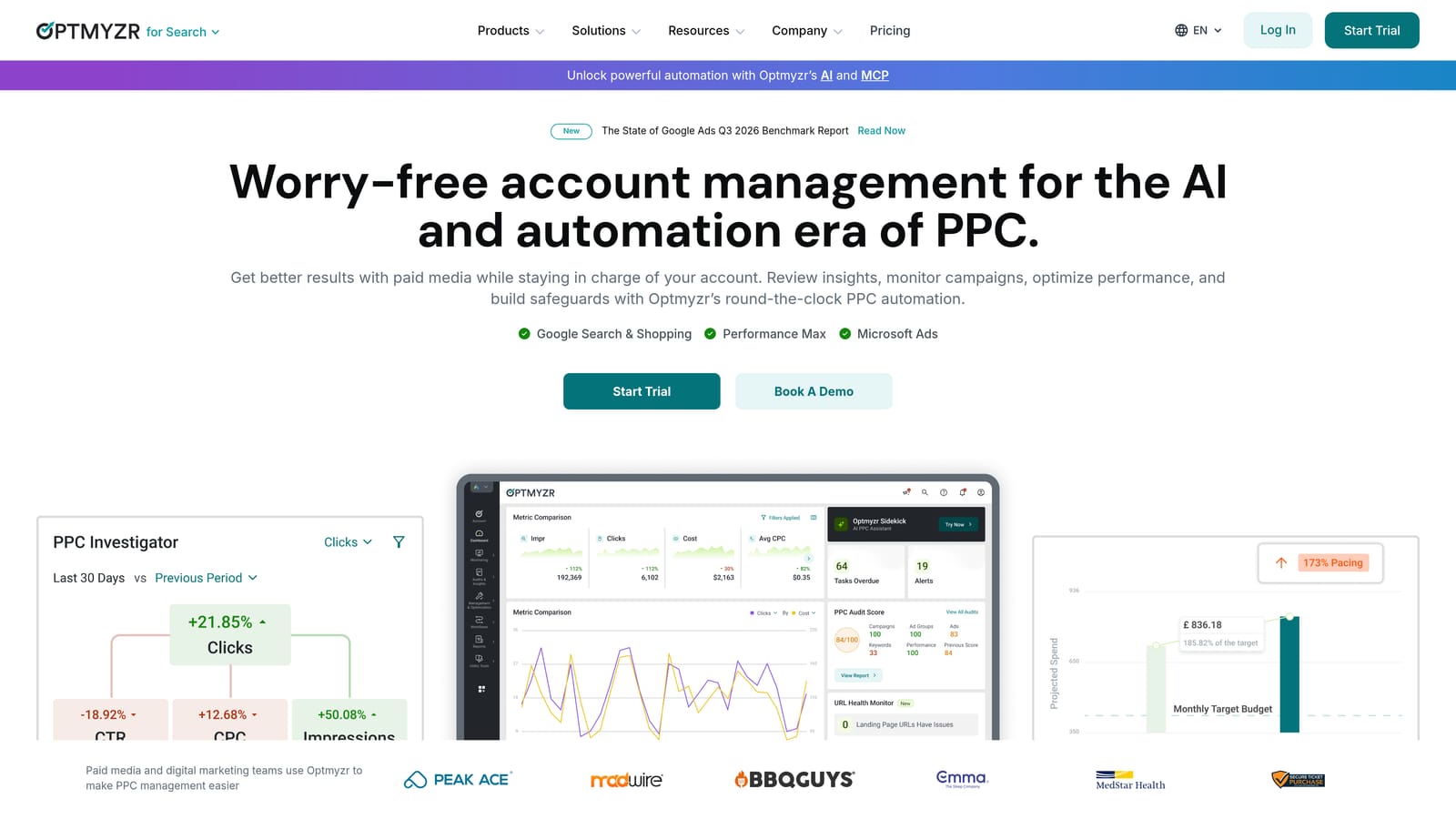
Its distinguishing strength is breadth. It automates and reports across multiple ad platforms, which none of the other tools here attempt. If your pain is managing many accounts, not just grouping terms, that matters more than any single clustering feature.
- Rule-based optimizations apply your own logic across accounts, saving repetitive checks.
- Search term analysis surfaces queries worth adding or excluding.
- Account structure tools help you review how campaigns and ad groups are organized.
- Client reporting turns account data into something you can send.
It integrates with Google Ads, Microsoft Advertising, and Meta Ads. Setup means connecting ad accounts and configuring rules, which takes more effort than a browser extension, and it's typically run by account managers or an agency ops lead. If all you need is to group search terms quickly, it's more platform and more money than the job requires. It's also PPC only, with no SEO clustering.
Pricing is tiered; see the website. Ad spend or account volume commonly shapes cost in this category, so confirm how your tier is calculated.
Best for: Agencies managing many accounts that want automation beyond grouping.
9. Google Sheets / Excel
Google Sheets (and Excel) is the manual route, and plenty of people still use it. You export keywords or search terms, then group them with filters, pivot tables, formulas, or add-ons.
The appeal is total control with no extra subscription. You decide exactly what counts as a group, and you can build rules that match your account, like grouping by a product name or modifier.
- Pivot tables and filters let you slice a list by word, count, or any column you add.
- Custom formulas can tag terms by matching words, so you can sort by rule.
- Add-on support extends what a sheet can do if you want more automation.
- Shareable files make it easy to pass work to a client or teammate.
It connects to Google Ads through export or scripts, plus whatever add-ons you install. Setup is zero, and anyone can run it. The cost is time. Word matching isn't intent, so similar-looking terms can land together while different-intent ones split apart. At scale it gets slow and error-prone, and every change means another export and upload back into the account.
Pricing is free with a Google account; Excel requires a Microsoft license.
Best for: Small lists and budget-conscious one-off projects.
Matching the Tool to the Job
Start by deciding which kind of grouping you need. For Google Ads search term cleanup and ad group building, Keywordme is the most direct fit: it works where you already review queries, covers negatives and match types, and costs $12/month per user. Use Keyword Planner alongside it early on, when you're sketching ad group themes for a campaign that hasn't launched.
For SEO content clusters, the choice depends on your workflow. Keyword Insights suits content teams that want briefs, Cluster AI suits a single large upload, SE Ranking suits small teams who also want rank tracking, Ahrefs suits page-targeting decisions, and Semrush suits teams that want clustering inside a full suite. For agency-wide PPC automation across many accounts and platforms, Optmyzr covers more ground than grouping alone. And if your list is small, a spreadsheet is still fine.
Whatever you pick, remember that more groups isn't better, and grouping doesn't replace negative keyword work. Tight themes and a clean negative list do more for performance than a clever clustering method.
If your bottleneck is Google Ads search terms, Start your free 7-day trial (then just $12/month) and see how much faster optimization gets when you can remove junk search terms, build high-intent keyword lists, and apply match types right inside Google Ads. No spreadsheets, no switching tabs.
