
9 Best Keyword Competition Analyzer Tools for Google Ads and SEO
This guide compares nine keyword competition analyzer tools for Google Ads and SEO, from free options like Google Keyword Planner and Auction Insights to paid suites such as Semrush and SpyFu. Each tool is judged on data source, PPC usefulness, pricing clarity, and ease of use, so freelancers and agency teams can choose before committing ad budget.


You're about to put real budget behind a set of keywords, and you want to know how hard the fight will be before the first click gets billed. "Competition" covers at least three different things: how crowded the ad auction is, how hard a page is to rank organically, and what rival advertisers are doing with their search ads. The tools below were picked for where their data comes from, how useful they are for PPC work, how clearly they publish pricing, and how easy they are for freelancers and agency teams to pick up.
Quick Comparison of Keyword Competition Analyzers
- Google Keyword Planner: advertisers wanting a free first look; free with a Google Ads account; competition and bid data straight from Google's own auctions.
- Google Ads Auction Insights: advertisers with running campaigns; free inside Google Ads; names the actual advertisers in your live auctions.
- Semrush: agencies and in-house teams doing SEO and PPC research together; subscription, see website; paid and organic competitor research under one login.
- SpyFu: advertisers studying a specific rival; subscription, see website; multi-year history of competitor ad copy and keywords.
- Ahrefs: teams sharing one keyword list across SEO and paid; subscription, see website; difficulty based on the link strength of pages already ranking, plus click estimates.
- Moz Keyword Explorer: consultants who need an easy-to-explain shortlist score; limited free access, then paid plans; a single Priority score.
- Mangools KWFinder: freelancers and local service businesses; subscription, see website; strong city-level keyword data.
- SE Ranking: agencies needing client-ready reports; subscription, see website; white-label reporting.
- Ubersuggest: small businesses on a tight budget; limited free tier, then paid plans; low-cost entry, with a lifetime plan offered historically.
1. Google Keyword Planner
Google Keyword Planner is the free research tool inside Google Ads, built for anyone planning Search campaigns who wants volume and cost estimates before spending. Its competition data is the closest thing to a first-party read on the auction, because it reflects how many advertisers are bidding on a term.
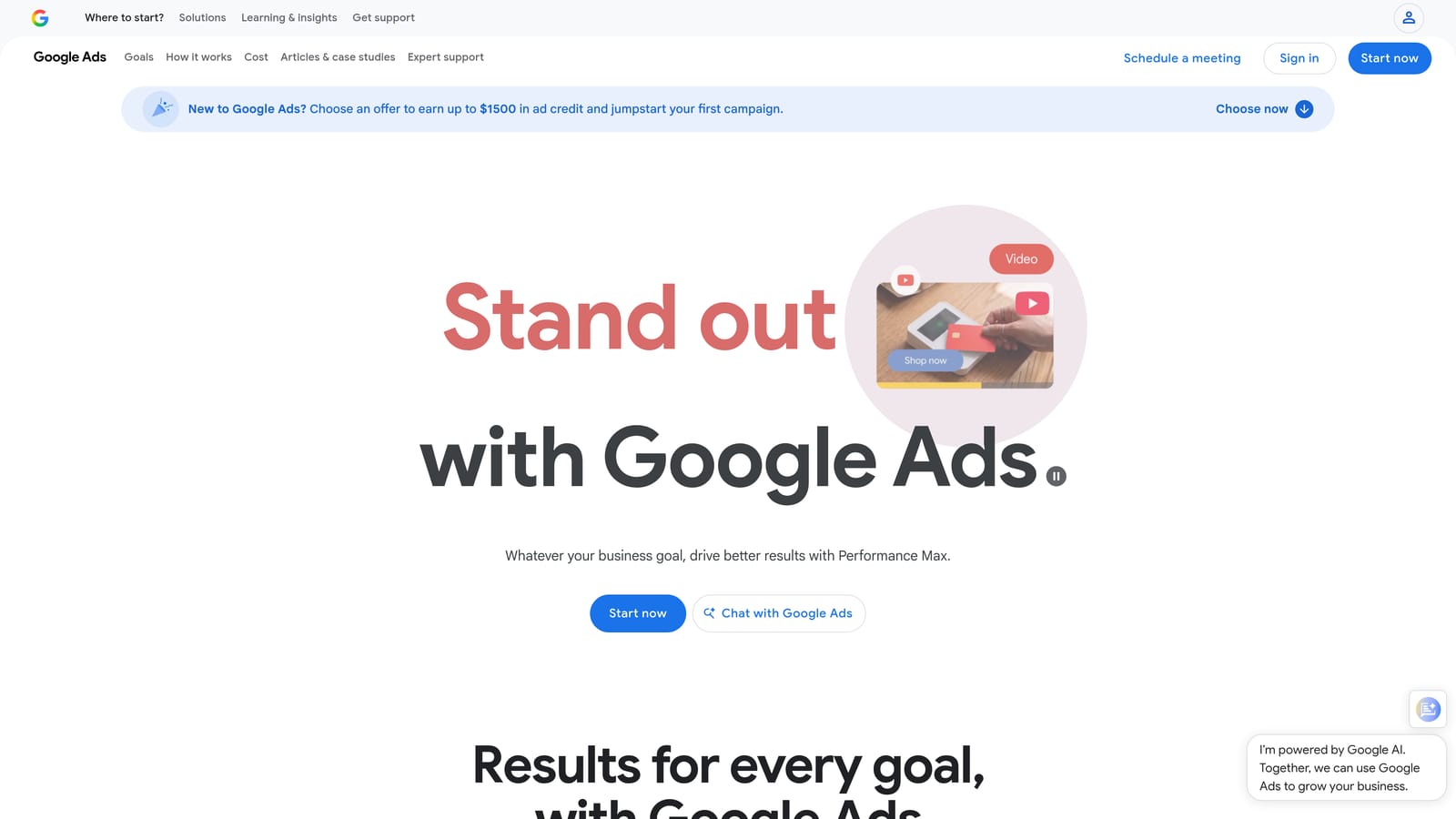
That is also where people trip up. The Low/Medium/High label describes advertiser density in paid search. It says nothing about how hard a keyword is to rank for organically, so don't use it as an SEO difficulty score.
- A competition label (Low, Medium, High) that shows how crowded the paid auction is for each keyword.
- Top-of-page bid ranges so you can sanity-check whether a keyword fits your target CPA before building anything.
- Keyword ideas from seed terms or a URL, which helps you find variations you hadn't considered.
- Search volume forecasts to size up how much traffic a keyword set could realistically bring.
It lives in your Google Ads account, so there is nothing to install or connect. Anyone who runs the account can use it.
The limits are real. Competition comes in only three coarse buckets, it never names competitors, and volume can appear as broad ranges when an account has little or no spend. If you need to know who you're up against, you'll need another tool.
Pricing: free with a Google Ads account.
Best for: Advertisers wanting a free first look at auction pressure and CPC before building campaigns.
2. Google Ads Auction Insights
Google Ads Auction Insights is a report inside Google Ads that compares your performance against other advertisers entering the same auctions. Unlike Keyword Planner, it works on live data from campaigns you already run, so it answers a different question: who is actually crowding you out right now?
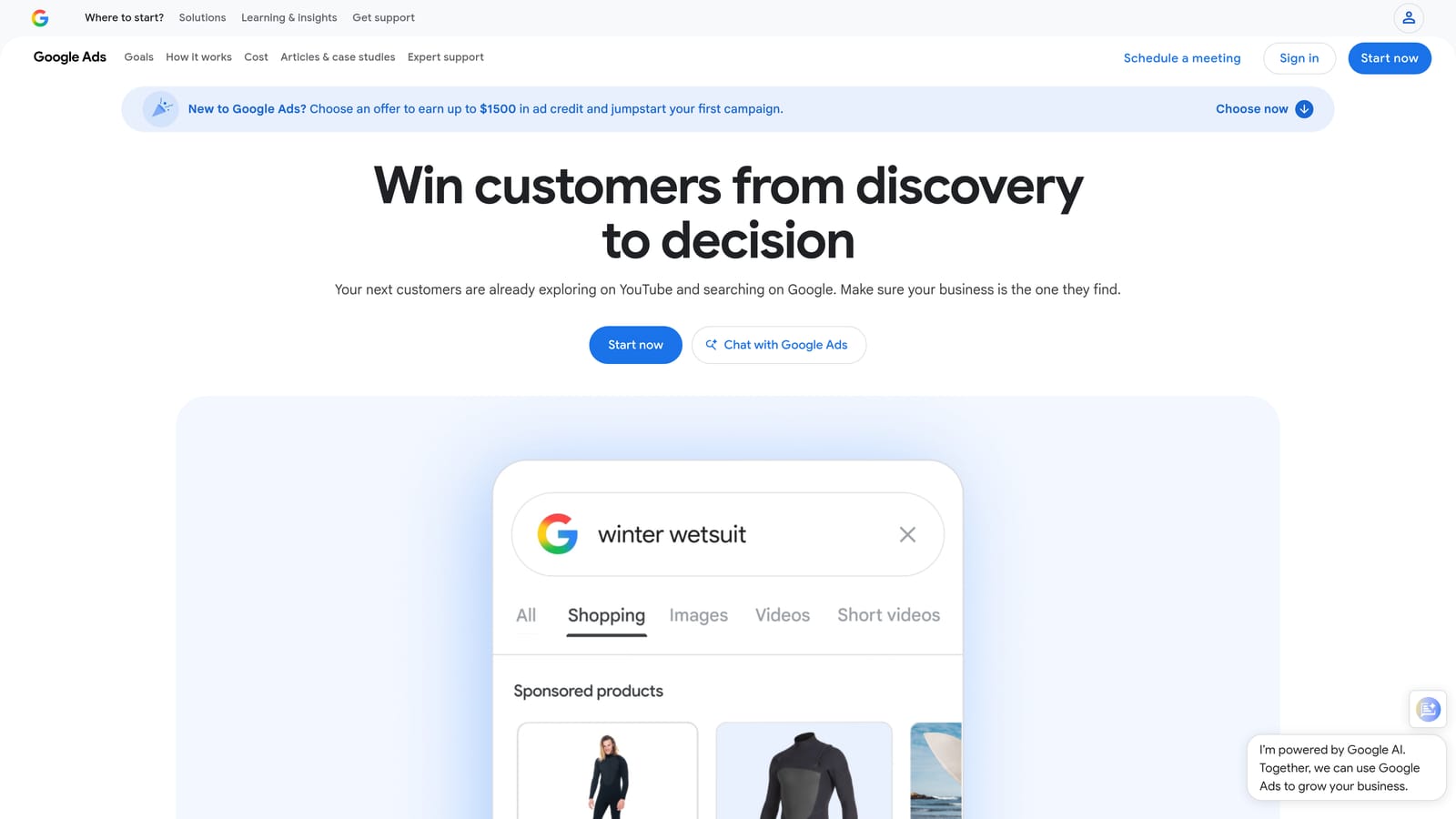
Its standout trait on this list is that it names the competing advertisers. Nothing else here pulls that from Google's own auction data.
What the metrics tell you
- Impression share: the share of eligible impressions you received. A low number means you're missing auctions you could have entered.
- Overlap rate: how often another advertiser's ad appeared in the same auction as yours.
- Position above rate: how often a rival's ad ranked higher than yours when both showed.
- Top of page rate: how often your ad appeared above the organic results.
- Outranking share: how often your ad ranked above a competitor's, or showed when theirs did not.
Limits
It only covers what you already advertise on, so it can't help you evaluate a keyword you haven't bid on. It shows no competitor spend and no ad copy. Google also applies data thresholds, so check Google Ads Help for current availability on low-volume campaigns.
Pricing: free inside Google Ads.
Best for: Advertisers with running campaigns who need to see who is crowding them out.
3. Semrush
Semrush is an all-in-one SEO and PPC suite, and it's the broadest option here. If your question is "what are my competitors buying and ranking for, across both channels," this is the one tool that covers most of it in a single login.
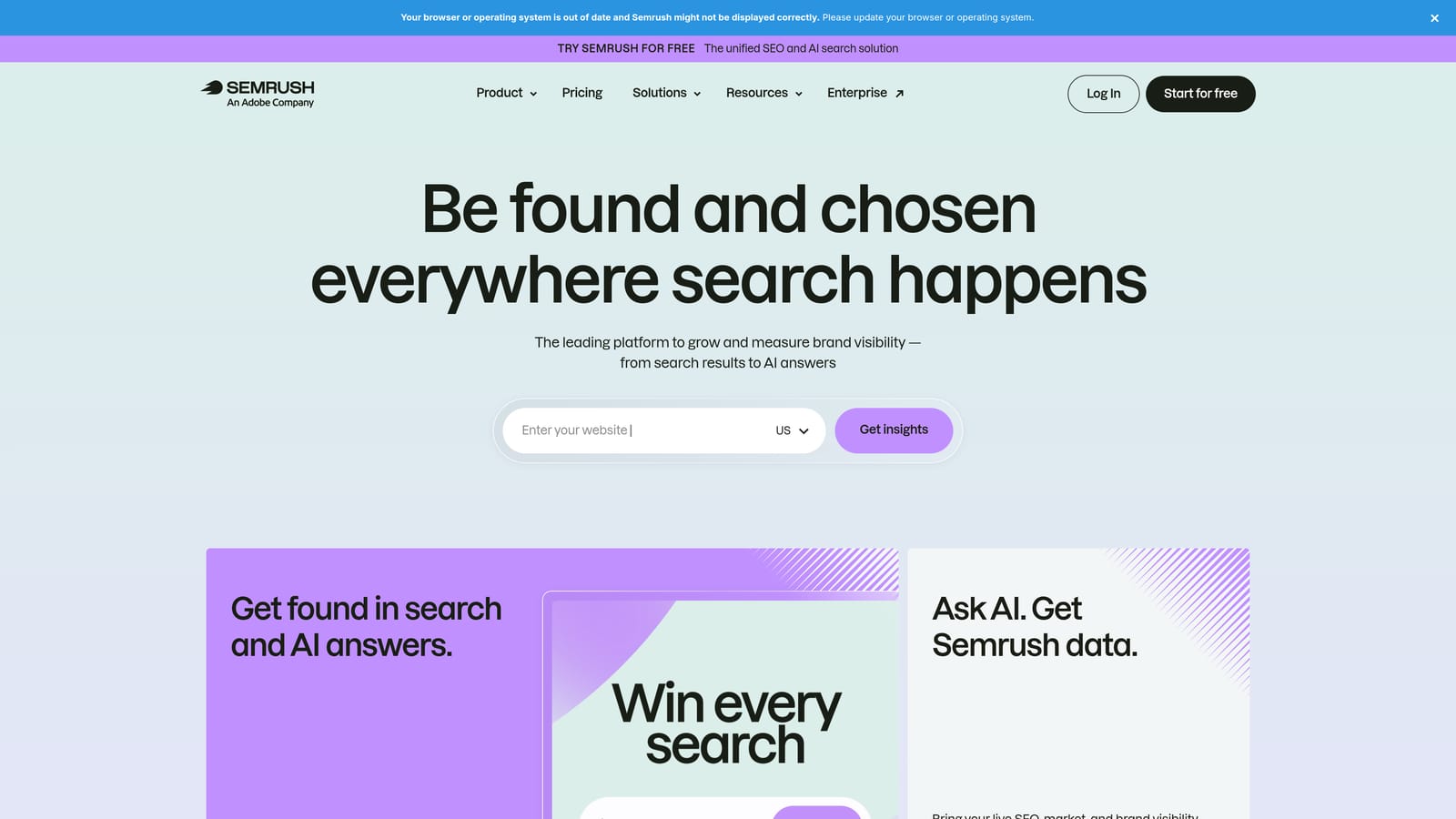
It suits agencies and in-house teams that run SEO and paid search side by side and want one workflow for research and reporting.
- Keyword Magic Tool for building large keyword lists and filtering them by intent and difficulty.
- A Keyword Difficulty score so you can judge how tough it is to rank organically.
- Advertising Research to see which keywords rival domains bid on and how their ad copy has changed.
- Competitor domain comparison to spot keyword gaps between you and rivals.
It connects with Google Analytics, Google Search Console, Google Ads and Looker Studio, which helps when you're pulling research and performance into one report.
The drawbacks are cost and complexity. It's expensive for a solo user, the interface has a steep learning curve, and the paid-side figures are estimates rather than actual spend. Treat them as directional.
Pricing: subscription tiers, and what you pay moves with the plan and its limits on reports and projects. As of this writing, check the website for current rates.
Best for: Agencies and in-house teams running SEO and PPC research together.
4. SpyFu
SpyFu focuses on one job: showing which keywords your rivals buy and what ad copy they've tested. Where Semrush is a wide toolkit, SpyFu is a narrower lens on competitor search ads.
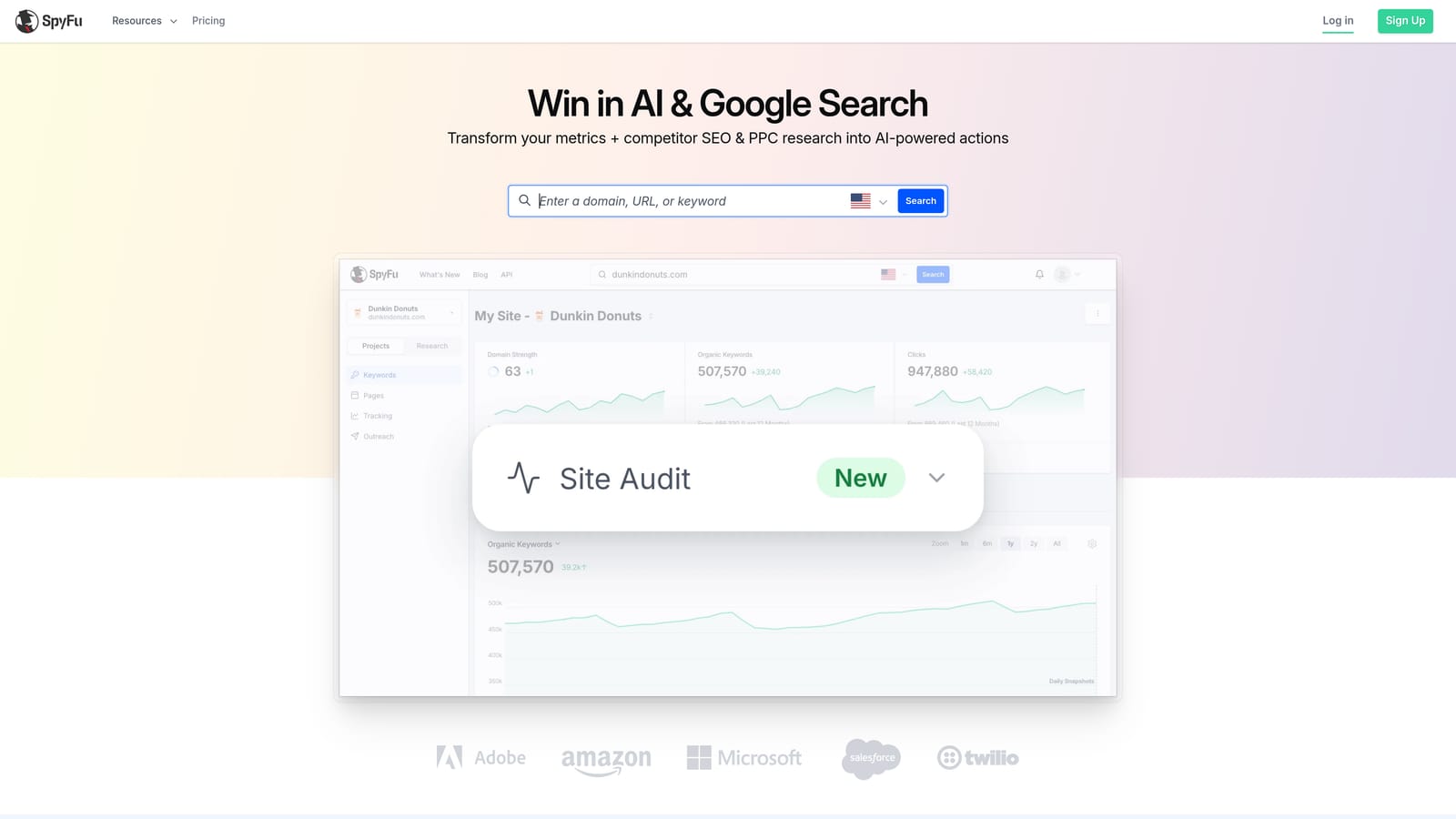
Its distinctive strength is history. You can see how a competitor's ads and keywords have shifted over several years, which tells you what they've kept running (probably because it works) versus what they dropped.
- Competitor paid keyword lists so you can see what a rival is bidding on.
- Historical ad variations that reveal which messages have survived testing.
- Keyword overlap between domains to find terms you share with a competitor.
- Estimated ad budgets for a rough sense of how heavily a rival invests.
Integrations are modest: limited Google Ads connectivity and CSV export, which is enough to move lists into your own workflow.
The figures are estimates, and coverage is strongest in the US. If you advertise mostly outside the US, test it on a few known competitors before you commit.
Pricing: subscription plans; see the website for current rates.
Best for: Advertisers reverse-engineering a specific rival's search ads.
5. Ahrefs
Ahrefs is an SEO platform whose Keyword Difficulty score is based on the backlink strength of pages already ranking for a term. That makes it a useful reality check: if the top results all carry heavy link profiles, a new page will struggle.
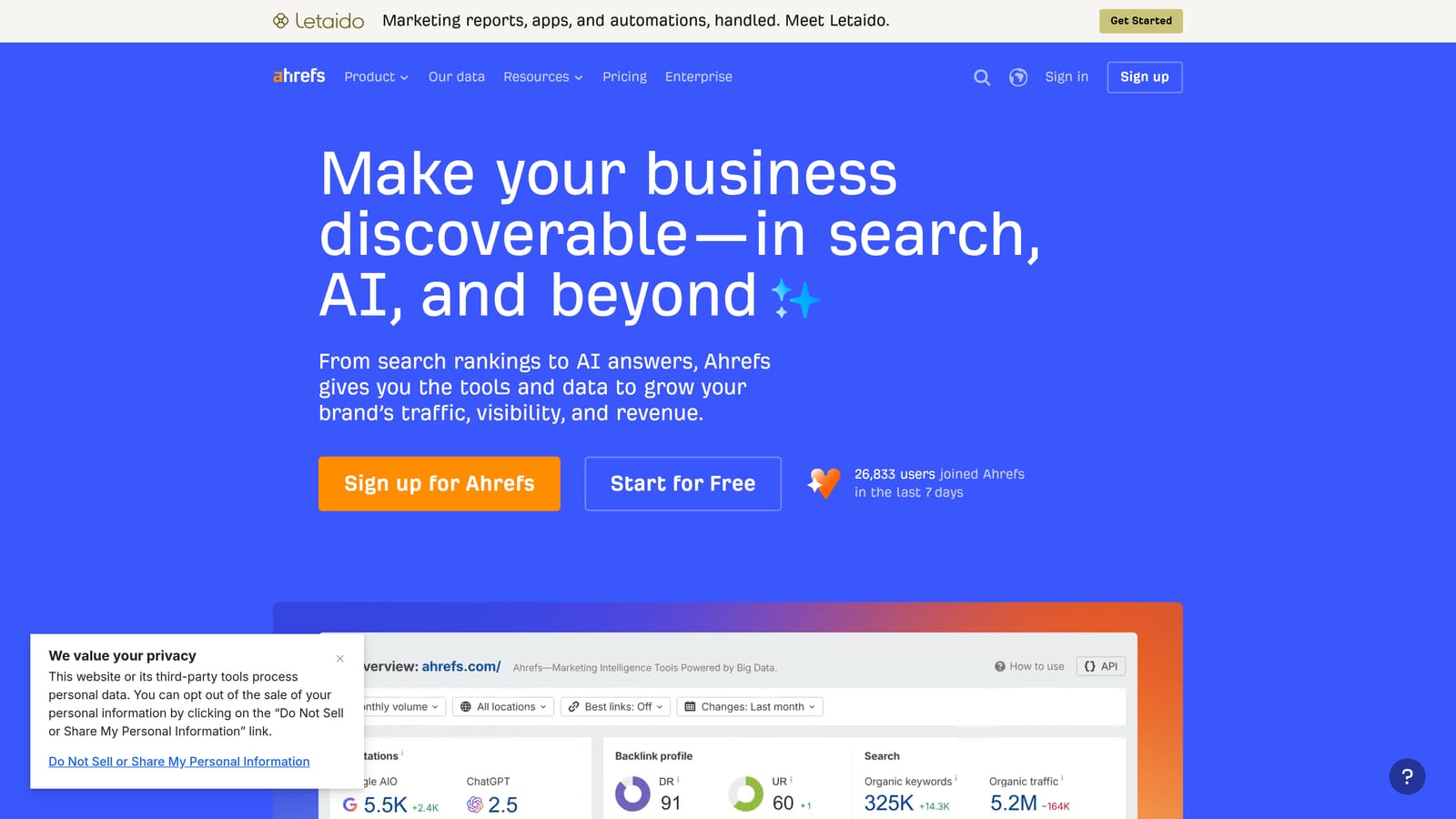
It also estimates actual clicks, not just searches. Some queries get plenty of searches but few clicks because the answer shows up in the results page, and click-focused metrics help you spot that.
- Keyword Difficulty to gauge how much link authority you'd need to compete organically.
- Clicks and Traffic Potential so you can judge the real upside of a topic, not just one keyword's volume.
- SERP overview to inspect who ranks and what the page looks like.
- Parent topic grouping to cluster related keywords under one target.
It integrates with Google Search Console, Google Analytics and Looker Studio.
The weak spot for PPC people is that it's organic-focused, with limited insight into paid ad competitors. Use it when a keyword list has to serve both content and paid search, not as your ad spy tool.
Pricing: tiered subscriptions, with cost driven by plan level and usage limits. See the website for current rates.
Best for: Teams sharing one keyword list between SEO content and paid search.
6. Moz Keyword Explorer
Moz Keyword Explorer boils volume, difficulty and organic click potential down into one Priority score. That single number is its selling point: it makes ranking a shortlist quick and easy to explain to someone who doesn't live in keyword data.
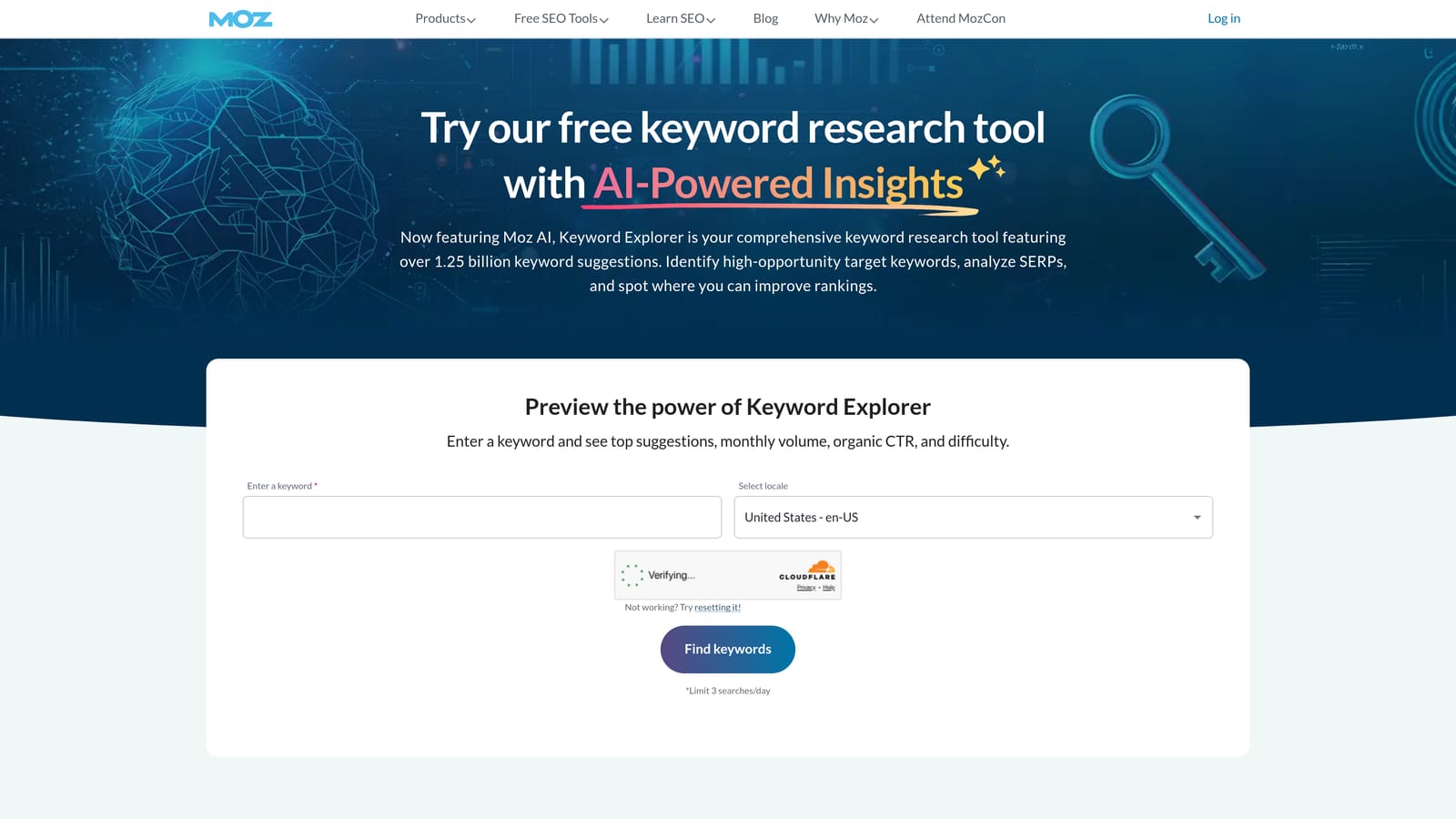
- A Priority score that combines several signals so you can sort candidates fast.
- Keyword difficulty to see how hard organic ranking is likely to be.
- Organic CTR estimates that show how many clicks a ranking position might actually earn.
- Keyword lists for saving and comparing candidate sets over time.
It sits inside the wider Moz Pro suite, so the integration story is mostly Moz's own tools.
Paid search features are minimal. If you want ad copy, competitor bids or auction data, look elsewhere on this list. A simplified score is also a simplification, so check the inputs before presenting it to a client as fact.
Pricing: limited free access plus paid plans; see the website for current details.
Best for: Consultants who need an easy-to-explain score for client keyword shortlists.
7. Mangools KWFinder
Mangools KWFinder is the friendliest interface here. It's a beginner-oriented keyword tool with colour-coded difficulty, so you can scan a list and see at a glance which terms look approachable.
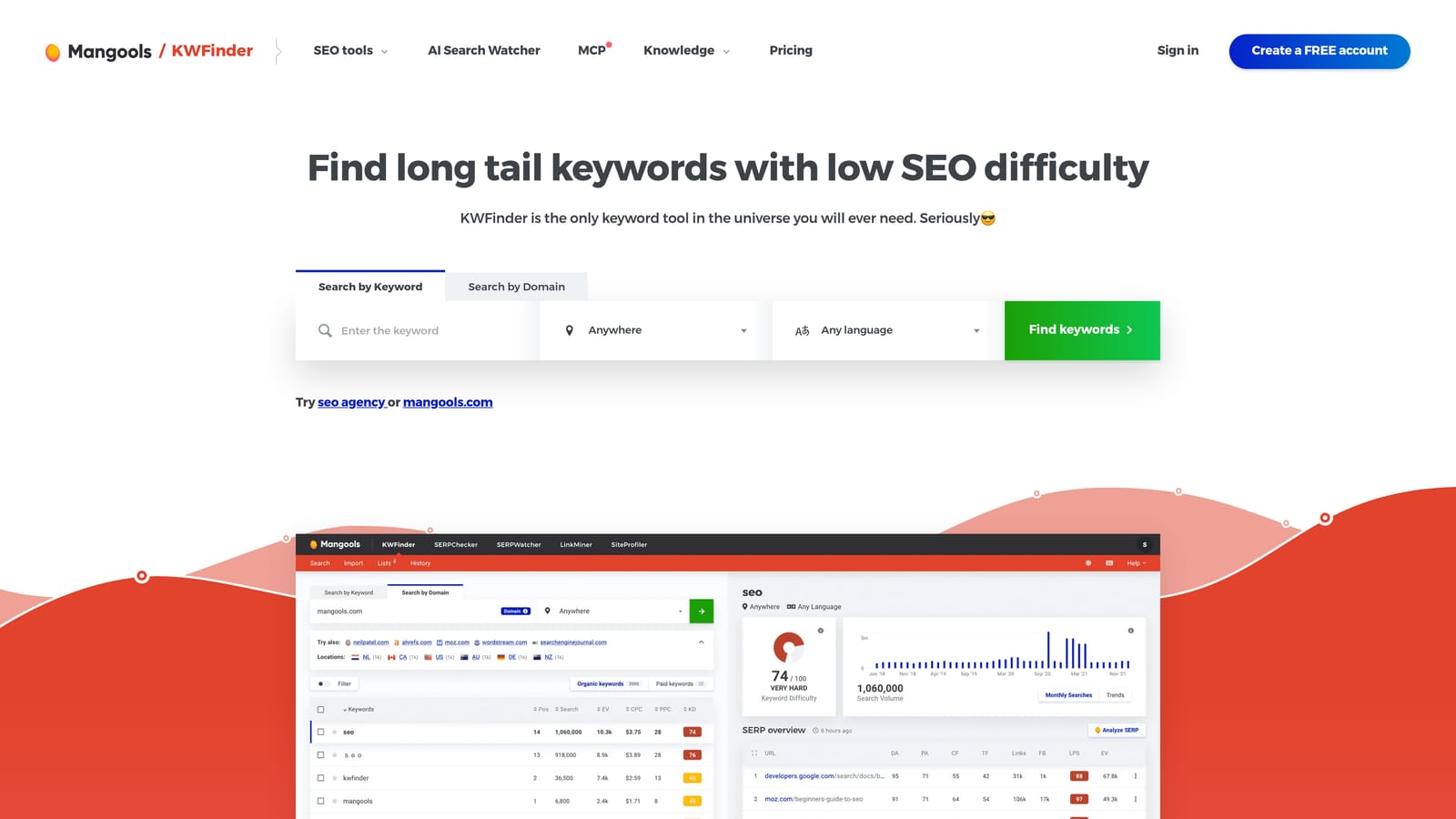
Where it stands out is location. It offers strong city-level keyword data, which matters if you're researching for a plumber in one town rather than a national brand.
- Colour-coded difficulty so you can triage a list without reading every number.
- Local and language targeting to see results as searchers in a specific place would.
- SERP overview to check who currently ranks.
- Related keyword suggestions to widen a seed list.
It connects with other Mangools tools, SERPChecker and SERPWatcher, but not much beyond that.
The gap is paid data. There's little in the way of paid ad competitor insight, so it won't tell you what rivals bid on. It's a good organic and local research companion, not an auction analyzer.
Best for: Freelancers and local service businesses wanting a simple interface.
8. SE Ranking
SE Ranking is an SEO platform aimed at agencies, combining competitive research, keyword difficulty and rank tracking. It covers both organic and paid competitor research, which puts it closer to Semrush in scope.
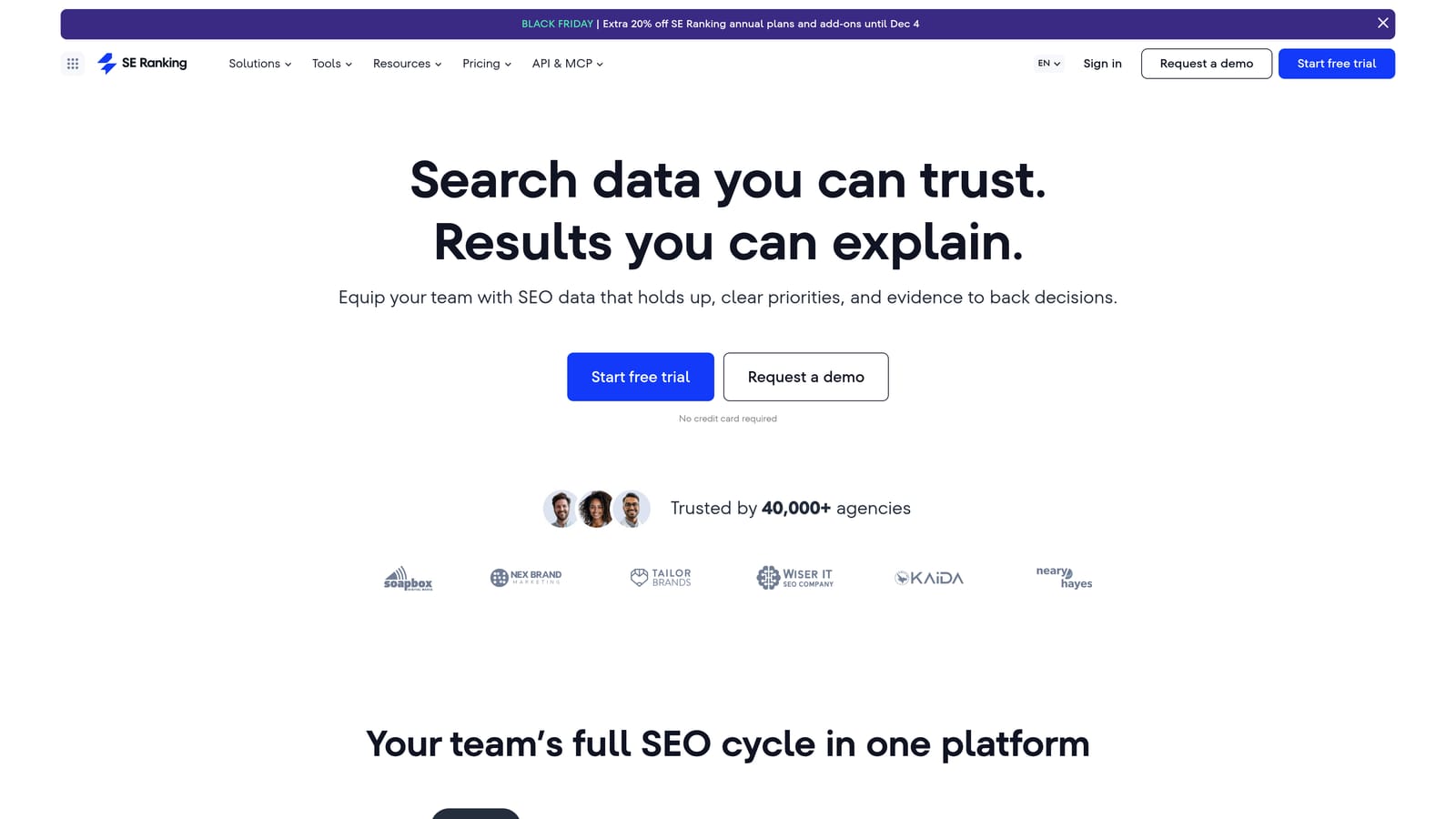
The standout is white-label reporting. If you hand clients branded reports, being able to produce them from the same place you do the research saves real time.
- Competitive research across organic and paid to see how rivals show up in both.
- Keyword difficulty to prioritise terms you can realistically win organically.
- Rank tracking so you can report movement after you act on the research.
- Multi-project dashboards to keep several client accounts organised.
Data depth varies by region and plan tier, so confirm that your target country and the features you need are covered on the plan you're considering, and don't assume the entry level has everything.
Pricing: tiered subscriptions, with cost shaped by plan level and tracking limits. See the website for current rates.
Best for: Agencies that need competitor research and client-ready reports in one place.
9. Ubersuggest
Ubersuggest is a budget keyword tool that shows SEO difficulty, paid difficulty and CPC for each keyword. Having both a paid and an organic score on the same screen makes it a handy first-pass check.
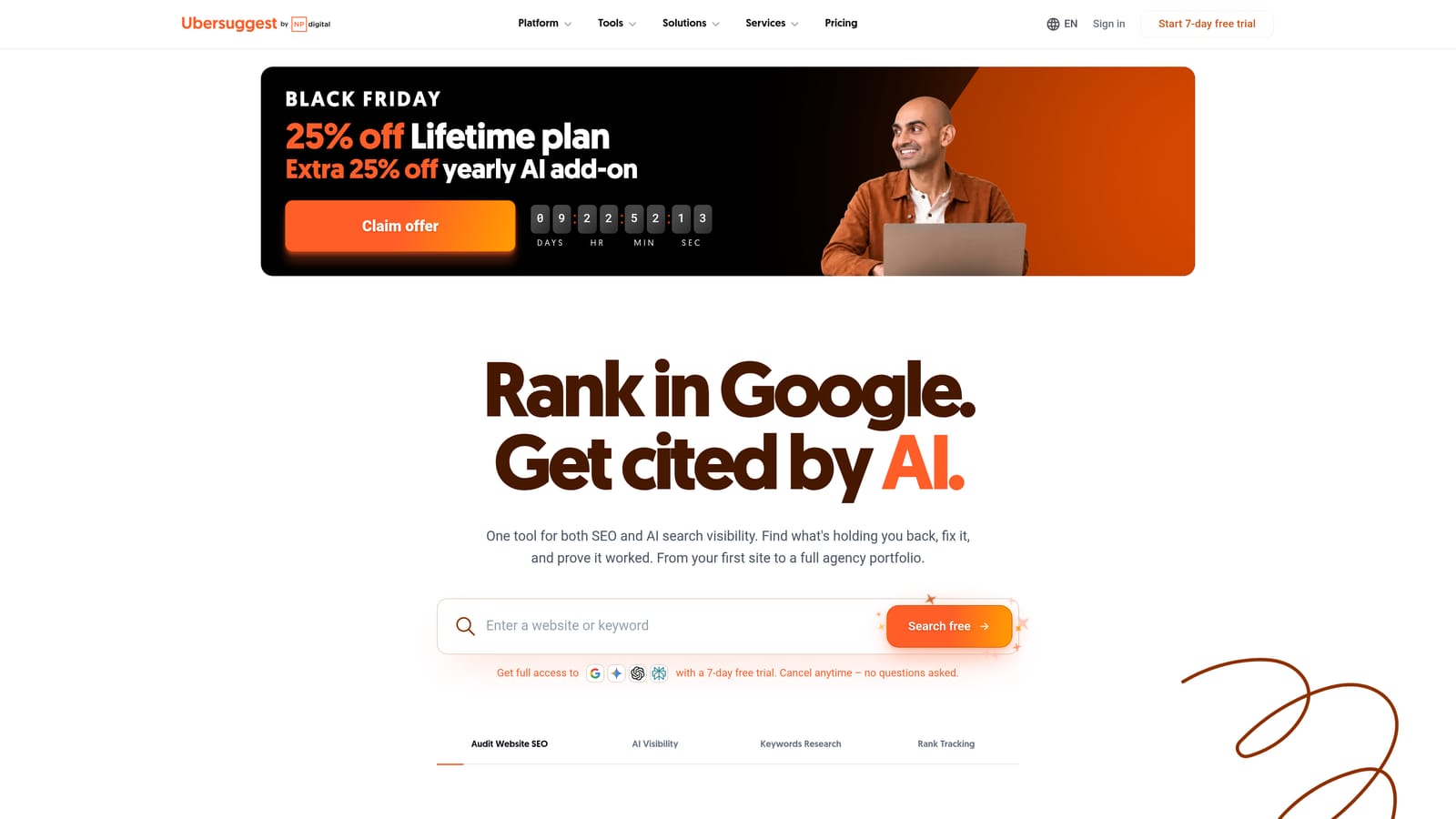
Its main draw is low cost. It has historically offered a one-time lifetime plan, which is unusual in this category. Check the website to see whether that option is currently available.
- SEO and paid difficulty scores to compare how hard a term is in each channel.
- CPC data for a rough idea of what clicks may cost.
- Keyword suggestions to expand a starting list.
- Competitor domain overview for a quick look at what a rival ranks for.
It integrates with Google Analytics and Google Search Console.
You give up depth. Filtering and data are lighter than Semrush or Ahrefs, and the scores are rough guides. Use them to rule keywords in or out quickly, then verify the promising ones elsewhere.
Pricing: limited free tier plus paid plans; see the website for current rates and any lifetime option.
Best for: Small business owners on a tight budget doing a first-pass check.
Which Keyword Competition Tool Fits Which Job
Match the tool to the kind of competition you're worried about:
- Free, Google-only check: Keyword Planner for bids and auction density, then Auction Insights once campaigns are live.
- Rival ad research: SpyFu if you're studying a specific competitor's ads over time.
- SEO plus PPC in one place: Semrush for the widest coverage, or Ahrefs if organic difficulty is the bigger concern.
- Agency reporting: SE Ranking for white-label client reports.
- Tight budget: Ubersuggest for a quick first pass, or Mangools KWFinder if you work locally.
Whatever you pick, remember that third-party traffic and spend figures are modeled, not exact. Use them to compare options, not to forecast to the dollar.
These tools help you choose keywords. They stop at the point where real searches start coming in. Once campaigns run, the work shifts to your Search Terms Report: spotting junk search terms, adding negative keywords, and applying match types. That's what Keywordme does, as a Chrome extension inside Google Ads, with one-click negatives, keyword adds and clustering, and you stay in control of every change.
Optimize Google Ads Campaigns 10X Faster. Without Leaving Your Account. Keywordme lets you remove junk search terms, build high-intent keyword lists, and apply match types instantly, right inside Google Ads. No spreadsheets, no switching tabs, just quick, seamless optimization. Start your free 7-day trial (then just $12/month) and take your Google Ads game to the next level.
