
9 Best Keyword Competition Analysis Tools for Google Ads and SEO in 2026
This guide compares nine options for choosing a keyword competition analysis tool, built for marketers, freelancers, and agency owners working in Google Ads and SEO. Each tool is judged on how well it measures keyword difficulty, CPC, and competitor overlap, how reliable its paid-search data is, and what it costs a small team.


If you're deciding which keywords to bid on or try to rank for, you need two answers: how contested each keyword is, and who you'll be up against. This list is for marketers, freelancers, and agency owners who work in Google Ads and SEO. The tools were picked on how well they measure competition (difficulty, CPC, competitor keyword overlap), how reliable their paid-search data is, what they cost a freelancer or small team, and how usable the output is for Google Ads decisions.
Quick Comparison of the Tools
- Google Keyword Planner: advertisers sizing up bid costs before launching Search campaigns; free with a Google Ads account; the only list entry with first-party bid ranges straight from Google.
- Google Ads Auction Insights: advertisers with live campaigns; free inside Google Ads; names the actual domains competing in your own auctions using Google's data.
- Semrush: teams that need paid and organic competitor research in one subscription; roughly $140/month for Pro as of last check; the broadest combined view of competitor keywords plus ad copy history.
- SpyFu: advertisers who want to borrow proven keywords from rivals; around $39 to $49/month as of last check; multi-year history of the keywords and ads a competitor has bought.
- Ahrefs: SEO-led teams judging whether they can outrank established pages; see website for pricing; backlink-based difficulty scoring.
- SE Ranking: agencies that need competitor data and branded client reports; see website for pricing; white-label reporting bundled with competitor research.
- Mangools KWFinder: freelancers and local businesses new to competition research; see website for pricing; city-level local keyword data in a very simple interface.
- Moz Keyword Explorer: teams that need an easy-to-explain prioritization score; see website for pricing; one priority score weighing volume, difficulty, and click potential.
- Ubersuggest: solo advertisers and small businesses on tight budgets; see website for pricing; SEO and paid difficulty on one screen at a budget price.
1. Google Keyword Planner
Google Keyword Planner is the free keyword research tool inside Google Ads. It's built for advertisers who want to know what a keyword is likely to cost before they spend anything on it.

Its edge over every other tool here is that the bid data is first-party. Third-party platforms model CPC (cost per click) from samples and estimates. Keyword Planner shows the top-of-page bid ranges Google itself reports for the keyword, which makes it the most grounded starting point for a budget conversation.
- Generates keyword ideas from a seed phrase or a website URL, so you can mine a competitor's landing page for themes.
- Shows search volume as ranges, which is enough to separate niche terms from big ones. Exact figures can depend on your account's activity.
- Gives low and high top-of-page bid ranges to help you set starting bids and estimate cost.
- Labels competition as low, medium, or high.
- Forecasts clicks, impressions, and cost for a planned campaign.
That competition label needs careful reading. In Keyword Planner, it reflects how many advertisers are bidding on a keyword relative to others. It is not organic keyword difficulty, and it doesn't tell you how hard a page would be to rank. It's also coarse: three buckets, no competitor names, no ads.
Setup is nothing if you already have a Google Ads account. Whoever manages the account runs it. Pricing: free with a Google Ads account.
Best for: Advertisers sizing up bid costs before launching Search campaigns.
2. Google Ads Auction Insights
Limitation first: Google Ads Auction Insights only knows about auctions you actually entered. It won't suggest keywords, show volume, or reveal what rivals do on terms you don't bid on. If you haven't launched campaigns yet, skip to another tool.
Once you're live, though, it's the only place where Google tells you which domains you're competing with. Third-party tools guess at that. Auction Insights reports it from the auctions you took part in.
The metrics are worth defining, because they're easy to misread:
- Impression share: the share of impressions you received out of those you were eligible for. It tells you how much of the available opportunity you're capturing.
- Overlap rate: how often another advertiser's ad showed in the same auctions as yours. It shows who your real rivals are.
- Position above rate: how often their ad ranked higher than yours when both appeared.
- Top of page rate: how often an advertiser's ad appeared above the organic results.
- Outranking share: how often your ad ranked above theirs, or showed when theirs didn't.
You can view it at campaign, ad group, or keyword level in the account, so a brand term can be separated from a generic one. Nobody has to install anything. A PPC manager checking the report monthly is plenty. Pricing: free inside Google Ads.
Best for: Advertisers with live campaigns who want to see who is pushing them out of auctions.
3. Semrush
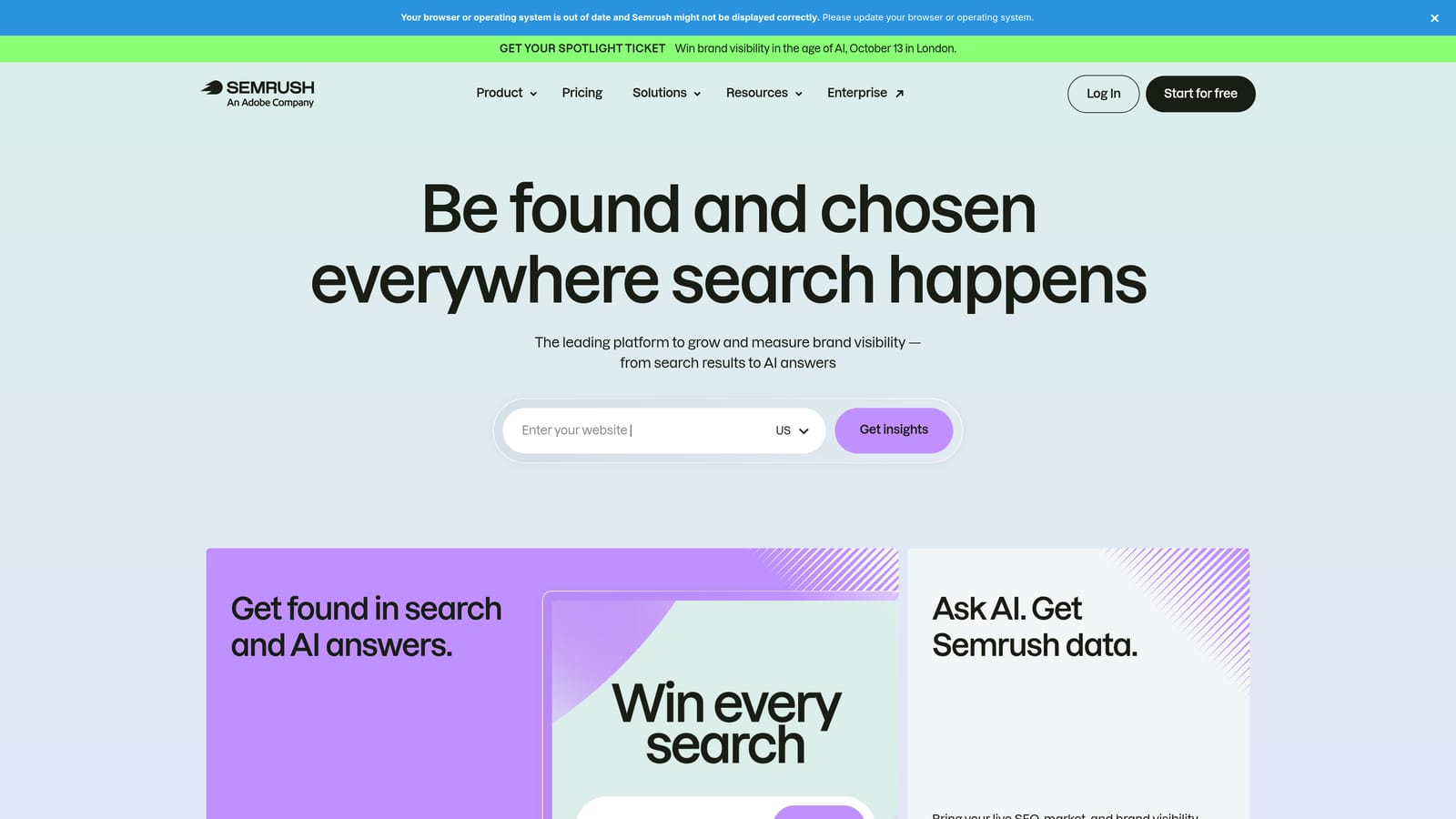
Semrush is the big all-in-one suite. If your question is "what is this competitor doing in both paid and organic search?", it has the broadest single answer on this list, including ad copy history that lets you see how a rival's messaging has changed.
What you get
- Keyword Magic Tool for large keyword lists with filters for volume, intent, and difficulty.
- Keyword Difficulty %, an estimate of how hard it would be to rank organically for a term.
- Advertising Research, which shows competitor paid keywords and ad copy.
- Keyword Gap analysis, which finds terms competitors cover that you don't.
- Position Tracking to monitor your rankings against named rivals over time.
Setup, limits, and cost
It connects to Google Ads, Google Analytics, Google Search Console, and Looker Studio, so reporting is easy to build. Setup takes some effort because there's a lot of surface area, and someone needs to own the projects and limits.
The honest drawback is scope and cost. Paid-search figures are modeled estimates rather than your competitors' real spend, and the suite is more than a solo advertiser or a small account typically needs. Costs climb as users and projects grow. Pro started at roughly $140/month as of last check; verify current pricing on the website, as plans and limits change.
Best for: Teams that need one subscription covering both paid and organic competitor research.
4. SpyFu
SpyFu does one thing and keeps it simple: show the keywords competitors buy on Google Ads and rank for organically. If you've ever wanted to see what a rival has been bidding on for the last few years, this is the tool.
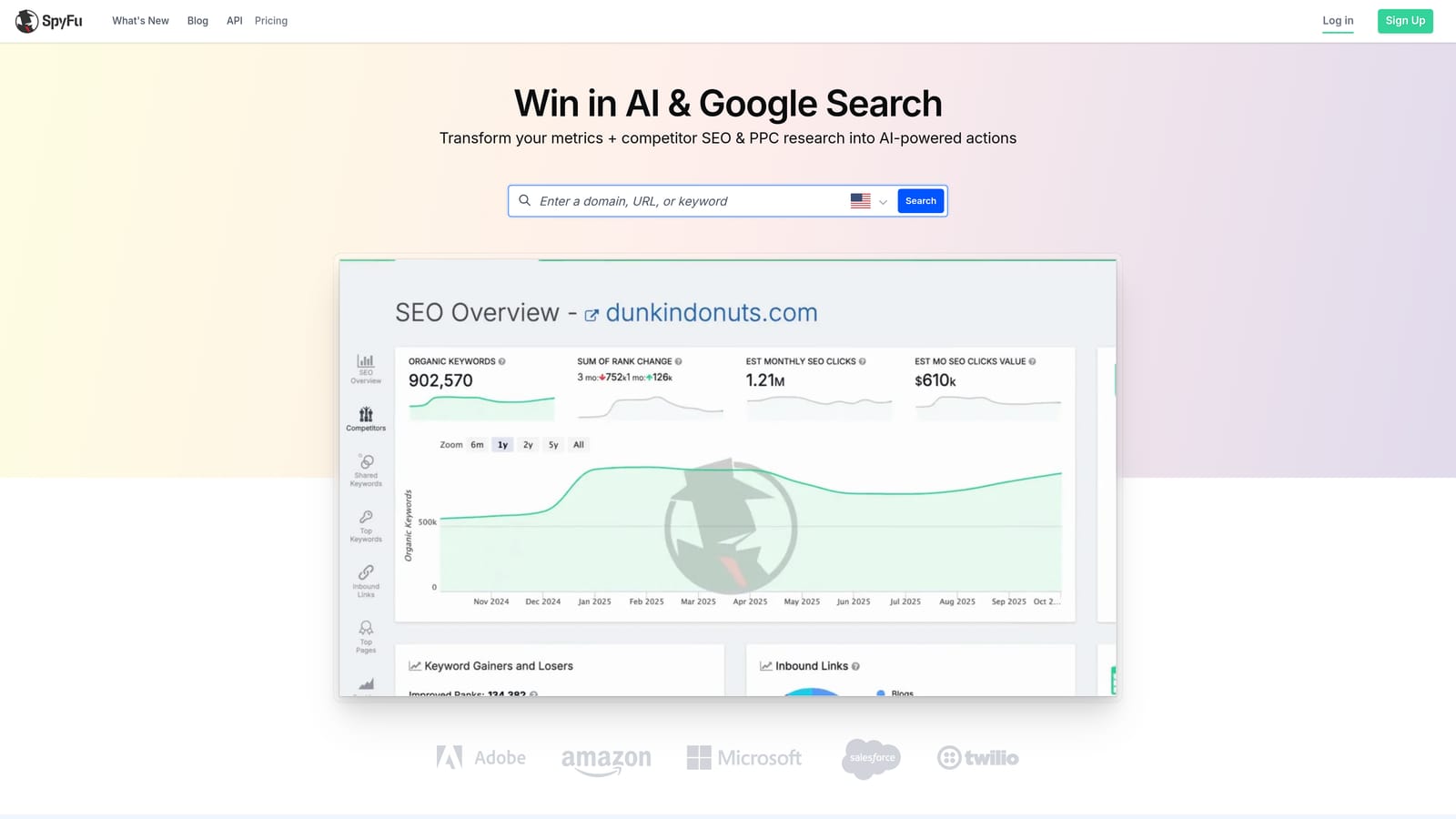
That history is its distinguishing trait. A keyword a competitor has kept buying for years is a decent signal that it earns its keep, and a keyword they dropped is a useful warning. Treat it as a lead for testing, not proof, because the underlying spend figures are estimates.
- Competitor paid and organic keyword lists, so you can pull a rival's whole footprint.
- Historical ad copy and keyword data, which shows what messaging survived.
- Kombat, a domain comparison that surfaces keywords overlapping between you and competitors.
- Keyword grouping to organize big lists into themes.
- Exports and reports so findings can move into your own workflow.
Setup is light: enter a domain and read. Google Ads and Google Sheets export options exist, but check which are available on your plan. It isn't for everyone. Coverage is strongest in the US market, and results outside it can be thinner. Plans started around $39 to $49/month as of last check, in tiers; verify current plans on the website.
Best for: Advertisers who want to borrow proven keywords from competitors' paid history.
5. Ahrefs
Start with what Ahrefs is not: a paid-search auction tool. Its Keyword Difficulty score estimates how hard it is to rank in organic results, and a high score doesn't mean high ad costs. The two are separate markets.
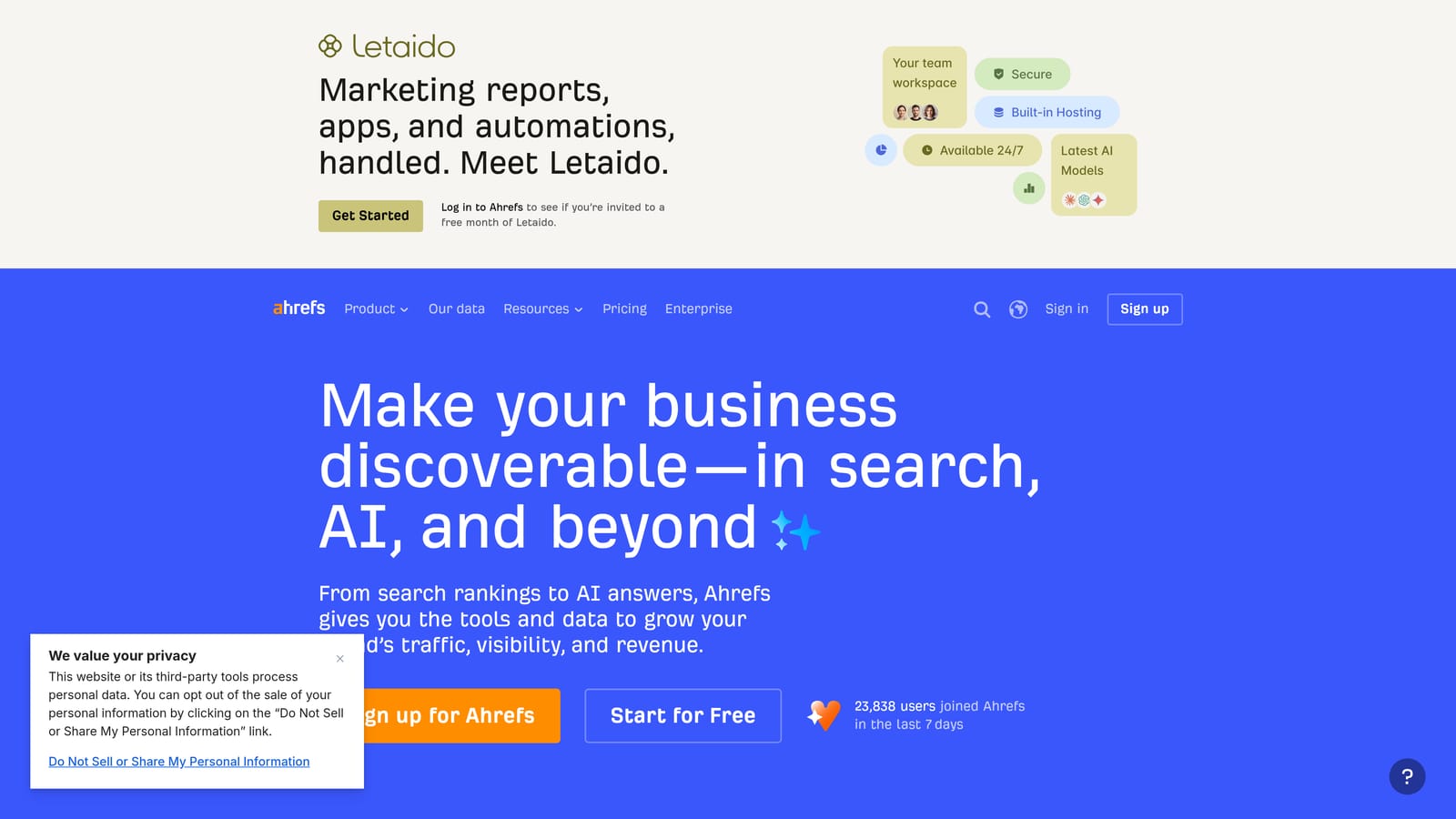
What it does well is show how strong the pages you'd have to beat really are. Its difficulty scoring is based on the backlinks pointing to the top-ranking pages, so you see whether page one is held by big authorities or by thin content you could realistically displace.
- Keywords Explorer for volume, related terms, and SERP overviews.
- Keyword Difficulty, grounded in links to the current top results.
- Clicks versus searches estimates, which show that a high-volume term might send few clicks because the results page answers the question.
- Site Explorer to see which keywords a competitor's site ranks for.
- Content Gap to find terms rivals rank for that you don't.
That clicks-versus-searches view matters for ad people too, since it hints at how much organic traffic a query actually yields. Integrations include Google Search Console and Google Analytics, with Looker Studio connections worth verifying on your plan. Expect an SEO specialist or content lead to run it. Plans are tiered with usage limits; see the website for current pricing.
Best for: SEO-led teams judging whether they can rank organically against established pages.
6. SE Ranking
Agencies feel the cost of reporting more than the cost of research, and that's where SE Ranking earns a place. It pairs competitor research with white-label reports at a lower price than the biggest suites.
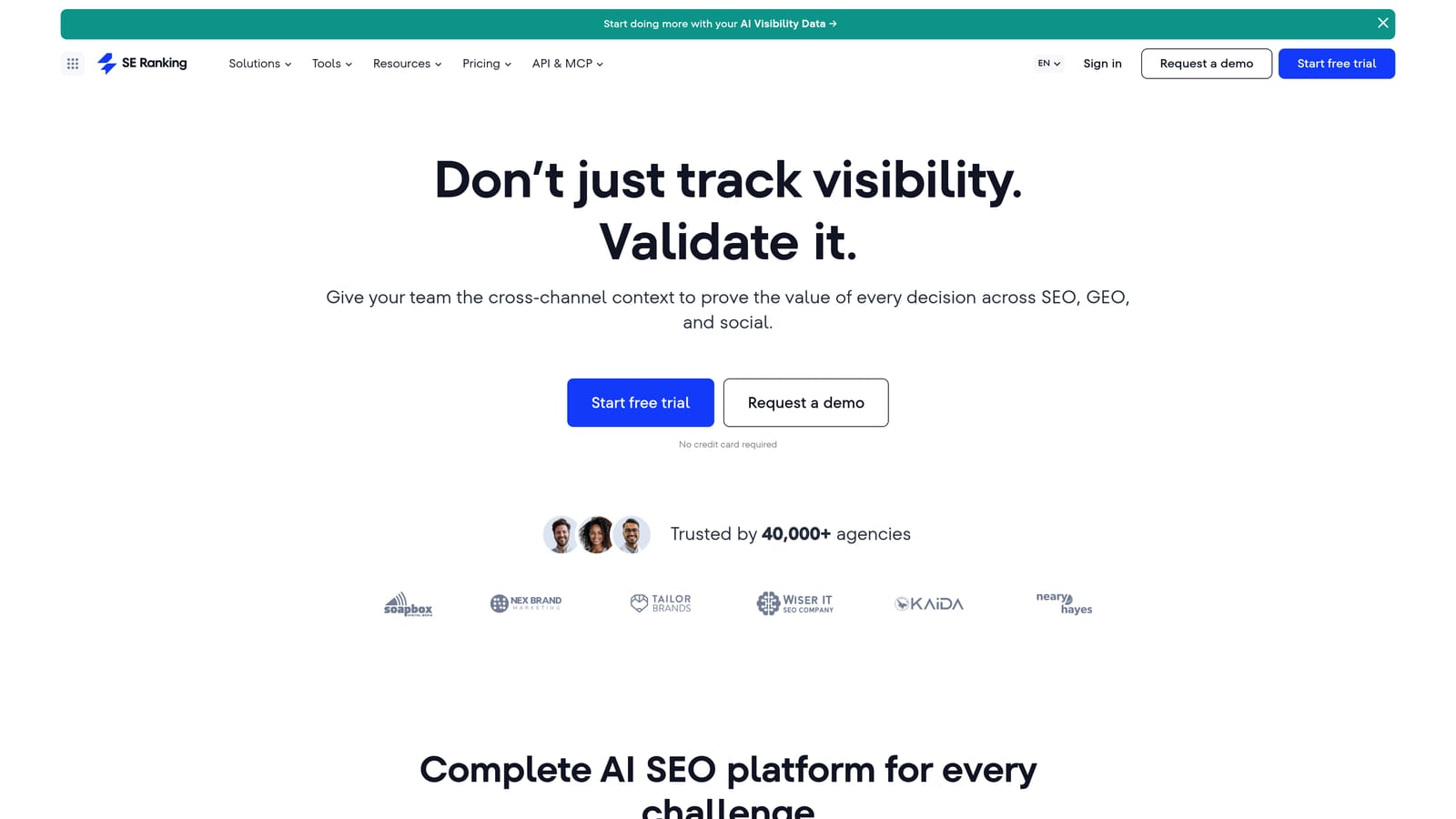
- Keyword research with a difficulty score for organic competitiveness.
- Organic and paid competitor research, so you get a view of both sides.
- Keyword gap view to spot terms competitors rank for that you don't.
- Rank tracking so you can report movement to clients over time.
- White-label reports that carry your agency branding instead of the vendor's.
The trade-off is depth. The database is smaller and the paid data lighter than Semrush or Ahrefs, so a competitor's paid footprint may look incomplete. If paid-search spying is your main job, SpyFu or Semrush will tell you more.
Google Analytics and Google Search Console connect, and Looker Studio is worth verifying. Setup is straightforward, and an account manager can run client projects day to day. Pricing is tiered by keyword and project limits; see the website and verify current plans.
Best for: Agencies that need competitor data and branded client reports in one affordable tool.
7. Mangools KWFinder
Mangools KWFinder is the one to give someone who has never done keyword competition research. The interface is clean, the difficulty score is easy to read, and nothing is buried in menus.
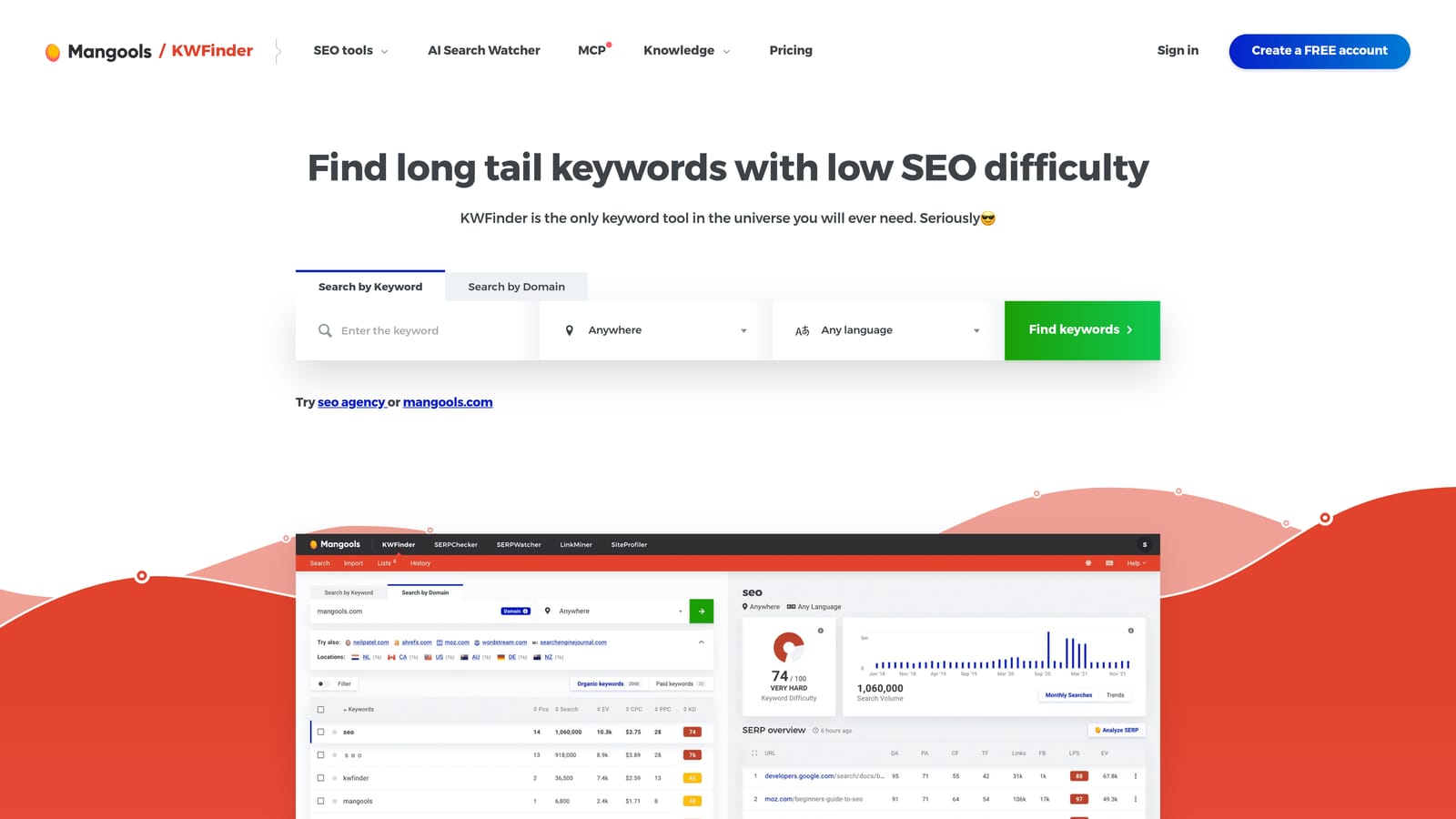
Its distinctive strength is local data. You can see search volume at city level, which matters when you're running ads for a plumber in one metro rather than a national brand. Most bigger suites make local research clumsy.
- Keyword Difficulty so you can gauge organic competitiveness quickly.
- City-level local search volume for geo-targeted decisions.
- SERP Checker with link metrics, showing what the current top results look like.
- CPC data to give a rough sense of what advertisers pay.
- Related keyword suggestions to widen a list.
The limitation is clear: there is little paid-search competitor data. You won't see rival ad copy or their paid keyword lists. It works with other Mangools tools (SERPWatcher, LinkMiner, SiteProfiler), and a freelancer or business owner can use it alone without setup. Plans are tiered and cheaper billed annually; see the website and verify current pricing.
Best for: Freelancers and local businesses new to keyword competition research.
8. Moz Keyword Explorer
Moz Keyword Explorer sits inside Moz Pro and tries to collapse several measures into one decision. Its Priority score weighs volume, difficulty, and click potential together, so you can sort a list without building your own formula.
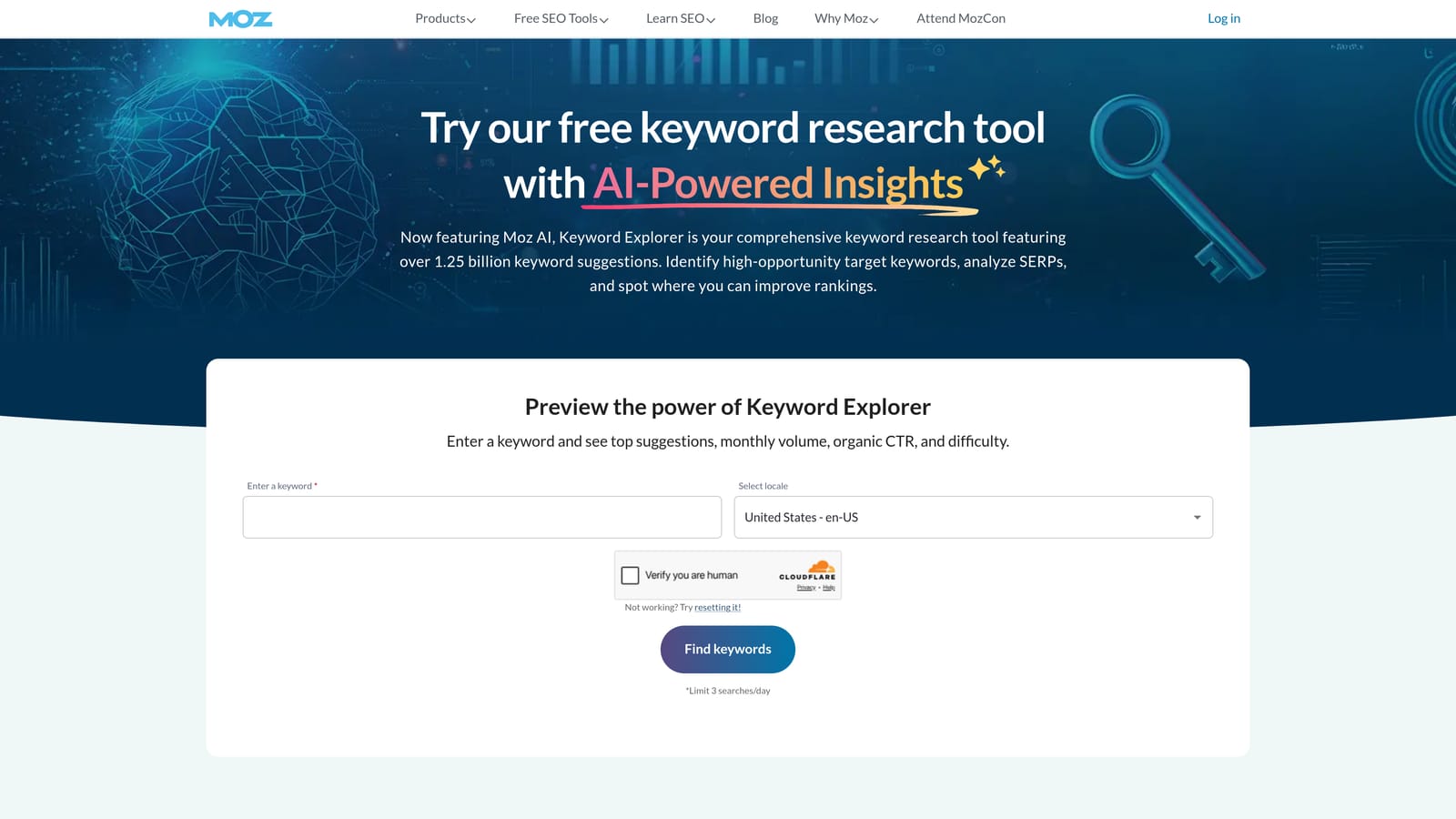
That helps when you have to explain a choice to someone who doesn't live in SEO. A client or stakeholder can understand "this scored highest" faster than a spreadsheet of metrics.
- Keyword Difficulty to estimate organic competitiveness.
- Organic click-through estimate so you know how many searches turn into clicks.
- Priority score combining the factors into one ranking.
- SERP analysis showing Domain Authority of the pages ranking.
- Keyword lists for organizing and saving research.
Two caveats. It doesn't offer competitor paid keyword research, so it won't tell you what rivals buy on Google Ads. And Domain Authority is a Moz-created metric, not a Google signal, so use it as a comparison aid rather than a ranking fact. It comes with Moz Pro subscriptions, and Google Analytics connection should be verified. An SEO or content person usually runs it. See the website for current pricing.
Best for: Teams that need an easy-to-explain prioritization score for clients or stakeholders.
9. Ubersuggest
Ubersuggest, from Neil Patel's team, is the budget pick. What sets it apart is seeing SEO difficulty and paid difficulty together on one screen, plus CPC, without paying for a large suite.
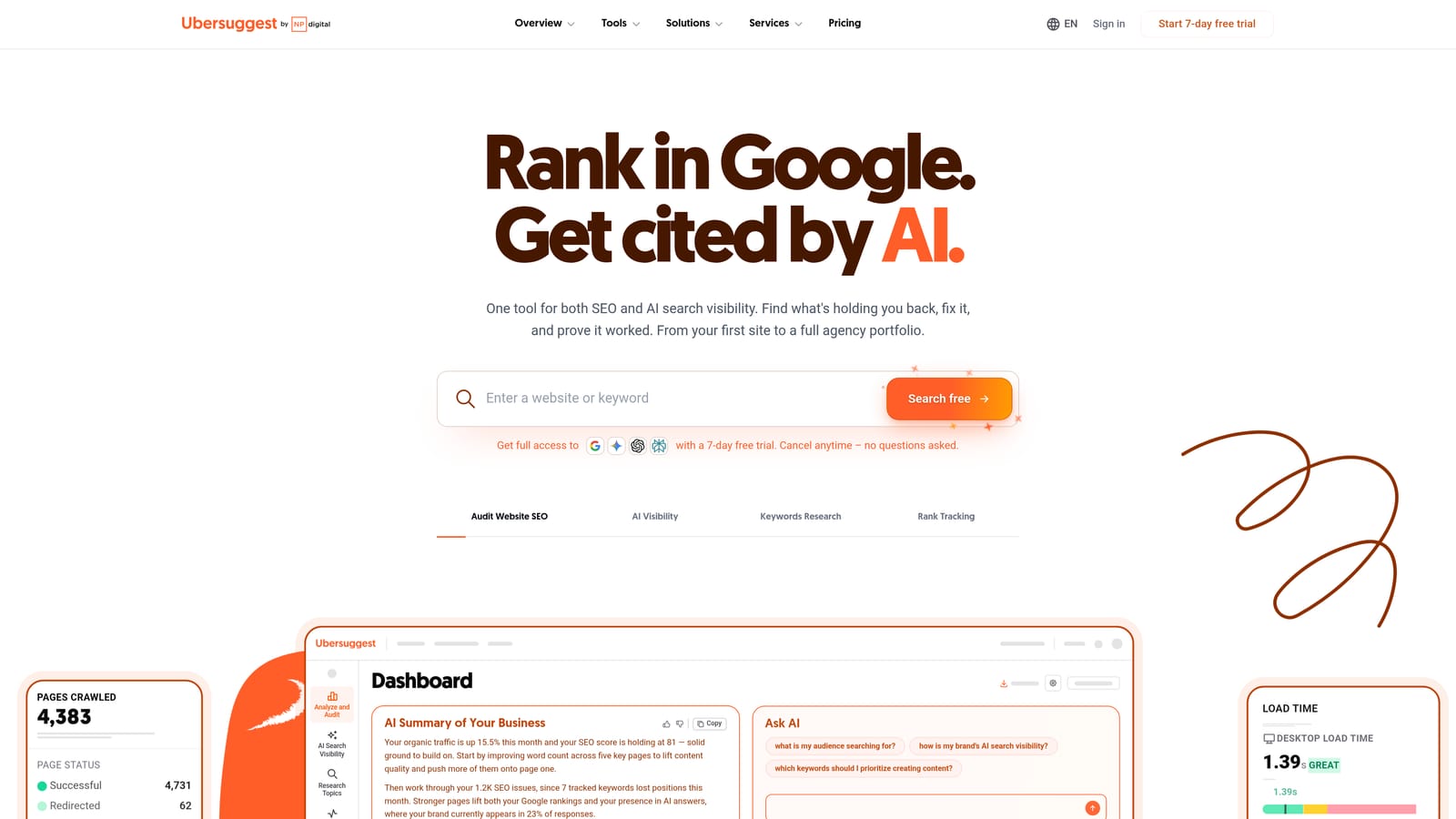
- Keyword ideas to build starting lists quickly.
- SEO difficulty and paid difficulty side by side, so you can compare organic and ad competition.
- CPC data for a rough cost expectation.
- Competitor domain overview to see what a rival ranks for.
- Content ideas to turn keywords into topics.
Lifetime pricing options have historically been offered, which is unusual in this category. Check whether they're still available before planning around them. Otherwise it uses monthly plans.
The trade-off is quality. The dataset is smaller and the estimates rougher than premium tools, so treat the paid difficulty as a directional signal and confirm anything important in Keyword Planner. Google Analytics and Search Console connections should be verified. A solo operator can use it straight away. See the website for current pricing as of October 2026.
Best for: Solo advertisers and small businesses on tight budgets.
Which Tool to Pick for Your Situation
Two terms get mixed up constantly, so keep them apart: Keyword Planner's "competition" means advertiser density, while "keyword difficulty" in SEO tools means how hard it is to rank organically. A high difficulty score doesn't mean expensive clicks.
- Free and in-account checks: Keyword Planner before launch, Auction Insights once you're live.
- Paid-search competitor research: SpyFu for history, Semrush for the widest paid and organic view. Remember these figures are modeled estimates.
- Organic difficulty: Ahrefs for link-based realism, Moz for a simple priority score.
- Agency reporting: SE Ranking for white-label reports at a lower price.
- Tight budgets: Ubersuggest, or KWFinder if local data matters.
One honest note on what comes next. Competition analysis picks the keywords. Once campaigns run, the next job is pruning the junk search terms they trigger, which is a different task from anything above. That's where a search-terms tool like Keywordme comes in, and it's deliberately not on this list because it doesn't provide competitor or difficulty data.
Optimize Google Ads Campaigns 10X Faster. Without Leaving Your Account. Keywordme lets you remove junk search terms, build high-intent keyword lists, and apply match types instantly, right inside Google Ads. No spreadsheets, no switching tabs, just quick, seamless optimization. Start your free 7-day trial (then just $12/month) and take your Google Ads game to the next level.
.svg)