
9 Best Keyword Clustering Tools for Google Ads and SEO in 2026
A practical guide to keyword clustering tools.


If you manage Google Ads, you probably have search terms piling up faster than you can sort them. If you do SEO, you have keyword exports that need to become content plans. Either way, the job is the same: turn a messy list into groups that make sense. We picked these tools by clustering method (SERP-based or semantic/text-based), fit for PPC versus SEO workflows, how much cleanup the output needs, pricing transparency, and whether a team or agency can run them.
Keyword Clustering Tools Compared at a Glance
- Keywordme: Google Ads managers and agencies; $12/month per user; clusters and acts on search terms directly in the Google Ads UI with no export.
- Keyword Insights: SEO teams planning content from large lists; see website for pricing; cluster-level content briefs built from SERP data.
- Semrush Keyword Strategy Builder: teams already on Semrush; subscription, see website; clustering inside a full SEO and PPC research suite.
- Ahrefs: SEOs who want quick topic grouping; subscription, see website; groups by the top-ranking page's main topic using Ahrefs' own index.
- SE Ranking Keyword Grouper: small agencies wanting an affordable all-in-one; plan-based, see website; adjustable grouping strictness.
- Google Ads Editor: agencies with spreadsheet workflows; free; the official free bulk-upload path for applying finished groupings.
- ChatGPT or Claude: freelancers clustering a few hundred terms; free tier and paid plans, see website; groups by meaning from a plain-language prompt.
- Keyword Cupid: content marketers who want clustering only; see website for pricing; low-overhead clustering without a full suite.
- Google Sheets n-gram analysis: spreadsheet-confident PPC analysts; free; surfaces wasteful word patterns across thousands of search terms.
Two Different Jobs Hiding Behind "Clustering"
Before comparing tools, split the problem in two. A keyword is what you add to a campaign or target in SEO. A search term is what someone actually typed before your ad showed. PPC clustering usually works on search terms: grouping them so you can add the good ones as keywords, exclude the bad ones as negative keywords, and build tight ad groups.
SEO clustering works on keyword lists, and it usually asks whether several keywords belong on one page. The two methods behind most tools:
- SERP-based clustering groups keywords whose search results share ranking URLs. If the same pages rank for two queries, Google probably treats them as one topic.
- Semantic or text-based clustering groups keywords by the meaning or wording of the text itself, with no search results involved.
- N-gram analysis counts the one-, two-, and three-word phrases that recur across a list, which is useful for spotting wasteful patterns.
Three mistakes show up again and again: clustering by shared words alone, ignoring intent, and treating a cluster as a finished ad group without reviewing it. Most roundups only cover the SEO side. This one flags which tools actually help inside Google Ads. Check current pricing and features on each vendor's site, since plans change often.
1. Keywordme
Keywordme is our own product, so weigh this section with that in mind. It's a Chrome extension that adds one-click actions and keyword clustering to the Search Terms Report in Google Ads. It's built for advertisers who review search terms regularly and want to act on them where they already work.
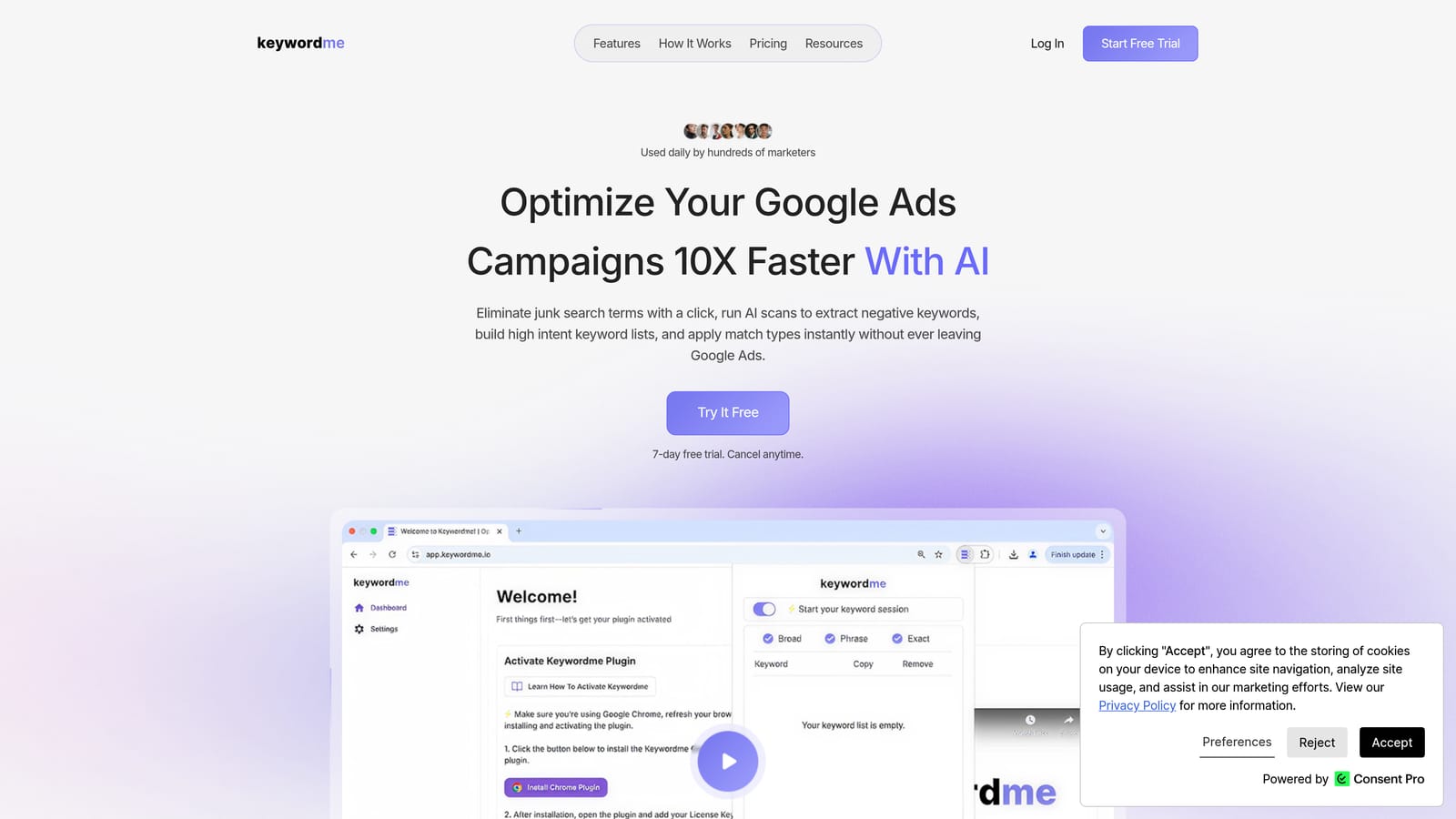
The distinctive part is location. You cluster and act on search terms directly in the Google Ads interface, with no export, no spreadsheet round trip, and no separate dashboard. Keywordme describes its workflow as up to 10x faster than manual optimization; that figure is the company's own claim, not an independent benchmark.
- Works inside the Search Terms Report, so you review terms in the same screen you already use.
- One-click add as a keyword or a negative keyword, which turns a review pass into a series of clicks instead of copy and paste.
- Instant match type application, so you choose broad, phrase, or exact as you add rather than editing afterward.
- Keyword clustering and bulk editing, to group related terms and handle them together.
- Multi-account and team support, which matters when several people manage many client accounts.
Setup is a browser extension install, and the person who runs the account day to day is the one who uses it. It integrates with Google Ads only, via Chrome.
The limits are plain. It's Google Ads and Chrome only, and it isn't built for SERP-based SEO clustering, so it won't tell you which keywords should share a content page. It also doesn't act on its own: you review the groupings and decide what gets added or excluded.
Pricing is $12/month per user with a 7-day free trial, so cost scales with seats. Verify the current terms on the website.
Best for: Google Ads managers and agencies cleaning up search terms and building keyword groups.
2. Keyword Insights
Keyword Insights is a dedicated clustering platform that groups keywords by SERP overlap, then layers on intent labels and content briefs. It's designed for SEO teams that start with a huge keyword list and need a content plan out the other end.

What sets it apart on this list is the brief. Clusters don't just come back as groups; you can generate cluster-level content briefs built from SERP data, which saves a step if your end product is articles.
- SERP-similarity clustering groups keywords that search results treat as one topic, so you avoid writing near-duplicate pages.
- Search intent labeling tells you whether a cluster is informational, commercial, or transactional, which helps you decide page type.
- Content briefs turn a cluster into a writing assignment.
- Large list uploads let you process big exports without splitting files by hand.
Input and output run through CSV import and export, and it may connect to Google Search Console; confirm that on the vendor's site. Setup is light, and an SEO lead or content strategist typically owns it.
The limitation for our readers: it's SEO-first. If you're in Google Ads, you'd have to map clusters to ad groups manually, and SERP overlap doesn't always match how you'd structure a paid campaign. Pricing isn't something we can quote here; see the website for current plans and what drives cost.
Best for: SEO teams planning content from large keyword lists.
3. Semrush Keyword Strategy Builder
Semrush offers a Keyword Strategy Builder that takes a seed keyword and returns topic clusters organized as pillar and subtopic structures. It suits teams that already live in Semrush and want clustering sitting next to their research data.
The differentiator is context. You get clusters inside a full SEO and PPC research suite, so the same platform holds your keyword database, difficulty scores, and competitor data.
- Topic cluster generation builds a pillar-and-subtopic map from one seed, which gives you a content skeleton fast.
- Keyword database and difficulty scores let you judge which clusters are realistic to rank for.
- Competitive research shows what rivals cover, so gaps are easy to spot.
- Keyword Manager lists let you save and organize clusters for later work.
Semrush connects with Google Search Console, Google Analytics, and Google Ads; confirm the exact integrations for your plan. Setup effort is higher than a single-purpose tool because there's a whole suite to learn, and it usually belongs to an SEO or marketing lead.
Be honest about fit: it's costly and heavy if clustering is your only need. It also starts from a seed keyword, so it's a planning tool rather than something you point at a Search Terms Report. It's subscription-based, with pricing that depends on the plan and add-ons; see the website.
Best for: Teams already using Semrush who want clusters next to their research data.
4. Ahrefs
Ahrefs is an SEO suite, and its Keywords Explorer groups terms by Parent Topic and offers a clusters view built on that. It's a quick way for SEOs to see which keywords belong together without running a separate clustering job.
The method is its own. Ahrefs groups keywords by the main topic of the top-ranking page, using Ahrefs' own index, so the grouping reflects what already ranks rather than a text comparison.
- Parent Topic grouping shows whether you can target several keywords with one page.
- Clusters by Parent Topic view lays out groupings inside a keyword list.
- SERP history shows how results have changed, which helps you judge how stable a topic is.
- A large keyword database means you rarely need outside data to size a topic.
It can connect with Google Search Console and Google Analytics; verify the details. Setup is minimal if you already have an account, and SEOs generally run it.
The grouping is lighter than what dedicated clusterers offer, and it's organic-focused, so it won't help you restructure ad groups. Access is subscription-based, with price tied to plan tier and usage limits; see the website.
Best for: SEOs who want quick topic grouping alongside backlink and ranking data.
5. SE Ranking Keyword Grouper
SE Ranking includes a Keyword Grouper that clusters keywords by SERP overlap. It's aimed at small agencies and in-house SEOs who want grouping inside an all-in-one platform rather than a standalone tool.
Its standout is control. You can adjust how strict the grouping is, choosing a soft or hard accuracy setting. Soft produces broader groups, and hard keeps only keywords with tighter SERP similarity, so you can tune output to your tolerance for cleanup.
- SERP-overlap grouping bases clusters on what actually ranks.
- The soft or hard setting lets you trade breadth for precision per project.
- Rank tracking integration means you can follow clusters once you start targeting them.
- Keyword suggestions help you expand a list before grouping it.
It can connect to Google Search Console and Google Analytics, though you should verify this on the vendor's site. Setup is straightforward for an SEO or account manager.
It's SEO-oriented, with no direct path into Google Ads, so PPC users will export and restructure by hand. Pricing is plan-based; see the website for current tiers and what raises the cost.
Best for: Small agencies wanting grouping within an affordable all-in-one SEO platform.
6. Google Ads Editor
Google Ads Editor is Google's free desktop app for bulk-editing campaigns. It doesn't cluster anything, but it's where many agencies apply a finished grouping at scale. Be clear on that: grouping is manual here.
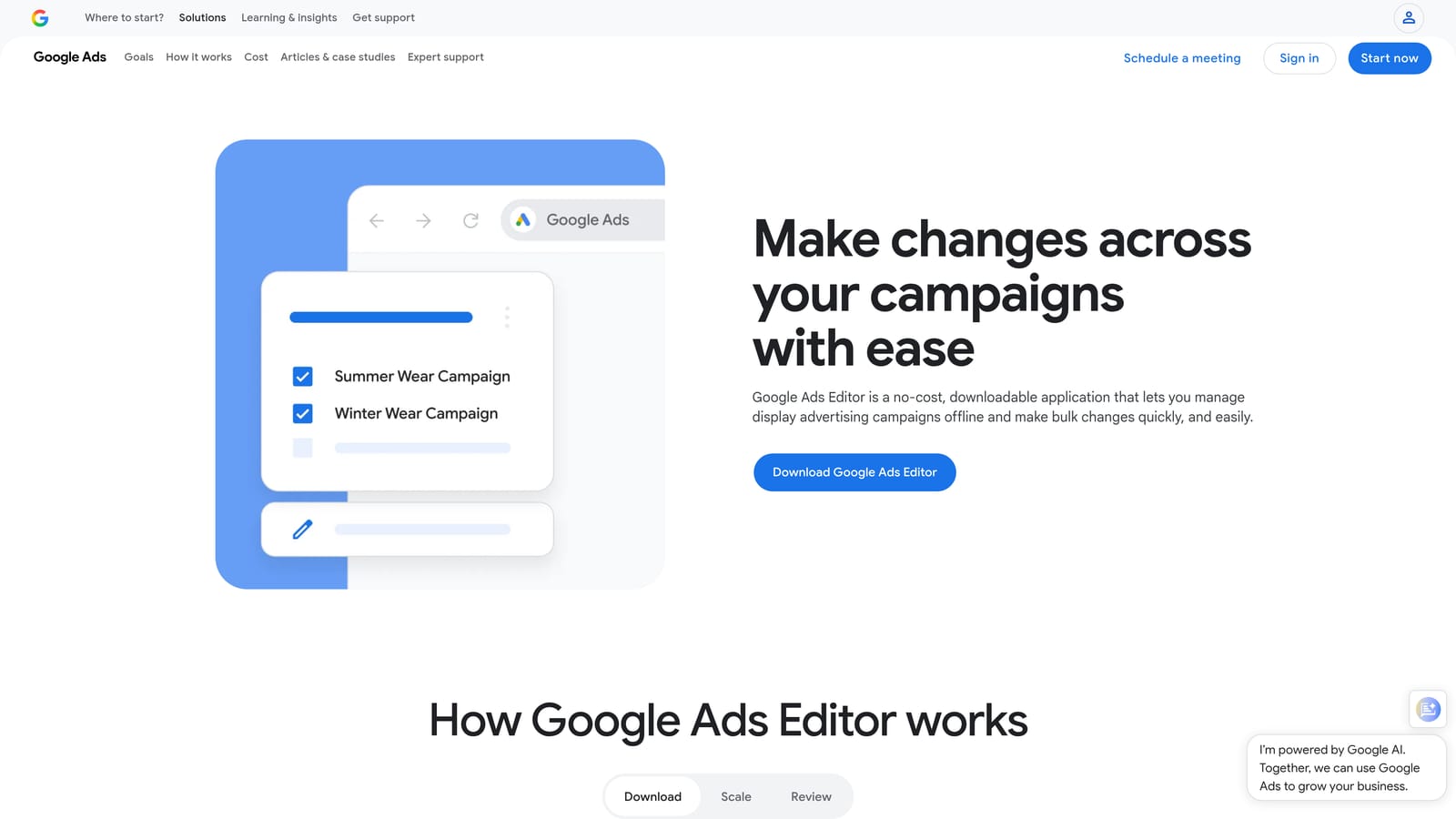
Its value on this list is the last mile. It's the free, official bulk-upload path for turning a clustered spreadsheet into real ad groups and keywords.
- Bulk edits across accounts let you change many campaigns without clicking through the web interface.
- Copy and paste of ad groups and keywords makes restructuring fast once you know the target structure.
- Offline editing means you can prepare changes without a live session.
- Reviewing changes before posting gives you a checkpoint before anything goes live.
It works with your Google Ads accounts. Setup is a desktop install and some learning time, and a PPC specialist usually runs it.
The limitation is the one above: you need another tool or a spreadsheet to do the clustering itself. It's also not a search term review interface. It's free, so there's no price to move.
Best for: Agencies with existing spreadsheet workflows who want zero added cost.
7. ChatGPT or Claude
This entry is a method rather than a branded clustering product. General-purpose assistants such as ChatGPT or Claude can group a pasted keyword list by theme or intent if you prompt them well.

The distinctive thing is meaning. You describe the grouping you want in plain language, with no setup, and it sorts by intent instead of shared words, which text-matching methods miss.
- Intent-based grouping from a prompt lets you ask for clusters like "pricing questions" or "job seekers."
- It can flag negative keyword candidates on request, which is handy for a first pass on search terms.
- Output format is flexible, so you can ask for a table or one group per line to paste into a sheet.
- It handles small to mid-size lists comfortably, but very long lists need batching.
You work by copy and paste with spreadsheets, and API access may be available; verify on the vendor's site. Anyone can run it.
The weaknesses matter. Results can vary between runs, there's no volume or SERP data, and everything needs human review. Don't paste a list and upload the result. Free tiers exist, and paid plans vary; see the website.
Best for: Freelancers clustering a few hundred terms on a tight budget.
8. Keyword Cupid
Keyword Cupid is a clustering tool for large keyword lists, aimed at SEO content planning. It's for people who want clustering and nothing else.
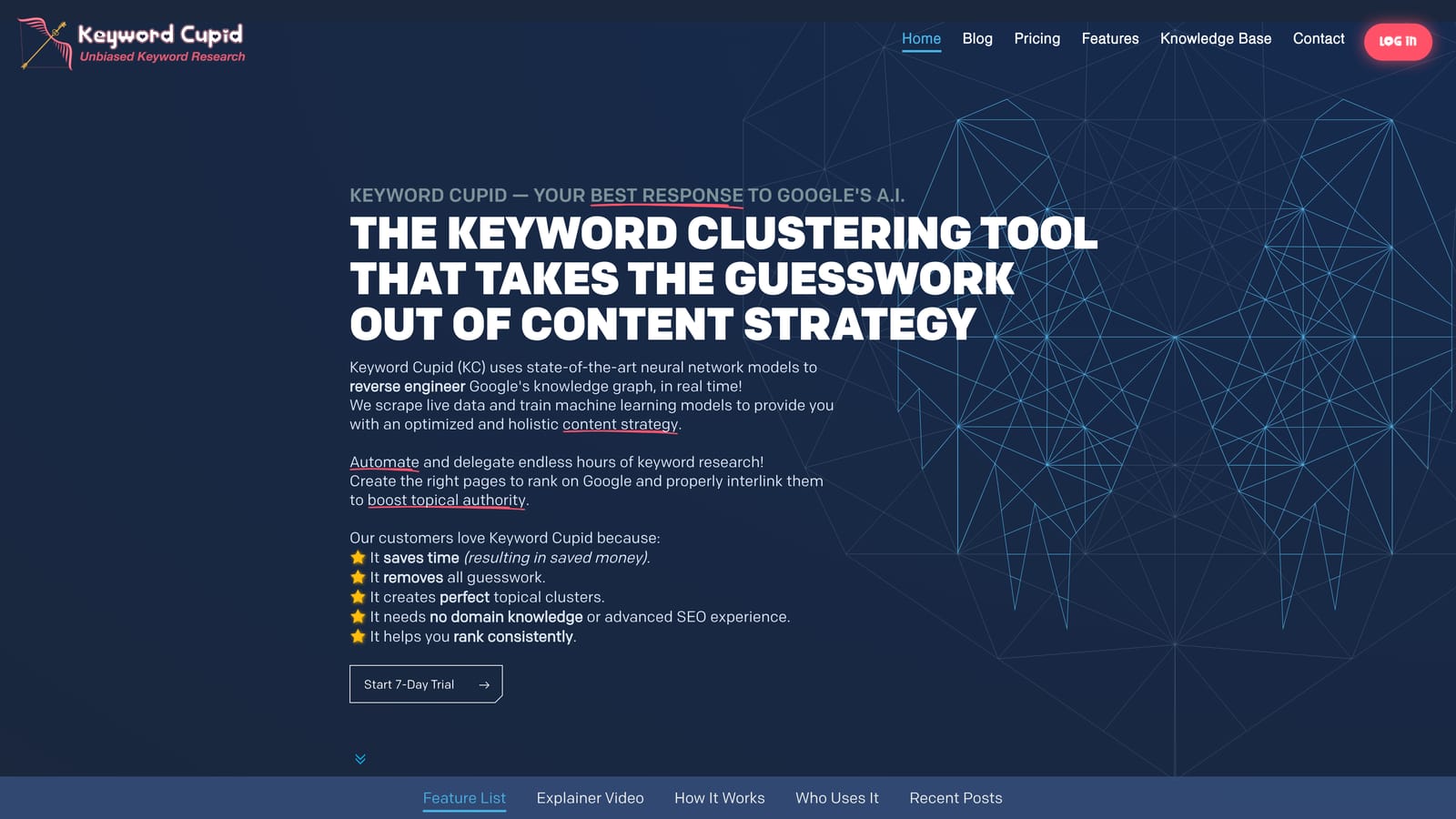
Its appeal is focus. You get low-overhead clustering without paying for or learning a full SEO suite.
- Semantic clustering groups keywords by meaning rather than SERP overlap, so it doesn't depend on search results data.
- Large list handling means you can drop in big exports.
- Spreadsheet export lets you take clusters into your own workflow.
It works through CSV export, and setup should be quick. Content marketers or SEOs would typically run it.
The ecosystem is smaller, there's no PPC action layer, and you should verify current features before committing, since we couldn't confirm details beyond those above. Semantic grouping can also lump together terms with different commercial intent, so review the output. Pricing isn't confirmed here; see the website.
Best for: Content marketers who want clustering only, with no suite.
9. Google Sheets N-gram Analysis
This is another method rather than a product. In Google Sheets, you can use formulas or Apps Script to count the words and phrases (n-grams) that recur across a search term export.
It's good at one thing: surfacing wasteful word patterns across thousands of search terms at no cost. If "free," "jobs," or "diy" show up in dozens of irrelevant terms, an n-gram count makes that obvious.
- N-gram word frequency analysis shows which words and phrases dominate your list.
- Custom formulas and pivot tables let you total cost or clicks by pattern, so you can prioritize.
- Apps Script automation can repeat the process on future exports.
- It's free with a Google account.
You feed it Google Ads exports, so there's a manual download step each time. Setup takes real time, and the person running it should be comfortable with spreadsheets.
It's word-based only. It misses synonyms and intent, so two terms that mean the same thing land in different buckets. Treat it as an audit lens, not a grouping engine.
Best for: Spreadsheet-confident PPC analysts auditing large search term exports.
Which Keyword Clustering Tool Fits Your Situation
For PPC search term cleanup inside Google Ads, Keywordme is the one built for it: you cluster, add keywords, add negatives, and set match types without leaving the Search Terms Report. For SEO content clusters, Keyword Insights is the most dedicated option, and SE Ranking gives you adjustable strictness at a friendlier all-in-one footprint.
If you already pay for a suite, use what you have: Semrush's Keyword Strategy Builder or Ahrefs' Parent Topic grouping will cover most planning needs. On a free or tight budget, pair Google Ads Editor for applying changes with an LLM or a Sheets n-gram pass for the analysis, and review everything by hand. Whichever you pick, check the clusters before they become ad groups or pages.
If you spend your days in the Search Terms Report, Keywordme is a low-risk place to start. Start your free 7-day trial (then just $12/month) and see how it feels. Optimize Google Ads Campaigns 10X Faster. Without Leaving Your Account. Keywordme lets you remove junk search terms, build high-intent keyword lists, and apply match types instantly, right inside Google Ads. No spreadsheets, no switching tabs, just quick, seamless optimization. Take your Google Ads game to the next level.
