
8 Best Keyword Clustering Tools for PPC in 2026
This guide compares eight options for choosing a keyword clustering tool for PPC, judged on clustering method (SERP overlap, semantic similarity, or search term themes), Google Ads ad group fit, pricing, and the cleanup each requires. It is written for marketers, freelancers, and agency owners who want tight, ad-group-ready themes without spending a weekend in a spreadsheet.


Whether you're staring at a fresh keyword research export or a search terms report full of half-relevant queries, the goal is the same: tight, ad-group-ready themes without a weekend in a spreadsheet. This list is for marketers, freelancers, and agency owners running Google Ads. The tools were judged on how they cluster (SERP overlap, semantic similarity, or search term themes), how well the output fits Google Ads ad groups, pricing, and how much cleanup the results need afterward.
Quick Comparison of the Keyword Clustering Tools
- Keywordme: advertisers and agencies restructuring live Google Ads accounts; $12/month per user; clusters and acts on live search terms without leaving the Google Ads interface.
- Google Ads Keyword Planner: beginners planning a first campaign on no budget; free; first-party Google data with grouped ideas at no cost.
- Semrush: teams already paying for the suite; subscription, see website; competitor ad and keyword data alongside topic clusters.
- Keyword Insights: strategists clustering large researched lists; credit-based plans, see website; adjustable SERP-similarity strictness.
- Cluster AI: building a campaign skeleton from huge uploads; see website for pricing; built for processing very large lists quickly.
- SE Ranking Keyword Grouper: agencies already doing SEO in SE Ranking; subscription, see website; grouping bundled with rank tracking and agency reporting.
- Google Ads Editor: hands-on advertisers with custom grouping rules; free; full manual control over structure with bulk changes.
- Opteo: teams wanting ongoing optimization prompts; see website for pricing; continuous account monitoring with prioritized suggestions.
1. Keywordme
Keywordme is our own product, so weigh this entry with that in mind. It's a Chrome extension that sits inside the Google Ads Search Terms Report and adds one-click actions for keywords, negative keywords, match types, clustering, and bulk editing. It's built for advertisers and agencies who want to clean up and restructure live accounts rather than plan from a blank page.
What sets it apart on this list is the data it works on. Most tools below cluster a researched keyword list before launch. Keywordme clusters and acts on the search terms (what people actually typed) from your running campaigns, so you can spot a theme, group it, and add it as a keyword or block it as a negative without exporting anything. Keywordme describes the workflow as up to 10x faster than doing it the manual way; that's the brand's own claim, not an independent benchmark.
- Works inside the Search Terms Report, so there's no export, spreadsheet, or tab switching.
- One-click add as a keyword or a negative keyword, which keeps junk queries from lingering for weeks.
- Match type application at the moment you add terms, so you aren't fixing it later.
- Keyword clustering and bulk editing to turn recurring search term themes into new groups.
- Multi-account and team support, which matters if you handle several clients.
Setup is a browser extension install, and whoever manages the Google Ads account typically runs it day to day. The integration is Google Ads via Chrome, and that's the boundary.
The limits are real. It isn't a keyword research tool and it doesn't do SERP-based clustering, so it won't build a structure from a list of 20,000 researched phrases before you've launched anything. It's also Chrome and Google Ads only. You still make the calls: it speeds up your decisions rather than making changes for you.
Pricing is $12 per month per user, with a 7-day free trial (check the site for current terms). Cost scales with the number of users.
Best for: Advertisers and agencies cleaning up and restructuring live Google Ads accounts.
2. Google Ads Keyword Planner
Google Ads Keyword Planner is Google's free research tool inside Google Ads. You enter seed terms or a URL and it returns keyword ideas, often organized into groups, along with volume ranges and forecasts. It's aimed at people planning a campaign, and it costs nothing beyond having an account.

Its edge is the data source. Everything comes from Google itself, so the ideas reflect how Google sees related searches. No other tool here gives you first-party data for free.
- Generates ideas from seed keywords or a website URL, so you can start with a product page instead of a guess.
- Shows grouped ideas in the results, giving you a rough set of themes to react to.
- Provides search volume ranges and forecasts, helping you decide which themes deserve budget.
- Lets you add ideas to a plan or campaign, which shortens the path from research to build.
Setup is minimal, and you run it yourself inside the account. The catch is the groupings. They're broad, and they aren't tuned for tight ad groups where a single ad should match every keyword in the group. Expect to split most groups before they're ready, and to choose match types and negatives on your own. It's also a research tool, so it doesn't help you sort search terms from campaigns that are already live.
It's free with a Google Ads account. Nothing about the price moves, though the detail shown may vary with account activity.
Best for: Beginners planning a first campaign structure on no budget.
3. Semrush
Semrush is an all-in-one SEO and PPC suite, and its Strategy Builder groups keywords into topic clusters. It's designed for marketing teams that want research, competitor analysis, and planning in one login, with clustering as one piece of a bigger toolkit.
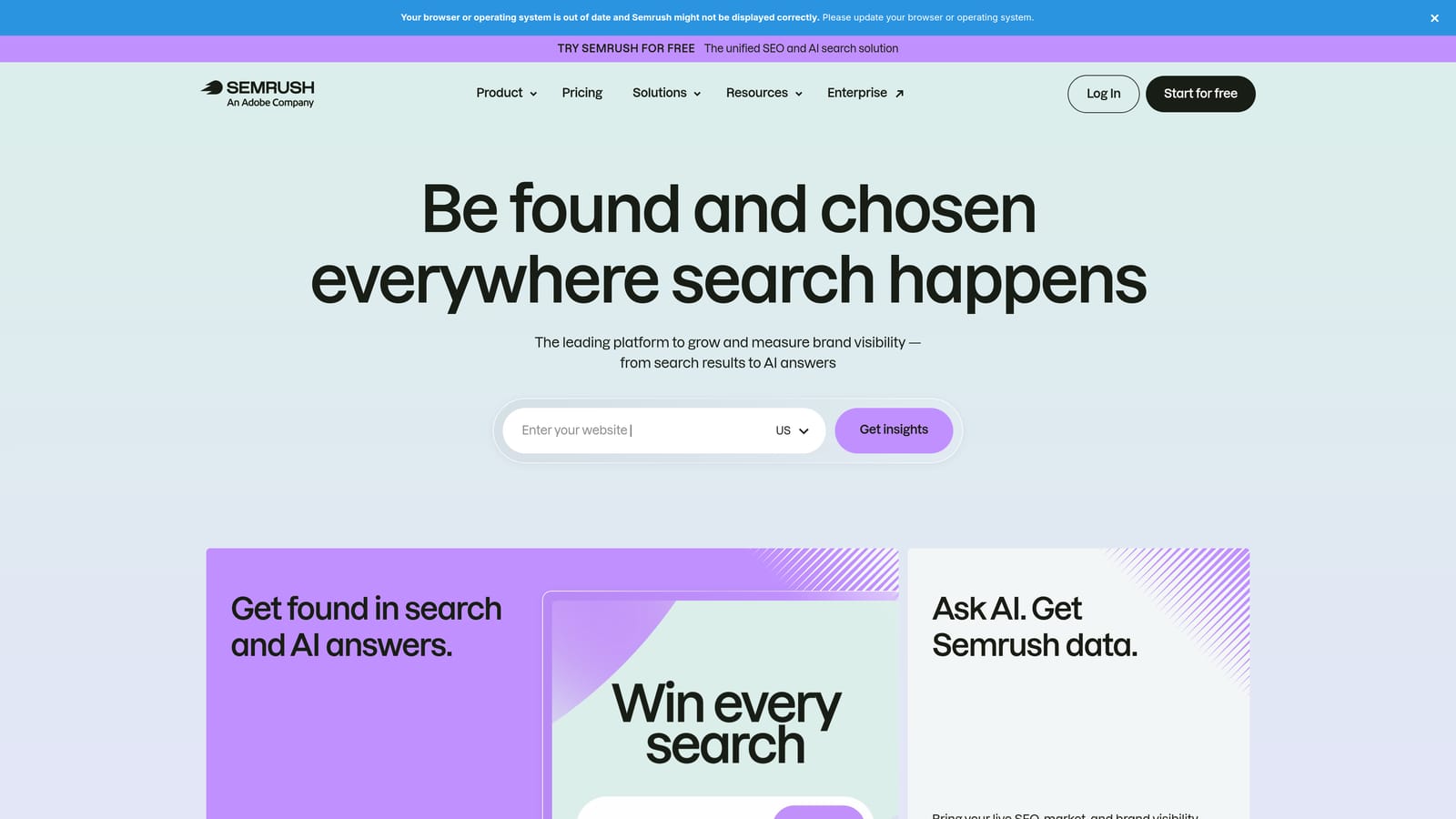
The standout is context. Alongside clusters you get competitor ad and keyword data, so you can see which themes rivals bid on before you decide how to split your own account. None of the pure clustering tools here offer that.
What you get
- Strategy Builder topic clusters that turn a keyword list into themed groups.
- Keyword Manager lists for saving and organizing keywords you plan to use.
- Competitor ad and keyword data that shows what rivals are running.
- Keyword Magic Tool for expanding seed terms into large research lists.
Setup, limits, and cost
Semrush connects with Google Analytics and Google Search Console, and may connect to Google Ads as well (confirm which integrations your plan includes). Setup is light, but the interface is large and takes time to learn.
The clusters lean SEO. They're built around content topics, so using them directly as ad groups is a common mistake: you'll need to reshape them for commercial intent, match types, and ad copy. It's also heavy if clustering is all you want. Pricing is subscription-based, and the tier you pick determines limits and seats; see the website for current plans.
Best for: Teams that already pay for Semrush and want clusters plus competitor context.
4. Keyword Insights
Keyword Insights is a dedicated clustering platform that groups keywords by SERP overlap and labels search intent. The idea is simple: if two keywords return largely the same results on Google, they likely belong together. It suits strategists working through big researched lists.

Its distinguishing control is strictness. You can tighten or loosen how much SERP similarity is required for keywords to share a cluster, which gives you a direct dial between many narrow groups and fewer broad ones. For ad groups, tighter is usually what you want.
- SERP-based clustering groups keywords the way Google treats them, not just by word similarity.
- Adjustable cluster strictness lets you aim for ad-group-sized sets instead of content-sized topics.
- Search intent labelling helps you spot informational queries you may not want to bid on.
- Cluster export moves results into a spreadsheet, and from there into Google Ads Editor or a bulk upload.
You upload a list, run the job, and export, so one person can handle it in an afternoon. It may connect to Google Search Console (confirm on the site), and spreadsheet export is the main integration that matters for PPC.
The limits: it has an SEO focus and takes no actions in your Google Ads account, so you still build campaigns yourself. SERP overlap also isn't commercial intent, so review clusters before committing budget. Plans are credit-based, meaning cost follows how many keywords you process; see the website for current pricing.
Best for: Strategists clustering large researched lists by SERP similarity.
5. Cluster AI
Cluster AI is a keyword clustering tool built for fast grouping of large uploads. It's for people starting with a very big list, such as an export from several research tools, who need a structure to work from quickly.
Its angle is volume. Where other tools here are suites or all-purpose platforms, this one is designed around processing very large uploads quickly, which suits agencies building campaign skeletons for big catalogs or many service areas.
- Large-list SERP clustering handles uploads that would choke a spreadsheet formula.
- CSV upload and export keeps the workflow simple and portable into bulk editing tools.
- Cluster naming gives each group a label, which speeds up turning clusters into ad group names.
- Intent grouping may be available (confirm on the site) to separate research-stage from buying-stage terms.
Integration is CSV in, CSV out, so there's no direct link to Google Ads. Setup is quick, and one person can run it.
The main limitation is that the output needs PPC review. Clusters don't come with match types, don't identify negatives, and don't judge commercial intent, so a cluster full of informational queries can look tidy and still waste budget. Pricing details aren't something to guess at here; check the website for current plans and what drives cost.
Best for: Building a campaign skeleton from tens of thousands of researched keywords.
6. SE Ranking Keyword Grouper
SE Ranking includes a Keyword Grouper inside its SEO platform. It uses SERP-based grouping with an adjustable threshold, and it's aimed at agencies and in-house teams who already work in SE Ranking for rankings and reporting.
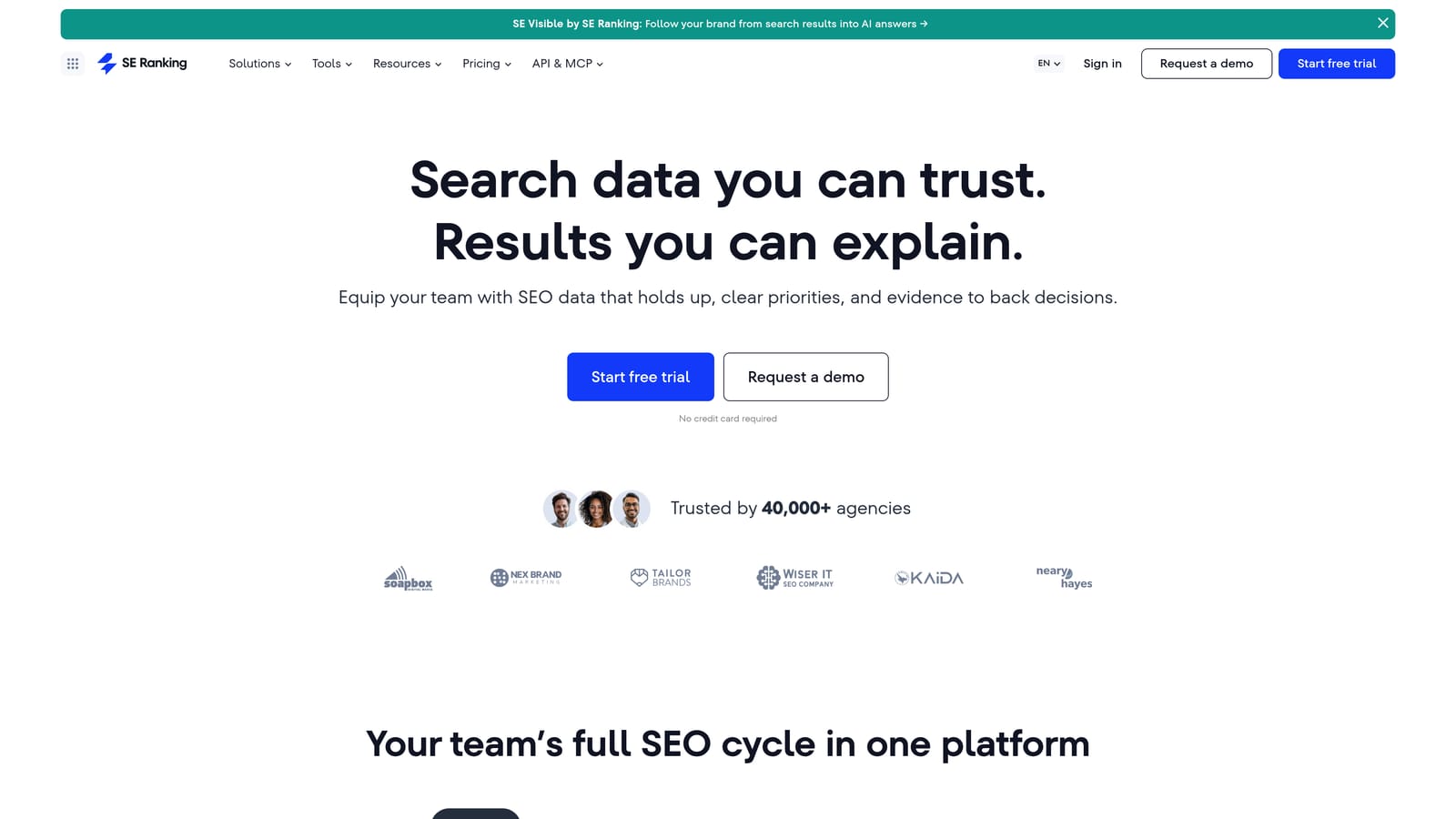
The differentiator is the bundle. Grouping sits next to rank tracking, keyword research, and agency reporting, so if you run SEO and PPC for the same clients, you can cluster keywords and report on them without another login.
- SERP-based grouping with an adjustable threshold lets you tune how tight clusters get.
- Rank tracking shows where you already rank, which helps decide what deserves paid support.
- Keyword research supplies the raw list to cluster.
- Agency reporting packages the work for clients under one brand.
It may integrate with Google Search Console and Google Analytics (confirm current options). Setup is straightforward for an SEO team, and it's overkill if you only want PPC grouping.
It was built for SEO content planning, not ad groups, so treat its groups as a starting point and expect to restructure for match types, negatives, and ad relevance. Pricing is subscription-based, with plan tier and tracked keyword volume shaping the cost; see the website for current numbers.
Best for: Agencies already running SEO work in SE Ranking.
7. Google Ads Editor
Google Ads Editor is Google's free desktop app for bulk editing accounts. It doesn't cluster anything on its own. Instead, you pair it with a spreadsheet and group keywords by your own rules, then push changes in bulk.

That manual control is the point. If you have firm opinions about structure, such as one ad group per product-and-modifier combination, nothing here overrides you. It's also free.
- Bulk create and edit ad groups and keywords, so a restructure is one paste instead of hundreds of clicks.
- Offline editing lets you build changes without being tied to the browser interface.
- Copy and paste from spreadsheets connects your own sorting formulas and filters to the account.
- Change review before posting lets you check everything before it goes live.
It works with Google Ads and spreadsheets, and the setup is a download and an account sign-in. A hands-on PPC manager runs it, and a learning curve applies if you haven't used it before.
The limitation is blunt: there's no automated clustering. You decide every grouping, which takes time on large lists and offers no help spotting themes. It also doesn't surface search terms by theme the way a report-based tool does. It's free, with no usage pricing.
Best for: Hands-on advertisers who want custom grouping rules.
8. Opteo
Opteo is a PPC optimization platform that connects to Google Ads and surfaces improvement suggestions. It's the odd one out here: it isn't primarily a clustering tool, and it's included because its search term and keyword recommendations touch the same cleanup work.
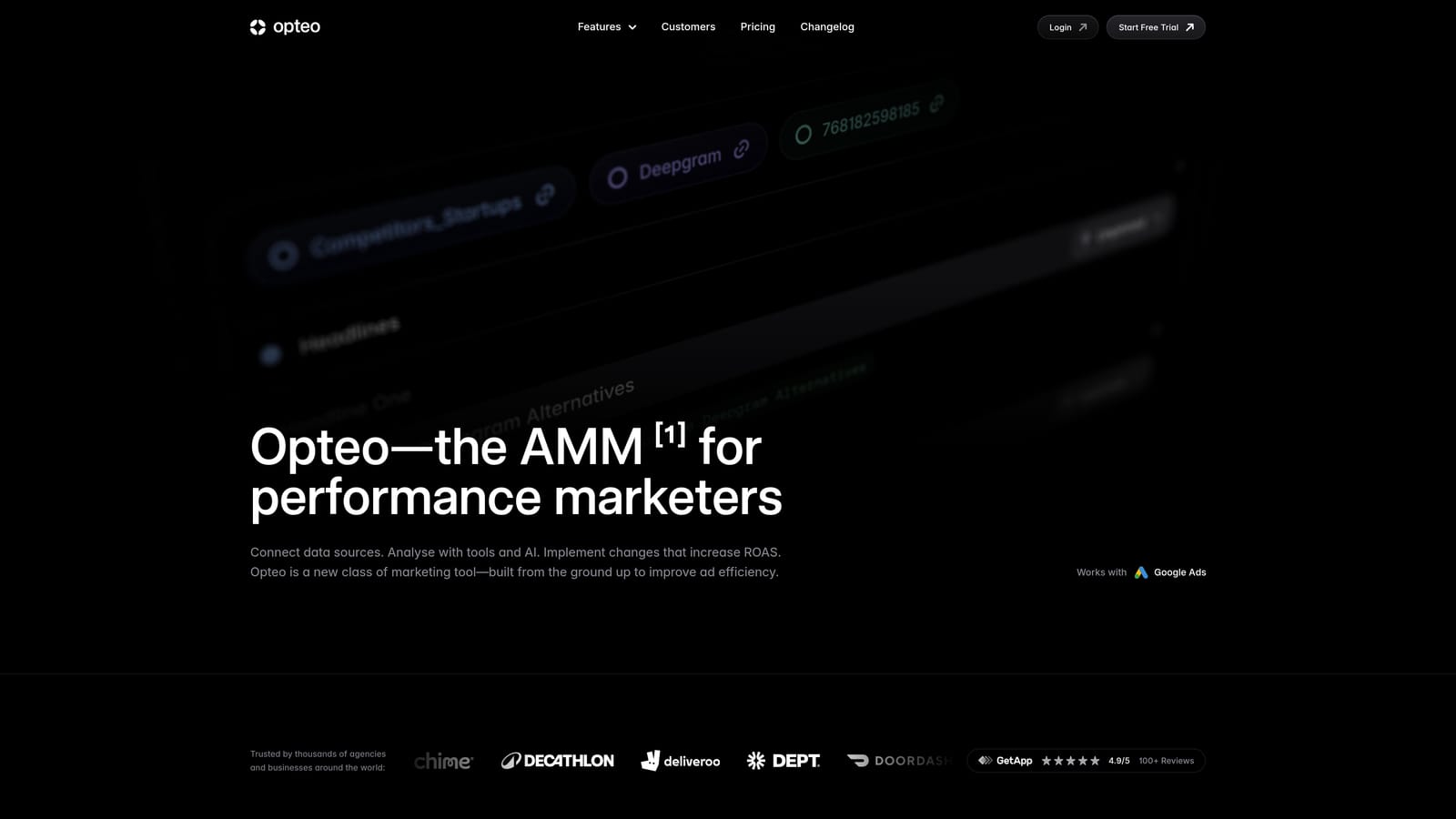
What it does distinctively is continuous monitoring. Instead of a one-off grouping job, it watches the account and gives you prioritized suggestions over time, which suits teams who want regular prompts about what to fix next.
- Account monitoring flags issues as they appear rather than at your next audit.
- Optimization suggestions are prioritized, so you know what to tackle first.
- Search term and keyword recommendations point to queries worth adding or excluding.
- Reporting summarizes performance for stakeholders or clients.
It connects to Google Ads, and setup is an account authorization. Check directly whether it offers true keyword clustering before you buy; don't assume it replaces a dedicated grouping tool. Suggestions are also prompts for you to review, not a substitute for judgment on structure.
Pricing isn't something to assume. Freelancers in particular should check the website, since plans may be built around larger accounts or agencies, and see what drives cost (typically account size or spend).
Best for: Teams wanting ongoing optimization prompts rather than one-off grouping.
Which Clustering Tool Fits Your Situation
Start by deciding which job you have. If you're organizing a keyword list before launch, SERP-based tools fit. If you're sorting what real users typed into live campaigns, you need something that works on search terms.
- Live accounts: Keywordme, since it groups and acts on search terms inside the Search Terms Report, with match types applied as you go.
- Free setups: Keyword Planner for rough starting themes, or Google Ads Editor plus a spreadsheet when you want to control the structure yourself.
- Large researched lists: Keyword Insights for adjustable strictness, Cluster AI for sheer upload size, SE Ranking if you already use it for SEO, and Semrush if competitor context matters.
Whichever route you choose, treat SEO-style clusters as drafts. Check commercial intent, assign match types, and add negatives before anything goes live.
Optimize Google Ads Campaigns 10X Faster. Without Leaving Your Account. Keywordme lets you remove junk search terms, build high-intent keyword lists, and apply match types instantly, right inside Google Ads. No spreadsheets, no switching tabs, just quick, seamless optimization. Start your free 7-day trial (then just $12/month) and take your Google Ads game to the next level.
