
9 Best Keyword Clustering Tools for Google Ads and SEO in 2026
A practical guide to keyword clustering tool.


If you manage Google Ads or run SEO for clients, sooner or later you end up staring at a few thousand rows of keywords or search terms that need to become tidy themes. Those themes feed ad groups, negative keyword lists, or content plans, and sorting them by hand in a spreadsheet eats hours. These tools were chosen by clustering method (SERP-based or semantic), fit for PPC versus SEO work, workflow friction, pricing transparency, and how they cope with big lists. Pricing and features were not re-verified for this draft, so check each vendor's site before you buy.
Quick Comparison of the Keyword Clustering Tools
- Keywordme: PPC managers and agencies; $12/month per user with a 7-day free trial; clusters and acts on search terms inside the native Google Ads interface.
- Keyword Insights: SEO teams planning content; see website for pricing; pairs SERP-overlap clustering with content briefs and intent labeling.
- Cluster AI: freelancers who only need clustering; see website for pricing; a single-purpose SERP-based tool with a simple workflow.
- Semrush: agencies wanting research and clustering together; see website for pricing; clustering sits next to deep competitor and advertising data.
- Ahrefs: SEOs mapping topics to pages; see website for pricing; Parent Topic shows the head term a whole group can rank for.
- SE Ranking: budget-conscious agencies already tracking rankings; see website for pricing; adjustable SERP-similarity strength when grouping.
- Keyword Cupid: quick first-pass groupings; see website for pricing; groups by meaning without SERP lookups.
- Google Colab with embeddings (DIY): technical marketers with big lists and no budget; free tier available; full control over clustering logic with no per-keyword fees.
- Google Ads Search terms insights: anyone spotting themes before clustering; free with Google Ads; built-in view of query themes with no extra tool.
1. Keywordme
Keywordme is a Chrome extension that adds one-click optimization to the Google Ads Search Terms Report, including keyword clustering. It's our own product, so weigh this section accordingly. It's built for PPC managers, freelancers, and agency teams who want to work on search terms where they already see them, rather than exporting to a spreadsheet and re-importing.
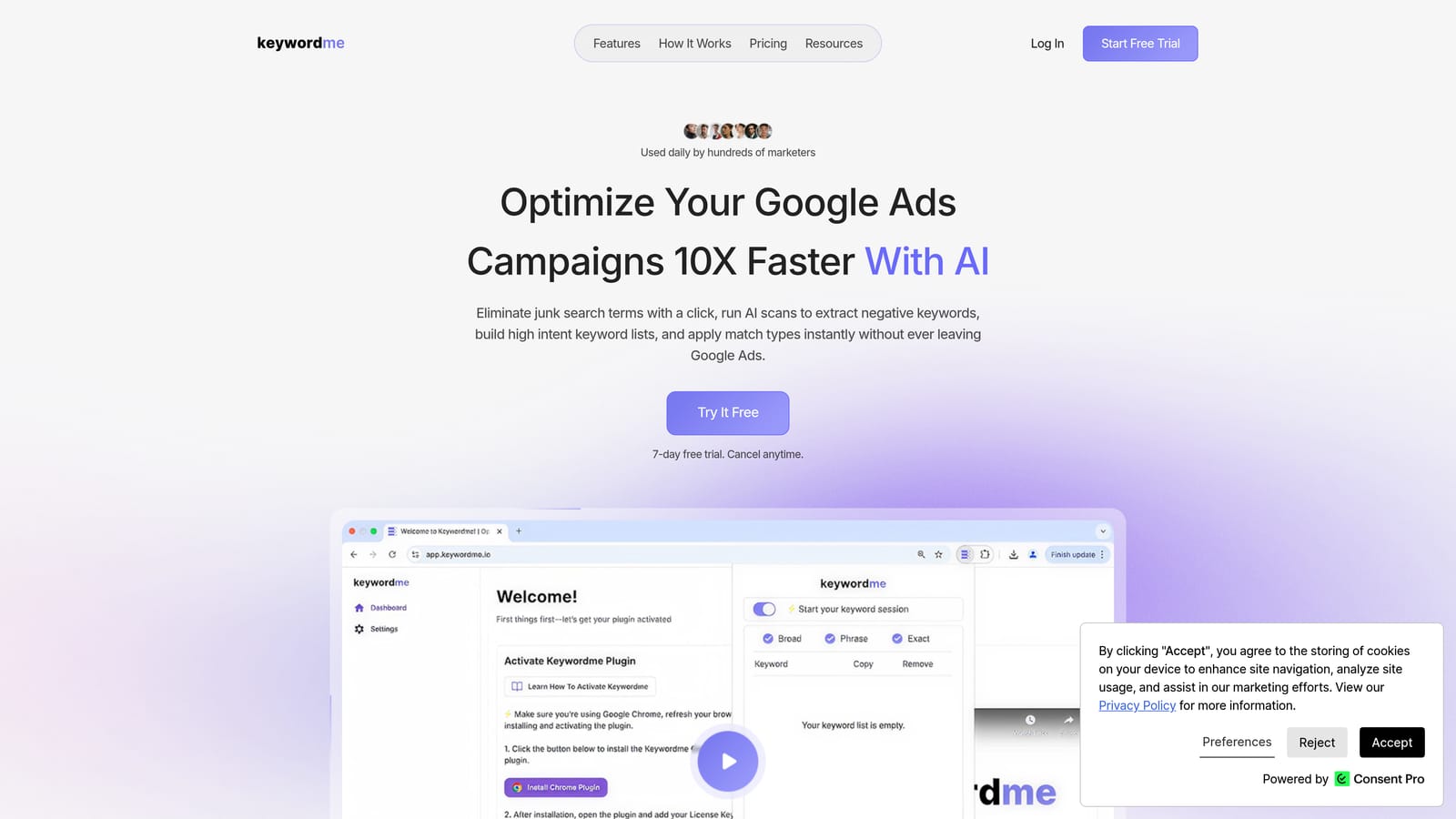
Its distinct strength is location. Clustering, negatives, and match types all happen inside the native Google Ads interface, so there is no dashboard to learn and no file round trip. Most other tools on this list work on an uploaded list of keywords, which means you still have to carry the results back into your account.
- Keyword clustering groups related search terms so you can see themes instead of scrolling a long report.
- One-click negative keywords remove junk queries without opening another screen.
- Instant match type application lets you add terms as broad, phrase, or exact without retyping brackets and quotes.
- Bulk editing handles many terms at once when the report is long.
- Multi-account and team support suits agencies running several clients with more than one person.
Setup is installing the extension and opening your Search Terms Report. The person doing the account optimization runs it day to day, with no admin or data engineering involved. Integration is limited to Google Ads through Chrome.
The limits are real. It works only with Google Ads and only in Chrome, and it isn't built for SERP-based SEO clustering, so if you're planning blog content from a keyword export, look further down the list. Remember too that search terms are what people actually typed, while keywords are what you bid on, so you still decide which clusters become keywords, ad groups, or negatives.
Pricing is $12/month per user, with a 7-day free trial. Cost scales with the number of users.
Best for: PPC managers and agencies grouping search terms without spreadsheets.
2. Keyword Insights
Keyword Insights is a SERP-based clustering platform aimed at SEO teams. It groups keywords that return overlapping search results, which is a good proxy for "Google treats these as the same topic," then layers on intent labeling and content briefs.

What sets it apart here is the brief. Most clustering tools hand you groups and stop. Keyword Insights carries on into planning the page that should target each group, which saves a step for content teams.
- SERP-overlap clustering groups terms by how similar their search results are, not by shared words.
- Search intent labeling tells you whether a group is informational, commercial, or transactional, so you don't mix intents on one page.
- Content briefs turn a cluster into a starting outline for a writer.
- Large list uploads let you process big exports in one go.
Integrations and setup details are on the vendor's website; as of 2026, confirm them before you commit. Expect a content lead or SEO manager to run it, not a PPC specialist.
The main limitation is focus. It's SEO-oriented and isn't tied to Google Ads ad group structure, so using it for paid search means translating clusters into campaigns yourself. It also won't help you remove junk queries from a live account.
Pricing isn't stated here; check the website. Plans typically scale with usage such as keyword volume, so check what your list size would cost.
Best for: SEO teams planning content from large keyword lists.
3. Cluster AI
Cluster AI is a dedicated SERP-based clustering tool. You upload a list, it groups the keywords, and you export the result. That's roughly the whole product.
The simplicity is the selling point. There's no suite to navigate, no rank tracker you're paying for and ignoring, and no onboarding project. A freelancer who gets a keyword export from a client can have groups back quickly.
- SERP-based clustering groups terms by search result similarity, which tends to reflect how Google sees topics.
- List upload takes the keywords you already have from any research source.
- Group export gives you a file to drop into a spreadsheet, a content plan, or a campaign build.
Integrations and setup specifics aren't covered here, so check the website. Setup effort looks minimal given the narrow scope, and one person can run it.
The trade-off is what's missing. There are no PPC-specific actions, so no negatives or match types, and no wider SEO suite for research or tracking. You'll need other tools for everything before and after clustering.
Pricing details are on the website, so check there for what moves the cost, which is usually list size or number of runs.
Best for: Freelancers who only need clustering.
4. Semrush
Semrush is an all-in-one SEO and PPC suite, and its Keyword Manager and Keyword Strategy Builder include keyword grouping. It's the pick when clustering is one step in a bigger research workflow.
Its edge over the rest of the list is the data around the clusters. You can look at what competitors rank and advertise for, then group keywords with that context in view. Dedicated clustering tools don't offer that depth.
- Keyword Manager clustering groups your saved keywords inside the same tool where you research them.
- Keyword Strategy Builder organizes a list into topics and suggests how to structure content around them.
- Competitor keyword data shows where rivals get traffic so clusters reflect real gaps.
- Advertising research reveals competitor paid search activity, useful for PPC planning.
It connects with Google Analytics and Google Search Console, and Google Ads connectivity is something to check on the site. Setup is straightforward account creation, but the platform is large, and agencies often need a short learning period to use it well.
The limitation is cost relative to need. If clustering is your only requirement, suite pricing is hard to justify. It also doesn't act on a live Google Ads Search Terms Report the way an in-account tool does.
Pricing is on the website. As of 2026, expect tiered plans where price moves with plan level, user seats, and usage limits.
Best for: Agencies wanting research and clustering in one platform.
5. Ahrefs
Ahrefs is an SEO platform whose Keywords Explorer groups keywords by Parent Topic. That's not a dedicated clustering workflow, but it answers a question clustering often exists to solve: which page should target which topic.
The Parent Topic approach is its distinct contribution. It identifies the broader head term that the top-ranking page for a keyword also ranks for, so you can see when a dozen long-tail variations should live on one page.
- Parent Topic grouping shows which head term a whole set of keywords can rank for.
- Keywords Explorer clusters let you view related terms grouped within a research session.
- A large SERP database backs the grouping with real ranking data.
- Rank tracking lets you monitor the pages you build from those groups.
It integrates with Google Search Console and Google Analytics. Setup is light if you already use it for SEO, and an SEO specialist is typically the daily user.
Be clear on the limits. It isn't built as a bulk clustering workflow where you upload thousands of terms and receive tidy groups, and it has no link to Google Ads, so it won't help with ad groups or negatives.
Pricing is on the website; plans generally scale with seats and usage limits, so confirm current tiers.
Best for: SEOs choosing which page should target each topic.
6. SE Ranking
SE Ranking is an SEO platform with a Keyword Grouper module. It sits in the middle ground: more affordable-feeling than the biggest suites, with clustering built in.
The distinguishing feature is control. You can adjust how strict the SERP-similarity grouping is, which lets you trade tighter, more specific groups against broader ones. That matters when you're deciding between one page or several, or one ad group or several.
- Keyword Grouper clusters a list based on search result similarity.
- Adjustable grouping strength lets you make clusters tighter or looser to fit your structure.
- Rank tracking follows how the resulting pages perform.
- Keyword research feeds the lists you cluster.
It connects with Google Search Console and Google Analytics. Setup is a standard account and project configuration, and an SEO analyst usually runs it.
The limitation is that grouping uses credits and sits inside a broader SEO platform, so heavy clustering can consume your allowance. It's also SEO-oriented, with no hook into Google Ads.
Pricing is on the website. Cost moves with plan tier and the credits or limits you need, so check how many keywords you plan to group.
Best for: Budget-conscious agencies already tracking rankings.
7. Keyword Cupid
Keyword Cupid is a semantic clustering tool for uploaded lists. Instead of checking search results, it groups keywords by meaning, which is faster and doesn't depend on SERP lookups.
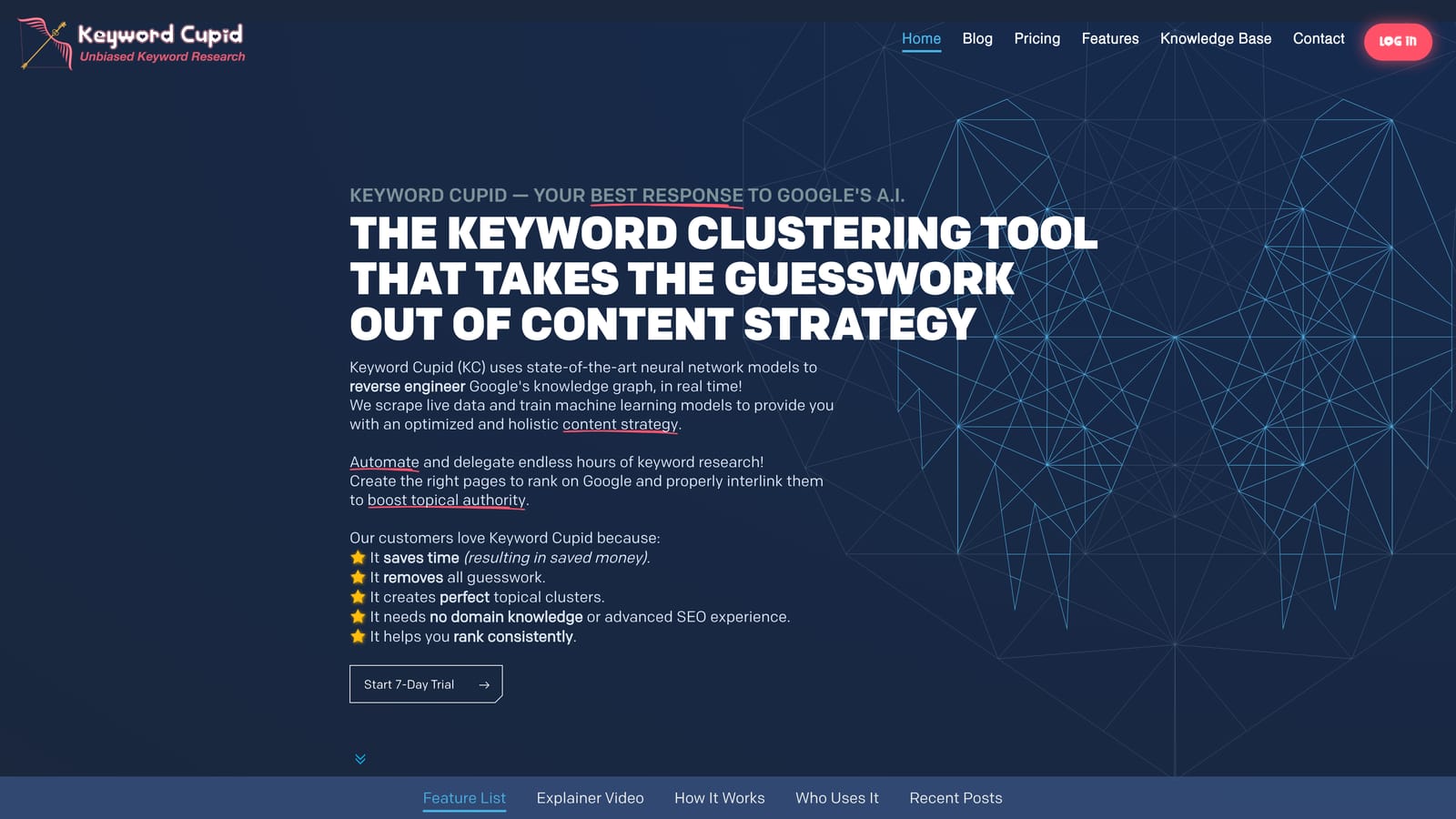
That speed is the point. For a first pass over a messy list, semantic grouping gets you usable buckets quickly, which is handy when you're drafting ad groups or a content outline and don't need SERP precision yet.
- Semantic clustering groups terms that mean similar things even when the wording differs.
- List upload accepts the keywords you've already collected.
- Group export gives you the clusters in a file for the next step.
Integration and setup details are on the website. It looks light to set up, and a single marketer can run it.
The caveat is accuracy against Google's view. Semantic groups may not match how Google treats intent, so two terms that sound alike might deserve different pages, and two that look different might belong together. Review the output before you build from it.
Pricing is on the website; check what drives cost, likely list size or usage.
Best for: Quick first-pass groupings for ad groups or content drafts.
8. Google Colab with embeddings (DIY)
Google Colab is a free notebook environment, and paired with text-embedding libraries it lets you build your own clustering. This is a method rather than a product, but plenty of technical marketers use it.
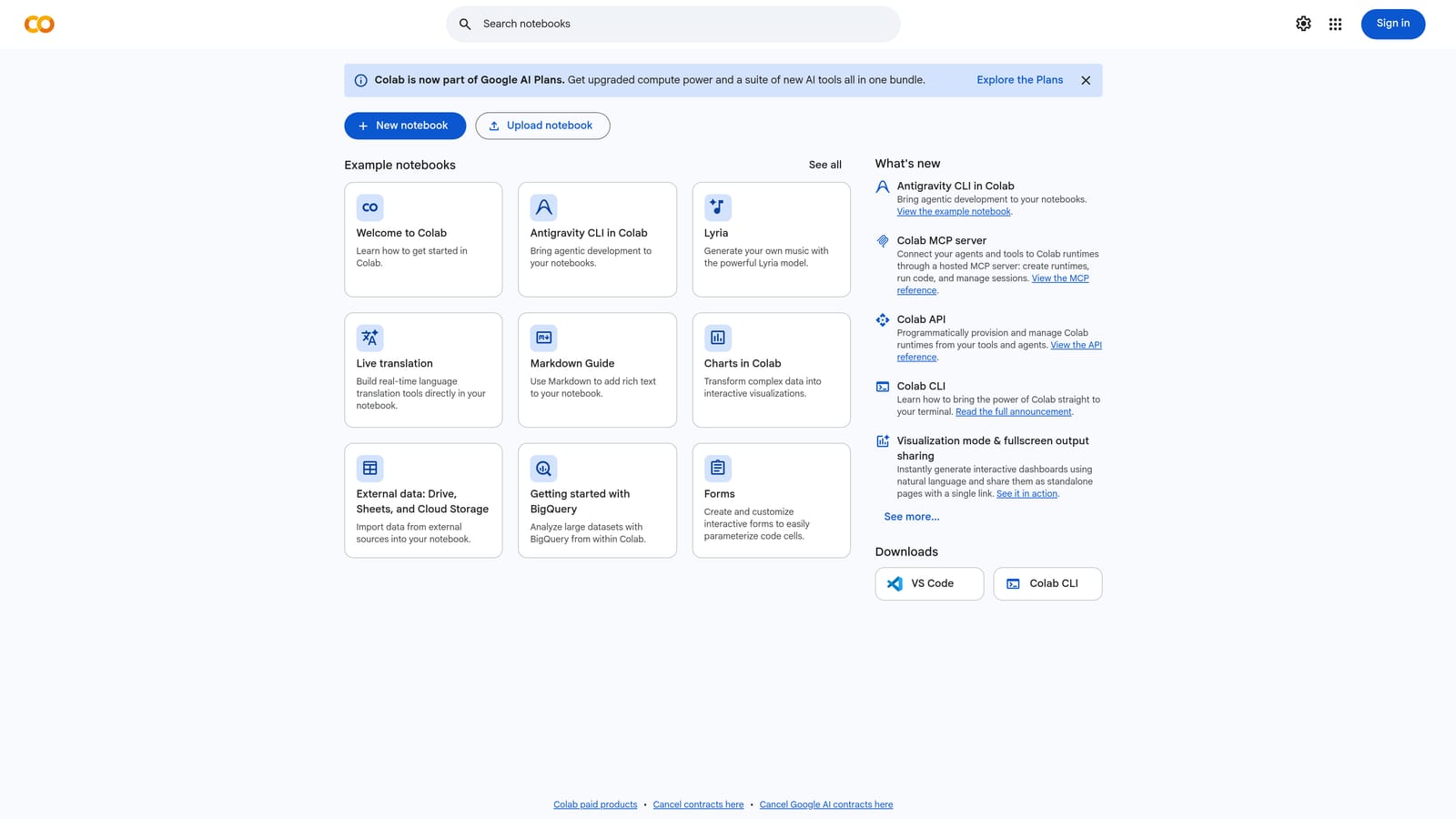
Control is what it offers over everything else here. You choose the model, the similarity threshold, and how to handle outliers, and you pay no per-keyword fees. For very large lists that can be a real saving.
- Custom similarity thresholds let you decide exactly how tight each group should be.
- A free notebook environment means no software subscription to start.
- Scriptability handles large lists and can be rerun as new data arrives.
It works with Google Sheets and Python libraries, so you can pull a list from a sheet and write clusters back. Setup takes real time: you'll write or adapt code, and someone comfortable with Python needs to own it.
That's the main limitation. It needs coding skill, setup time, and manual cleanup, since raw embedding clusters usually need a human pass to name groups and fix odd ones. It's also not a good fit for anyone who wants a click-and-go workflow.
Pricing: a free tier is available. Check the website for current limits and paid options, since heavier compute may cost money.
Best for: Technical marketers with big lists and no software budget.
9. Google Ads Search terms insights
Google Ads includes Search terms insights, native reporting that groups search terms into categories. It isn't a clustering tool in the strict sense, but it's the quickest way to spot themes in your own account.
Its advantage is that it costs nothing extra and needs no export. You see query themes using Google's own categorization, which is a useful sanity check before you decide how to cluster. Confirm the current location of the report in Google Ads Help, because interface paths change.
- Search term categories group queries into themes so patterns stand out.
- Native reporting means the data is already in your account.
- No extra cost keeps it open to every advertiser.
Setup is none; anyone with account access can look. It depends on query volume, so small or low-traffic accounts may show thin or no categories.
The key limitation is that it's reporting only. It doesn't build keyword lists or ad groups, and it won't add negatives for you, so you still need another step to act on what you find.
Pricing: free with Google Ads, though of course your ad spend is separate.
Best for: Quick theme spotting before deciding what to cluster.
Which Keyword Clustering Tool Fits Your Situation
Start by deciding whether you're clustering keywords for SEO pages or search terms for paid search. SERP-based tools shine for the first job. For the second, working inside your account saves more time than any grouping algorithm.
- PPC search term grouping: Keywordme, because clusters, negatives, and match types all happen in the Search Terms Report. Use Search terms insights alongside it for a quick look at themes.
- SEO content clusters: Keyword Insights for briefs and intent labeling, or Ahrefs if you mainly need to decide which page owns each topic.
- Agency scale: Semrush if you want research and clustering together, SE Ranking if budget matters, and Keywordme for the PPC side with team support.
- Budget or DIY: Google Colab with embeddings if you can code, Keyword Cupid for fast first-pass groups.
Whatever you choose, review the output. Clustering by word similarity alone, building ad groups that are too broad, and ignoring intent are the usual ways a tidy-looking cluster turns into a messy campaign.
Optimize Google Ads Campaigns 10X Faster. Without Leaving Your Account. Keywordme lets you remove junk search terms, build high-intent keyword lists, and apply match types instantly, right inside Google Ads. No spreadsheets, no switching tabs, just quick, seamless optimization. Start your free 7-day trial (then just $12/month) and take your Google Ads game to the next level.
