
9 Best Keyword Clustering Software for PPC in 2026
This guide compares nine keyword clustering software PPC options for advertisers who need to sort large keyword and search-term lists into tight Google Ads themes. Each tool is evaluated on how it clusters, where the work happens, how much control you keep over final groups, and what it costs for solo users versus teams.


If you run Google Ads for yourself, clients, or an agency, you eventually hit the same wall: a pile of keywords and search terms that needs sorting into tight themes before it's useful. This list is for you. The tools below were compared on how they cluster (semantic similarity, shared SERP results, or search-term patterns), where the work happens (inside Google Ads or in a separate app), how much control you keep over the final groups, and what each costs a solo user versus a team. Pricing and features below are as of November 2026, and several change often, so confirm on each vendor's site before buying.
Quick Comparison of Keyword Clustering Tools for PPC
- Keywordme: advertisers grouping and acting on live search terms; $12/month per user; works inside the Google Ads Search Terms Report.
- Semrush: teams wanting clustering plus competitor research; subscription tiers, see site; clustering sits inside a full competitive research suite.
- Keyword Insights: planning pre-launch themes around intent; credit-based plans, see site; clusters on actual SERP overlap.
- Cluster AI: occasional users with one big list; see site; single-purpose upload-and-cluster workflow.
- SE Ranking: freelancers splitting time between SEO and PPC; subscription tiers, see site; adjustable grouping strength.
- Google Ads Editor: applying finished clusters in bulk; free; Google's own offline bulk editor.
- Optmyzr: agencies managing many accounts; tiered by ad spend, see site; optimization built for multi-account scale.
- WordStream by LocaliQ: small-business owners wanting a free start; free tools, paid plans see site; free grouper with no setup.
- Google Sheets: tight budgets and small lists; free; total manual control.
1. Keywordme
Keywordme is a Chrome extension that adds one-click actions and keyword clustering directly to the Google Ads Search Terms Report. It's built for advertisers who already live in the Google Ads interface and want to sort real search terms without exporting anything. Keywordme describes it as helping users optimize up to 10x faster; that's the company's own claim, and your results will depend on your accounts and workflow.
What sets it apart on this list is where the work happens. Most clustering tools take a keyword list into a separate app and hand back a spreadsheet. Keywordme clusters and acts on search terms (the queries people actually typed) in place, so grouping, negatives, and match types happen in the same screen where you review the data.
- Works inside the Search Terms Report, so there's no export, import, or tab switching.
- Keyword clustering groups related search terms so you can spot themes and decide what to do with each group.
- One-click negative keywords and match types let you block junk queries and add the terms you want as positive keywords with the match type you choose.
- Bulk editing handles many terms at once instead of one row at a time.
- Multi-account and team support suits agencies running several client accounts.
Setup is light: install the extension and open Google Ads in Chrome. Whoever reviews search terms day to day, a freelancer or a PPC specialist, is the natural user. It integrates with Google Ads only, via the extension.
The limits are real. It requires Chrome and Google Ads. It's also not a SERP-based or pre-launch keyword research tool: it works on search terms your campaigns have already triggered, so it won't plan a brand-new account's structure from scratch. You still make the call on each group, which is the point, but it means it's an assistant rather than an autopilot.
Pricing is $12/month per user, so cost scales with seats rather than ad spend, and there's a 7-day free trial (verify on the site).
Best for: Advertisers who want to group and act on live search terms without spreadsheets.
2. Semrush
Semrush is an all-in-one marketing suite, and its Keyword Strategy Builder turns seed keywords into topic clusters. It's designed for teams that want clustering as one piece of a broader research workflow covering competitors, markets, and content.
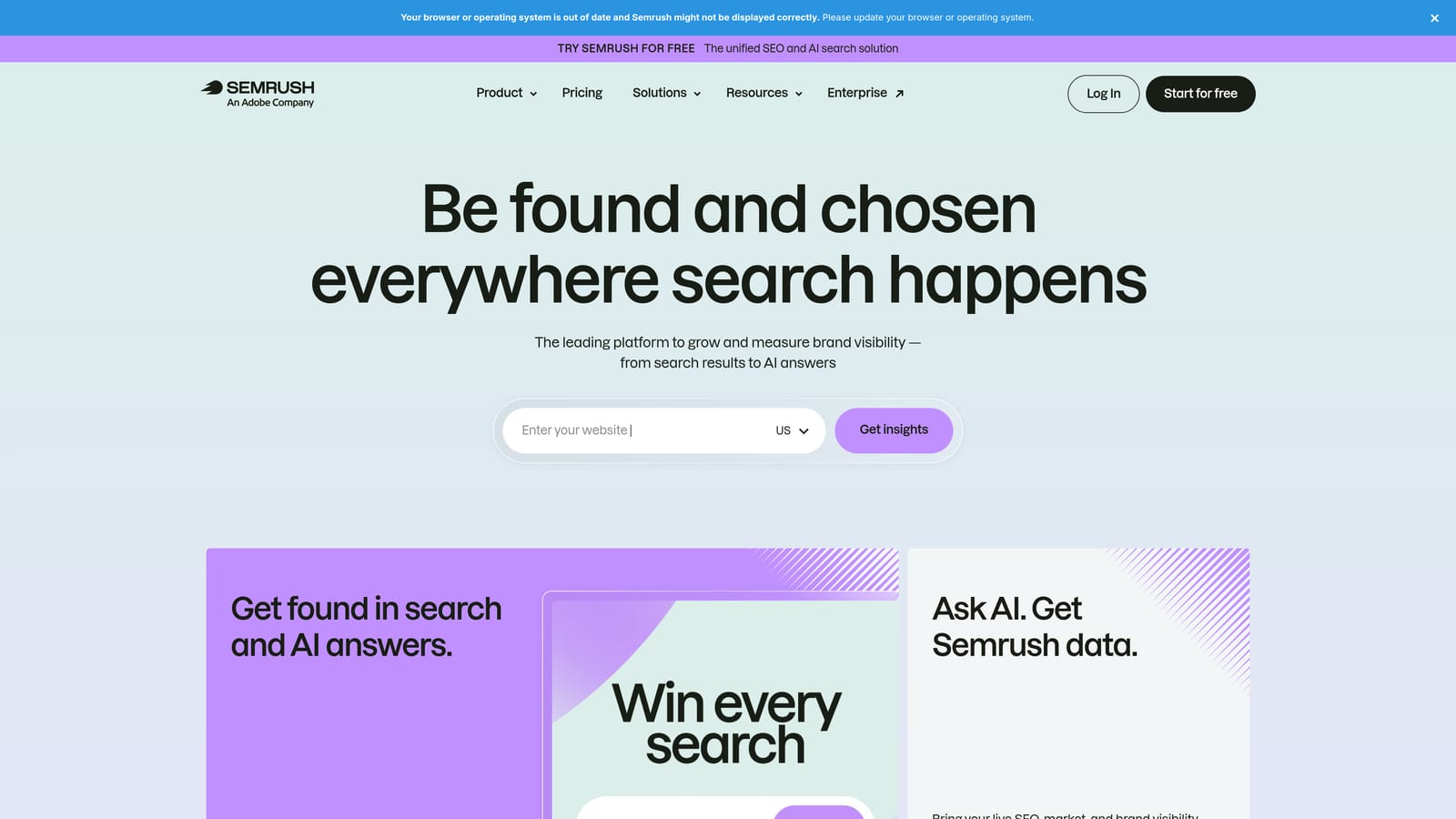
Its distinctive strength is context. You can cluster a keyword set and then look at competitor PPC activity and a very large keyword database in the same platform, which none of the narrower tools here offer.
- Keyword Strategy Builder organizes seed keywords into topic clusters so you can see themes at a glance.
- Keyword Manager keeps lists and clusters in one place for reuse.
- Competitor PPC research shows what rivals are bidding on, which helps you decide which clusters deserve their own ad groups.
- A large keyword database gives you wide coverage when expanding a theme.
It connects with Google Ads, Google Analytics, and Google Search Console. Setup is more involved than a single-purpose tool because there's a lot of platform to learn, and it's usually run by an SEO or research lead rather than whoever handles daily search term reviews.
The main drawback is fit. The clusters are SEO-oriented, so you'll adapt them for ad groups and export them to apply in Google Ads. Suite pricing is overkill if clustering is all you need. Pricing is subscription tiers; see the website for current plans, since the tier and add-ons drive cost.
Best for: Teams that want clustering alongside competitor and market research.
3. Keyword Insights
Keyword Insights is a clustering platform that groups keywords by live SERP overlap and labels search intent. If two keywords return largely the same results on Google, they get grouped, which is a different logic from matching similar wording.

That's its edge here: clusters reflect how Google itself treats the queries, so words that look alike but serve different intents tend to land apart. For PPC, that matters when you're deciding which terms deserve a shared ad group and which need their own landing page and ad copy.
- SERP-similarity clustering groups keywords that Google answers with the same results, rather than by wording alone.
- Search intent labels flag whether a group looks informational, commercial, or transactional, helping you avoid mixing intents in one ad group.
- Content brief tools help if the same clusters feed landing pages.
- Bulk keyword upload lets you process big lists in one run.
Check the site for current integrations. Setup is upload-and-run, and it's typically operated by a strategist planning a campaign build. Because it's built mainly for SEO and content, there are no native Google Ads actions: you export the clusters and build the structure yourself. Plans are credit-based, so cost moves with how many keywords you process; see the website for current pricing.
Best for: Planning pre-launch campaign themes around search intent.
4. Cluster AI
Verify details first: Cluster AI is a standalone clustering app for grouping uploaded keyword lists. It does one job, and that focus is its appeal for people who just have a large file to sort.
Compared with the suites on this list, it's the simplest idea: upload a list, get automated groups, export them. There's no platform to learn and nothing to connect.
- Keyword list upload accepts the large set you already have.
- Automated grouping does the first-pass sorting so you don't build groups by hand.
- Export of clusters gives you files to review and bring into your ad account.
Check the site for integrations, current features, and pricing, as I haven't confirmed these and they may have changed as of November 2026. Expect a manual upload and export workflow, so someone has to review the groups and then build or import them into Google Ads yourself.
It's not for anyone who wants clustering tied to live campaign data, negative keywords, or one-click actions, since those live outside its scope. It also won't suit teams that need ongoing multi-user workflows. Pricing is listed on the website.
Best for: Occasional users clustering a single large list.
5. SE Ranking
SE Ranking is an SEO platform whose Keyword Grouper clusters by SERP similarity or phrase matching. It's aimed at freelancers and small teams who do both SEO and PPC and want one mid-priced tool for each.
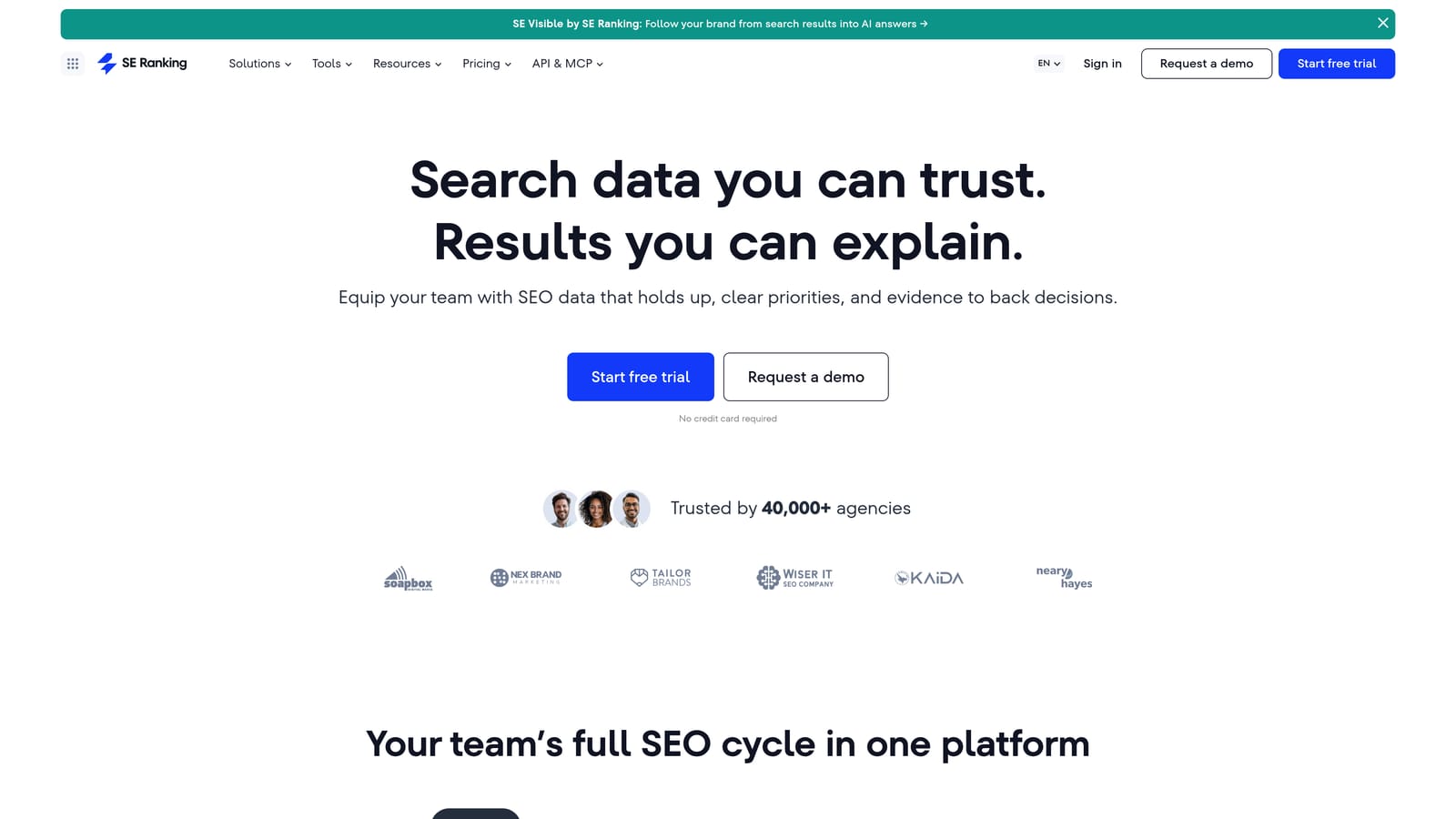
The standout is control over how strict the grouping is. Adjustable grouping strength lets you make clusters tighter or looser, which is useful when you're deciding between very granular ad groups and broader themes.
- Keyword Grouper clusters a list by SERP similarity or by phrase matching, so you can choose the logic that fits the job.
- Adjustable grouping strength lets you tune how tightly keywords must relate to share a group.
- Rank tracking shows how the same keywords perform organically.
- Keyword research helps you expand lists before grouping them.
It integrates with Google Search Console, Google Analytics, and Google Looker Studio. Setup is typical for an SEO platform, and one person usually runs it.
It's SEO-first, and clusters must be exported before you can use them in Google Ads. There's no search term review or negative keyword workflow. Pricing is subscription tiers, so plan level drives cost; see the website for current figures.
Best for: Freelancers who split time between SEO and PPC.
6. Google Ads Editor
Google Ads Editor is Google's free desktop app for managing accounts in bulk. It doesn't cluster anything. It's here because clustering is useless until the groups become ad groups, and this is the official way to do that at scale.
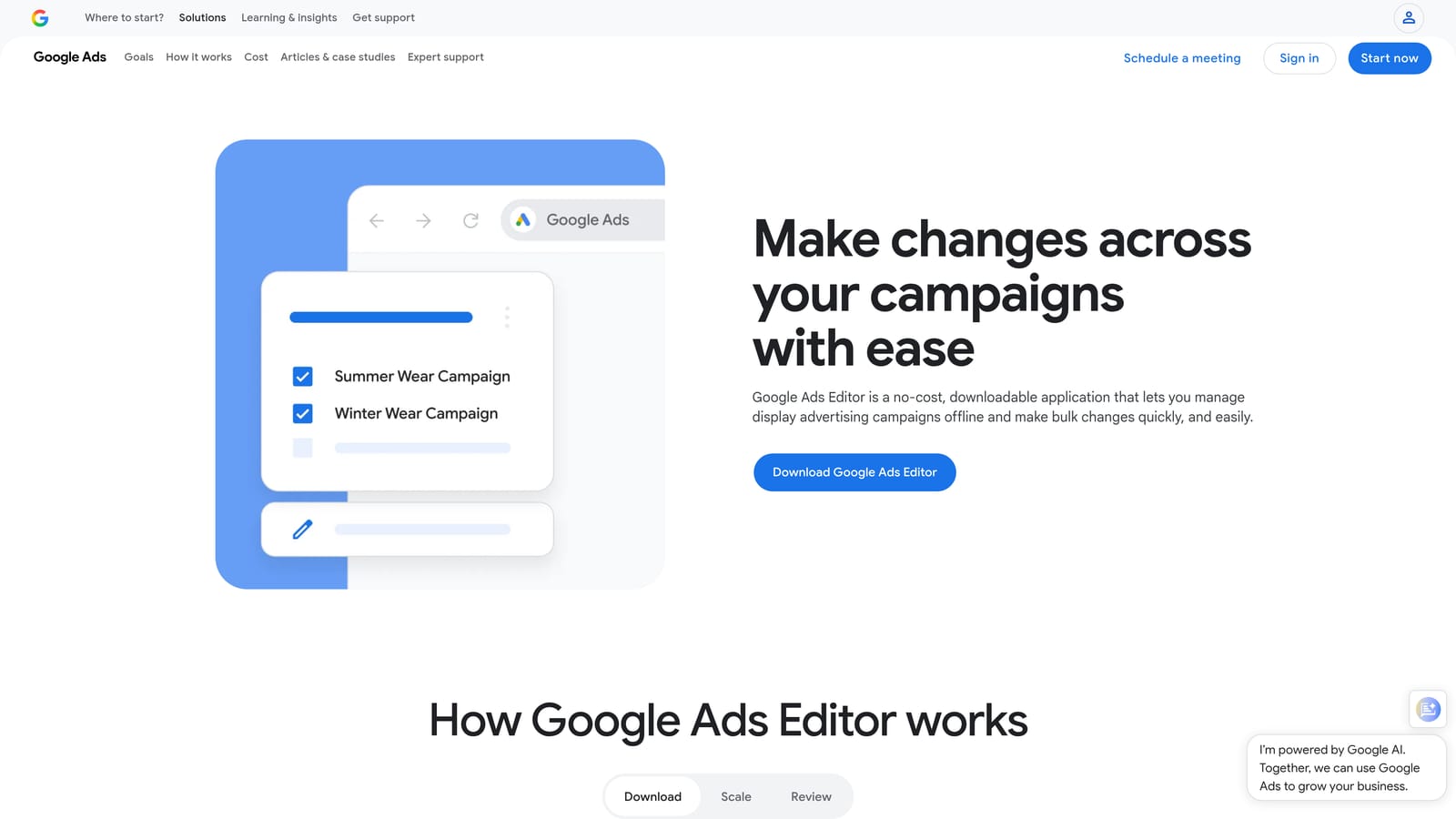
Its edge is that it's free, first-party, and built for the implementation step that other tools skip.
- Bulk edits across campaigns and ad groups let you restructure many items at once.
- Offline editing means you can build changes, review them, and post when ready.
- Import and export lets you bring in a spreadsheet of clusters from another tool.
- Multi-account management covers agencies working across clients.
It integrates with Google Ads only. Setup means downloading the app and syncing accounts, and the person who builds campaigns usually runs it.
The limitation is plain: there's no automated clustering or grouping suggestions. It applies groups you build elsewhere, so you'll need a spreadsheet or another tool upstream. It's also less friendly for quick, in-the-moment search term review. Pricing: free.
Best for: Applying finished clusters to accounts in bulk.
7. Optmyzr
Optmyzr is a PPC optimization platform for managing many Google Ads accounts. It's built for agencies and in-house teams that need consistent checks across a large portfolio rather than a single clustering function.
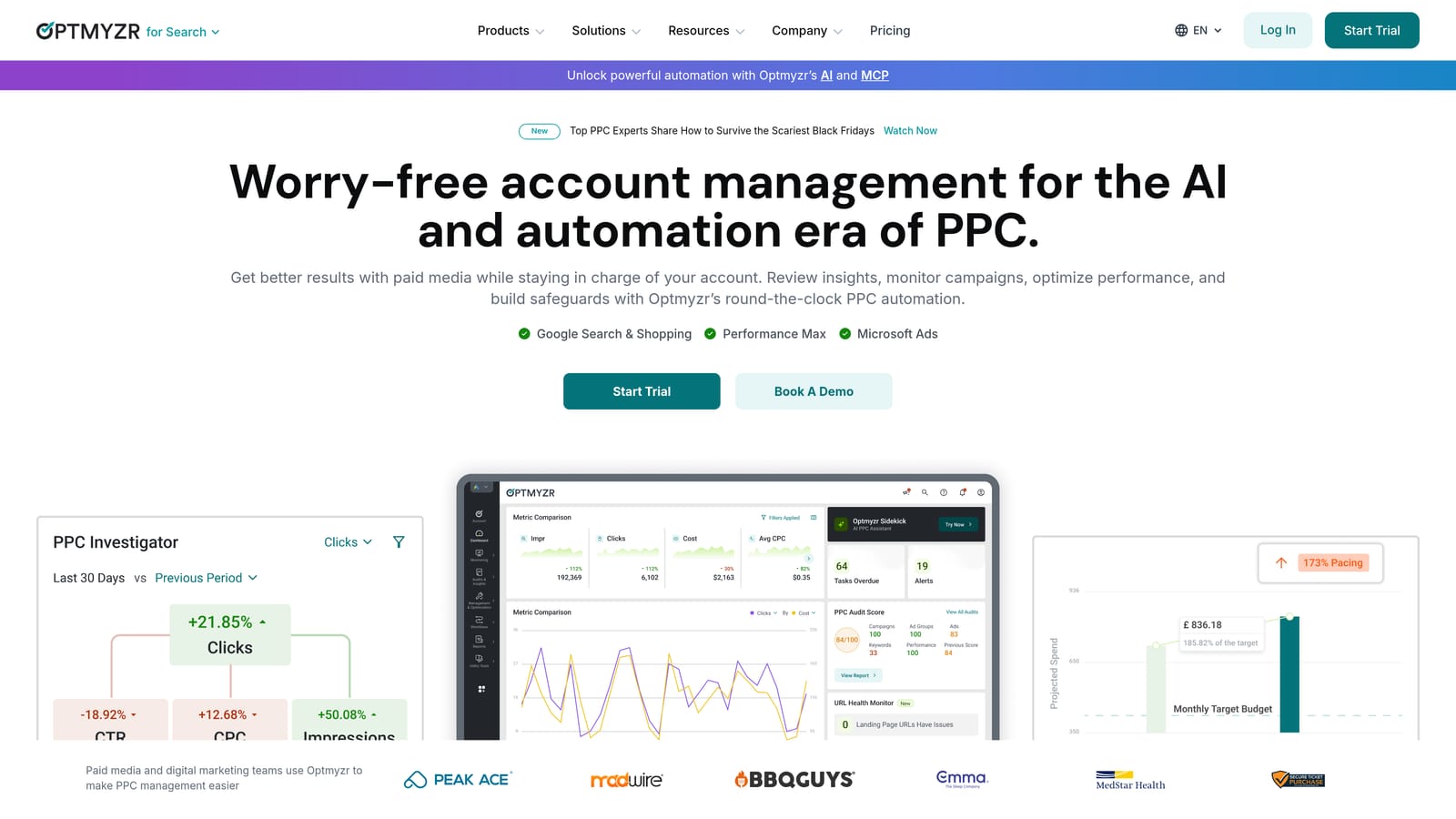
Its distinct strength is scale: rules, analysis, and reporting across many accounts in one place.
- Rule-based optimizations automate recurring checks so you aren't repeating them per account.
- Search term and keyword analysis tools help you find patterns and gaps.
- Reporting supports client updates without manual assembly.
- Multi-account management keeps a large book of business in one workspace.
It integrates with Google Ads, Microsoft Advertising, and Google Analytics. Setup takes longer than a lightweight tool because you connect accounts and configure rules, and it's usually run by a senior PPC manager or an operations lead.
It's broad and costly for anyone who only needs clustering, and I haven't verified its clustering-specific features, so confirm that it covers your use case before committing. Pricing is tiered by ad spend; see the website for current plans.
Best for: Agencies managing many accounts.
8. WordStream by LocaliQ
WordStream offers free keyword tools plus a paid ads management platform aimed at small businesses. Verify the current branding, as the company operates under LocaliQ.
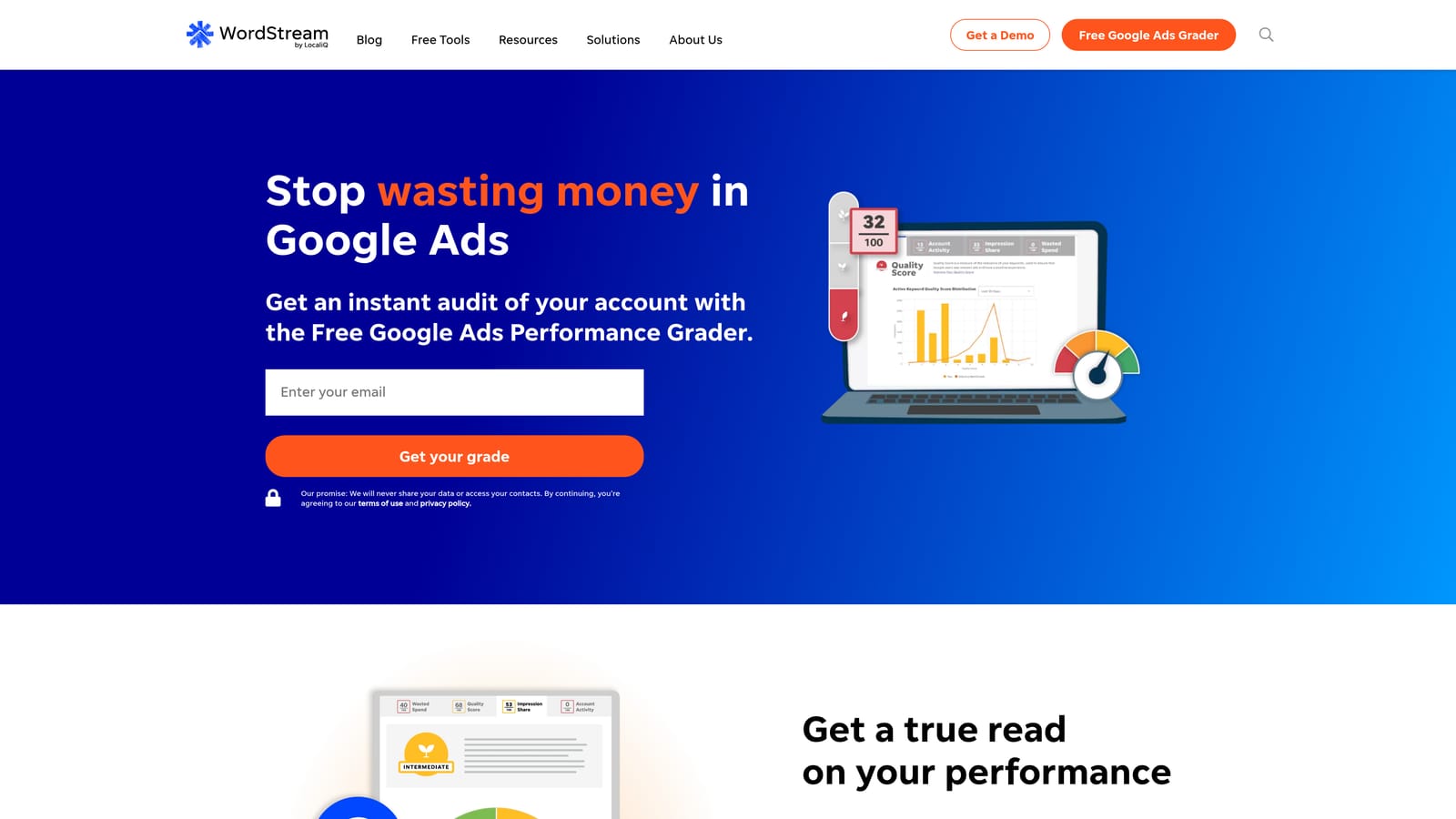
The free keyword grouper is the draw: no account setup and no cost, so a small advertiser can try grouping a list in minutes.
- A free keyword grouper sorts a list into themes without a signup barrier.
- The ads management platform covers day-to-day campaign work in a paid plan.
- Performance recommendations point out areas to review in your accounts.
It integrates with Google Ads, Microsoft Advertising, and Facebook Ads. Setup is minimal for the free tools, and the business owner or a generalist marketer usually runs it.
Customization is limited, which can frustrate you on complex accounts with many campaigns or tight intent separation. Treat the output as a starting point. Free tools cost nothing; paid plans are listed on the website.
Best for: Small-business owners wanting a quick free start.
9. Google Sheets
Google Sheets is the DIY baseline: formulas, pivot tables, and add-ons for grouping keywords by hand. Everyone has used it, which is both its strength and why it appears last.
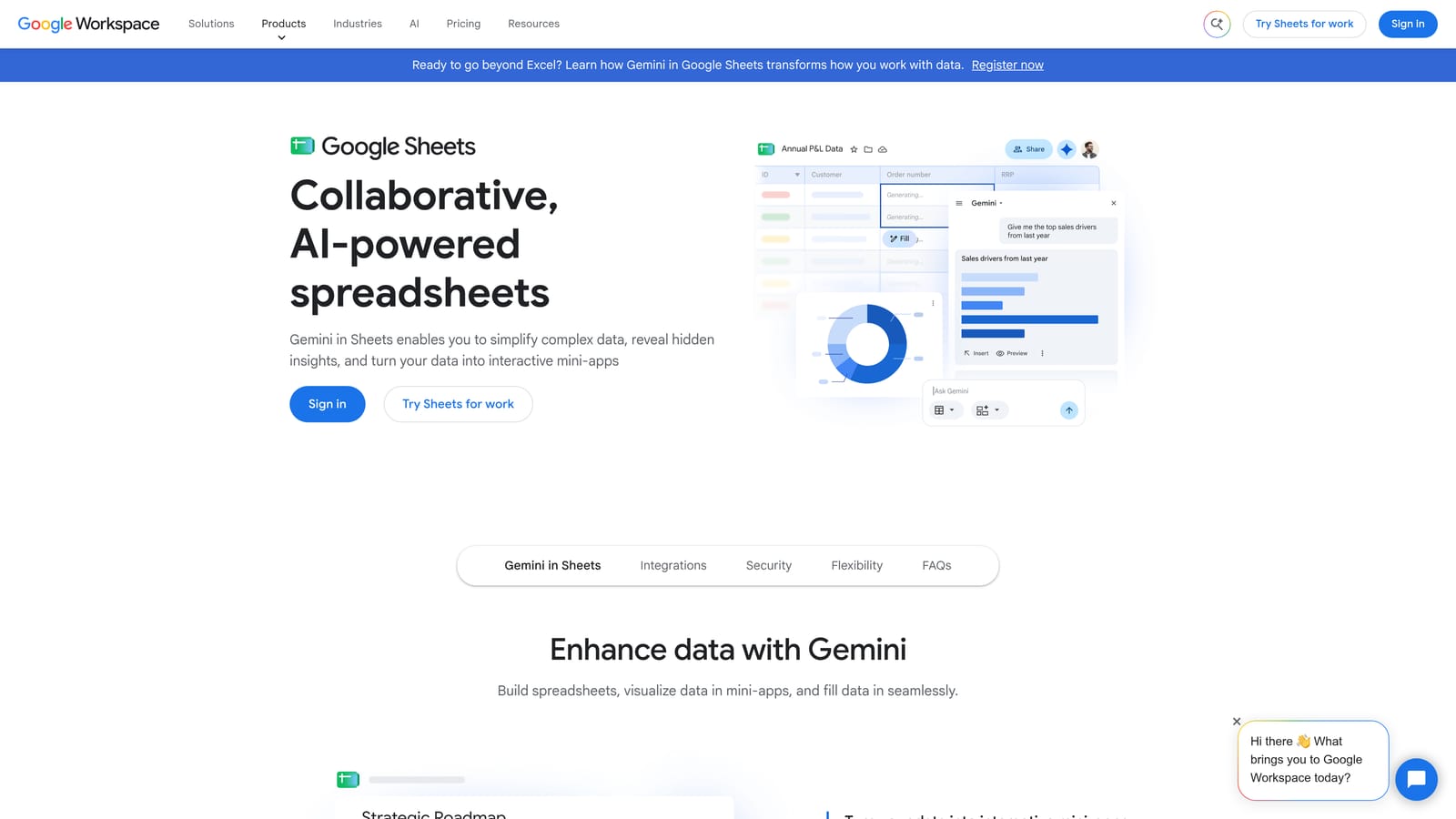
Its advantage over every other entry is total control at no cost. You decide the rules, the labels, and the structure, and nothing is a black box.
- Formulas and pivot tables let you tag and sort keywords by shared words or patterns.
- Add-on support extends it with third-party tools if you want more automation.
- Shareable files make it easy to review groups with a client or teammate.
- Free personal use keeps the cost at zero.
It integrates with Google Workspace and third-party add-ons. Setup is whatever you build, and the person doing the clustering does all of it.
It gets slow, manual, and error-prone as lists grow, and nothing connects it to live campaigns, so every change is an export and import. It's free for personal use; Workspace plans are on the website.
Best for: Tight budgets and small keyword lists.
Which Keyword Clustering Tool Fits Your Situation
Start with one distinction: are you grouping a list before launch, or grouping search terms your campaigns already triggered? Pre-launch lists favor SERP-based tools. Live search terms favor something that works where the data lives.
- Keywordme fits search-term-driven clustering inside Google Ads, where you also need negatives and match types in the same pass.
- Keyword Insights and similar SERP-based tools fit pre-launch structure, when you're deciding which themes deserve their own ad groups.
- Optmyzr fits large agencies that need optimization across many accounts.
- Google Ads Editor fits the final step of applying finished clusters in bulk.
- WordStream's free tools and Google Sheets fit tight budgets and small lists.
Whichever you choose, keep the groups single-theme, and add negative keywords and match types after clustering so that tight groups stay tight.
Optimize Google Ads Campaigns 10X Faster. Without Leaving Your Account. Keywordme lets you remove junk search terms, build high-intent keyword lists, and apply match types instantly, right inside Google Ads. No spreadsheets, no switching tabs, just quick, seamless optimization. Start your free 7-day trial (then just $12/month) and take your Google Ads game to the next level.
