
9 Best Keyword Analysis Tools for Google Ads
This guide reviews nine of the best keyword analysis tools for Google Ads in 2026, covering everything from in-campaign search term optimizers to full-scale research platforms. Whether you need to cut wasted budget, discover new keyword opportunities, or sharpen your targeting, there's a tool here to fit your workflow.


If you're running Google Ads, keyword analysis isn't a one-time task. It's an ongoing process of finding what's working, cutting what isn't, and expanding into new opportunities. The right tool can mean the difference between a campaign that bleeds budget and one that consistently drives conversions.
But "keyword analysis" covers a lot of ground. Some tools help you discover new keywords before a campaign launches. Others dig into search term data inside your active campaigns to help you prune waste and sharpen targeting. And some do both. This list covers nine tools worth your time in 2026, ranging from in-interface PPC optimizers to full-scale research platforms.
We've organized them starting with the most campaign-focused tools and working outward toward broader research platforms, so you can find the right fit for your actual workflow.
1. Keywordme
Best for: In-campaign keyword optimization directly inside Google Ads
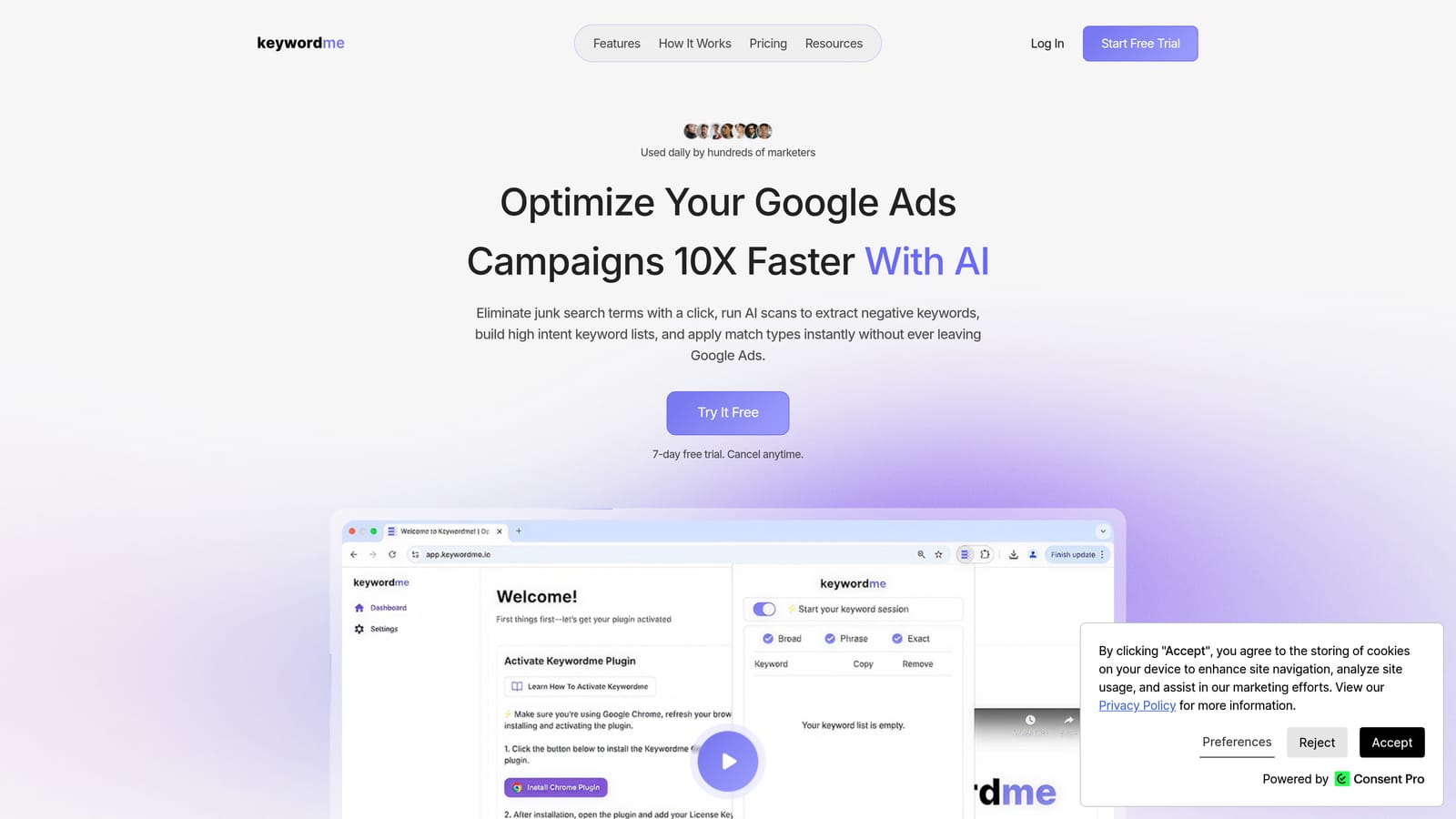
Keywordme is a Chrome extension that integrates directly into Google Ads' Search Terms Report, letting you take action on keywords without ever leaving the native interface.
Where This Tool Shines
Most keyword analysis tools ask you to export data, work in a spreadsheet, and then re-import changes. Keywordme skips all of that. It lives inside your Google Ads account, so when you're reviewing search terms, you can add negatives, apply match types, and cluster keywords with a single click.
This is especially useful for agencies managing multiple accounts. Context-switching between dashboards, spreadsheets, and Google Ads eats time. Keywordme keeps the whole workflow in one place, which matters when you're doing this work across dozens of campaigns.
Key Features
One-click negative keyword addition: Flag irrelevant search terms as negatives directly from the Search Terms Report without exporting anything.
Match type application: Apply broad, phrase, or exact match to keywords on the spot, without leaving Google Ads.
Keyword clustering: Group related search terms together to identify patterns and build more organized ad groups.
Bulk editing: Make campaign-wide changes faster than working through Google Ads' native bulk tools.
Multi-account and team support: Built for agencies, with the ability to work across multiple accounts and share access with team members.
Best For
Google Ads practitioners who spend meaningful time in the Search Terms Report and want to cut the manual overhead of keyword optimization. Particularly well-suited for freelancers managing several accounts and agencies with team members working across multiple clients.
Pricing
$12/month per user, flat rate. A 7-day free trial is available with no commitment required.
2. Google Keyword Planner
Best for: Pre-campaign keyword discovery using first-party Google data
Google Keyword Planner is Google's native research tool inside Google Ads, providing keyword suggestions, search volume ranges, CPC estimates, and forecasting data drawn directly from Google's own search data.
Where This Tool Shines
Because the data comes straight from Google, Keyword Planner is the most direct source for understanding how Google itself categorizes and measures search demand. For planning new campaigns or expanding an existing keyword list, it's a natural starting point.
One thing to keep in mind: volume data is displayed as ranges rather than exact numbers unless your account has active spend history. That limits its precision for detailed analysis, but for directional research and budget forecasting, it does the job well.
Key Features
Keyword discovery: Generate keyword ideas from a seed keyword, phrase, or landing page URL.
Search volume ranges and trends: See historical search volume patterns to understand seasonality.
CPC bid estimates: Get estimated cost-per-click ranges broken down by location and network.
Keyword forecasting: Model expected clicks, impressions, and spend for budget planning purposes.
Free access: Available to anyone with a Google Ads account at no additional cost.
Best For
Advertisers building new campaigns who want keyword suggestions and rough volume estimates grounded in Google's data. Also useful for budget planning and seasonal trend analysis.
Pricing
Free with any Google Ads account. No additional subscription required.
3. Google Search Console
Best for: Identifying organic search queries to test as paid keywords
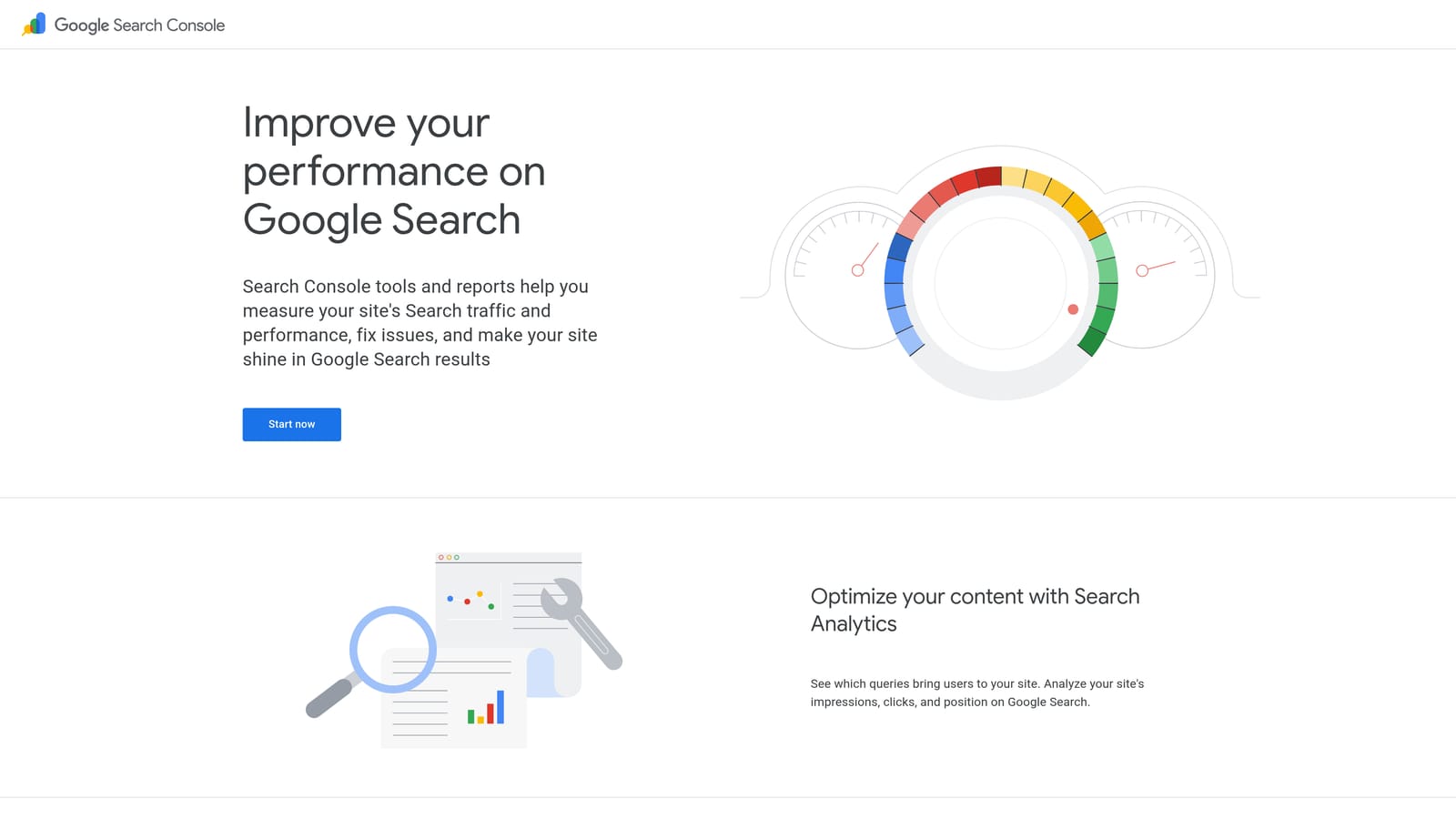
Google Search Console is Google's free webmaster tool that shows the actual queries driving organic impressions and clicks to your site, making it a useful source of keyword intelligence for paid campaigns.
Where This Tool Shines
Search Console isn't a paid keyword tool in the traditional sense, but it surfaces something valuable: real user search behavior on your own site. If a query is generating thousands of organic impressions but very few clicks, that's a signal worth investigating for paid search.
For advertisers who already have organic traffic, Search Console can reveal keyword opportunities that pure research tools might miss, because the data reflects actual demand for your specific content and offerings rather than general market estimates.
Key Features
Performance report: See queries, impressions, clicks, click-through rate, and average position in one view.
Filtering options: Slice data by page, country, device, and date range to isolate specific patterns.
High-impression, low-click queries: Identify organic queries with strong impression volume but low CTR as candidates for paid campaigns.
First-party data: All query data comes directly from Google, reflecting actual user searches.
Free with site verification: No cost beyond completing the verification process for your domain.
Best For
Advertisers who also manage or have access to the organic side of a website. Particularly useful for finding keyword gaps between organic and paid coverage.
Pricing
Free. Requires site verification through Google Search Console.
4. Semrush
Best for: Comprehensive PPC keyword research and competitive intelligence
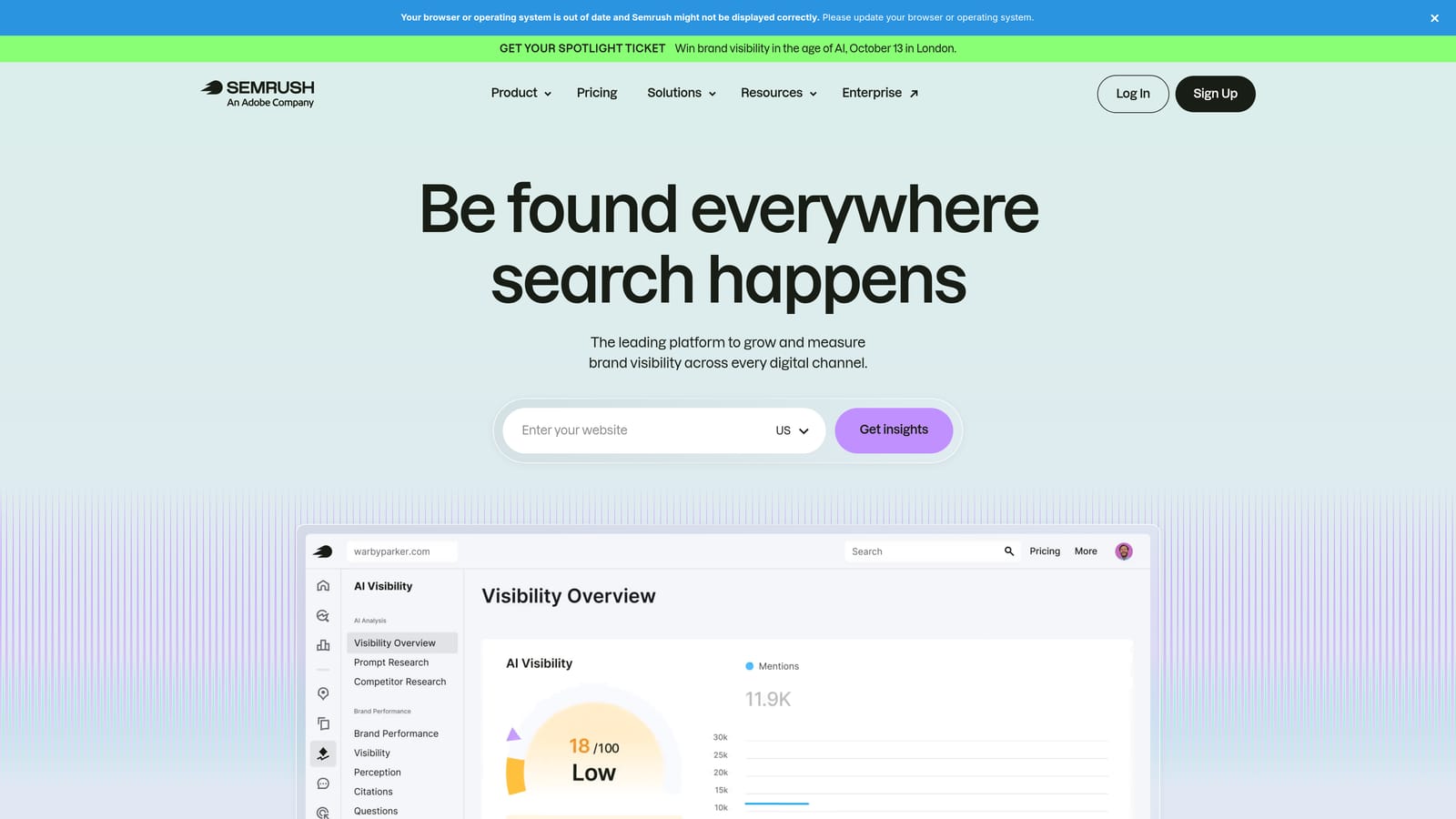
Semrush is a full digital marketing platform with strong PPC-specific features, including a large keyword database, competitor ad research, and keyword gap analysis.
Where This Tool Shines
Semrush is one of the more complete options for pre-campaign keyword research. The Keyword Magic Tool gives you access to a large database of keyword suggestions with PPC-relevant data like CPC estimates and competition levels. The competitive intelligence features are particularly useful for paid search: you can see which keywords competitors are bidding on, review their ad copy history, and identify gaps in your own keyword coverage.
It's a broader platform than most advertisers need for keyword research alone, but if you're also managing SEO or content, the overlap makes it more efficient than running separate tools.
Key Features
Keyword Magic Tool: Generate large volumes of keyword suggestions from a seed term, with filtering by CPC, volume, and competition.
PPC keyword research: View CPC estimates and competition data specifically for paid search.
Keyword gap analysis: Find terms competitors are bidding on that aren't in your current keyword list.
Competitor ad research: Review ad copy and keyword history for competing advertisers.
Keyword grouping: Organize keyword lists into structured groups for campaign planning.
Best For
Marketers and agencies who need both PPC keyword research and competitive intelligence in one platform, particularly those also managing SEO alongside paid campaigns.
Pricing
Paid plans with a limited free tier. Check current pricing at semrush.com, as rates are updated periodically.
5. Ahrefs
Best for: Keyword difficulty analysis and click-through rate data
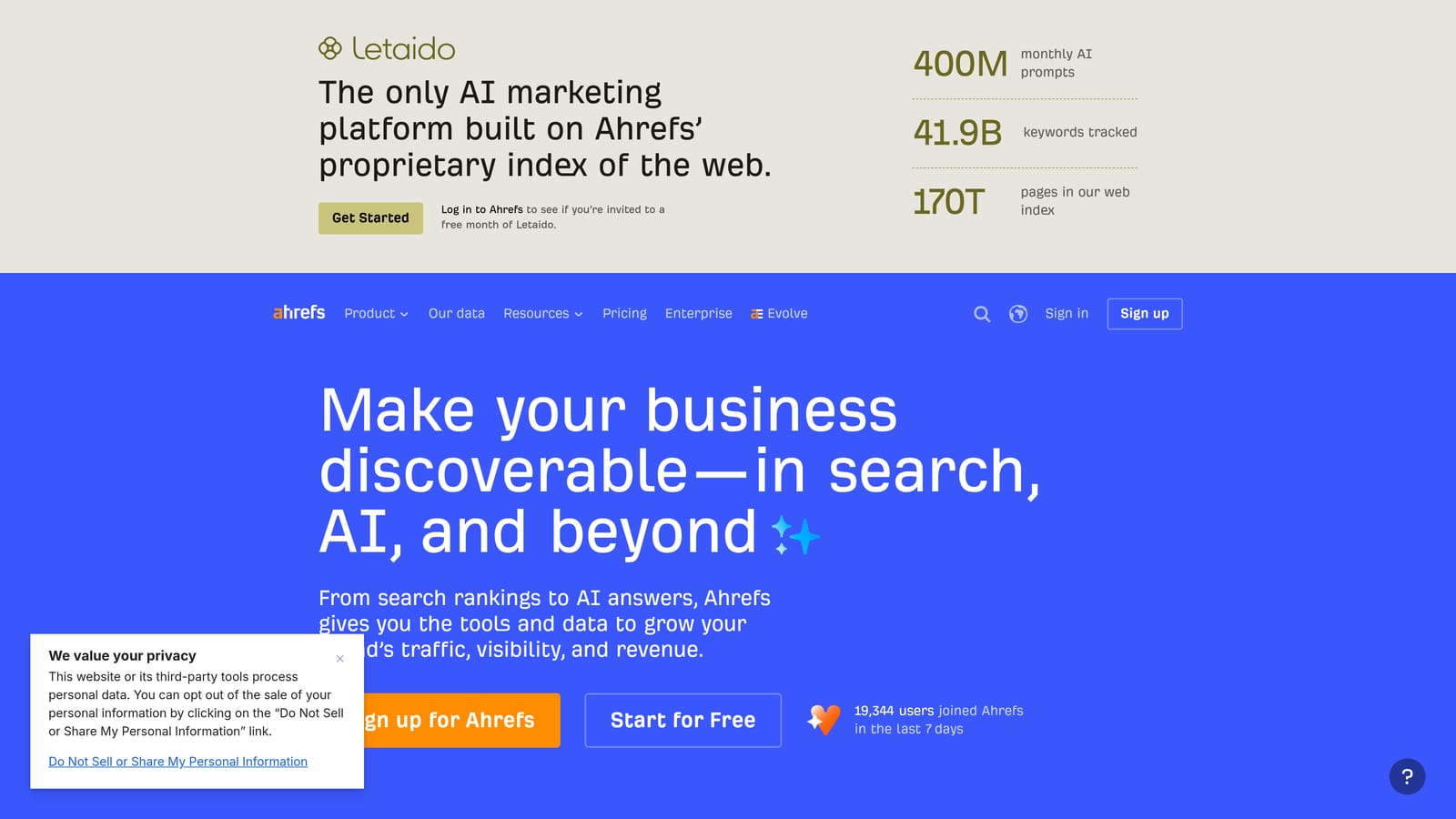
Ahrefs is a well-regarded SEO and keyword research platform with a Keywords Explorer tool that provides keyword difficulty scores, click metrics, and SERP analysis useful for both organic and paid strategy.
Where This Tool Shines
Ahrefs is particularly strong on two fronts: keyword difficulty scoring and click-through rate data. The click metrics help you understand not just how many people search a term, but how many of those searches actually result in a click, which is a more useful signal for paid campaigns than raw volume alone.
The SERP analysis feature lets you see who currently ranks or advertises for a given query, helping you assess competitive intensity before committing budget. For advertisers doing serious keyword research before launching a campaign, Ahrefs offers a depth of data that's hard to match.
Key Features
Keywords Explorer: Research keywords with difficulty scores, volume estimates, and click data.
Click-through rate data: See estimated CTR alongside volume to gauge real traffic potential.
Parent topic identification: Find the broader keyword cluster a term belongs to for more strategic grouping.
SERP analysis: Review who currently ranks or advertises for a query and assess competitive landscape.
Keyword filtering: Sort and filter by CPC, volume, difficulty, and other metrics to narrow your list.
Best For
Advertisers who want detailed keyword intelligence before building campaigns, particularly those running both paid and organic programs where shared keyword research is valuable.
Pricing
Paid plans with Ahrefs Webmaster Tools available free for site owners. Check current pricing at ahrefs.com.
6. SpyFu
Best for: Competitor PPC keyword history and ad spend intelligence
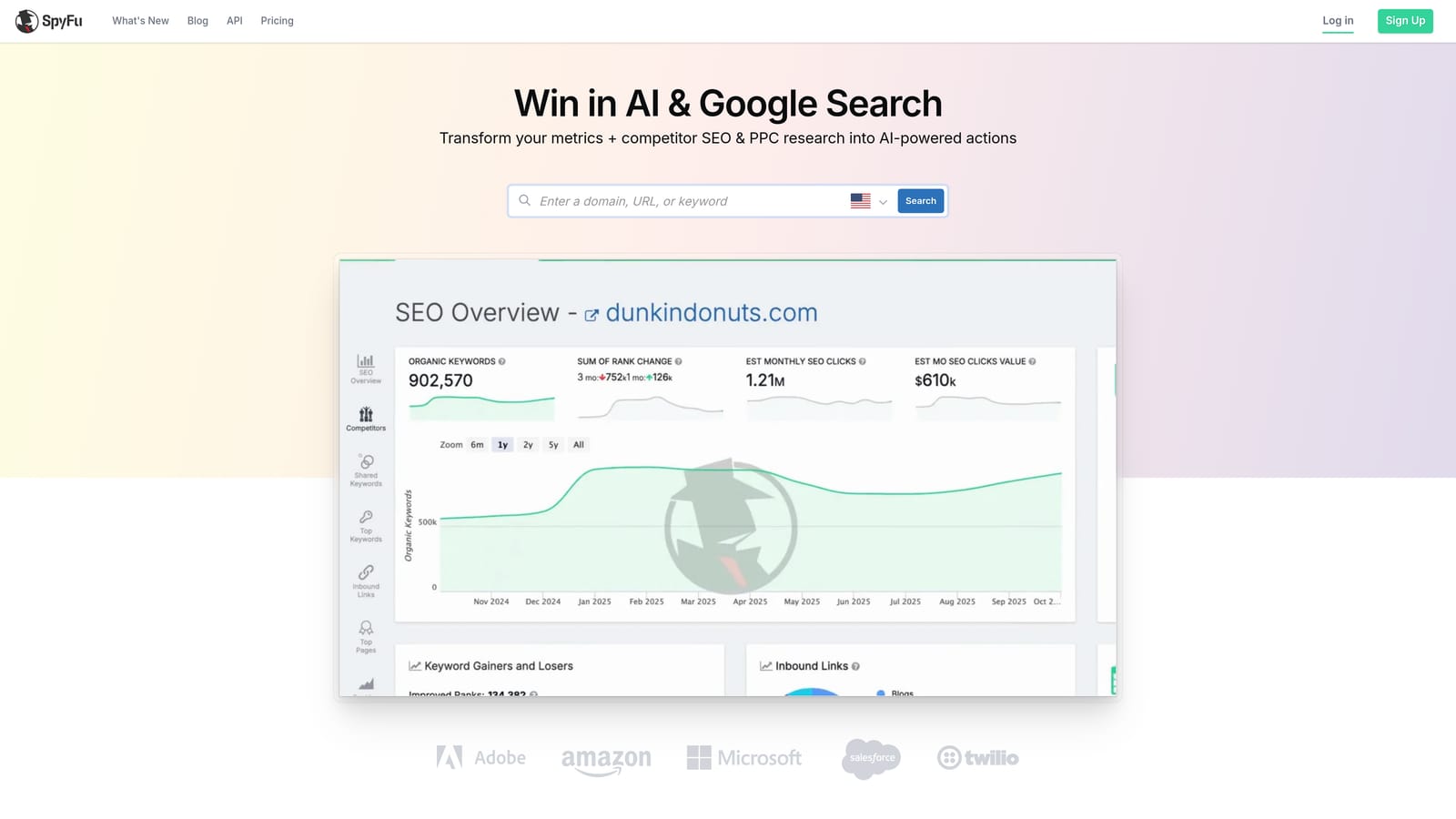
SpyFu is a competitive intelligence tool focused on PPC and SEO, showing the keywords competitors have bid on historically, their estimated spend, and the ad copy they've tested over time.
Where This Tool Shines
SpyFu's main value is historical competitor data. You can look up a competitor's domain and see which keywords they've bid on, how long they've been running those campaigns, and what ad copy they've used. That kind of longitudinal view is useful for understanding which keywords have proven worth bidding on over time, not just what's popular right now.
For agencies pitching new clients or auditing existing accounts, SpyFu provides a quick competitive landscape snapshot that would otherwise take significant manual research to compile.
Key Features
Competitor paid keyword history: See which keywords a competitor has bid on, going back years.
Estimated monthly ad spend: Get a rough sense of how much competitors are investing in paid search.
Ad copy history: Review the messaging competitors have tested over time to inform your own copy strategy.
Keyword overlap reports: Identify where your keyword list and a competitor's overlap or diverge.
PPC keyword recommendations: Get keyword suggestions based on what's working for competitors in your space.
Best For
Advertisers and agencies focused on competitive positioning who want to understand what keywords rivals have committed to over time, particularly useful in established or crowded verticals.
Pricing
Paid plans with limited free lookups available. Check current pricing at spyfu.com.
7. Wordtracker
Best for: Niche and long-tail keyword discovery with competition scoring
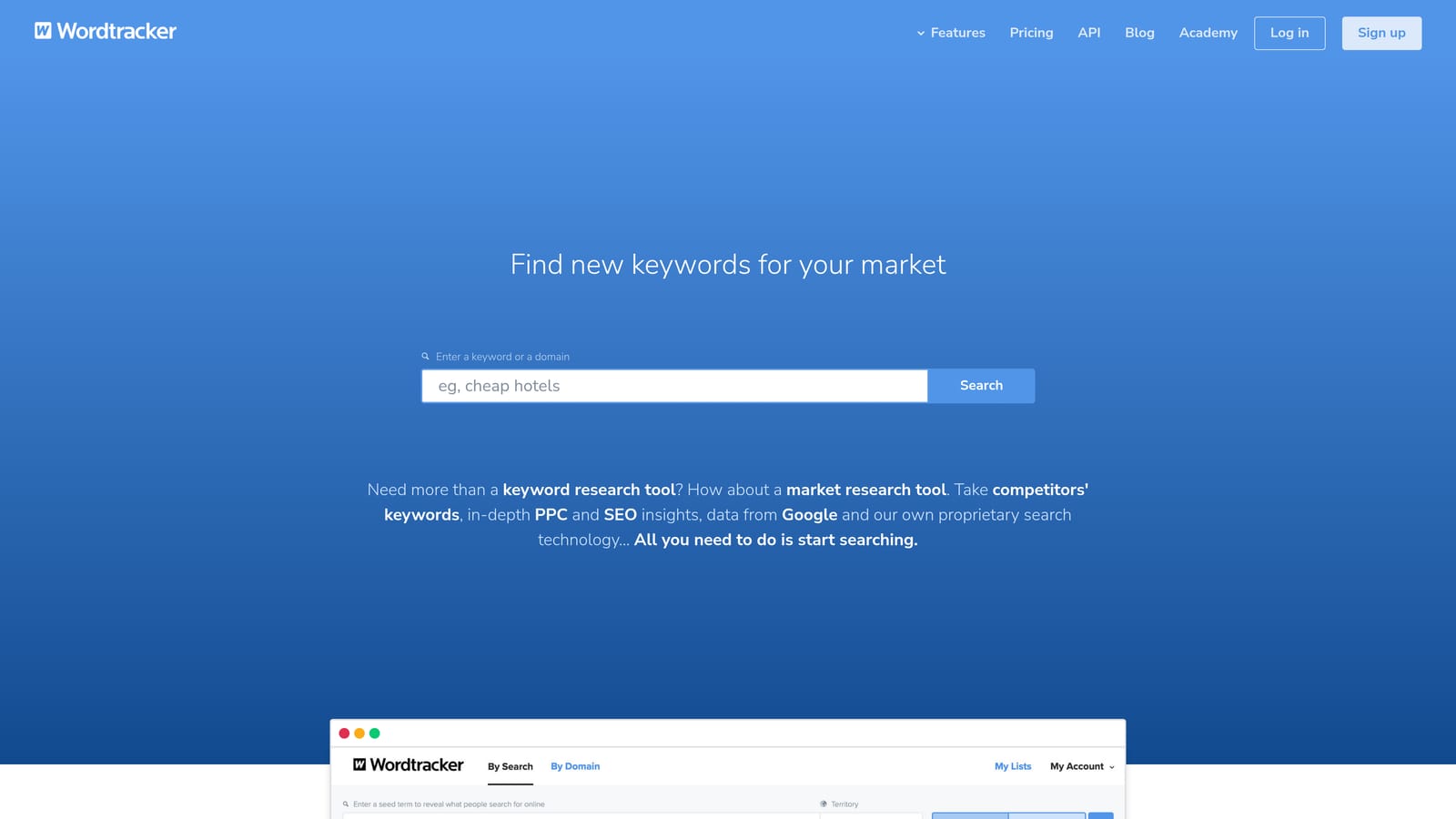
Wordtracker is a keyword research tool focused on niche and long-tail keyword discovery, with competition scoring that helps advertisers find lower-competition opportunities.
Where This Tool Shines
Wordtracker occupies a useful middle ground: more focused than the enterprise platforms but more capable than basic free tools. Its competition scoring is oriented toward helping you find keywords where you can realistically compete, which is particularly useful if you're working with a limited budget and need to be selective about where you spend.
For niche markets where Semrush or Ahrefs databases might be thin, Wordtracker can surface long-tail terms that larger tools overlook. It's not trying to be everything to everyone, which makes it easier to use for its specific purpose.
Key Features
Long-tail keyword suggestions: Generate keyword ideas with a focus on less competitive, more specific search terms.
Competition scoring: Assess how competitive a keyword is to help prioritize where to focus budget.
SERP-based competition analysis: Evaluate the actual search results for a keyword to understand competitive difficulty.
Keyword lists and export: Save and export keyword sets for use in campaign planning.
Affordable entry point: Lower cost than enterprise-tier platforms, making it accessible for smaller budgets.
Best For
Freelancers and smaller advertisers working in niche markets who need practical keyword discovery without the cost or complexity of a full enterprise platform.
Pricing
Paid plans with a free trial available. Check current pricing at wordtracker.com.
8. Keywords Everywhere
Best for: Lightweight keyword data overlaid on Google and other platforms as you browse
Keywords Everywhere is a browser extension for Chrome and Firefox that overlays keyword volume, CPC, and competition data directly on Google SERPs and other platforms as you browse.
Where This Tool Shines
Keywords Everywhere is built for speed and convenience. Rather than logging into a separate research platform, you see keyword data inline while you're browsing Google, YouTube, Amazon, and other sites. If you search something on Google, you immediately see volume and CPC data alongside the results, along with related keyword suggestions in the sidebar.
The credit-based pricing model is also worth noting. You pay for what you use rather than committing to a monthly subscription, which makes it a practical option for occasional research or for supplementing a primary tool without adding another recurring cost.
Key Features
Inline keyword data: See volume, CPC, and competition data directly on Google SERPs without switching tools.
Multi-platform coverage: Works on Google, YouTube, Amazon, and other platforms where keyword research is relevant.
Related keywords and People Also Search For: Surface adjacent keyword ideas directly from search results pages.
Credit-based pricing: Pay only for the data you look up, with no mandatory monthly subscription.
Trend data and keyword lists: Save keywords and view trend data to inform campaign planning.
Best For
Advertisers who want quick keyword data while browsing without committing to a full research platform, and those who prefer usage-based pricing over a monthly subscription.
Pricing
Credit-based pricing rather than a monthly subscription. Check current credit packages at keywordseverywhere.com.
9. Answer The Public
Best for: Uncovering question-based and intent-driven long-tail keyword opportunities
Answer The Public is a keyword visualization tool that maps out the questions, prepositions, and comparisons people search around any topic, helping you uncover intent-driven long-tail keyword opportunities.
Where This Tool Shines
Answer The Public approaches keyword research differently from most tools. Instead of starting with a seed keyword and generating volume-ranked variations, it organizes keyword ideas around how people actually phrase their searches: questions ("how do I," "what is"), prepositions ("for," "without," "near"), and comparisons ("vs," "or," "versus"). That structure makes it easier to spot user intent patterns rather than just keyword volume.
For advertisers building out ad groups around specific user intents or creating content to support paid campaigns, the visualization format can surface angles that a standard keyword research tool would miss entirely.
Key Features
Visual keyword maps: See keyword ideas organized by questions, prepositions, and comparisons in a visual format.
Conversational and long-tail queries: Surface the specific phrasing people use when searching, not just the core term.
User intent signals: Understand the intent behind search behavior by seeing how queries are structured.
Search listening alerts: Track how keyword trends around a topic shift over time.
Free tier available: Limited daily searches at no cost, with paid plans for more volume.
Best For
Advertisers building intent-based keyword lists, particularly those targeting long-tail queries or creating ad copy and landing pages around specific user questions and pain points.
Pricing
Free tier available with limited daily searches. Paid plans for unlimited access. Check current pricing at answerthepublic.com.
Which Tool Is Right for Your Workflow?
The best keyword analysis tool depends on where you are in the campaign lifecycle and what problem you're actually trying to solve.
If your priority is optimizing campaigns that are already running, start with Keywordme. It's the only tool on this list that works directly inside Google Ads' Search Terms Report, letting you remove junk search terms, add negatives, apply match types, and cluster keywords without leaving your account. For anyone spending regular time on PPC optimization, that in-interface workflow removes a lot of friction.
For free keyword discovery, Google Keyword Planner and Google Search Console are the logical starting points. They're both free, both grounded in first-party Google data, and both useful for different stages: Keyword Planner for building new lists, Search Console for finding organic query patterns worth testing in paid campaigns.
If competitive intelligence is the priority, Semrush, Ahrefs, and SpyFu each bring something distinct. Semrush is the most comprehensive for PPC research and gap analysis. Ahrefs is particularly strong on click-through data and keyword difficulty. SpyFu specializes in historical competitor data, which is useful if you want to understand what rivals have committed to over time rather than just what they're doing today.
For lighter-touch research without a major subscription commitment, Keywords Everywhere and Wordtracker are both practical options. And if you're building out intent-based keyword lists or trying to understand how users phrase their searches, Answer The Public offers a perspective that standard keyword tools don't replicate.
Most practitioners end up using a combination: a research tool for discovery, Google's native tools for planning, and something campaign-focused for ongoing optimization. If you want to tighten up the optimization side of that workflow, Start your free 7-day trial of Keywordme and see how much faster keyword management gets when it happens right inside Google Ads. After the trial, it's $12/month per user. No spreadsheets, no tab-switching, just faster, cleaner campaign optimization.
.svg)