
9 Best Keyword Analysis Tools for Google Ads
This guide reviews the 9 best keyword analysis tool options for Google Ads in 2026, covering both pre-campaign keyword research and in-campaign search term optimization. Each pick is evaluated on Google Ads relevance, data accuracy, workflow efficiency, and pricing so advertisers can choose the right tool without paying for features they won't use.


If you're running Google Ads, keyword analysis isn't a one-time task. It's an ongoing process that directly affects how much you spend and how much you convert. The right tool helps you find high-intent terms worth bidding on, spot irrelevant search terms draining your budget, and build smarter negative keyword lists.
One thing worth clarifying before diving in: "keyword analysis" covers two distinct workflows in Google Ads. The first is pre-campaign research, where you find keywords to target before you launch. The second is in-campaign optimization, where you review actual search terms to refine match types, add negatives, and expand what's working. Most tools on this list serve the first workflow. A few serve both. Knowing which you need will save you from paying for features you won't use.
The tools below were selected based on Google Ads relevance, workflow efficiency, data accuracy, and value for the price. Each entry covers what it does well, who it's built for, and what it costs.
1. Keywordme
Best for: In-campaign search term optimization directly inside Google Ads
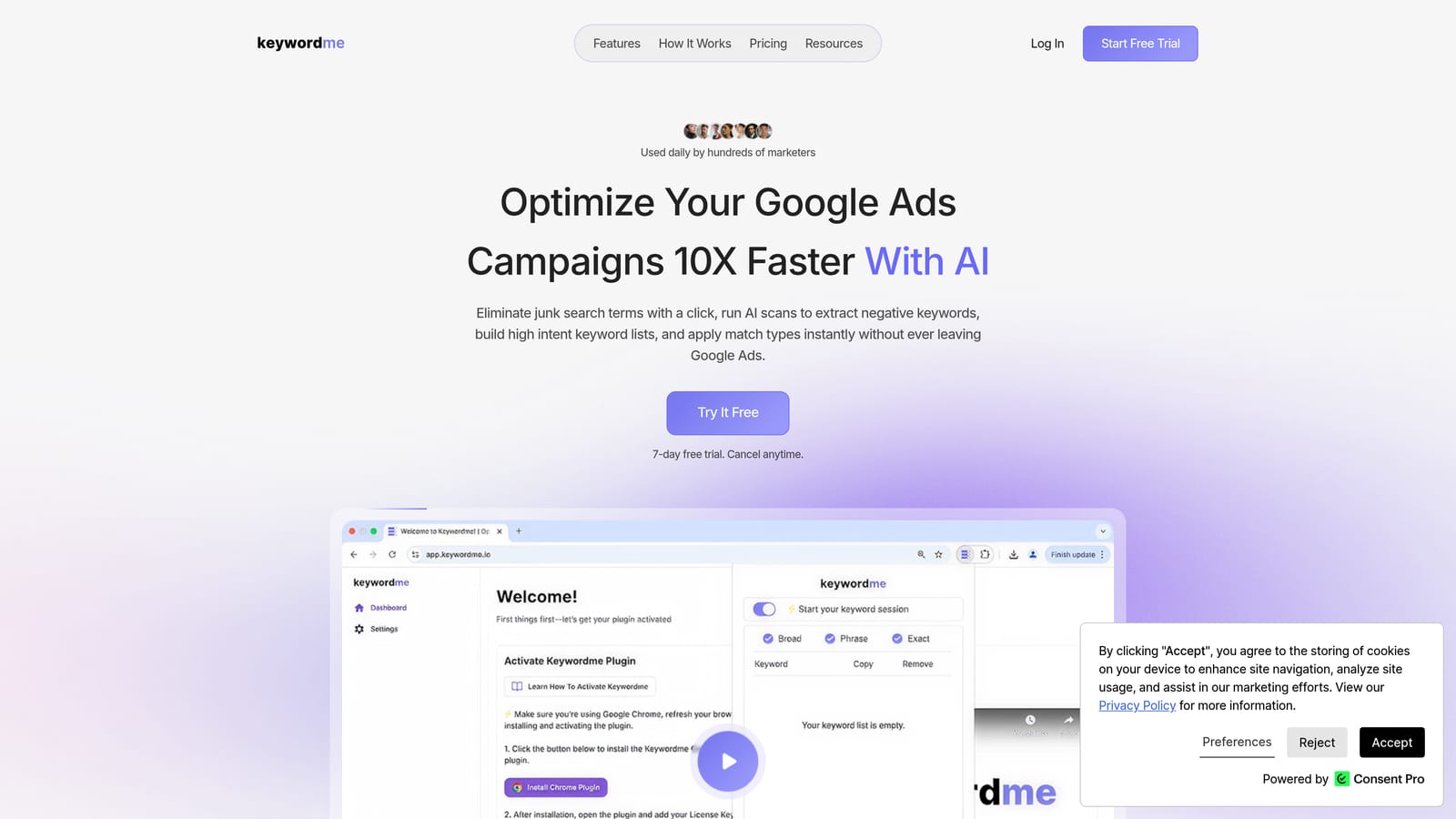
Keywordme is a Chrome extension that works inside Google Ads' Search Terms Report, letting you take action on search term data without ever opening a spreadsheet or switching to an external tool.
Where This Tool Shines
Most keyword analysis tools are built for research before a campaign goes live. Keywordme is built for what happens after: the ongoing work of reviewing what your ads actually triggered and deciding what to keep, block, or reorganize. That's a different problem, and it typically takes a lot of manual effort inside Google Ads.
Keywordme compresses that workflow significantly. You can add negative keywords, apply match types, and build keyword groups with one-click actions directly in the Search Terms Report. For agencies managing multiple accounts, the bulk editing and multi-account support make it practical at scale without requiring a separate dashboard.
Key Features
One-click negative keyword addition: Flag and add irrelevant search terms as negatives directly from the Search Terms Report without leaving Google Ads.
In-interface match type application: Apply broad, phrase, or exact match types to keywords without switching tabs or exporting data.
Keyword clustering: Group related search terms quickly to inform ad group structure and keyword expansion decisions.
Bulk editing: Handle high-volume accounts efficiently by acting on multiple search terms at once rather than one at a time.
Multi-account and team support: Designed for agencies managing several clients, with team access built in.
Best For
Freelancers and agency teams who are already inside Google Ads regularly and want to move faster through Search Terms Report reviews. It's not a replacement for a pre-campaign keyword research tool, but it's the most efficient option available for the in-campaign optimization workflow.
Pricing
$12/month per user, flat rate. A 7-day free trial is available with no commitment required.
2. Google Keyword Planner
Best for: Free pre-campaign keyword research using Google's own data
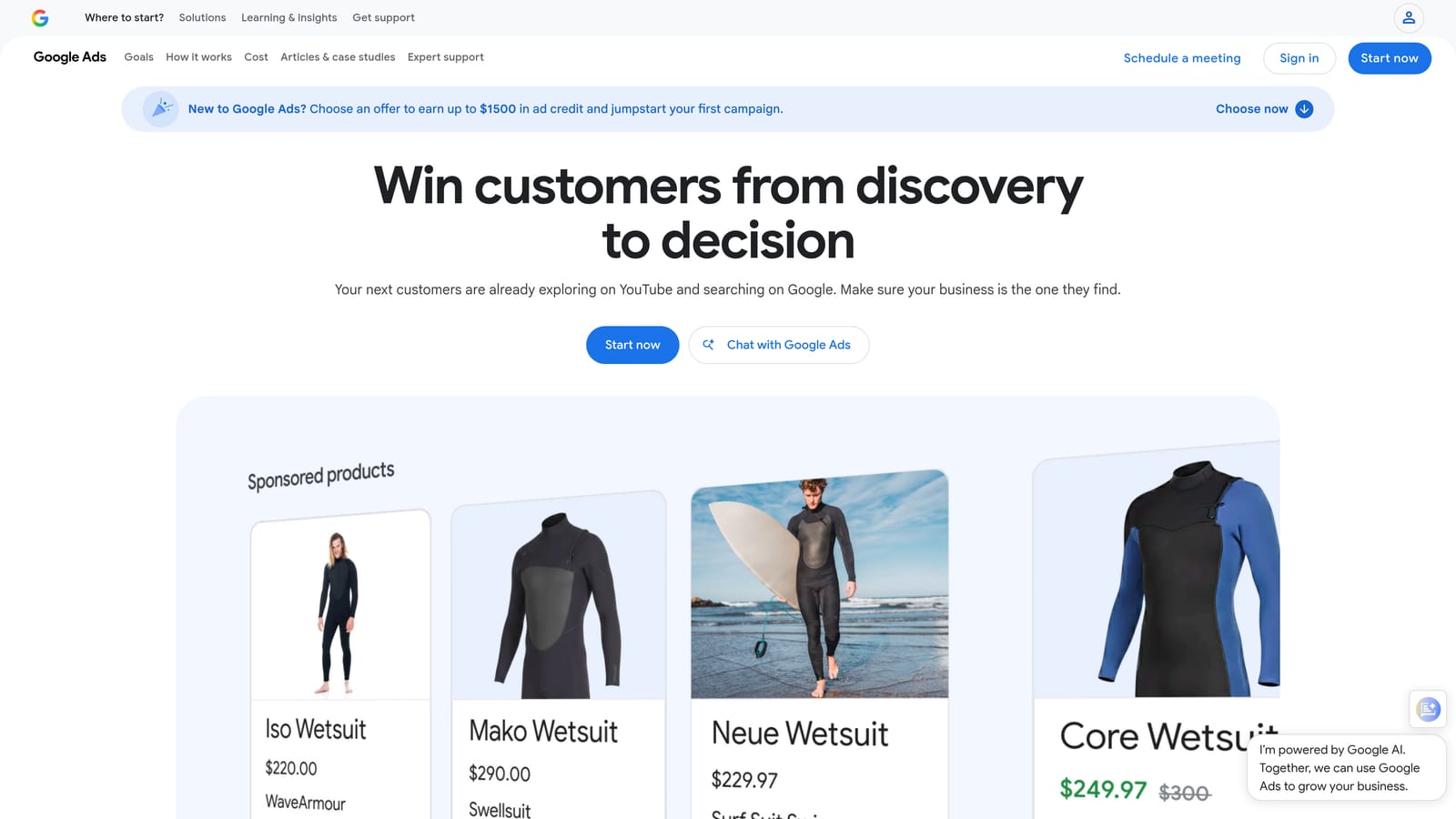
Google Keyword Planner is the keyword research tool built into every Google Ads account, providing search volume estimates, CPC bid forecasts, and keyword ideas sourced directly from Google.
Where This Tool Shines
Because the data comes straight from Google, Keyword Planner is the most authoritative starting point for paid keyword research. When you're building an initial keyword list or estimating what a new campaign might cost, there's no third-party database that can match the source.
The forecasting feature is particularly useful for setting realistic budget expectations before launch. You can model projected clicks and impressions based on your bid and budget inputs, which helps with client conversations and internal planning.
Key Features
Search volume ranges and CPC estimates: Get demand and cost data for any keyword directly from Google's ad auction data.
Keyword discovery: Generate keyword ideas from seed keywords, phrases, or a website URL.
Forecast tool: Model projected clicks, impressions, and costs based on bid and budget inputs.
Location and language filtering: Narrow results to specific markets for geo-targeted campaigns.
Free access: Available to anyone with a Google Ads account at no additional cost.
Best For
Any Google Ads advertiser building a keyword list from scratch or validating keyword ideas before launching a campaign. The free access makes it a logical first stop, especially for solo advertisers and freelancers working within tight budgets.
Pricing
Free with any Google Ads account. Note that volume data is displayed as ranges rather than exact figures unless your account has active spend history.
3. Semrush
Best for: Competitive PPC research and large-scale keyword discovery
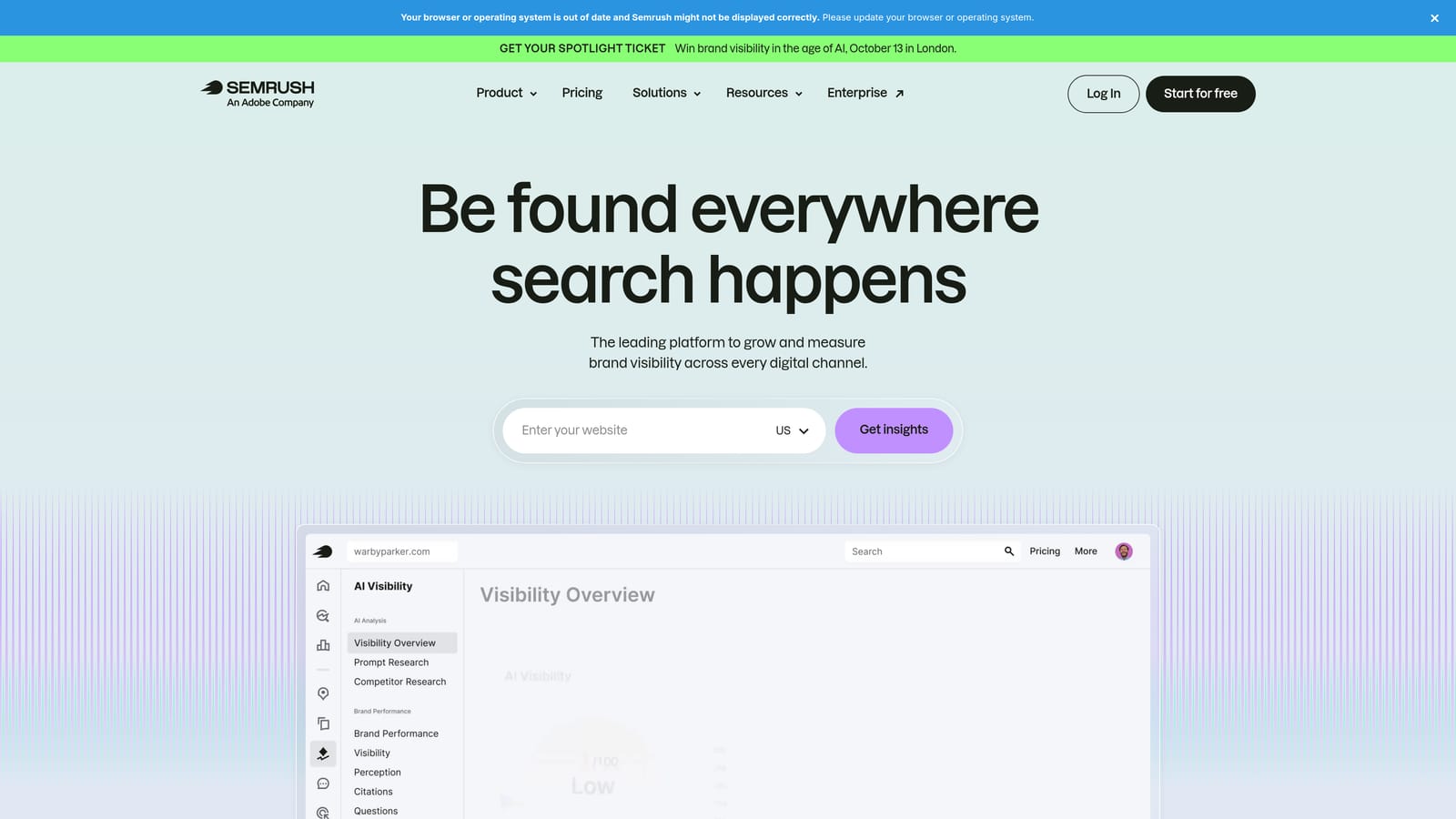
Semrush is a comprehensive SEO and PPC intelligence platform with one of the largest third-party keyword databases available, including dedicated tools for competitive ad research and keyword gap analysis.
Where This Tool Shines
Where Semrush earns its place in a PPC workflow is the Advertising Research feature. You can enter a competitor's domain and see which keywords they're bidding on, what their ad copy looks like, and how their paid strategy has shifted over time. For competitive markets, this kind of intelligence can significantly accelerate your initial keyword list building.
The Keyword Magic Tool also stands out for its filtering depth. You can slice keyword suggestions by intent, word count, CPC range, and competition level, which makes it practical for building tightly themed ad groups rather than just generating a long undifferentiated list.
Key Features
Keyword Magic Tool: Generate and filter keyword ideas with extensive options including intent, CPC range, and competition level.
Advertising Research: View competitor PPC keywords, estimated spend, and ad copy history by domain.
Keyword Gap tool: Identify keywords competitors are targeting that your campaigns aren't covering.
CPC and competition data: Paid keyword metrics to inform bidding decisions and budget planning.
Position tracking and reporting: Monitor keyword performance over time for both paid and organic results.
Best For
Marketing teams and agencies that need both SEO and PPC keyword intelligence in one platform, or advertisers in competitive verticals who want visibility into what competitors are spending on before building their own keyword strategy.
Pricing
Starts at approximately $139.95/month (Pro plan). Verify current pricing at semrush.com before purchasing, as SaaS pricing changes frequently.
4. Ahrefs
Best for: Keyword difficulty analysis and cross-channel keyword research
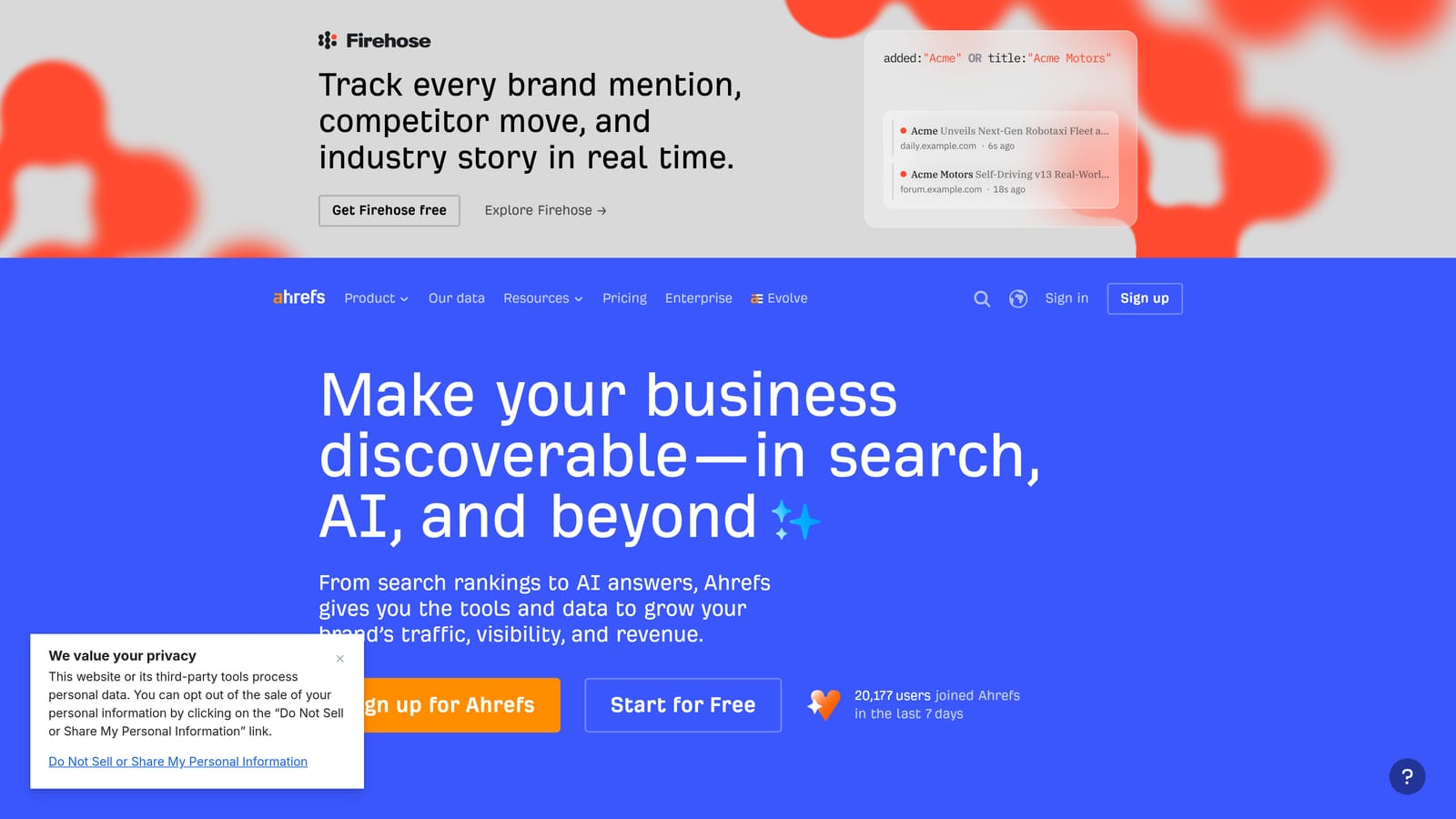
Ahrefs is a well-regarded SEO toolset whose Keywords Explorer covers both organic and paid keyword data, with strong keyword difficulty scoring and click-through rate estimates that add context beyond raw volume.
Where This Tool Shines
Ahrefs is particularly useful when your team manages both SEO and paid search, because you can research a keyword and immediately understand its organic difficulty alongside its paid competition. That dual view helps you decide whether to pursue a term through ads, organic content, or both.
The click-through rate data is a feature that many competing tools don't surface as prominently. Knowing that a high-volume keyword has low CTR because most clicks go to featured snippets or ads helps you set more realistic expectations before committing budget.
Key Features
Keywords Explorer with paid and organic data: Research keywords across both channels in a single view.
Keyword difficulty scores: Assess how competitive a keyword is and estimate traffic potential at a given ranking position.
Click-through rate data: Understand what fraction of searches actually result in a click, segmented by paid and organic.
Competitor keyword analysis: See which keywords a competing domain is targeting in paid search.
Site Explorer: Reverse-engineer a competitor's paid keyword strategy by analyzing their domain.
Best For
Teams that work across SEO and paid search and want a unified research tool. Also strong for advertisers who want detailed keyword difficulty context before deciding where to allocate budget.
Pricing
Starts at approximately $129/month (Lite plan). Verify current pricing at ahrefs.com before purchasing.
5. SpyFu
Best for: Competitor PPC intelligence and historical ad spend data
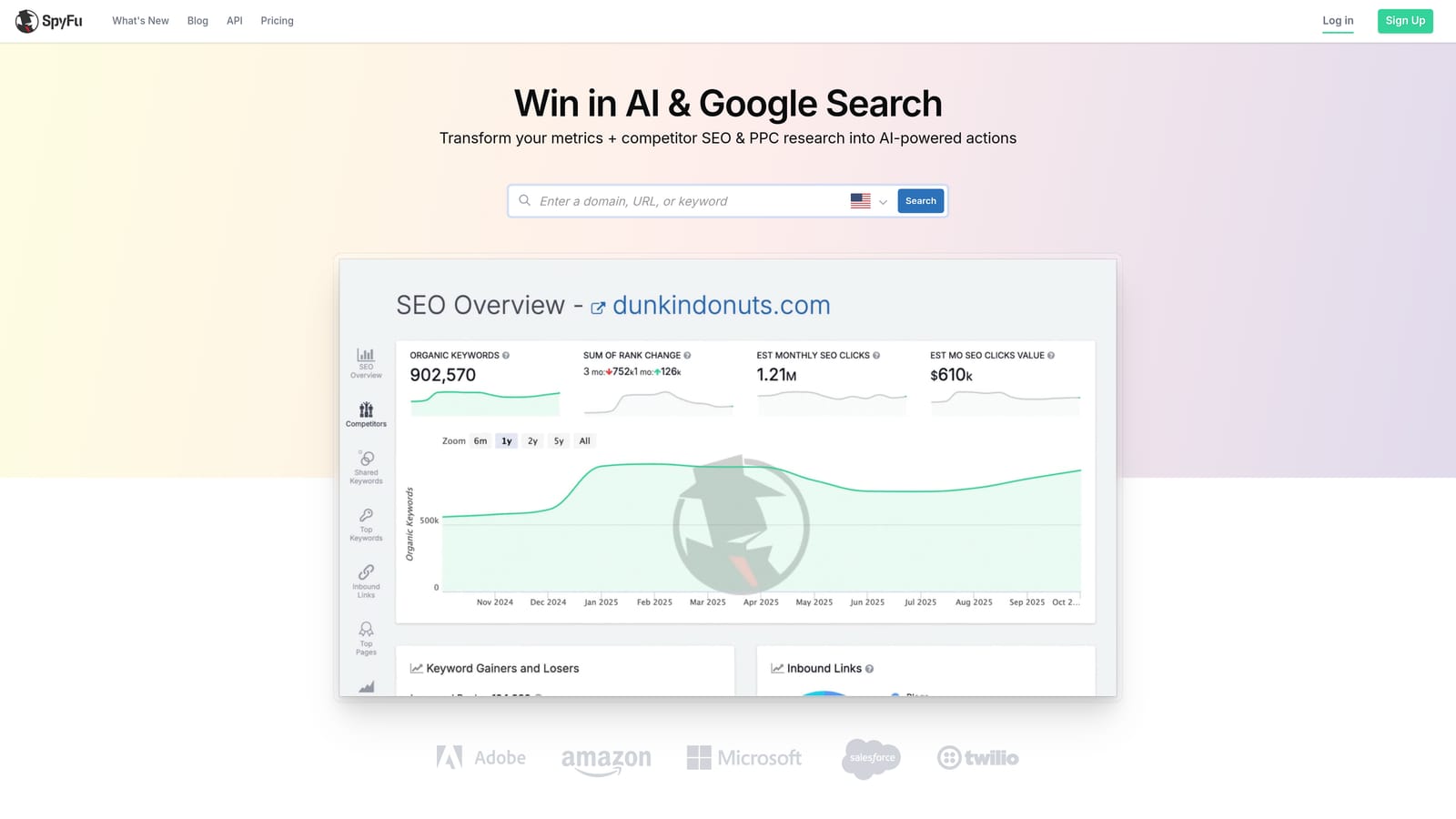
SpyFu is a competitor intelligence tool focused specifically on PPC and SEO, showing you which keywords competitors have bid on historically, their estimated ad spend, and their ad copy variations over time.
Where This Tool Shines
SpyFu's core strength is historical depth. Rather than just showing you what a competitor is doing right now, it lets you see how their paid strategy has evolved, which keywords they've tested and dropped, and which ones they've maintained consistently. Persistent keywords in a competitor's account are often a signal that those terms are actually converting.
The Kombat tool is a practical differentiator. It lets you compare three domains simultaneously and visualize keyword overlap, which is useful for identifying gaps in your coverage relative to multiple competitors at once.
Key Features
Competitor PPC keyword history: See which keywords a competitor has bid on over time, including estimated spend.
Ad copy history and variation tracking: Review how a competitor's messaging has changed and which variations they've tested.
Kombat tool: Three-way keyword overlap comparison to identify coverage gaps across multiple competitors.
Keyword grouping: Organize keyword research into logical groups for ad group planning.
SERP analysis: View paid and organic results side by side for any keyword.
Best For
Advertisers entering a competitive market who want a shortcut to a proven keyword list, or account managers who need to benchmark their client's paid strategy against direct competitors.
Pricing
Starts at approximately $39/month (Basic plan). Verify current pricing at spyfu.com before purchasing.
6. Moz Keyword Explorer
Best for: Blended keyword prioritization across SEO and paid
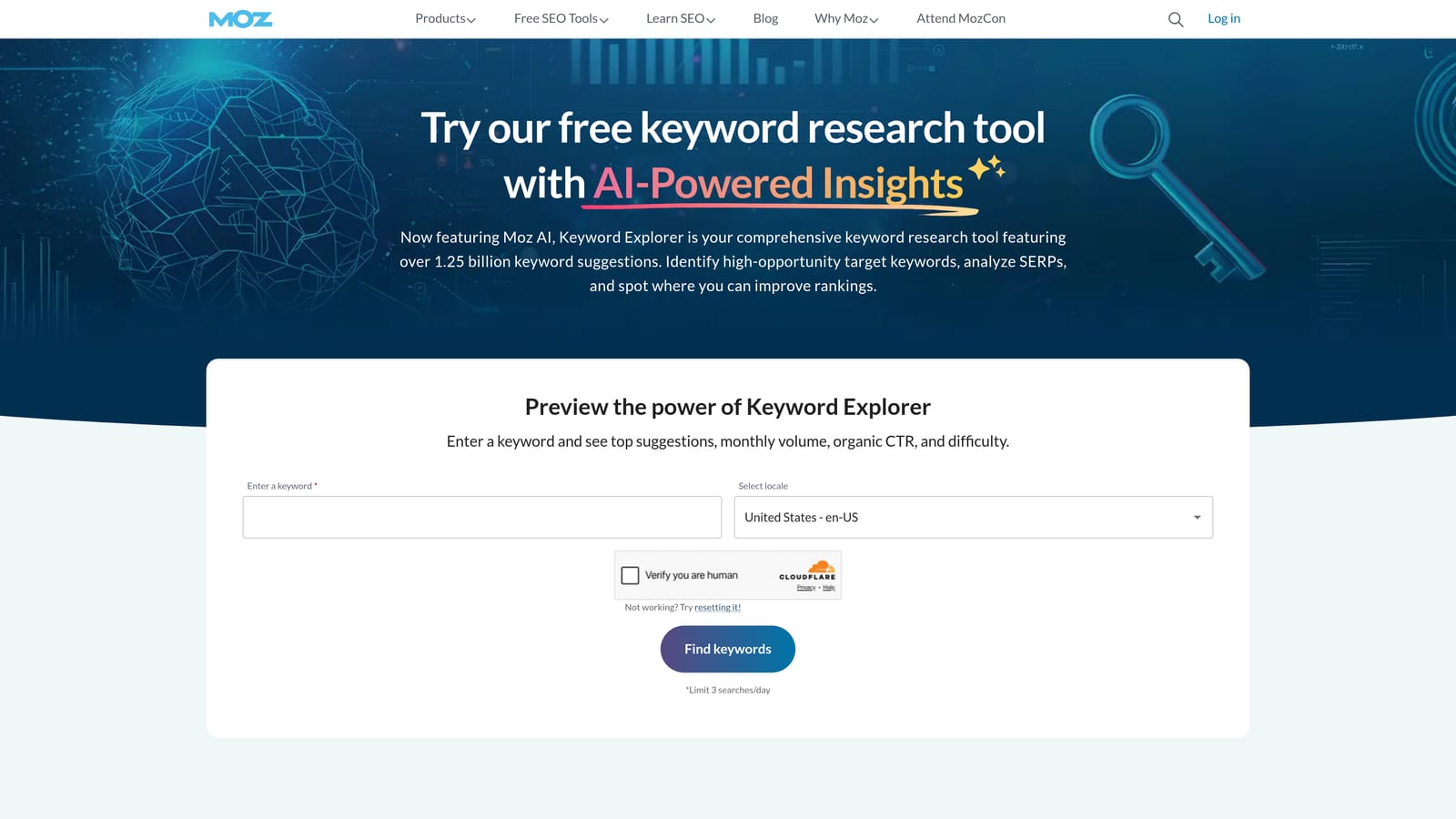
Moz Keyword Explorer is part of the Moz Pro suite and is known for its Priority score, which blends search volume, keyword difficulty, and organic opportunity into a single metric designed to help you decide where to focus first.
Where This Tool Shines
The Priority score is the feature that sets Moz apart from tools that surface raw volume and difficulty separately. Instead of manually weighing multiple metrics, you get a single number that factors in how much traffic a keyword could realistically drive given the competition. For practitioners who want to move quickly from research to decision, that simplification is genuinely useful.
It's worth noting that Moz Keyword Explorer is more SEO-oriented than PPC-focused. Its PPC relevance is moderate: the keyword data and SERP analysis can inform paid strategy, but it doesn't offer the competitor ad spend or ad copy features you'd find in Semrush or SpyFu.
Key Features
Priority score: A blended metric combining volume, keyword difficulty, and organic opportunity into one actionable number.
Keyword suggestions and related term discovery: Generate keyword ideas from seed terms with filtering options.
SERP analysis: View organic and paid overlap for any keyword to understand the competitive landscape.
List building and export: Organize keyword research into lists and export for campaign planning.
Free tier: Ten free keyword queries per month without a paid subscription.
Best For
Teams that manage both SEO and paid search and want a single research tool with a clear prioritization framework. Less suited to advertisers who need deep PPC competitive intelligence.
Pricing
Moz Pro starts at approximately $99/month. Verify current pricing at moz.com before purchasing.
7. WordStream Free Keyword Tool
Best for: Quick seed keyword generation without creating an account
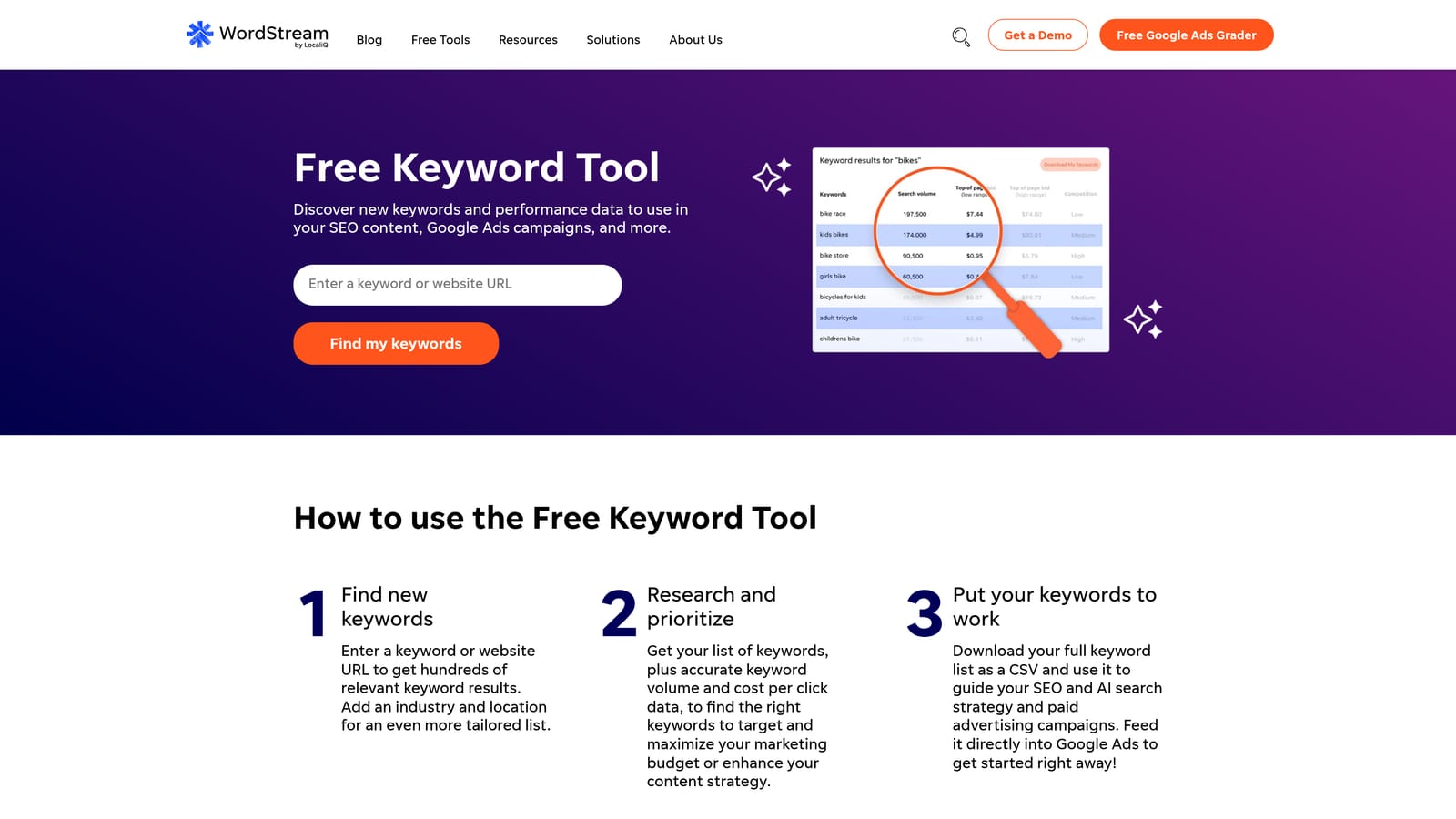
WordStream's Free Keyword Tool generates keyword ideas segmented by industry and location, useful for building an initial seed list without requiring a login or subscription.
Where This Tool Shines
The main appeal here is accessibility. You don't need to create an account or connect a Google Ads profile to get keyword suggestions with CPC and competition data attached. For a quick sanity check on whether a keyword vertical is worth pursuing, or for generating ideas at the start of a project, that low barrier to entry is genuinely convenient.
The industry-vertical segmentation is a useful filter that not all free tools offer. Rather than getting a generic keyword list, you can narrow suggestions to a specific sector, which tends to surface more relevant terms faster.
Key Features
Keyword suggestions by industry vertical: Filter results by sector to surface more contextually relevant keyword ideas.
Location-based filtering: Narrow suggestions to specific geographic markets.
CPC and competition data: Basic paid keyword metrics alongside each suggestion.
No account required: Access basic keyword suggestions without creating a login.
CSV export: Download results for further analysis in your own workflow.
Best For
Advertisers who need a quick starting point for keyword ideation and don't want to commit to a paid tool for early-stage research. Useful as a supplementary resource rather than a primary keyword analysis platform.
Pricing
The keyword tool is free. WordStream's broader advertising management platform has separate pricing not covered here.
8. Ubersuggest
Best for: Budget-conscious advertisers who need keyword and competitor data in one place
Ubersuggest is a keyword research and competitive analysis tool from Neil Patel Digital, offering keyword suggestions, CPC estimates, and domain-level competitor analysis at a lower price point than most full-featured platforms.
Where This Tool Shines
Ubersuggest covers a solid range of keyword research functions, including volume, CPC, SEO difficulty, and competitor domain analysis, at a price that's more accessible than Semrush or Ahrefs. For freelancers or small teams that need a capable all-in-one research tool without a large monthly commitment, it's a reasonable option.
The Chrome extension adds some in-SERP utility by overlaying keyword data as you browse Google, which speeds up ad hoc research without requiring you to open the main platform every time.
Key Features
Keyword suggestions with volume, CPC, and SEO difficulty: Core keyword metrics in a single view for both paid and organic planning.
Competitor domain keyword analysis: See which keywords a competing domain targets in paid and organic search.
Content ideas: Discover content topics associated with a keyword based on performance signals.
Free tier: Limited free searches per day without a paid subscription.
Chrome extension: Overlay keyword data directly on Google SERPs while browsing.
Best For
Freelancers and small teams who want keyword research and basic competitive intelligence without paying for an enterprise-tier platform. Also useful as a secondary tool for practitioners who already use a primary suite but want a lightweight browser-based option.
Pricing
Paid plans start at approximately $29/month. A limited free tier is available with daily search caps. Verify current pricing at neilpatel.com/ubersuggest before purchasing.
9. Keywords Everywhere
Best for: In-SERP keyword data overlay while actively browsing
Keywords Everywhere is a lightweight browser extension that overlays keyword metrics, including search volume, CPC, and competition data, directly on Google SERPs and other platforms as you browse, without requiring you to open a separate research tool.
Where This Tool Shines
The core value proposition is speed and context. When you're already browsing Google to research a topic or check on a competitor, Keywords Everywhere surfaces the data you'd otherwise have to look up separately. Volume, CPC, and related keyword suggestions appear inline with the search results, which makes ad hoc keyword research significantly faster.
It also works across platforms beyond Google, including YouTube and Amazon, which is useful if your campaigns extend into those channels or if you're doing broader market research. It's not a replacement for a full-featured keyword research suite, but as a supplementary tool it adds meaningful efficiency to everyday browsing.
Key Features
In-SERP keyword metrics overlay: Search volume, CPC, and competition data displayed directly on Google search results pages.
Related keywords and People Also Search For data: Expand keyword ideas without leaving the SERP.
Trend data: Search trend information displayed alongside keyword metrics in context.
Multi-platform support: Works across Google, YouTube, Amazon, and other platforms.
Credit-based pricing: Pay only for the data you use rather than a fixed monthly subscription.
Best For
Practitioners who do a lot of ad hoc keyword research while browsing and want data in context rather than having to switch tools. Works well as a low-cost complement to a primary keyword research platform.
Pricing
Credit-based pay-as-you-go model. Verify current credit pricing at keywordseverywhere.com, as rates are updated periodically.
Which Tool Is Right for Your Workflow?
The honest answer is that most practitioners end up using two tools: one for research before launch and one for ongoing optimization after campaigns go live. These are different jobs, and no single tool does both equally well.
Here's a quick breakdown by use case to help you decide where to start.
For in-campaign optimization inside Google Ads: Keywordme is the only tool on this list that works directly in the Search Terms Report. If your main bottleneck is the time it takes to review search terms, add negatives, and organize keywords after your campaigns are running, start there. The 7-day free trial makes it easy to test without commitment.
For pre-campaign keyword research on a budget: Google Keyword Planner is free and uses Google's own data. Pair it with Keywords Everywhere for in-SERP context and you have a capable research setup at minimal cost.
For competitive intelligence: SpyFu is the most PPC-focused option for understanding what competitors are bidding on and how their strategy has evolved. Semrush covers similar ground with a broader feature set if you also need SEO data.
For teams managing both SEO and paid: Ahrefs and Moz both give you a unified view across channels. Ahrefs has stronger click-through rate data; Moz's Priority score simplifies the decision-making process when you're working through a long keyword list.
For freelancers watching costs: Ubersuggest offers a solid range of keyword and competitive features at a lower price point than the enterprise platforms. WordStream's free tool is a useful starting point for early-stage research with no account required.
If your campaigns are already live and your Search Terms Report is growing faster than you can manage it, that's where the real budget leakage tends to happen. Start your free 7-day trial of Keywordme and see how much faster your Search Terms Report workflow gets, then continue at $12/month per user if it fits your process.
.svg)