
9 Best Keyword Analysis Software Tools for Google Ads and SEO in 2026
A practical guide to keyword analysis software.


Keyword analysis covers two different jobs: finding new keywords worth targeting, and judging the search terms you're already paying for. This list is for marketers, freelancers, and agency owners who need one or both. Tools were chosen on data source, fit for PPC and SEO workflows, pricing transparency, and how well they suit a solo operator versus an agency team.
Quick Comparison of the Keyword Analysis Tools
- Keywordme: Google Ads managers and agencies cleaning up search terms; $12/month per user; works inside the native Search Terms Report with no spreadsheet exports.
- Google Keyword Planner: advertisers planning new Search campaigns; free with a Google Ads account; first-party Google data and bid estimates.
- Semrush: teams that need SEO and PPC competitive research together; subscription, check the site; the broadest organic plus paid competitor keyword data in one suite.
- Ahrefs: SEO teams prioritizing organic targets; subscription, check the site; clicks data and parent topic grouping.
- Moz Keyword Explorer: small teams wanting an approachable SEO tool; subscription, check the site; one priority score blending volume, difficulty, and CTR.
- SpyFu: agencies researching competitor PPC; subscription, check the site; multi-year history of competitor ad copy and paid keywords.
- Google Search Console: site owners hunting organic quick wins; free; real query data for your own site.
- WordStream Keyword Tools: beginners wanting free PPC ideas; free tools; negative keyword suggestions by industry.
- AnswerThePublic: content marketers mining long-tail questions; free limited searches, paid plans after; visual question-based query maps.
Keyword vs. Search Term: The Distinction That Sorts This List
A keyword is what you add to a campaign to trigger ads. A search term is what a person actually typed into Google. Your keyword and match type decide which search terms can trigger your ad, and the Search Terms Report shows what really did. A negative keyword blocks matching searches, while a positive keyword invites them.
That split sorts the tools. Keyword Planner, Semrush, Ahrefs, Moz, SpyFu, WordStream, and AnswerThePublic mostly help you discover keywords. Keywordme and Search Console analyze queries you already receive. One more warning: keyword difficulty is an SEO metric about ranking organically. It says nothing about what you'll pay per click in Google Ads. All pricing below is as of October 2026, so confirm it on each vendor's site.
1. Keywordme
Keywordme is a Chrome extension that adds one-click actions to the Google Ads Search Terms Report. It's built for Google Ads managers, freelancers, and agencies who spend their week reviewing search terms and want to stop exporting them to spreadsheets. Full disclosure: it's our product, so here's the honest version of where it fits.
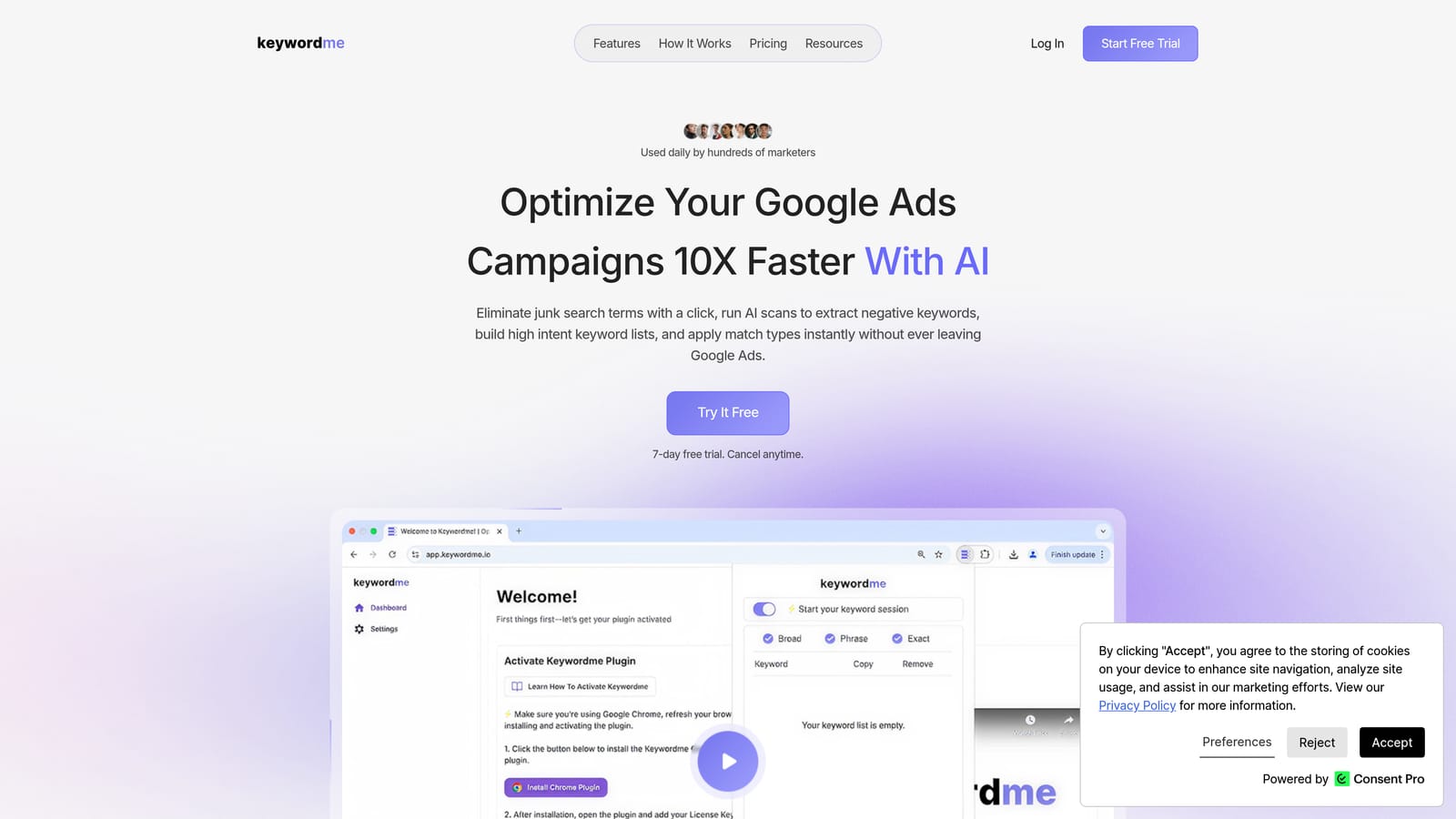
What it does well compared with the rest of this list is staying inside the interface you already use. You see a search term, decide it's junk or promising, and act on it right there. Nothing else here works natively in the Search Terms Report, so nothing else removes the export, sort, and re-upload loop.
- One-click negative keyword actions remove junk search terms so wasted queries stop matching.
- Add search terms as keywords with match types applied in the Google Ads interface, so you don't retype or reformat anything.
- Keyword clustering groups related terms, which helps you build tighter keyword lists.
- Bulk editing lets you act on many terms at once instead of one row at a time.
- Multi-account and team support suits agencies managing several clients.
Setup is installing the extension in Chrome and opening Google Ads; the person who reviews search terms day to day is the one who uses it. Its integration is Google Ads, through the browser.
The limits are real. Keywordme analyzes search terms you already have. It doesn't give you search volume, competitor data, or keyword discovery from scratch, so pair it with a research tool. It also requires Chrome, and it won't help with SEO keyword work. You still make every decision; it speeds up the clicking, not the judgment.
Pricing is $12 per month per user, with a 7-day free trial (as of October 2026; verify on the website). Cost scales with the number of users, not ad spend.
Best for: Google Ads managers and agencies cleaning up search terms and building keyword lists faster.
2. Google Keyword Planner
Google Keyword Planner is the free keyword discovery and forecasting tool inside Google Ads. It's designed for advertisers sketching a new Search campaign who need ideas, rough demand, and a sense of cost before spending anything.
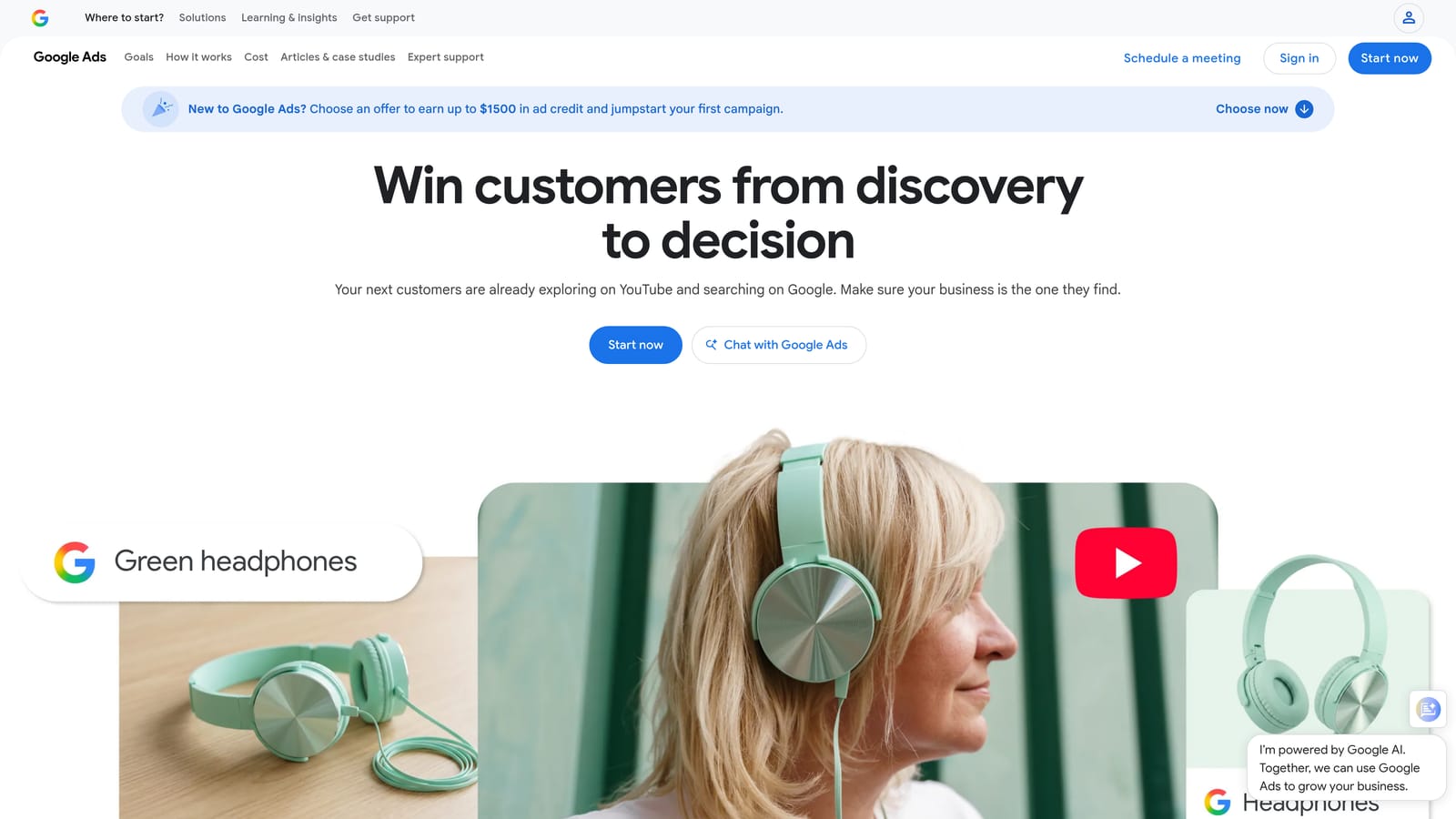
Its edge is the data source: Google's own search data and bid estimates. No third-party tool can show you Google's top-of-page bid ranges directly, which makes it the natural starting point for budget conversations.
- Generate keyword ideas from seed terms or a website URL, so you can start from a product page.
- See search volume ranges and trends to spot seasonality.
- View top-of-page bid range estimates to gauge likely cost per click.
- Forecast performance for a planned keyword set before launching.
Setup is nearly nil if you have a Google Ads account, and it lives in the same login you already use. The caveats: volume is often displayed as ranges rather than exact numbers, particularly when an account has little or no spend (per Google Ads Help), so don't treat figures as precise. It also has no SEO difficulty metrics, and it won't tell you how competitors rank organically. Treat it as a planning input, not a verdict.
Pricing: free with a Google Ads account, as of October 2026.
Best for: Planning new Search campaigns and initial budgets.
3. Semrush
Semrush is an all-in-one SEO and marketing suite with a large keyword research toolkit. It's aimed at teams that want to research competitors across both organic and paid channels without juggling separate subscriptions.
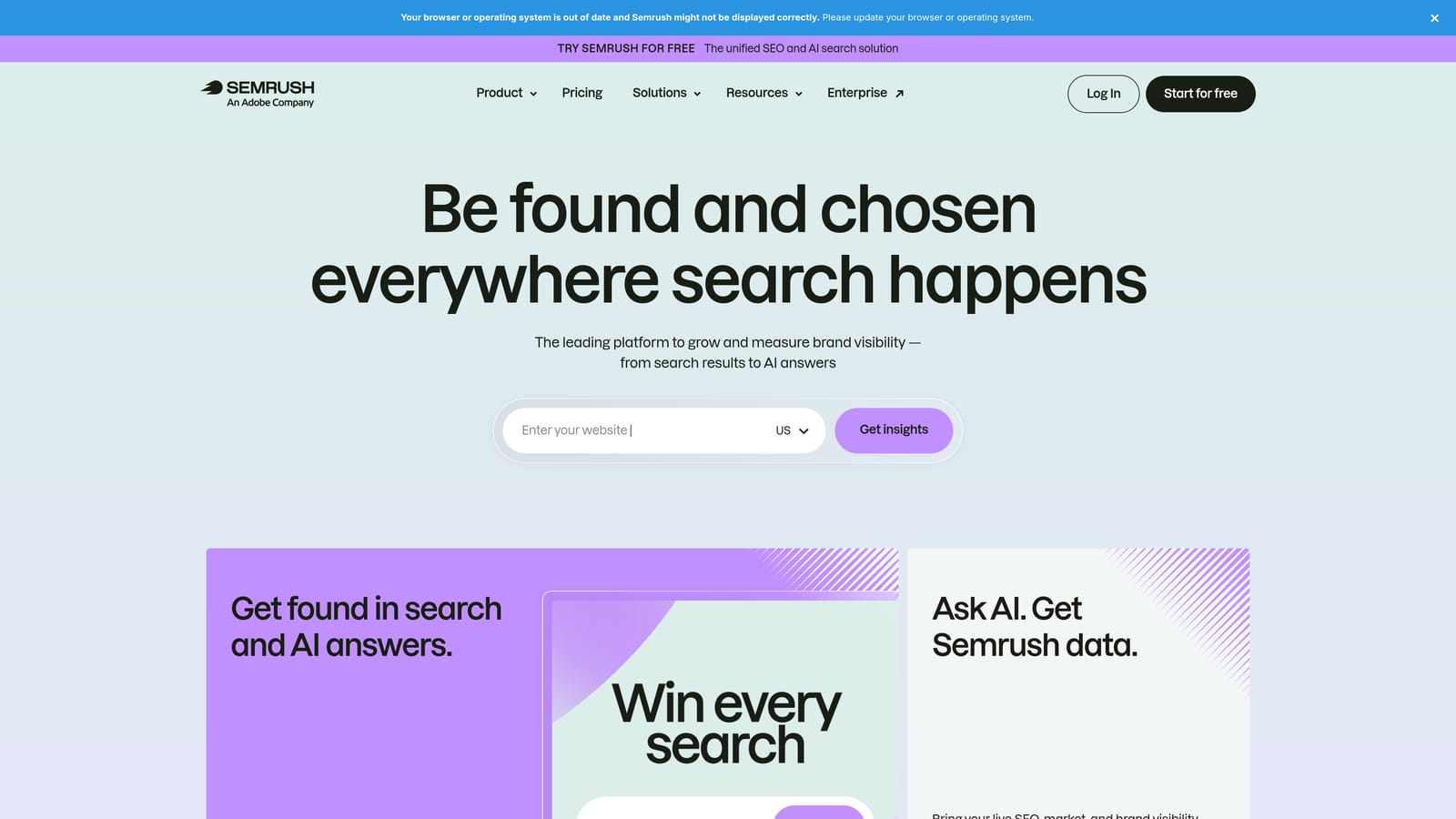
Compared with the others here, its distinguishing strength is breadth. Few tools put organic and paid competitor keywords side by side, which is useful when you're deciding whether a term deserves ad budget or a content piece.
- Keyword Magic Tool expands a seed term into large, filterable lists.
- Keyword difficulty and intent labels help you sort informational from commercial searches.
- Competitor organic and paid keyword data shows what rivals rank for and bid on.
- Position tracking monitors your rankings over time.
It connects with Google Search Console, Google Analytics, and Google Ads. Setup takes longer than a single-purpose tool because there's a lot to learn, and it tends to be run by an SEO lead or a strategist rather than whoever handles daily PPC upkeep.
The drawback is cost and complexity. If you only need PPC cleanup, you'll pay for plenty you won't touch. Also remember its difficulty scores describe organic ranking, not ad auctions.
Pricing is subscription-based in tiers; check the website for current rates, as limits and plans change (as of October 2026).
Best for: Teams needing SEO and PPC competitive research in one platform.
4. Ahrefs
Ahrefs is an SEO platform best known for backlink data, with keyword research handled through Keywords Explorer. It's built for SEO teams deciding which organic topics are worth chasing.
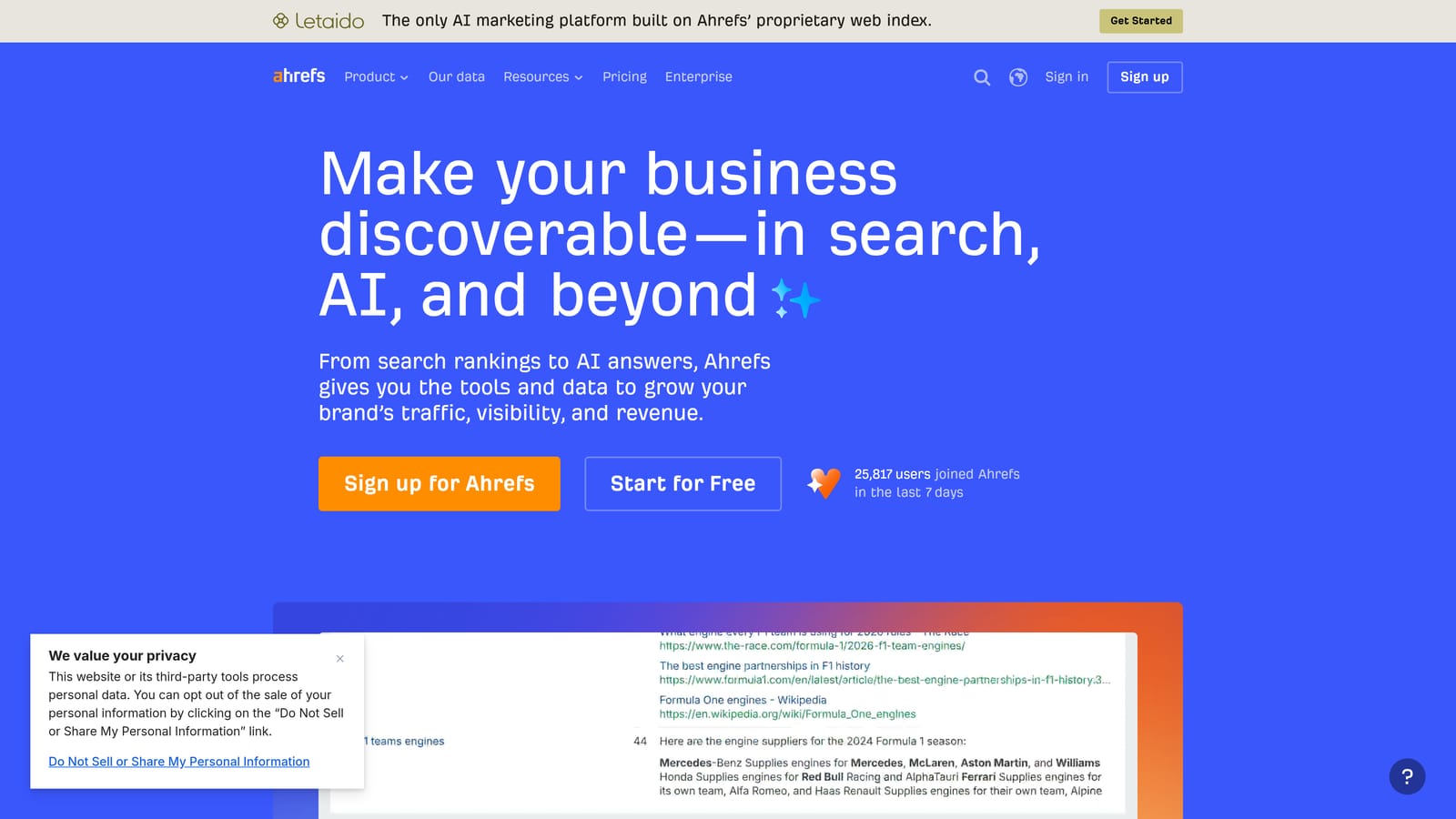
What sets it apart is that its difficulty scoring is backlink-aware, and it reports clicks data alongside volume. A keyword with high volume but few clicks (because the results page answers the question) looks different here than in tools that show volume alone.
- Keywords Explorer returns ideas, volume, and related terms for any seed.
- Keyword difficulty scoring estimates how hard ranking organically will be.
- Clicks and parent topic data show how many searches turn into clicks and which broader topic a term belongs to.
- Site Explorer organic keyword reports reveal what any domain ranks for.
It integrates with Google Search Console and Google Analytics. Setup is straightforward for anyone who has used an SEO tool, and it's usually run by SEO or content leads.
Its paid search focus is lighter than its organic tooling, so PPC-first buyers may find it a secondary choice. Don't apply its difficulty score to ad auctions.
Pricing is by subscription tier; see the website for current plans and limits (as of October 2026).
Best for: SEO teams prioritizing organic keyword targets.
5. Moz Keyword Explorer
Moz Keyword Explorer is Moz's keyword research tool, with difficulty, click-through, and priority metrics. It suits small teams and newer SEOs who want guidance without a steep learning curve.
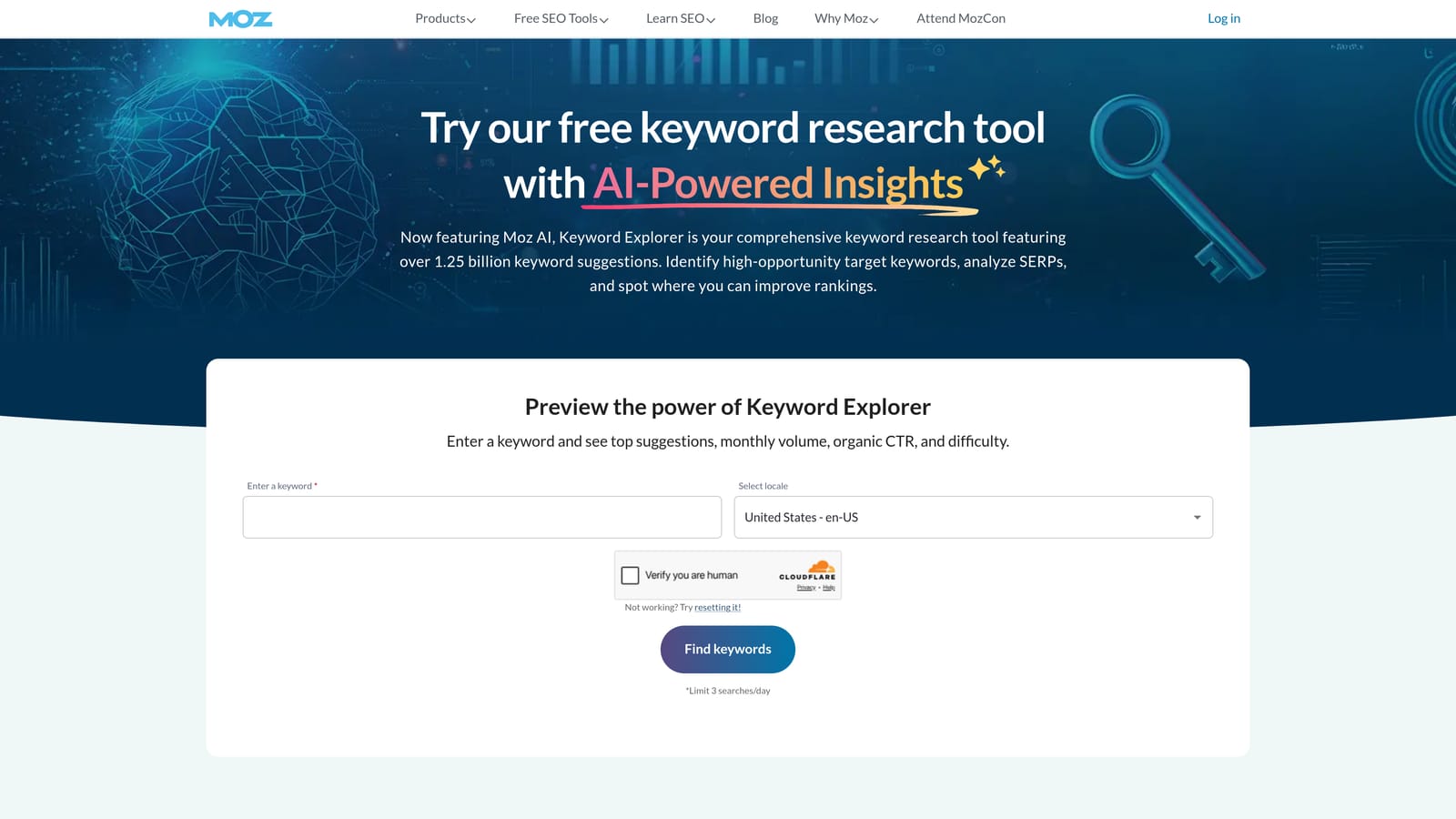
Its distinctive move is the priority score, a single number blending volume, difficulty, and estimated organic CTR. When you have a list of 300 candidates and an afternoon, one sortable score speeds up triage.
- Keyword suggestions expand a seed into related ideas.
- A difficulty score shows how competitive organic ranking looks.
- Organic CTR estimates temper raw volume with realistic click potential.
- The priority score ranks keywords so you know where to start.
It sits within the Moz Pro suite, so setup is simply logging into that account. Day-to-day use typically falls to a marketer or content owner rather than a specialist.
The trade-off is a smaller database than the largest suites, so you may find fewer long-tail variants or thinner competitor data. It also isn't a paid search tool.
Pricing is subscription-based; check the website for current plans (as of October 2026).
Best for: Small teams wanting an approachable SEO keyword tool.
6. SpyFu
SpyFu is a competitor research tool built around historical paid and organic keyword data. Agencies use it to see what rivals have bid on and how they've worded their ads.
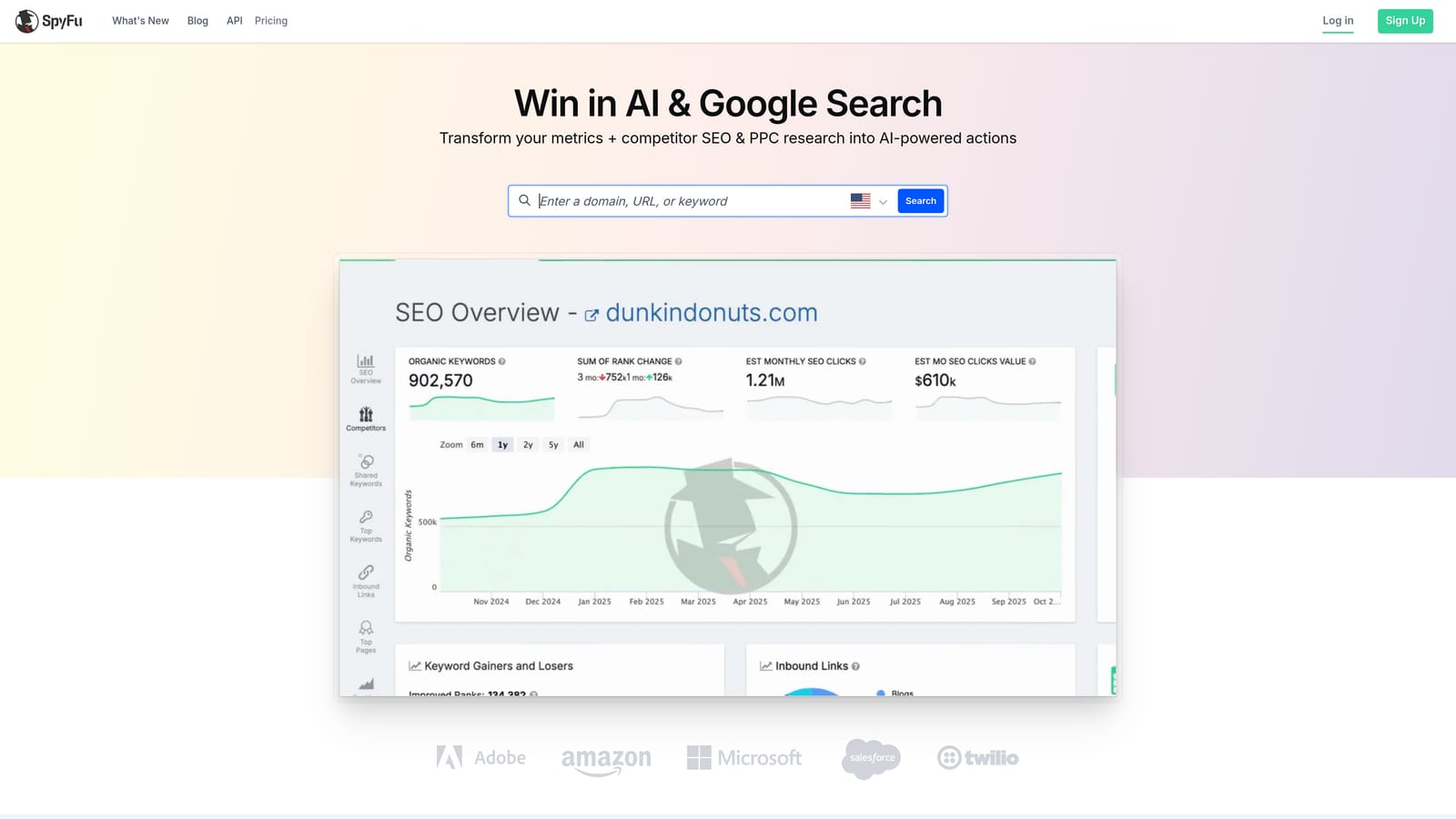
Its standout is time depth. Seeing years of a competitor's ad copy and paid keywords shows what they kept running (likely because it worked) versus what they dropped.
- Competitor paid keyword history shows which terms rivals have bid on over time.
- Ad copy history gives you messaging angles to test or avoid.
- Organic keyword reports cover the SEO side of the same competitor.
- Keyword gap analysis highlights terms rivals target that you don't.
It integrates with Google Ads. Setup is light, since you mostly type in domains, and it's typically used by a strategist or account lead during pitches and audits.
The data is estimated, not first-party, so treat spend and traffic figures as directional. Check its coverage if you work outside the US before committing.
Pricing is subscription-based; see the website for current tiers (as of October 2026).
Best for: Agencies researching competitor PPC strategy.
7. Google Search Console
Google Search Console is Google's free report on the queries that bring impressions and clicks to your website. It's for anyone who owns or manages a site and wants organic insight from real data.
Nothing else on this list gives you actual first-party query data for your own site. Other tools estimate; this one reports what happened.
- Query performance reports show which searches surface your pages.
- Impressions, clicks, CTR, and position reveal where you rank but fail to get clicked.
- Page-level query breakdown tells you what each URL ranks for.
- Filtering by country and device helps you spot regional or mobile gaps.
Setup means verifying site ownership, and it connects to Google Analytics and Looker Studio for reporting. Whoever manages the site or SEO usually owns it.
It only shows queries you already appear for, so it can't help you find new opportunities outside your current footprint. Its data window is limited (see Google Search Central documentation for the current retention period), so export regularly if you want long-term trends. It covers organic queries, not paid search terms.
Pricing: free.
Best for: Finding organic quick wins in existing rankings.
8. WordStream Keyword Tools
WordStream Keyword Tools are free keyword and negative keyword utilities from WordStream, aimed at PPC advertisers who are just getting going.
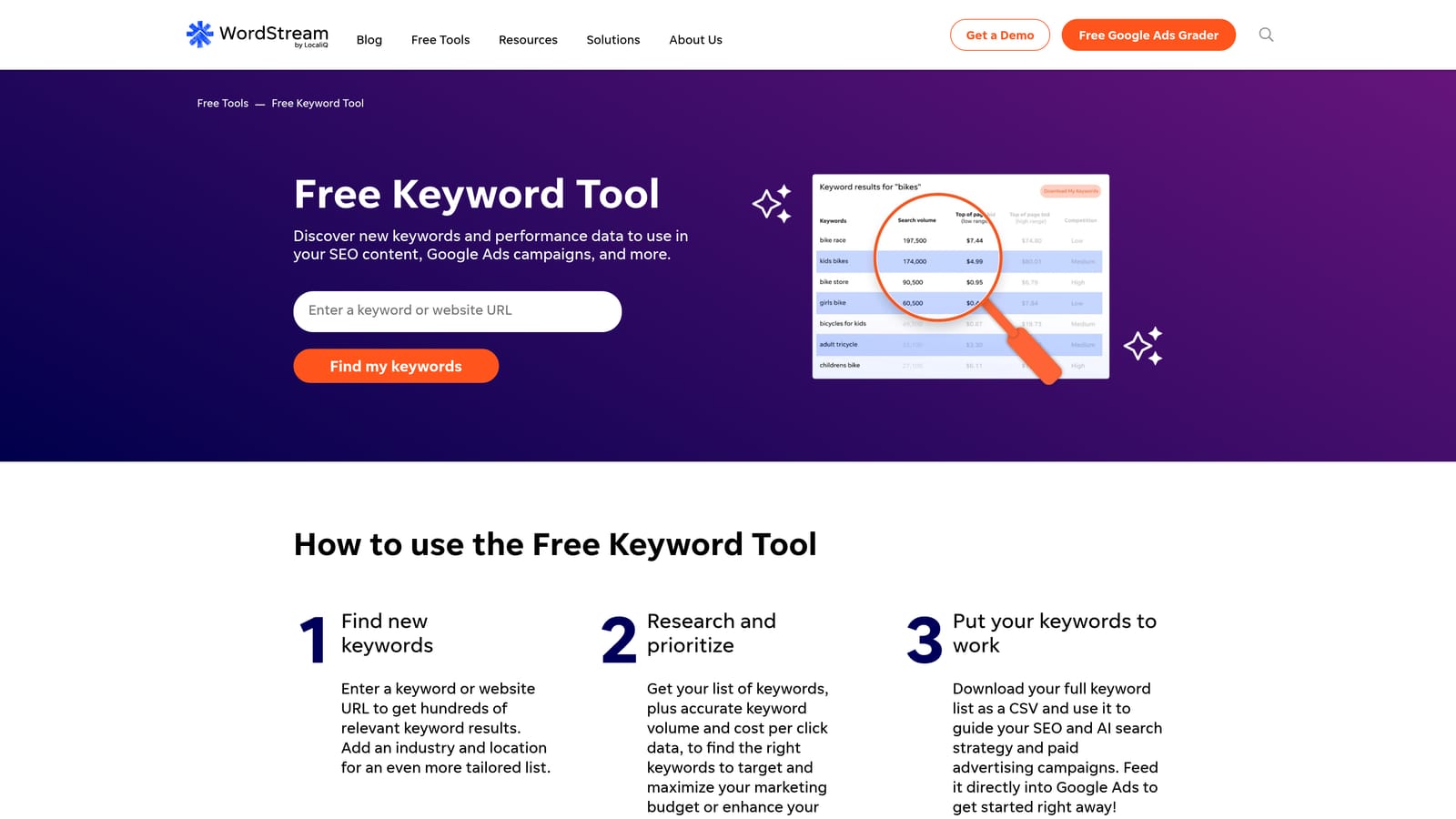
The distinctive piece is industry-based negative keyword suggestions. Beginners often don't know which irrelevant terms to block, and a starter list by industry gives them somewhere to begin.
- The free keyword suggestion tool produces ideas from a seed term without an account setup slog.
- The negative keyword tool proposes terms to exclude, which helps reduce irrelevant clicks early.
- Industry-based ideas tailor suggestions to your business type.
It's part of the WordStream by LocaliQ platform, so the free tools may lead into a broader paid product. Setup is minimal and one person can run it.
Data depth is limited. Experienced advertisers will outgrow it quickly, and suggested negatives should be reviewed against your own campaigns before you apply them, since a term that's junk for one account may convert for another.
Pricing: the keyword tools are free; platform pricing is on the website (as of October 2026).
Best for: Beginners wanting quick free PPC keyword ideas.
9. AnswerThePublic
AnswerThePublic visualizes the questions and phrases people search around a topic. It's made for content marketers and copywriters who need long-tail angles more than volume numbers.
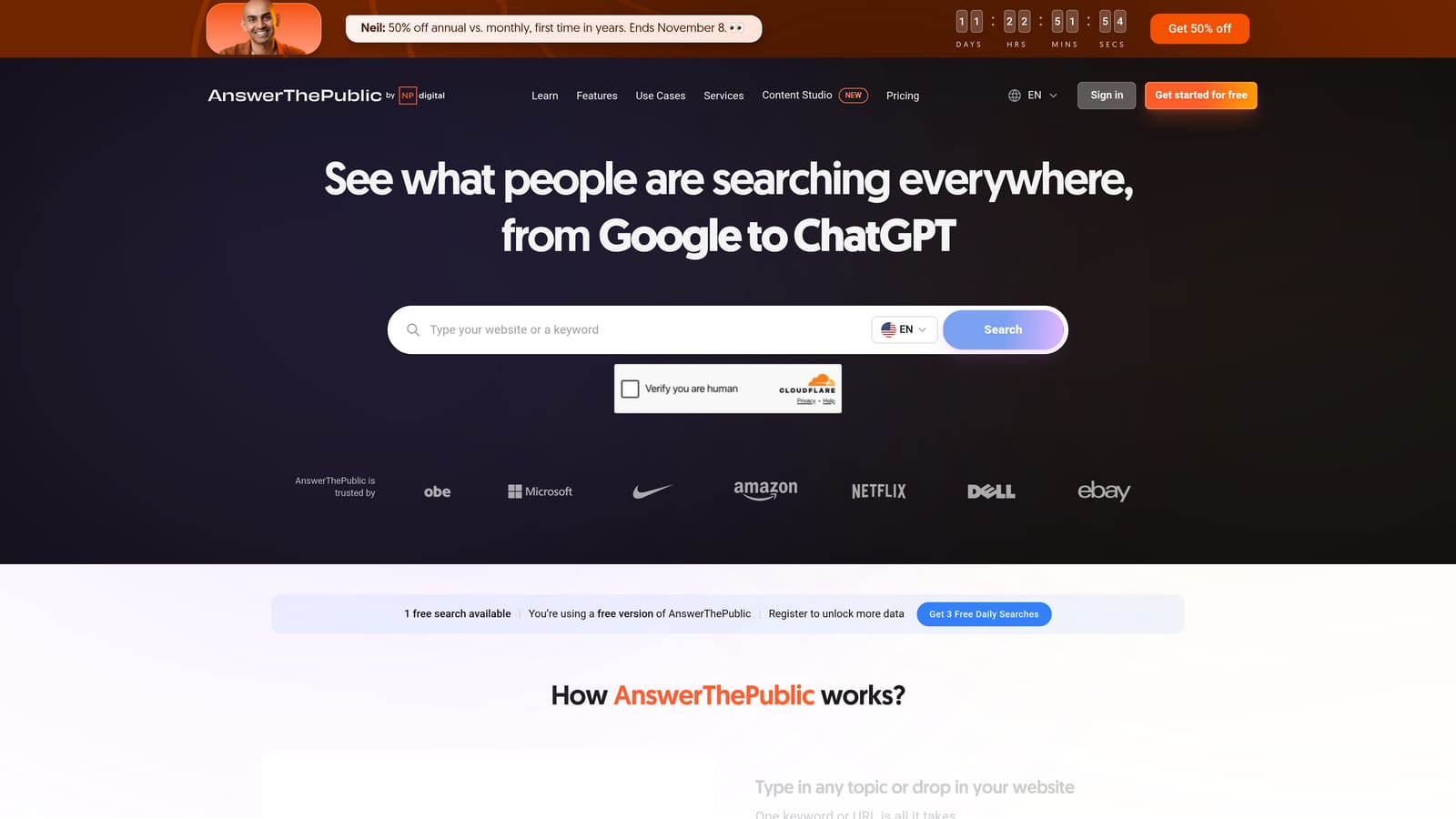
Its visual question and preposition maps make patterns easy to see: the "how," "why," "versus," and "for" phrasings around a subject, laid out in one view.
- Question and preposition query maps show how people phrase searches around your topic.
- Alphabetical and comparison suggestions surface long-tail variants and "X vs Y" angles.
- Data export (CSV or image) moves ideas into your content plan or a deck.
It needs no integrations beyond export, and setup is typing a topic. A single content marketer can run it.
It doesn't give search volume or competition depth, so it's a weak basis for bids or budget decisions. Use it for ideation, then validate with another tool.
Pricing includes a limited free allowance and paid plans; see the website for current terms (as of October 2026).
Best for: Content marketers generating long-tail and question ideas.
Matching Tools to Jobs: A Combined Workflow Beats a Single Winner
No single tool here covers discovery, competitor research, and search term cleanup well. Pick by job, then combine.
- Cleaning up existing Google Ads search terms: Keywordme, since it works inside the Search Terms Report.
- Planning new paid campaigns: Google Keyword Planner for demand and bids, with Semrush if you want competitor context.
- SEO content research: Ahrefs or Moz Keyword Explorer, with AnswerThePublic for question ideas and Search Console for quick wins.
- Competitor research: SpyFu for paid history, Semrush for organic and paid together.
- Free or low-budget setups: Keyword Planner, Search Console, WordStream's free tools, and Keywordme's low per-user price.
A practical pairing for PPC: use Keyword Planner to build the first keyword list, launch, then use Keywordme to review the search terms that actually triggered your ads, blocking junk and promoting winners with the right match type.
Optimize Google Ads Campaigns 10X Faster. Without Leaving Your Account. Keywordme lets you remove junk search terms, build high-intent keyword lists, and apply match types instantly, right inside Google Ads. No spreadsheets, no switching tabs, just quick, seamless optimization. Start your free 7-day trial (then just $12/month) and take your Google Ads game to the next level.
.svg)