
9 Best Keyword Analyser Tools for Google Ads
This guide reviews the 9 best keyword analyser tools for Google Ads in 2026, covering options for every stage of the PPC workflow — from search term discovery and analysis to in-platform optimization — so advertisers can find high-intent keywords, eliminate wasted spend, and improve campaign performance.


If you're running Google Ads, the keywords you target and the search terms triggering your ads make or break your results. A good keyword analyser helps you find high-intent terms worth bidding on, spot the junk eating your budget, and understand what's actually driving clicks.
The problem? Most tools are built for SEO, not PPC. They'll give you search volume and difficulty scores but won't help you act on what you find inside Google Ads. This list focuses on tools that are genuinely useful for paid search practitioners, whether you're a solo advertiser, a freelancer managing a handful of accounts, or an agency juggling dozens of clients.
We've included tools for different stages of the workflow: discovery, analysis, and in-platform optimization. Here's what made the cut and who each tool is best for.
1. Keywordme
Best for: In-platform keyword optimization directly inside Google Ads
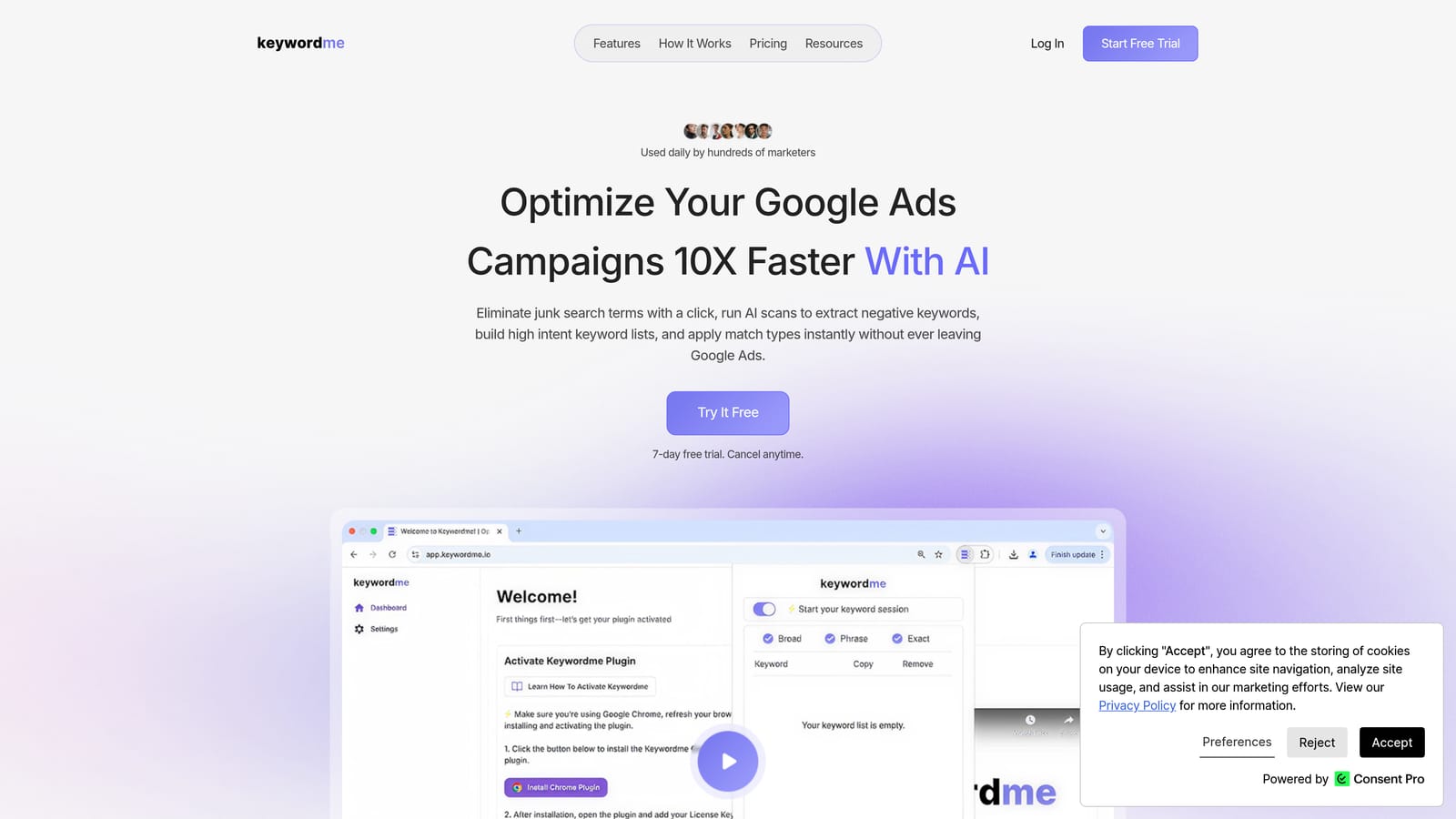
Keywordme is a Chrome extension that works directly inside the Google Ads Search Terms Report, letting you remove junk search terms, add negative keywords, promote search terms to positive keywords, apply match types, and cluster keywords—all without leaving Google Ads.
Where This Tool Shines
Most keyword tools stop at discovery. Keywordme is different: it's built for the optimization side of the workflow, the part where you're inside your Search Terms Report deciding what to keep, what to cut, and how to structure your keyword lists. Instead of exporting data to a spreadsheet and uploading changes manually, you handle everything with a few clicks inside the native Google Ads interface.
This is particularly useful for agencies and freelancers managing multiple accounts. The multi-account and team support means you're not duplicating effort across clients, and the bulk editing capability lets you process large volumes of search terms quickly rather than working through them one by one.
Key Features
One-click negative keyword addition: Flag and add junk search terms as negative keywords directly from the Search Terms Report without switching tabs or tools.
Promote search terms to keywords: Identify high-performing search terms and push them to your keyword list as positive keywords with the match type applied instantly.
Keyword clustering: Group related terms into ad groups to keep your account structure clean and your ad relevance high.
Bulk editing: Apply actions across multiple search terms at once, which significantly speeds up routine optimization tasks.
Multi-account and team support: Designed for agency workflows where more than one person needs access across multiple client accounts.
Best For
Keywordme is best suited to Google Ads practitioners who already have campaigns running and want to tighten up their keyword management without adding extra tools to their stack. It's particularly well-matched for agencies and freelancers who spend meaningful time each week inside the Search Terms Report. It's not a discovery tool, so if you're starting from scratch with no campaign data, pair it with one of the research tools listed below.
Pricing
$12/month per user (flat rate). A 7-day free trial is available with no commitment required.
2. Google Keyword Planner
Best for: Free, first-party keyword volume and bid estimate data from Google
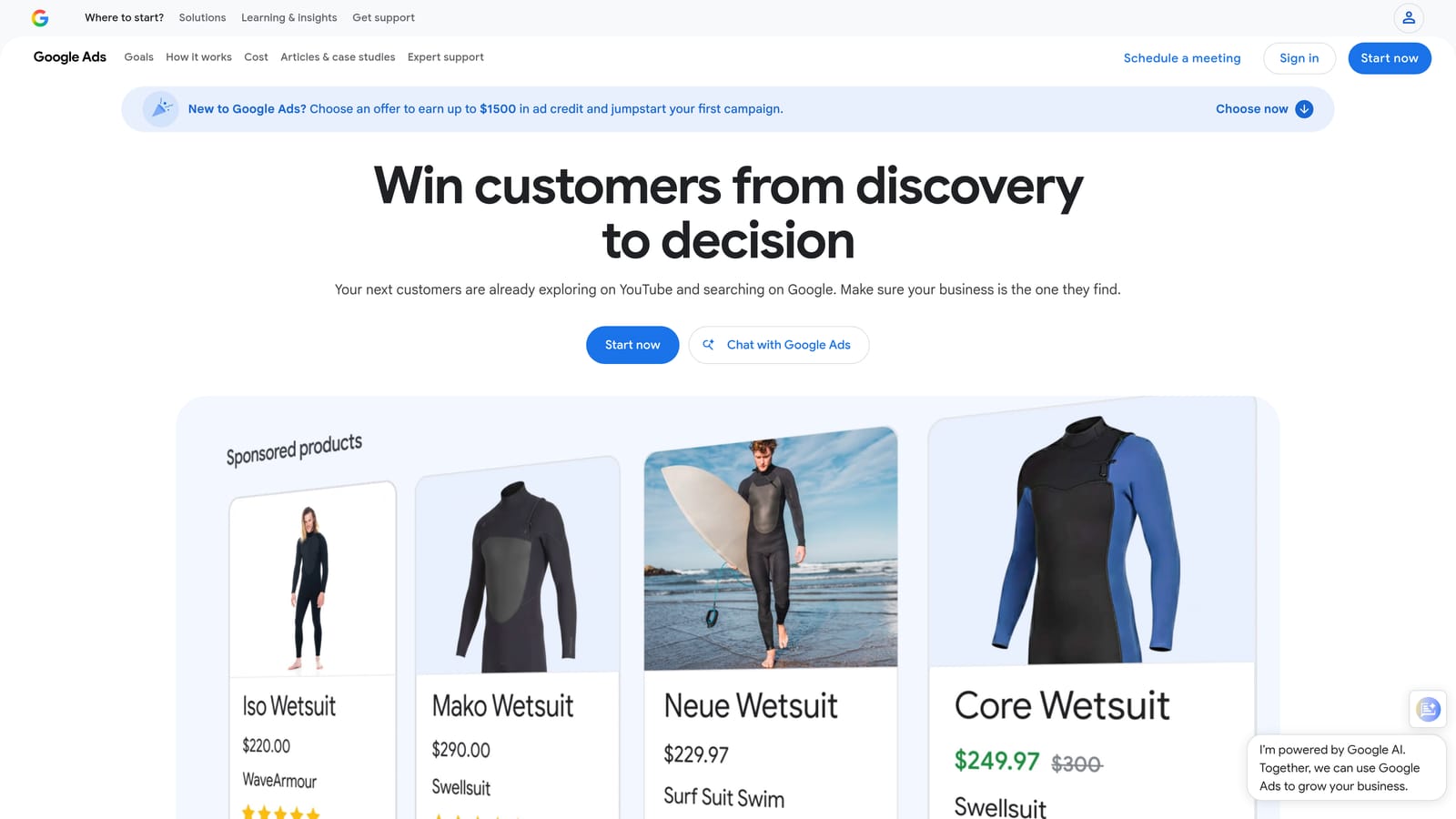
Google Keyword Planner is Google's own free keyword research tool, built directly into Google Ads. It provides search volume ranges, bid estimates, and keyword ideas sourced from Google's own data, making it the most authoritative free starting point for any paid search campaign.
Where This Tool Shines
Because the data comes directly from Google, Keyword Planner is the most reliable source for understanding how often people search for a given term on Google Search. For advertisers building campaigns from scratch or expanding into new keyword territory, the keyword ideas and historical trend data give you a solid baseline before committing budget.
The forecast feature is also genuinely useful. You can model estimated clicks, impressions, and cost based on a keyword list and a target bid, which helps with budget planning before a campaign goes live. The main limitation is that volume data is often shown in wide ranges rather than precise numbers, which can make it harder to compare closely related terms.
Key Features
First-party Google data: Volume, competition, and bid estimates come directly from Google's own search data, making it the baseline source for Google Ads keyword research.
Keyword ideas: Enter a seed term or URL and get related keyword suggestions with volume and competition indicators.
Historical monthly trends: See how search interest in a keyword has changed over time, useful for spotting seasonal patterns.
Bid range estimates: Low and high bid estimates help you gauge how competitive a keyword is before you start bidding.
Performance forecasts: Model expected campaign performance based on a keyword list and target CPC.
Best For
Anyone running Google Ads who wants free, first-party volume data without paying for a third-party tool. It's the natural starting point for new campaign builds and useful for budget forecasting at any experience level.
Pricing
Free with a Google Ads account. No paid tier exists.
3. SEMrush
Best for: Comprehensive PPC keyword research and competitor ad intelligence
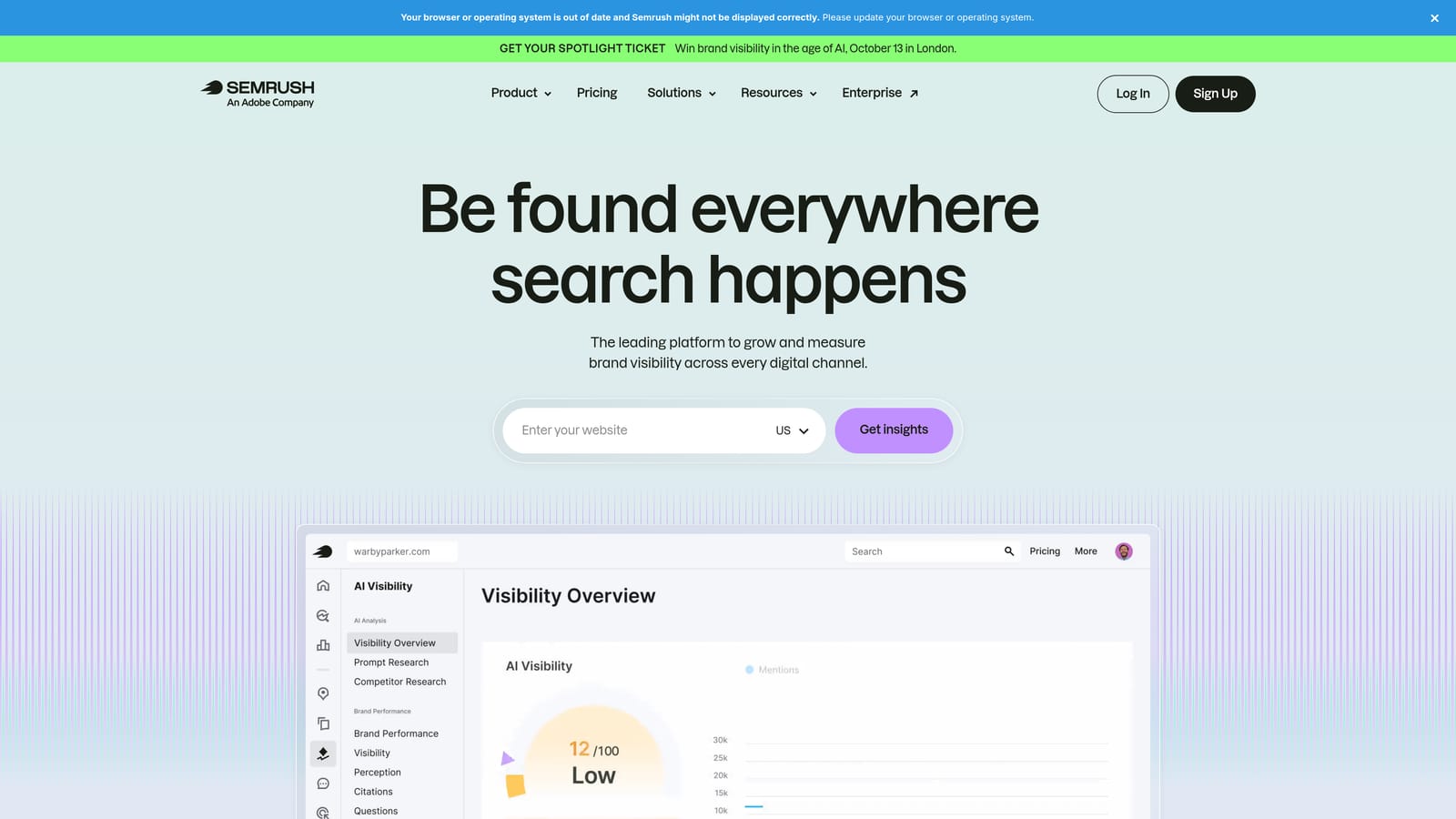
SEMrush is a comprehensive SEO and PPC research platform with dedicated tools for keyword discovery, competitor ad analysis, and paid search gap identification across multiple markets.
Where This Tool Shines
For PPC users, the Advertising Research feature is where SEMrush earns its place. You can enter a competitor's domain and see which keywords they're bidding on, what their ad copy looks like, and how their paid strategy has changed over time. This kind of competitive visibility is hard to replicate with free tools and is genuinely useful when you're entering a competitive market or trying to understand why a competitor is outperforming you.
The Keyword Magic Tool is also strong for large-scale keyword discovery. You can filter by intent, match type, CPC range, and competition level, which helps you build targeted keyword lists rather than working through a raw dump of suggestions.
Key Features
Keyword Magic Tool: Large-scale keyword discovery with filtering by intent, volume, CPC, and competition level.
Advertising Research: See which keywords competitors are bidding on and what ad copy they're running.
PPC keyword gap analysis: Identify terms competitors bid on that you don't, highlighting potential opportunities in your strategy.
CPC and competition data: Paid search metrics across multiple markets and regions.
Keyword grouping: Organise discovered keywords into themed groups for cleaner campaign structure.
Best For
Advertisers and agencies who need deep competitive intelligence alongside keyword discovery. SEMrush is particularly strong when you're building campaigns in competitive verticals and want to understand the paid landscape before committing budget.
Pricing
Paid plans only. Verify current pricing at semrush.com/prices.
4. Ahrefs
Best for: Click-based traffic estimates and competitor PPC keyword research
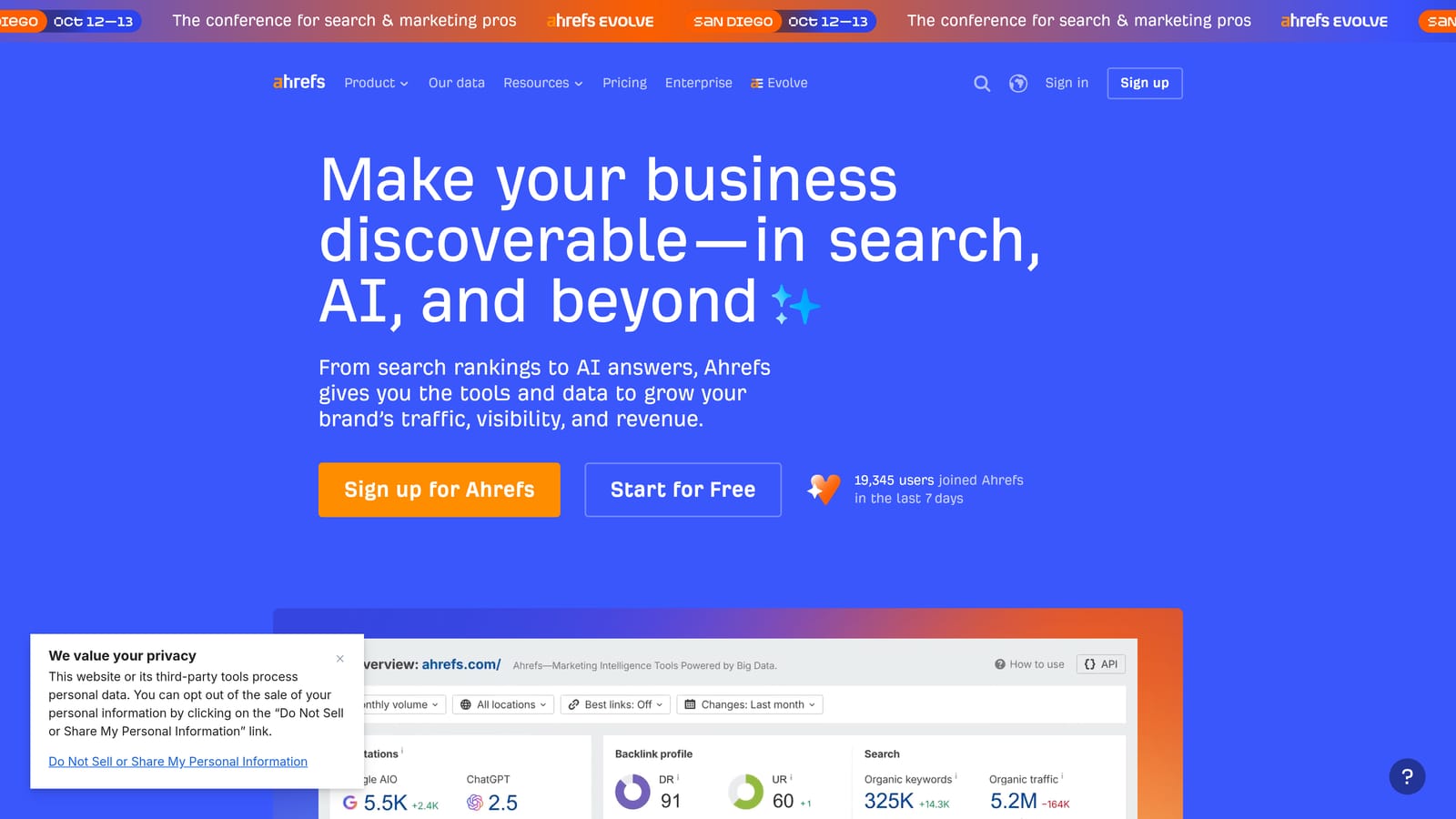
Ahrefs is primarily known as an SEO platform, but its Keywords Explorer and Paid Keywords report make it a useful tool for PPC keyword research, particularly when you want to understand actual click potential rather than raw search volume.
Where This Tool Shines
One of Ahrefs' genuine differentiators is its clicks-based traffic data. Many keywords have high search volume but low click-through rates because the SERP is dominated by ads, featured snippets, or zero-click results. Ahrefs surfaces this distinction, which helps you prioritise keywords that are actually likely to drive clicks rather than just impressions.
The Paid Keywords report is also worth highlighting for PPC users. Enter a competitor's domain and you can see which keywords they're actively bidding on in paid search, giving you a starting point for competitive keyword research without having to build a list entirely from scratch.
Key Features
Keywords Explorer with click data: Shows estimated clicks alongside search volume, giving a more realistic picture of traffic potential.
Paid Keywords report: See which keywords competitors are bidding on in Google Ads.
Multi-engine search volume: Keyword data across Google and other search engines for broader research coverage.
CPC estimates: Paid search cost data to help prioritise keywords by commercial value.
SERP overview: Understand the ad landscape for a keyword, including how many ads are running and what they look like.
Best For
PPC practitioners who also manage SEO, or those who want a more nuanced view of traffic potential beyond raw volume numbers. Ahrefs is a strong choice when you want to validate keyword choices with click data before building out campaigns.
Pricing
Paid plans only. Verify current pricing at ahrefs.com/pricing.
5. SpyFu
Best for: Historical competitor PPC bidding data and long-term keyword intelligence
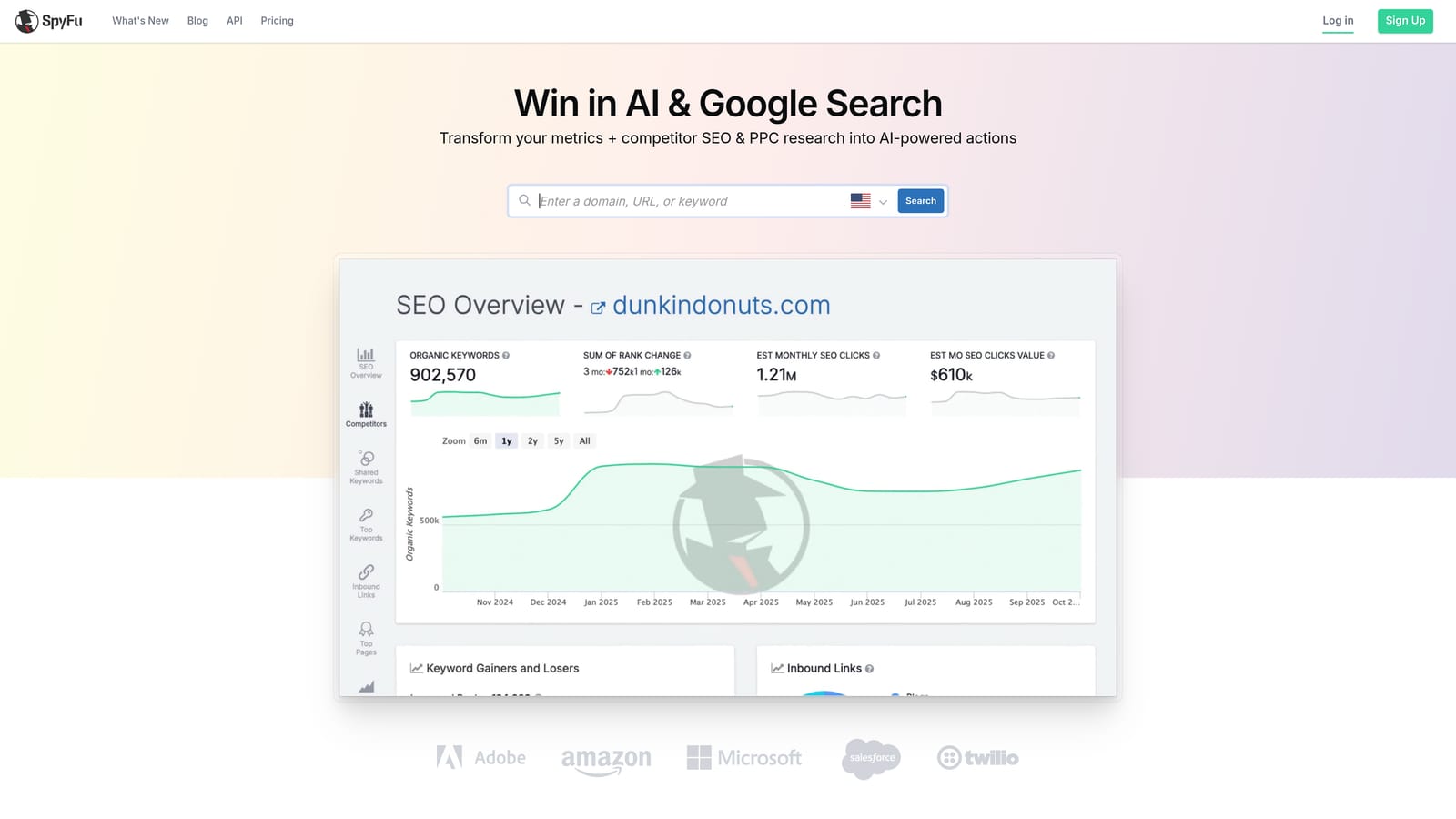
SpyFu is a competitive intelligence tool focused on PPC and SEO, best known for its historical keyword bidding data that lets you see what competitors have bid on over time, not just what they're bidding on today.
Where This Tool Shines
The historical dimension is SpyFu's clearest differentiator. Where other tools show you a competitor's current paid keywords, SpyFu shows you their bidding history, which reveals patterns that point-in-time data can't. You can see which keywords a competitor tested and dropped, which ones they've committed to consistently, and how their paid strategy has evolved. That context is useful when you're trying to understand whether a keyword is genuinely profitable in a market or whether a competitor has already tested it and moved on.
The ad copy history feature adds another layer. Seeing how a competitor's messaging has changed over time can inform your own creative testing strategy, even if you're not directly copying their approach.
Key Features
Historical competitor PPC data: See years of a competitor's keyword bidding history, not just their current activity.
Ad copy history: Track how competitor ad messaging has evolved over time.
Keyword grouping and negative keyword recommendations: Tools to help structure keyword lists and identify terms to exclude.
Overlap analysis: Compare your keyword coverage against competitors to find gaps and overlaps.
MOVERS and SHAKERS report: Tracks significant keyword ranking and bidding shifts to flag emerging trends.
Best For
Advertisers who want to understand the competitive history of a keyword market, not just its current state. SpyFu is well-suited to experienced PPC practitioners building strategies in established, competitive verticals where historical context matters.
Pricing
Paid plans available. Verify current pricing at spyfu.com/account/plans.
6. Wordtracker
Best for: Niche keyword discovery with intent filtering and multi-source data
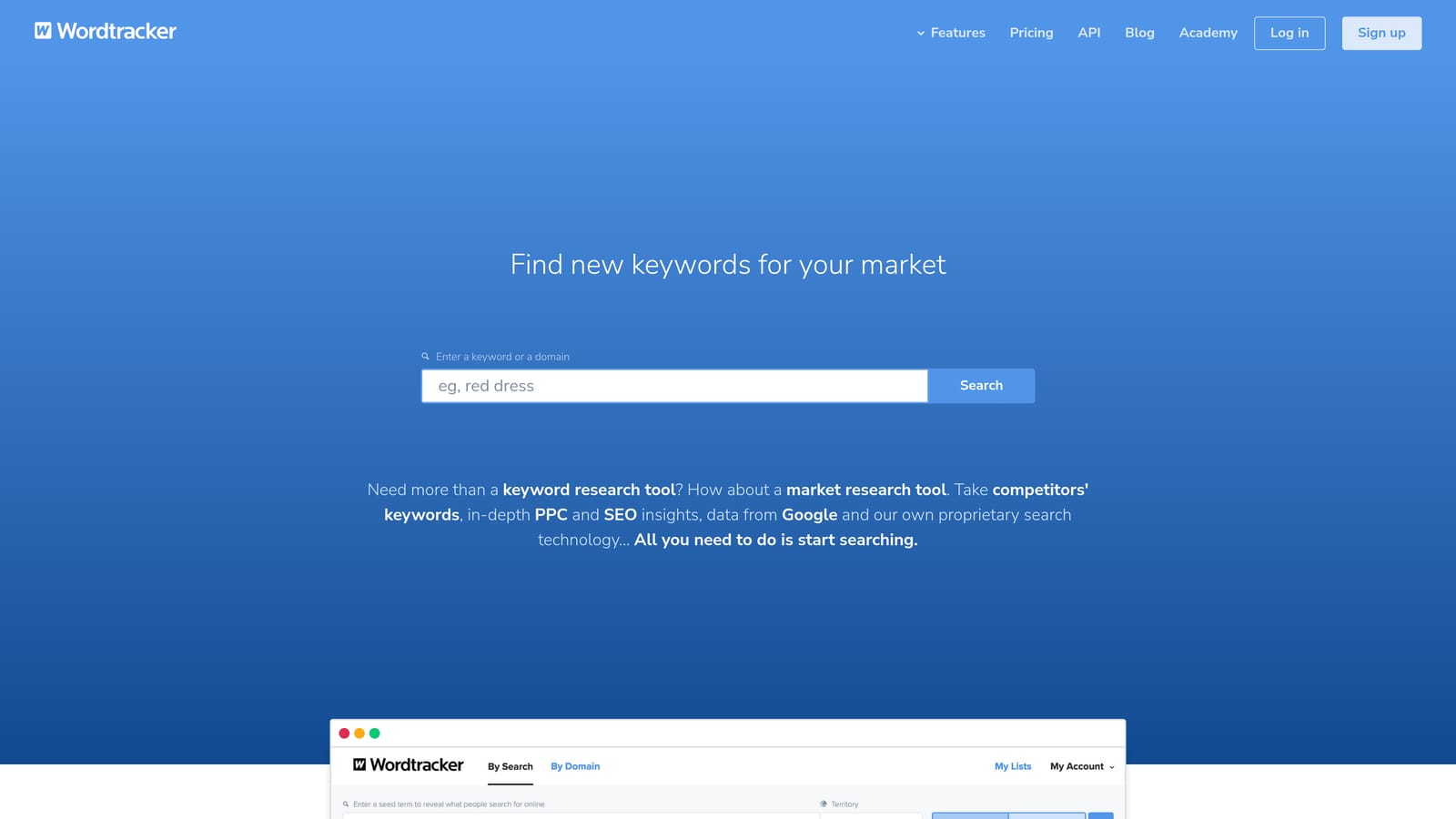
Wordtracker is a keyword research tool that pulls data from multiple sources, offering keyword discovery with intent filtering. It's particularly useful for finding lower-competition terms in niche verticals where the big platforms can sometimes miss the detail.
Where This Tool Shines
Wordtracker's multi-source data approach means you're not entirely dependent on Google's data, which can be useful when researching keywords in specialist markets where Google's volume ranges are too broad to be actionable. The intent filtering capability is also a practical feature for PPC users: separating informational queries from commercial ones helps you focus your keyword list on terms that are more likely to convert rather than just generate clicks.
The free limited search option is worth noting for smaller advertisers or freelancers who want to run occasional checks without committing to a monthly subscription. It's not a replacement for a full-featured tool, but it's a low-friction way to get a feel for the platform.
Key Features
Multi-source keyword data: Pulls from sources beyond Google, which can surface keywords that Google-only tools underrepresent.
Intent filtering: Separate informational queries from commercial ones to focus on terms more likely to drive conversions.
Competition scoring: Identify lower-difficulty keyword opportunities, particularly useful in niche verticals.
Related keyword suggestions: Expand a seed term into a broader keyword list with related variations.
Free limited search: Run basic keyword checks without creating an account.
Best For
Advertisers working in niche or specialist markets where mainstream tools don't provide enough granularity, and smaller advertisers who want a free option for occasional keyword checks.
Pricing
Free tier available with limited searches. Paid plans available. Verify current pricing at wordtracker.com.
7. Keyword Surfer
Best for: Quick, free keyword checks without leaving Google Search
Keyword Surfer is a free Chrome extension by Surfer SEO that overlays search volume and CPC estimates directly on Google Search results pages, giving you keyword data without opening a separate tool or logging into a dashboard.
Where This Tool Shines
The appeal here is simplicity and speed. When you search for something on Google, Keyword Surfer shows you volume estimates and CPC data right there on the results page, alongside related keyword suggestions in a sidebar. For quick sanity checks on a keyword before you add it to a campaign, or for getting a rough sense of the paid landscape around a topic, it removes a lot of friction from the process.
It's not a replacement for a full keyword research platform. The data is directional rather than precise, and there's no ability to do competitive analysis or bulk research. But for a tool that costs nothing and requires no setup beyond installing the extension, it's a genuinely useful addition to a PPC practitioner's browser.
Key Features
In-SERP volume and CPC overlay: See keyword data directly on Google Search results pages without switching to another tool.
Related keyword suggestions: A sidebar shows related terms with their own volume and CPC estimates as you search.
Surfer SEO integration: Connects to the Surfer SEO content editor for users who also use that platform.
Completely free: No subscription, no credits, no limitations tied to a paid tier.
No dashboard to manage: Install and use immediately with no configuration required.
Best For
Any Google Ads user who wants fast, zero-cost keyword data during day-to-day browsing. Particularly useful for freelancers and solo advertisers who don't need enterprise-level research capabilities but want quick directional data at their fingertips.
Pricing
Free. No paid tier for this extension.
8. Ubersuggest
Best for: Beginner-friendly keyword research with volume, CPC, and competition in one view
Ubersuggest is a keyword research tool from Neil Patel that combines keyword ideas, CPC estimates, competition scores, and basic site analysis in a straightforward interface designed to be accessible for users who are newer to keyword research.
Where This Tool Shines
Ubersuggest presents keyword data in a clean, consolidated view that doesn't require much prior knowledge to interpret. Volume, CPC, SEO difficulty, and paid difficulty are all visible at a glance for each keyword, which reduces the time spent toggling between different reports to build a complete picture of a term's potential.
The competitor domain analysis feature is also useful for PPC users. You can enter a competitor's URL and see the keywords they rank for organically, which can surface keyword ideas you might not have considered for paid campaigns, particularly for long-tail terms with clear commercial intent.
Key Features
Consolidated keyword view: Volume, CPC, SEO difficulty, and paid difficulty shown together for each keyword.
Keyword ideas: Expand a seed term into a broader list with related suggestions and their metrics.
Competitor domain analysis: See a competitor's top organic keywords to inform your paid keyword strategy.
Content ideas: Discover content topics based on keyword performance data.
Free tier: Limited daily searches available without a paid subscription.
Best For
Advertisers who are newer to keyword research and want a tool that presents data clearly without a steep learning curve. The free tier makes it accessible for smaller budgets, and the interface is well-suited to solo advertisers and freelancers who need a practical starting point without investing in a full-featured platform.
Pricing
Free tier available with limited daily searches. Paid plans available. Verify current pricing at neilpatel.com/ubersuggest/pricing.
9. Answer The Public
Best for: Discovering question-based and intent-rich long-tail keyword angles
Answer The Public is a keyword visualisation tool that maps out question-based and preposition-based search queries around a seed term, helping advertisers find intent-rich long-tail angles they might not surface through traditional keyword research.
Where This Tool Shines
Most keyword tools show you variations of a term. Answer The Public shows you how people actually ask questions about a topic, organised by question type (who, what, when, how, why) and preposition (for, with, vs, like). For PPC users, this is useful for building out ad group themes around specific intent angles, particularly when you're targeting audiences at different stages of the buying journey.
The comparison queries are especially relevant for paid search. Terms structured as "X vs Y" or "X or Z" signal a user who is actively evaluating options, which often corresponds to a higher-intent moment in the purchase process. Identifying these queries can help you build tightly themed ad groups with messaging that speaks directly to that evaluation mindset.
Key Features
Question-based keyword maps: Visual display of queries organised by question type (who, what, when, how, why) around a seed term.
Preposition-based discovery: Surfaces queries like "X for Y" and "X with Z" that reveal specific use cases and audience segments.
Comparison queries: Identifies "X vs Y" queries useful for building competitor-targeting or consideration-stage ad groups.
CSV export: Download keyword lists for use in campaign builds or further analysis.
Best For
Advertisers building out ad group themes around specific intent angles, particularly for campaigns targeting users in the research or consideration phase. It works well as a complement to volume-focused tools rather than a standalone keyword research solution.
Matching the Right Tool to the Right Job
The tools on this list serve different parts of the keyword workflow, and picking the right one depends on where you are in the process.
For keyword discovery and competitive research, SEMrush, Ahrefs, and SpyFu are hard to beat. Each brings something distinct: SEMrush for breadth and competitor ad visibility, Ahrefs for click-based traffic data, and SpyFu for historical bidding intelligence that gives you a longer-term view of a competitive market.
For free first-party volume data, Google Keyword Planner remains the baseline. It's not the most precise tool, but the data comes directly from Google, which makes it the most authoritative free option for Google Ads planning. For lightweight, quick checks without a subscription, Keyword Surfer and Ubersuggest cover the basics without adding cost or complexity to your stack. Answer The Public and Wordtracker fill a different niche: they're most useful when you're trying to find intent-rich long-tail angles or working in specialist verticals where mainstream tools don't go deep enough.
But discovery is only half the workflow. Once you know which keywords you want and which search terms are wasting your budget, you need a way to act on that inside Google Ads without rebuilding your whole process in a spreadsheet. That's where Keywordme fits. It's not a research tool; it's an optimization tool that lives inside your Search Terms Report and lets you add negatives, promote search terms to keywords, apply match types, and cluster keywords with a few clicks.
If you're spending meaningful time each week managing keyword lists in Google Ads, it's worth pairing a discovery tool from this list with something that helps you execute inside the platform. Start your free 7-day trial and see how much faster your optimization workflow can be, then just $12/month to keep it running.
.svg)