
9 Best Integrated Google Ads Optimization Solutions
This roundup ranks nine integrated Google Ads optimization solutions that consolidate keyword cleanup, bid automation, and competitor research into fewer logins. Each tool is evaluated on how directly it connects to your actual Google Ads account structure rather than operating as a disconnected add-on.


If you manage Google Ads accounts for a living, you know the drill: pull up the Search Terms Report, export to a spreadsheet, cross-reference against a reporting dashboard, then flip to a third tool to check what a competitor is bidding on. That's a lot of tabs for what should be one workflow. This roundup covers tools built to cut down that fragmentation, whether by working directly inside the native Google Ads interface or by pulling multiple PPC tasks into a single login. They were chosen based on how directly they connect to your actual account structure rather than sitting completely apart from it, and how well they fit the specific job of cleaning up keywords, automating bids, or researching competitors.
Quick Comparison
- Keywordme: best for advertisers who want faster search term cleanup without leaving Google Ads; starting at $12/month per user; the only tool here that runs its actions directly inside the native Search Terms Report.
- Optmyzr: best for agencies automating optimization across many client accounts; quote-based pricing; its rule-based automation engine acts on a schedule instead of requiring manual review each time.
- Adalysis: best for teams running frequent ad copy tests; quote-based pricing; built-in statistical significance testing for split tests.
- WordStream Advisor: best for small businesses wanting a structured weekly routine; quote-based pricing; its 20-Minute Work Week packages recommendations into a fixed checklist.
- Search Ads 360: best for enterprises already on the Google Marketing Platform; enterprise contract pricing; native cross-engine bidding tied to Analytics and Campaign Manager 360.
- SEMrush PPC Toolkit: best for pre-launch competitive keyword research; tiered subscription pricing; the deepest competitor ad and landing page history on this list.
- Revealbot: best for advertisers running Google Ads alongside Meta or TikTok; tiered subscription pricing; one rule builder covering all three platforms.
- SpyFu: best for building strategy around named competitors; tiered subscription pricing; the longest historical archive of competitor ads and keywords.
- Google Ads Recommendations and Optimization Score: best for a free baseline check; free; the only option built by Google itself using live account data.
1. Keywordme
Keywordme is a Chrome extension that installs one-click optimization actions directly into your Google Ads Search Terms Report. Instead of exporting search term data to a spreadsheet to figure out which terms are wasting spend, you review the report as usual and act on it right there: remove a junk search term, add it as a negative keyword, or promote a high-intent term into your keyword list with a click.
What sets it apart on this list is where it lives. Every other tool here either opens a separate dashboard or requires you to export and reimport data. Keywordme doesn't; it's layered onto the native interface, so the report you're already looking at becomes the action surface. That matters most for the distinction between keywords and search terms: the Search Terms Report shows what people actually typed, and Keywordme is built specifically to help you turn the useful ones into keywords and the wasteful ones into negatives, fast.
- Clears out irrelevant or low-intent search terms with a single click instead of manual review row by row
- Builds negative keyword lists quickly from terms you've already identified as junk
- Applies match types instantly when you promote a search term into your keyword list
- Groups related keywords through clustering, so you're not manually sorting them into ad groups
- Supports bulk editing for accounts with large search term volumes
- Gives agencies multi-account and team access to standardize cleanup across clients
Setup is minimal: install the Chrome extension, connect it to your Google Ads account, and it appears inside the Search Terms Report. There's no separate login to manage, which makes it easy for a single freelancer to run day to day, and no admin overhead for an agency rolling it out across accounts.
It's not a full bid automation platform or a cross-platform manager. If you need scheduled bid rules, budget pacing automation, or Meta and TikTok coverage alongside Google Ads, you'll want to pair it with something like Optmyzr or Revealbot. Keywordme's scope is deliberately narrow: search term and keyword hygiene, done inside the native UI.
Pricing is a flat $12 per month per user, with a 7-day free trial. There's no spend-based tier to navigate, which keeps the cost predictable whether you're managing one account or several.
Best for: Solo advertisers and agencies who want faster search term cleanup without ever leaving Google Ads.
2. Optmyzr
Optmyzr is a PPC management platform built around rule-based automation, bid optimization, and white-label reporting across Google Ads, Microsoft Ads, and Amazon Ads. It's aimed at agencies and in-house teams managing enough accounts that manual optimization no longer scales.

The standout here is depth of automation. Optmyzr's rule engine can act on account data on a schedule, adjusting bids or flagging issues without someone opening the account first. Its One-Click Optimizations feature also bundles several account cleanup tasks into a single action, which is useful for teams doing periodic account audits across a large client roster.
- Automates bid and budget changes based on rules you define, running on a schedule instead of on demand
- Bundles common cleanup tasks into single-click actions across the account
- Tracks Quality Score trends and Performance Max campaign data in one place
- Produces white-label reports for client-facing deliverables
It connects to Google Ads, Microsoft Ads, Amazon Ads, and Google Analytics, which makes it a genuine multi-platform hub rather than a single-account tool. Setup involves connecting each ad account and configuring rules, which typically takes a PPC manager or analyst some upfront time before it runs on autopilot.
The tradeoff is cost and complexity. Optmyzr is priced for agencies managing meaningful spend across multiple accounts, and a solo advertiser running one small account is likely to find both the price and the feature set more than they need. Pricing is quote-based and scales with ad spend and account count, so you'll need to contact sales for a number.
Best for: Agencies running automated optimization rules across many client accounts.
3. Adalysis
Manual A/B testing on ad copy is easy to get wrong: stop a test too early and you're acting on noise, not signal. Adalysis solves that by running statistically significant testing natively, alongside automated audits that scan your account for structural problems like disapproved ads, tracking gaps, and keyword overlaps.
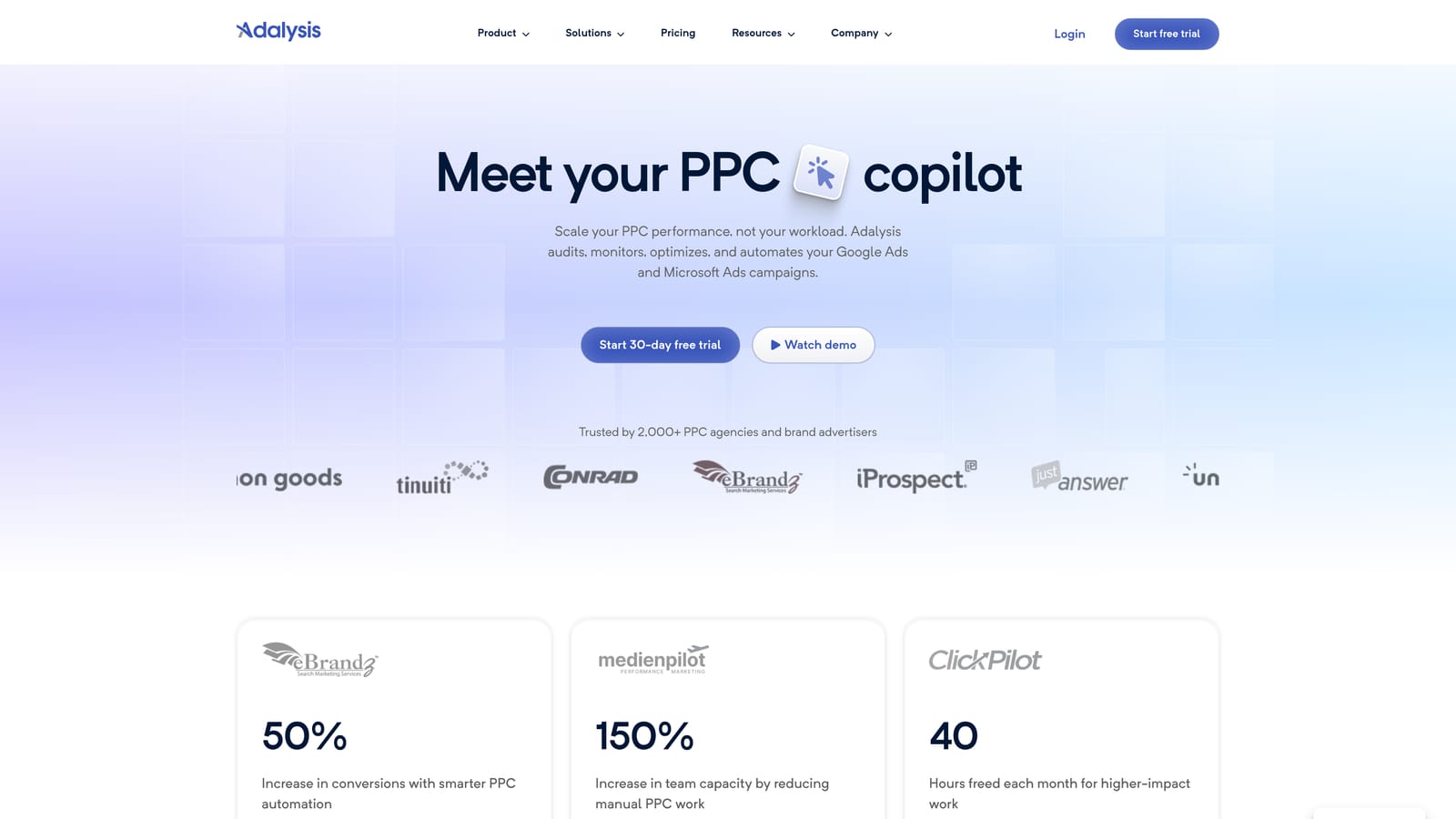
Its main differentiator is that significance testing. Most optimization tools on this list focus on keywords, bids, or automation rules; Adalysis specifically focuses on knowing when an ad copy test has produced a real result versus random variance, which is a gap in most other PPC toolkits.
- Runs automated account health checks that catch disapprovals, tracking issues, and keyword overlaps before they cost you spend
- Applies statistical significance testing to ad copy experiments, so you know when a winner is actually a winner
- Monitors keywords and search terms and alerts you when something needs attention
- Sends scheduled email reports so you don't have to log in to catch account changes
It integrates with Google Ads and Microsoft Ads. Because it operates as its own dashboard layered on top of your ad accounts, it doesn't eliminate the tab-switching that an in-UI extension avoids; you're still moving between Adalysis and Google Ads to act on what it surfaces. A PPC manager or analyst typically owns it day to day, reviewing alerts and test results on a regular cadence.
Pricing is quote-based and tiered by ad spend, so cost scales with how much you're managing through the platform.
Best for: Teams that run frequent ad copy tests and want automated account audits.
4. WordStream Advisor
WordStream Advisor, from LocalIQ, takes a different approach to consolidation: instead of an open-ended dashboard, it packages recommendations into a guided weekly routine called the 20-Minute Work Week. You log in, work through a checklist of suggested changes, and move on.

That structure is the differentiator. Every other tool on this list assumes you'll explore data and decide what to act on. WordStream Advisor decides the order for you, which suits marketers who don't have time to build their own optimization process from scratch.
- Walks you through a fixed weekly checklist of recommended optimizations instead of an open dashboard
- Manages campaigns across Google Ads, Microsoft Ads, and Meta Ads from one login
- Runs a free Google Ads Performance Grader as a quick diagnostic before you commit to the full platform
- Flags wasted spend and unexpected account changes as they happen
Setup means connecting your ad accounts, and the guided nature of the tool means less PPC expertise is required to run it day to day compared with a rules-based platform like Optmyzr. That's part of the appeal for small business owners handling their own ads.
The catch is that WordStream Advisor sits inside LocalIQ's broader managed-service ecosystem, and the product experience can nudge you toward add-on services beyond the self-serve software. If you specifically want a tool and nothing else, keep that in mind during a sales conversation. Pricing is quote-based.
Best for: Small businesses that want a structured weekly routine across multiple ad platforms.
5. Search Ads 360
Search Ads 360 is Google Marketing Platform's enterprise bid management tool, built for advertisers running search campaigns across Google Ads, Microsoft Ads, and Yahoo Japan from one interface.

Why it's different from a third-party tool
Because Google builds it, Search Ads 360 gets first-party integration with Google Analytics and Campaign Manager 360 that third-party platforms can't fully replicate. Automated bidding strategies can be tuned to first-party conversion data flowing directly from your analytics stack, which is a genuine advantage for advertisers already inside the Google Marketing Platform ecosystem.
- Manages bids across Google Ads, Microsoft Ads, and Yahoo Japan from a single console
- Connects natively to Google Analytics and Campaign Manager 360 for shared conversion data
- Runs automated bidding strategies built on first-party data rather than platform-estimated conversions
- Provides enterprise reporting templates built for large, multi-account structures
Who it's built for
This is not a tool for a solo freelancer or a small local business. It requires a Google Marketing Platform contract, and it's typically implemented and run by a dedicated PPC or marketing operations team, not a single generalist marketer. Onboarding involves technical setup tied to your broader GMP stack, so expect implementation to take real time.
Pricing is enterprise contract-based; you'll need to contact Google sales for a quote, and there's no published starting price.
Best for: Large enterprises and agencies already invested in the Google Marketing Platform suite.
6. SEMrush PPC Toolkit
Before you build a campaign, it helps to know what's already working for your competitors. SEMrush's PPC Toolkit is a module inside the broader SEMrush suite focused on exactly that: researching competitor ad copy, landing pages, and keyword strategies before you launch or expand.
Its strength is pre-launch research depth. The Keyword Gap tool shows you where a named competitor is bidding on terms you're not, and its ad copy and landing page history let you see how competitors have positioned themselves over time. No other tool on this list matches that level of competitive intelligence.
- Shows competitor ad copy and landing page history so you can see what's been running and for how long
- Builds pre-launch keyword lists through the dedicated PPC Keyword Tool
- Identifies keyword gaps against specific named competitors
- Drafts responsive search ad copy through the Ad Builder feature
It connects to Google Ads primarily through export and manual import rather than live syncing, and to Google Analytics for performance context. A marketer or strategist typically runs it during campaign planning rather than daily account management, since its strength is research, not in-account editing.
That's also its limitation: SEMrush's PPC Toolkit is lighter on direct account editing and automation than a dedicated optimization tool. It's a research layer you'd use alongside something like Keywordme or Optmyzr, not a replacement for either. Pricing is tiered by plan; check the current rates on their site since SEMrush adjusts tiers periodically.
Best for: Marketers who need competitive keyword research before building or expanding a campaign.
7. Revealbot
Revealbot started as a Meta and TikTok automation tool and has extended its custom rule builder to Google Ads. The core idea: define an if-then rule (if cost per conversion exceeds X, pause the ad group) and let it run without manual review.
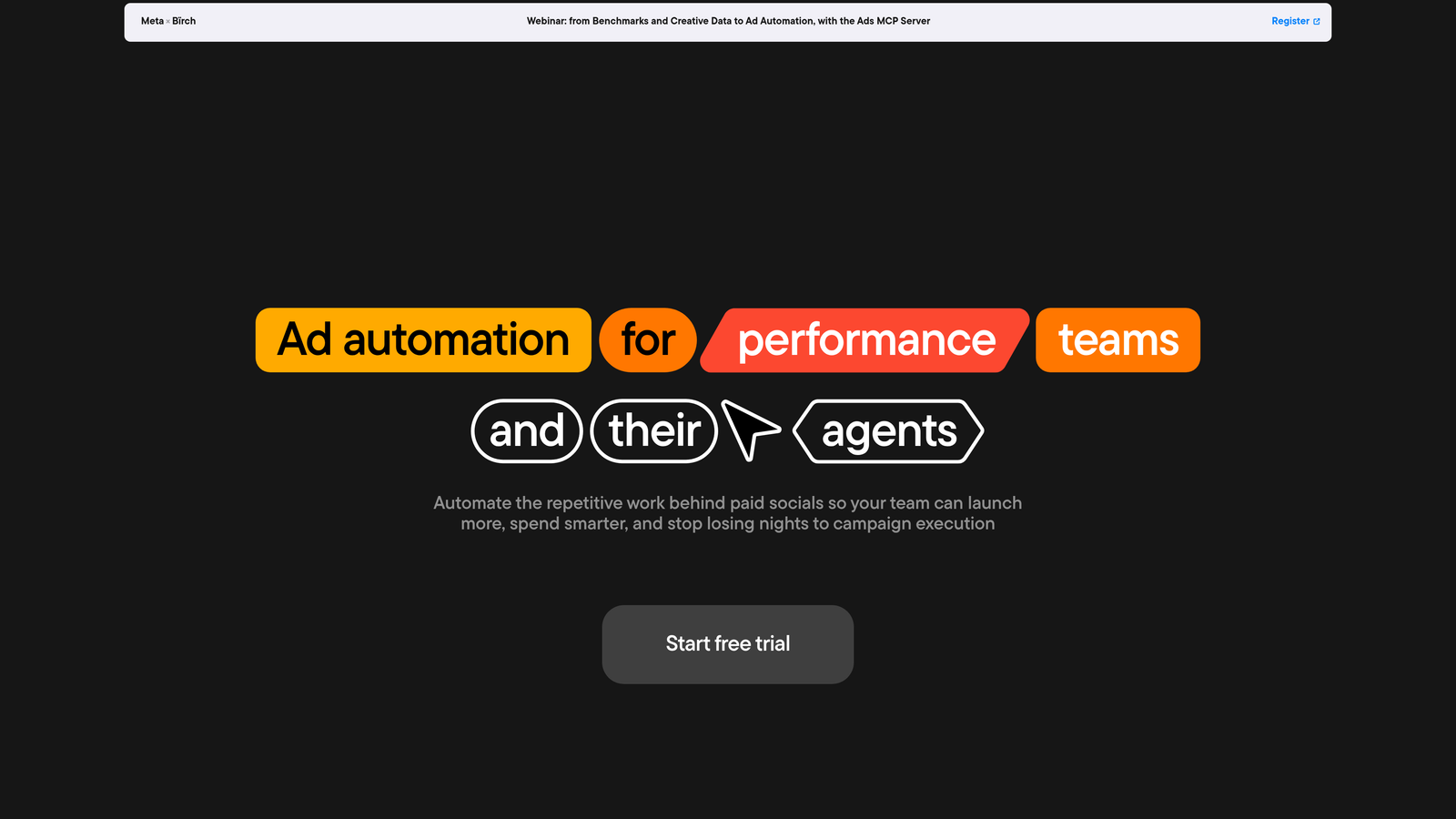
The advantage for a multi-platform advertiser is having one rule engine across Google Ads, Meta, and TikTok instead of three separate automation tools with three different logic systems to maintain. If you're running the same performance logic across platforms, that consolidation saves real setup time.
- Builds custom automation rules for bid, budget, and campaign status changes without manual triggers
- Sends Slack and email alerts when performance crosses thresholds you set
- Runs scheduled automations continuously, not just when someone opens the dashboard
- Covers Meta and TikTok alongside Google Ads under one rule system
Setup requires building out rules for each platform and account, which a PPC manager or media buyer usually owns. Because the tool's roots are in social advertising, its Google Ads feature set is noticeably less developed than its Meta and TikTok tooling; advertisers who are Google Ads-only may find more depth elsewhere on this list.
Pricing is quote-based and scales with ad spend tier.
Best for: Advertisers running Google Ads alongside Meta or TikTok who want one automation rule engine for all three.
8. SpyFu
SpyFu is a competitor research tool built around one core question: what has this domain been doing with paid search, historically? It pulls keyword, ad copy, and estimated spend data for any domain you enter, going back further in most cases than comparable research tools.
That historical depth is the differentiator. If you want to see how a competitor's ad strategy has evolved over years, not just months, SpyFu's archive tends to go deeper than SEMrush's or other competitive research tools.
- Looks up a competitor's historical keywords and ad copy for any domain
- Finds keyword gaps against named competitors through the Kombat tool
- Estimates competitor ad spend and click volume to gauge how aggressive they're being
- Groups PPC keywords for campaign planning once research is done
It doesn't connect live to your Google Ads account; instead, it exports keyword lists formatted for import into Google Ads Editor. That makes it purely a research tool run by a strategist or marketer during planning, not something used for day-to-day account management.
The limitation is straightforward: SpyFu has no in-account editing or automation capability at all. You'll use it to build a strategy, then execute that strategy somewhere else, whether that's Google Ads Editor directly or a tool like Keywordme for ongoing cleanup. Pricing is tiered by plan; check current rates on their site.
Best for: Marketers building a keyword strategy around specific named competitors.
9. Google Ads Recommendations and Optimization Score
Every Google Ads account already includes a built-in optimization layer: the Recommendations page and Optimization Score, found under the Recommendations tab. It's worth understanding clearly before you pay for anything else on this list.
The Optimization Score is a percentage Google calculates from your account's own signals, meant to indicate how well-configured your campaigns are against Google's suggested settings. Below it sits a feed of specific recommendations, things like adding keywords, adjusting bids, or trying a new ad format. It's genuinely useful as a baseline diagnostic, and it costs nothing since it's built into every account.
- Calculates an Optimization Score percentage from your account's live data
- Surfaces a feed of suggested changes tied to bids, keywords, and ad formats
- Lets you review and apply, dismiss, or opt in to auto-apply select recommendation types
- Requires no additional signup, install, or cost beyond your existing Google Ads account
The important caveat: this isn't an independent audit. Google designs the recommendations, and they can favor settings Google prefers, like broad match keywords or fully automated bidding strategies, which aren't automatically right for every account. And per Google's own documentation, most recommendations require manual review and action; only specific types apply automatically, and only if you've explicitly opted in. It's a signal, not a verdict, so treat every suggestion as something to evaluate against your own account goals before applying it.
Best for: Any advertiser wanting a free baseline check before investing in a paid tool.
Picking the Right Fit for Your Stack
If your biggest time sink is manually sorting through the Search Terms Report, Keywordme solves that specific problem without adding another login to your day. If you're an agency that needs automated rules running across dozens of accounts, Optmyzr and Search Ads 360 offer the heaviest automation, with Search Ads 360 making the most sense if you're already tied into the Google Marketing Platform. For competitive keyword research before you launch or expand a campaign, SEMrush and SpyFu are the strongest choices, each with a slightly different edge in historical depth versus breadth. And before spending on any of these, it's worth checking your account's free Optimization Score and Recommendations feed as a starting benchmark, understanding that it's a signal to review, not an automated fix.
Optimize Google Ads campaigns 10x faster, without leaving your account. Keywordme lets you remove junk search terms, build high-intent keyword lists, and apply match types instantly, right inside Google Ads. No spreadsheets, no switching tabs, just quick, seamless optimization. Start your free 7-day trial (then just $12/month) and take your Google Ads game to the next level.
.svg)