
8 Best In-Platform PPC Tools for Optimizing Google Ads Without Leaving the Interface in 2026
A practical guide to in-platform ppc tools.


If you spend your day in Google Ads, every export to a spreadsheet and every login to a separate dashboard costs you time. This list is for freelancers, agency owners, and in-house marketers who want to optimize faster with fewer tab switches. "In-platform" here means tools that run inside the Google Ads interface (extensions, native features, scripts), and we flag the ones that sit outside it. We chose tools by how much routine optimization they handle, how clear their pricing is, and who they actually suit.
Quick Comparison of In-Platform PPC Tools
- Keywordme: freelancers and agencies doing frequent search term cleanup; $12/month per user; adds one-click actions directly inside the native Search Terms Report.
- Google Ads Scripts: technical advertisers who want bespoke automation; free; fully custom logic that you write yourself.
- Google Ads Editor: large account builds and mass structural edits; free; offline staging of bulk changes before you post them.
- Google Ads Automated Rules: simple budget and pause guardrails on small accounts; free; no-code scheduled rules built into the interface.
- Google Ads Recommendations: beginners wanting a checklist of possible improvements; free; prioritized suggestions and an Optimization Score drawn from your account data.
- Google Ads Search Term Insights: advertisers running Performance Max who need some query visibility; free; search term category insights for campaign types that lack a classic report.
- Optmyzr: agencies managing many accounts that need audits and reporting; pricing on request via its website; the broadest agency toolset of the group, covering audits, rules, and reporting.
- Adalysis: agencies focused on ad copy testing and account health checks; pricing on request via its website; the deepest ad testing and audit analysis here.
1. Keywordme
Keywordme is a Chrome extension that adds optimization actions straight into the Google Ads Search Terms Report. It's our own product, so weigh this section with that in mind. It's built for people who review search terms (the actual queries users typed) all the time and are sick of exporting them to sort in a spreadsheet.
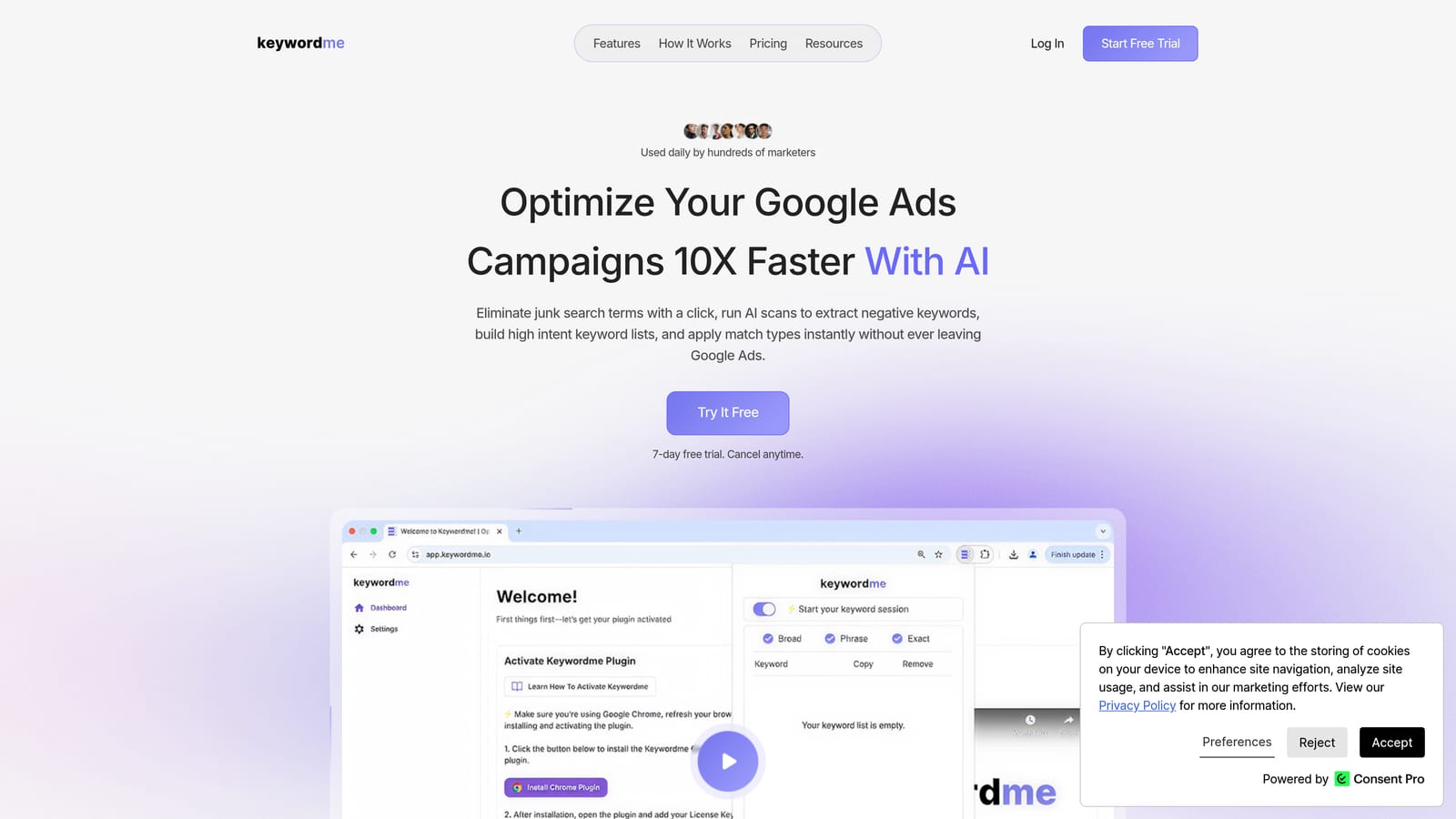
What sets it apart on this list is where it works. You stay in the native report, so cleaning up junk queries needs no export, no import, and no second dashboard. The company says it can make optimization up to 10x faster; that's Keywordme's own claim, and your mileage will depend on how you work today.
- Add a search term as a keyword in one click, so promising queries become positive keywords without copy-pasting.
- Add a search term as a negative keyword in one click, which keeps irrelevant queries from triggering your ads again.
- Apply match types instantly, so you don't type brackets and quotation marks by hand.
- Cluster keywords and edit in bulk, which helps when you're organizing new lists or tidying existing ones.
- Work across multiple accounts with team support, useful when several people share client work.
Setup is light: you install the extension in Chrome and use Google Ads as usual. The person doing search term reviews is typically the one who runs it day to day. Its integration is Google Ads via Chrome, and nothing else.
The limits are real. It only works in Chrome, and it focuses on search terms and keywords. It isn't a bidding tool, a creative tool, or a reporting platform, so you'll still need other tools for those jobs. It also won't make the judgment calls for you; you decide which terms are junk and which are worth adding.
Pricing is $12/month per user, with a 7-day free trial (as of 2026; confirm on the website). Cost scales with the number of users, not ad spend or accounts.
Best for: Freelancers and agencies doing frequent search term cleanup.
2. Google Ads Scripts
Google Ads Scripts is Google's native feature for running JavaScript against your account. You write code in the Google Ads interface, and it can change settings, check for problems, or pull data on a schedule.
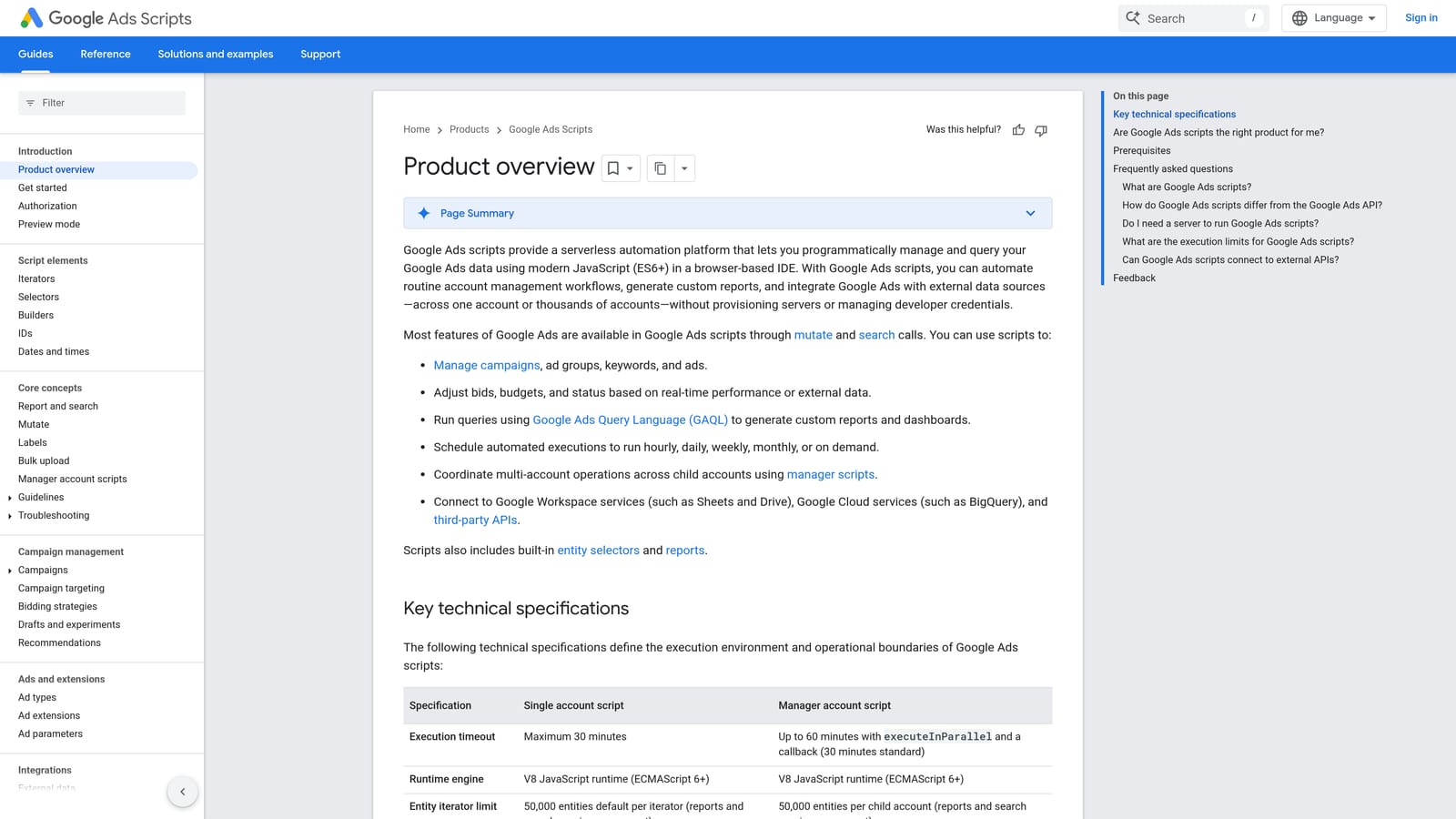
Its standout trait is freedom. Every other tool here gives you a set menu of actions; scripts let you define your own logic. If you want to pause ads when a landing page returns an error, or flag a campaign whose spend jumps past a threshold you choose, you can build exactly that.
- Custom JavaScript automation lets you encode account-specific logic that no off-the-shelf tool covers.
- Scheduled runs mean checks and changes happen without you remembering to do them.
- Alerts and anomaly checks can warn you when spend, clicks, or conversions behave oddly.
- Spreadsheet reporting integration writes data into Google Sheets for dashboards and sharing.
It connects to Google Sheets, Gmail, and Google Ads. Setup effort depends entirely on your skills. Someone comfortable with JavaScript can get going quickly, while everyone else faces a steep learning curve, though you can adapt existing scripts rather than starting from scratch.
The downside is that it demands coding skill and careful testing. A script that makes changes can do real damage if the logic is wrong, so preview and test before you schedule anything. It's a poor fit for marketers who just want a click-and-go workflow, and ongoing maintenance falls on whoever wrote the script.
Pricing: free (as of 2026).
Best for: Technical advertisers who want bespoke automation.
3. Google Ads Editor
Before you shortlist it, know that Google Ads Editor is a separate desktop app, not part of the web interface. We include it because it's Google's own tool and the standard answer to bulk editing. It's free and built for people who manage structure at scale.
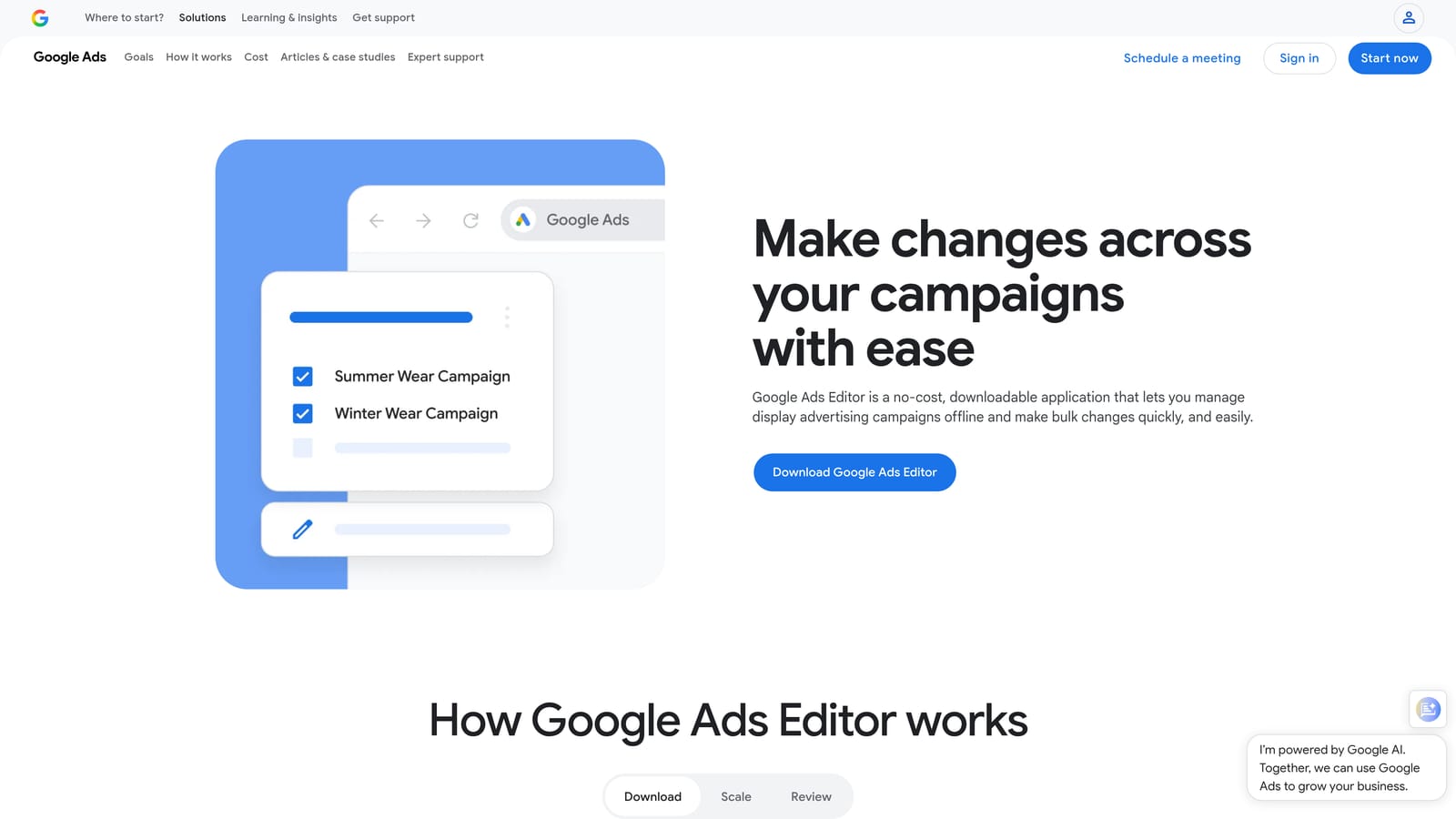
Its distinctive strength is offline staging. You download accounts, make hundreds or thousands of changes, review them, and only then post them to the live account. Nothing else on this list gives you that safety net for large edits.
- Bulk edits across campaigns and accounts replace repetitive clicking in the web UI.
- Offline editing with review before posting lets you check your work before anything goes live.
- Import and export of changes supports building structures in a spreadsheet and loading them in.
- Multi-account management lets agencies work through several accounts in one place.
Setup is a download and sign-in. It integrates only with Google Ads. Day to day, it tends to be run by whoever handles account builds and restructures.
The limitation is that it breaks the "never leave the interface" idea. You switch to a desktop app, sync, edit, and post. It's also less suited to quick, in-the-moment tasks like reviewing a day's search terms, where a native or extension-based workflow is faster.
Pricing: free (as of 2026).
Best for: Large account builds and mass structural edits.
4. Google Ads Automated Rules
Google Ads Automated Rules are built-in rules that change campaign elements or send alerts when conditions you set are met. They live in the Google Ads interface and need no code.
They stand out as the simplest guardrails on the list. You define a condition, an action, and a schedule, and Google handles the rest. For a small account, that can cover the basics of budget protection and housekeeping.
- Scheduled rule-based changes run on the cadence you choose, so routine tasks stop eating your time.
- Email alerts tell you when something crosses a threshold without any automatic change.
- Bid, budget, and status actions cover the common controls, such as pausing or adjusting spend.
- Condition thresholds let you define exactly when a rule should fire.
Setup takes minutes, and anyone with account access can create rules. There's nothing to integrate beyond Google Ads itself.
The constraint is that you can only use the conditions and actions Google provides. Anything more nuanced, such as logic mixing several data sources, needs Scripts or a third-party platform. Rules also act on what you configured, not on judgment, so review them periodically; a stale rule can quietly pause something you wanted running.
Pricing: free (as of 2026).
Best for: Simple budget and pause guardrails on small accounts.
5. Google Ads Recommendations
Google Ads Recommendations is the native page of suggested improvements, paired with an Optimization Score. It reviews your account and proposes changes to keywords, bids, assets, and more.
What it does uniquely is prioritize. Suggestions come from your own account data and are ranked, so a newer advertiser gets a ready-made checklist instead of a blank page.
- Optimization Score gives a quick read on how many suggested improvements remain open.
- Suggested keywords, bids, and assets point to specific changes you could make.
- One-click apply or dismiss lets you act on a suggestion or clear it from the list.
- Category filtering helps you focus on, say, keyword suggestions rather than everything at once.
It needs no setup and is available to anyone in the account.
Treat it with care. Optimization Score is not a performance guarantee, and a higher score doesn't mean better results. Suggestions may not match your goals, budget, or brand rules, so review each one before applying. Experienced practitioners usually use the page as a source of ideas rather than a to-do list. It's not a substitute for reviewing search terms yourself.
Pricing: free (as of 2026).
Best for: Beginners wanting a checklist of possible improvements.
6. Google Ads Search Term Insights
Google Ads Search Term Insights is native query visibility for campaign types like Performance Max, available through the Insights page and search term reporting. Those campaigns historically gave less query detail than Search campaigns, so this fills a gap.
Its standout value is exactly that: it shows what kinds of searches trigger your ads inside Performance Max, where you'd otherwise have little view.
- Search term category insights group queries into themes so you can see what drives traffic.
- Negative keyword options, where supported, let you act on unwanted themes.
- Trend visibility shows how query categories shift over time.
- Native reporting keeps everything in the Google Ads interface.
There's no setup beyond having eligible campaigns, and it works only with Google Ads.
The limits are granularity and stability. It's less detailed than the Search campaign Search Terms Report, which lists individual queries, and availability and options change over time. Verify what your account shows as of 2026 before building a process around it. It's also a viewing and light-control tool, not a workflow tool for bulk cleanup.
Pricing: free (as of 2026).
Best for: Advertisers running Performance Max who need some query visibility.
7. Optmyzr
Optmyzr is a third-party PPC management platform that offers optimization suggestions, a rule engine, reporting, and account audits for Google Ads. It's not in-platform; it runs in its own dashboard, which is the main trade-off.
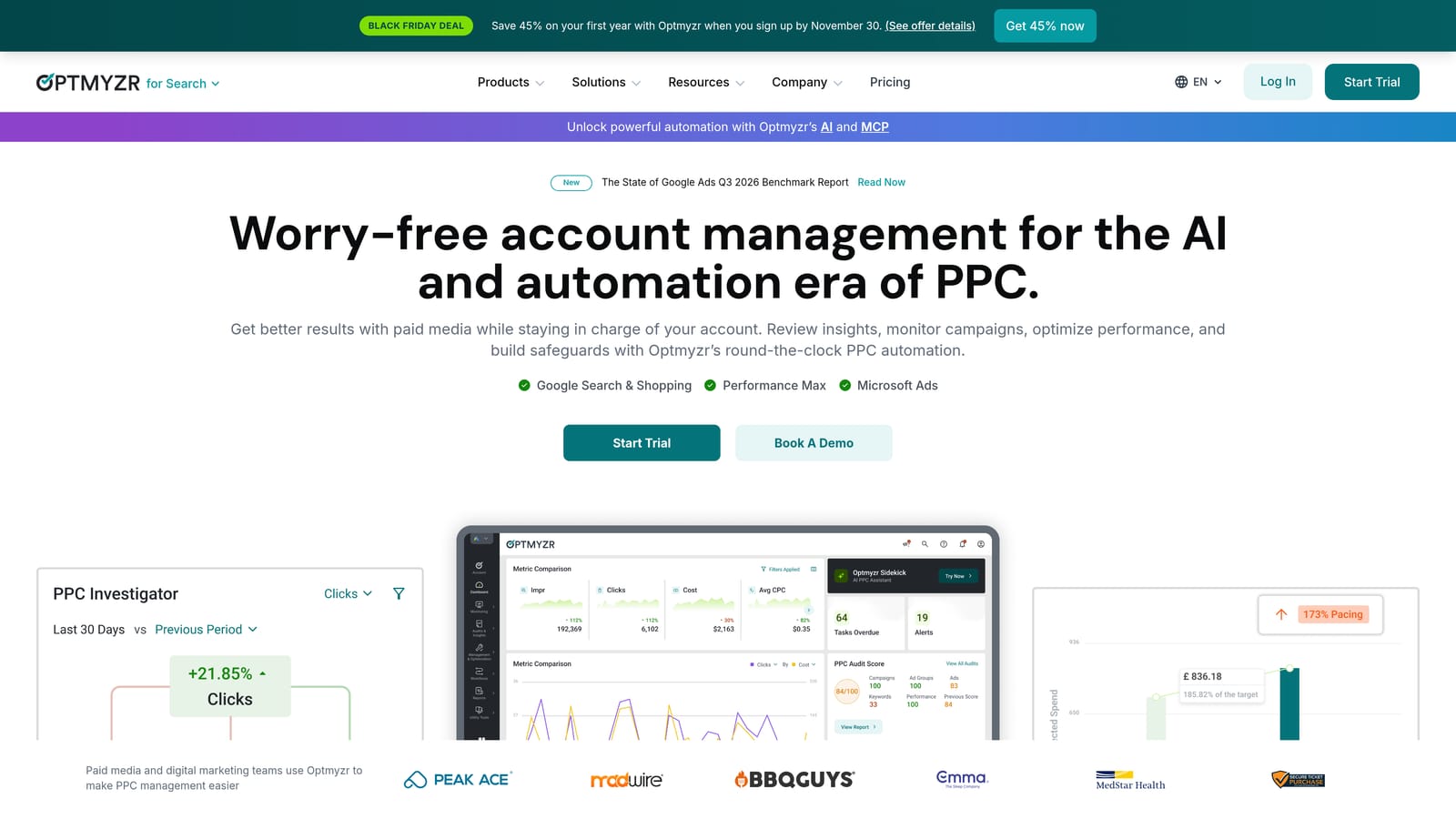
What sets it apart here is breadth. It bundles audits, rules, and reporting for people who manage a lot of accounts and want one place for the recurring work.
- Optimization suggestions highlight where an account may need attention.
- A rule engine lets you automate conditions and actions beyond what native rules allow.
- Reporting helps agencies produce client-facing summaries.
- Account audits give a structured health check across accounts.
It connects to Google Ads and Microsoft Ads. Setup means linking accounts, and in an agency it's usually run by account managers or a dedicated PPC lead. Expect more onboarding than for an extension.
It's a poor fit for solo advertisers who only want quick search term actions, since you're working in a separate dashboard. Pricing: see the website, as it isn't confirmed here; check what drives cost (account count or spend are common factors for tools like this) before you commit.
Best for: Agencies managing many accounts that need audits and reporting.
8. Adalysis
Adalysis is a third-party analysis tool for Google Ads and Microsoft Ads, focused on ad testing, audits, and alerts. Like Optmyzr, it lives in a separate dashboard rather than in Google Ads.
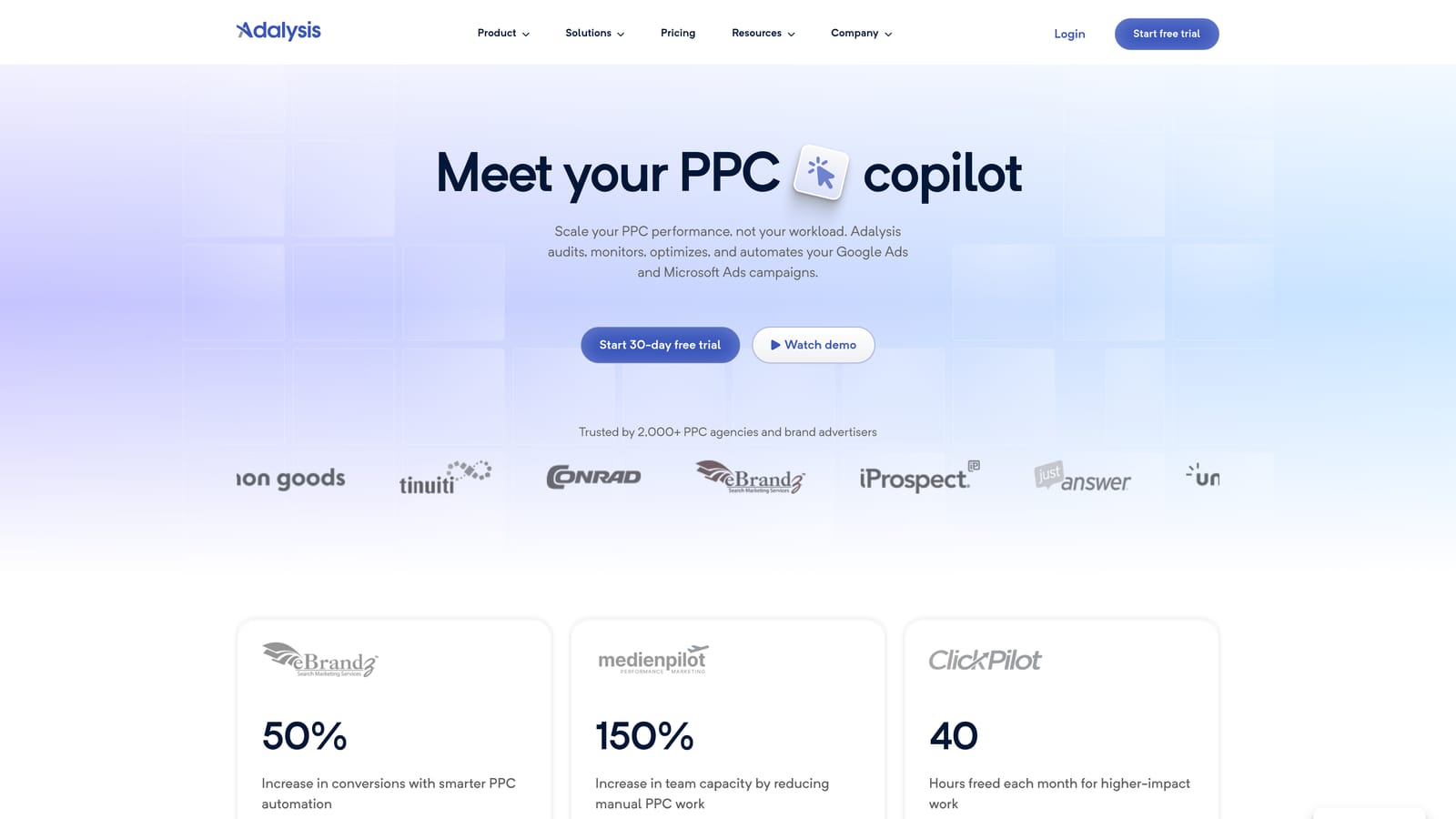
Its distinctive strength is depth in ad testing and account auditing. If creative performance and account health are your priorities, it goes further than any native option here.
- Ad copy testing helps you compare variations and see which ones deserve to stay.
- Account audits surface structural and performance issues across accounts.
- Quality Score trend tracking shows whether keyword quality is improving or slipping over time.
- Alerts flag changes that need a look so you don't find out at month end.
It integrates with Google Ads and Microsoft Ads. Setup involves connecting your accounts, and it's typically used by analysts or account managers who review results regularly.
It doesn't suit anyone who wants to stay inside the Google Ads interface, and it's less relevant if your main task is query cleanup. Pricing: see the website; confirm current plans and what scales the price before you commit.
Best for: Agencies focused on ad copy testing and account health checks.
Matching Tools to Your Workflow
Most of these tools solve different problems, so the right pick depends on the job in front of you, and combining them is normal.
- Search term cleanup: Keywordme, because it works in the native Search Terms Report and handles positive and negative keywords with match types in clicks. Pair it with Search Term Insights if you also run Performance Max.
- Scripted automation: Google Ads Scripts, if you or someone on your team can write and test JavaScript.
- Bulk builds: Google Ads Editor, for large structures and mass edits you want to review before posting.
- Guardrails: Automated Rules for simple pause and budget protection on smaller accounts.
- Agency auditing: Optmyzr for broad audits and reporting, Adalysis for ad testing and account health.
Recommendations works as an idea list for newer advertisers, as long as you review each suggestion yourself.
If search term cleanup is where your time disappears, that's the fastest place to start. Optimize Google Ads Campaigns 10X Faster. Without Leaving Your Account. Keywordme lets you remove junk search terms, build high-intent keyword lists, and apply match types instantly, right inside Google Ads. No spreadsheets, no switching tabs, just quick, seamless optimization. Start your free 7-day trial (then just $12/month) and take your Google Ads game to the next level.
