
7 Best In-Platform PPC Optimization Tools Worth Using
This guide ranks the 7 best in-platform PPC optimization tools of 2026, all of which work natively inside Google Ads to speed up search term review, bid adjustments, and account cleanup without a round trip to spreadsheets.


If you manage Google Ads accounts, you already know the drill: pull a search terms report, dump it into a spreadsheet, sort through hundreds of rows, then jump back into the platform to actually make changes. This list skips anything that requires that round trip. Every tool here runs natively inside Google Ads, either as a built-in feature, an official Google application, or a browser extension that overlays the Ads interface directly, so you can go from spotting a problem to fixing it without opening a second tab. Selection came down to one question: how much manual work does this remove from search term review, bid adjustments, and account cleanup, without pulling you out of the platform where the data lives.
Quick Comparison
- Keywordme: best for solo advertisers and small agencies cleaning up search terms fast; $12/month per user; one-click junk search term removal and negative list building without leaving the Search Terms Report.
- Google Ads Editor: best for agencies making bulk structural changes; free; offline editing across multiple accounts with a preview step before anything goes live.
- Automated Rules: best for advertisers wanting basic guardrails; free; no-code conditional logic that runs on a schedule inside the account.
- Google Ads Scripts: best for technical marketers who want custom logic; free; JavaScript automation that goes beyond what Rules can handle.
- Google Ads Recommendations and Optimization Score: best for beginners wanting guided suggestions; free; one-click apply on changes generated by Google's own account analysis.
- Performance Max Insights and Diagnostics: best for advertisers running Performance Max; free; asset and search category visibility built into a normally opaque campaign type.
- Google Ads Mobile App: best for catching issues away from your desk; free; push alerts and on-the-go bid or budget changes.
1. Keywordme
Keywordme is a Chrome extension that sits directly on top of the Google Ads Search Terms Report, turning what's normally a slow manual review process into a series of one-click actions. It's built for advertisers who spend real time in that report every week and are tired of exporting it to a spreadsheet just to figure out which search terms are wasting spend.
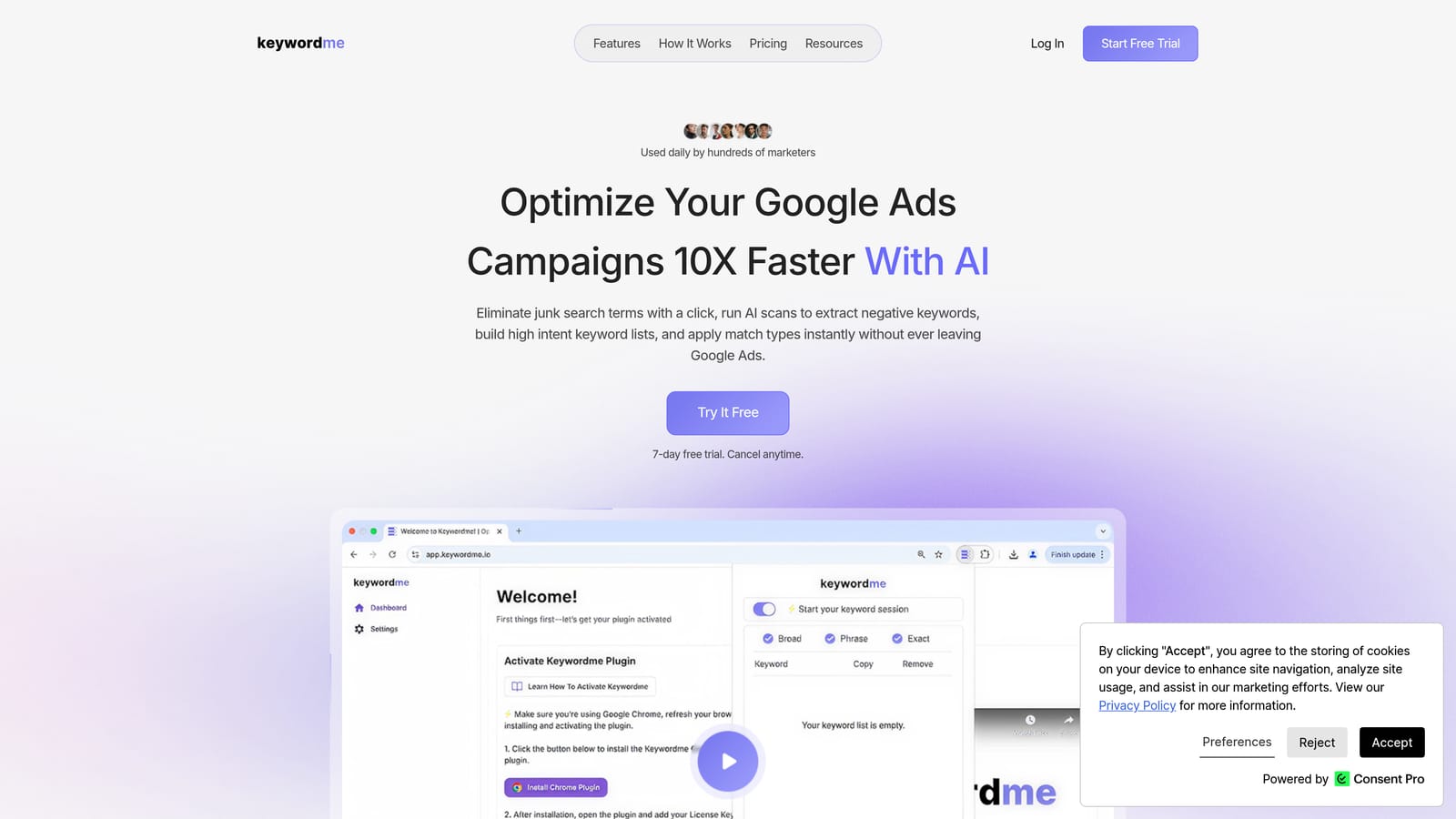
What sets it apart from everything else on this list is how narrowly it focuses on search term and keyword work, and how fast it makes that specific workflow. You're not getting a dashboard or a reporting suite. You're getting the Search Terms Report with buttons that do things Google's native interface makes you do in multiple steps.
- One-click removal of junk search terms directly from the Search Terms Report, so you don't have to select, right-click, and confirm each one
- Fast negative keyword list building without ever opening a spreadsheet
- Instant match type application on search terms worth turning into keywords
- Keyword clustering that groups related terms so you can organize new ad groups faster
- Multi-account and team support, useful for agencies juggling several client accounts
Setup is just installing the Chrome extension and logging into your Google Ads account as usual; there's no separate dashboard to configure. Whoever normally does search term review, whether that's a solo advertiser or an account manager on an agency team, keeps doing that job, just faster. It integrates with Google Ads through the native Search Terms Report interface rather than pulling data into a separate system.
The tradeoff is scope. Keywordme doesn't do bid management, budget pacing, or ad copy testing. If you're looking for a full campaign management suite, this isn't it. It's a tool for one specific, recurring task: keeping your search terms clean and your keyword lists sharp.
Pricing is a flat $12 per month per user as of 2026, with a 7-day free trial. The rate doesn't change based on ad spend or account size, which makes it easy to budget for whether you're managing one account or ten.
Best for: Solo advertisers and small agency teams who want faster search-term cleanup without spreadsheets.
2. Google Ads Editor
Google Ads Editor is Google's free desktop application for making bulk changes across one or more accounts before publishing them live. It was built for people managing structure at scale: campaigns, ad groups, keywords, and ads across many accounts at once.

Its standout feature is the offline preview step. You make a batch of changes locally, review them in one place, and only then post them to the live account. That's a different kind of optimization than the search-term-level cleanup Keywordme handles; Editor is about restructuring and bulk edits, not daily junk-term removal.
- Offline editing so you can make dozens or hundreds of changes without each one going live immediately
- Bulk copy, paste, and edit functions across campaigns and even across accounts
- Cross-account management from one interface, useful when you handle multiple clients
- Change history with the ability to undo before anything posts
It's a downloadable desktop app, not a browser tool, and it syncs directly with your Google Ads account. Setup takes a few minutes: download, sign in, and let it pull your account data. Account managers and agency ops teams tend to be the ones running it, especially during account migrations, seasonal restructures, or when applying the same change across dozens of campaigns.
The limitation is that it's built for structural, bulk work rather than the granular, ongoing search-term review that eats up time week to week. You can technically manage negative keywords in Editor, but it's not designed for fast daily triage the way a search-terms-focused tool is.
Google Ads Editor is free with no usage limits tied to account size or spend.
Best for: Agencies restructuring large accounts or making bulk changes across many campaigns.
3. Automated Rules
Automated Rules is a native feature inside Google Ads, documented on Google's support page, that lets you set simple if/then conditions to pause keywords, adjust bids, or send yourself alerts. No third-party access or coding required.
The appeal here is simplicity. You're not installing anything or learning a new interface; you're working inside the same account settings you already use, just adding conditional logic on top.
- Rule-based automation for bids, budgets, and keyword or ad status changes
- Scheduled runs, whether hourly, daily, or on a custom schedule you set
- Email alerts that notify you when a rule triggers, so you're not checking constantly
- No coding required, so anyone with account access can set one up
Because it's built into the platform, there's zero setup beyond navigating to the Rules section and defining your conditions. Day-to-day, it's typically the account owner or manager setting these up once and letting them run in the background.
The catch is that Rules only handle basic conditional logic: if X happens, then do Y. They can't weigh multiple variables at once or adapt to context the way a human reviewing a search terms report would. For anything more nuanced, like distinguishing between a search term that's genuinely irrelevant versus one that's just underperforming this week, you still need manual review or a tool built for that job.
Automated Rules is free and included in every Google Ads account.
Best for: Advertisers wanting basic set-and-forget guardrails on spend and performance.
4. Google Ads Scripts
Google Ads Scripts, detailed in Google's help documentation, is a JavaScript-based automation framework built into the platform. It lets advertisers write custom code that acts on live account data, going well beyond what Automated Rules can handle.
What it enables that native Rules can't
Scripts can evaluate multiple conditions at once, pull in external data through Google Sheets, and execute more complex logic, like flagging search terms that match certain patterns across several dimensions rather than a single threshold. If Automated Rules is a light switch, Scripts is closer to a small program running inside your account.
- Custom JavaScript logic that runs directly against live account data
- Scheduled execution inside the Google Ads account itself, no external server needed
- Access to a library of community-shared scripts for common tasks like bid adjustments or anomaly detection
- Ability to trigger email reports or alerts based on custom conditions you define
Who should actually use this
This is the one tool on the list with a real skill barrier. You need to either write JavaScript yourself or be comfortable adapting someone else's script, which limits it to technical marketers, developers, or agencies with dedicated technical staff. It's also worth noting that a broken or poorly tested script can make unwanted changes at scale, so testing matters more here than with any other tool on this list.
Google Ads Scripts is free and built into every account, with no separate cost regardless of how many scripts you run.
Best for: Technical marketers or developers who want tailored automation logic beyond native rules.
5. Google Ads Recommendations and Optimization Score
The Recommendations page, covered in Google's official documentation, surfaces suggested account changes, like new keywords, bid adjustments, or ad copy tweaks, tied to a numeric Optimization Score. You can apply or dismiss each suggestion with one click, right where it appears.
It's the most beginner-friendly tool on this list because Google is doing the analysis for you. Instead of deciding what to look at first, you get a prioritized list of suggestions based on your account's own data.
- Suggested keyword, bid, and ad copy changes generated from your account's performance data
- One-click apply or dismiss so you don't have to build anything manually
- Optimization Score as a directional health indicator, per Google's own documentation
- A history log showing which recommendations you've applied or dismissed over time
It requires no setup at all; it's on by default in every account. The account owner or manager typically reviews it periodically rather than daily, since new suggestions accumulate over time rather than constantly.
The important nuance: Google itself frames the Optimization Score as directional, not a guarantee of performance. A higher score doesn't automatically mean better results, and not every suggestion fits every account's goals. Treat it as a prompt to investigate, not an instruction to blindly follow. Some recommendations, like broadening match types or raising budgets, can increase spend without necessarily improving return, so they need judgment before you apply them.
Recommendations and Optimization Score are free features built into every Google Ads account.
Best for: Beginners who want guided, Google-generated suggestions instead of building strategy from scratch.
6. Performance Max Insights and Diagnostics
Performance Max campaigns run largely as a black box: Google's system decides how to allocate spend across channels and assets, and advertisers historically had little visibility into why. The diagnostic panels described in Google's support docs address that directly, surfacing asset group strength and search category performance inside the campaign view itself.
This is the only tool on the list built for a single campaign type, and it fills a gap nothing else here touches. If you run Performance Max, standard search-term-level tools don't apply the same way, since Performance Max doesn't expose a traditional search terms report in the same format.
- Asset group strength ratings shown directly inside the campaign view
- Search category insights that reveal which query themes are actually driving conversions
- Channel-level performance breakdowns without leaving the same dashboard
- Diagnostic alerts flagging underperforming assets before they drag down the whole campaign
There's no setup involved beyond running a Performance Max campaign; the diagnostics appear automatically. Whoever manages the campaign reviews these panels the same way they'd review any other in-platform report.
The limitation is scope: this tool is only relevant if Performance Max is part of your account structure. If you run standard Search campaigns exclusively, this won't help with your search-term optimization work at all.
Free, and included automatically with any Performance Max campaign.
Best for: Advertisers running Performance Max who need visibility into asset and category performance.
7. Google Ads Mobile App
The Google Ads mobile app, available for iOS and Android, lets you monitor and adjust campaigns from a phone or tablet. It's built less as a primary optimization workflow and more as a companion to whatever you're already doing on desktop.
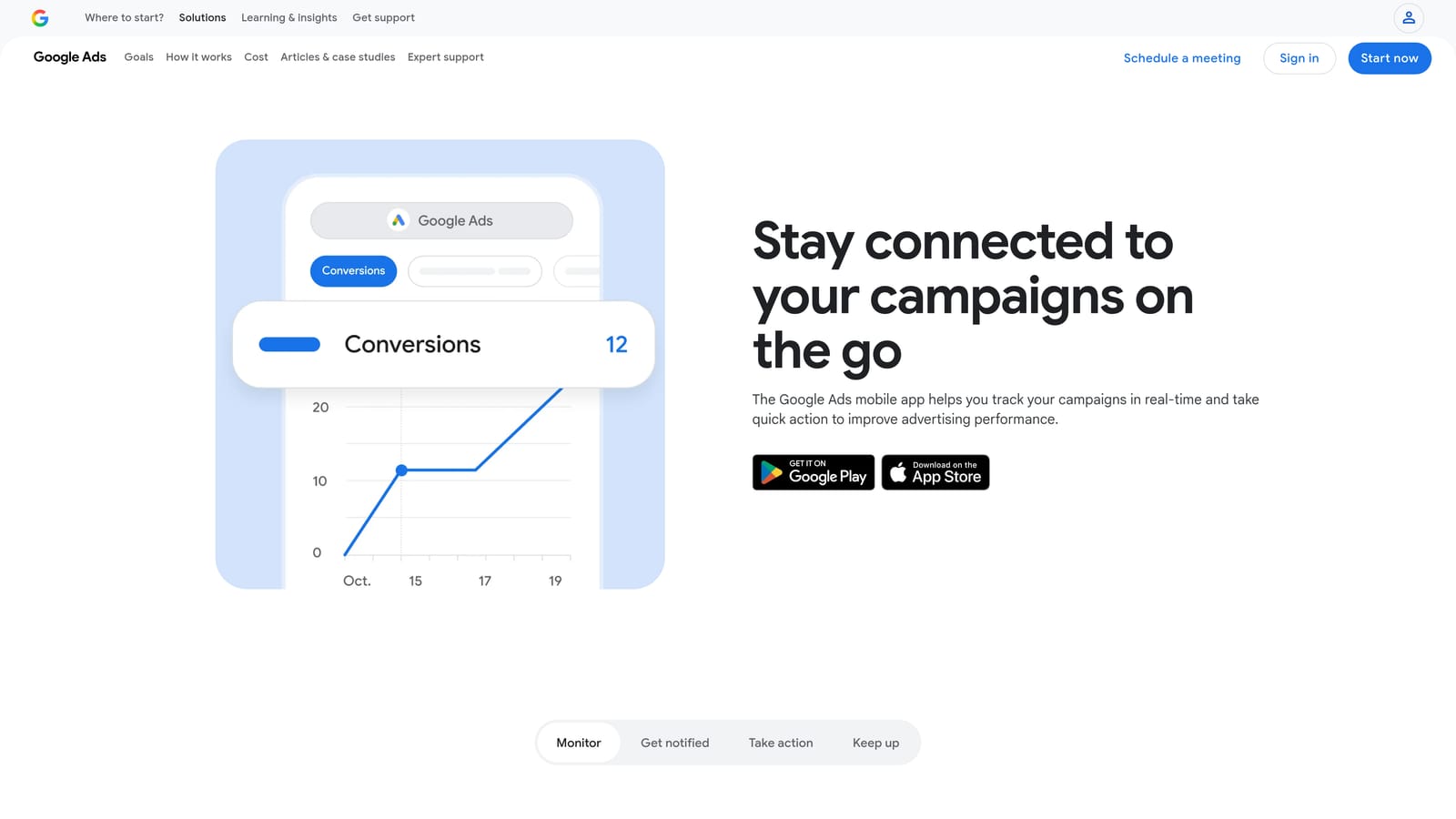
Its real value is speed of reaction. If a campaign's spend spikes overnight or a keyword suddenly starts underperforming, you find out and can act on it without waiting until you're back at your laptop.
- Real-time performance monitoring you can check from anywhere
- Bid, budget, and keyword status changes made directly from your phone
- Push notifications that flag significant account changes as they happen
- Quick-glance dashboards if you're managing more than one account
Setup is just downloading the app and signing in with the same Google Ads credentials you use on desktop; there's no separate configuration. It's typically used by whoever already manages the account day to day, just in moments when they're away from a computer.
The interface is simplified compared to desktop, which is the point but also the limitation. You can react to an alert or make a quick fix, but detailed search term review, bulk edits, or anything requiring the Search Terms Report in depth still needs a desktop session.
Free to download and use with any Google Ads account.
Best for: Advertisers who need to catch and react to account issues quickly when away from their desk.
Matching the Tool to Your Workflow
If you're a solo advertiser or run a small agency and your biggest time sink is sorting through the search terms report every week, start with Keywordme. It's the only tool here purpose-built for that exact job, and the flat per-user pricing keeps costs predictable as you add clients. Agencies handling large account restructures or bulk changes across dozens of campaigns get more out of Google Ads Editor's offline preview workflow, and technical teams who want automation beyond simple if/then logic should look at Scripts.
For everyone else, the native features round out the picture: Automated Rules for basic guardrails, Recommendations for guided suggestions you still vet yourself, Performance Max diagnostics if that campaign type is part of your mix, and the mobile app for staying on top of accounts when you're away from your desk. None of these replace judgment, but together they cut down the manual grind considerably.
If search term cleanup is where you're losing the most hours, start your free 7-day trial of Keywordme and see how much faster the process gets when the tool lives right inside your Search Terms Report. After the trial, it's $12 a month, no spreadsheets required.
.svg)