
8 Best In-Browser PPC Optimization Tools for Google Ads in 2026
A practical guide to in-browser ppc optimization tools.


You spend most of the week inside Google Ads, and you're tired of exporting search terms to a spreadsheet, filtering them, and pasting the results back in. This list is for marketers, freelancers, and agency owners who want optimization work to happen where the account already lives. Each tool was judged on how much of the job happens in the browser or the Google Ads interface, which job it does (search terms, keyword research, automation, audits), how clear the pricing is, and whether it suits a solo advertiser or an agency. A true overlay on Google Ads is rare, so the list also includes native Google features and web-based platforms that run entirely in a browser tab.
Quick Comparison of the Tools
- Keywordme: freelancers and agency staff who clean search terms all week; $12/month per user (as of November 2026); works as an overlay on the native Search Terms Report.
- Google Ads Scripts: technically comfortable advertisers; free; fully custom, code-based scheduled automation.
- Google Ads Keyword Planner: pre-launch research and expansion; free with a Google Ads account; first-party keyword and forecast data from Google.
- Google Ads Recommendations and Optimization Score: small accounts and quick sanity checks; free; account-specific suggestions with zero setup.
- Optmyzr: agencies running many accounts; tiered pricing, see website; deep rule-based automation across client accounts.
- Adalysis: teams that want structured audits; see website for pricing; systematic ad test analysis and scheduled audit alerts.
- Opteo: in-house marketers who want guided priorities; see website for pricing; to-do style suggestions with the reasoning shown.
- WordStream: small businesses wanting a guided platform; see website, may be quote-based; recommendations bundled with reporting.
1. Keywordme
Keywordme is our own product, so weigh this section with that in mind. It's a Chrome extension that adds one-click actions to the Search Terms Report inside Google Ads. A search term is the actual query someone typed; a keyword is what you bid on. Keywordme sits between the two, letting you promote good search terms to keywords or block bad ones without leaving the page.
What sets it apart on this list is that it's a true overlay on the native interface. There's no export, no separate dashboard, and no sync step. You work in the report you already use.
- One-click negative keyword and junk search term removal, so cleanup takes clicks instead of a spreadsheet round trip.
- Add high-intent search terms as keywords with your chosen match type applied, which saves retyping and formatting.
- Keyword clustering to group related terms before you act on them.
- Bulk editing for applying the same action across many terms at once.
- Multi-account and team support, which matters if several people touch client accounts.
It connects to Google Ads through Chrome, and setup is installing the extension and signing in. Whoever does the weekly search term review runs it day to day.
The limits are real. It's Chrome-only and focused on search terms and keyword workflows. It doesn't handle bidding, budgets, ad testing, or reporting, so you'll pair it with other tools for those. It also doesn't replace judgment: a junk-looking term added as an exact-match negative without review can block traffic you wanted, so read before you click.
Pricing is a flat $12/month per user with a 7-day free trial, as of November 2026. Cost scales with seats, not spend or account count.
Best for: Freelancers and agency staff who spend much of their time cleaning search terms.
2. Google Ads Scripts
Google Ads Scripts lets you write or paste JavaScript that runs inside your Google Ads account on a schedule. Typical uses are broken-URL checks, budget alerts, anomaly emails, and custom bulk jobs. It's built for advertisers who are comfortable with code or willing to vet it carefully.
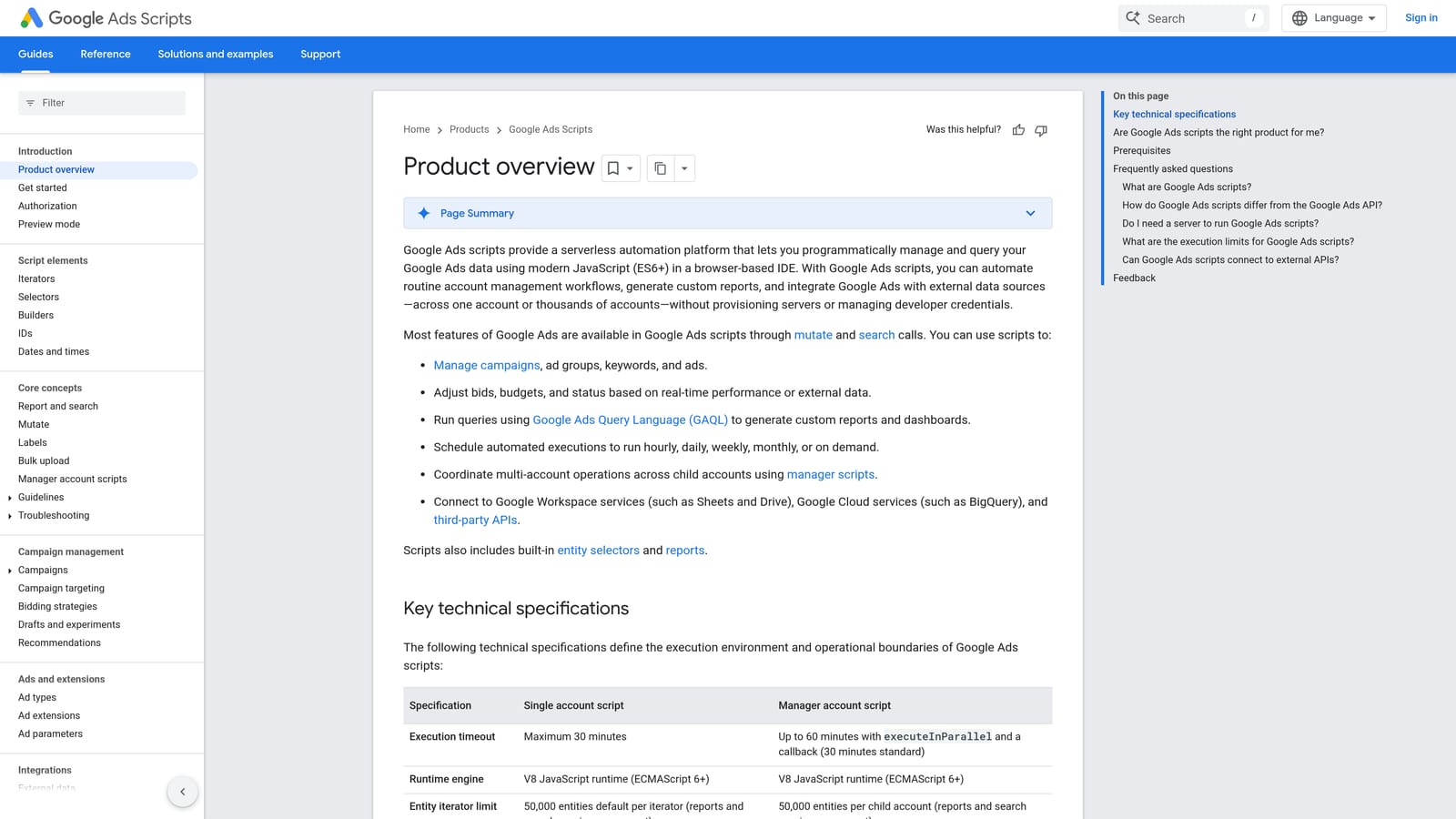
Its edge over everything else here is flexibility. If you can describe the task, a script can probably do it, at no extra cost and with no new software.
- Runs inside the Google Ads UI, so nothing leaves your account environment.
- Scheduled execution turns a weekly manual check into something that happens on its own.
- Preview mode shows what a script would change before it applies anything, which is your safety net.
- Access to account data and reports lets you build checks around your own thresholds.
- A large library of community-shared scripts gives you a starting point instead of a blank editor.
Scripts can read and write to Google Sheets and send email, which covers most alerting and reporting needs. You'll find it in the account's tools area; confirm the current menu path in Google's documentation, since interface labels shift.
The catch is the skill requirement. Someone must understand what a script does before it runs. Third-party code is the biggest risk: a script you copy from a blog can modify live campaigns, so read it line by line and use preview mode first. It's a poor fit if nobody on your team writes or reviews JavaScript.
It's free.
Best for: Technically comfortable advertisers who want custom scheduled automation.
3. Google Ads Keyword Planner
Google Ads Keyword Planner is Google's free research tool for finding keyword ideas and checking search volume and forecasts. It's for anyone planning a new campaign or looking for expansion ideas.

Its distinguishing strength is source: the data comes straight from Google, not a third-party estimate. No other tool on this list offers first-party forecasts for planned keywords.
What you get
- Keyword ideas from seed terms or a website URL, useful when you're starting from nothing.
- Historical search volume, shown as ranges for many accounts. Check Google Ads Help for the current rule on when exact figures appear.
- Forecasts for keywords you plan to bid on, which help with early budget conversations.
- Keyword grouping ideas to seed ad group structure.
Where it stops
A common mistake is treating it as a cleanup tool. Keyword Planner tells you what people might search for. It says nothing about what people actually typed before clicking your ads. That's the Search Terms Report's job, and the two answer different questions. Planner is research and planning; it won't help you find wasteful queries in a live campaign.
It needs a Google Ads account but no spend, and it's free to use. Setup is minimal, and whoever plans campaigns usually owns it.
Best for: Pre-launch keyword research and campaign expansion ideas.
4. Google Ads Recommendations and Optimization Score
Google Ads Recommendations is the built-in suggestion engine, paired with the optimization score, a percentage Google displays to indicate how many available suggestions you've acted on. It proposes changes to keywords, bidding, ads, and assets, and you apply or dismiss each one.
Its advantage is zero setup. Suggestions are generated for your specific account the moment you open the Recommendations page, so a small advertiser with no other tooling gets something useful immediately.
- A Recommendations page inside the account keeps suggestions where you already work.
- The optimization score gives a rough sense of how much is left on the table, according to Google.
- Apply or dismiss individual suggestions, so you stay in control of each change.
- Coverage across keywords, bidding, ads, and assets means one place to scan for ideas.
The limits matter. Suggestions reflect Google's priorities, which don't always match yours, and some push toward more spend or broader targeting. Applying them blindly is a classic mistake. The score is not a performance guarantee either: a high score doesn't mean good results, and a lower one can be perfectly fine for your goals. Treat each suggestion as a prompt to review, not an instruction.
It's free, and anyone with account access can use it.
Best for: A quick sanity check or a small account with no other tooling.
5. Optmyzr
Optmyzr is a web-based PPC management platform with rule-based optimizations, audits, and reporting. It's designed for agencies and in-house teams juggling many accounts.

Its strength is depth of automation at scale. Where Keywordme speeds up one task inside one interface, Optmyzr lets you define rules and apply optimizations across a whole book of client accounts.
- Account audits that surface issues across campaigns without manual digging.
- Rule-based and one-click optimizations, so repeat fixes become standardized.
- Reporting you can use for client communication.
- Bulk management across client accounts, the feature agencies usually buy it for.
It connects to Google Ads and Microsoft Advertising, and the vendor lists other ad platforms too; verify the current list on its site. Setup means connecting accounts and configuring rules, and a power user or account lead typically owns that. Expect an onboarding period before it pays off.
It's a separate dashboard, not an overlay, so you leave Google Ads to use it. For a solo advertiser with one small account, it's more than you need.
Pricing is tiered, and the starting price isn't something I can state with confidence; see the website for current plans as of November 2026.
Best for: Agencies that run many accounts and want deeper automation.
6. Adalysis
Adalysis is a browser-based PPC platform known for automated account audits, alerts, and ad testing analysis. It's aimed at teams that want a systematic review process instead of ad hoc checking.
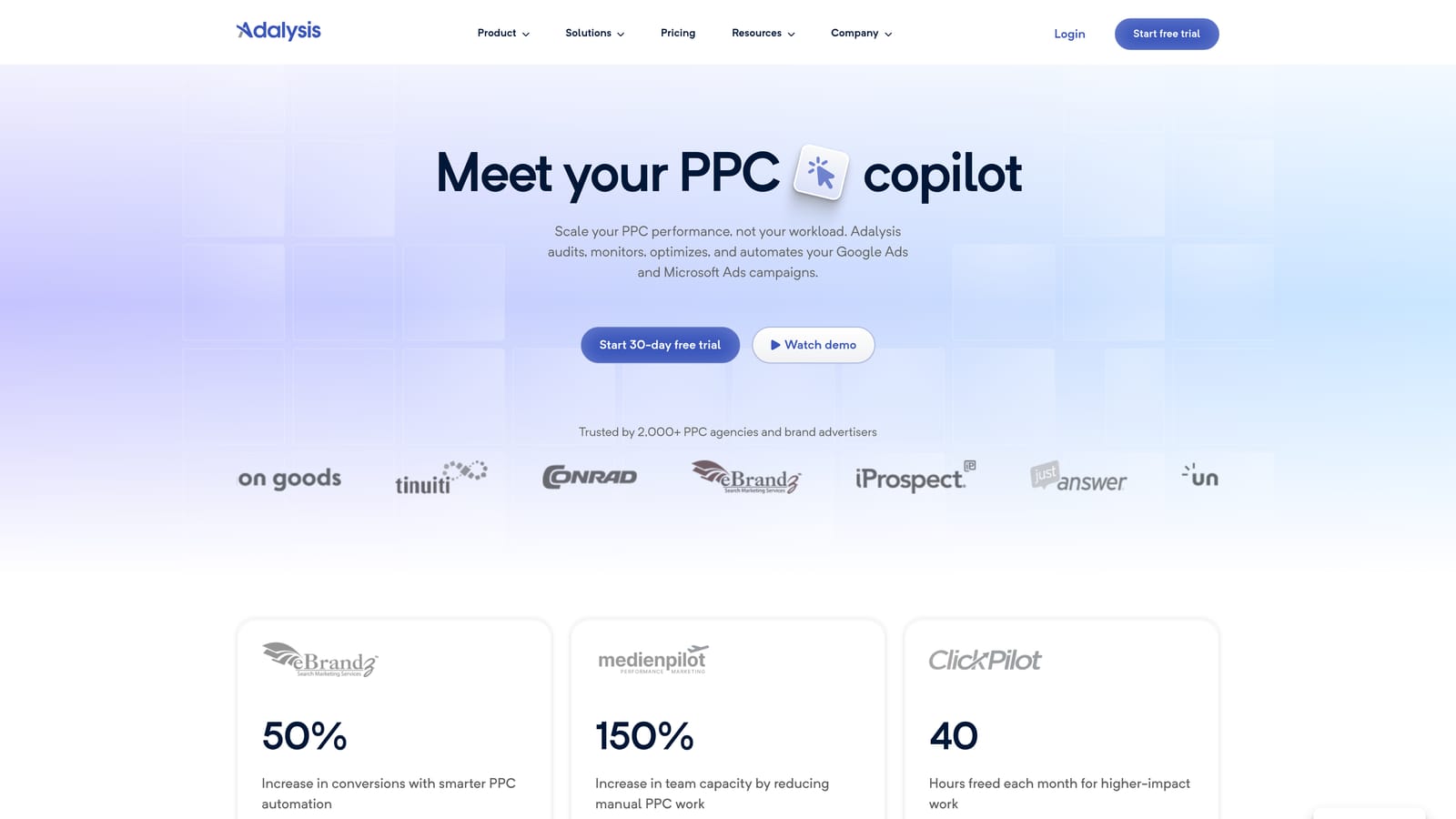
What it does better than the others here is ad test analysis. It evaluates your ad variations and tells you what's winning, alongside scheduled audits that flag problems as they appear.
- Automated account audits that catch structural and setup issues.
- Alerts that tell you when something changes, so you don't rely on remembering to check.
- Ad testing analysis to decide which creative to keep and which to retire.
- Reporting for sharing results with clients or stakeholders.
It connects to Google Ads and, per the vendor, Microsoft Advertising; confirm on its site. Setup is account connection plus tuning alerts, and a PPC manager or analyst usually runs it.
The trade-off is workflow. Changes happen in its dashboard, so you switch between it and Google Ads. It's also more than you need for light optimization; if your week is mostly search term review, it's overkill.
Pricing isn't something I can quote reliably. See the website for current plans as of November 2026.
Best for: Teams that want structured audits and ad testing guidance.
7. Opteo
Opteo is a web-based Google Ads optimization tool that gives you a prioritized list of suggested improvements, each with an explanation. It's built for people who'd rather be told what to look at than dig through raw data.
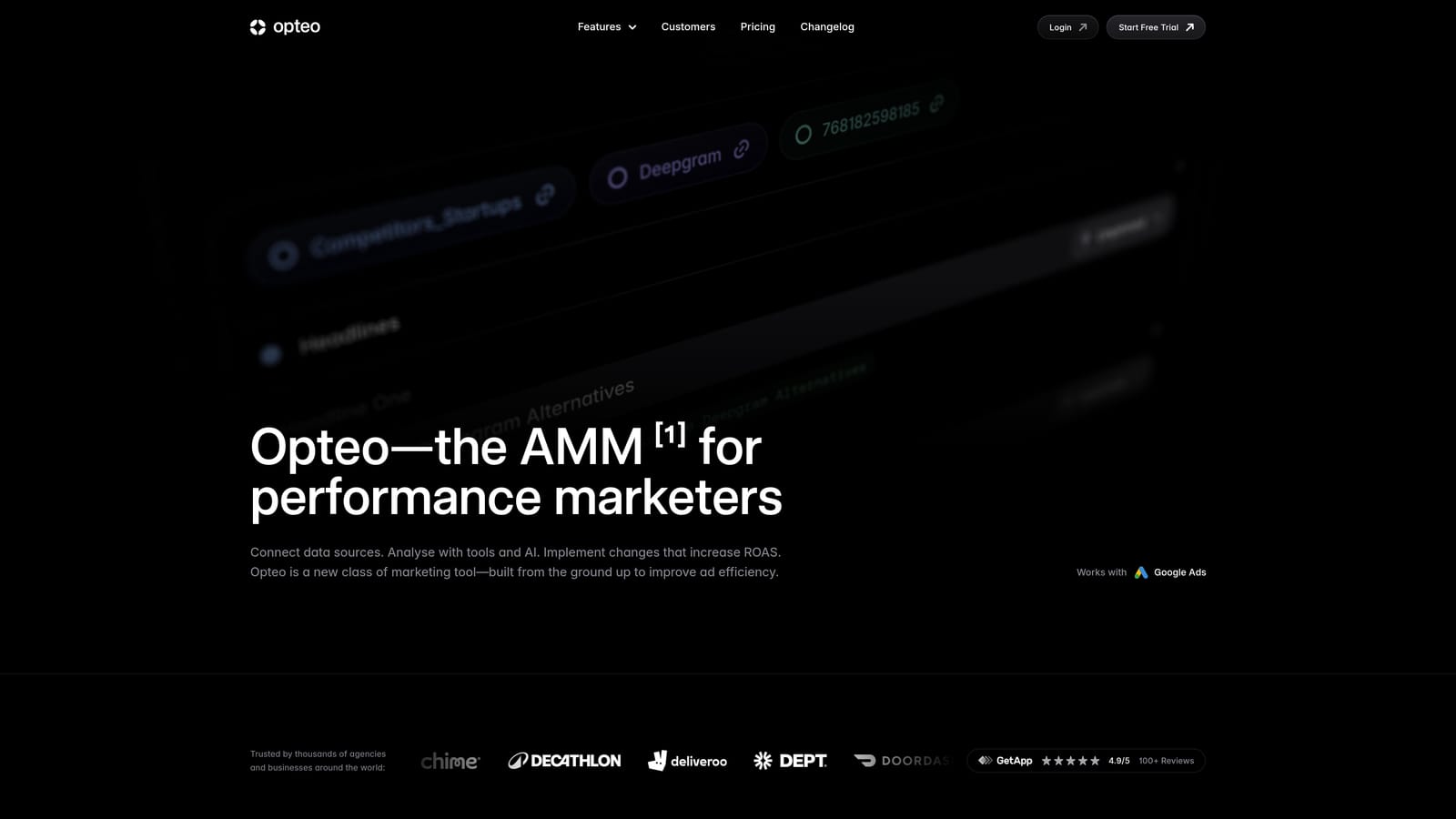
Its distinguishing trait is the to-do list format with the reasoning shown. You see why something is suggested, which makes it a decent learning tool as well as a workflow one.
- Prioritized suggestions with explanations, so you know what to tackle first and why.
- Account health monitoring to spot slipping performance between reviews.
- Reporting to summarize account activity for stakeholders.
It focuses on Google Ads. Setup is connecting your account, and an in-house marketer or account manager typically works through the list.
It's a separate app, not an overlay, so you move between it and the Google Ads interface. And suggestions still need your judgment: a recommendation that fits a generic account may not fit your margins, seasonality, or lead quality. Like Google's own recommendations, it works best as input, not as autopilot.
Pricing isn't something I can confirm here. See the website for current plans as of November 2026.
Best for: In-house marketers who want guided priorities instead of raw data.
8. WordStream
WordStream, from LocaliQ, is a web-based PPC management platform aimed at small businesses and agencies. It bundles guided optimization recommendations with reporting.
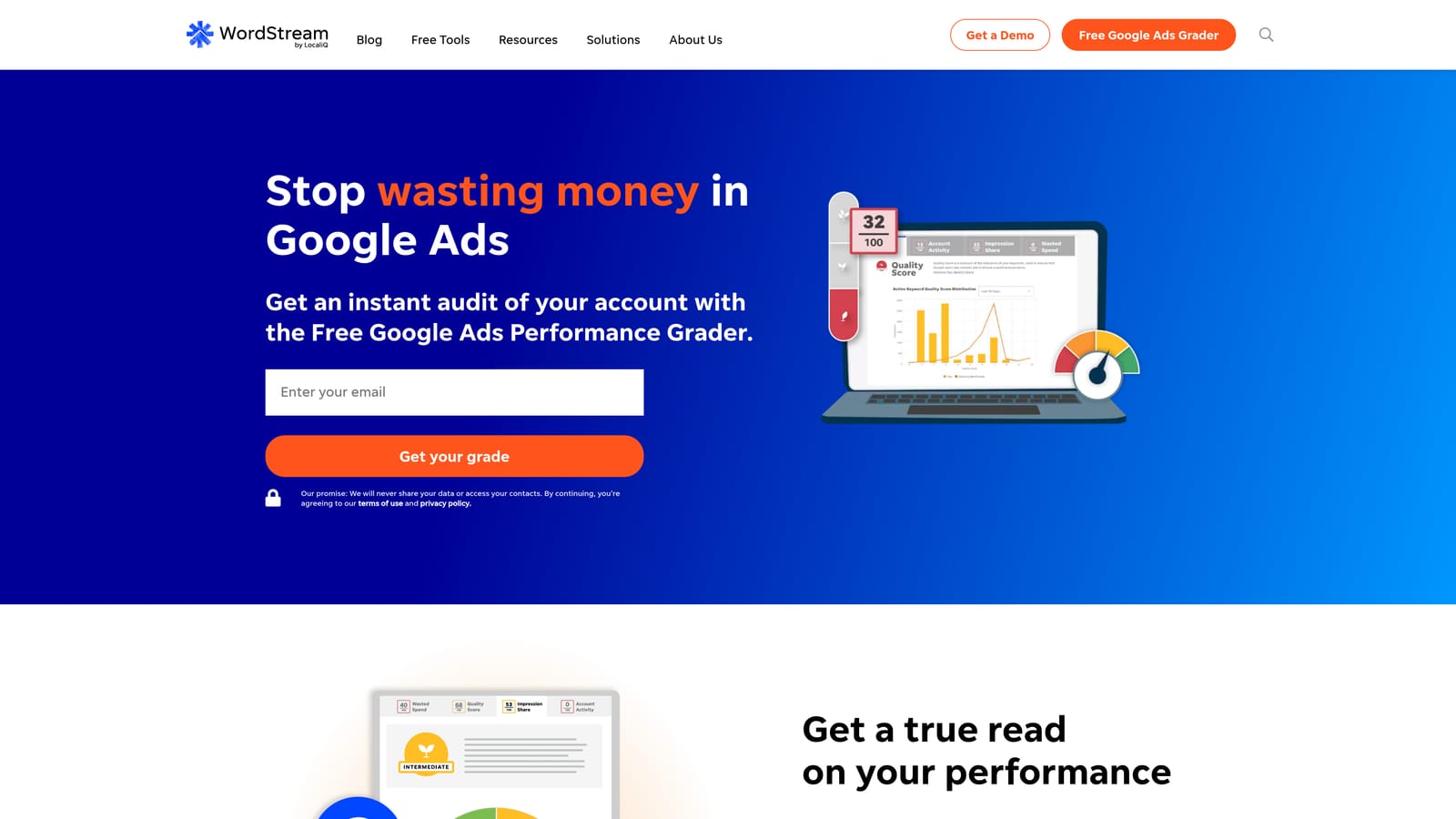
Its angle is the small-business-friendly workflow. Where Optmyzr leans on rules and scale, WordStream leans on guidance and clear reporting for people who don't live in ad platforms all day.
- Guided optimization recommendations that walk you through what to change.
- Cross-account reporting, useful if you manage more than one business or client.
- Support oriented to small-business advertisers, who often lack in-house PPC expertise.
It supports Google Ads and Microsoft Advertising, and the vendor has listed Meta Ads; verify the current set on its site. Setup is connecting accounts, and an owner or marketing generalist can run it.
It's heavier than you need for hands-on keyword work, and it isn't an in-interface overlay. If your main pain is reviewing search terms quickly, a lighter tool fits better.
Pricing may be quote-based. See the website for current details as of November 2026.
Best for: Small businesses that want a guided platform with reporting.
Matching the Tool to the Job
For search term cleanup inside Google Ads, Keywordme is the most direct fit, since it works on the native report with no export step. For free research and native checks, use Keyword Planner before launch and the Recommendations page as a prompt for review, not a to-do list to accept wholesale. If someone on your team writes JavaScript, Google Ads Scripts gives you custom, scheduled automation for nothing. For multi-client audits and rule-based management, look at Optmyzr or Adalysis; Opteo and WordStream suit teams that want guided priorities and reporting.
These tools combine well. A common setup is Keyword Planner for research, Keywordme for weekly search term work, and an audit platform for monthly reviews. Whatever you run, review negatives before adding them, especially as exact match.
Optimize Google Ads Campaigns 10X Faster. Without Leaving Your Account. Keywordme lets you remove junk search terms, build high-intent keyword lists, and apply match types instantly, right inside Google Ads. No spreadsheets, no switching tabs, just quick, seamless optimization. Start your free 7-day trial (then just $12/month) and take your Google Ads game to the next level.
