
9 Best Negative Keyword Tools to Stop Wasting Ad Spend
Negative keyword tools automate the tedious process of filtering out irrelevant search terms that drain your Google Ads budget on non-converting clicks. Learning how to use negative keyword tools effectively can save hours of manual work each month while redirecting ad spend toward high-intent searches that actually drive conversions, with options ranging from free built-in features to advanced automation platforms suited for different account sizes and budgets.


If you've ever watched your Google Ads budget disappear on searches like "free alternatives" or "how to do it yourself," you know the pain of irrelevant clicks. Negative keywords are your best defense against wasted spend—but manually combing through search term reports every week is a soul-crushing task. That's where negative keyword tools come in. They automate the grunt work, flag the junk faster, and help you build cleaner campaigns without drowning in spreadsheets.
The right tool can save you hours every month and redirect budget toward queries that actually convert. Some work directly inside Google Ads, others offer deep automation and competitive intelligence, and a few are completely free. We've tested and researched the top options available in 2026 to help you find the best fit for your workflow, budget, and account size.
Here are the top negative keyword tools to stop wasting ad spend this year.
1. Keywordme
Best for: Fast, in-platform optimization without leaving Google Ads
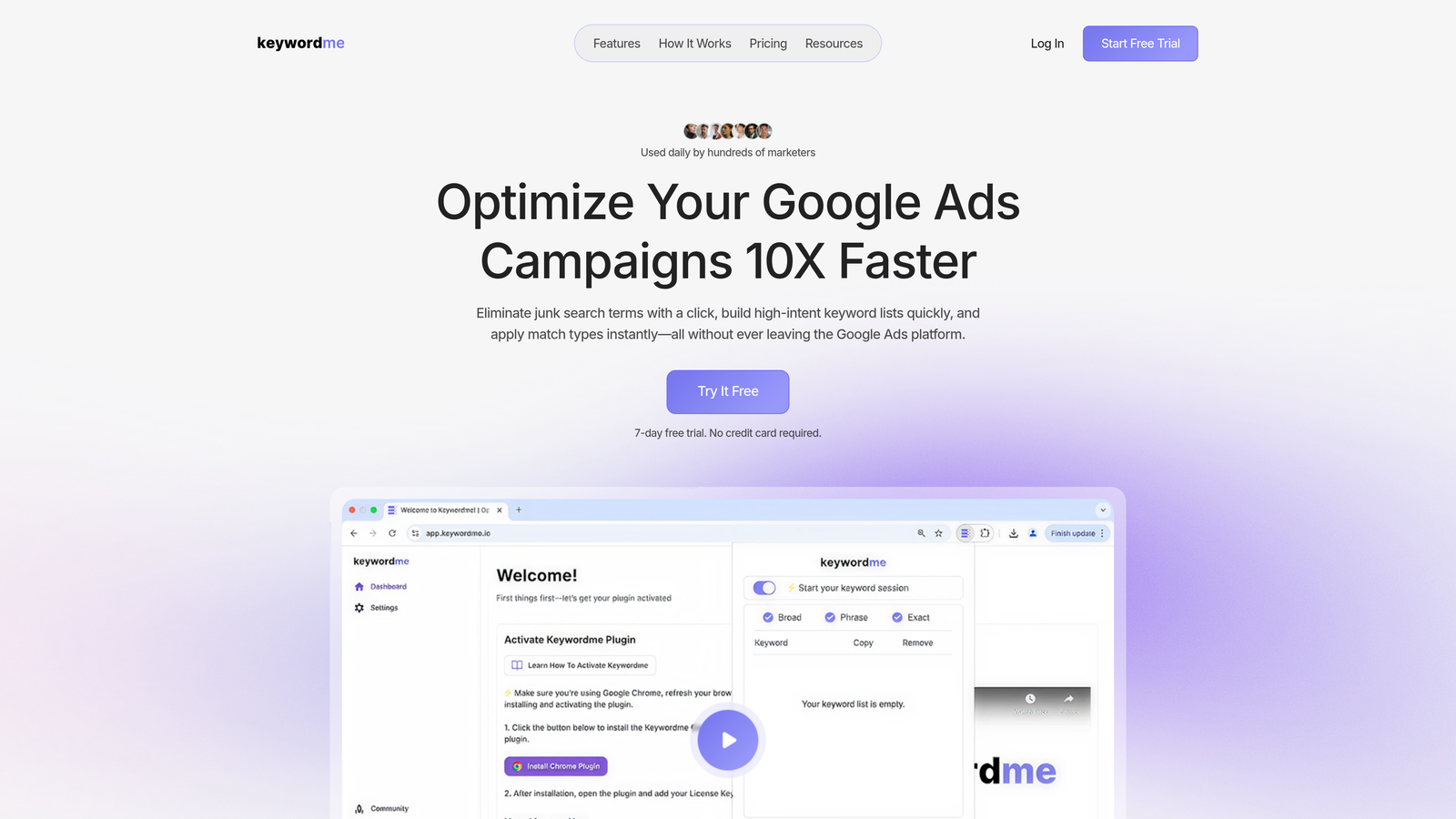
Keywordme is a Chrome extension that brings negative keyword management directly into the Google Ads Search Terms Report interface.
Where This Tool Shines
Keywordme eliminates the constant tab-switching and spreadsheet exports that slow down most PPC workflows. You're already reviewing search terms in Google Ads—this tool just makes it possible to take action instantly. Click a search term, add it as a negative, apply match types, or build new keyword groups without ever leaving the native interface.
For agencies managing multiple clients, the multi-account and team support makes it easy to standardize processes across accounts. The bulk editing and keyword clustering features turn what used to be hour-long optimization sessions into 10-minute sprints.
Key Features
One-Click Negative Keyword Addition: Remove junk search terms directly from the Search Terms Report with a single click.
Bulk Editing and Keyword Clustering: Group related keywords and apply changes across campaigns in seconds.
Multi-Account and Team Support: Manage multiple Google Ads accounts and collaborate with team members seamlessly.
Match Type Application: Apply exact, phrase, or broad match modifiers without exporting data or switching tabs.
No Spreadsheet Exports Required: All optimization happens inside Google Ads—no CSV downloads or manual uploads.
Best For
Keywordme is ideal for solo advertisers, freelancers, and agencies who want to speed up their Google Ads optimization without adding another dashboard to their workflow. If you spend significant time in the Search Terms Report, this tool cuts that time by up to 10x.
Pricing
$12/month per user with a 7-day free trial. Flat-rate pricing makes it predictable for agencies and freelancers managing multiple accounts.
<strong>2. Google Ads Keyword Planner</strong>
Best for: Free keyword research and negative keyword discovery for budget-conscious advertisers
Google Ads Keyword Planner is Google's native free tool for keyword research that can also help identify potential negative keywords.
Where This Tool Shines
Keyword Planner is already built into every Google Ads account, so there's zero setup friction. While it's primarily designed for discovering new keywords, you can use it to spot broad, low-intent terms that should become negatives. The search volume data helps you prioritize which negatives matter most based on how often people actually search them.
It's especially useful for building negative keyword lists before launching new campaigns. Run a broad keyword search, filter for irrelevant terms, and add them as negatives from the start — a process covered step by step in our guide on how to find negative keywords — rather than waiting for wasted clicks to show up in your Search Terms Report.
Key Features
Free to Use: No additional cost beyond your Google Ads account—perfect for tight budgets.
Search Volume and Competition Data: See how often terms are searched and how competitive they are.
Related Keyword Suggestions: Discover variations and related terms that might need to be added as negatives.
Historical Trends and Forecasting: Understand seasonal patterns and predict future search behavior.
Best For
Google Ads Keyword Planner works best for advertisers who are just starting with negative keywords or running smaller accounts where manual review is manageable. It's also great for pre-campaign planning when you want to build negative lists proactively.
Pricing
Completely free with any Google Ads account.
3. SEMrush PPC Keyword Tool
Best for: Competitive intelligence and cross-campaign negative keyword discovery
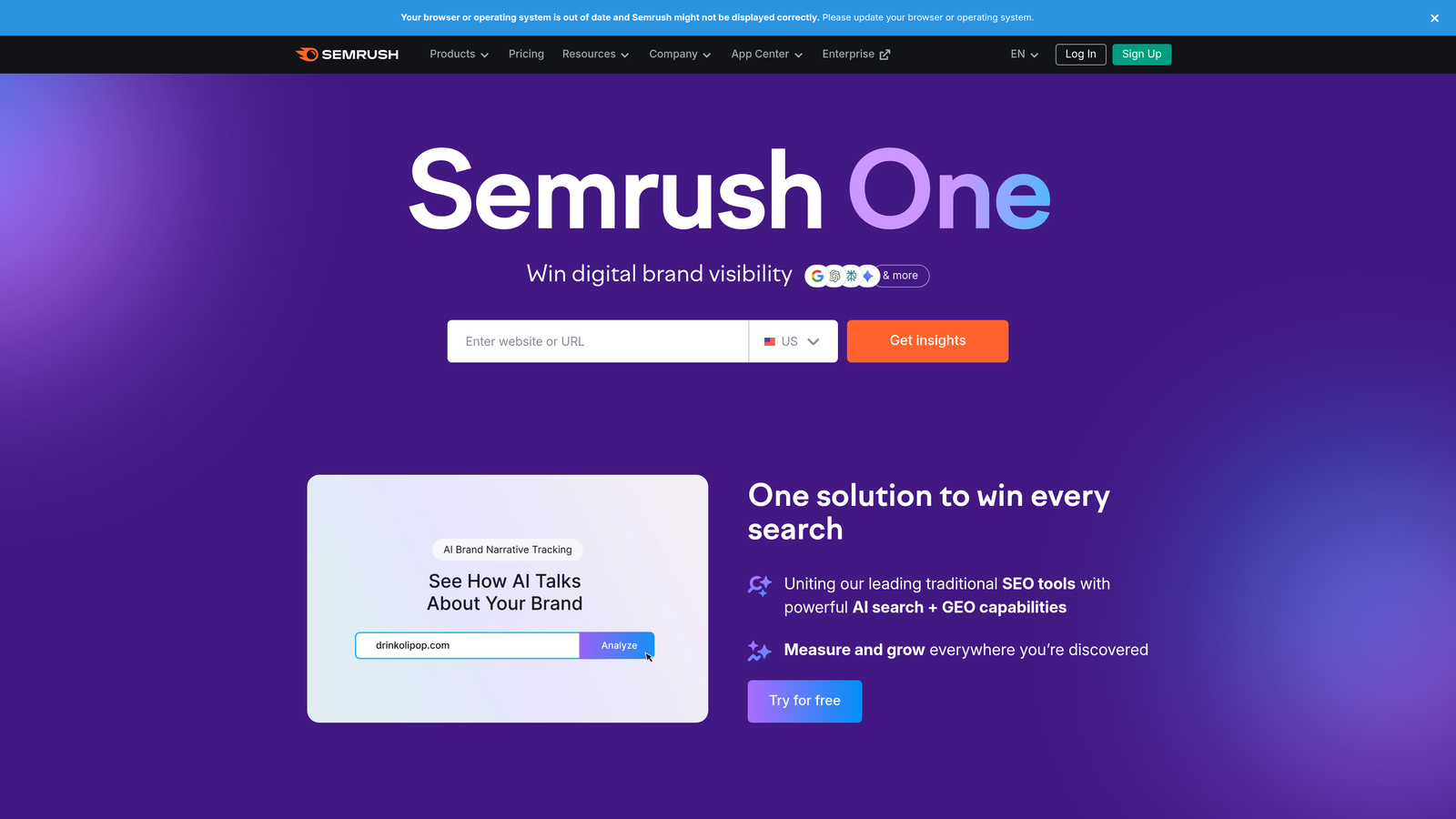
SEMrush PPC Keyword Tool is a comprehensive PPC management platform with negative keyword features and competitive intelligence.
Where This Tool Shines
SEMrush's real power is showing you what your competitors are doing—and what they're avoiding. You can analyze competitor ad campaigns, see which keywords they bid on, and infer which terms they've added as negatives. This competitive angle helps you build smarter negative keyword lists by learning from others' trial and error.
The platform also integrates directly with Google Ads, so you can push negative keywords from SEMrush into your campaigns without manual exports. The campaign structure planning features help you organize negatives by theme or intent, making your account cleaner from the start.
Key Features
Cross-Reference Competitor Ad Campaigns: See which keywords competitors target and which they likely exclude.
Negative Keyword Recommendations: Get automated suggestions based on your campaign performance and search query data.
Campaign Structure Planning: Organize keywords and negatives into logical groups before launching campaigns.
Integration with Google Ads: Push negative keywords directly into your account without leaving SEMrush.
Best For
SEMrush is best for advertisers who want competitive insights alongside negative keyword management. If you're in a crowded market and want to understand what's working for others, this tool delivers the data you need.
Pricing
Starts at $139.95/month for the Pro plan, with higher tiers for agencies and larger teams.
4. Optmyzr
Best for: Advanced automation and rule-based negative keyword management at scale
Optmyzr is an advanced PPC automation platform with rule-based negative keyword management and optimization scripts.

Where This Tool Shines
Optmyzr is built for advertisers managing large accounts or multiple clients who need automation to keep up. You can create custom rules that automatically flag or add negative keywords based on performance thresholds—like "add as negative if a search term gets 10 clicks and zero conversions." This hands-off approach saves hours every week and catches wasteful spend faster than manual reviews.
The platform also supports Shopping campaigns, which are notoriously difficult to optimize for negative keywords. Optmyzr's scripts and one-click optimizations make it easier to manage product-level negatives without drowning in data.
Key Features
Automated Negative Keyword Suggestions: Get recommendations based on performance data and custom rules you define.
Custom Rule Creation: Set thresholds for clicks, conversions, or spend to trigger automatic negative keyword additions.
One-Click Optimizations: Apply recommended changes instantly without manual data entry.
Multi-Account Management: Manage negative keywords across dozens or hundreds of accounts from one dashboard.
Shopping Campaign Support: Handle product-level negative keywords more efficiently than Google Ads allows natively.
Best For
Optmyzr is ideal for agencies, in-house teams managing large budgets, and anyone who wants to automate repetitive PPC tasks. If you're spending more than $10,000/month on ads, the time savings justify the cost.
Pricing
Starts at $249/month, with pricing scaling based on ad spend and account complexity.
5. WordStream
Best for: Small business advertisers who want guided optimization workflows
WordStream is an SMB-focused PPC management platform with guided optimization workflows including negative keyword alerts.
Where This Tool Shines
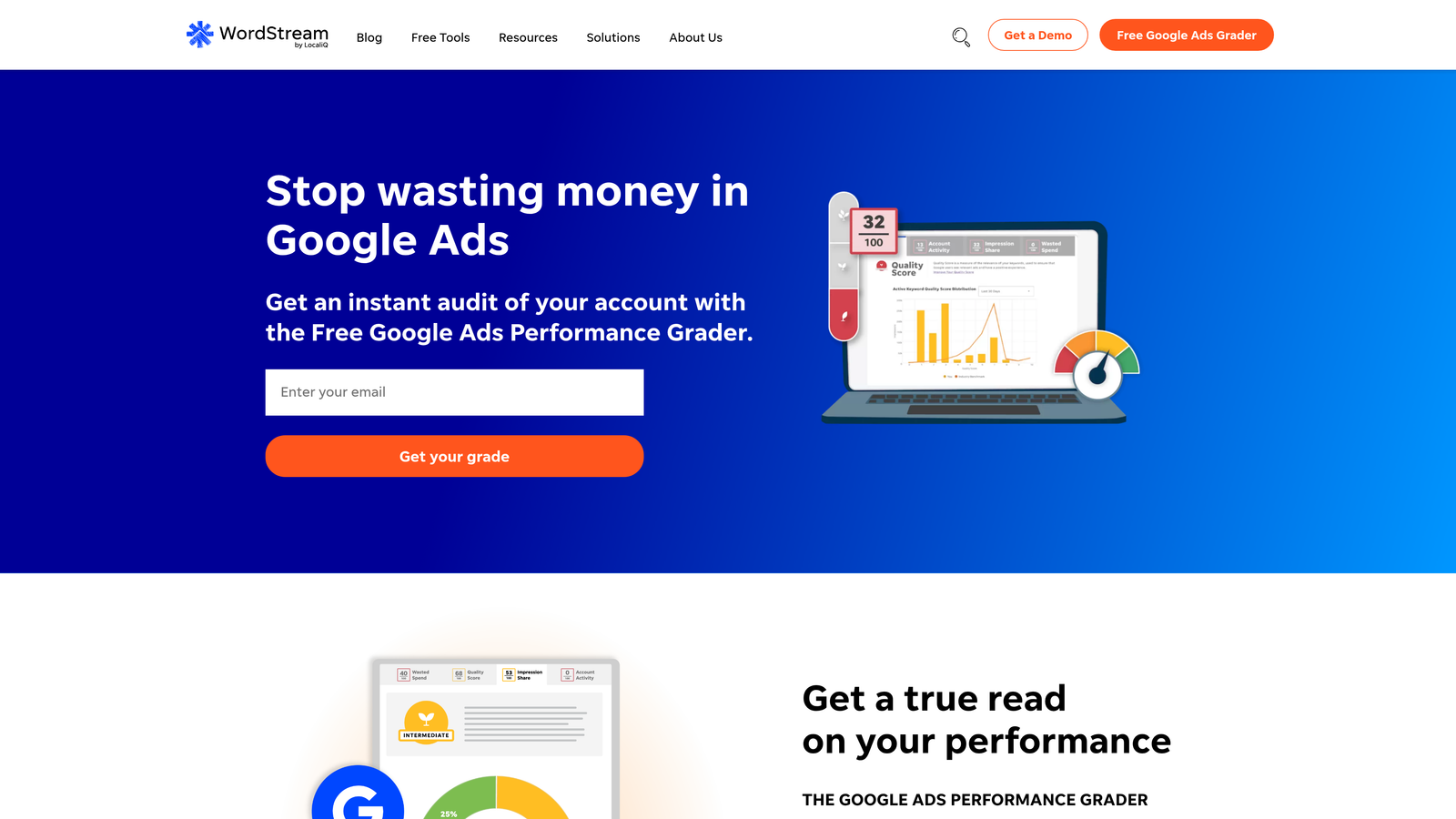
WordStream is designed for advertisers who don't live inside Google Ads every day. The "20-Minute Work Week" feature sends you a weekly checklist of optimization tasks, including negative keyword suggestions, so you can keep campaigns healthy without constant monitoring. The platform grades your account performance and compares it to industry benchmarks, giving you context for how well you're doing.
The negative keyword alerts are presented in plain language with clear explanations of why a term should be excluded. This makes it easier for less experienced advertisers to make confident decisions without second-guessing themselves.
Key Features
20-Minute Work Week Optimization Alerts: Get a curated list of high-impact tasks, including negative keyword recommendations, every week.
Negative Keyword Suggestions: Automated alerts flag wasteful search terms based on performance data.
Performance Grading and Benchmarks: See how your campaigns compare to industry standards and where to focus your efforts.
Cross-Platform Ad Management: Manage Google Ads, Facebook Ads, and other platforms from one dashboard.
Best For
WordStream works best for small business owners, solo marketers, and agencies managing SMB clients who need simple, guided optimization without overwhelming complexity.
Pricing
Custom pricing based on your monthly ad spend. Typically starts around $300/month for smaller accounts.
6. Adalysis
Best for: Data-driven advertisers who want deep search term analysis and n-gram pattern detection
Adalysis is a data-driven PPC analysis tool with automated search term mining and negative keyword recommendations.

Where This Tool Shines
Adalysis uses n-gram analysis to identify patterns in your search term data that you'd never spot manually. It groups search terms by common words or phrases and shows you which patterns are wasting money. This makes it easier to add broad negative keywords that catch multiple variations instead of playing whack-a-mole with individual terms.
The wasteful spend alerts are particularly useful—Adalysis flags search terms that are costing you money without delivering conversions, ranked by how much budget they're burning. You can apply negative keywords in bulk directly from the platform, making cleanup fast and efficient.
Key Features
Automated Search Term Analysis: Continuously scans your Search Terms Report for wasteful queries.
Wasteful Spend Alerts: Get notified when search terms are draining budget without converting.
N-Gram Analysis for Pattern Detection: Identify common word patterns in wasteful searches to add broader negatives.
Bulk Negative Keyword Application: Apply multiple negative keywords at once without manual entry.
Best For
Adalysis is best for data-savvy advertisers who want to go beyond basic negative keyword management and find hidden patterns in their search term data. It's especially valuable for accounts with high search volume where manual analysis becomes impossible.
Pricing
Starts at $149/month for smaller accounts, with pricing increasing based on ad spend and account complexity.
7. Negative Keyword Pro
Best for: Quickly building starter negative keyword lists by industry
Negative Keyword Pro is a specialized tool focused on pre-built negative keyword lists organized by industry and campaign type.
Where This Tool Shines
Negative Keyword Pro takes the guesswork out of building your first negative keyword list. Instead of starting from scratch, you can download industry-specific lists that cover common irrelevant terms for your niche. Whether you're in e-commerce, B2B SaaS, or local services, there's a pre-built list that covers the obvious negatives you should have added from day one.
The lists are updated regularly to reflect new search trends and spam patterns, so you're not working from outdated data. You can download them as CSV files and import them directly into Google Ads in minutes.
Key Features
Industry-Specific Negative Keyword Lists: Pre-built lists tailored to common verticals like e-commerce, SaaS, and local services.
Downloadable Starter Lists: Get CSV files ready to import into Google Ads without any formatting work.
Regular List Updates: Lists are refreshed to include new spam patterns and irrelevant search trends.
Easy Import to Google Ads: Formatted for seamless upload into your campaigns or shared negative keyword lists.
Best For
Negative Keyword Pro is perfect for advertisers launching new campaigns who want to avoid common pitfalls from the start. It's also useful for agencies who want to standardize negative keyword lists across similar client accounts.
Pricing
Free basic lists are available for download. Premium lists with more comprehensive coverage are offered for a one-time purchase or subscription.
8. SpyFu
Best for: Competitive research to uncover negative keyword opportunities
SpyFu is a competitive intelligence platform that reveals competitor keywords and helps identify negative keyword opportunities.
Where This Tool Shines
SpyFu lets you peek inside your competitors' Google Ads strategies—including which keywords they've stopped bidding on. If a competitor tested a keyword and abandoned it, that's a strong signal it wasn't profitable. You can add those terms as negatives before wasting your own budget testing them.
The platform also shows historical ad spend estimates and keyword groupings, giving you context for how competitors structure their campaigns. This competitive lens helps you build smarter negative keyword lists informed by real market data, not just guesswork.
Key Features
Competitor Ad History and Keywords: See which keywords competitors bid on over time and which they've dropped.
Identify Terms Competitors Avoid: Infer negative keywords by analyzing what successful competitors don't bid on.
PPC Keyword Grouping: Understand how competitors organize their campaigns and keyword themes.
Historical Ad Spend Estimates: Get a sense of how much competitors invest in specific keywords and campaigns.
Best For
SpyFu is ideal for advertisers in competitive markets who want to learn from their competitors' mistakes and successes. If you're entering a new niche or trying to understand why certain keywords aren't working, this tool provides the context you need.
Pricing
Starts at $39/month for the Basic plan, with higher tiers offering more competitor data and historical insights.
9. Karooya
Best for: Free automated negative keyword reports delivered weekly
Karooya is a free negative keyword tool that provides automated weekly reports on wasteful search terms.
Where This Tool Shines
Karooya's free tier is hard to beat for advertisers on a budget. You connect your Google Ads account, and every week you get an email report highlighting search terms that are wasting money. The report includes recommended negative keywords, duplicate keyword detection, and Quality Score analysis—all without spending a dime.
The automated weekly delivery means you don't have to remember to check your Search Terms Report manually. Karooya does the scanning for you and surfaces the most important issues, making it easy to stay on top of negative keyword maintenance even if you're managing multiple accounts.
Key Features
Free Negative Keyword Reports: Get weekly email reports with negative keyword recommendations at no cost.
Automated Weekly Email Delivery: Reports arrive in your inbox automatically—no manual checks required.
Duplicate Keyword Detection: Identify and clean up duplicate keywords that compete with each other.
Quality Score Analysis: See which keywords are dragging down your Quality Score and should be paused or excluded.
Best For
Karooya is perfect for solo advertisers, freelancers, and small business owners who need basic negative keyword management without a monthly subscription. It's also useful as a backup monitoring tool for agencies who want an extra set of eyes on client accounts.
Pricing
Free tier available with weekly reports. Paid plans start at around $49/month for larger accounts needing more advanced features and higher usage limits.
Making the Right Choice
The best negative keyword tool depends on how you work and what you're optimizing for. If speed and seamless workflow matter most, Keywordme delivers the fastest in-platform experience—you're already in Google Ads, so why leave? For larger accounts needing automation at scale, Optmyzr and Adalysis offer rule-based management that catches wasteful spend before it spirals. Budget-conscious advertisers can start with Google Ads Keyword Planner or Karooya's free reports and upgrade later as their needs grow.
Competitive intelligence is where SEMrush and SpyFu shine. If you're in a crowded market and want to learn from competitors' mistakes, these tools give you visibility into what's working and what's not worth testing. For agencies managing multiple clients, tools with multi-account support like Keywordme, Optmyzr, and WordStream make it easier to standardize processes and deliver consistent results.
Here's a quick selection guide by use case: Pick Keywordme if you want to optimize directly inside Google Ads without switching tabs. Choose Optmyzr or Adalysis if you're managing large budgets and need automation. Go with Google Ads Keyword Planner or Karooya if you're just starting or have a tight budget. Use SEMrush or SpyFu for competitive research and market intelligence. Try Negative Keyword Pro if you need starter lists to launch campaigns faster.
The tool you'll actually use consistently is the one that fits your workflow. Don't pick the most feature-rich option if it adds friction to your process. Start with one tool, commit to using it weekly, and you'll see results faster than jumping between platforms.
Start your free 7-day trial of Keywordme and see how much time you save optimizing Google Ads campaigns directly inside the interface. No spreadsheets, no switching tabs—just fast, seamless optimization that keeps your budget focused on what converts.
.svg)