
Top 7 Tools To How To Avoid Common Google Ads Setup Mistakes? And Save Your Budget
Discover seven proven Google Ads management tools that help you how to avoid common Google Ads setup mistakes? like poor keyword targeting, ineffective bidding strategies, and conversion tracking failures before they drain your advertising budget.


Setting up Google Ads campaigns seems straightforward until you realize you've burned through your budget with nothing to show for it. The difference between a profitable campaign and a money pit often comes down to the tools you use during setup—and how well you use them.
Most advertisers make the same preventable mistakes: targeting the wrong keywords, setting bids without data, writing ad copy that doesn't convert, or structuring campaigns in ways that confuse Google's algorithm. These aren't just minor inefficiencies—they're budget killers that can cost thousands before you even realize what's wrong.
The good news? You don't need to learn these lessons the hard way. Modern Google Ads management tools have evolved to catch these mistakes before they happen. They analyze your keyword selections, audit your campaign structure, optimize your bidding strategies, and even write better ad copy than most humans can manage on their first try.
Here are seven proven tools that address the most common Google Ads setup mistakes. Each tackles specific problems—from keyword selection disasters to conversion tracking failures—with features designed for advertisers who want results, not just reports.
1. Optmyzr
Best for: Automated campaign optimization and preventing structural mistakes through AI-powered recommendations.
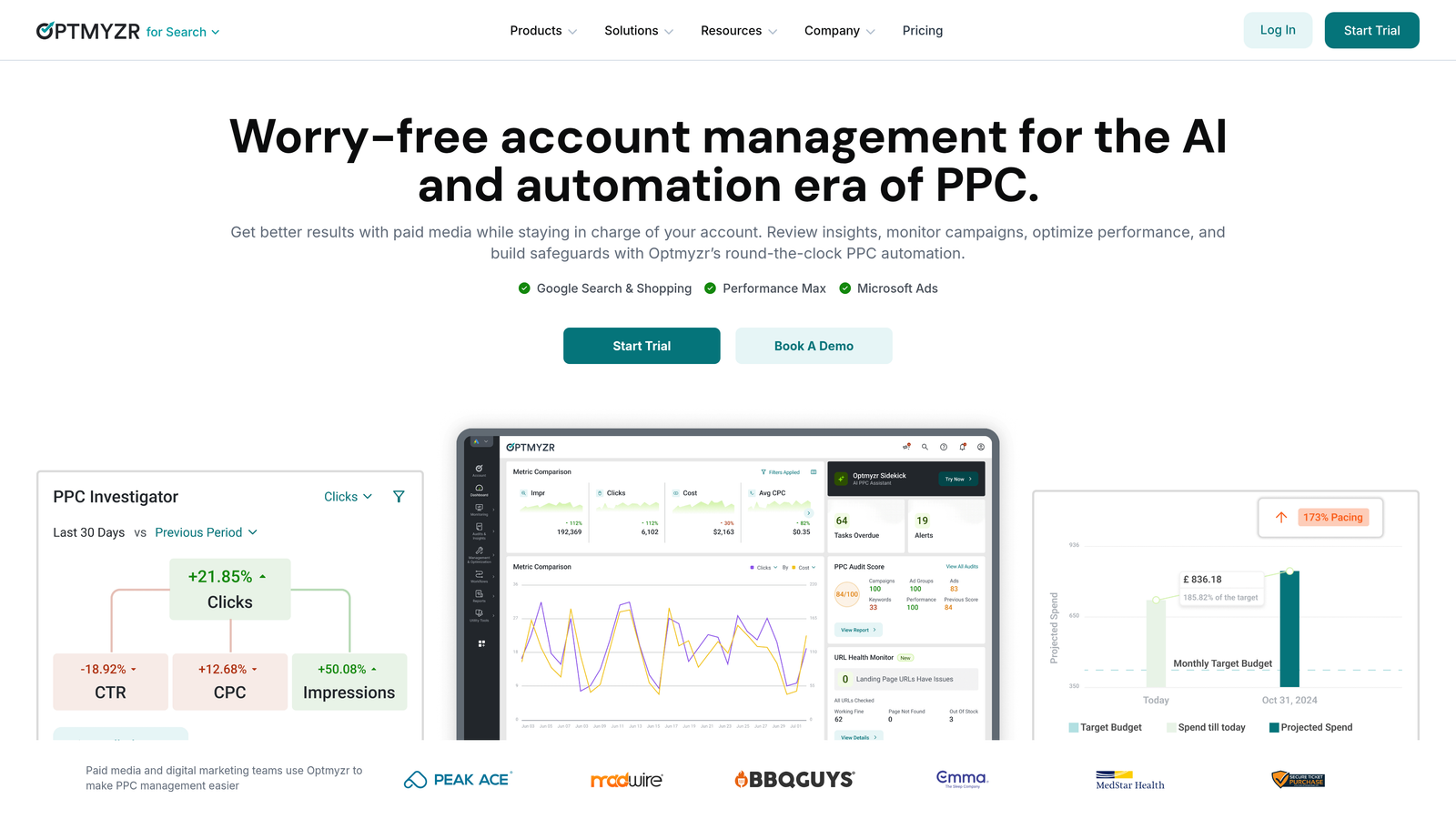
Optmyzr is a comprehensive PPC management platform that helps advertisers avoid setup mistakes through round-the-clock automation and performance insights across Google Ads, Microsoft Ads, Amazon Ads, Meta Ads, and LinkedIn Ads.
Where This Tool Shines
Optmyzr excels at catching campaign structure mistakes before they drain your budget. The platform operates as a dedicated optimization hub that monitors your campaigns 24/7, identifying issues like missing conversion tracking, inefficient budget allocation, or poorly organized ad groups. What sets Optmyzr apart is its proactive approach—rather than just reporting problems after they've cost you money, it provides actionable recommendations and one-click fixes.
The platform's automation capabilities prevent the "set it and forget it" mistake that kills most beginner campaigns. With over 10 years of proven innovation, Optmyzr has built specialized tools for different campaign types, including advanced features for launching Responsive Search Ads at scale much faster than through Google's native interface. The Search Query Volume analysis helps you understand which campaigns are actually driving searches, preventing wasted spend on low-performing keyword groups.
Key Features & Capabilities
Round-the-Clock PPC Automation: Monitors campaigns continuously and executes optimizations based on performance triggers, preventing budget waste from delayed manual interventions.
Multi-Platform Support: Manages campaigns across Google Ads, Microsoft Ads, Amazon Ads, Meta Ads, and LinkedIn Ads from a single interface, eliminating the need to switch between platforms.
RSA Launch Tools: Deploys Responsive Search Ads at scale significantly faster than Google's native tools, helping you test ad variations without manual repetition.
Search Query Volume Analysis: Identifies which specific campaigns generate actual search traffic, revealing opportunities to reallocate budget from underperforming areas.
Campaign Safeguards: Implements automated rules and alerts that prevent common mistakes like overspending, pausing profitable campaigns, or missing conversion tracking issues.
Best For / Ideal Users
Optmyzr works best for paid media agencies and in-house marketing teams managing multiple PPC campaigns who need scalable optimization without proportional headcount increases. The platform is particularly valuable for advertisers spending $10,000+ monthly across multiple ad platforms who can't afford to manually monitor performance around the clock.
The tool assumes you understand PPC fundamentals—it won't teach you the basics, but it will prevent you from making expensive structural mistakes once you know what you're doing. Agencies managing multiple client accounts benefit from the dedicated, highly flexible optimization hub that maintains consistency across different strategies.
2. SEMrush Advertising Toolkit
Best for: Competitive keyword research and preventing targeting mistakes through competitor intelligence.
SEMrush Advertising Toolkit helps you avoid keyword selection mistakes by showing you exactly what keywords your competitors are bidding on and which ones actually convert.
Where This Tool Shines
The biggest mistake new advertisers make is guessing which keywords to target. SEMrush eliminates guesswork by revealing your competitors' entire Google Ads strategy—their exact keywords, ad copy, landing pages, and estimated budgets.
The PLA Research tool is particularly valuable for ecommerce advertisers, showing which products competitors are advertising and at what bid levels. This prevents the costly mistake of bidding on product categories that don't generate profitable returns.
SEMrush's Keyword Magic Tool generates thousands of keyword variations and filters them by intent, helping you avoid the common mistake of targeting high-volume keywords that don't convert. The platform's CPC Map shows geographic bid variations, preventing the mistake of using national bid strategies in markets with wildly different costs.
Key Features & Capabilities
Advertising Research: Reveals competitors' paid keywords, ad copy, and landing pages across 140+ countries.
PLA Research: Analyzes competitor product listings and identifies Shopping campaign opportunities.
Keyword Gap Analysis: Shows keywords competitors rank for that you're missing.
Ad Builder: Creates Google Ads directly from keyword research with AI-powered copy suggestions.
Traffic Analytics: Estimates competitors' traffic sources and conversion rates.
Position Tracking: Monitors your ad positions versus competitors for target keywords.
Best For / Ideal Users
SEMrush is ideal for businesses entering competitive markets who need intelligence before launching campaigns. It's particularly valuable for ecommerce brands, local service businesses, and B2B companies where understanding competitor strategies prevents costly trial-and-error.
The platform works best for advertisers who want to base their Google Ads strategy on data rather than assumptions. If you're launching campaigns in established markets where competitors have already tested what works, SEMrush helps you skip expensive learning curves.
Pricing
SEMrush starts at $139.95/month for the Pro plan (includes Advertising Toolkit with limited queries), $249.95/month for Guru (more queries and historical data), and $499.95/month for Business (API access and extended limits). A 7-day free trial is available for all plans.
3. Adalysis
Best for: Ad copy testing and preventing creative mistakes through automated A/B testing.
Adalysis specializes in preventing the most common ad copy mistakes—writing untested ads, not using enough ad variations, and failing to pause underperformers.

Where This Tool Shines
Most advertisers write one or two ads per ad group and wonder why their click-through rates plateau after the first week. Adalysis solves this by automating continuous ad testing, ensuring you always have multiple variations running and automatically pausing the ones that underperform. The platform uses statistical significance calculations to determine winners, preventing the costly mistake of making creative decisions based on insufficient data or gut feeling.
What sets Adalysis apart is its granular Quality Score monitoring. The platform breaks down all three Quality Score components—expected CTR, ad relevance, and landing page experience—showing exactly which ads hurt your scores and why. This level of detail catches the mistake of running ads that tank your Quality Score, which increases your cost-per-click across entire ad groups even if some ads perform well.
Key Features & Capabilities
Automated Ad Testing: Runs continuous A/B tests across all ad groups and pauses underperforming ads when statistical significance is reached, eliminating guesswork.
Quality Score Monitoring: Tracks quality score changes at the keyword level with detailed component breakdowns showing which factors need improvement.
Ad Suggestions: Generates AI-powered recommendations for new ad copy based on your top-performing variations and industry benchmarks.
Auction Insights Analysis: Monitors competitor overlap rates and identifies impression share opportunities where you're losing visibility.
Negative Keyword Discovery: Analyzes search term reports and suggests negative keywords to prevent wasted spend on irrelevant searches.
Automated Reporting: Creates customizable reports highlighting performance wins, losses, and specific optimization opportunities without manual data pulling.
Best For / Ideal Users
Adalysis is perfect for performance marketers and agencies running search campaigns at scale who need to maintain high ad relevance scores without manual testing overhead. It's particularly valuable for advertisers managing 50+ ad groups where manually testing ad copy variations becomes impossible to sustain.
The platform assumes you understand ad copywriting fundamentals—it optimizes your testing process and identifies winners, but won't write your initial ads for you. If you're already writing decent ad copy but struggle to test systematically or catch quality score issues before they drain budget, Adalysis provides the automation layer that scales your optimization efforts.
Pricing
Adalysis starts at $149/month for accounts managing up to $10,000 in monthly ad spend.
4. Unbounce
Best for: Landing page optimization and preventing conversion tracking mistakes through dedicated post-click experiences.
Unbounce is a landing page builder and conversion rate optimization platform that helps advertisers avoid the critical mistake of sending Google Ads traffic to generic website pages that weren't designed to convert paid traffic.

Where This Tool Shines
The most expensive Google Ads mistake doesn't happen in the platform itself—it happens after the click. Sending carefully targeted traffic to your homepage or generic product pages wastes the relevance you built with keyword selection and ad copy. Unbounce solves this by letting you create dedicated landing pages for each campaign without waiting on developers.
What sets Unbounce apart is Smart Traffic, an AI feature that automatically routes visitors to the landing page variant most likely to convert them based on their characteristics. This prevents the common mistake of running A/B tests without sufficient traffic to reach statistical significance. Instead of waiting weeks for test results, Smart Traffic starts optimizing from the first 50 visitors.
Key Features & Capabilities
Drag-and-Drop Builder: Creates conversion-focused landing pages without coding, using 100+ templates optimized for lead generation, ecommerce, and webinar signups.
Smart Traffic: AI-powered visitor routing that sends each person to the page variant they're most likely to convert on, eliminating the need for manual A/B test monitoring.
Dynamic Text Replacement: Automatically matches landing page headlines to your ad copy by pulling keywords from the URL, maintaining message consistency from ad to page.
Popups and Sticky Bars: Captures leads from visitors who don't convert immediately through exit-intent popups and persistent notification bars.
Conversion Tracking Integration: Direct connection to Google Ads for accurate conversion attribution, ensuring you're measuring actual results rather than just clicks.
Best For / Ideal Users
Unbounce is ideal for businesses running lead generation campaigns who need dedicated landing pages for each offer without developer dependencies. It's particularly valuable for agencies managing multiple clients who need to quickly launch campaign-specific pages.
The platform works best for advertisers who understand that conversion rate optimization is as important as click-through rate—those willing to invest in post-click experiences to maximize their Google Ads investment.
Pricing
Unbounce starts at $99/month for the Build plan (1 domain, 500 conversions), $145/month for Experiment (A/B testing and Smart Traffic), and $240/month for Optimize (unlimited A/B tests). A 14-day free trial is available for all plans.
5. Google Ads Editor
Best for: Bulk campaign management and preventing structural mistakes through offline editing.
Google Ads Editor is Google's free desktop application that prevents setup mistakes by letting you build and review campaigns offline before publishing.
Where This Tool Shines
The biggest advantage of Google Ads Editor is catching mistakes before they go live. Building campaigns in the web interface means every change publishes immediately—one wrong bid adjustment can drain your budget in minutes.
Editor lets you construct entire campaigns offline, review every setting, and only push changes when you're certain they're correct. The bulk editing features prevent repetitive mistakes across ad groups—you can update hundreds of bids, add negative keywords to multiple campaigns, or fix tracking templates in seconds.
Editor's validation warnings catch common errors like missing final URLs, duplicate keywords, or bid amounts outside account limits. The version history feature lets you revert mistakes, something impossible in the web interface once changes are published.
Key Features & Capabilities
Offline Campaign Building: Create and edit campaigns without publishing changes immediately, giving you time to review everything.
Bulk Editing Tools: Update bids, keywords, ads, and settings across multiple campaigns simultaneously instead of one-by-one.
Advanced Search and Filter: Find specific keywords, ads, or settings across your entire account in seconds.
Copy and Paste Between Accounts: Duplicate successful campaign structures without rebuilding from scratch.
Error Checking: Validates campaigns before publishing and flags common setup mistakes like missing URLs or invalid characters.
Version History: Revert changes if mistakes are discovered after publishing, providing a safety net for bulk edits.
Best For / Ideal Users
Google Ads Editor is essential for anyone managing campaigns with more than 50 keywords or multiple ad groups. It's particularly valuable for agencies building new client campaigns who need to review everything before going live.
Ecommerce businesses managing large product catalogs benefit from the bulk import and editing features. Any advertiser who needs to make systematic changes across campaigns—like updating tracking templates or adjusting bids by percentage—will save hours compared to the web interface.
The tool is completely free, making it accessible for advertisers at any budget level who want professional-grade campaign management capabilities.
Pricing
Google Ads Editor is completely free and available for Windows, Mac, and Linux. No subscription, account minimums, or ad spend requirements.
6. SpyFu
Best for: Competitor keyword research and preventing budget waste on untested keywords.
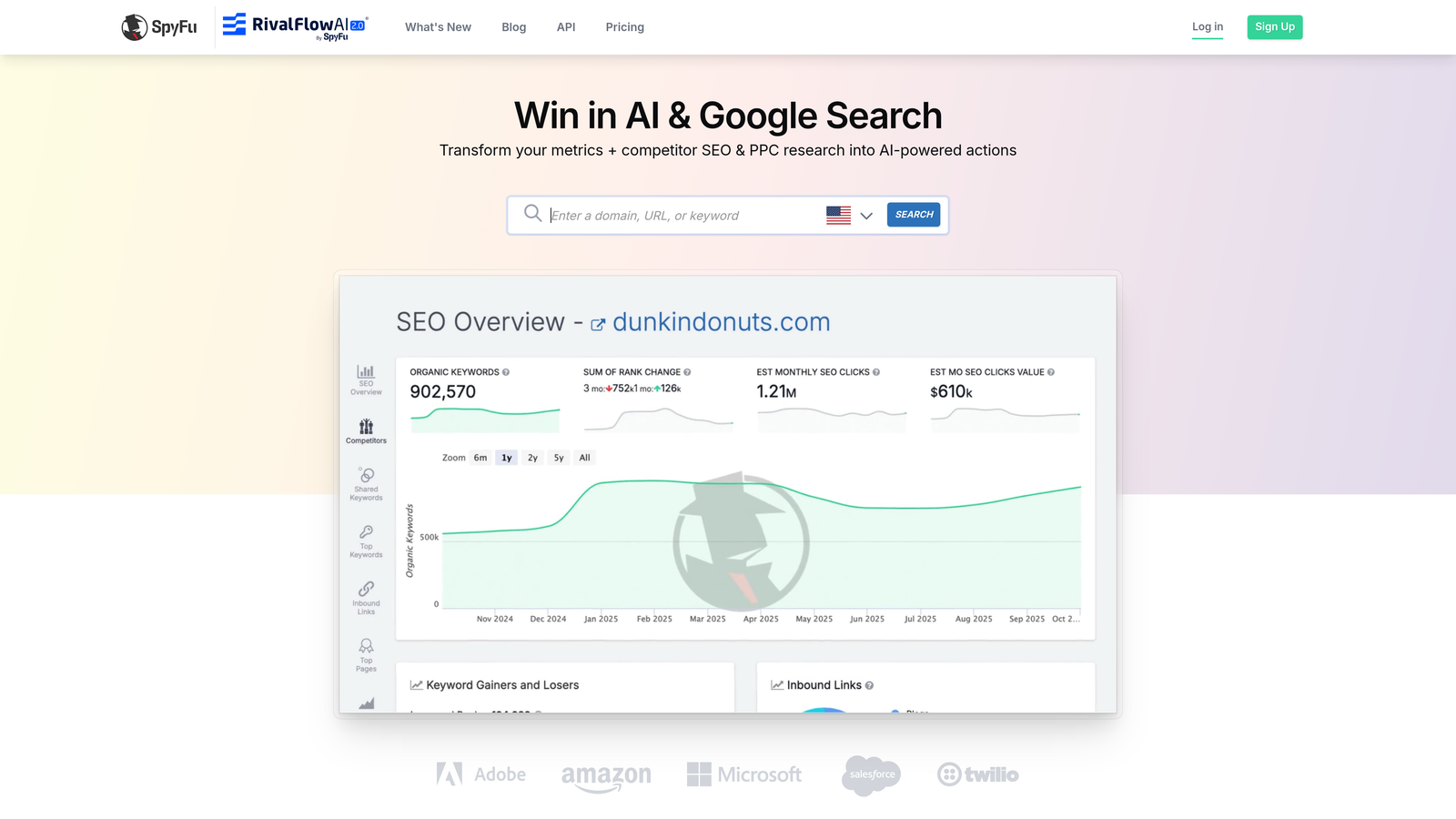
SpyFu is a competitive intelligence platform that reveals every keyword your competitors have bought on Google Ads—along with 16+ years of historical data showing which keywords they've consistently invested in versus those they tested and abandoned.
Where This Tool Shines
SpyFu's unique advantage is historical perspective. Instead of guessing which keywords might work, you see which ones have actually worked for competitors over years of testing. When a competitor has bid on the same keyword for 5+ years, that's a strong signal of profitability. When they tested a keyword for two months then dropped it, you've just avoided an expensive lesson.
The platform's Kombat feature compares your keyword portfolio against multiple competitors simultaneously, revealing gaps in your targeting strategy. You'll discover profitable keywords you're completely missing while competitors capture that traffic. SpyFu's Ad History shows every ad variation competitors have tested, letting you learn from their creative experiments without spending your own budget on trial and error.
Key Features & Capabilities
Competitor Keyword Research: Download every keyword competitors have bid on with historical data showing consistency and estimated spend levels.
Ad History Archive: Access 16+ years of competitor ad variations to see what messaging they've tested and what they've kept running.
Kombat Tool: Compare your keywords against up to three competitors simultaneously to identify targeting gaps and opportunities.
Keyword Grouping: Automatically organizes keywords into logical ad groups based on semantic similarity and search intent.
Recommended Keywords: AI-powered suggestions based on keywords that convert for similar businesses in your industry.
Rank Tracking: Monitor your ad positions for target keywords versus competitors to ensure you're maintaining visibility.
Best For / Ideal Users
SpyFu is ideal for businesses entering established markets where competitors have already invested heavily in testing. It's particularly valuable for local service businesses, ecommerce brands, and B2B companies where understanding competitor strategies prevents expensive keyword experiments.
The platform works best for advertisers who prefer data-driven decisions over guesswork. If you're launching campaigns in a competitive space and want to skip the trial-and-error phase, SpyFu provides the competitive intelligence to start with proven keywords.
Pricing
SpyFu starts at $39/month for the Basic plan (10,000 search results and 6 months of historical data), $79/month for Professional (unlimited results and full historical data), and $299/month for Team (API access and white-label reports).
7. Supermetrics
Best for: Conversion tracking and preventing attribution mistakes through unified reporting.
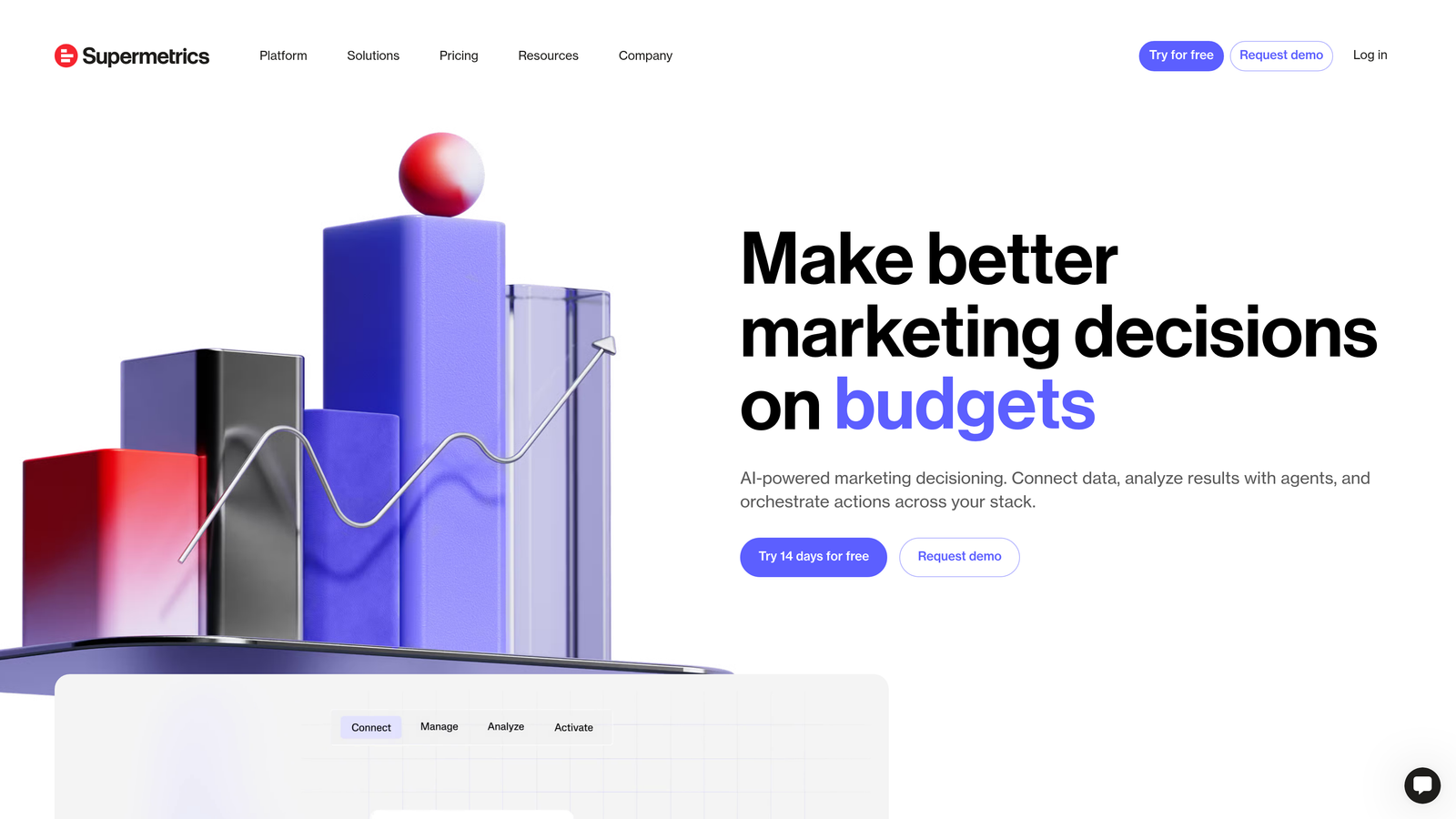
Supermetrics is a Marketing Intelligence Platform that consolidates Google Ads data with 100+ marketing platforms, helping you avoid the critical mistake of optimizing campaigns based on incomplete conversion information.
Where This Tool Shines
Most advertisers make optimization decisions using only Google Ads conversion data, completely missing the full customer journey. Someone clicks your ad, browses your site, leaves, then returns through organic search and converts—Google Ads gets zero credit, so you might pause that "unprofitable" campaign. Supermetrics prevents this mistake by pulling Google Ads metrics into Looker Studio or your BI tool alongside data from Google Analytics, your CRM, and other marketing channels.
This reveals which keywords drive qualified leads that actually close, not just form submissions that go nowhere. The automated reporting prevents decisions based on stale data—your reports refresh automatically on schedules you set, ensuring you're always working with current performance. Supermetrics's cross-channel view shows how Google Ads assists conversions that other channels get last-click credit for, preventing the expensive mistake of cutting campaigns that appear unprofitable but actually drive bottom-funnel results.
Key Features & Capabilities
Multi-Platform Data Integration: Connects Google Ads with 100+ marketing platforms including Google Analytics, Facebook Ads, LinkedIn, Salesforce, HubSpot, and major ecommerce platforms for unified reporting.
Automated Reporting: Schedules reports to refresh automatically in Google Sheets, Looker Studio, Excel, or BI tools like Tableau and Power BI without manual data exports.
Custom Metrics and Dimensions: Creates calculated fields that combine data from multiple sources, like cost-per-SQL (sales qualified lead) using Google Ads spend and CRM data.
Historical Data Storage: Preserves data beyond Google Ads' default retention periods, enabling year-over-year comparisons and long-term trend analysis.
Cross-Channel Attribution: Shows how Google Ads contributes to conversions across the entire customer journey, revealing assist value that in-platform reporting misses.
Supermetrics AI: AI-powered analytics capabilities that help identify patterns and insights across your connected marketing data sources.
Best For / Ideal Users
Supermetrics is essential for businesses running multi-channel marketing strategies who need to understand Google Ads performance in full context. It's particularly valuable for ecommerce brands tracking customer lifetime value, SaaS companies with long sales cycles, and agencies managing multiple clients who need consolidated reporting dashboards.
The platform works best for data-driven marketers who understand that attribution is complex and want to see the complete picture before making optimization decisions.
Putting It All Together
The difference between Google Ads success and failure often comes down to catching mistakes before they cost you thousands. Each tool in this guide solves a specific problem: Optmyzr prevents structural disasters through automated audits, SEMrush eliminates keyword guesswork with competitor intelligence, and Adalysis ensures your ad copy actually converts through continuous testing. For landing page optimization, Unbounce stops you from sending traffic to pages that don't convert, while Google Ads Editor catches errors before they go live.
Your tool choice depends on your biggest vulnerability. If you're entering a competitive market, start with SEMrush or SpyFu to understand what's already working. Managing multiple campaigns? Optmyzr or Adalysis will save you hours of manual optimization. Running lead generation? Unbounce is non-negotiable. Need better attribution? Supermetrics connects the dots across your entire marketing stack.
But here's the reality: even the best tools can't fix campaigns built on weak foundations. Before you invest in optimization software, make sure you're tracking the metrics that actually matter. Start your free 7-day trial to see how proper keyword research and campaign structure set you up for success from day one.
.svg)