
9 Best Google Keywords Tools for Google Ads and SEO in 2026
A practical guide to google keywords tools.


Searching for "google keywords tools" usually means one of two jobs: finding keywords people actually search for, or cleaning up the search terms your Google Ads campaigns already trigger. This list covers both. The tools were picked by what they do (research, search term cleanup, or demand validation), how much of their data comes from Google itself, and whether they suit a solo advertiser, an in-house marketer, or an agency.
Quick Comparison of the Google Keywords Tools
- Keywordme: advertisers and agencies cleaning up search terms; $12/month per user; works inside the native Google Ads Search Terms Report.
- Google Keyword Planner: pre-launch campaign and budget planning; free with a Google Ads account; first-party Google data with bid estimates.
- Google Trends: comparing terms and timing around seasonality; free; shows rising topics and regional interest over time.
- Google Search Console: site owners mining existing organic queries; free; real query data for your own site.
- Semrush: agencies and in-house teams doing competitive research; paid, see website; competitor paid and organic keyword gap analysis.
- Ahrefs Keywords Explorer: SEO-led teams validating keyword value; paid, see website; clicks data showing how many searches earn clicks.
- AnswerThePublic: content and ad angle ideation; free limited use, paid plans, see website; visual maps of long-tail questions.
- Ubersuggest: freelancers and small businesses on a budget; free limited use, paid plans, see website; low-cost entry with a simple interface.
- Optmyzr: agencies managing many accounts; subscription, see website; account-wide audits and scalable rules.
1. Keywordme
Keywordme is a Chrome extension that adds one-click actions to the Search Terms Report in Google Ads. First, a quick distinction: a keyword is what you bid on, while a search term is what someone actually typed. Keywordme works on the second group, turning the terms your campaigns already triggered into new keywords or negatives. It is our own product, so here is the plain version of where it fits and where it does not.
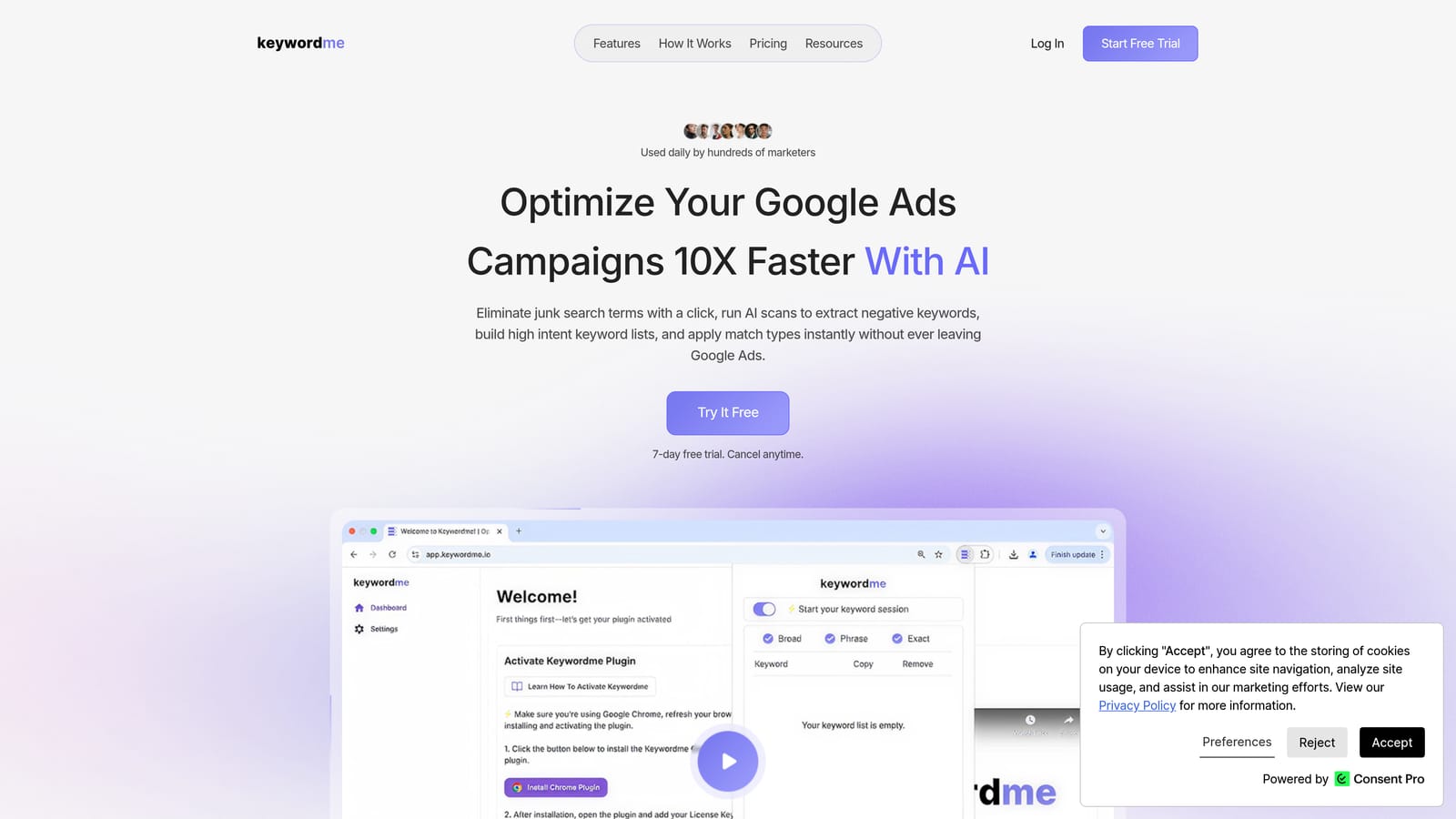
Its standout trait is location. You work inside the native Search Terms Report, so there are no spreadsheet exports and no separate dashboard to log into. For anyone who reviews search terms weekly, that removes a lot of copy-paste.
- Add a search term as a keyword or as a negative keyword in one click, rather than building lists by hand.
- Apply match types instantly, so you decide whether a term goes in as broad, phrase, or exact without retyping it.
- Cluster keywords to group related terms and build tighter keyword lists faster.
- Bulk edit to apply changes across many terms at once.
- Multi-account and team support, so agencies can run the same workflow across clients.
Setup is installing the extension and opening Google Ads; the person who reviews search terms day to day is the one who uses it. It integrates with Google Ads through the extension.
The limits are real. Keywordme optimizes search term data you already have. It is not a keyword discovery tool and shows no search volume, so a brand-new campaign with no impressions gives it nothing to work on. It also requires Chrome. Because you pick each term yourself, you keep control, but it is not an autonomous optimizer.
Pricing is $12 per month per user, with a 7-day free trial (as of 2026; confirm on the website). The cost scales with the number of users, not ad spend.
Best for: Advertisers and agencies who want faster search term cleanup inside Google Ads.
2. Google Keyword Planner
Google Keyword Planner is Google's free keyword research and forecasting tool inside Google Ads. It is built for people planning Search campaigns who want to know what to bid on and what it might cost before spending anything.
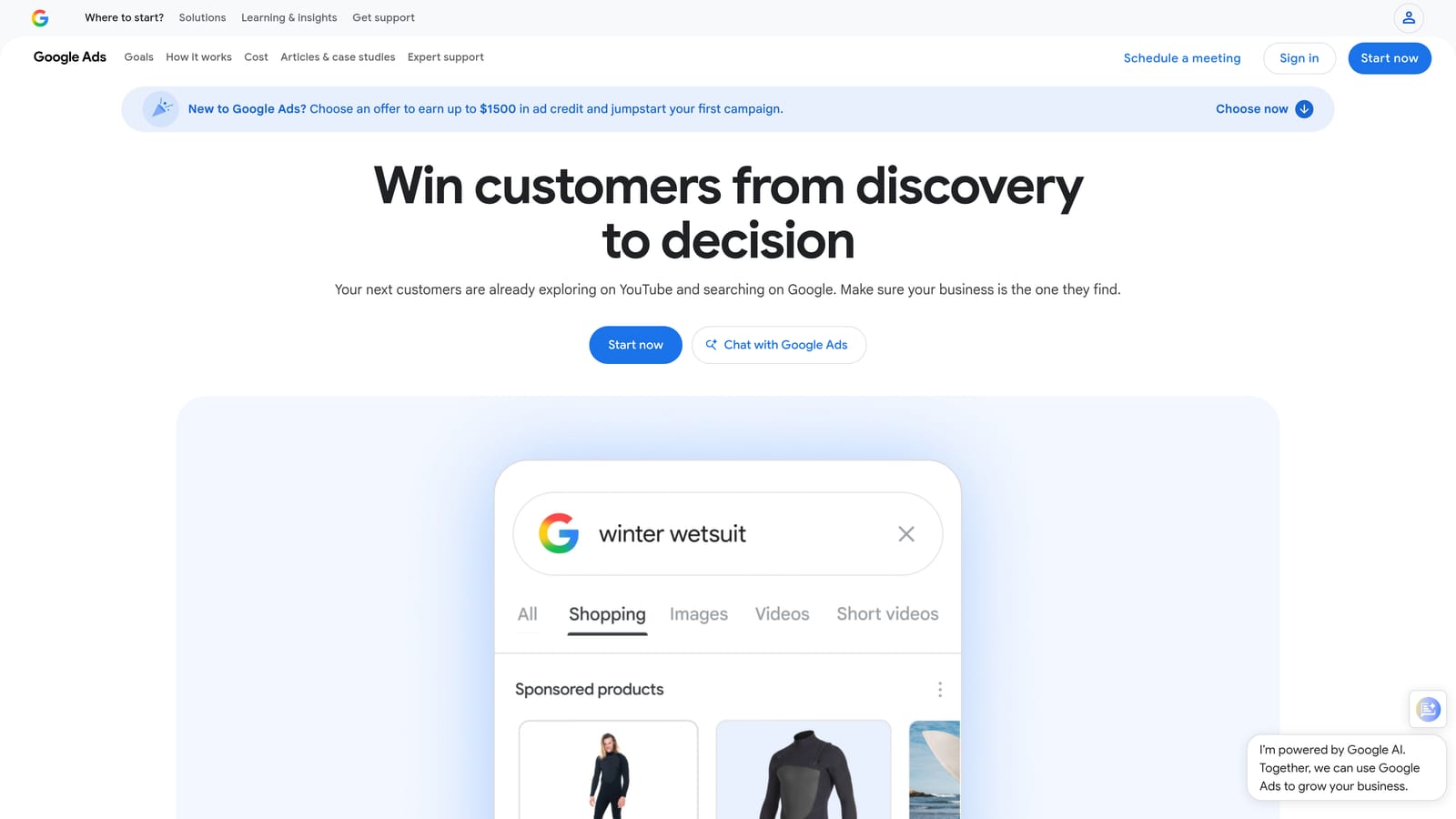
Its advantage over every third-party option is the source: the data comes from Google, and bid range estimates sit right next to the ideas. Few tools on this list give you that combination without a paid plan.
- Discover keywords from seed terms or a landing page URL, which is useful when you are entering an unfamiliar market.
- See search volume ranges and trends, so you can tell which ideas are worth building ad groups around.
- Check bid range estimates to sanity-check whether a keyword fits your budget.
- Forecast planned campaigns to estimate clicks and cost before launch.
It lives in your Google Ads account, so setup is minimal. Whoever builds campaigns uses it, usually the PPC manager at planning time.
Limits: volume can show up as broad ranges rather than exact numbers, particularly for accounts with little spend (check Google Ads Help for the current rules). It also has no organic difficulty metrics, so it will not tell you how hard a keyword is to rank for in SEO. And high volume does not mean buying intent; you still have to judge that yourself.
Pricing: free with a Google Ads account.
Best for: Planning Search campaigns and budgets before launch.
3. Google Trends
Google Trends is a free tool showing how search interest in a term changes over time and across regions. Marketers use it less to find keywords and more to decide which phrasing wins and when to push.
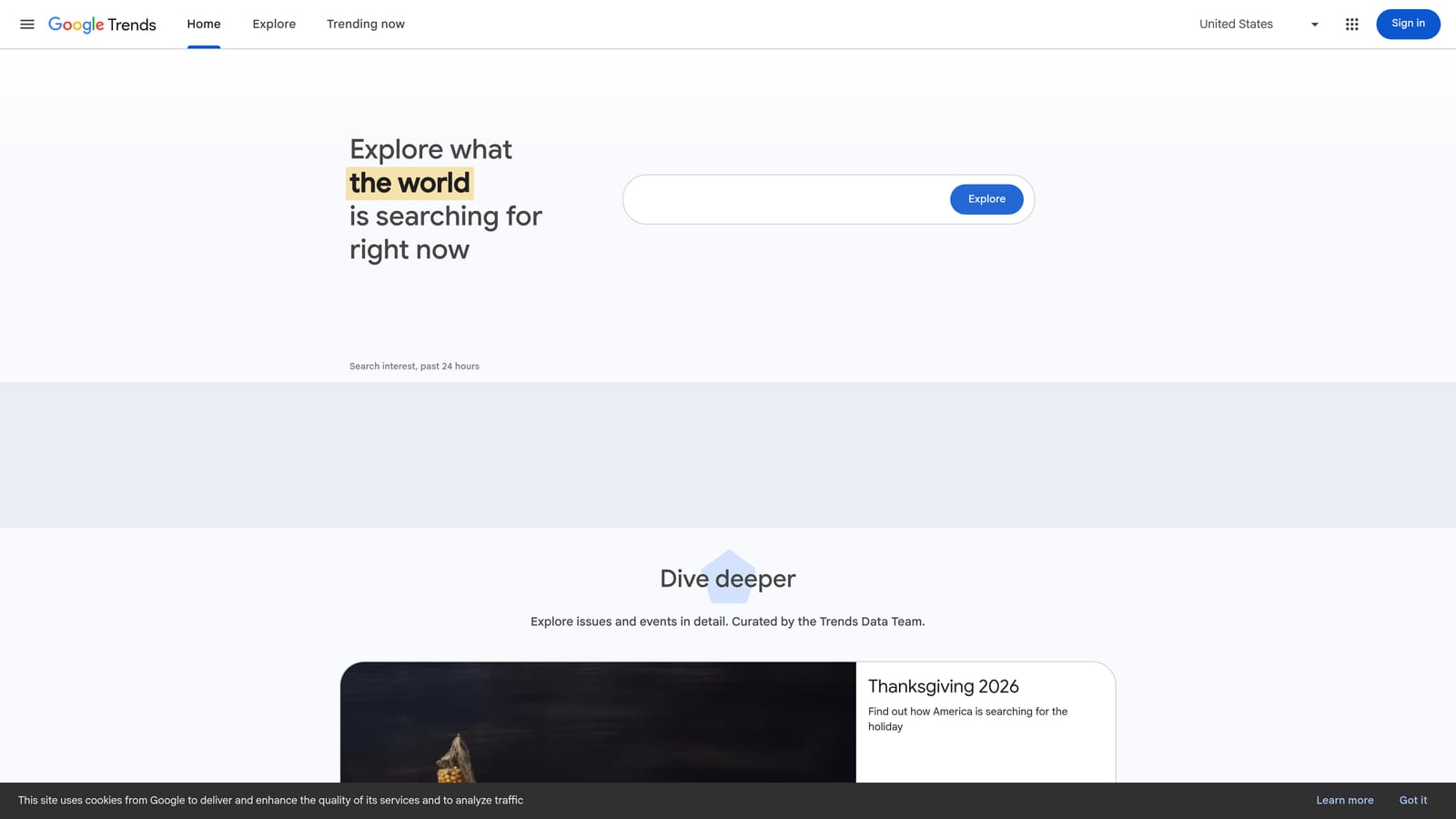
What it does better than the rest of this list is show shape. You can see a product category peak every November, or a new term climbing while an older one fades, which a flat monthly volume number hides.
- Interest over time shows seasonality, so you can raise budgets ahead of a peak instead of during it.
- Regional breakdown shows where interest is concentrated, useful for location targeting decisions.
- Related queries and topics surface rising phrases you may not have considered.
- Side-by-side comparison settles questions like which of two product names people search more.
There is nothing to set up and no account needed. Anyone on the team can use it in minutes.
The key limitation: Trends reports a relative index, not absolute search volume. A score of 100 is the peak for that comparison, not a count of searches. You cannot use it to estimate traffic or forecast clicks, so pair it with Keyword Planner or a third-party database.
Pricing: free.
Best for: Comparing terms and timing campaigns around seasonality.
4. Google Search Console
Google Search Console is a free report of the queries your own website appears for in Google Search. It is the only tool here that shows what real searchers typed before seeing your pages.
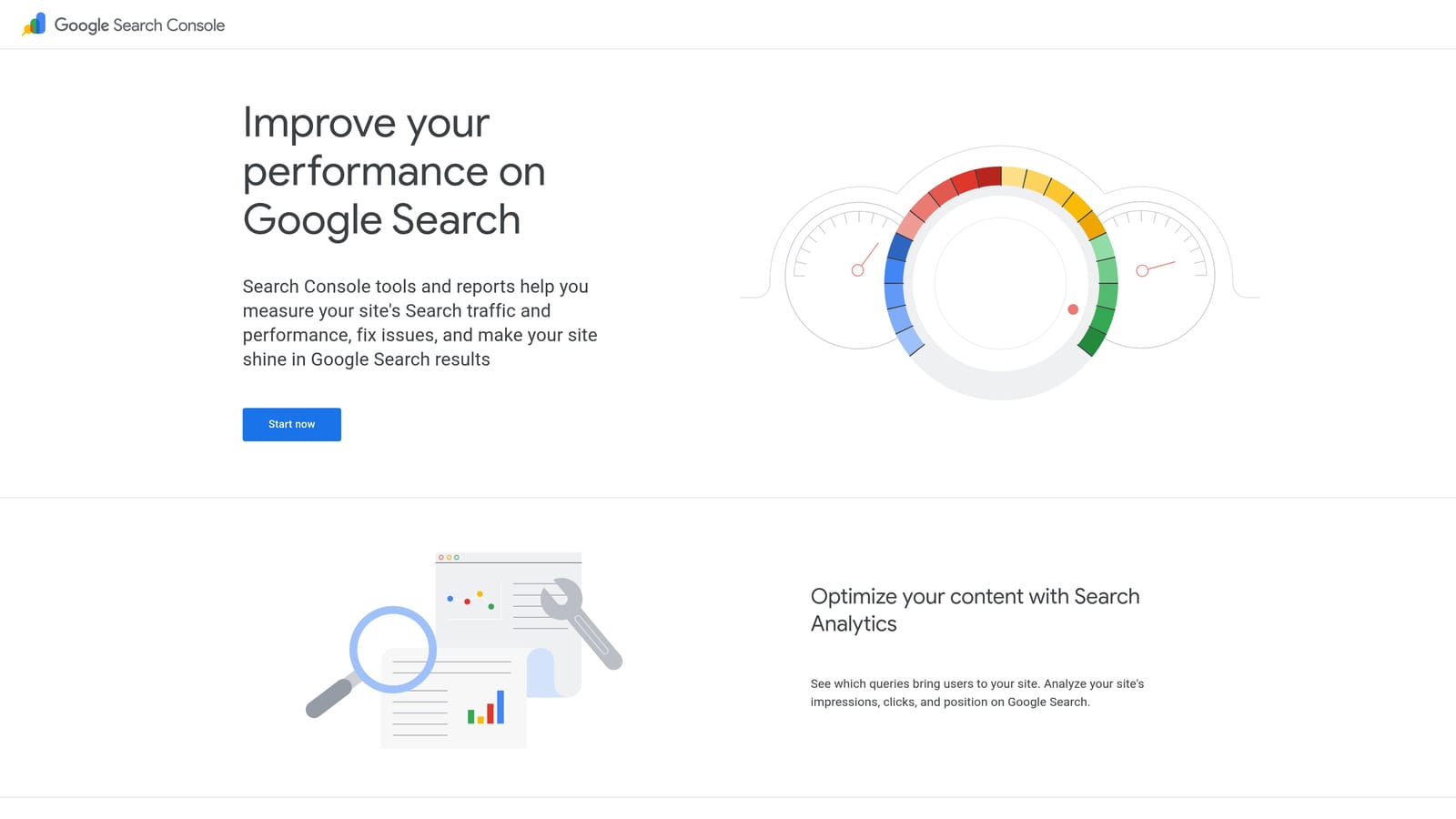
That makes it a quiet goldmine for paid and organic teams alike. Queries where you rank on page two, or get impressions but few clicks, are candidates for new content or a test ad group.
- Query impressions and clicks show which searches already bring you visibility.
- Average position flags near-miss rankings worth reinforcing.
- Page-level query data tells you which URL attracts which searches, which helps you choose ad landing pages.
- Country and device filters let you spot differences in how people search.
Setup means verifying ownership of your site, which usually takes a developer or whoever manages the domain. It connects with Google Analytics. Day to day, SEO owners tend to run it, though PPC managers should check it too.
It does not suit anyone researching a market they have no site in. It only shows queries for sites you own and verify, so it cannot show competitor keywords or topics you have not yet covered. It is also organic data, not paid search terms.
Pricing: free.
Best for: Finding existing organic keywords to reinforce with ads and content.
5. Semrush
Semrush is an all-in-one SEO and PPC suite with a large keyword database and strong competitor research. It targets agencies and in-house teams that need to see the market, not just their own account.
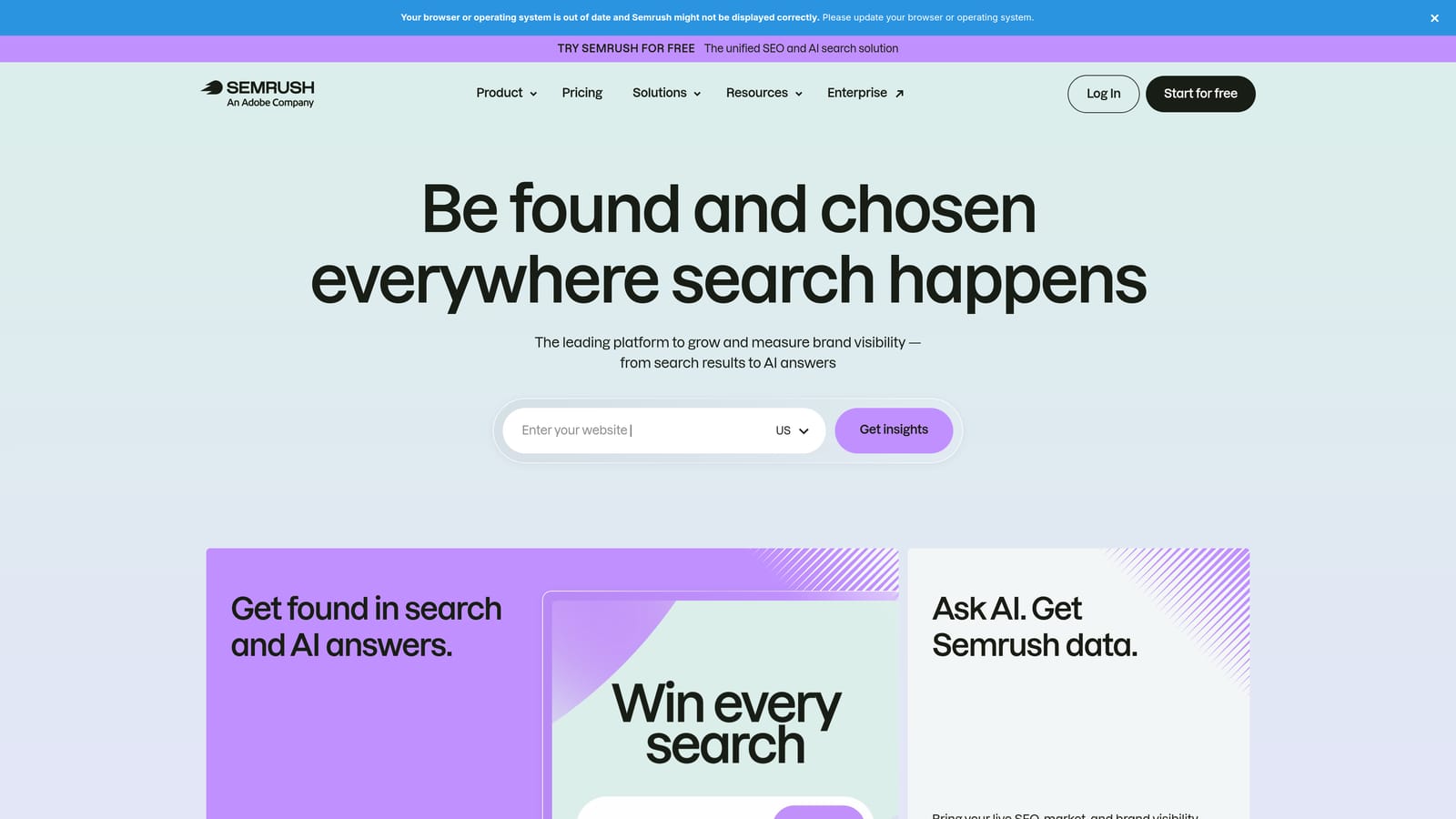
Its edge on this list is gap analysis: you can see keywords competitors bid on or rank for that you do not, across both paid and organic.
- Keyword Magic Tool generates large, filterable keyword lists from a single seed.
- Keyword difficulty estimates how hard a term is to rank for organically.
- Competitor paid keyword research shows which terms rivals are advertising on.
- Keyword gap analysis compares your domain against competitors to expose missing opportunities.
It integrates with Google Search Console, Google Analytics, and Google Ads. Expect a learning curve; the suite is broad, and teams usually assign one or two people to own it.
The trade-off is cost and complexity. A solo advertiser who only needs ad keywords will use a small slice of it. Third-party volume and cost figures are also estimates, not Google's own numbers.
Pricing: paid subscription; see the website for current plans (as of 2026, tiers vary by features and usage limits).
Best for: Agencies and in-house teams doing competitive keyword research.
6. Ahrefs Keywords Explorer
Ahrefs Keywords Explorer is a keyword research tool with a large database, built around the idea that search volume alone is misleading. It is an SEO-first product, so it fits teams deciding which pages to build.
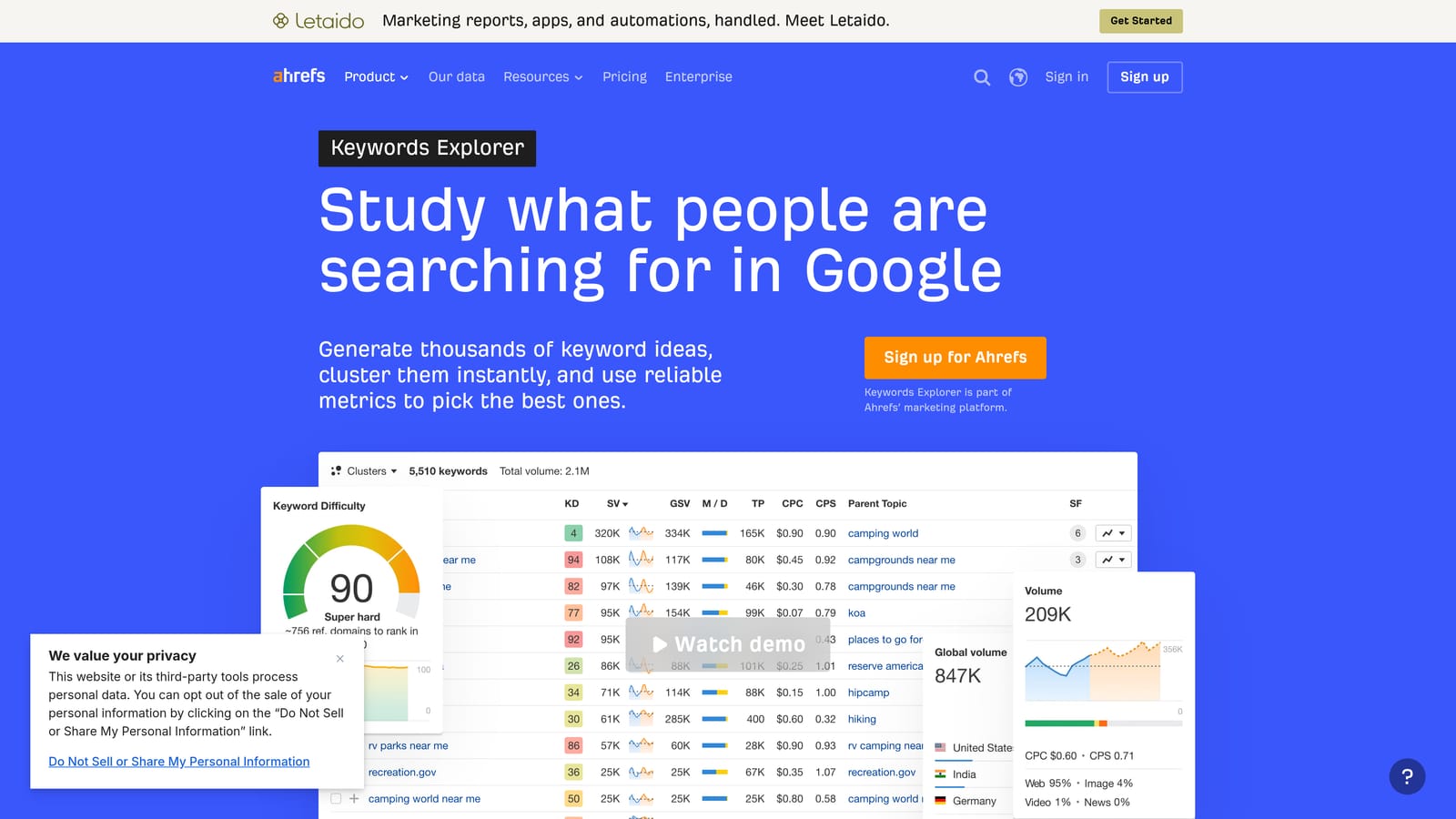
What sets it apart is clicks data. Plenty of searches never produce a click because the answer sits in the results page itself, and Ahrefs tries to show that gap.
- Keyword difficulty helps you judge whether a term is realistic for your site.
- Clicks estimates show how many searches actually result in clicks, not just how many are made.
- Parent topic grouping tells you if one page can target several related keywords.
- SERP overview lets you see who ranks and what kind of content wins.
It integrates with Google Search Console and Google Analytics. Setup is light, and day-to-day use usually falls to SEO and content leads.
The limitation: PPC tooling is thinner than its SEO depth. If your main job is managing Google Ads search terms and negatives, it will not replace a PPC-focused tool.
Pricing: paid subscription; see the website for current plans (as of 2026).
Best for: SEO-led teams validating keyword value before building pages.
7. AnswerThePublic
AnswerThePublic visualizes autocomplete-style questions and phrases around a seed term. You type "running shoes" and get a map of questions, comparisons, and prepositions people attach to it.
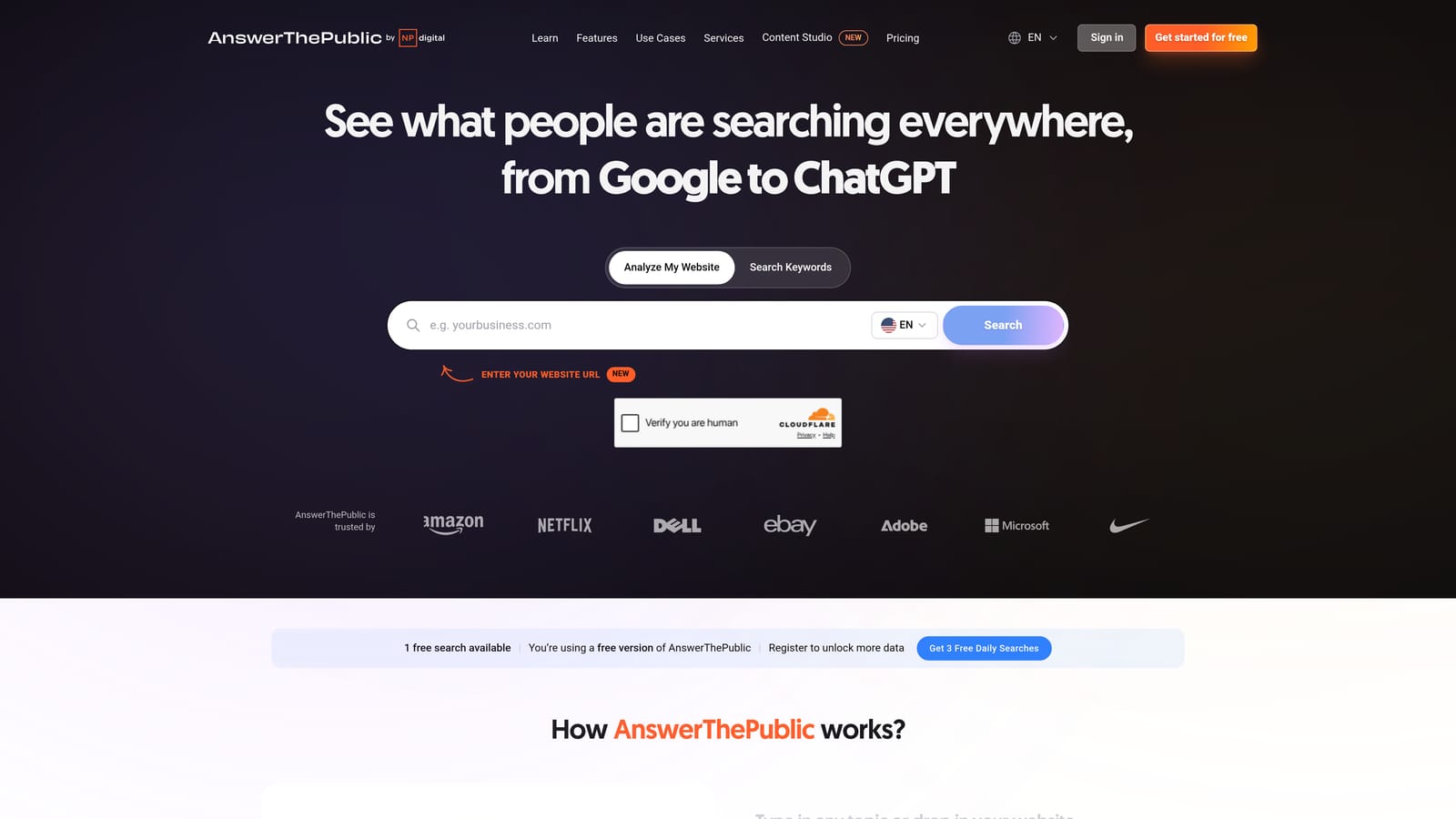
Its specialty is long-tail ideas drawn from search suggestions. That makes it good for spotting the exact wording customers use, which feeds ad copy, FAQ content, and negative keyword brainstorming.
- Question and preposition queries reveal the "how," "why," and "for" phrasings around a topic.
- Autocomplete-based suggestions reflect how people actually start typing.
- Visual keyword maps make patterns easy to scan in a workshop or client meeting.
- CSV export moves the list into your planning sheet.
There is no setup beyond a login, and no integrations are confirmed. A content marketer or strategist typically runs it.
The main weakness: it gives no reliable volume, so every idea needs validation elsewhere, such as Keyword Planner. Questions are also informational by nature, so many will not suit a lead-gen ad campaign.
Pricing: free limited use plus paid plans; see the website for current pricing.
Best for: Finding long-tail and question-style ideas for content and ad angles.
8. Ubersuggest
Ubersuggest is Neil Patel's budget-friendly keyword research tool, aimed at people who want the basics without a big subscription.
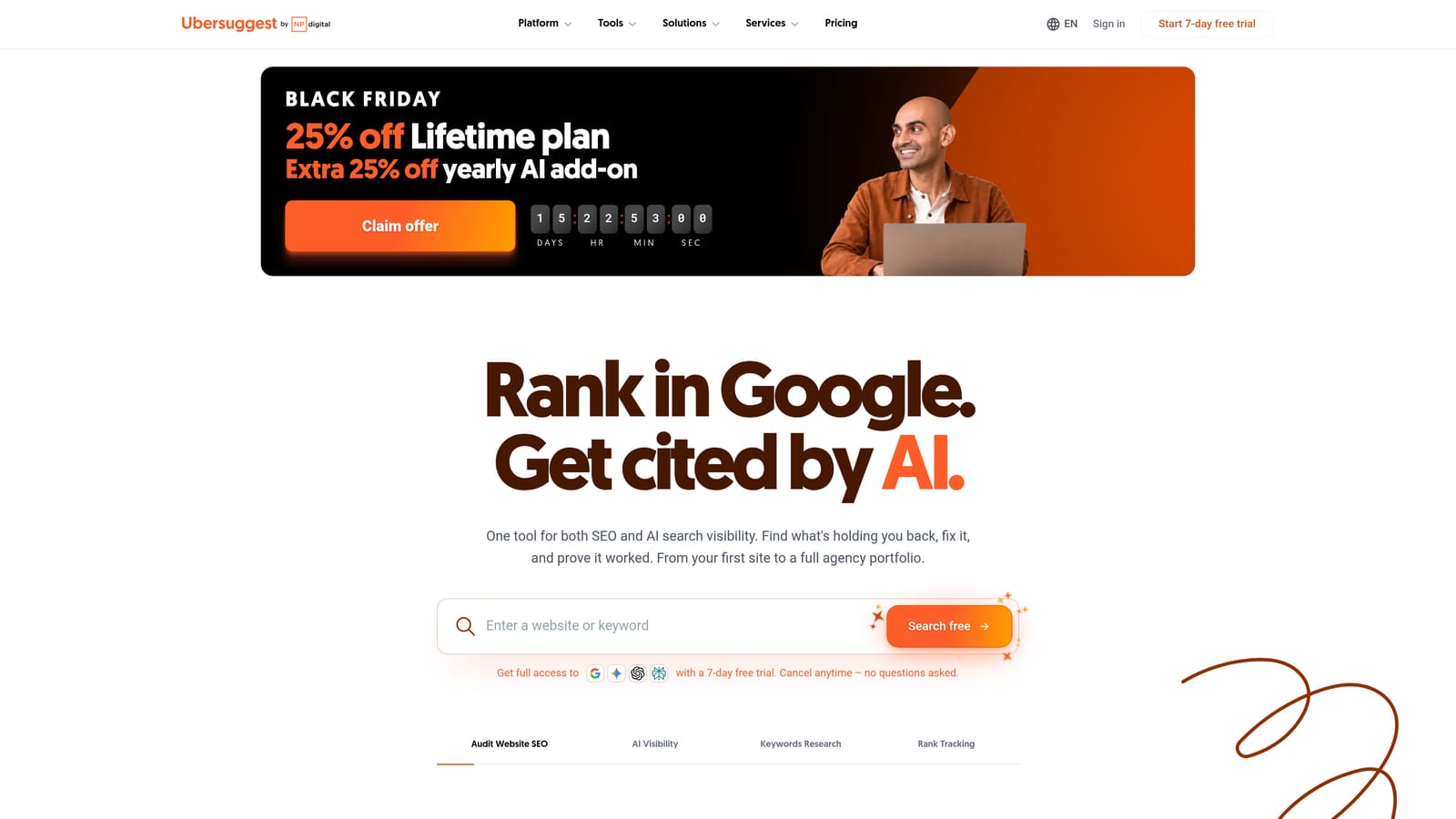
What it does best on this list is lower the barrier. The interface is simple, and you get suggestions, volume, and difficulty in one place without learning a full suite.
- Keyword suggestions expand a seed term into related ideas quickly.
- Volume and difficulty metrics help you separate easy wins from long shots.
- Content ideas show what topics already earn traffic.
- Competitor domain analysis gives a basic look at what rivals rank for.
It connects with Google Search Console and Google Analytics. A freelancer or small business owner can set it up and run it alone.
The limitation is depth. The dataset is smaller than the larger suites, so it can miss niche terms, and agencies handling many clients will likely outgrow it. Treat its numbers as directional.
Best for: Freelancers and small businesses on a tight budget.
9. Optmyzr
Optmyzr is a PPC management platform with optimization tools and audits for Google Ads accounts. It sits at the other end of the list from discovery tools: it is about oversight and scale, not finding new ideas.

Its strength is working across accounts. Rules and audits that would take hours to check manually can run across a whole portfolio.
- Rule-based optimization automates routine checks and changes you define.
- Account audits flag issues across structure and settings.
- Search term and negative keyword analysis helps catch wasted spend patterns.
- Reporting supports client and internal updates.
It integrates with Google Ads and Microsoft Advertising. Setup takes more effort than a browser extension, and it is typically run by a PPC lead or an agency ops team.
The trade-offs: higher cost, and it is a separate dashboard rather than something that works in the Google Ads interface. A solo advertiser with one or two accounts may find it more than they need.
Pricing: subscription; see the website for current plans.
Best for: Agencies managing many accounts that want rule-based oversight.
Which Google Keywords Tool Fits Your Situation
These tools do different jobs, so most people end up combining two or three rather than picking one. A sensible stack follows the campaign lifecycle: discover, validate, launch, then clean up.
- Free discovery: Keyword Planner for ideas and bid estimates, plus Google Trends for timing and term comparison.
- Competitive research: Semrush if you need paid and organic competitor data, Ahrefs if you lean SEO and care about clicks.
- Organic data: Search Console for the queries your site already earns.
- Ongoing cleanup: Keywordme for turning Search Terms Report data into new keywords and negatives without leaving Google Ads.
Keyword research does not end at launch. Your search terms report keeps surfacing new keyword ideas and junk queries, and that is where the cleanup tools earn their keep. Keywordme will not find keywords for a campaign that has no data yet, but once traffic flows, it makes the weekly review much quicker.
Optimize Google Ads Campaigns 10X Faster. Without Leaving Your Account. Keywordme lets you remove junk search terms, build high-intent keyword lists, and apply match types instantly, right inside Google Ads. No spreadsheets, no switching tabs, just quick, seamless optimization. Start your free 7-day trial (then just $12/month) and take your Google Ads game to the next level.
