
9 Best Google Keywords Tools for Finding and Cleaning Up Keywords in 2026
A practical guide to google keywords tool.


If you searched for a Google keywords tool, you're probably doing one of two jobs: finding new keywords to bid on, or fixing the keywords and search terms already spending your budget. This list covers both, and it's written for solo advertisers, in-house marketers, and agency teams. Tools were picked for their data source, how well they fit a Google Ads workflow, and how clear their pricing is.
One distinction helps throughout. A keyword is what you bid on. A search term is what someone actually typed before your ad showed. Positive keywords tell Google what to match; negative keywords tell it what to block.
Quick Comparison of the Google Keyword Tools
- Keywordme: advertisers and agencies cleaning up live accounts; $12/month per user; adds keywords and negatives with one click inside the Google Ads Search Terms Report.
- Google Keyword Planner: anyone building Search campaigns; free with a Google Ads account; official Google data with a direct plan-to-campaign workflow.
- Google Trends: marketers timing launches and budgets; free; shows seasonality and regional demand shifts.
- Semrush Keyword Magic Tool: agencies and teams doing competitive SEO and PPC research; subscription, see website; competitor paid and organic keyword research with deep filtering.
- Ahrefs Keywords Explorer: teams aligning organic and paid strategy; subscription, see website; clicks and parent topic data that show real traffic potential.
- Ubersuggest: freelancers and small businesses on a budget; limited free use, paid plans on website; low-cost entry with a simple interface.
- WordStream Free Keyword Tool: beginners who want a quick PPC idea list; free; industry-based input for PPC planning.
- AnswerThePublic: finding long-tail and question phrases; limited free searches, paid plans on website; question-style discovery that suggests ad angles.
- Google Search Console: in-house marketers mining organic data; free; real queries your own site already appears for.
1. Keywordme
Keywordme is our own product, so weigh this entry with that in mind. It's a Chrome extension that adds action buttons directly inside the Google Ads Search Terms Report. Instead of exporting search terms to a spreadsheet, sorting them, and uploading changes, you act on them where you already read them.
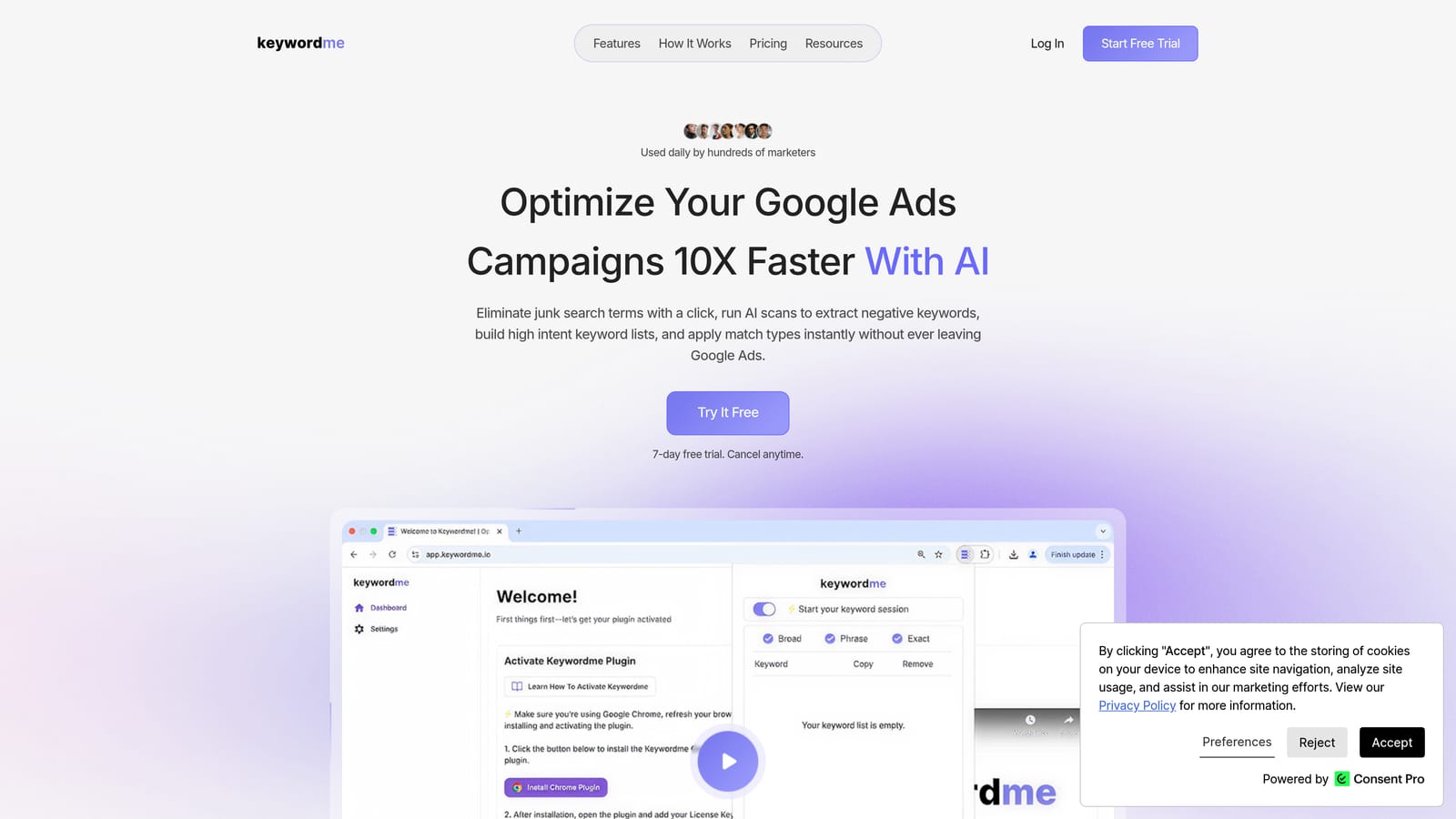
That's its whole point, and it's what sets it apart on this list. Every other tool here helps you find or evaluate keywords somewhere else. Keywordme helps you act on search terms that are already triggering your ads, in the native interface.
- One-click add of a search term as a keyword, or as a negative keyword, so cleanup doesn't need a spreadsheet round trip.
- Instant match type application, so you pick broad, phrase, or exact as you add rather than editing afterward.
- Keyword clustering, which groups related terms so you can build tighter keyword lists faster.
- Bulk editing for applying the same change across many terms at once.
- Multi-account and team support, useful when an agency runs many client accounts.
Setup is light: install the extension and work in Google Ads. Whoever already reviews the Search Terms Report runs it day to day, whether that's a freelancer, an in-house manager, or an account team. Its only integration is Google Ads itself, through Chrome.
The limitation is plain. Keywordme is not a keyword discovery or search volume tool. It needs an existing Google Ads account with search term data, so it won't help you plan a campaign from scratch. You still make the judgment calls on which terms are junk; it just makes acting on them fast.
Pricing is a flat $12/month per user with a 7-day free trial (as of November 2026; confirm on the website). Cost scales with the number of users, not ad spend or accounts reviewed.
Best for: Advertisers and agencies cleaning up search terms and building keyword lists in live accounts.
2. Google Keyword Planner
Google Keyword Planner is the tool most people mean by "Google keywords tool." It lives inside Google Ads, and its data comes straight from Google, which is the main reason to use it.
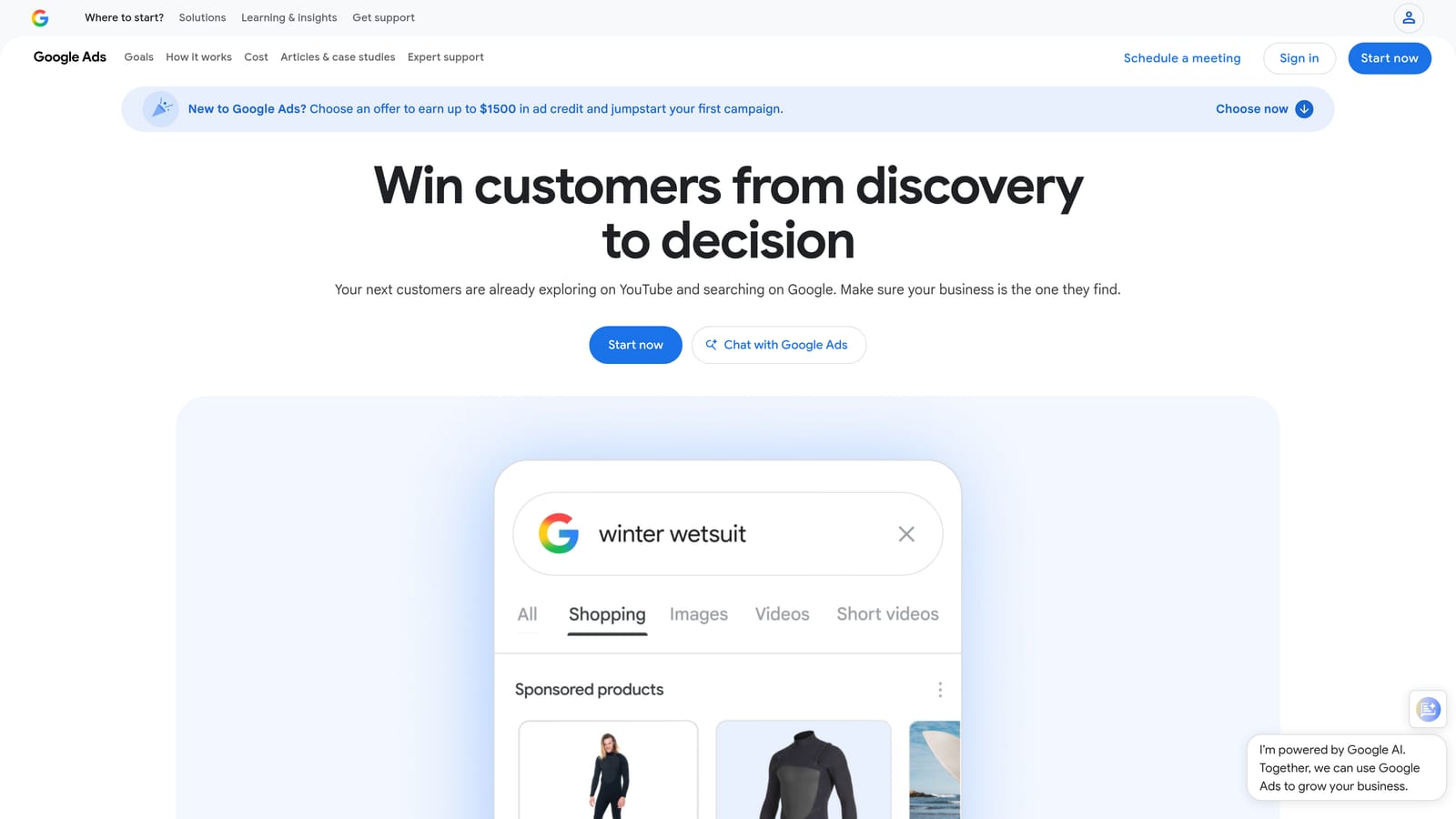
Its real advantage is the workflow. You can discover ideas, check forecasts, and push a grouped plan into a campaign without leaving the platform. No third-party tool matches that handoff.
- Keyword discovery from seed phrases or a website URL, so you can start from a landing page instead of guessing.
- Search volume ranges and trend data, which show whether interest is rising or falling.
- Bid estimates that give you a rough sense of cost before you commit budget.
- Forecasts for clicks and impressions at a given budget, useful for planning.
- Ad group grouping, which turns a pile of ideas into a starting structure.
The catch is precision. Volume can appear as broad ranges rather than exact numbers, particularly for accounts with little or no spend, so treat figures as directional. Competitive insight is also thin: you won't see what rivals bid on or how they position. It's also built around buying ads, so it says little about organic difficulty.
You need a Google Ads account to use it, but there's no fee for the tool itself. Keyword Planner is free with an account.
Best for: Anyone building Google Ads Search campaigns who wants official data at no cost.
3. Google Trends
Start with the limitation: Google Trends doesn't give you search volume. It shows relative interest on a scale, so a score of 100 marks peak popularity for the term and timeframe you picked. Treating those index values as volume is a common mistake.
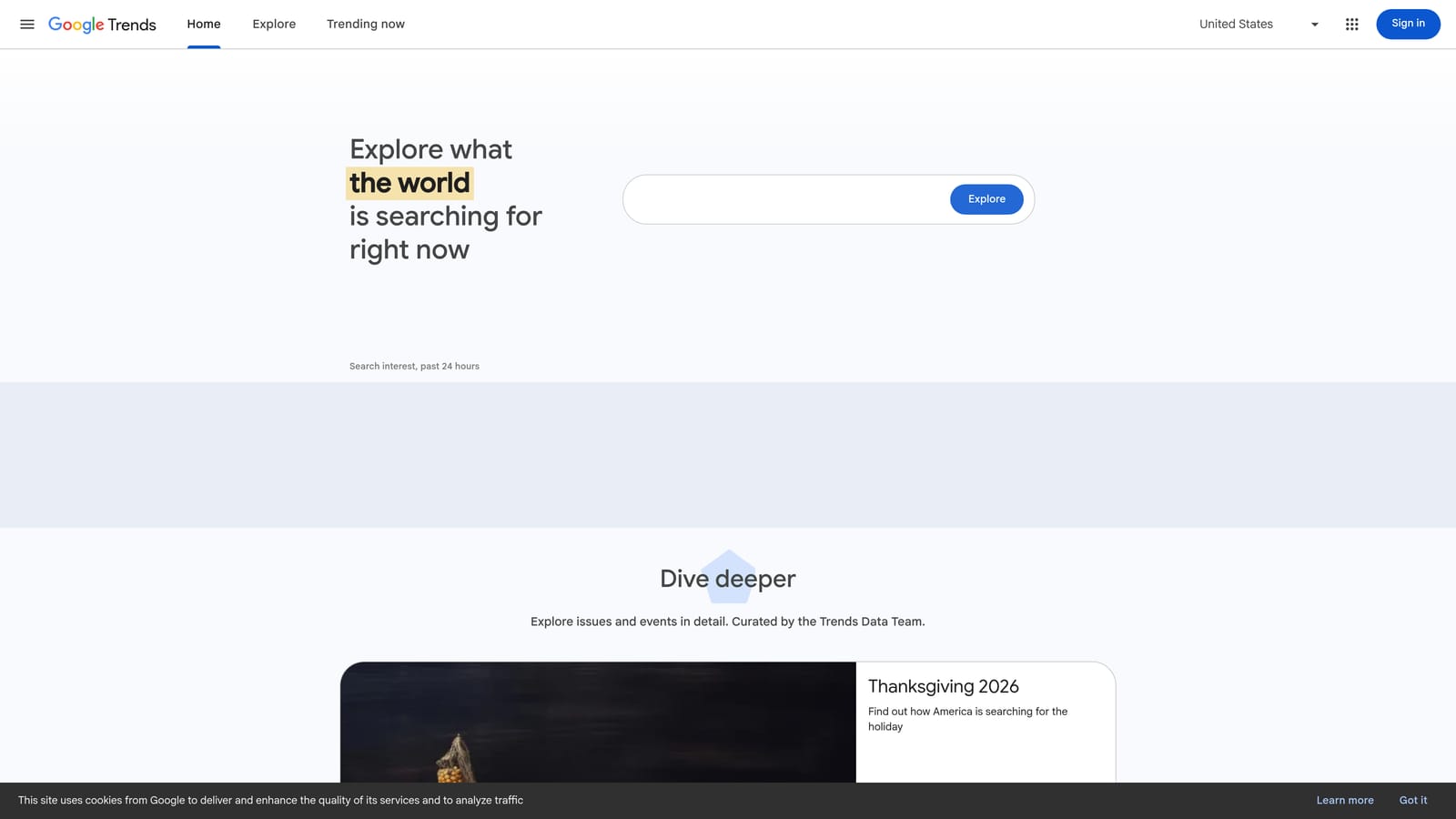
What it does well is show when and where demand moves. That makes it a planning tool for budgets rather than a keyword generator.
- Interest over time, so you can spot seasonal peaks and plan spend ahead of them.
- Term comparison, which tells you which of two phrasings people favor.
- Regional breakdown, useful for geo-targeting and allocating budget by location.
- Related queries and topics, which can hint at angles you hadn't considered.
It's standalone, with data exportable to CSV, and there's nothing to set up. Anyone can open it and use it in a couple of minutes. But you won't get CPCs, keyword lists, or competition data, so pair it with a tool that does.
Google Trends is free.
Best for: Timing launches and budgets around seasonal demand.
4. Semrush Keyword Magic Tool
The Keyword Magic Tool sits inside Semrush, a broad SEO and PPC suite. Its draw is a large keyword database with heavy filtering, plus the ability to see what competitors rank and advertise for.
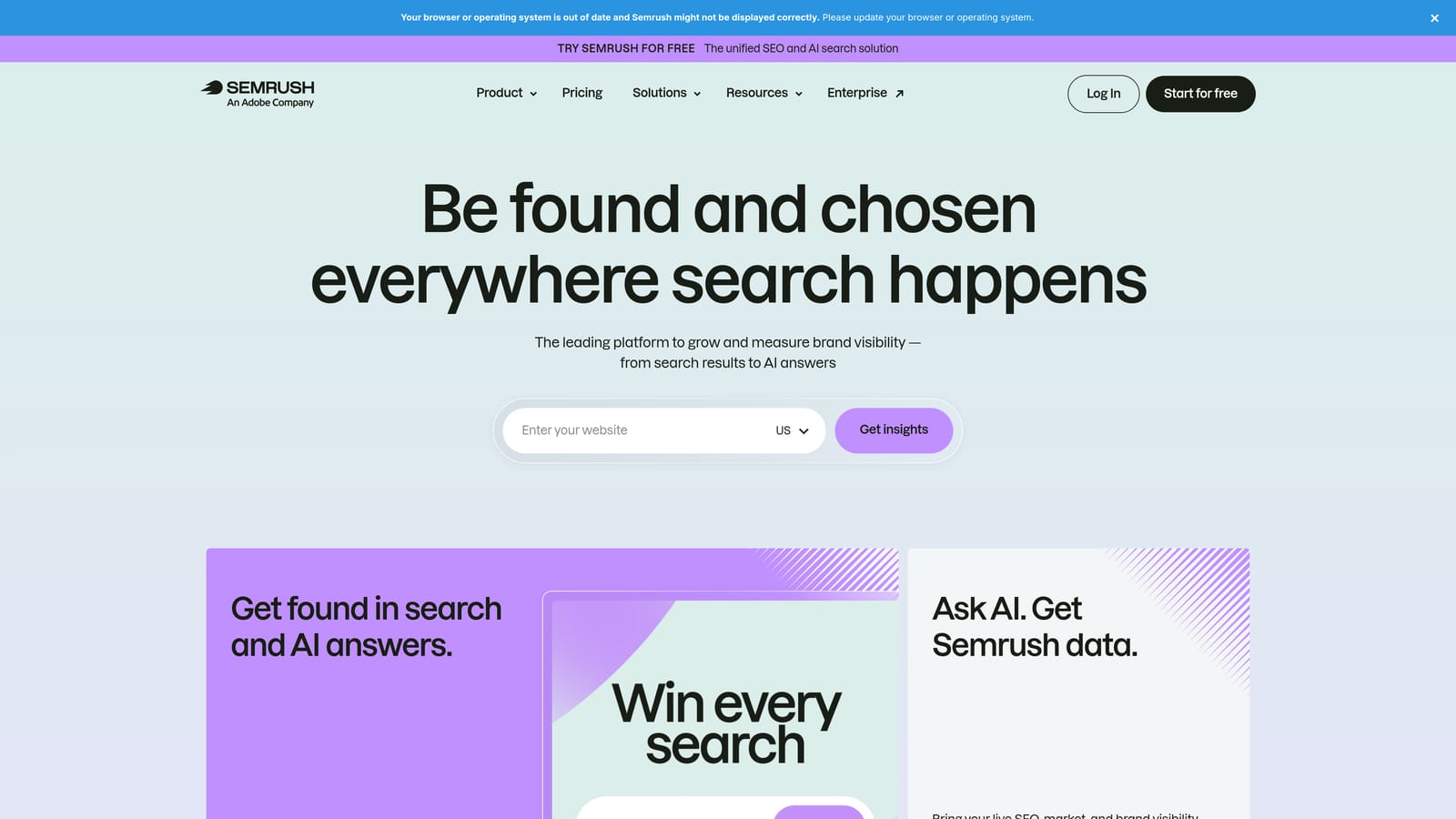
Competitor research is what sets it apart here. Most tools on this list tell you about a keyword; Semrush also tells you who else is targeting it, in both paid and organic results.
- Intent and difficulty filters, so you can cut a huge list down to commercially useful terms.
- CPC and volume data for estimating what a keyword is worth.
- Competitor keyword research, which reveals terms rivals are bidding on or ranking for.
- SERP feature data, showing what else appears on the results page.
- Keyword grouping, which organizes large lists into themes.
Semrush connects with Google Search Console, Google Analytics, and Google Ads, though you should verify the exact connections available on your plan. Expect some learning curve: it's a full suite, and an agency or marketing team usually owns it rather than a single casual user.
The downside is cost and complexity if all you need is Google Ads keyword work. You'd be paying for a lot you won't touch. Plans are subscription-based; check the website for current pricing, as tiers and limits change.
Best for: Agencies and teams doing competitive research across SEO and PPC.
5. Ahrefs Keywords Explorer
Ahrefs comes from the SEO side, and Keywords Explorer shows it. The standout is how it estimates real traffic potential rather than just search volume.
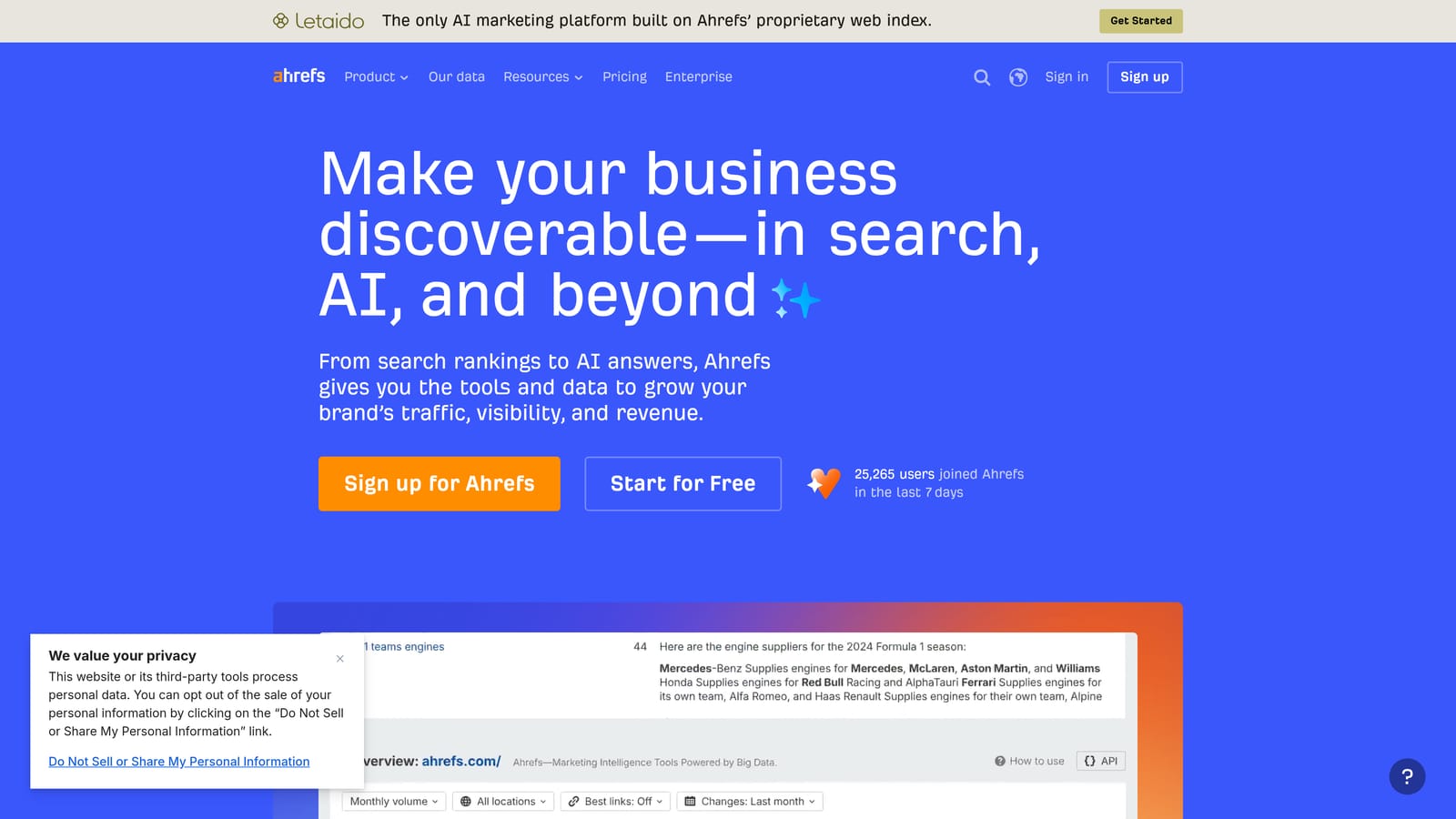
That's useful because a keyword with high volume may send few clicks if the results page answers the query directly. Ahrefs tries to expose that gap.
- Keyword difficulty scores, which show how hard organic ranking would be.
- Clicks estimates, so you see how many searches actually produce clicks.
- Parent topic grouping, which tells you whether a term is worth targeting separately or belongs with a broader topic.
- SERP overview, giving a quick read on who currently ranks.
- Country-level data for planning across markets.
It can connect with Google Search Console and Google Analytics, but verify the current integrations before relying on them. Like Semrush, it typically suits a team member who already works in SEO.
The limitation: it's SEO-first and lighter on paid auction data. If your goal is purely to refine Google Ads bidding, it won't be your main tool. Where it earns its place is aligning organic and paid strategy, such as deciding which terms to rank for and which to pay for.
Pricing is subscription-based; see the website for current plans.
Best for: Teams aligning organic and paid keyword strategy.
6. Ubersuggest
Ubersuggest is the budget option among the paid suites. It gives you a simple interface and keyword data without the cost or learning curve of the larger platforms.
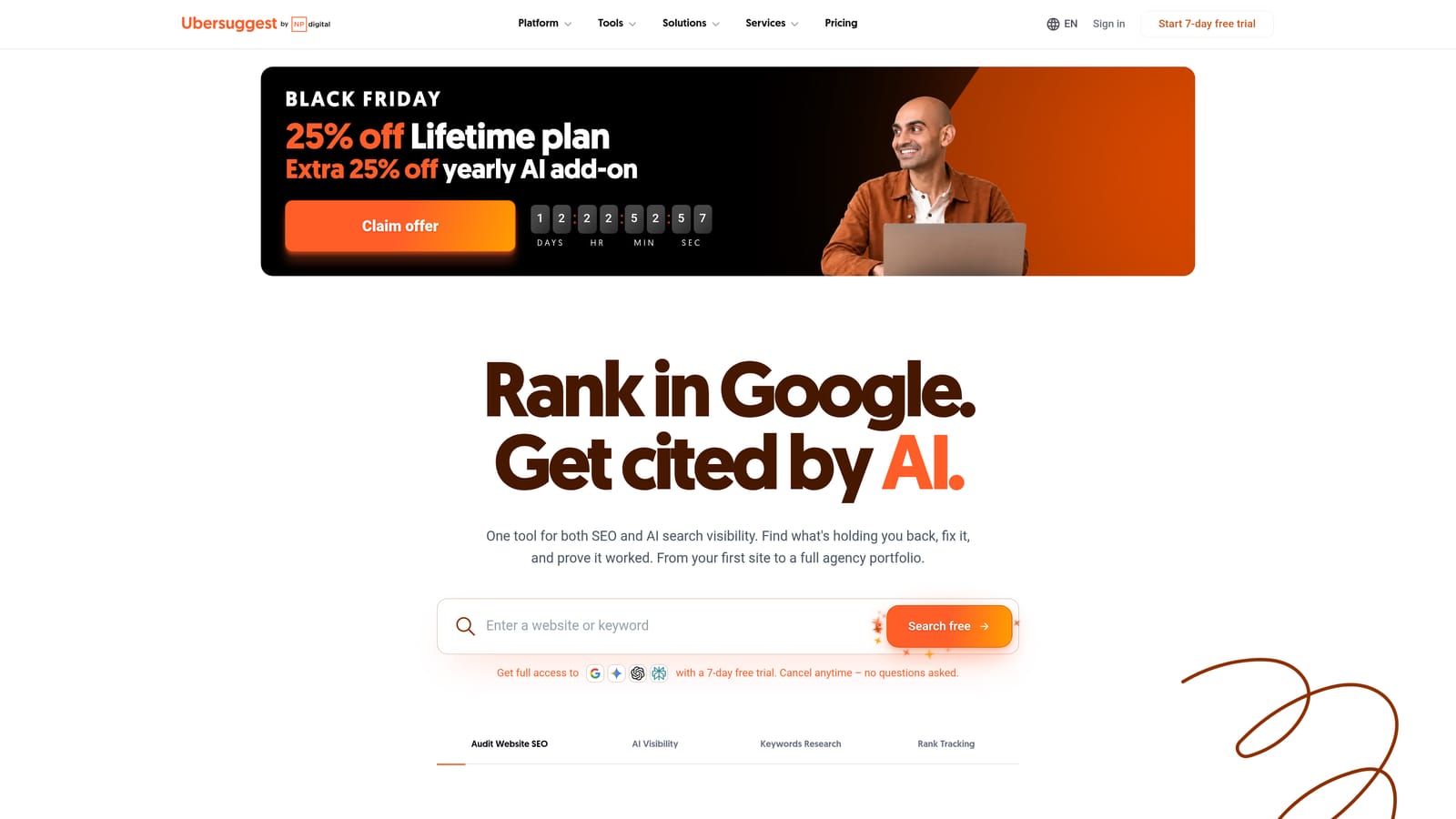
That low barrier is its edge. A freelancer or small business owner can get useful ideas in minutes, and it has a limited free tier to try. A lifetime plan has been offered in the past, but verify whether it's currently available.
- Keyword ideas from a seed term, so you can build a starting list quickly.
- Volume and CPC figures to gauge commercial value.
- SEO and paid difficulty scores, giving a rough read on competition.
- Content ideas that show what already performs for a topic.
- A basic site audit for spotting obvious on-site issues.
It can connect with Google Analytics and Search Console; verify current options. Setup is minimal and one person can run it.
The trade-off is depth. You get less data and weaker filtering than Semrush or Ahrefs, so large agencies or heavy competitive research will outgrow it. Pricing includes limited free use and paid plans; see the website for current rates.
Best for: Freelancers and small businesses on a tight budget.
7. WordStream Free Keyword Tool
The WordStream Free Keyword Tool is a quick lookup built with PPC in mind. You enter a seed term, pick an industry, and get a list of ideas.
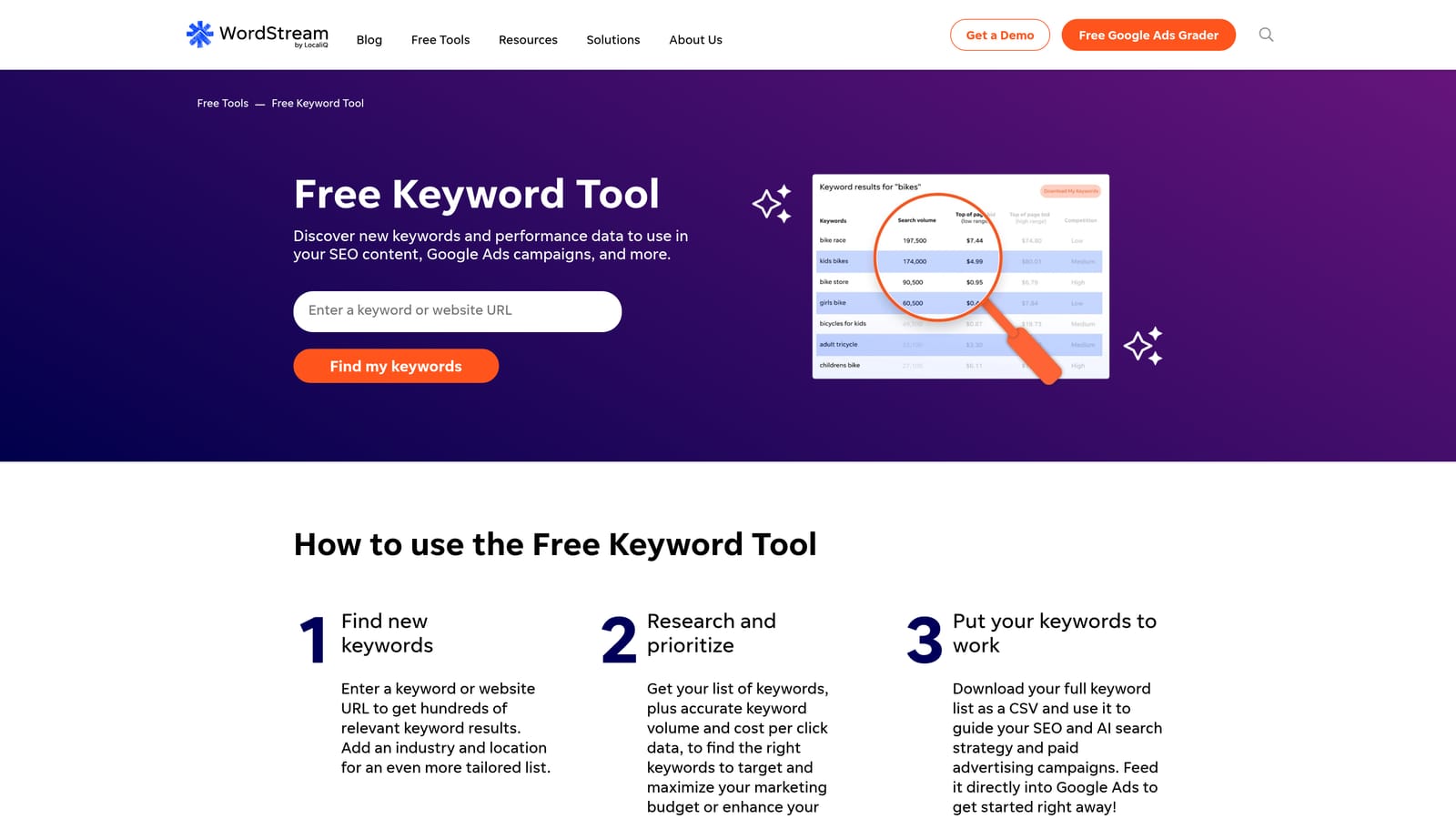
The industry input is the distinguishing part. It nudges the suggestions toward what advertisers in your sector tend to target, which helps newcomers who don't know where to begin.
- Keyword ideas by industry, so results feel relevant to your market.
- Volume and CPC guidance to give you a rough sense of cost.
- A quick no-setup lookup, with nothing to install or configure.
There are no integrations with the free tool, and no ongoing workflow around it. You run a search, copy what's useful, and move on. Results are shallow compared with Keyword Planner or the paid suites, so it works best as a starting point, not a research system.
It's free.
Best for: Beginners wanting a quick PPC-focused idea list.
8. AnswerThePublic
AnswerThePublic takes a seed keyword and maps the questions, prepositions, and comparisons people attach to it. It's about language more than numbers.
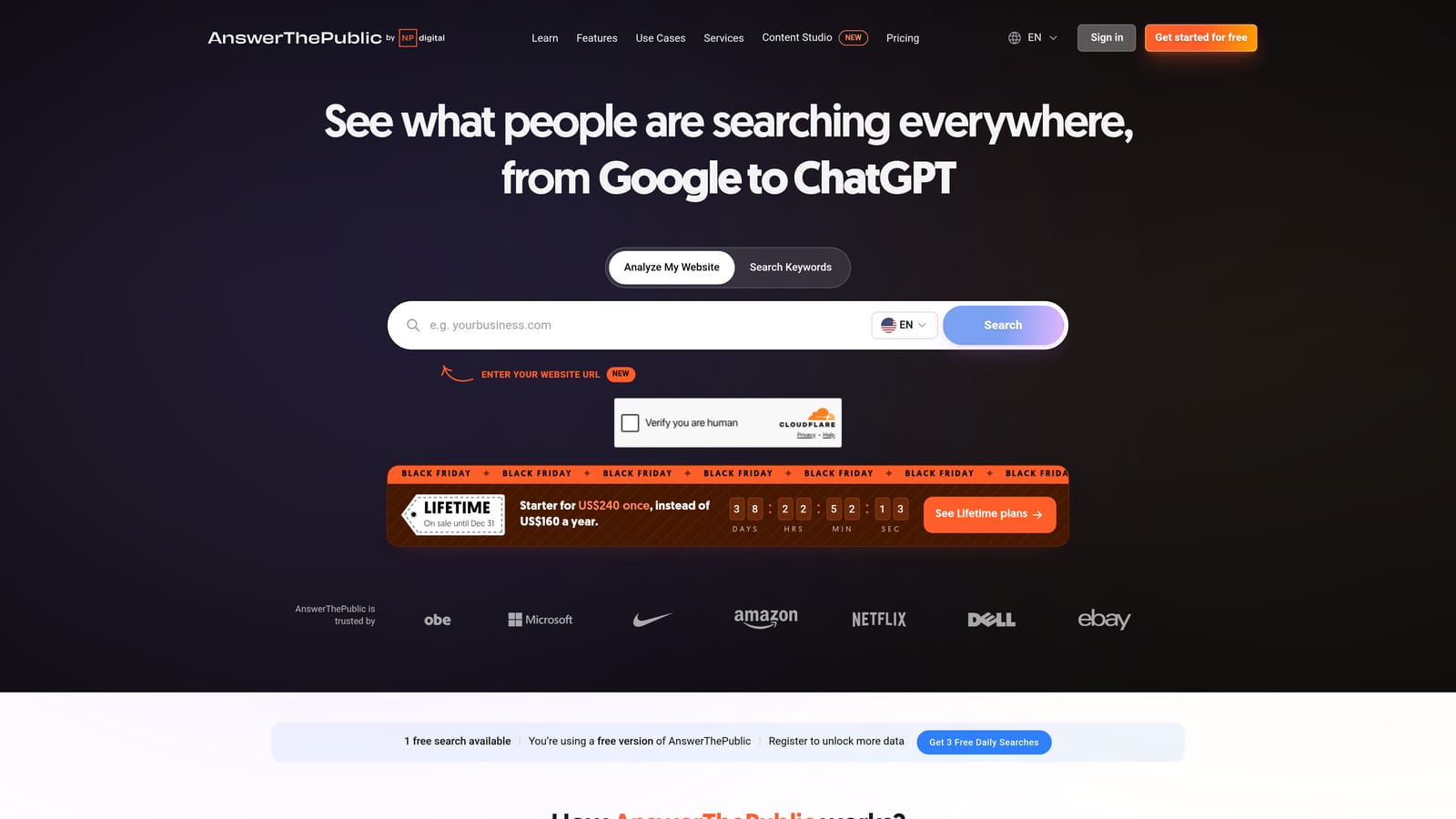
That makes it good for long-tail discovery and for ad copy. If people ask "how much does X cost" or "X vs Y," those phrasings can shape headlines, landing page sections, and keyword themes.
- Question and preposition maps that surface how people phrase their searches.
- Comparison phrases, handy for "versus" and "alternative" intent.
- Alphabetical suggestions for finding variations you wouldn't think of.
- Data export, in CSV and image formats, so you can move ideas into your own list.
It's standalone, so there's nothing to connect. The key limitation is that it shows no cost or competition data. You'll still need Keyword Planner or a paid suite to check whether those phrases are worth bidding on. Also remember that a question people ask isn't automatically a buying query.
There are limited free searches, with paid plans beyond that; see the website for current pricing.
Best for: Finding long-tail and question-based phrases and ad angles.
9. Google Search Console
Google Search Console reports the organic queries your site already appears for. That makes it unusual on this list: it's evidence of demand tied to your own site, not a model or estimate.
For paid work, it's a good source of proven phrases. If a query earns impressions organically, it may deserve a test as a keyword, especially where you rank low and want more visibility.
- Query-level impressions and clicks, showing which searches already reach your site.
- Average position, which helps you find terms where paid could fill a gap.
- Page and country filters for narrowing to a product line or market.
- Export options, so you can sort and review queries elsewhere.
It works alongside Google Analytics and Looker Studio. Setup means verifying site ownership, which usually needs someone with access to the site or DNS, so it often falls to a webmaster or in-house marketer.
The boundaries matter. It only covers queries your site already appears for, so it can't reveal new opportunities, and it excludes anonymized queries. There's no CPC or competition data either.
It's free.
Best for: In-house marketers mining existing organic data for paid keyword ideas.
Which Google Keywords Tool Fits Your Situation
Most of the tools above find keywords; only one cleans up what's already running. Pick based on which job you have right now.
- Free discovery: Google Keyword Planner plus Google Search Console. Keyword Planner gives official data and a campaign handoff, while Search Console shows queries your site already earns. Treat Keyword Planner volume as a range, not an exact figure.
- Competitive research: Semrush or Ahrefs. Choose Semrush if paid competitor data matters most, and Ahrefs if you're balancing organic and paid.
- Tight budgets: Ubersuggest or WordStream. Both get you ideas without a heavy subscription.
- Live account cleanup: Keywordme. Once ads are running, the Search Terms Report is where wasted spend shows up, and acting on it quickly is the job.
Finding keywords is only half the work. Added as broad match with no negatives, a fresh list can trigger plenty of irrelevant searches, and the Search Terms Report is where you catch them. Keywordme lets you remove junk search terms, build high-intent keyword lists, and apply match types instantly, right inside Google Ads. No spreadsheets, no switching tabs, just quick, seamless optimization. Start your free 7-day trial (then just $12/month) and take your Google Ads game to the next level.
