
9 Best Google Keyword Tracker Tools for Monitoring Rankings and Ad Keywords in 2026
A practical guide to google keyword tracker tool.


"Google keyword tracker tool" covers two different jobs. One is tracking where your pages rank in Google's organic results. The other is tracking how the keywords and search terms in your Google Ads account perform. This list covers both and labels which job each tool does. We picked tools on accuracy, workflow fit, reporting, and price, with marketers, freelancers, and agency owners in mind.
Quick Comparison: Which Job Each Tool Does
- Keywordme: advertisers and agencies cleaning up Google Ads search terms; $12/month per user; acts on search terms inside the native Google Ads interface.
- Google Search Console: any site owner who wants an organic baseline; free; first-party query data straight from Google.
- Google Ads Keyword Planner: anyone building a keyword list for Search campaigns; free with a Google Ads account; forecasts and bid estimates from Google's ad data.
- Semrush Position Tracking: teams wanting rank tracking plus competitor and audit data; subscription, see website; tracking inside a full competitive research suite.
- Ahrefs Rank Tracker: SEOs who pair rankings with link analysis; subscription, see website; rankings tied to a well-known backlink index.
- SE Ranking: freelancers and small agencies reporting to clients; subscription, see website; agency-friendly reporting at a more modest price point.
- AccuRanker: enterprise and agency teams with very large keyword sets; scales by keyword count, see website; built only for fast, high-volume rank tracking.
- Looker Studio with Google Ads: agencies building custom PPC reports; free; fully custom keyword and search term dashboards.
- Wordtracker: solo users doing quick keyword idea checks; see website; lightweight idea generation on a small budget.
1. Keywordme
Keywordme is our own product, so weigh this entry accordingly. It is a Chrome extension that adds one-click actions inside the Search Terms Report in Google Ads. It is built for advertisers and agencies who spend real time sorting what people typed (search terms) from what you actually bid on (keywords).
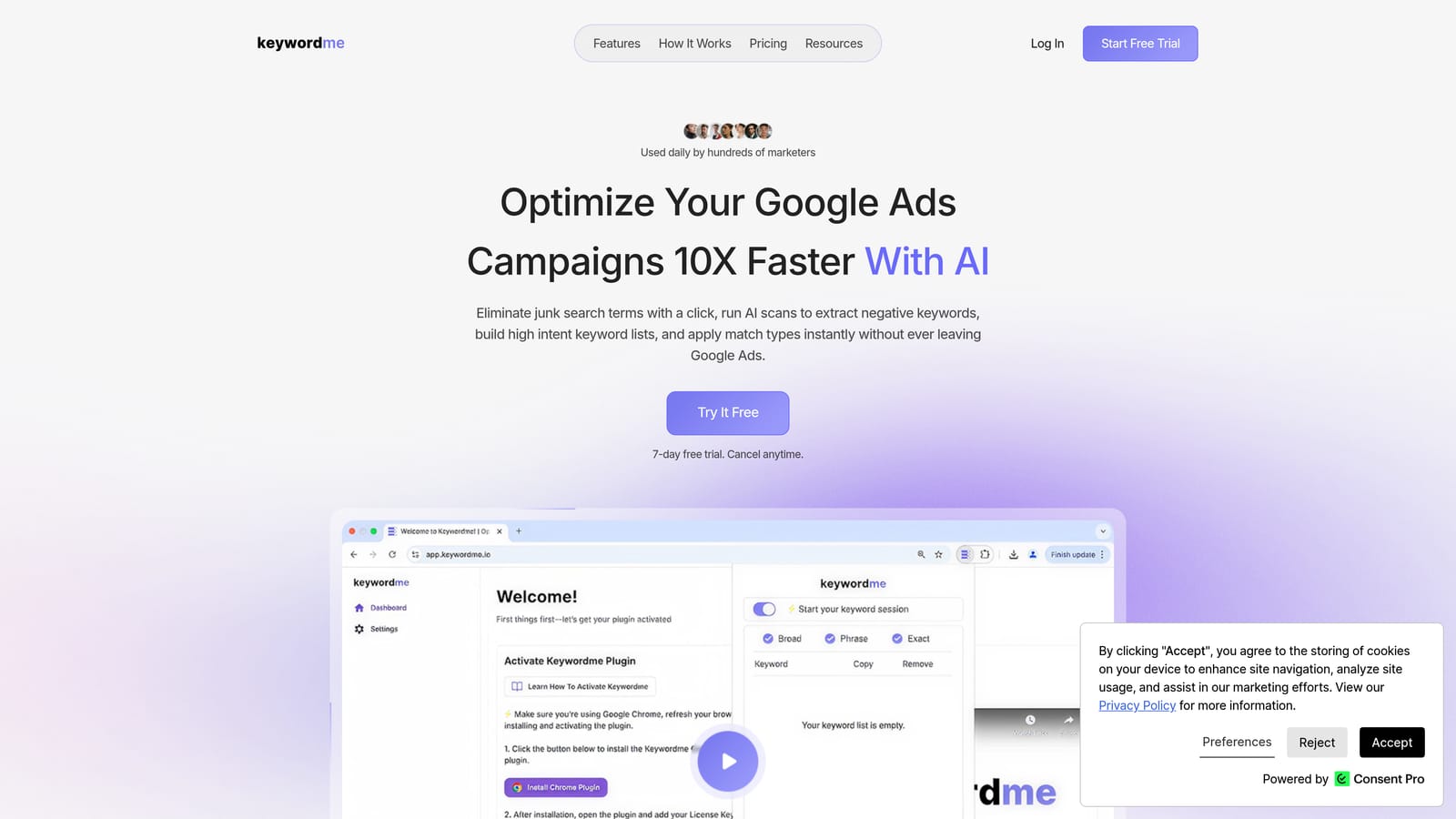
Its distinct strength on this list is that it acts on search terms where you already see them. You do not export to a spreadsheet, edit, and re-upload. You review the report, decide what is junk and what is gold, and apply the change in the native interface. You stay in control of every decision; nothing is changed automatically.
- Add negative keywords straight from the Search Terms Report, so irrelevant queries stop costing you money.
- Add high-intent search terms as keywords with match types applied instantly, which speeds up list building.
- Keyword clustering groups related terms so you can spot themes instead of reading rows one by one.
- Bulk editing lets you handle many terms at once rather than clicking through each.
- Multi-account and team support suits agencies running several client accounts.
Setup is light: install the extension and use it within Google Ads. The day-to-day user is whoever already lives in the account, usually a PPC manager or freelancer. Its integration is Google Ads via Chrome.
The limits are plain. It works with Google Ads only and needs Chrome. It does not track organic rankings, so if you need position data for pages, pair it with something further down this list. It is also an action tool, not a reporting dashboard.
Pricing is a flat $12/month per user, with a 7-day free trial (as of 2026, so confirm on the site). Cost moves with the number of users, not with ad spend or keyword counts.
Best for: Advertisers and agencies cleaning up search terms and building keyword lists fast.
2. Google Search Console
Google Search Console is Google's free tool for seeing how your site appears in organic search. It shows the queries that triggered impressions of your pages, plus clicks, click-through rate, and average position. Any site owner can use it, and it is the right starting point before paying for anything.
Its edge over every paid rank tracker here is that the data comes first-party from Google. Nobody else can show you the actual queries your pages appeared for, including long-tail ones you never thought to track.
One mistake to avoid: average position is not an exact rank. It averages across every impression, locations, devices, and personalized results. A page showing position 8.4 is not sitting at a clean spot on page one. Use it for direction and trend, not for precise daily checks.
- Query and page performance reports show which searches bring clicks to which URLs.
- Average position and CTR help you spot pages that rank well but get few clicks.
- Index coverage and URL inspection tell you whether Google can actually find and index a page.
- Date and country filters let you compare periods and markets.
It connects with Looker Studio and Google Analytics, and setup means verifying ownership of your site, which takes a few minutes. Typically an SEO or site owner runs it.
Limitations: no exact daily rank checks and no competitor tracking. You only see your own site. It also has no view of Google Ads search terms.
Pricing: free.
Best for: A free organic query baseline for any site owner.
3. Google Ads Keyword Planner
Google Ads Keyword Planner lives inside Google Ads and handles keyword research and forecasting. It is often mistaken for a tracker. It is not one: it plans keywords but does not report how they perform or where anything ranks. Treat it as the step before tracking.
What it does well is forecasting from Google's own ad data, which no third-party SEO suite can match. If you are launching or expanding a Search campaign, it gives you a grounded starting point for volume and cost.
- Search volume ranges show roughly how much demand a term has.
- Keyword ideas from seed terms or a URL help you find angles you had not considered.
- Forecasts for planned campaigns estimate what a keyword set might deliver.
- Bid range estimates help you budget before spending.
You need a Google Ads account to use it, and setup is minimal. Media buyers and PPC managers use it most, usually at campaign planning time rather than daily.
Limitations: volume often shows as ranges, especially for accounts with little or no spend, and estimates are not performance. It will not tell you which of your live search terms are wasting budget. Once campaigns run, you need the Search Terms Report or a tool built around it.
Pricing: free with a Google Ads account.
Best for: Building a keyword list before launching or expanding Search campaigns.
4. Semrush Position Tracking
Semrush offers Position Tracking as one module inside a broad SEO and competitive research suite. It is aimed at teams that want rank tracking alongside competitor analysis, site audits, and content tools, rather than a single-purpose tracker.
The distinctive part is context. You see your rankings and can immediately compare them against competitors in the same platform, without stitching data from separate tools.
- Daily rank tracking by location and device shows how rankings differ between, say, mobile in one city and desktop in another.
- Competitor comparison puts your visibility next to named rivals.
- SERP feature tracking shows whether you hold featured snippets and similar placements.
- Scheduled reports send updates to your inbox or to clients.
It integrates with Google Search Console, Google Analytics, and Looker Studio. Setup involves creating a project and entering your keywords and competitors, which is quick for a small set but takes planning for large ones. An SEO lead or agency account manager usually owns it.
Limitations: it can feel pricey and complex if all you need is rank checks. You pay for a suite whether or not you use the rest of it. It is also an organic tool, so it will not clean up your Google Ads search terms.
Pricing: subscription; see the website for current plans, since tiers and limits change.
Best for: Teams wanting tracking plus competitor and audit data in one platform.
5. Ahrefs Rank Tracker
Ahrefs includes Rank Tracker as part of a toolset best known for its backlink index and keyword data. If your SEO work leans on link analysis, having rankings sit next to that data is the draw.
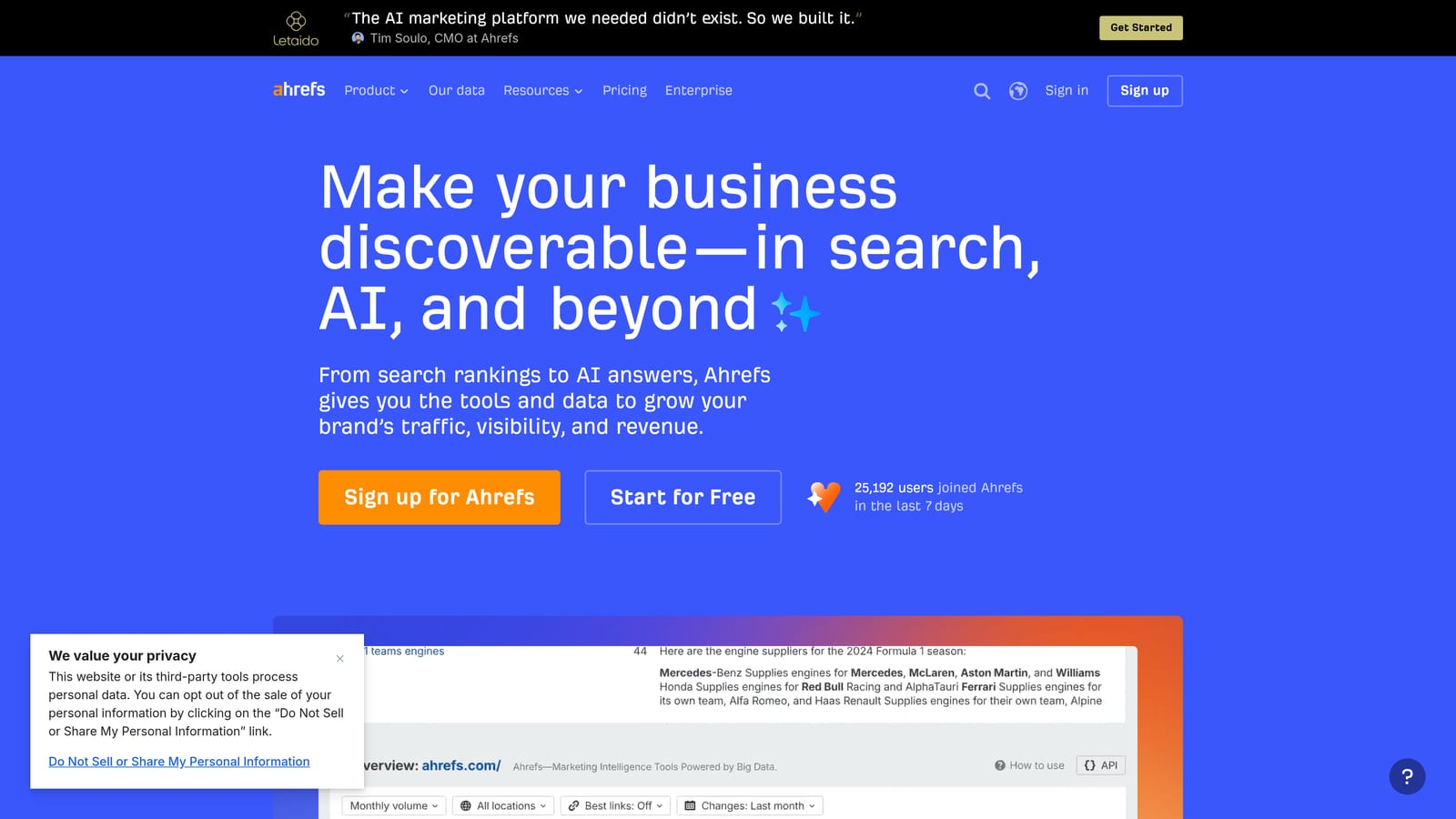
What sets it apart here is that connection: you can see a ranking drop and check the backlink picture around the same pages without leaving the platform.
- Position history lets you look back over time rather than just today's snapshot.
- SERP feature tracking flags which results include snippets and similar elements.
- Competitor tracking compares your positions against rivals for the same keywords.
- Share of voice metrics summarize your visibility across a keyword set in one number.
It integrates with Google Search Console and Looker Studio. Setup is straightforward: add a project, then your keywords and locations. SEOs and content teams typically run it.
Limitations: tracked-keyword limits mean cost climbs as your keyword set grows, so large agencies should model the price carefully. Like the other SEO tools, it does not touch Google Ads search terms or negative keywords.
Pricing: subscription; see the website for current plans. What moves the price is the plan tier and how many keywords you track.
Best for: SEOs who combine rank tracking with link analysis.
6. SE Ranking
SE Ranking is an SEO platform with rank tracking and reporting aimed at agencies and freelancers. It sits in the middle of the market: broader than a pure tracker, lighter and usually cheaper than the largest suites.
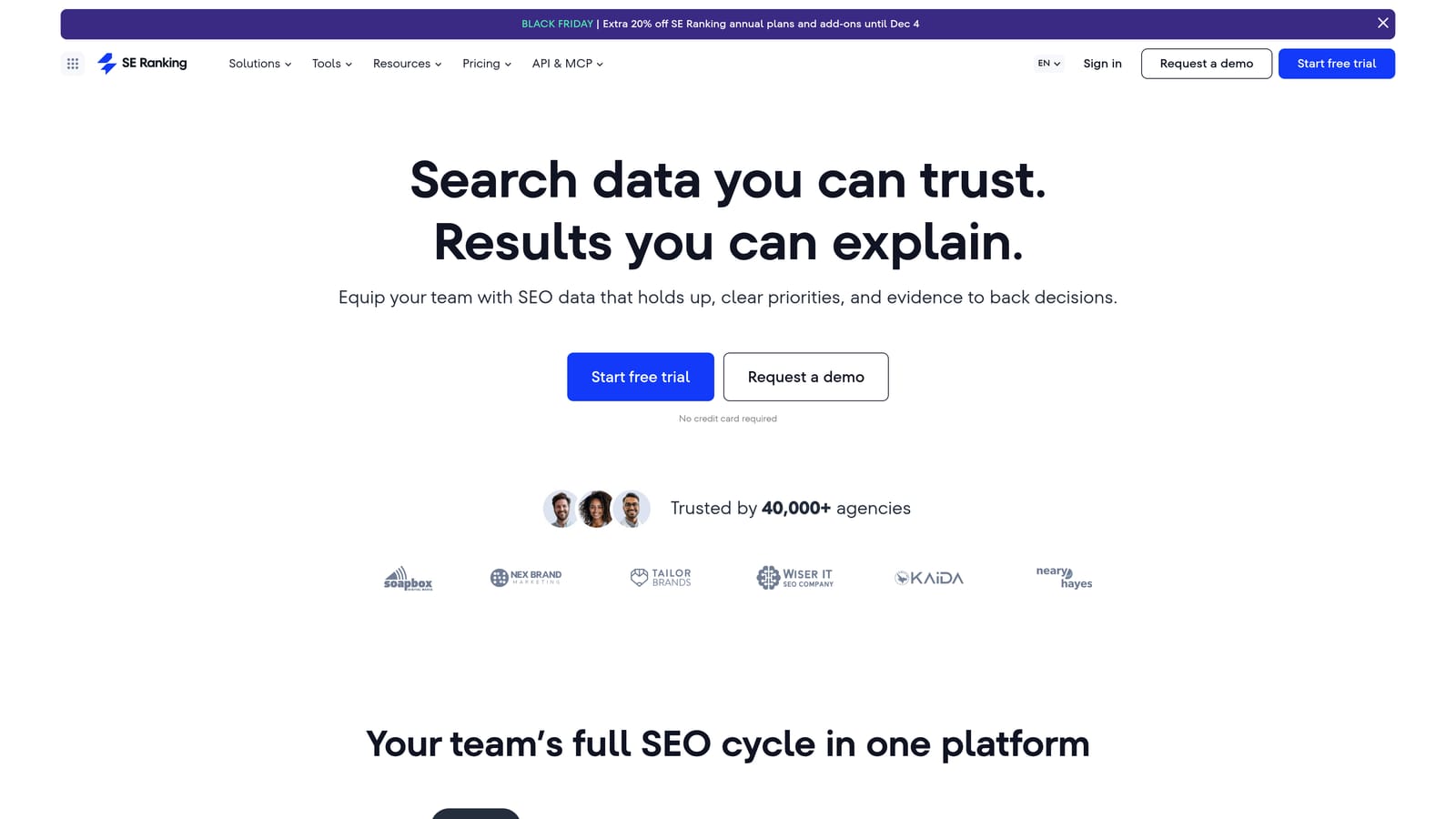
Its standout on this list is agency-friendly reporting at a more modest price point. If you send monthly reports to clients, that is where it earns its place.
- Rank tracking by location and device covers local and mobile-versus-desktop checks.
- Client reports turn tracking data into something you can hand over.
- White-label options let you brand reports as your own; check which plan includes this before buying.
- Competitor monitoring shows how rivals move on the same keywords.
It integrates with Google Search Console, Google Analytics, and Looker Studio. Setup is similar to other trackers: add the project, keywords, and competitors. A freelancer or account manager can run it solo.
Limitations: its data ecosystem is smaller than the largest suites, so research depth in areas like backlinks may not match Ahrefs or Semrush. It does not handle Google Ads search terms.
Pricing: subscription; see the website. Plan tier and tracked-keyword volume drive cost, and white-label features depend on the plan.
Best for: Freelancers and small agencies reporting to clients.
7. AccuRanker
AccuRanker does one thing: rank tracking, built for speed and large keyword volumes. There is no wider SEO suite attached, which is both its pitch and its limit.
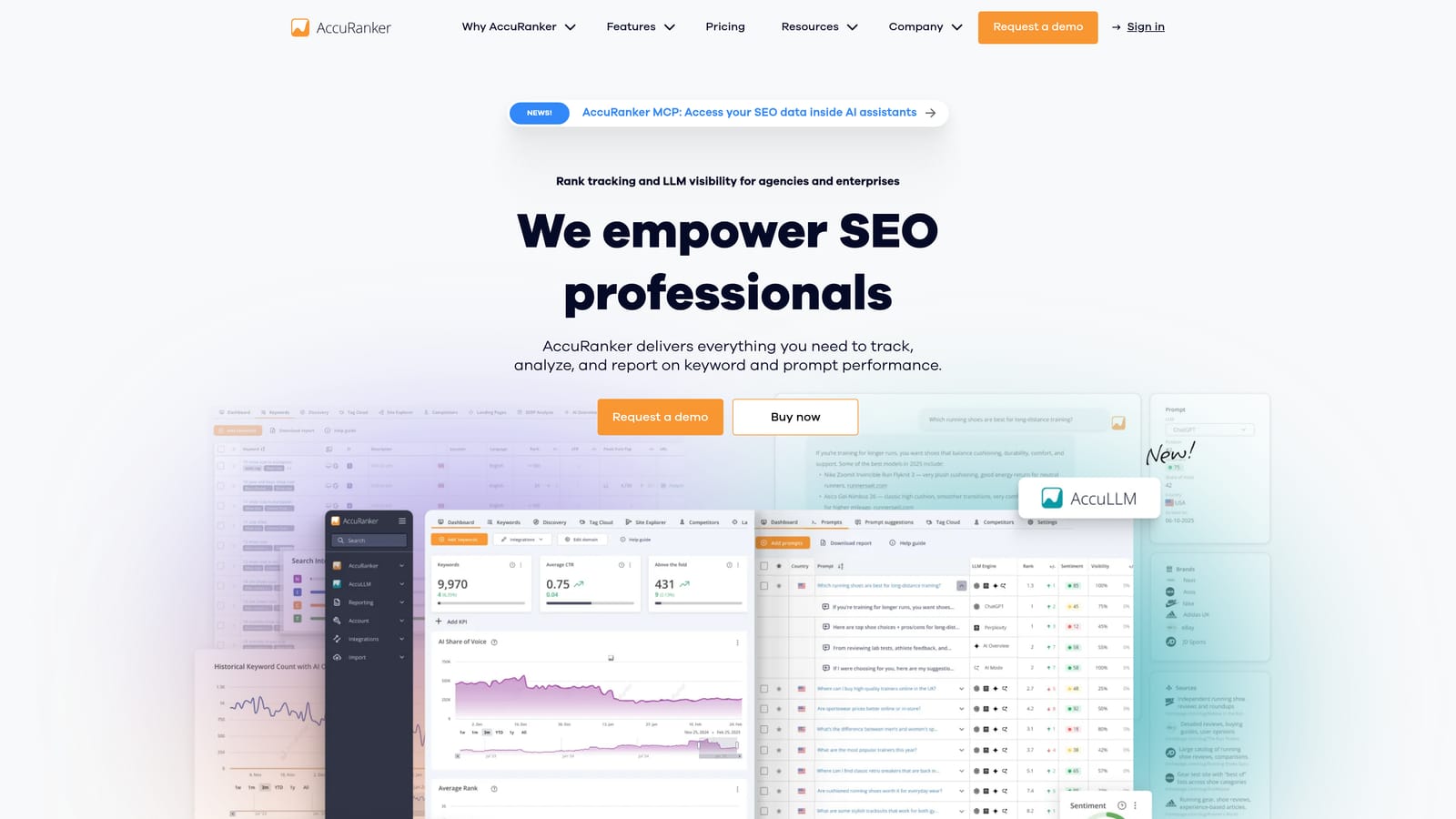
Its difference from the rest of this list is focus. Where suites add rank tracking as a module, this is the product, and it is designed to refresh and handle big sets without slowing down.
- On-demand rank refreshes let you check a keyword now instead of waiting for the next scheduled update.
- Large keyword volume handling suits enterprise sites and agencies with many clients.
- Tagging and segmentation organize thousands of keywords by product line, client, or intent.
- Reporting and API access feed rankings into dashboards and internal tools.
It integrates with Google Search Console and Looker Studio, and offers an API. Setup effort rises with the size of your keyword set, mostly in organizing tags. Technical SEOs and agency teams tend to own it.
Limitations: no wider SEO suite, so you will need other tools for research and audits. It also offers nothing for Google Ads search terms.
Pricing: scales by keyword count; see the website for current figures.
Best for: Enterprise or agency teams tracking very large keyword sets.
8. Looker Studio with Google Ads
Looker Studio is Google's free dashboarding tool, and its native Google Ads connector makes it a flexible way to report on keyword and search term performance. Unlike most entries here, it tracks the paid side, and you design the report yourself.
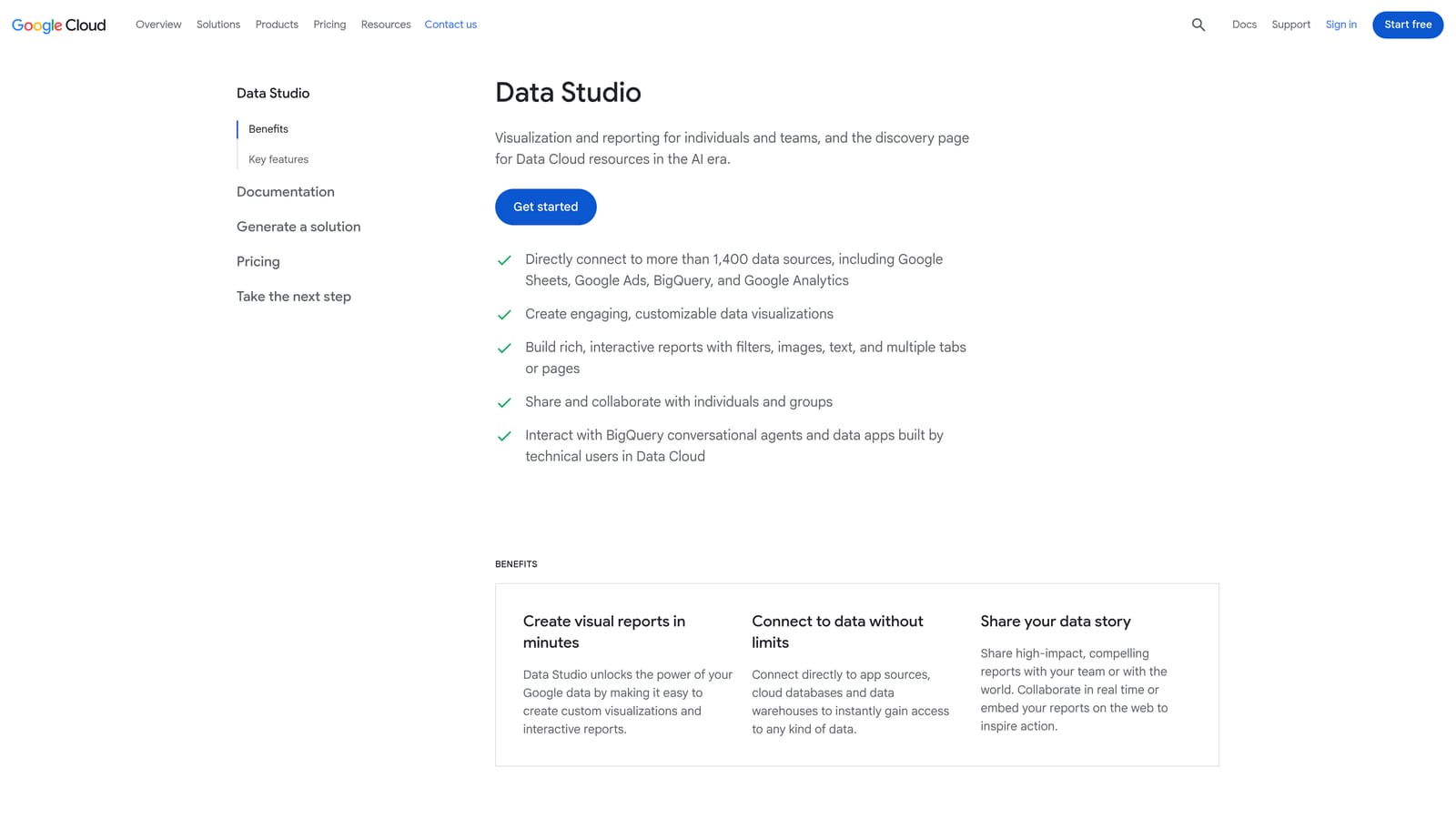
Its strength is custom reporting without extra software cost. You decide which metrics, filters, and date ranges appear, and you can blend sources so, for example, ad data sits beside Search Console data.
- The native Google Ads connector pulls keyword and search term data into reports without manual exports.
- Custom dashboards let you show clients only the numbers that matter to them.
- Scheduled sharing sends reports out automatically.
- Blended data sources combine Google Ads, Search Console, and Analytics in one view.
It works with Google Ads, Google Search Console, and Google Analytics. Setup takes time: building a clean dashboard is a project, though templates shorten it. A PPC analyst or agency reporting lead usually maintains it.
Limitations: it is a reporting layer only. It cannot apply changes in the account, so spotting a junk search term here still means going into Google Ads to add the negative keyword. It also needs upkeep when metrics or connectors change.
Pricing: free. A paid Pro tier exists; verify current details on Google's site.
Best for: Agencies building custom PPC reports without extra software cost.
9. Wordtracker
Wordtracker is a keyword research tool with a limited free option. Despite the name, it is not a dedicated rank tracker for ongoing monitoring. It earns a place here because many people searching for a keyword tracker really want quick idea generation.
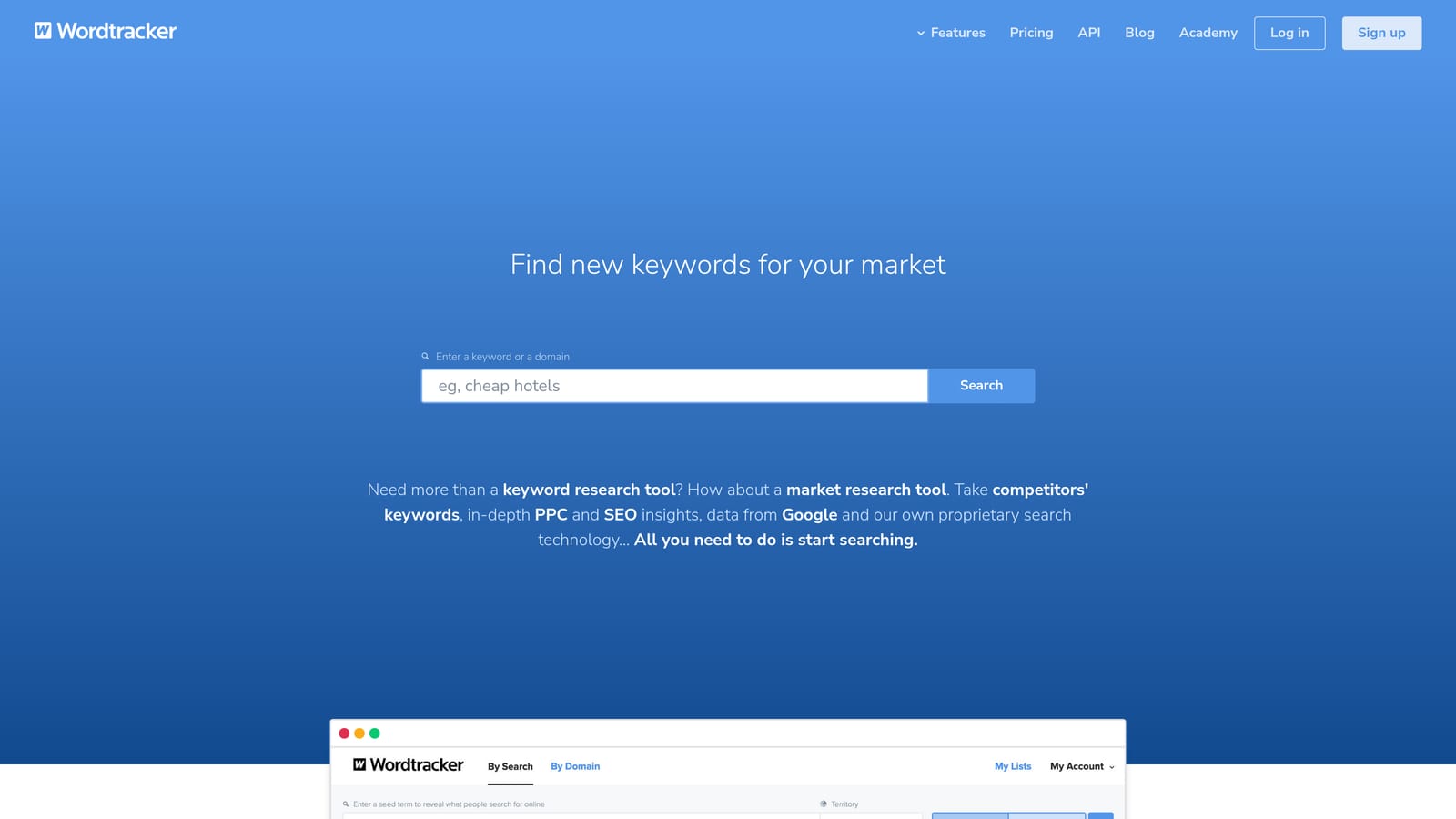
Its standout is lightweight keyword suggestions on a small budget. For a solo user checking a handful of ideas, it is fast and uncomplicated.
- Keyword suggestions expand a seed term into related searches.
- Search volume data gives a rough sense of demand.
- Competition indicators hint at how crowded a term is.
- Free tool access lets you test it first; verify the current limits on the site.
Integrations are not clearly documented here, so check the website. Setup is minimal, and one person can run it.
Limitations: it will not monitor your rankings over time, and it does not report on Google Ads performance or search terms. Teams with ongoing tracking or reporting needs will outgrow it.
Pricing: see the website for current plans and free-tier limits.
Best for: Solo users doing quick keyword idea checks.
Which Tracker Fits Your Situation
Start by deciding which job you actually have. Keywords are what you bid on; search terms are what people typed. Rank trackers watch the first world, search term tools handle the second, and few tools do both.
- Google Ads search term cleanup: Keywordme, because it lets you add negatives and keywords right in the Search Terms Report.
- Free organic baseline: Google Search Console, as long as you treat average position as a trend rather than an exact rank.
- All-in-one SEO: Semrush or Ahrefs, depending on whether you lean toward competitive research or link analysis.
- Agency client reporting: SE Ranking, with Looker Studio for custom PPC dashboards.
- Very large keyword sets: AccuRanker.
Many teams pair one organic tool with one Google Ads tool, and that is usually the sensible setup.
Optimize Google Ads Campaigns 10X Faster. Without Leaving Your Account. Keywordme lets you remove junk search terms, build high-intent keyword lists, and apply match types instantly, right inside Google Ads. No spreadsheets, no switching tabs, just quick, seamless optimization. Start your free 7-day trial (then just $12/month) and take your Google Ads game to the next level.
