
9 Best Google Keyword Tools for Google Ads in 2026
This guide compares nine Google keyword tools for Google Ads, separating tools that help you find new keywords to bid on from tools that clean up the search terms you already pay for. Each pick is assessed on data source, Google Ads workflow fit, cost, and who it suits, so solo advertisers, in-house marketers, and agencies can choose confidently.


"Google keyword tools" can mean two different jobs: finding new keywords to bid on, or cleaning up the search terms you're already paying for. Most lists blur them together. This one is for solo advertisers, in-house marketers, and agency teams running Google Ads, and the tools were picked on data source, fit with a Google Ads workflow, cost, and who they suit. A quick note on terms: a keyword is what you bid on, a search term is what someone actually typed, and a negative keyword blocks search terms you don't want to pay for.
Quick Comparison of the Google Keyword Tools
- Keywordme: advertisers and agencies cleaning up search terms; $12/month per user; takes keyword and negative keyword actions inside the Google Ads interface itself.
- Google Keyword Planner: anyone planning Search campaigns; free with a Google Ads account; first-party Google data with direct add to plan.
- Google Search Console: teams with an organic site; free; real organic queries from your own pages.
- Google Trends: marketers timing campaigns; free; seasonality and side-by-side phrase comparison.
- Semrush Keyword Magic Tool: teams doing SEO and PPC together; paid subscription; competitor keyword gap analysis across both channels.
- Ahrefs Keywords Explorer: people validating keyword value before spending; paid subscription; SERP analysis that shows whether a results page is worth targeting.
- SpyFu: advertisers launching against known competitors; paid subscription; historical competitor ad copy and paid keyword data.
- AnswerThePublic: long-tail and ad copy brainstorming; limited free searches; question-led phrase ideas.
- Google Ads Search Terms Report: anyone with live campaigns; free; the real queries you actually paid for.
1. Keywordme
Keywordme is a Chrome extension that adds one-click keyword and negative keyword actions to the Search Terms Report in Google Ads. It's built for advertisers who already have campaigns running and want to stop doing the review in spreadsheets. It's our own product, so weigh this entry with that in mind.
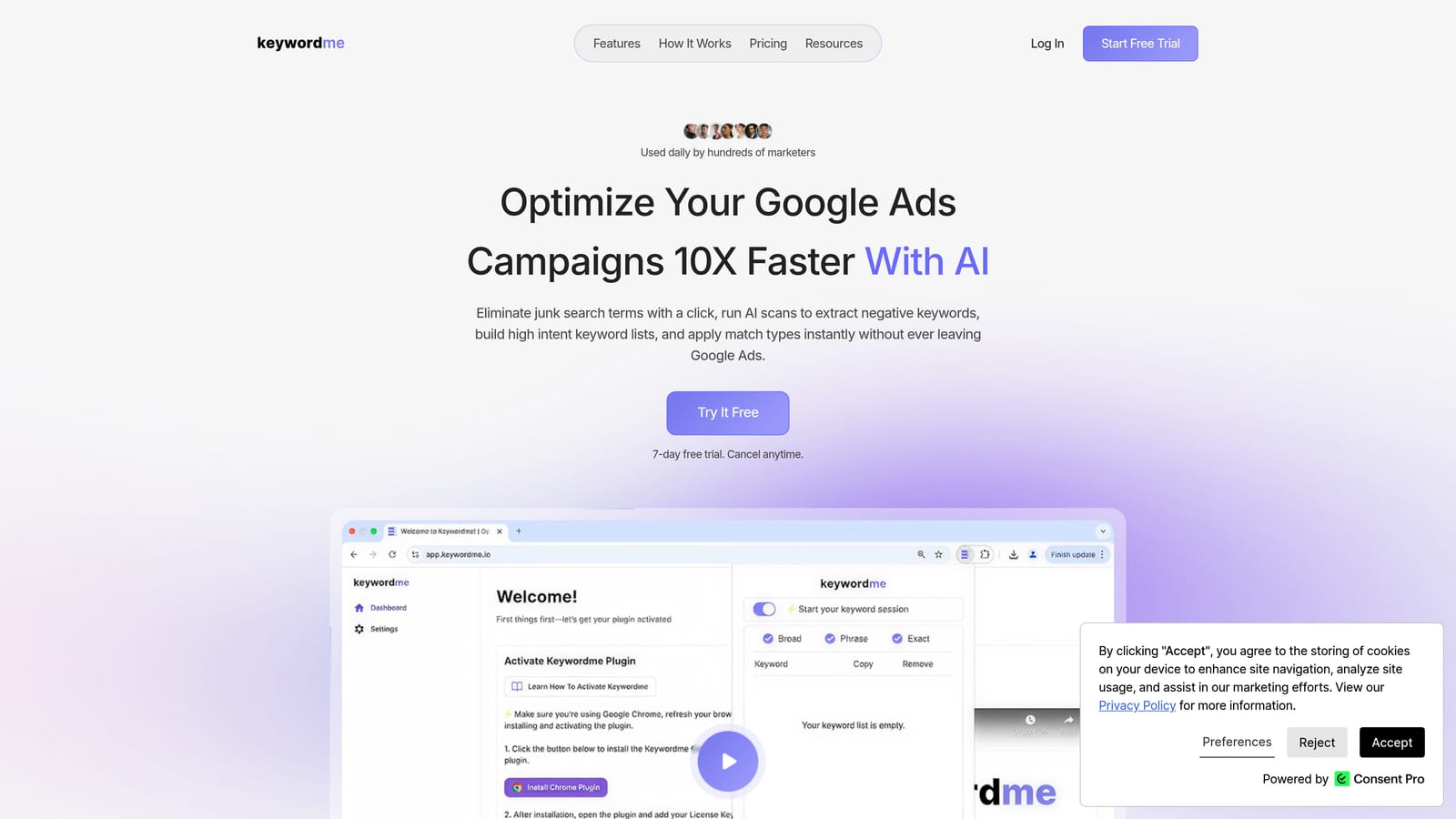
What sets it apart on this list is where it works. Most tools here hand you a list to export and re-import. Keywordme acts on search terms in the native Google Ads interface, so you review a term and decide on it in the same screen.
- One-click negative keywords from the Search Terms Report, so junk queries get blocked without copy-pasting.
- Add search terms as keywords with match types applied, which turns proven queries into positive keywords quickly.
- Keyword clustering to group related terms and spot themes instead of reading line by line.
- Bulk editing for handling many terms at once.
- Multi-account and team support, useful if you manage several clients or share work across people.
Setup is light: install the extension, open Google Ads in Chrome, and it works inside the account you already use. The day-to-day user is whoever reviews search terms, whether that's a freelancer, an in-house marketer, or an account manager at an agency. You still make the calls; it speeds up the clicks rather than deciding for you.
The limitation is scope. Keywordme refines keywords from existing search term data. It is not a volume database or a keyword discovery tool, so you'll need something like Keyword Planner for fresh ideas. It also needs Chrome and a Google Ads account with enough live traffic to have search terms worth reviewing. The company says it can make optimization up to 10x faster; that's its own claim, and your results will depend on how you work now.
Pricing: $12/month per user, with a 7-day free trial. Cost scales with the number of users.
Best for: Advertisers and agencies cleaning up search terms and building keyword lists faster.
2. Google Keyword Planner
Google Keyword Planner is Google's free research and forecasting tool inside Google Ads. It's the default starting point for anyone building a Search campaign from scratch.

Its edge is the data source. The numbers come from Google itself, and you can add ideas straight to a plan without exporting anything. No third-party tool can match that for a Google Ads workflow.
- Keyword ideas from seed phrases or a website URL, handy when you're starting cold.
- Historical search metrics so you can see how interest has moved.
- Forecasts that estimate how a plan might perform at a given budget.
- Bid range estimates to sanity-check whether your target CPA is realistic.
It requires a Google Ads account and takes minutes to learn, though reading the forecasts well takes practice. The main limitation is precision. Volume can show as broad ranges rather than exact figures, and Google's Help documentation ties that to account activity, so check how it applies to your account. It also has no competitor data and no keyword difficulty score, so it can't tell you who you're up against.
Treat the output as direction, not gospel. It suits discovery and budgeting, not judging whether a specific phrase will convert.
Pricing: Free with a Google Ads account.
Best for: Discovering keyword ideas and planning budgets for Search campaigns.
3. Google Search Console
Google Search Console is a free report of the queries that trigger your organic listings. It's not a PPC tool, but it's a quiet source of paid keyword ideas if your site already ranks for things.
The distinctive part is that this is real query data from your own site, not modeled estimates. If people find a page through a phrase you aren't bidding on, that's a candidate worth testing. If a page ranks well organically for a term, you might also decide you don't need to pay for it.
- Query report showing the phrases that surface your pages.
- Impressions and clicks so you can separate real demand from noise.
- Average position to spot queries sitting on page two that paid ads could capture.
- Page-level filters to mine queries for a single landing page or product.
It connects with Google Analytics, and setup means verifying ownership of your site, which usually needs someone with access to your DNS or site code. After that, a marketer can work in it directly.
The limits are plain. It only covers your own site, so it says nothing about markets you haven't entered. It also hides anonymized queries, so the picture is incomplete. And new advertisers with no organic presence will find little to mine.
Pricing: Free.
Best for: Mining organic queries for paid keyword ideas.
4. Google Trends
Google Trends shows relative search interest over time and by region. Where the others answer "what," it answers "when" and "which wording."
Its strength on this list is seasonality and comparison. You can check whether demand peaks before your budget does, or whether customers say "sofa" or "couch" in the regions you target. That's useful for scheduling and for choosing between phrasings.
What you can do with it
- Interest over time, to see seasonal peaks and slow declines.
- Regional breakdown, to inform geo targeting and budget splits.
- Related queries, for adjacent phrases you hadn't considered.
- Phrase comparison, to test one wording against another before building ad groups.
Where it stops
Trends reports indexed interest, not absolute volume. A score of 100 marks the peak for that search, not a number of searches, so you can't forecast clicks from it. There's no cost or competition data either, and it has no significant integrations. Anyone can use it with no setup, which makes it a fast sanity check but never a complete research stack.
Pricing: Free.
Best for: Timing campaigns and comparing phrasings.
5. Semrush Keyword Magic Tool
Semrush includes the Keyword Magic Tool, a large keyword database with filtering, inside its wider marketing suite. It's aimed at teams researching SEO and PPC together.
The distinctive piece is competitor keyword gap analysis spanning both organic and paid. You can see where rivals show up and you don't, which no Google-native tool offers.
- A large keyword database with filters, so you can narrow thousands of ideas to a workable set.
- Keyword difficulty scores to judge how hard a term is to rank for organically.
- CPC data to give a rough sense of what clicks may cost.
- Competitor keyword gaps to find terms rivals own and you don't.
It integrates with Google Search Console and Google Analytics. Setup is account creation plus connecting those sources, and the tool is usually run by an SEO or search lead. Expect a learning curve, since the suite is big.
That size is also the main limitation. If you only run Google Ads, much of what you pay for may go unused. Remember too that volumes, difficulty, and CPC figures are third-party estimates, not Google data, so cross-check against Keyword Planner.
Pricing: Paid subscription; as of October 2026, see the Semrush website for current plans. Price varies by plan tier and usage limits.
Best for: Teams doing SEO and PPC research together.
6. Ahrefs Keywords Explorer
Ahrefs Keywords Explorer is a research tool with clicks estimates and SERP analysis. It leans SEO, and it has no Google Ads account workflow, so think of it as a validation step rather than a daily PPC tool.
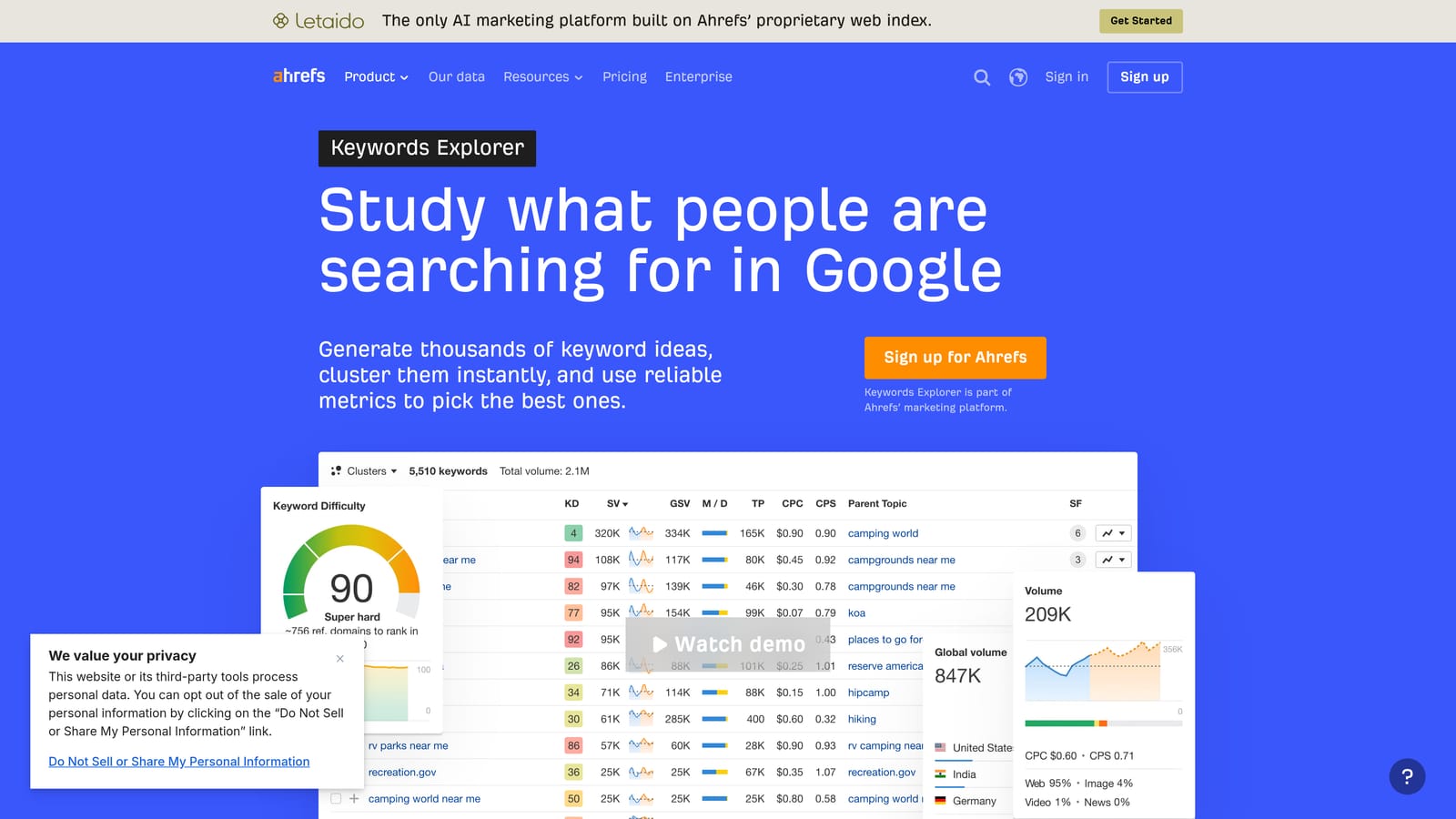
What it does that the others don't is show you the results page behind a keyword. Looking at who ranks and how much of the page ads and features take up helps you judge whether a term is worth paying for.
- Keyword ideas expanded from a seed term.
- Clicks estimates, which can show that a high-volume phrase sends few actual clicks.
- Parent topic, to see whether related phrases can be grouped under one theme.
- SERP overview, to judge the competition on the page itself.
It connects to Google Search Console. Setup is light, since it's a web app, and an SEO or content lead typically owns it. PPC-only advertisers can use it too, but you'll be moving ideas into Google Ads by hand.
The limitation is focus: it's built around organic search, so paid-specific data is thinner than in a PPC-first tool. Its numbers are also estimates rather than Google's own.
Pricing: Paid subscription; as of October 2026, see the Ahrefs website. Price depends on plan tier and usage limits.
Best for: Validating keyword value before committing spend.
7. SpyFu
SpyFu is a competitor research tool that shows historical paid keywords and ad copy. It's the one to open when you already know who you're up against.
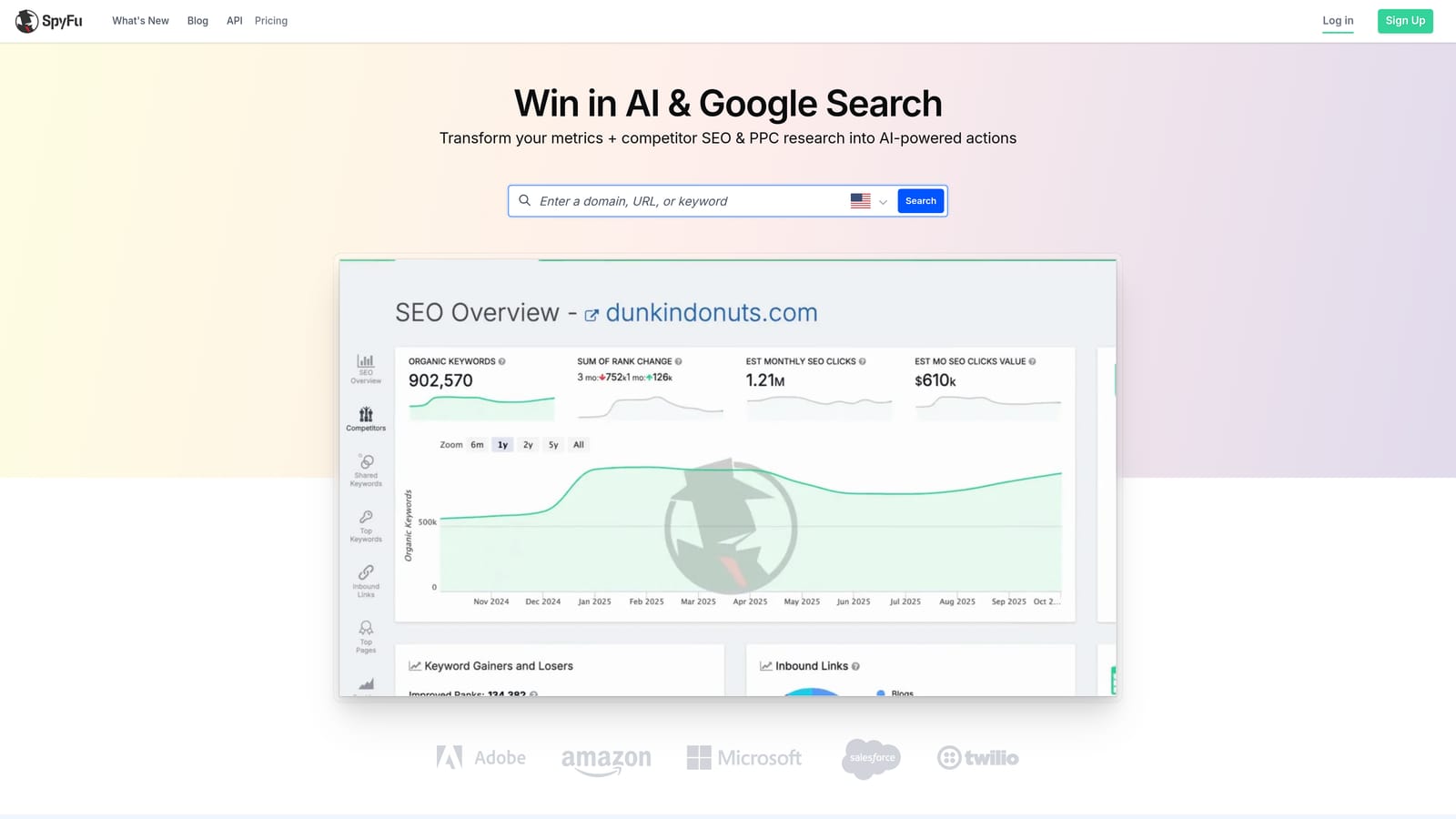
Its standout is history. You can see what competitors have bid on and which ad text they've run over time, which hints at what has lasted. A keyword advertised for years is a better signal than one that appeared last week.
- Competitor paid keywords, so you can see where rivals are spending.
- Ad history to study messaging and offers they've tested.
- Keyword overlap between you and a competitor, to find shared and missing terms.
- Estimated spend for a rough sense of budget scale.
Check the SpyFu website for current integrations. Setup is just entering a competitor domain, and a campaign manager can run it solo.
The key caveat is that everything is an estimate, and coverage varies by market. Smaller or local markets may show thin data. It also tells you what competitors do, not whether it works for them, so don't copy blindly.
Pricing: Paid subscription; as of October 2026, see the SpyFu website. Price varies by plan.
Best for: Launching campaigns against known competitors.
8. AnswerThePublic
AnswerThePublic takes a seed term and visualizes the questions and phrases people search around it. It leans toward brainstorming rather than measurement.
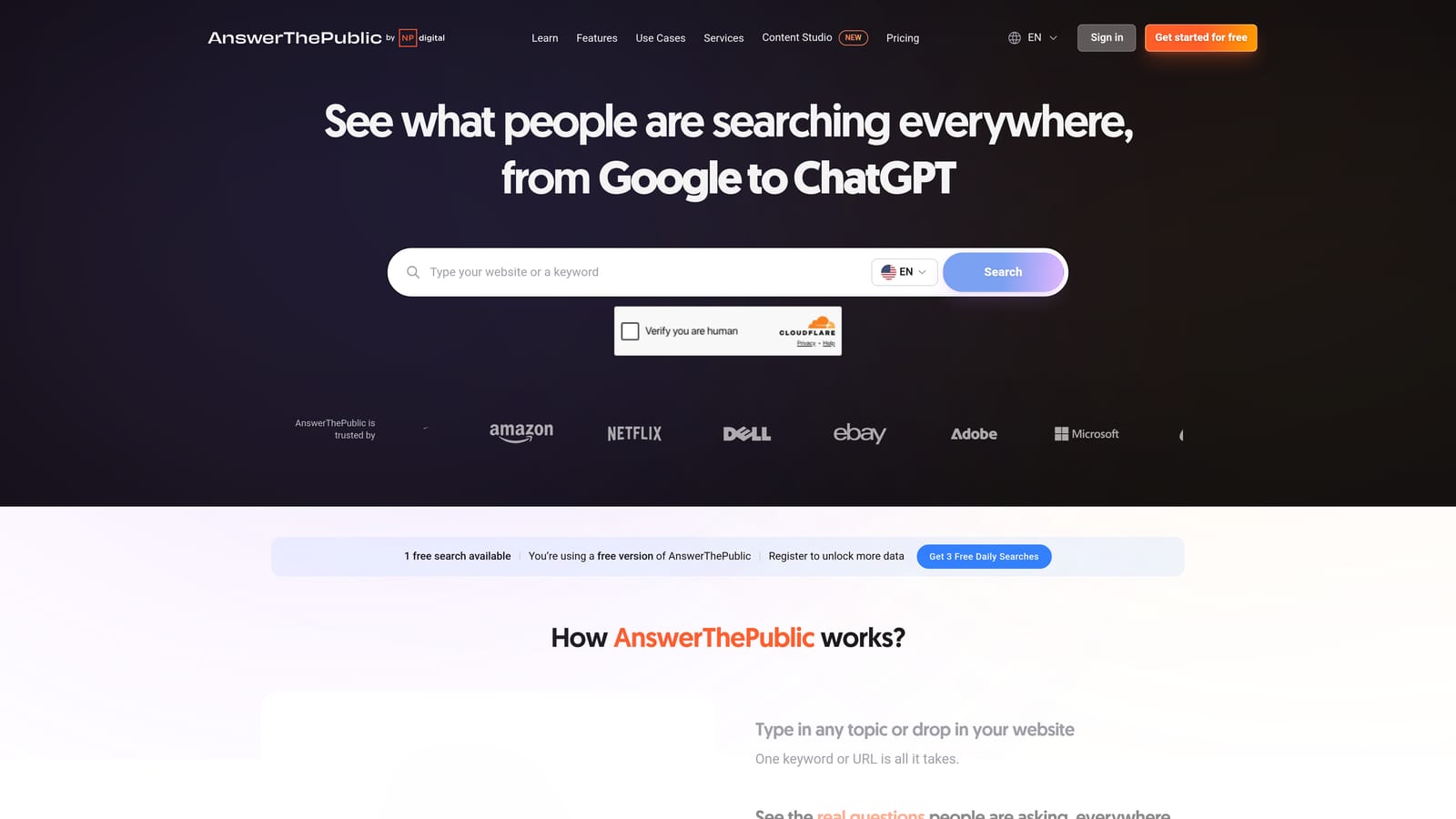
The distinct angle is question-led long-tail ideas. Phrases starting with "how," "why," or "vs" reveal intent and wording you'd probably not guess, which helps with ad copy and ad group themes.
- Question-based suggestions that show what people are trying to figure out.
- Preposition and comparison groupings, handy for "for," "with," and "versus" intent.
- Exportable results so you can pull ideas into a sheet for review.
There are no significant integrations, and setup is nothing more than typing a term. Anyone on the team can use it.
The limitation is thin metrics. You get ideas, not volume or cost, so each one needs validating in Keyword Planner or another tool. Many suggestions are informational and won't suit commercial Search campaigns, so filter with intent in mind.
Pricing: Limited free searches; paid plans, and as of October 2026 you should check the AnswerThePublic website for current pricing. Cost depends on plan and search limits.
Best for: Long-tail ideas and ad copy angles.
9. Google Ads Search Terms Report
The Google Ads Search Terms Report is the native report of the actual queries that triggered your ads. It's where discovery tools meet reality, because it shows what people typed and what you paid for.
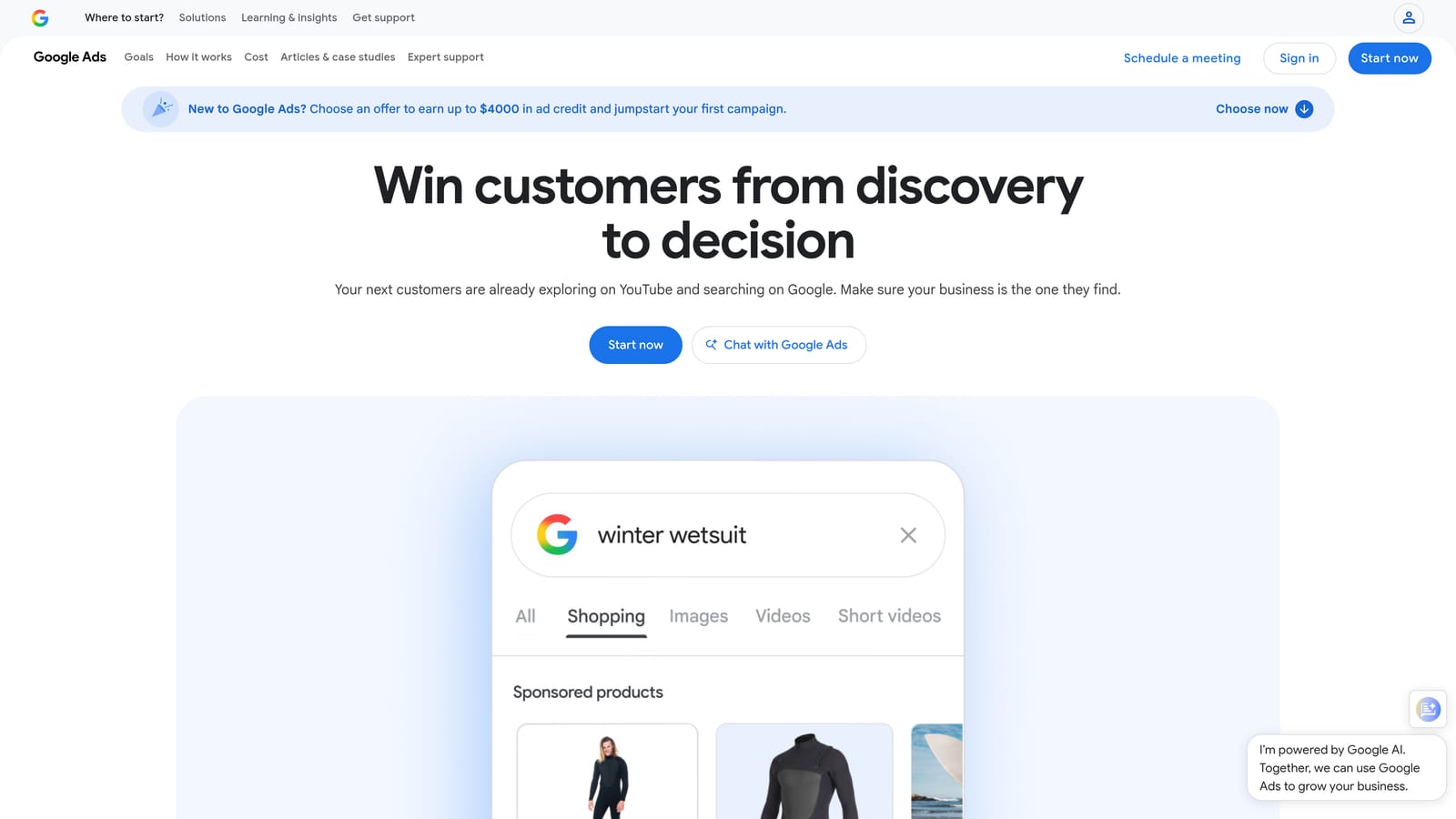
Nothing else here shows real queries you actually bought. Planner estimates what might happen; this report shows what did.
- Actual triggering queries, so you see the true gap between keywords and search terms.
- Match type shown, to understand how each query matched.
- Performance metrics per term, such as clicks, cost, and conversions, so decisions rest on data.
- Add as keyword or negative directly from the report.
It needs only a Google Ads account, and whoever manages the campaigns uses it. The cost is time. Reviewing it manually gets slow as accounts grow, and low-volume terms are hidden from the report, so you won't see everything. That slowness is the gap tools like Keywordme try to close, though the report itself is the data source either way.
Pricing: Free with a Google Ads account.
Best for: Finding negatives and proven keywords from live data.
Which Google Keyword Tools to Pair for Your Situation
Discovery tools tell you what might work; the Search Terms Report tells you what did. The best setups use one of each.
- Google Ads-only advertisers: Keyword Planner for ideas and budgets, plus Keywordme to act on search terms quickly once campaigns are live.
- SEO and PPC teams: Semrush or Ahrefs, depending on whether you want broader suite features or deeper SERP analysis.
- Competitor-led launches: SpyFu to see what rivals have bid on and written.
- Tight budgets: Keyword Planner, Search Console, Trends, and the Search Terms Report cost nothing and cover a lot.
Whichever route you choose, keep human judgment in the loop. Every tool here gives you inputs; deciding what becomes a keyword or a negative is still your call.
Optimize Google Ads Campaigns 10X Faster. Without Leaving Your Account. Keywordme lets you remove junk search terms, build high-intent keyword lists, and apply match types instantly, right inside Google Ads. No spreadsheets, no switching tabs, just quick, seamless optimization. Start your free 7-day trial (then just $12/month) and take your Google Ads game to the next level.
.svg)