
9 Best Google Keyword Tools for Google Ads Research and Cleanup in 2026
A practical guide to google keyword tool.


If you searched "google keyword tool," you probably want the old AdWords Keyword Tool, or you want to know what replaced it. Google's answer is Keyword Planner, but it is only one option, and it does not cover every keyword job. This list is for marketers, freelancers, and agency owners running Google Ads. The tools are judged on three things: keyword discovery, volume and cost data, and how well they help you turn real search terms into keywords and negatives.
Quick Comparison of the Google Keyword Tools
- Keywordme: advertisers and agencies cleaning up search terms; $12/month per user; works inside the native Google Ads Search Terms Report.
- Google Keyword Planner: anyone sizing Search campaigns before launch; free with a Google Ads account; first-party Google volume and forecast data.
- Google Trends: marketers checking seasonality; free; side-by-side comparison of relative interest over time.
- Google Search Console: site owners validating paid ideas; free; real organic queries for your own site.
- Semrush: agencies needing competitive intelligence; paid, see website; competitor ad and keyword research next to a large keyword database.
- Ahrefs: teams whose SEO and paid strategies overlap; paid, see website; clicks data and parent topic grouping.
- WordStream Free Keyword Tool: small business owners wanting quick ideas; free; ideas without a Google Ads account.
- Ubersuggest: solo marketers on a tight budget; paid with limited free use, see website; low-cost entry to keyword and content ideas.
- AnswerThePublic: people hunting long-tail phrases and ad angles; limited free searches, paid plans see website; question-based discovery.
1. Keywordme
Keywordme is our own product, so weigh this entry with that in mind. It is a Chrome extension that adds one-click actions to the Search Terms Report inside Google Ads. It is built for people who spend their week deciding which real search terms deserve to become keywords and which should be blocked.
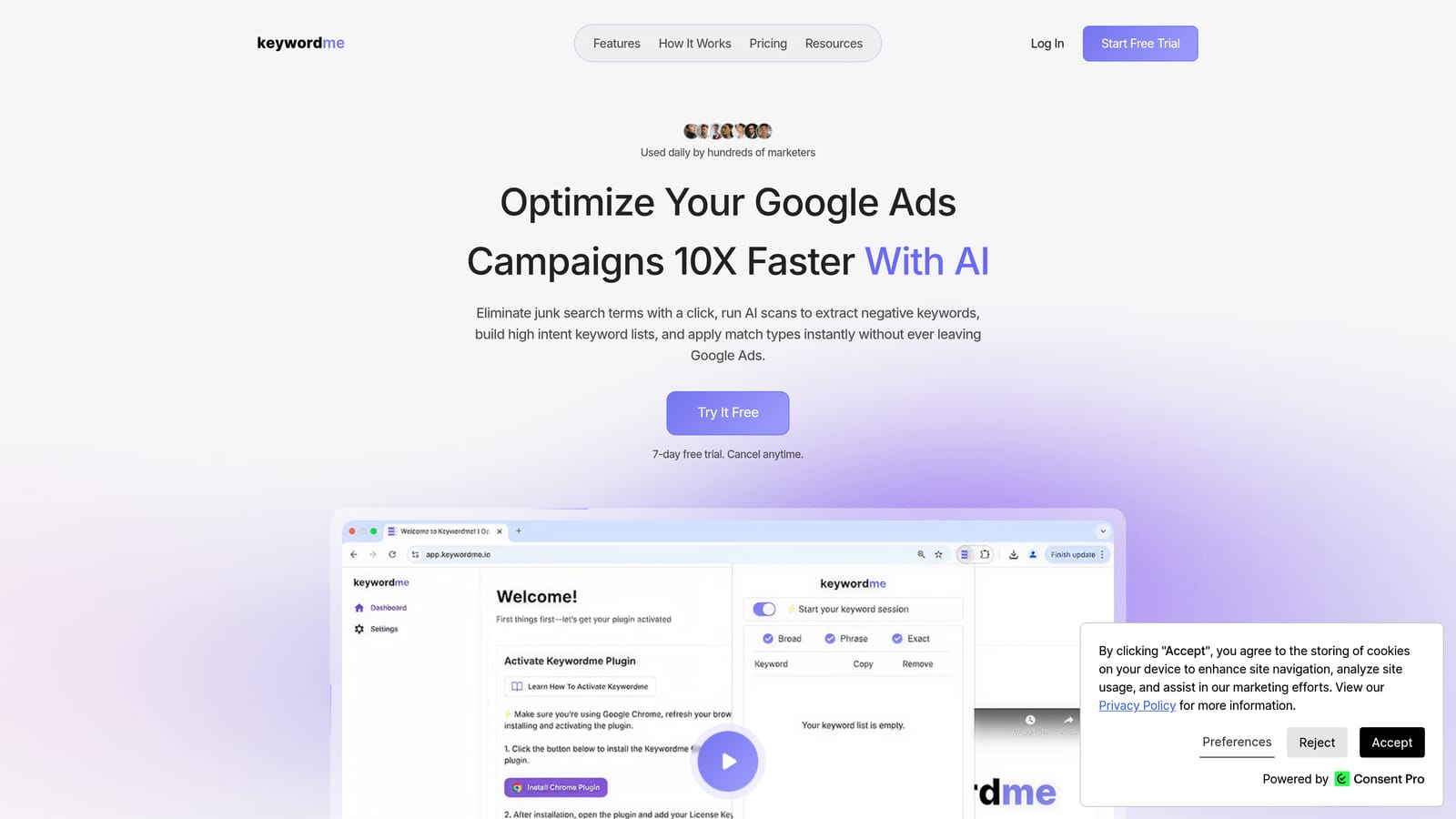
A quick definition helps here. A keyword is what you bid on. A search term is what someone actually typed. Positive keywords tell Google what to match; negative keywords tell it what to skip. Keywordme works on the second half of that loop: you look at search terms and act on them where they appear.
- Add a search term as a keyword in one click, with the match type applied, so you skip the copy, paste, and upload cycle.
- Create negative keywords straight from the Search Terms Report to stop irrelevant queries from eating budget.
- Cluster keywords so related terms can be grouped and handled together.
- Edit in bulk when a cleanup touches dozens of terms rather than one.
- Run multiple accounts and teams, which matters if you manage several clients.
Its distinctive strength on this list is location. Everything else here either lives outside Google Ads or sits in a separate part of it. Keywordme puts the decision next to the data, so there are no spreadsheets and no dashboard switching. Setup is installing the extension in Chrome and signing in; whoever manages the account day to day is the user.
The limits are real. It is not a discovery tool. It gives you no independent search volume or forecasts, and it needs existing search term data, so a brand-new campaign with no impressions has nothing for it to work on. It also requires Chrome. One more caution: adding a search term as broad match without checking intent can widen your traffic in ways you did not plan, so review each term before you commit it.
Pricing is $12 per month per user, with a 7-day free trial (as of October 2026; confirm on the site). The cost scales with the number of users, not ad spend.
Best for: Advertisers and agencies cleaning up search terms and building keyword lists from live campaign data.
2. Google Keyword Planner
Google Keyword Planner is the official successor to the old AdWords Keyword Tool, and it lives inside Google Ads under the Tools menu. If you want first-party Google data on how often people search and what clicks might cost, this is the baseline everything else gets compared against.

It is built for anyone planning Search campaigns, from solo advertisers to agency strategists. Its edge over every third-party tool here is the source: the numbers come from Google itself, and the forecasts tie to the same auction you will be bidding in.
- Discover new keywords from seed terms or from a URL, useful when you are entering an unfamiliar market.
- See search volume data so you can rank ideas by demand.
- Check bid range estimates to judge whether a keyword fits your budget.
- Forecast clicks and cost for a keyword set before you spend anything.
- Group keywords by theme to speed up ad group planning.
The common mistake is reading volume as exact. Google shows ranges rather than precise figures for accounts with low or no spend, so check Google's current Help wording before you build a forecast around a single number. There are also no organic difficulty metrics, so it will not tell you how hard a term is to rank for in organic results.
It needs a Google Ads account, and it does not tell you anything about the search terms your live campaigns are already matching. That is a separate job. Setup is minimal, and anyone with account access can use it.
Pricing: free with a Google Ads account.
Best for: Sizing Search campaigns and getting bid estimates before launch.
3. Google Trends
Google Trends answers a question Keyword Planner handles poorly: is interest in this topic rising, falling, or seasonal? It is a free tool for comparing search interest over time and by region.
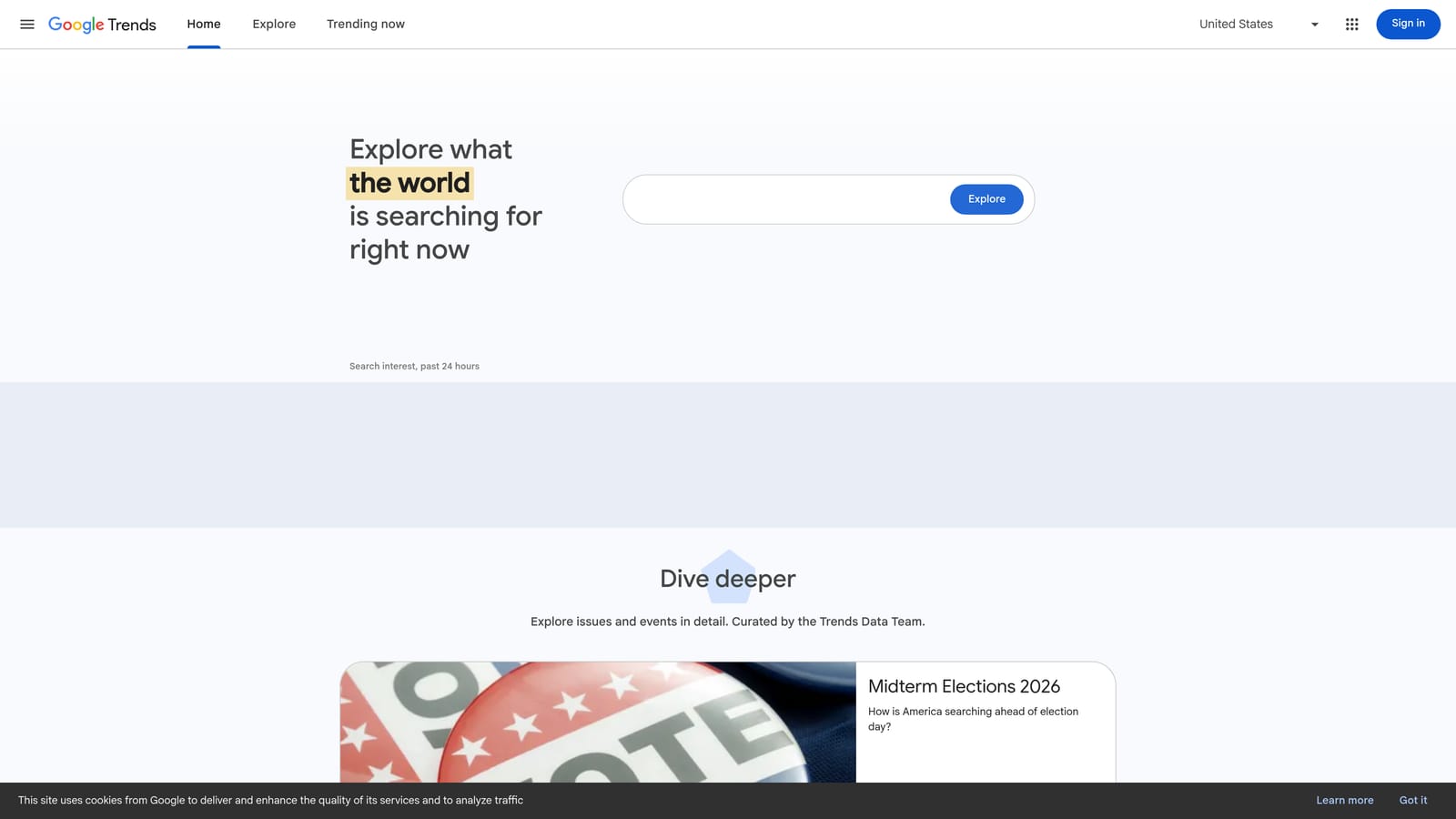
The data is a relative index from 0 to 100, not a count of searches. A score of 100 marks the peak for the chosen term, region, and period. That makes it great for comparison and useless for sizing. You can set two or three terms against each other and see which one people favor, and when.
What you get:
- Interest over time, which shows seasonal peaks so you can plan budget around them.
- Term comparison, so you can pick between two phrasings of the same product.
- A regional breakdown to decide where to focus geo targeting.
- Related queries and topics that can seed new keyword ideas.
Data exports as CSV, and nothing needs installing or connecting. Anyone on the team can use it in a few minutes.
The limitation is blunt: no absolute volume, no CPC, and no competition data. You cannot build a budget from it. Treat it as a timing and direction check, then take the candidates to Keyword Planner for numbers. It is also a poor fit for very niche terms, where the data may be too thin to show a pattern.
Pricing: free.
Best for: Checking seasonality and comparing demand between terms.
4. Google Search Console
Google Search Console is a free tool that shows the organic queries bringing people to your site. For paid search, it is a validation source: queries that already earn impressions and clicks organically are good candidates to test as keywords.
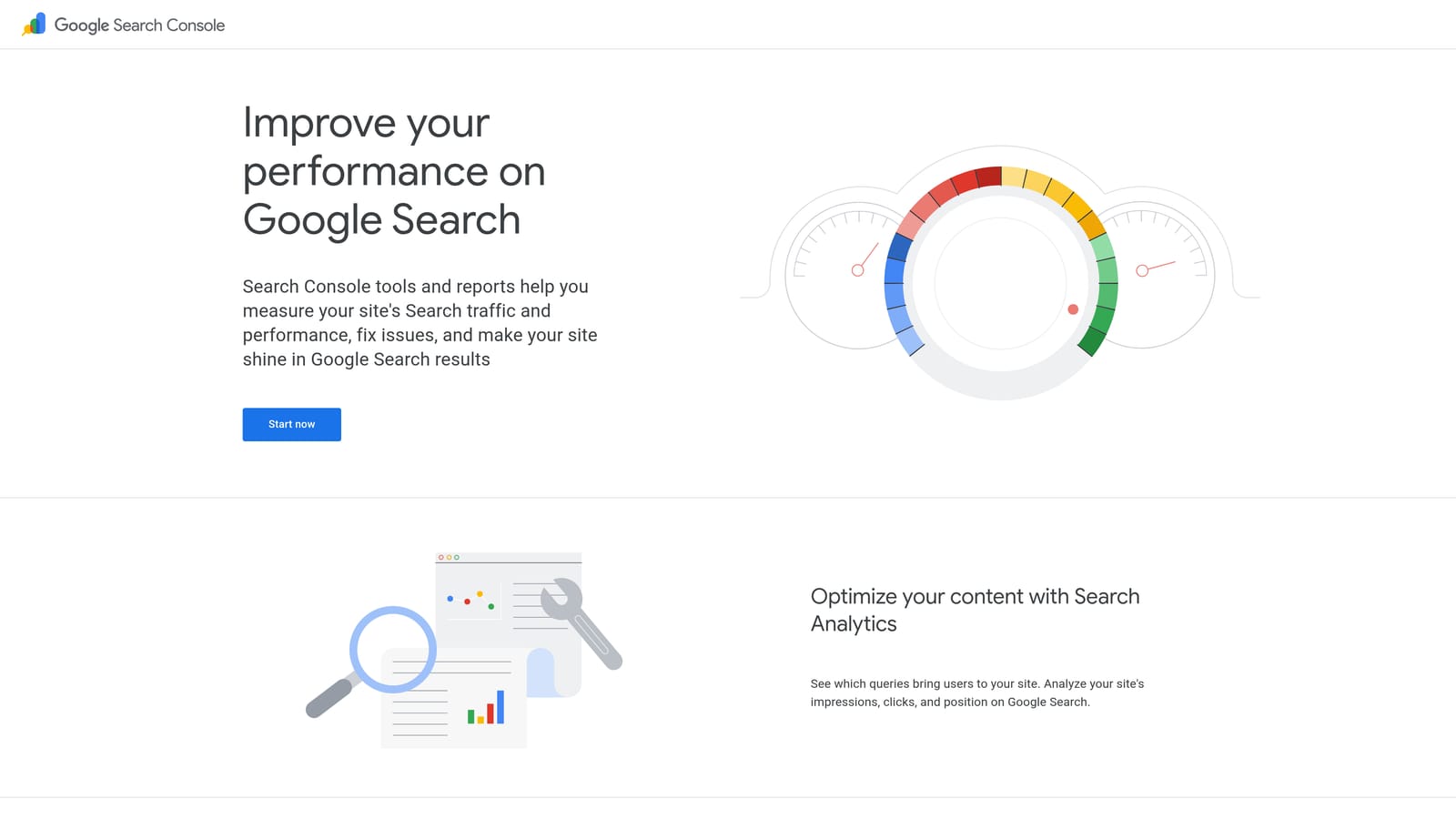
The data is first-party and specific to your site. You see what people actually typed before landing on your pages, along with how you ranked.
- Query-level impressions and clicks show which phrases already draw interest.
- CTR and average position reveal where you rank well and where you barely appear.
- Page and country filters let you check queries for one product page or one market.
- Export options let you pull the data into a sheet for comparison against your paid keywords.
It connects with Google Analytics and Looker Studio, which helps if you already report there. Setup means verifying ownership of the site, which usually needs access to the site's DNS or code. In practice that makes it a task for whoever manages the website.
The limits are clear. It only covers sites you own and queries you already appear for, so it will not help you find keywords in markets you have not entered. It also reports organic performance, not paid, so a high-ranking organic query may not justify a bid. Competitor research is off the table.
Pricing: free.
Best for: Validating paid keyword ideas with organic query data.
5. Semrush
Semrush is a paid SEO and PPC research suite with a large keyword database and a heavy emphasis on competitor analysis. It suits teams who need to see what rivals are bidding on, not just what the market searches.
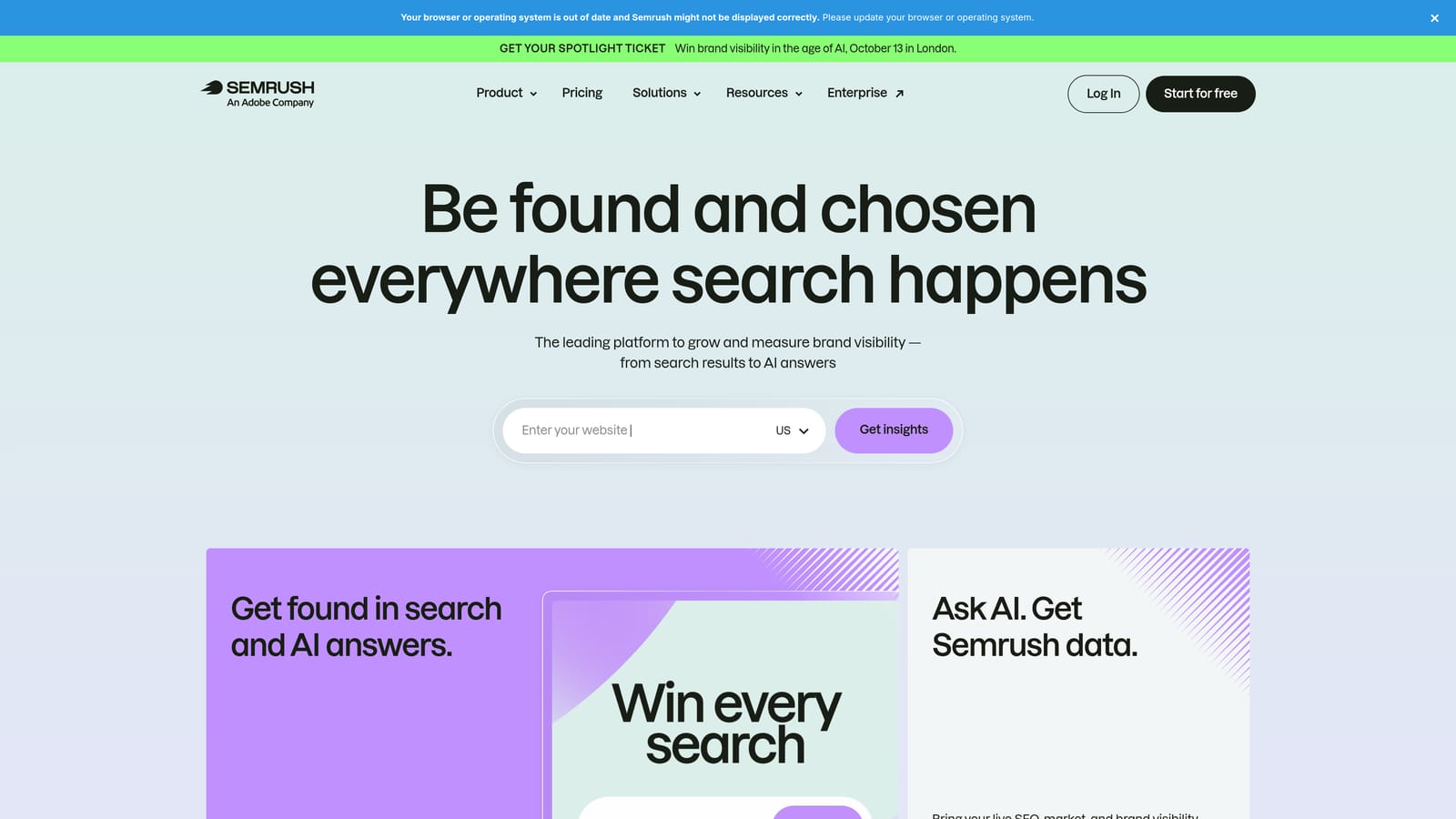
Its standout on this list is the pairing of competitor ad and keyword research with a big keyword database. Neither Google tool lets you look at a competitor's paid presence.
- Keyword Magic Tool generates large keyword lists from a seed, so you can find angles you would not think of.
- Keyword difficulty and CPC data help you balance organic effort against paid cost.
- Intent labels help separate research-stage queries from buying-stage queries.
- Competitor keyword and ad research shows which terms rivals target and how they write ads.
It lists integrations with Google Search Console and Google Analytics, and may connect to Google Ads as well; verify the current options on the site before counting on that. Expect a learning curve. The suite is wide, and a freelancer who only runs Google Ads will use a small slice of it.
That is the main limitation: it is expensive and complex for anyone whose work stops at Google Ads. It also does not replace Keyword Planner's Google-sourced numbers, so many agencies use both.
Pricing: paid subscription; see the website for current plans, which vary by tier and usage limits.
Best for: Agencies needing competitive keyword intelligence.
6. Ahrefs
Ahrefs is an SEO suite known for its keyword explorer and backlink data. It leans toward organic search, but its keyword data is useful for paid teams whose strategy overlaps with content and SEO.
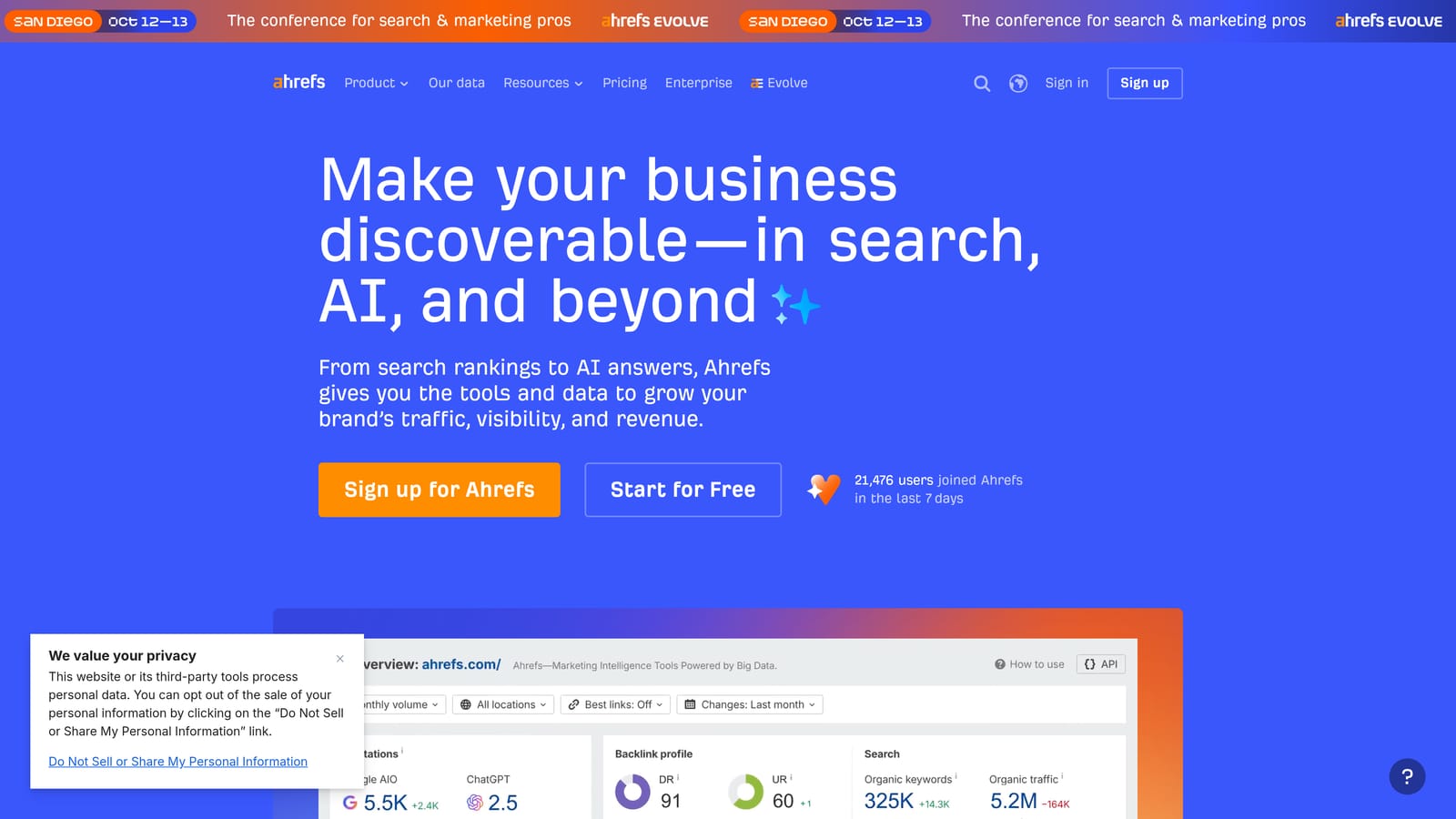
What sets it apart here is clicks data and parent topic grouping. Volume alone can mislead when a search returns an answer directly on the results page; seeing estimated clicks alongside volume gives a better read on how much traffic a term yields. Parent topics show which broader theme a keyword belongs to, which helps you group related terms.
- Keywords Explorer returns ideas and metrics for any seed term.
- Keyword difficulty tells you how hard a term is to rank for organically.
- Clicks and volume data show how many searches actually lead to a click.
- Parent topic grouping reveals when several phrases belong on one page or in one ad group.
It lists Google Search Console and Google Analytics integrations (verify the current set). Setup is simple, though the product is built around SEO workflows, so someone comfortable with that vocabulary will get the most from it.
The limitation is focus. It is SEO-first and offers limited support for the day-to-day work inside Google Ads, such as managing negatives or reviewing the Search Terms Report. A pure PPC team will pay for features it rarely opens.
Pricing: paid plans; see the website. Cost typically depends on the plan tier and usage.
Best for: Teams whose SEO and paid search strategies overlap.
7. WordStream Free Keyword Tool
The WordStream Free Keyword Tool is a free web tool that suggests keywords from a seed term and an industry. Its main appeal is speed and access: you do not need a Google Ads account to use it.

It is aimed at small business owners who want a starting list without learning a larger platform.
- Seed keyword ideas give you a quick list to react to.
- Industry selection nudges suggestions toward your type of business.
- Quick export lets you move the list elsewhere (check the current limits on how much you can export).
There are no confirmed integrations, and no setup beyond entering a term. That makes it the easiest tool here to try, and it works well as a brainstorming step before you open Keyword Planner.
The trade-off is depth. The data is shallow compared with Keyword Planner and the paid suites, so use it for ideas, not for budgeting or forecasting. Agencies and experienced advertisers will outgrow it fast, because it offers nothing on competitors, difficulty, or the search terms your campaigns already attract.
Pricing: free; see the website for usage limits, which may change.
Best for: Small business owners wanting fast ideas on a no-cost basis.
8. Ubersuggest
Ubersuggest is a budget-friendly SEO tool with keyword ideas, search volume, and difficulty scores. It is the low-cost option for people who want a bit more than free tools offer without paying suite prices.
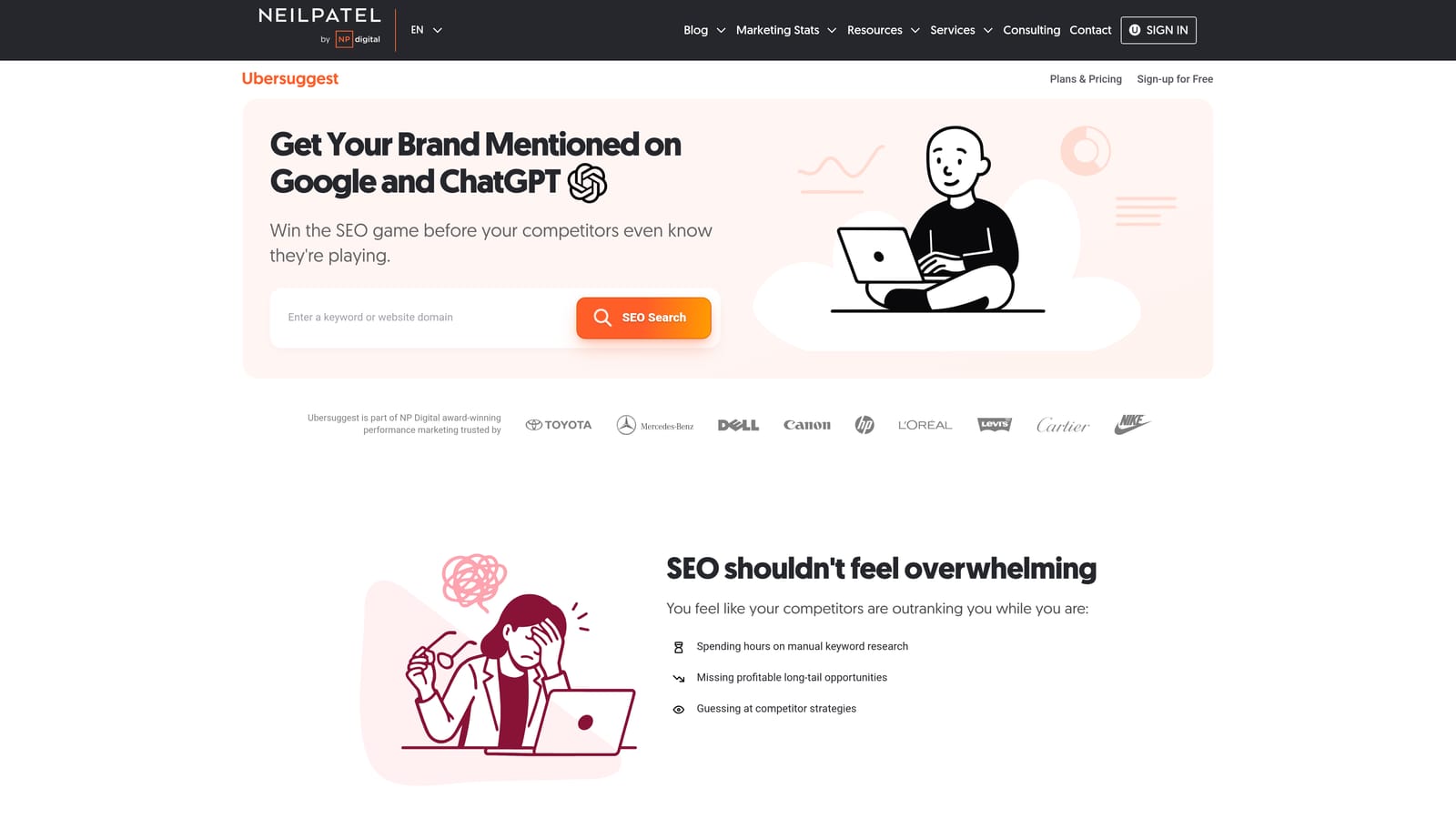
Its distinctive angle on this list is the cheap way in: keyword data and content ideas in one place, aimed at individuals rather than agencies.
- Keyword ideas expand a seed into related phrases.
- Search volume and CPC give a rough sense of demand and cost.
- SEO difficulty scores show how competitive a term is organically.
- Content ideas suggest topics, handy if you also write for your own site.
It lists Google Search Console and Google Analytics integrations (verify the current options). Setup is light and one person can run it, which fits a freelancer working alone.
The limitation is data quality. Depth and accuracy trail the larger suites, so treat its volume and CPC as rough guides and cross-check important terms in Keyword Planner. It has no real Google Ads workflow support either, and it will not help you with live search term cleanup.
Pricing: paid plans with limited free use; see the website for current rates and plan limits.
Best for: Solo marketers on a tight budget.
9. AnswerThePublic
AnswerThePublic takes a seed keyword and shows the questions and phrases people search around it. It is less about numbers and more about language: how real people phrase a problem.
That is its distinguishing strength here. Keyword Planner can suggest related terms, but it will not lay out the questions, prepositions, and comparisons around a topic in one visual map.
- Question, preposition, and comparison suggestions surface long-tail phrases you might otherwise miss.
- Visual maps make it easy to scan a topic and spot clusters at a glance.
- Data export lets you take the phrases into a spreadsheet or a planning tool.
No integrations are confirmed, and setup is just a search box. A copywriter or strategist can use it as easily as a PPC manager, and the question phrasing is handy for writing ad copy and landing page headlines.
The limits: little volume or cost data, and free usage is capped. You will need another tool to learn whether a phrase is worth bidding on. Many suggested phrases are also too informational to convert, so filter them before they become keywords.
Pricing: limited free searches, then paid plans; see the website for current pricing.
Best for: Finding long-tail phrases and ad copy angles.
Which Google Keyword Tool Fits Your Situation
No single tool covers everything, and most good setups use two or three. Here is how the list breaks down by job:
- Sizing a campaign: Keyword Planner. It gives you Google's own volume and bid estimates, so start here before you commit budget.
- Free validation: Search Console for queries your site already earns, and Trends for timing and seasonality.
- Competitive depth: Semrush if you need to see rival ads and keywords, Ahrefs if your SEO and paid work share a strategy.
- Turning live search terms into keywords and negatives: Keywordme. Discovery tools tell you what might work; the Search Terms Report tells you what people actually typed, and that is where wasted spend hides.
Whatever you use, check intent before adding a search term as a keyword, and be careful with broad match.
Optimize Google Ads Campaigns 10X Faster. Without Leaving Your Account. Keywordme lets you remove junk search terms, build high-intent keyword lists, and apply match types instantly, right inside Google Ads. No spreadsheets, no switching tabs, just quick, seamless optimization. Start your free 7-day trial (then just $12/month) and take your Google Ads game to the next level.
.svg)