
9 Best Google Keyword Suggestion Tools for Google Ads in 2026
A practical guide to google keyword suggestion tool.


Most people searching for a Google keyword suggestion tool end up at Keyword Planner and stop there. It's a fine starting point, but it's one of several places keyword ideas come from. This list is for advertisers, freelancers, and agency owners who run Google Ads. The tools are judged on where the ideas come from (Google data, your own search terms, or third-party estimates), how easily an idea becomes a campaign change, what it costs, and who it suits.
One distinction runs through the whole list. A keyword is what you bid on. A search term is what someone actually typed. A negative keyword blocks searches you don't want, while a positive keyword targets the ones you do. Some tools suggest keywords before you spend; others mine search terms after you do.
Quick Comparison of All Nine Tools
- Keywordme: advertisers and agencies refining live campaigns; $12/month per user; adds search terms as keywords or negatives inside the Google Ads interface.
- Google Keyword Planner: people planning new Search campaigns; free with a Google Ads account; first-party forecasts and bid estimates.
- Google Search Console: sites with existing organic traffic; free; shows the real organic queries tied to your own site.
- Google Trends: budget timing and phrasing choices; free; shows seasonality and relative interest across phrasings.
- Semrush Keyword Magic Tool: agencies and teams doing competitive research; paid subscription, see website; competitor-based keyword discovery in a large database.
- Ahrefs Keywords Explorer: teams combining SEO and paid research; paid plans, see website; clicks and parent topic data for judging traffic potential.
- Ubersuggest: small businesses on tight budgets; free limited use, paid plans on the website; low-cost entry with question and preposition ideas.
- AnswerThePublic: long-tail and question-based ad group ideas; free limited searches, paid plans on the website; question-led phrasing maps.
- WordStream Free Keyword Tool: quick PPC brainstorming with no budget; free; a free tool built around paid search use.
1. Keywordme
Keywordme is our own product, so weigh this section with that in mind. It's a Chrome extension that works inside the Search Terms Report in Google Ads. It doesn't suggest ideas from a database. It takes what real people already typed into your campaigns and lets you act on it fast. That makes it a refinement tool, not a discovery tool.
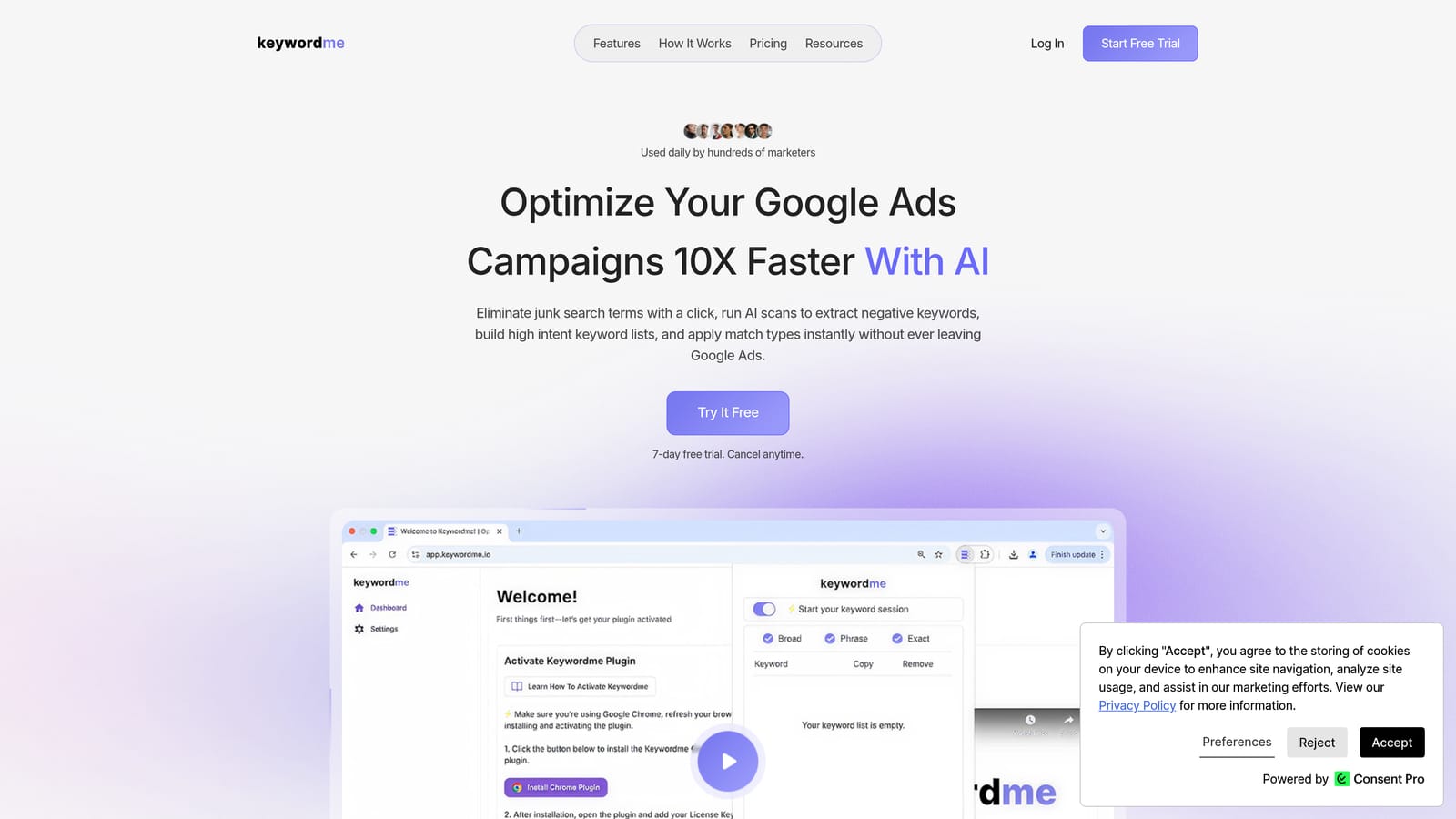
The distinctive part is where the work happens. Most tools on this list hand you a list of ideas, and then you export a file, clean it in a spreadsheet, and upload it. Keywordme skips that step by acting directly in the native Google Ads interface.
- Add a search term as a keyword in one click, so good queries stop sitting unused in the report.
- Apply match types instantly, without retyping brackets or quotes by hand.
- Build negative keyword lists straight from the Search Terms Report to cut irrelevant queries.
- Use keyword clustering and bulk editing to handle groups of related terms at once.
- Run multi-account and team support, which helps agencies working across several clients.
Setup is light: you install the extension and work in Google Ads as usual. The person who reviews search terms day to day, whether a freelancer or a PPC specialist at an agency, is the one who uses it. You still review and decide each action; nothing changes on its own.
The limitation is real. Keywordme depends on search term data from campaigns that are already running, and it offers no search volume or competitor research. If you're starting from zero with no campaign data, it won't give you ideas to begin with. Pair it with a discovery tool below.
Pricing is $12 per month per user, with a 7-day free trial (as of November 2026; confirm on the site). Cost scales with the number of users, not ad spend.
Best for: Advertisers and agencies refining live campaigns from real search terms.
2. Google Keyword Planner
Google Keyword Planner is the free research tool inside Google Ads. You enter seed terms or a website URL and it returns keyword ideas with historical search volume, plus forecasts and bid estimates. It's built for people planning a new Search campaign or sizing a budget before they spend.
What it does that nothing else here does is give you first-party Google forecasts. The click and cost projections and the bid range estimates come from Google itself, not a third-party model. For budget conversations with a client or boss, that matters.
- Discover new keywords from seed terms or a landing page URL, so you can start from what you sell.
- See historical search volume ranges to compare demand across ideas.
- View forecasts for clicks and cost to rough out a budget.
- Check bid range estimates before you set bids.
It requires a Google Ads account, and setup is quick if you already have one. Menu labels and access rules change from time to time, so check Google Ads Help if you can't find it. Whoever plans campaigns usually runs it.
The limits: volumes are shown as ranges, not exact numbers, and the ideas skew broad and commercial. It also knows nothing about your live search terms, so it can't tell you which queries are wasting money right now. A suggested keyword here is a hypothesis, not a proven converter.
It's free with a Google Ads account.
Best for: Planning new Search campaigns and budgets.
3. Google Search Console
Google Search Console isn't marketed as a keyword suggestion tool, but it's one of the most useful sources of paid keyword tests. Its Performance report lists the organic queries that already earn impressions and clicks for your site. Those are real phrases from real people who found you.
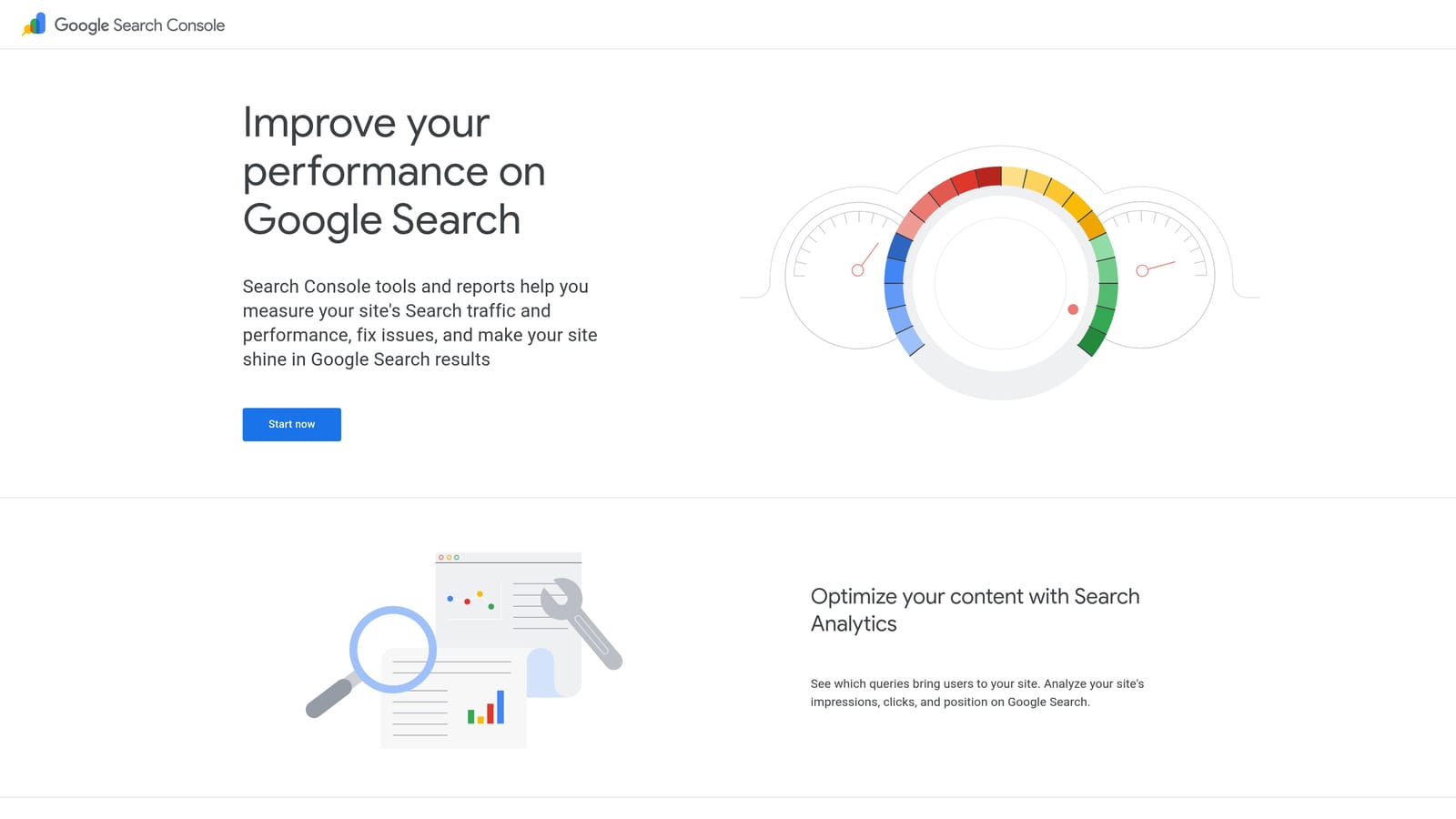
Its edge is that the data is tied to your own site. Instead of guessing what your audience types, you see it. A query with plenty of impressions but a weak position is a natural candidate for a paid test, and a query you already rank well for might not need paid support at all.
- View queries with clicks, impressions, and average position, so you can spot demand you're not capturing.
- Filter by page, country, and device to match a specific landing page or market.
- Export query data to sort and compare against your paid keyword list.
It connects with Google Analytics and Looker Studio. Setup means verifying your site, and then data accumulates over time, so a brand-new site has little to show. Usually a marketer or SEO owner manages it.
It only covers queries your site already appears for, so it can't reveal new territory. There's also no bid or cost data, which means you'll still need another tool to judge what a click might cost.
It's free.
Best for: Finding paid keyword tests from existing organic demand.
4. Google Trends
Google Trends answers a different question from most tools here: when, and in which phrasing, are people searching? It shows relative search interest over time and by region for topics and queries. It won't hand you a keyword list to upload, but it helps you decide which keywords deserve budget and when.
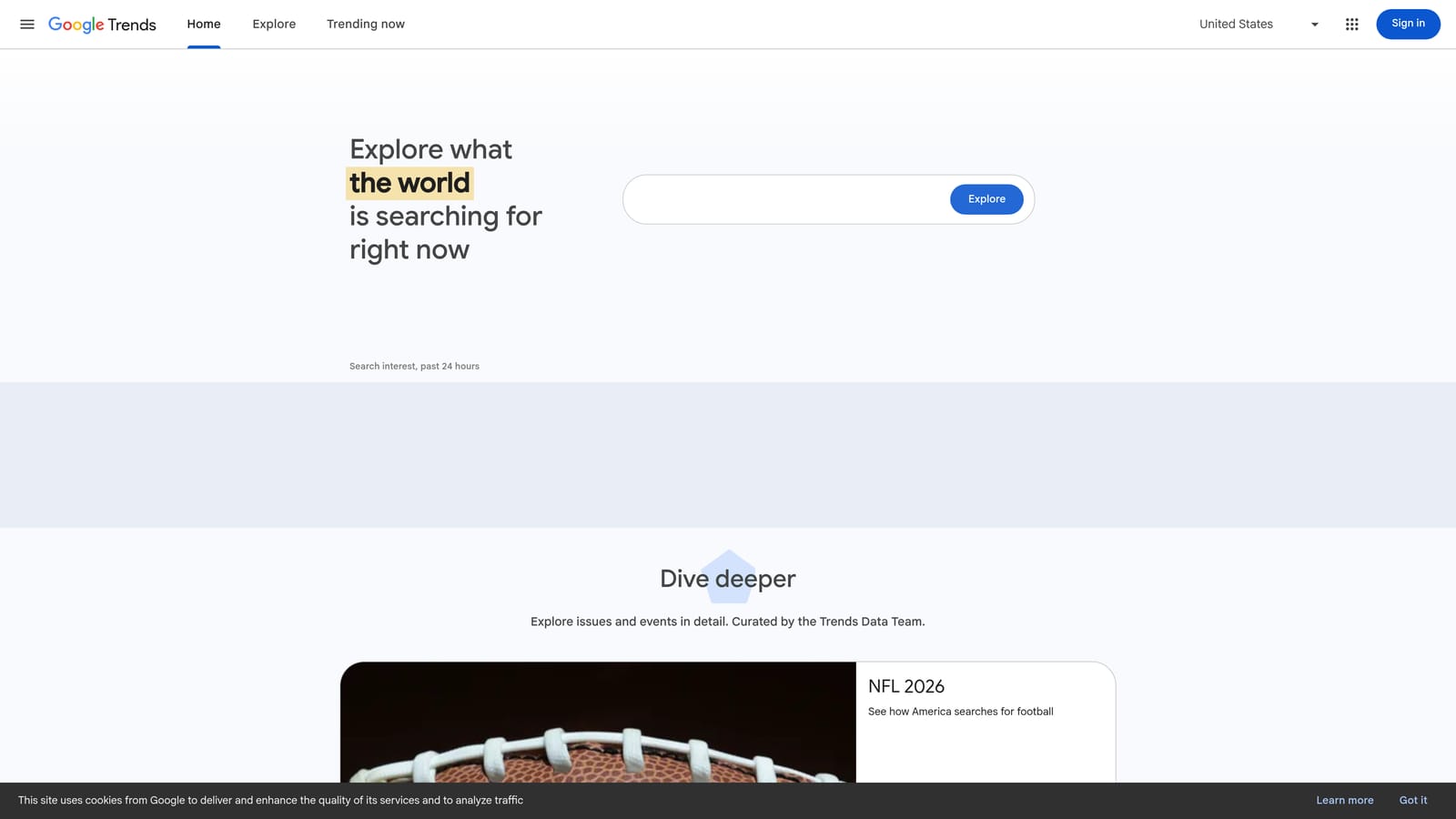
Its strength is comparison. You can put two or three phrasings side by side and see which one people actually use, or spot a seasonal ramp before it hits. That's useful for retail peaks, local services, and anything with a buying cycle.
- Track interest over time to time your budget increases ahead of a seasonal rise.
- Break interest down by region to prioritize locations.
- Browse related queries and topics for phrasing ideas you hadn't considered.
- Compare terms side by side to choose between competing phrasings.
No integration is needed, and data can be exported as CSV. There's no setup, and anyone can use it.
The catch is that numbers are relative, not absolute. You get no volume, cost, or competition data, so a rising line doesn't tell you whether the keyword is worth bidding on. Treat it as a timing and phrasing check, not a research database.
It's free.
Best for: Timing budgets and choosing between phrasings.
5. Semrush Keyword Magic Tool
Semrush offers the Keyword Magic Tool inside a broad marketing suite. It draws on a large third-party keyword database and groups results by topic, which makes huge keyword sets easier to sort. It's built for teams who want depth, not a quick brainstorm.
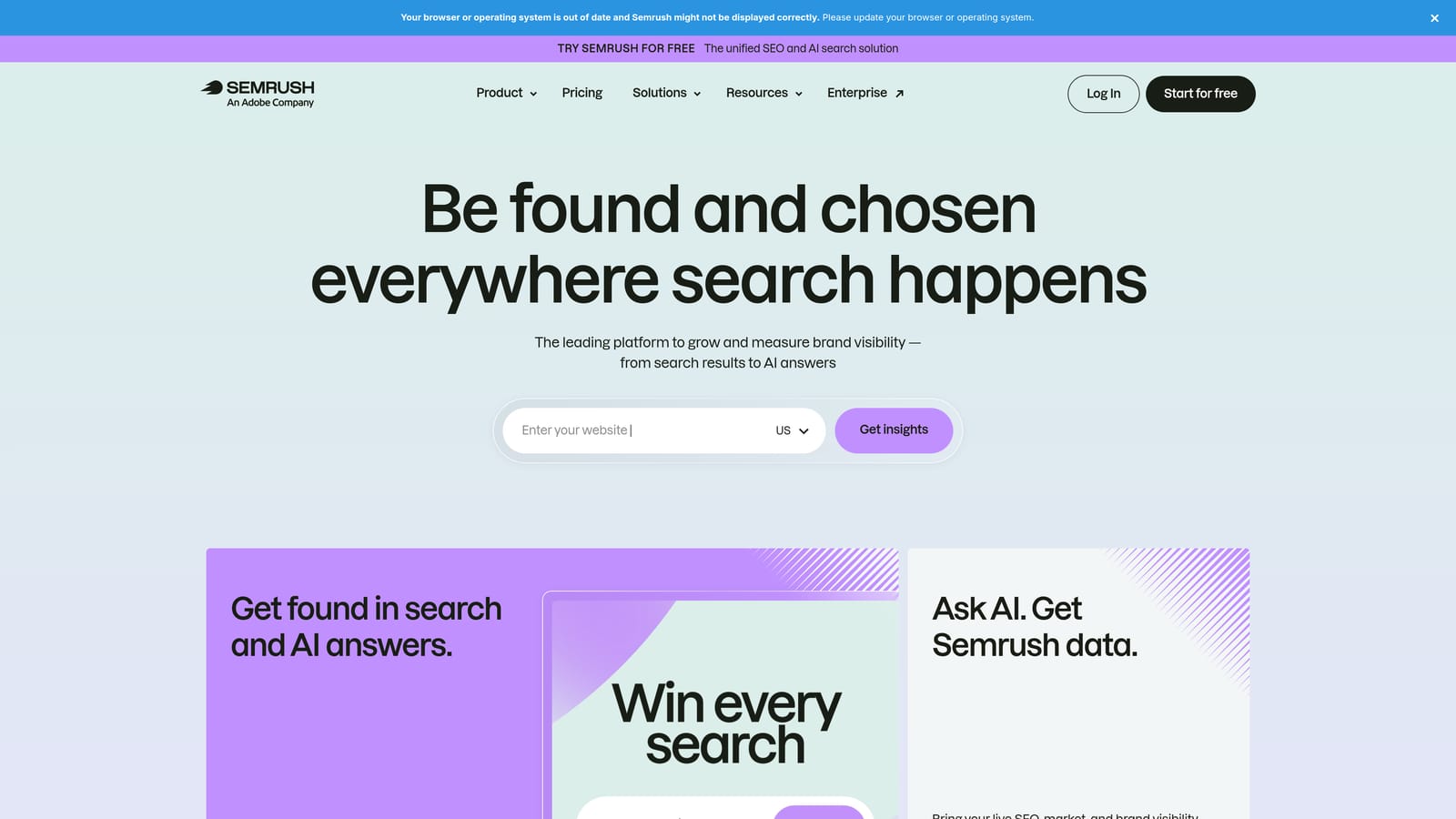
The standout is competitor-based discovery. You can see what keywords rivals rank for or advertise on, which turns research into a competitive exercise. Few other tools here do that as well.
- Group keywords by topic to organize ad groups and campaign themes faster.
- Use intent labels to separate research-stage queries from buying-stage ones.
- Check keyword difficulty to gauge how crowded a term is.
- Review CPC and volume estimates for rough budgeting.
- Run competitor keyword research to find gaps in your own list.
It integrates with Google Ads, Google Search Console, and Google Analytics. Expect some learning time, because the suite is large and the interface has plenty of options. Agencies and in-house teams typically own it.
Remember that its volume and CPC figures are modeled estimates, not Google data, so treat them as directional. The subscription cost can also be heavy for a solo advertiser who only needs keyword ideas.
It's a paid subscription; see the website for current plans, as pricing varies by tier and usage limits.
Best for: Agencies and teams doing competitive keyword research.
6. Ahrefs Keywords Explorer
Ahrefs includes Keywords Explorer, a research tool that generates keyword suggestions with volume and a few metrics you won't find in Keyword Planner. It comes from an SEO background, and that shapes how it's best used for ads.
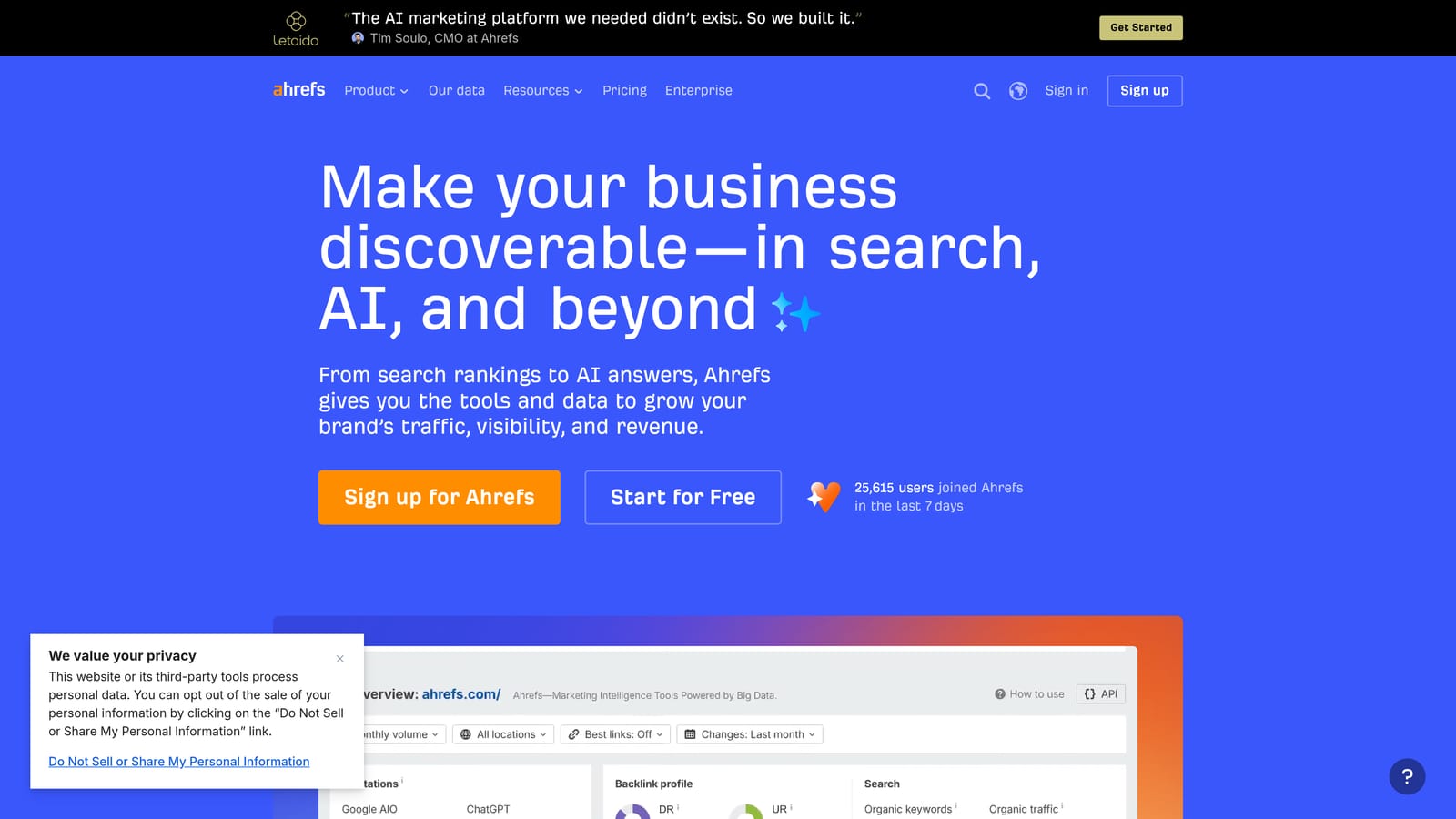
Its distinctive angle is traffic potential. The clicks metric and parent topic grouping help you see whether a high-volume term actually produces clicks, or whether searchers get their answer on the results page. That's a useful sanity check before you bid on a keyword.
- Pull keyword suggestion reports from a seed term to widen your list.
- See search volume to compare demand across ideas.
- Check the clicks metric to judge whether searches lead to real visits.
- Use parent topic grouping to cluster close variants and avoid redundant keywords.
It connects with Google Search Console and Google Analytics. Setup is straightforward, though the tool rewards someone who already thinks in SEO terms. SEO leads and content teams tend to run it.
The limitation is focus. It centers on organic search, so there's less support for paid-search bid planning than Keyword Planner offers. Like Semrush, its figures are modeled estimates, not Google's own numbers.
It's sold as paid plans; see the website for current pricing and what each tier includes.
Best for: Teams that combine SEO and paid keyword research.
7. Ubersuggest
Ubersuggest is a budget-friendly keyword suggestion tool aimed at small businesses. You enter a term and get related ideas with volume, CPC, and SEO difficulty, plus question-style variations that help with long-tail targeting.
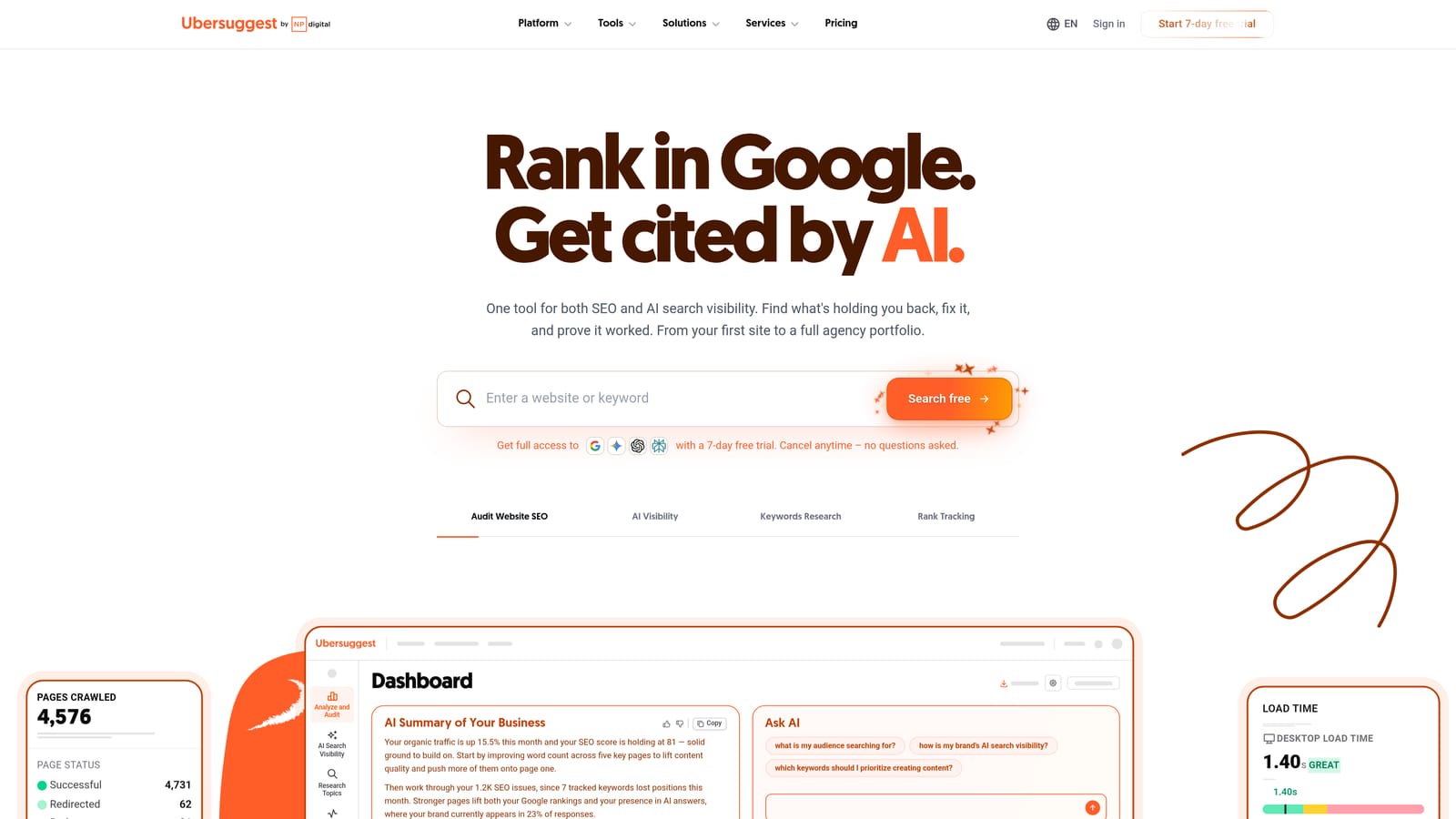
What sets it apart on this list is the low-cost entry. If a full suite feels like overkill for a local business or a one-person shop, this offers a cheaper way into third-party data.
- Browse ideas by question and preposition to find phrases people use in natural language.
- See volume and CPC estimates to get a rough sense of demand and cost.
- Check SEO difficulty, which matters more for content than for ads.
- Pull content ideas if you also publish organic pages.
It integrates with Google Search Console and Google Analytics. Setup is light, and the business owner or a generalist marketer can usually handle it alone.
It doesn't have the data depth of the larger suites, so cross-check its estimates against Keyword Planner before committing budget. Some of its metrics also lean toward SEO, not paid search.
There's free limited use and paid plans; see the website for current pricing and limits.
Best for: Small businesses on tight budgets.
8. AnswerThePublic
AnswerThePublic takes a seed term and maps the questions, prepositions, and comparisons people search around it. The output is visual, which makes it easy to scan for angles you hadn't thought of.
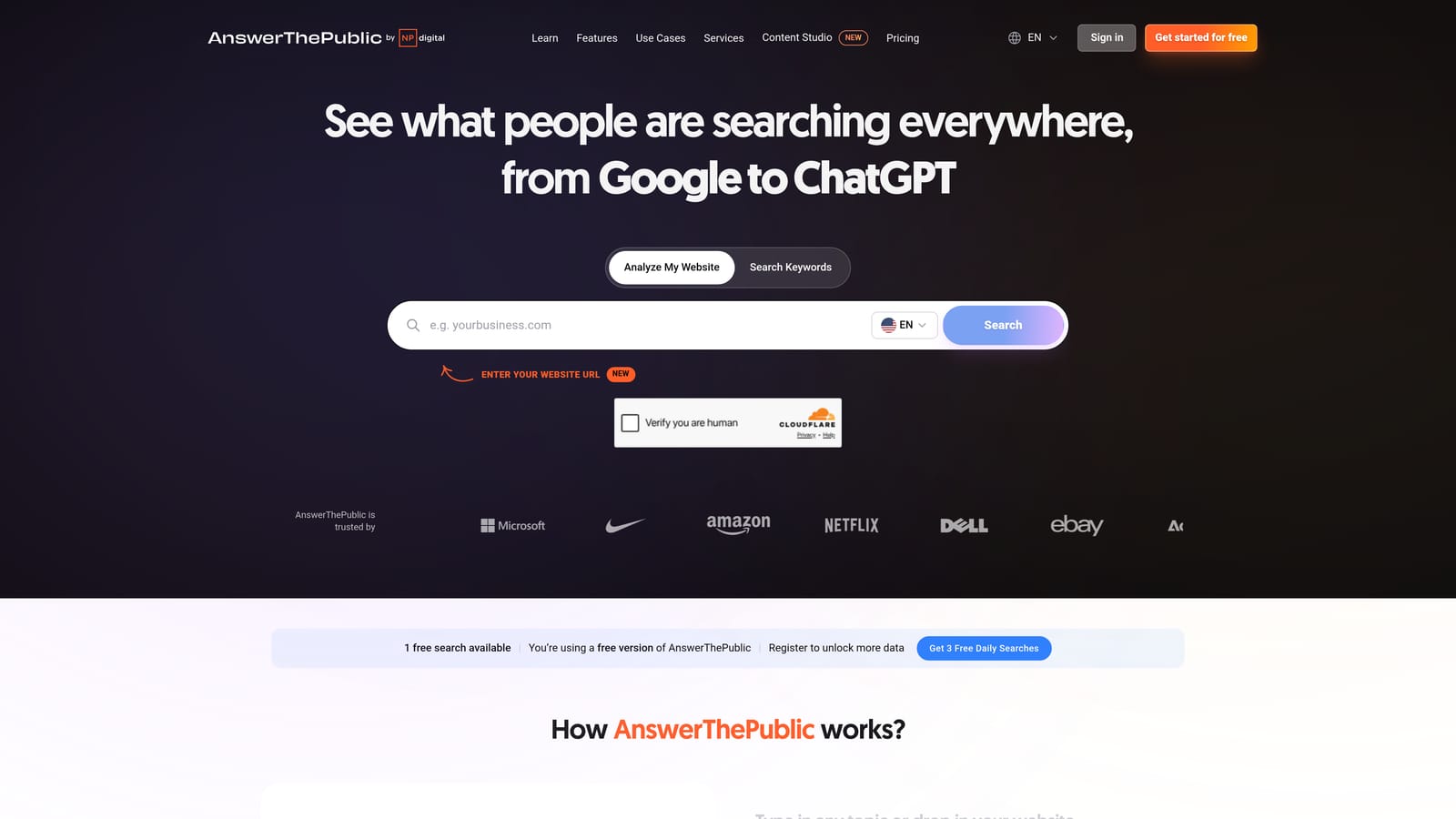
Its specialty is question-led phrasing. For Google Ads, that's handy for long-tail ideas and for ad group themes built around a specific need, such as "how much does X cost" or "X vs Y." It captures how people word things, not just which words they use.
- Browse question, preposition, and comparison maps to see how searchers phrase a need.
- Search any seed term to start from your product or service.
- Export the data to move ideas into your keyword list.
No integrations are confirmed, so expect to export and import manually. Setup is minimal, and anyone building keyword lists or ad copy can use it.
The main limitation is the lack of reliable volume or bid data. You'll get plenty of phrasing but no sense of which phrases are worth the money, so validate with Keyword Planner or a third-party tool before bidding. Many of the questions will also be informational and unlikely to convert as paid keywords.
It offers free limited searches and paid plans; see the website for current limits and pricing.
Best for: Long-tail and question-based ad group ideas.
9. WordStream Free Keyword Tool
The WordStream Free Keyword Tool is a free PPC-oriented idea generator. You pick an industry and country, enter a term, and get keyword ideas with competition and cost estimates. It covers both Google and Bing, which is relevant if you advertise on both.
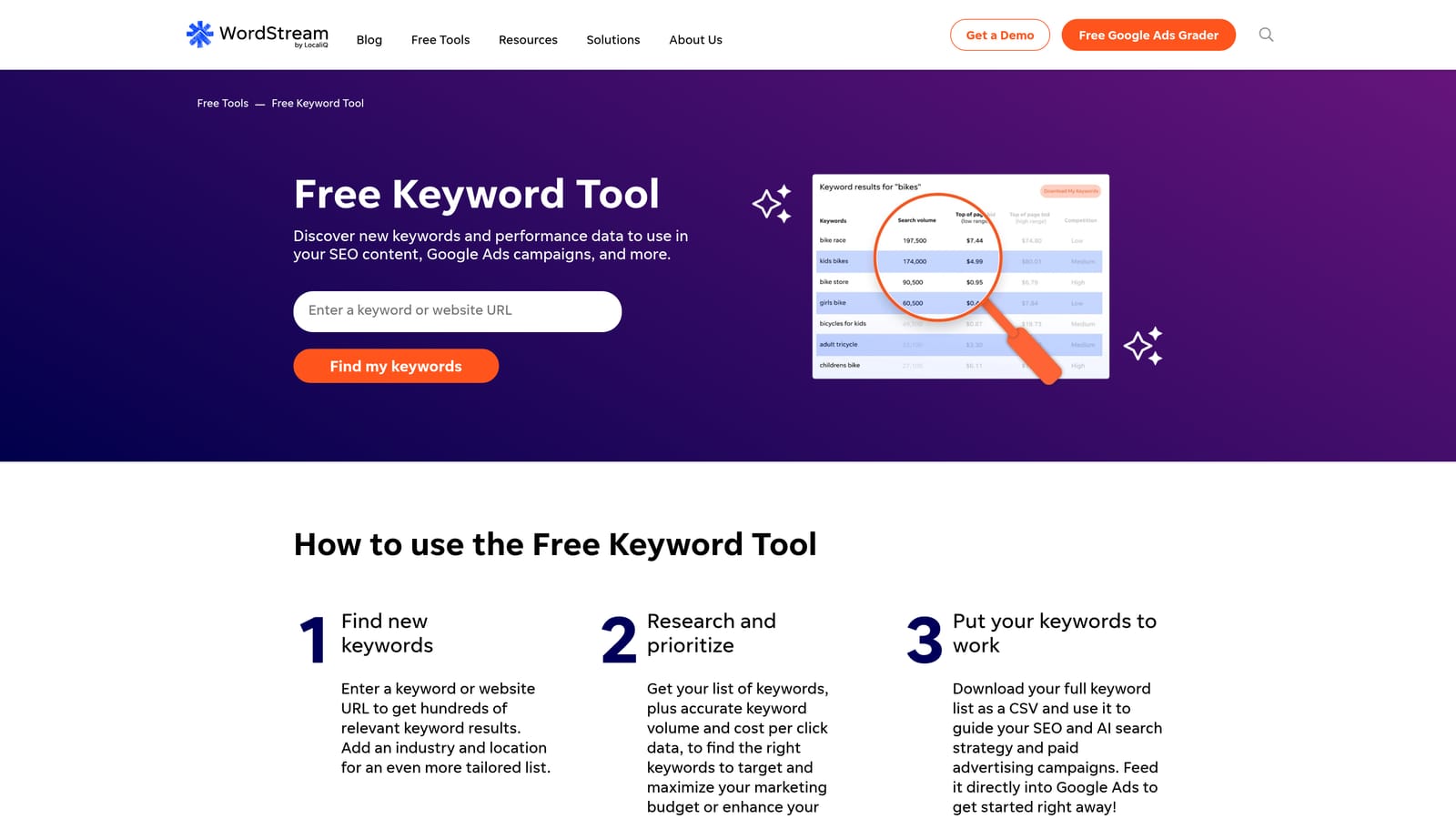
It stands out as a free tool built around paid search use. Many free keyword tools are SEO-first; this one frames results around ad competition and cost.
- Get keyword ideas filtered by industry and country, so suggestions fit your market.
- See competition and cost estimates for a quick read on how pricey a term might be.
- Use Google and Bing coverage if you run ads on both networks.
No integrations are confirmed. Setup is a quick form, though check the site for any requirements, such as providing details, before you get full results.
The limits are plain: results are capped and filtering is basic. It's fine for a fast brainstorm, but it won't support serious research on a large account.
It's free; see the website for current limits.
Best for: Quick PPC brainstorming with no budget.
Which Keyword Suggestion Tool Fits Your Situation
No single tool covers everything, so think in terms of a stack. Three picks stand out depending on what you're doing:
- Keywordme if you already have campaigns running and want to turn real search terms into keywords and negatives without leaving Google Ads.
- Keyword Planner if you're planning a new campaign and need first-party forecasts and bid estimates.
- Semrush or Ahrefs if you need competitive depth, with Ahrefs leaning toward SEO overlap and Semrush toward competitor research.
On a tight budget, Ubersuggest and the WordStream tool give you a start without a big subscription.
A simple workflow ties these together. Discover ideas with Keyword Planner, Search Console, or a third-party tool. Validate them with Trends, forecasts, and a small test budget, since a suggested keyword isn't a proven converter. Then refine from your search terms once data comes in: add the winners as keywords, and block the junk with negatives.
Optimize Google Ads Campaigns 10X Faster. Without Leaving Your Account. Keywordme lets you remove junk search terms, build high-intent keyword lists, and apply match types instantly, right inside Google Ads. No spreadsheets, no switching tabs, just quick, seamless optimization. Start your free 7-day trial (then just $12/month) and take your Google Ads game to the next level.
