
9 Best Google Keyword Optimization Tools for Smarter PPC
Choosing the right google keyword optimization tool is critical for running profitable PPC campaigns without wasting budget on irrelevant traffic. This guide reviews 9 tested tools for 2026—from free native options to specialized Chrome extensions—that help marketers and agencies research keywords faster, eliminate wasteful spend, and scale high-performing campaigns efficiently.


The right Google keyword optimization tool cuts the gap between analyzing data and acting on it. This list compares nine options—from Google's own free tools to specialized Chrome extensions—so you can find what fits your workflow and budget in 2026.
Quick picks: Start with Google Keyword Planner for free keyword research, use the Search Terms Report for ongoing cleanup, and consider Keywordme if you want to do both without leaving the Google Ads interface. Need competitive intelligence? SpyFu and SEMrush cover that ground.
Below, each tool is assessed on where it genuinely excels, who it's best for, and what it costs—based on hands-on evaluation of real PPC workflows.
1. Keywordme
Best for: Advertisers who want to optimize Google Ads campaigns directly inside the native interface
Keywordme is a Chrome extension that integrates directly into Google Ads' Search Terms Report, letting you optimize campaigns without spreadsheets or tab-switching.

Where This Tool Shines
The biggest workflow killer in PPC management is the constant export-edit-upload cycle. You spot a junk search term, export it to a spreadsheet, format it, then upload it back to Google Ads. Keywordme eliminates that entire process.
You see a wasteful search term right in the report? One click removes it and adds it to your negative list. Found a high-intent keyword you want to add? Click to apply the right match type instantly. This speed matters when you're managing multiple accounts or need to act fast on campaign changes.
Key Features
One-click junk keyword removal: Remove wasteful search terms directly from the Search Terms Report without leaving Google Ads.
Instant match type application: Add keywords with the correct match type in a single click—no spreadsheet formatting required.
Bulk negative keyword list building: Create and manage negative keyword lists directly in the interface.
Keyword clustering: Automatically group related keywords to organize campaigns more efficiently.
Multi-account and team support: Manage multiple client accounts with team collaboration features built for agencies.
Best For
Solo advertisers and agency teams who want to cut optimization time by working directly where they're already analyzing performance. If you're tired of the spreadsheet shuffle or manage more than a few accounts, this workflow change pays for itself quickly.
Pricing
$12/month per user with a 7-day free trial. Flat-rate pricing means no surprise costs as you scale.
2. Google Keyword Planner
Best for: Advertisers who need free keyword research and search volume estimates
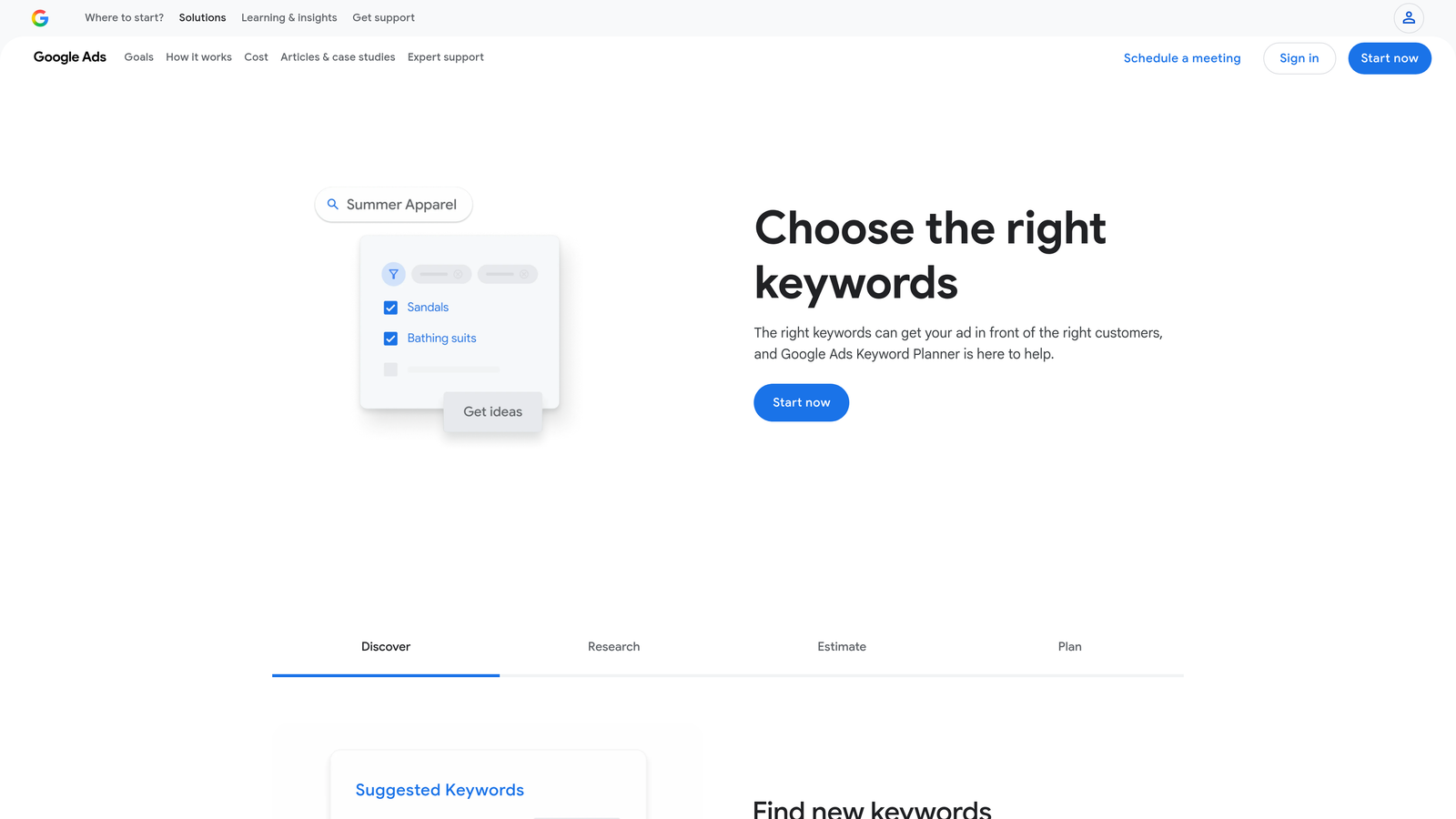
Google Keyword Planner is Google's native keyword research tool built directly into the Google Ads platform for discovering new keywords and getting search volume forecasts.
Where This Tool Shines
When you're starting a new campaign or exploring a new product category, Keyword Planner gives you the most direct access to Google's own data. The forecasting feature is particularly useful—it estimates clicks, impressions, and cost based on your actual account history and current auction dynamics.
The tool also suggests keywords based on your website URL or landing page, which can uncover terms you wouldn't think to search for manually. Since it's free and already integrated into your Google Ads account, there's zero friction to start using it.
Key Features
Free access for all Google Ads accounts: No subscription or additional cost—just log into Google Ads and start researching.
Search volume and forecast data: See estimated monthly searches and projected performance metrics for your budget.
Keyword suggestions based on seed terms or URLs: Input a few keywords or your landing page URL to generate related terms.
Competition level indicators: Understand how many other advertisers are bidding on each keyword.
Historical trend data: View search volume patterns over time to identify seasonal opportunities.
Best For
Beginners who need reliable keyword data without paying for a subscription, or established advertisers who want Google's own forecasting for campaign planning. It's the starting point most advertisers use before moving to more specialized tools.
Pricing
Free with any Google Ads account, even if you're not actively running campaigns.
3. SEMrush Keyword Magic Tool
Best for: Comprehensive keyword research with intent classification and competitive analysis
SEMrush Keyword Magic Tool is a keyword research platform with a database of over 25 billion keywords and advanced filtering options for finding exactly the terms you need.

Where This Tool Shines
The real power here is the filtering system. You can sort keywords by intent—informational, commercial, or transactional—which helps you build campaigns that match where users are in the buying journey. If you're trying to target bottom-of-funnel buyers, filtering for transactional intent saves hours of manual sorting.
The question-based keyword filter is particularly useful for content planning and long-tail PPC campaigns. You can see exactly what questions people are asking about your topic, then build ad groups around those specific queries.
Key Features
25+ billion keyword database: One of the largest keyword databases available, covering multiple countries and languages.
Keyword intent classification: Automatically categorizes keywords as informational, commercial, or transactional based on search behavior.
Question-based keyword filtering: Isolate keywords phrased as questions to target specific user queries.
Competitor keyword gap analysis: Identify keywords your competitors rank for that you're missing.
SERP feature tracking: See which keywords trigger featured snippets, local packs, or other special search results.
Best For
Agencies and in-house teams who need deep keyword research capabilities combined with competitive intelligence. The intent classification alone makes this worth it if you're building campaigns across multiple funnel stages.
Pricing
Starts at $139.95/month for the Pro plan, which includes the Keyword Magic Tool and other SEO/PPC features.
4. Ahrefs Keywords Explorer
Best for: Accurate keyword difficulty scores and understanding actual click behavior
Ahrefs Keywords Explorer is a keyword research tool known for its unique clicks per search metric and difficulty scores based on backlink data.

Where This Tool Shines
Most keyword tools show search volume, but Ahrefs adds a critical metric: clicks per search. This tells you how many people actually click on search results versus just viewing the SERP. For PPC planning, this matters—if a keyword has high volume but low clicks, it might mean people are getting answers from featured snippets or ads without clicking through.
The parent topic grouping feature is also brilliant for campaign organization. Ahrefs groups related keywords under a single parent topic, showing you which terms can be targeted with one piece of content or ad group rather than creating separate campaigns for every variation.
Key Features
Clicks per search metric: See how many actual clicks a keyword generates, not just search volume.
Parent topic grouping: Automatically groups related keywords to help you plan content and ad groups more efficiently.
Keyword difficulty based on backlink data: Difficulty scores calculated from actual ranking data, not just competition levels.
SERP overview with ranking history: View current top-ranking pages and how rankings have changed over time.
Support for 10 search engines: Research keywords for Google, YouTube, Amazon, and other platforms from one interface.
Best For
Advertisers who want to understand actual user behavior beyond just search volume, and teams managing both SEO and PPC who need accurate difficulty scores for planning.
Pricing
Starts at $129/month for the Lite plan, which includes Keywords Explorer and other Ahrefs tools.
5. SpyFu
Best for: Competitive intelligence and uncovering competitors' paid keyword strategies
SpyFu is a competitive intelligence tool that reveals competitors' paid and organic keyword strategies with historical data going back years.

Where This Tool Shines
SpyFu's killer feature is the historical PPC data. You can see every keyword a competitor has bid on, how long they've been bidding on it, and even view their ad copy archives. This is invaluable when you're entering a new market or trying to understand why a competitor consistently outranks you.
The domain vs domain comparison feature lets you see exactly where you overlap with competitors and where they're getting traffic you're missing. Instead of guessing what keywords to target, you can see what's already working for similar businesses in your space.
Key Features
Competitor PPC keyword history: View years of historical data showing which keywords competitors have bid on and when.
Ad copy archives: See the actual ad copy competitors have used, including headlines and descriptions.
Keyword ranking tracking: Monitor how your rankings and your competitors' rankings change over time.
Domain vs domain comparison: Identify keyword gaps and overlaps between your site and competitors.
PPC and SEO combined insights: See both paid and organic strategies in one view to understand total search presence.
Best For
Agencies and advertisers who need to reverse-engineer competitor strategies or quickly understand a new market's competitive landscape. The historical data makes this especially useful for seasonal businesses.
Pricing
Starts at $39/month for the Basic plan, making it one of the more affordable competitive intelligence tools.
6. Optmyzr
Best for: Rule-based automation and one-click optimizations across multiple ad platforms
Optmyzr is a PPC management platform with rule-based automation and one-click optimization suggestions for Google Ads, Microsoft Ads, and Amazon.

Where This Tool Shines
Optmyzr is built for advertisers managing large accounts or multiple clients who need to automate repetitive tasks without losing control. The rule-based automation engine lets you set conditions—like pausing keywords that haven't converted in 30 days—and the system executes automatically or flags them for review.
The one-click optimization suggestions are particularly useful during weekly account reviews. Instead of manually analyzing every ad group, Optmyzr surfaces specific recommendations with projected impact, letting you approve changes in seconds rather than hours.
Key Features
Rule-based automation engine: Create custom rules to automate bid adjustments, budget pacing, and keyword management.
One-click optimization suggestions: Review and approve recommended changes with a single click.
Custom reporting and dashboards: Build client-ready reports that pull data from multiple ad platforms.
Budget pacing and bid management: Automatically adjust bids to hit monthly budget targets without overspending.
Multi-platform support: Manage Google Ads, Microsoft Ads, and Amazon campaigns from one interface.
Best For
Agencies and enterprise teams managing high ad spend across multiple platforms who need automation without sacrificing oversight. The time savings scale dramatically with account size.
Pricing
Starts at $249/month, with pricing tiers based on monthly ad spend and number of accounts.
7. WordStream
Best for: Small businesses who want guided PPC management with minimal time investment
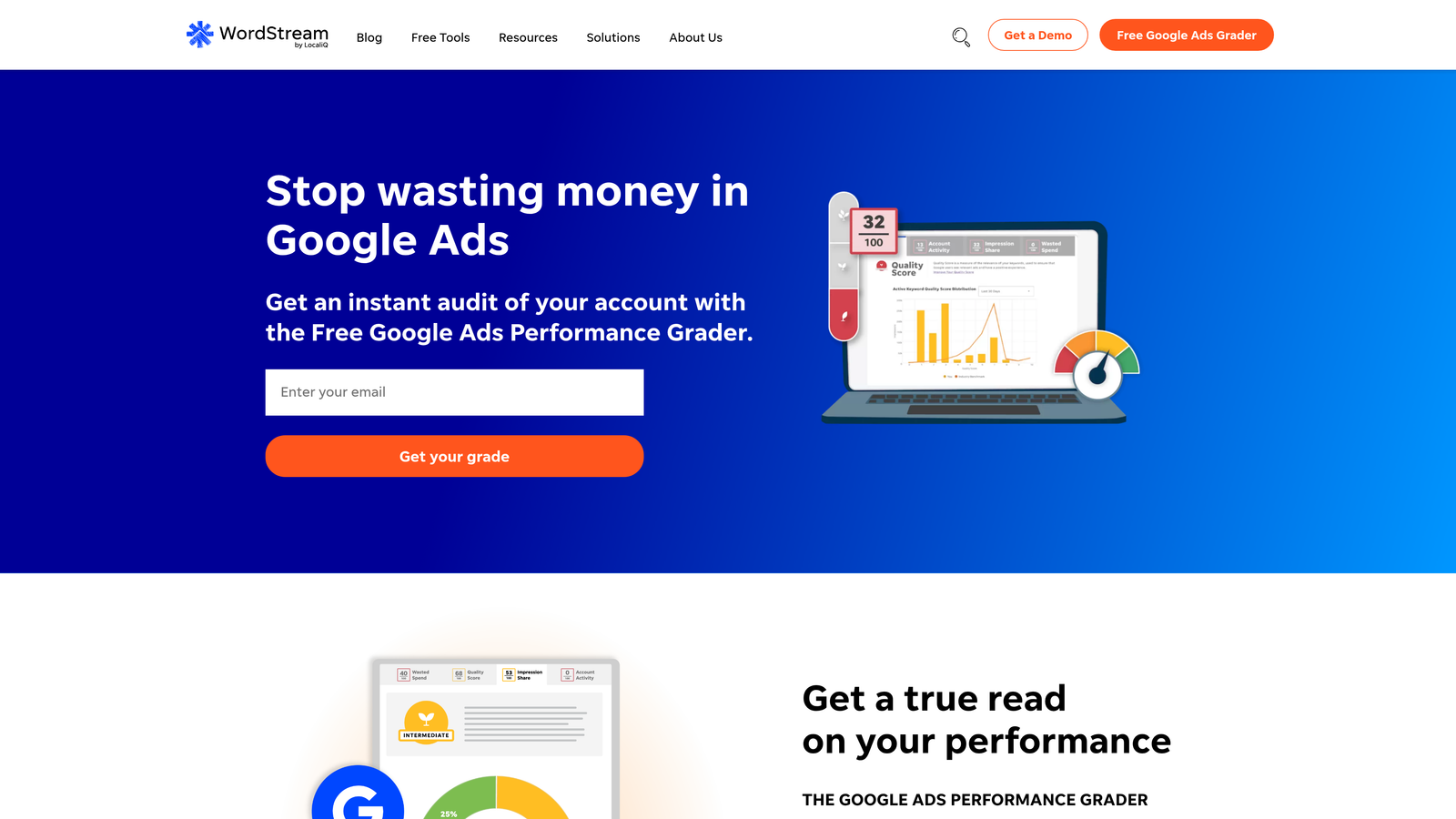
WordStream is PPC management software designed for small businesses with guided recommendations and the 20-minute work week approach.
Where This Tool Shines
WordStream's philosophy is that most small businesses can't dedicate hours each week to PPC management, so the platform condenses optimization into a guided 20-minute weekly workflow. You log in, review the top recommendations, make changes, and you're done.
The performance alerts are particularly useful for catching issues early. If a campaign is overspending, underperforming, or has a sudden drop in quality score, WordStream flags it immediately so you can address problems before they eat through your budget.
Key Features
20-minute work week guided workflow: Structured weekly optimization process that prioritizes the highest-impact changes.
Performance alerts and recommendations: Automatic notifications when campaigns need attention or optimization opportunities arise.
Cross-platform management: Manage Google Ads, Facebook Ads, and Microsoft Ads from one dashboard.
Landing page grader: Analyze landing page quality and get specific recommendations for improving conversion rates.
Free Google Ads Performance Grader: Audit your account for free to identify optimization opportunities before committing to the platform.
Best For
Small business owners and solo marketers who don't have time for deep PPC management but want to ensure their campaigns stay optimized. The guided approach removes the guesswork.
Pricing
Custom pricing based on monthly ad spend. Contact WordStream for a quote based on your account size.
8. Keyword Tool
Best for: Long-tail keyword discovery using Google Autocomplete and multi-platform research
Keyword Tool is a long-tail keyword generator that pulls suggestions from Google Autocomplete and other platforms like YouTube, Amazon, and Bing.
Where This Tool Shines
Keyword Tool excels at finding the long-tail variations that most research tools miss. By pulling directly from Google Autocomplete, it surfaces the actual phrases people type into search boxes—including question-based queries and location-specific terms.
The multi-platform support is valuable if you're running campaigns beyond just Google search. You can research YouTube keywords for video ads, Amazon keywords for product campaigns, or even Instagram hashtags, all from the same interface.
Key Features
Generates keywords from Google Autocomplete: Pulls actual autocomplete suggestions to find long-tail variations people are searching for.
Multi-platform support: Research keywords for Google, YouTube, Amazon, Bing, Instagram, and other platforms.
Question-based keyword suggestions: Automatically identifies keywords phrased as questions for FAQ content and voice search optimization.
Negative keyword suggestions: Helps you identify terms to exclude from campaigns to reduce wasted spend.
Bulk keyword analysis: Upload lists of keywords to get search volume and competition data in bulk.
Best For
Advertisers who need deep long-tail keyword research or manage campaigns across multiple platforms. The free tier is generous enough for basic research, making it accessible for smaller budgets.
Pricing
Free tier available with limited features. Pro plans start at $89/month for full access to search volume and competition data.
9. Google Ads Search Terms Report
Best for: Ongoing keyword optimization using actual search query data from your campaigns
Google Ads Search Terms Report is the built-in report showing actual search queries that triggered your ads—essential for refining keyword targeting and adding negatives.
Where This Tool Shines
The Search Terms Report is where the real optimization happens. You can research keywords all day, but until you see what people actually search for when they click your ads, you're working with incomplete data.
This report shows you the exact queries triggering your ads, which is critical for two things: finding high-converting search terms to add as keywords, and identifying junk queries to block with negative keywords. Most accounts I audit have dozens of wasteful search terms that could be eliminated immediately just by reviewing this report weekly.
Key Features
Free and built into Google Ads: No additional tools or subscriptions required—it's already in your account.
Shows actual user search queries: See exactly what people typed before clicking your ads, not just the keywords you're bidding on.
Direct negative keyword addition: Add search terms to negative keyword lists directly from the report.
Performance metrics per search term: View impressions, clicks, conversions, and cost for each query.
Match type visibility: See which match type triggered each search term to understand how your keywords are expanding.
Best For
Every Google Ads advertiser. This isn't optional—if you're not reviewing your Search Terms Report regularly, you're leaving money on the table. It's the foundation of ongoing keyword optimization.
Pricing
Free—it's built directly into Google Ads with no additional cost.
Making the Right Choice
The right google keyword optimization tool depends on where you are in the campaign lifecycle and what your biggest bottleneck is.
If you're starting from scratch or exploring a new market, begin with Google Keyword Planner for free foundational research, then layer in SEMrush or Ahrefs if you need deeper competitive intelligence or intent classification. SpyFu is particularly valuable when entering crowded markets where you need to understand what's already working for competitors.
For ongoing optimization, the Search Terms Report is non-negotiable—you should be reviewing it weekly at minimum. The question is whether you're doing that efficiently. If you're spending hours exporting data to spreadsheets and uploading changes back to Google Ads, tools like Keywordme eliminate that friction entirely by letting you optimize directly in the interface.
Agencies managing multiple clients typically need a combination: research tools for campaign planning, automation platforms like Optmyzr for scale, and workflow tools that reduce the time spent on repetitive tasks. The ROI calculation is straightforward—if a tool saves you 30 minutes per account per week, and you manage 10 accounts, that's 5 hours saved weekly. At typical agency rates, that pays for most subscriptions many times over.
Small businesses with limited time often benefit most from guided platforms like WordStream that condense optimization into a structured weekly workflow, or from tools that eliminate context-switching so you can work faster in the time you do have.
The common thread across successful PPC management is speed—the faster you can identify opportunities and implement changes, the more responsive your campaigns become to market conditions. That's why in-interface tools have gained traction. When you can spot a wasteful search term and block it in one click without leaving Google Ads, you're not just saving time—you're catching issues before they drain more budget.
Start your free 7-day trial of Keywordme and see how much faster you can optimize when you're working directly inside Google Ads. No spreadsheets, no switching tabs, just quick, seamless optimization that scales with your account load.
.svg)