
9 Best Google Keyword Analyser Tools for Finding and Cleaning Up Keywords in 2026
This guide compares nine tools that work as a Google keyword analyser tool, split by job: researching new keywords before you spend, or analysing the search terms already triggering your ads. Each pick is judged on data source, Google Ads integration, fit for freelancers and agencies, and pricing clarity, so you can choose quickly.


If you searched for a Google keyword analyser tool, you probably have one of two jobs in mind: researching new keywords before you spend, or analysing the search terms already triggering your ads. This list covers both, and says plainly which job each tool does. Tools were chosen by data source, how directly they connect to Google Ads, how well they suit freelancers and agencies, and how clear their pricing is.
Quick Comparison of Keyword Analysis Tools
- Keywordme: freelancers and agencies cleaning up live Search campaigns; $12/month per user; acts on search terms inside the native Google Ads interface, with no exports.
- Google Keyword Planner: advertisers planning new Search campaigns on a budget; free with a Google Ads account; first-party Google volume and forecast data.
- Semrush Keyword Magic Tool: agencies needing combined SEO and PPC research; subscription, see website; competitor keyword gap analysis inside a broad marketing suite.
- Ahrefs Keywords Explorer: teams wanting demand and click potential across SEO and paid; paid plans, see website; clicks estimates showing how searches turn into clicks.
- SpyFu: seeding campaigns with competitor-tested ideas; subscription, see website; historical competitor ad and keyword lookups by domain.
- WordStream Free Keyword Tool: small business owners launching a first Search campaign; free; a simple generator built for PPC beginners.
- Google Ads Search Terms Report: anyone auditing wasted spend; free with a Google Ads account; real query data from your own ad spend.
- Ubersuggest: small businesses on a tight tool budget; subscription, see website; a lower-cost entry point covering SEO and PPC.
- Google Trends: checking timing before launch; free; seasonality and regional trend comparisons.
1. Keywordme
Keywordme is a Chrome extension that adds one-click actions to the Search Terms Report inside Google Ads. It is built for people who spend their week reviewing queries: freelancers, agency teams, and in-house marketers running live Search campaigns. It is our own product, so weigh the claims accordingly, and note that it does a narrower job than most tools here.
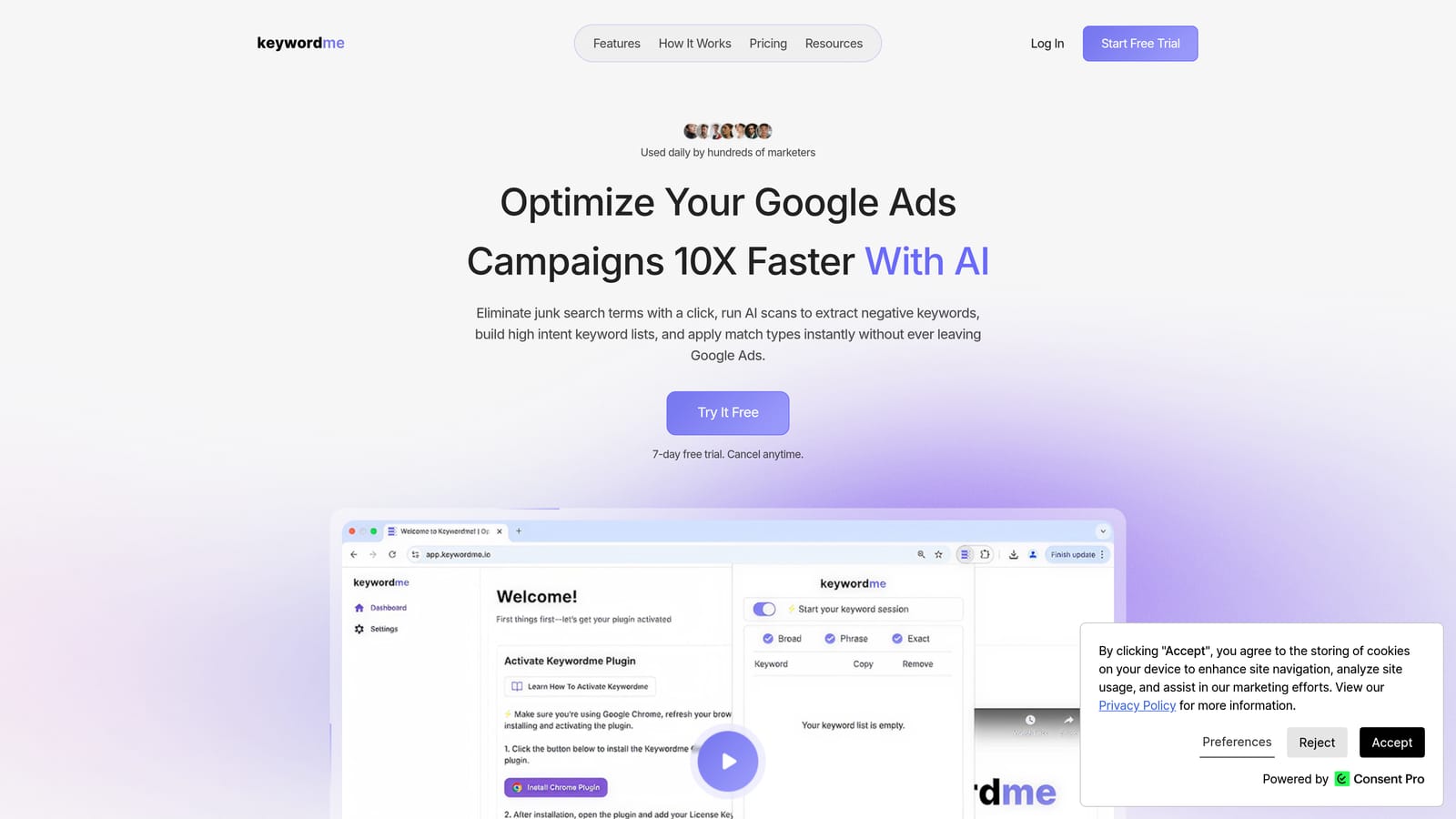
First, two terms. A keyword is what you bid on. A search term is the actual query someone typed. A negative keyword blocks queries you do not want; a positive keyword is one you want to match. Keywordme works on the search term side: it takes what already triggered your ads and lets you act on it fast.
What it does distinctively well is stay inside the native interface. You review terms where you already review them, then add or exclude without exporting to a spreadsheet and re-uploading. The company says this makes optimization up to 10x faster; that is its own claim, and your speed-up will depend on account size and how you work today.
- One-click negative keywords straight from the Search Terms Report, so junk queries stop costing you.
- Add search terms as keywords with the match type you choose, instead of editing match types afterward.
- Keyword clustering to group related terms and act on them together.
- Bulk editing for handling many terms in one pass.
- Multi-account and team support, which matters when you manage several clients.
Setup is an extension install, and it works with Google Ads only. The person who runs it day to day is whoever does search term reviews, so there is no admin overhead.
Limitations are real. It is not a keyword research tool: no search volume, no competitor data, no difficulty scores. It requires Chrome, and it needs existing search term data, so a brand-new campaign with no impressions gives it nothing to work with. You still make every decision; it speeds up the clicking, not the judgment.
Pricing is $12/month per user with a 7-day free trial, as of writing. Cost scales with the number of users. Verify current terms on the site.
Best for: Freelancers and agencies cleaning up live Search campaigns.
2. Google Keyword Planner
Google Keyword Planner is Google's own keyword research and forecasting tool, found inside Google Ads. It is made for advertisers who need to size up a market before building campaigns.
Its edge is the data source. Volume, bid estimates, and forecasts come from Google, so you are not relying on a third party's model of Google. That makes it the default starting point for new Search campaigns.
- Keyword discovery from a seed term or a landing page URL, so you can find ideas you had not listed.
- Search volume ranges that show relative demand between candidates.
- Forecasts that estimate how a keyword set might perform at a given budget.
- Bid estimates that help you set a realistic starting budget and bids.
Setup is nothing more than a Google Ads account, and it connects natively to campaign building, so you can push chosen keywords into a plan. One person, usually the campaign builder, runs it.
The limits: in some accounts volume appears as broad ranges rather than precise figures (check Google Ads Help for how this applies to yours), and there is no competitor insight. Also remember that a keyword tool shows demand, not what your ads will actually match. Only the search terms report shows that.
Pricing: free with a Google Ads account.
Best for: Advertisers planning new Search campaigns on a budget.
3. Semrush Keyword Magic Tool
Semrush includes the Keyword Magic Tool, a large keyword database with topic grouping, difficulty scores, and intent labels. It is aimed at agencies and marketing teams who handle SEO and PPC together.
Its distinctive strength is competitor keyword gap analysis inside a wider suite. You can see where rivals show up and you do not, then decide which gaps deserve paid budget. Few tools on this list pair that with SEO tooling under one login.
What you get
- Keyword grouping that clusters a big list into topics, which speeds up ad group planning.
- Keyword difficulty, useful for deciding what to chase organically versus buy.
- Intent labels that help separate researchers from buyers.
- Competitor keyword gap reports that surface terms rivals rank or bid for.
- Paid keyword research to see what competitors advertise on.
Setup and fit
Semrush lists integrations with Google Search Console and Google Analytics, and possibly Google Ads; verify which connections your plan includes. Setup is light for research, but getting full value from the suite takes time, and someone has to own it.
It is not a great fit for PPC-only freelancers. The cost and complexity are hard to justify if you only need keyword ideas. And like every research tool, it does not tell you which queries your ads matched.
Pricing is subscription-based and changes often; see the Semrush website for current plans. Price typically moves with plan tier and usage limits.
Best for: Agencies needing combined SEO and PPC research.
4. Ahrefs Keywords Explorer
Ahrefs Keywords Explorer is a keyword research tool known for its clicks estimates and parent topic grouping. It leans toward SEO but is useful to paid teams who care about what a search is worth.
The distinctive piece is clicks data. Plenty of searches never produce a click, because the answer appears on the results page. Seeing estimated clicks next to volume helps you avoid keywords that look big but deliver little traffic.
- Keyword difficulty to judge how hard organic ranking would be.
- Clicks estimates that show how many searches turn into clicks, not just searches.
- Parent topic grouping, which shows whether one page could cover several related terms.
- SERP overview to see what is actually ranking for a query before you bid against it.
It can connect with Google Search Console and Google Analytics; verify current integrations. Setup is simple, though the interface rewards people already comfortable with SEO concepts.
Its limitation for our readers is workflow: it has less PPC-specific support than Semrush, and nothing that touches your live Google Ads account. If your job is trimming wasted spend, it will not help directly.
Pricing is on paid plans; see the Ahrefs website for current tiers. Cost generally moves with plan level and the number of users and usage limits.
Best for: Teams who want search demand and click potential across SEO and paid.
5. SpyFu
SpyFu is a competitor research tool that shows the keywords and ads rivals have used on Google. It suits marketers who would rather start from what already works for competitors than from a blank seed list.
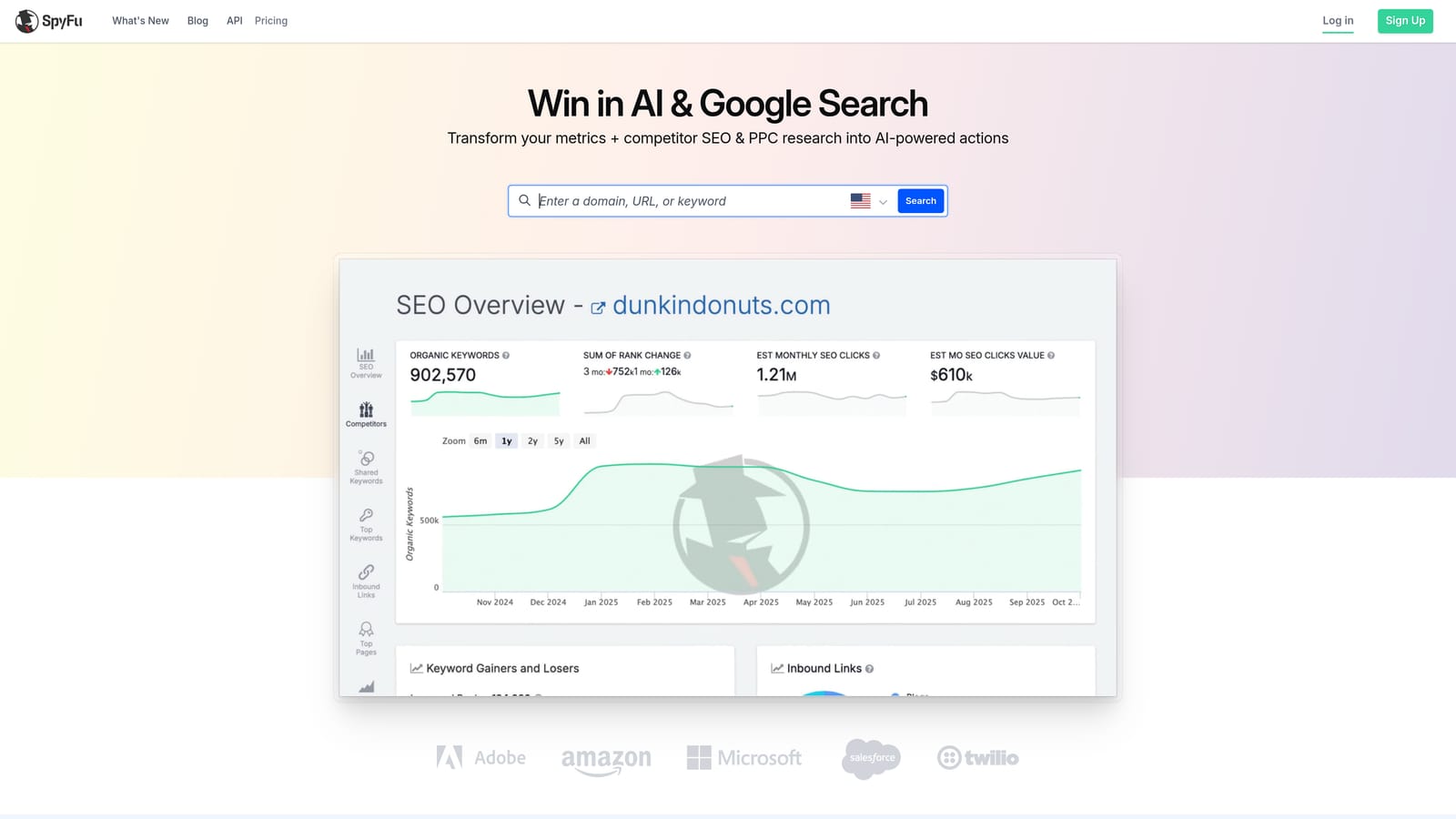
The standout is history. You can look up a domain and see past ad copy and keywords, which tells you what competitors have kept running over time. Long-running ads often signal something is working, though that is an inference, not proof.
- Competitor PPC keywords by domain, giving you a ready list of terms to test.
- Ad history so you can study how rivals' messaging changed.
- Domain comparison to see where you and a competitor differ.
- Keyword overlap that shows shared terms and the gaps between you.
Integrations are not clearly listed, so check the site. Setup is basically entering a domain, and the researcher or strategist runs it.
The key caveat is that the data is estimated and third-party, and accuracy varies by market. Treat it as a source of ideas to test, not as facts about a competitor's budget or results. It also does nothing about your own search terms.
Pricing is subscription-based; see the SpyFu website for current plans, as tiers and limits change.
Best for: Seeding campaigns with competitor-tested keyword ideas.
6. WordStream Free Keyword Tool
The WordStream Free Keyword Tool is a keyword idea generator from WordStream by LocaliQ. It is designed for people who have never built a Search campaign and want something simple.
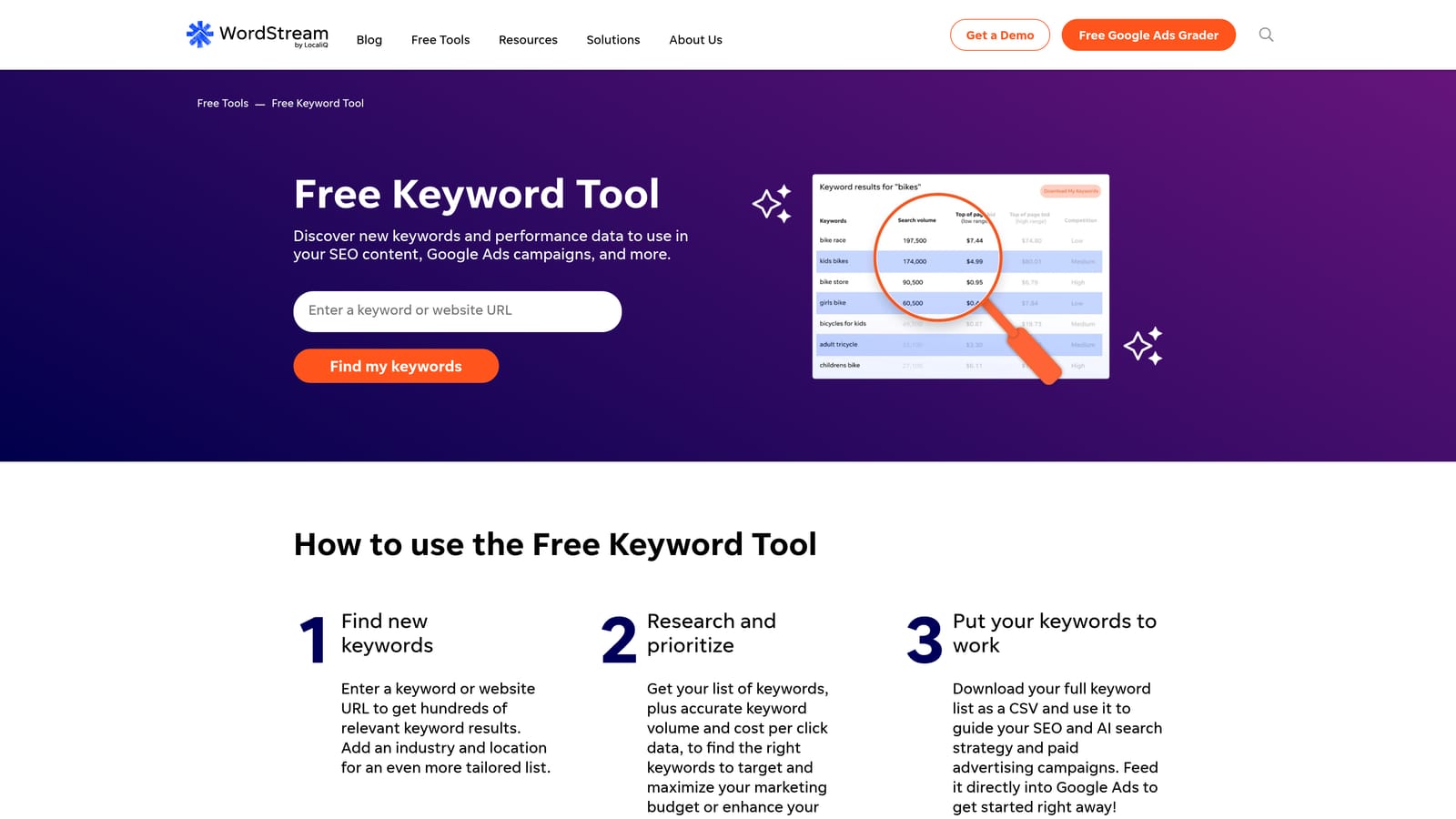
What it does well is lower the barrier. You enter a topic, pick an industry and location, and get ideas with basic metrics, without learning a complex interface. Nothing else on this list is as approachable.
- Keyword ideas filtered by industry and location, so suggestions feel relevant to a local business.
- Basic metrics to help you tell stronger ideas from weak ones.
- Free access, so you can try it without a budget decision.
Integrations are not clearly listed; check the site. There is no setup to speak of, and the business owner usually runs it themselves.
The limits are depth and scale. The data is shallow compared with Keyword Planner or the paid suites, and it does not fit the multi-account workflows agencies rely on. Verify whether sign-up is required, as that can change.
Pricing: free, as of writing.
Best for: Small business owners starting their first Search campaign.
7. Google Ads Search Terms Report
The Google Ads Search Terms Report is the native report listing the actual queries that triggered your ads. It is the only tool here that shows what your campaigns really matched, which is exactly what the research tools cannot tell you.

That is its strength: real queries tied to your own spend. Each row shows how a term performed, so you can see which ones earned conversions and which drained budget.
- Actual triggering queries, so you see what people typed rather than what you bid on.
- Clicks, cost, and conversions per term, which show where money goes and what it returns.
- Options to add a term as a keyword or as a negative keyword directly from the report.
- Filtering and segments to focus on high-cost, zero-conversion terms first.
There is no setup beyond having a Google Ads account with campaign data. Whoever manages the account runs it.
The limitation is labor. Reviewing and acting row by row is slow at scale, and the interface was not built for large cleanups across many accounts. It also only covers queries that have already triggered ads, so it cannot help with brand-new ideas. This is the gap tools like Keywordme aim to close.
Pricing: free with a Google Ads account.
Best for: Anyone auditing wasted spend on live campaigns.
8. Ubersuggest
Ubersuggest, from Neil Patel, is a budget-friendly keyword tool with volume, CPC, and keyword ideas. It targets small teams who want both SEO and PPC inputs without a suite-level bill.
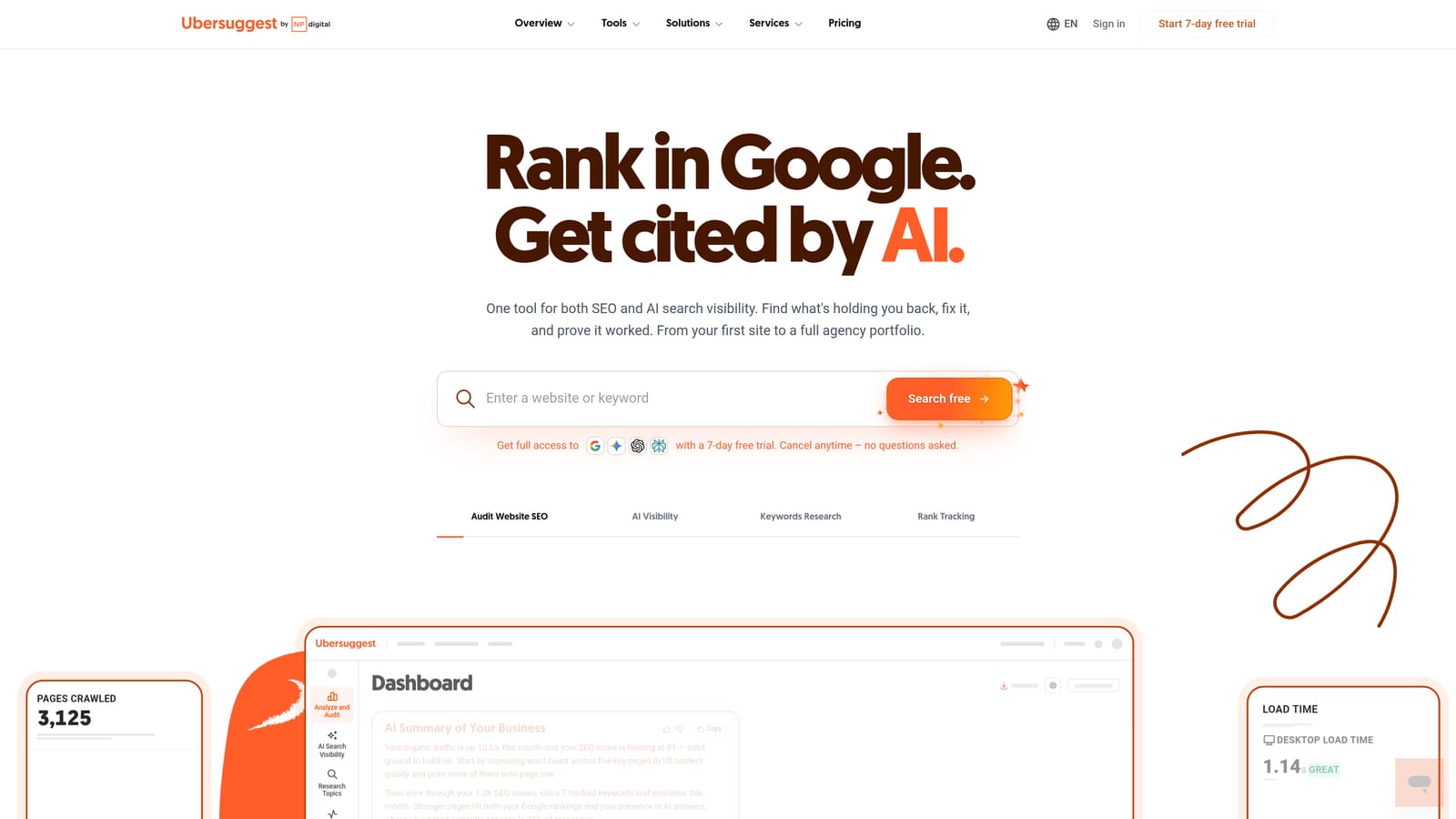
Its distinctive trait is the low-cost entry. For a small business that cannot justify Semrush or Ahrefs, it covers the basics in one place, including content ideas alongside keyword data.
- Keyword ideas from a seed term, to widen a starting list.
- Search volume to compare relative demand.
- CPC data to estimate what clicks may cost before you launch.
- Content ideas that help if you also run organic content.
It may connect with Google Search Console; verify current options. Setup is quick, and a single marketer or owner typically runs it.
The trade-off is depth. The database is smaller than the larger suites, PPC features are lighter, and it will not help you clean up live campaigns. Agencies handling many accounts will likely outgrow it.
Pricing is subscription-based; see the Ubersuggest website for current plans, which may vary by tier and number of projects.
Best for: Small businesses on a tight tool budget.
9. Google Trends
Google Trends is a free tool for comparing relative search interest over time and by region. It does not give volume, so it answers a different question: when and where does interest peak?
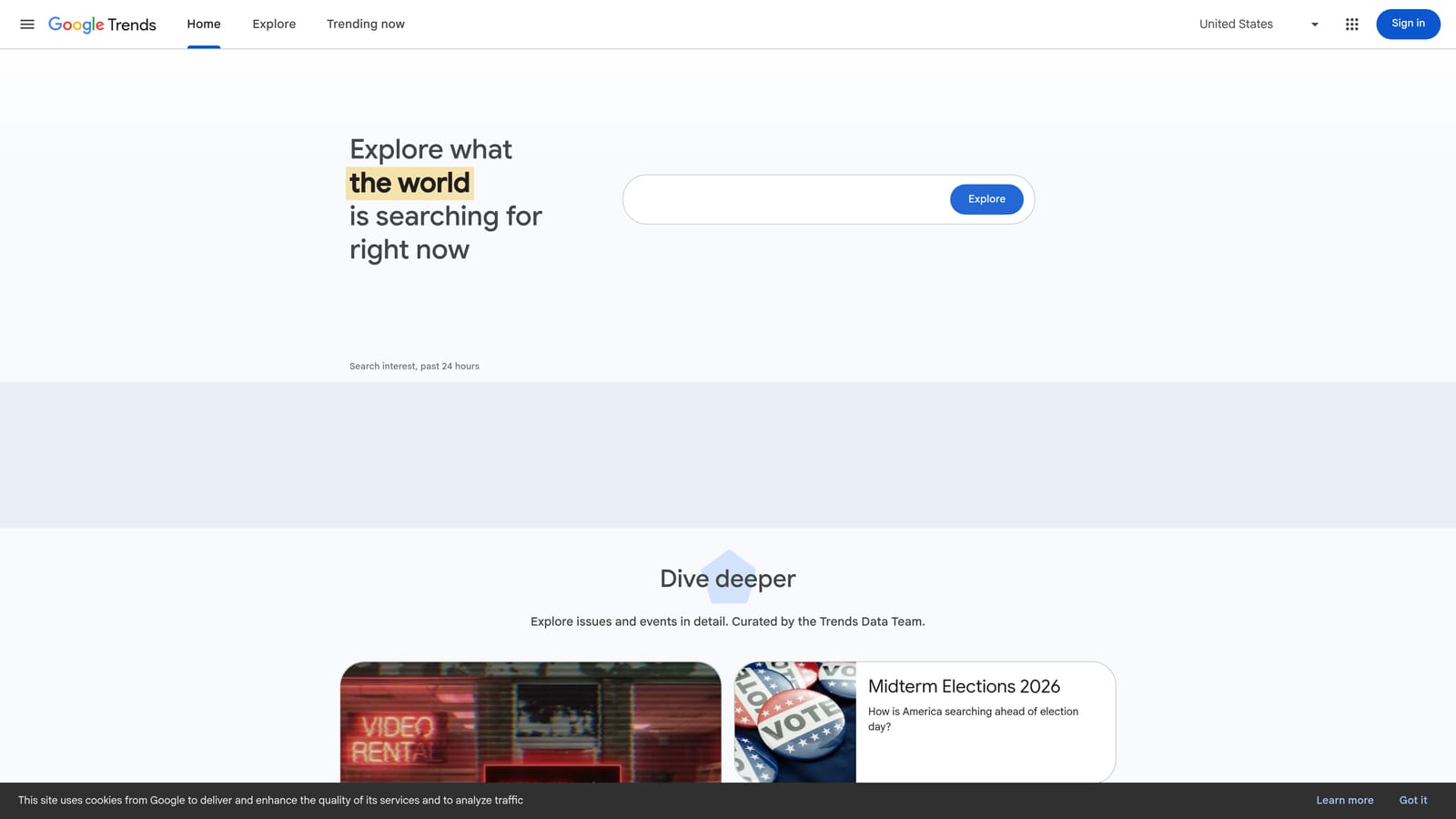
That makes it useful before committing budget. If demand for a product spikes in a few months, you can plan budgets and launch dates around it, or spot a keyword that is fading.
- Interest over time, which reveals seasonality and long-term trends.
- Regional breakdown so you can weight geo-targeting toward where interest is strongest.
- Related queries that suggest angles you had not considered.
- Keyword comparison to pit two or more candidates against each other.
There are no integrations and no setup. Anyone can use it, so it works as a quick sanity check by whoever is planning.
The main limitation is that it uses a relative 0 to 100 index, not search volume or CPC. A term scoring 100 might still be tiny. Pair it with Keyword Planner for actual numbers.
Pricing: free.
Best for: Checking timing and seasonality before launching campaigns.
Matching the Tool to the Job
Start by deciding which job you are doing. Research tools tell you what people search for. Only the Search Terms Report shows what your ads actually matched.
- Free research: use Google Keyword Planner for volume and forecasts, and Google Trends for timing and seasonality.
- Deeper research: choose Semrush if you want SEO and PPC in one suite, or Ahrefs if click potential matters most.
- Competitor ideas: SpyFu is the one to try for seeding campaigns.
- Cleaning up live campaigns: use the Search Terms Report as your source of truth, and Keywordme to act on it without leaving Google Ads.
Most advertisers need one of each: a research tool before launch and a search term workflow after. Keywordme will not replace the first, but it makes the second far quicker, especially across several accounts.
Optimize Google Ads Campaigns 10X Faster. Without Leaving Your Account. Keywordme lets you remove junk search terms, build high-intent keyword lists, and apply match types instantly, right inside Google Ads. No spreadsheets, no switching tabs, just quick, seamless optimization. Start your free 7-day trial (then just $12/month) and take your Google Ads game to the next level.
.svg)