
9 Best Google Ads Workflow Tools Compared for 2026
This google ads workflow tools comparison covers 9 platforms—from Chrome extensions to full-stack automation tools—evaluated on workflow speed, ease of use, agency features, and pricing to help marketers, freelancers, and agency owners eliminate repetitive manual tasks and scale PPC campaigns more efficiently.


TL;DR: The right Google Ads workflow tools can cut your optimization time dramatically, reduce wasted spend, and help you scale campaigns without drowning in spreadsheets. This comparison covers 9 tools built for marketers, freelancers, and agency owners who want faster, smarter PPC workflows—from in-interface Chrome extensions to full-stack automation platforms.
If you've ever spent an hour exporting search term reports into Excel just to add a handful of negative keywords, you already know the problem. Google Ads optimization is repetitive, manual, and slow by default. The tools in this list exist to fix that.
We've compared them on workflow speed, ease of use, agency features, and pricing—so you can pick the right fit for your setup. Some of these tools work inside Google Ads. Others require you to log into a separate platform. That distinction matters more than most people realize when you're doing this work every day.
1. Keywordme
Best for: In-interface search term optimization without leaving Google Ads
Keywordme is a Chrome extension that plugs directly into Google Ads' Search Terms Report and turns manual keyword tasks into one-click actions.

Where This Tool Shines
Most workflow tools make you export data, work in a separate dashboard, then push changes back. Keywordme skips all of that. You're already in your Search Terms Report—Keywordme just makes every action there dramatically faster. Click to add a negative, apply a match type, or cluster keywords into a new ad group without touching a spreadsheet.
In most accounts I audit, search term cleanup is the single most neglected task because it's so tedious to do manually. Keywordme removes that friction entirely. For freelancers managing a handful of accounts or agencies running dozens, the time savings compound fast.
Key Features
One-Click Negative Keywords: Add negatives directly from the Search Terms Report without exporting or switching tabs.
Instant Match Type Application: Toggle between broad, phrase, and exact match on any keyword without leaving the native UI.
Keyword Clustering: Group related search terms into new keyword lists or ad groups in bulk, inside Google Ads.
Bulk Editing: Apply actions across multiple terms at once—no row-by-row clicking required.
Multi-Account and Team Support: Built for agency workflows with support for multiple accounts and shared team access.
Best For
Freelancers and agency owners who do daily or weekly search term reviews and want to stop wasting time on manual exports. Also a strong fit for in-house PPC managers who want to move faster inside their existing Google Ads workflow without adopting a full external platform.
Pricing
$12/month per user, flat rate. A 7-day free trial is available with no credit card required upfront.
2. Optmyzr
Best for: Rule-based automation and one-click optimizations across large PPC accounts
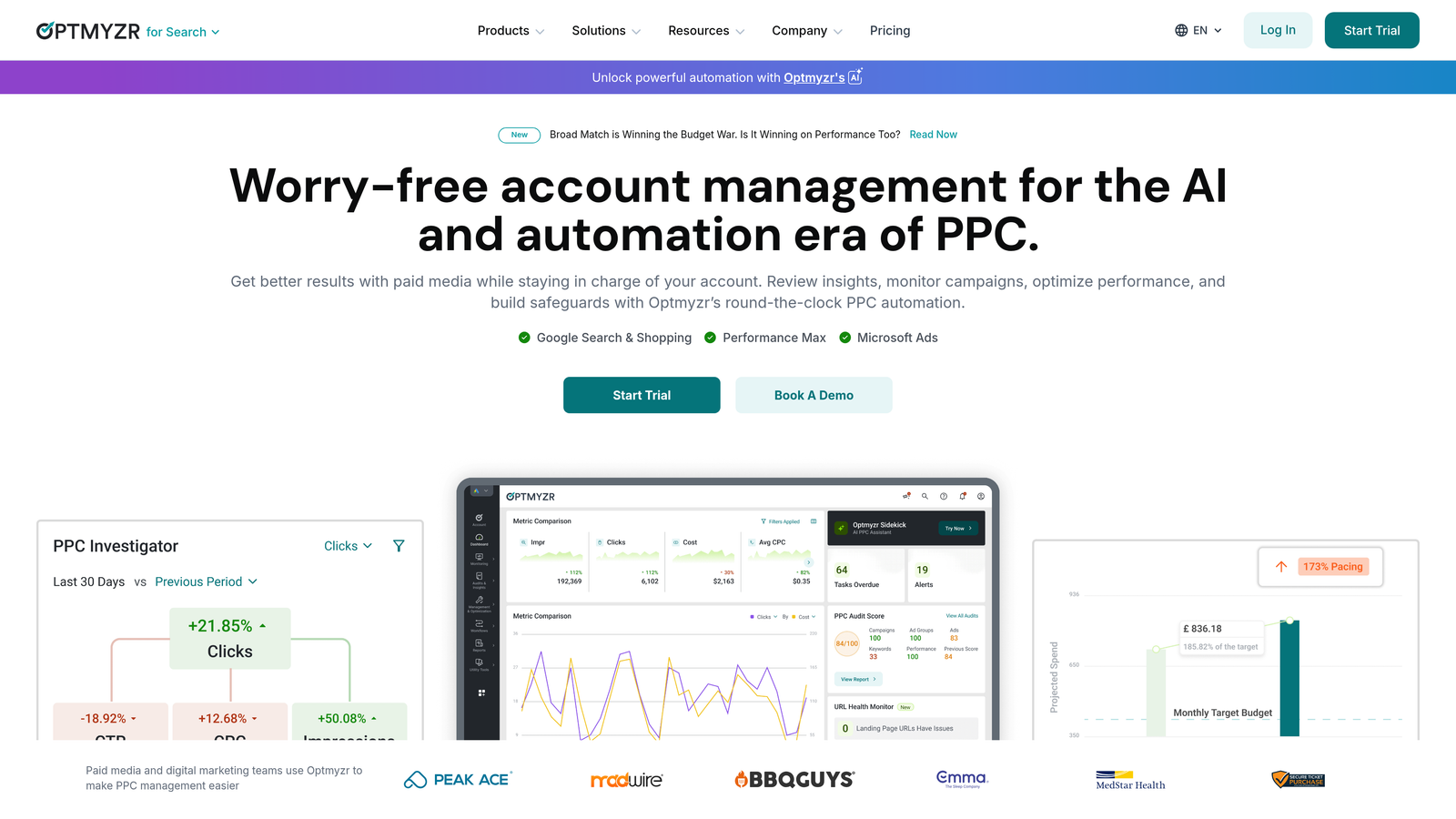
Optmyzr is a comprehensive PPC management platform built for agencies and advanced advertisers managing Google Ads, Microsoft Ads, and Amazon Ads at scale.
Where This Tool Shines
Optmyzr's Rule Engine is genuinely powerful. You can build custom automation rules for bid adjustments, budget pacing, and keyword management that run on a schedule—without writing a single script. For agencies managing high-spend accounts, this kind of automation is a serious time saver.
The One-Click Optimizations feature is also worth noting. It surfaces common account health issues and lets you action them in bulk. The mistake most agencies make is using Optmyzr reactively instead of setting up proactive rules early. When it's configured well, it runs a lot of the routine work for you.
Key Features
Rule Engine: Build custom automated rules for bids, budgets, and keywords without scripting knowledge.
One-Click Optimizations: Surfaces account health issues and lets you resolve them in bulk with a single click.
Shopping Campaign Management: Tools for feed optimization and performance management of Google Shopping campaigns.
White-Label Reporting: Client-facing dashboards and reports with agency branding.
Account Audit Tools: Diagnostic reports to identify structural issues and performance gaps across accounts.
Best For
Agencies managing multiple high-spend accounts who need rule-based automation, structured reporting, and a centralized workflow across Google Ads and Microsoft Ads. Less suited to solo freelancers managing smaller budgets where the cost-to-value ratio becomes harder to justify.
Pricing
Starts around $208/month billed annually. Pricing scales with managed ad spend, so larger accounts will pay more.
3. WordStream Advisor
Best for: Guided PPC optimization workflows for small business advertisers
WordStream Advisor is a guided PPC platform that provides prioritized action items and structured optimization workflows, historically known for its "20-Minute Work Week" approach.

Where This Tool Shines
WordStream's strength has always been making Google Ads less intimidating for advertisers who don't live and breathe PPC. The prioritized action items and alert system give less experienced users a clear path through account optimization without needing to know what to look for themselves.
That said, it's worth knowing that WordStream was acquired by LOCALiQ/Gannett and the product has evolved since then. Some experienced PPC managers have moved on to other platforms as their needs grew. If you're looking for a WordStream alternative that's more focused on hands-on workflow efficiency, there are faster options in this list.
Key Features
20-Minute Work Week Workflow: A structured optimization checklist designed to guide users through the most impactful account actions quickly.
Prioritized Action Items: Automatically surfaces the most pressing optimization opportunities based on account performance data.
Negative Keyword Recommendations: Flags irrelevant search terms and suggests negative keywords to add.
Industry Benchmarking: Compares your account performance against industry averages for context.
Campaign Alerts: Notifies you when campaigns are underperforming or showing unusual activity.
Best For
Small business owners or less experienced advertisers who want guided recommendations rather than a blank canvas. Not the strongest fit for advanced PPC managers or agencies that prefer granular control and custom automation.
Pricing
Custom/quote-based. Contact WordStream directly for current pricing—plans are typically tailored to account size and business type.
4. Google Ads Editor
Best for: Bulk offline editing and large structural changes to Google Ads accounts
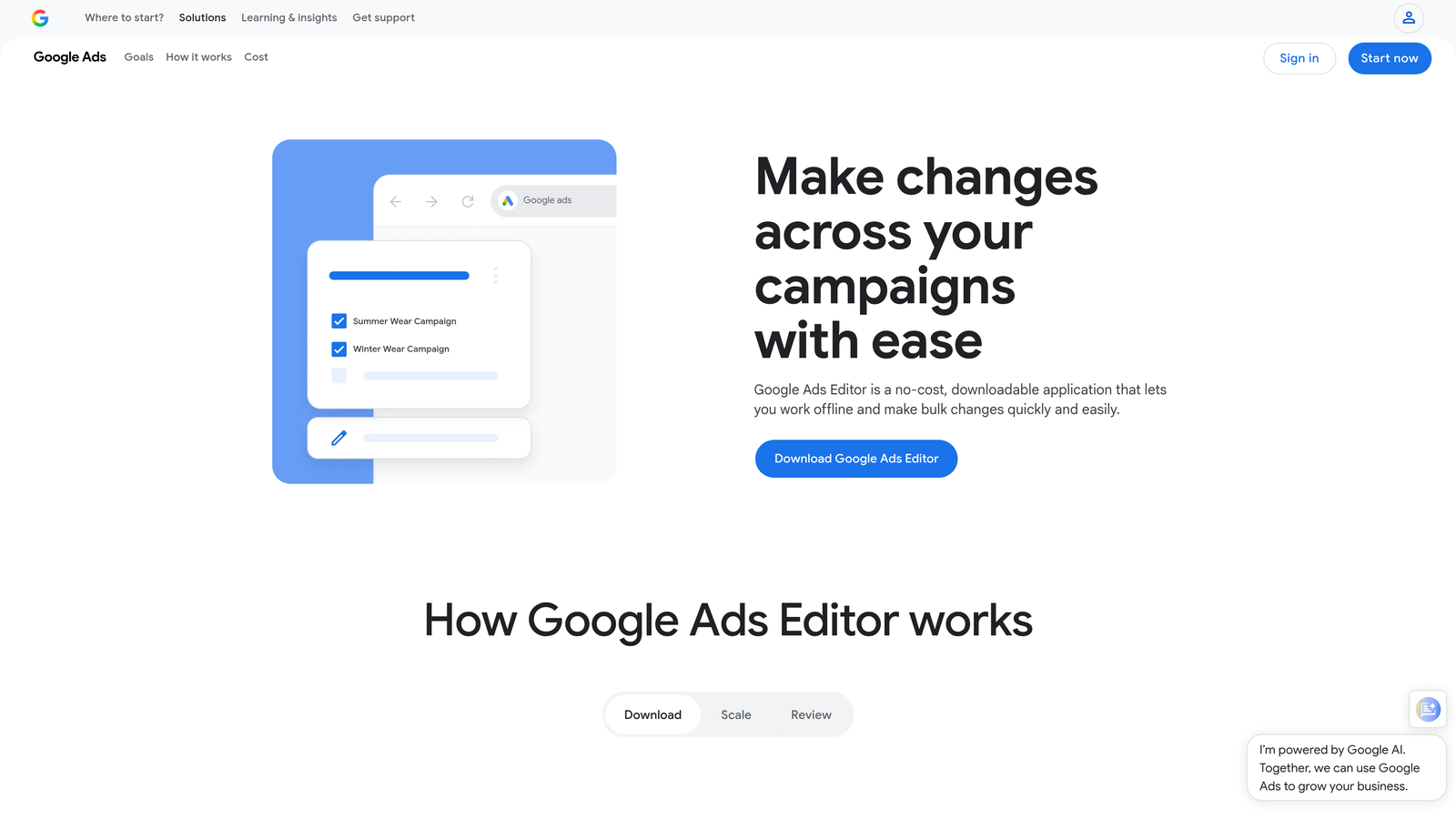
Google Ads Editor is Google's free desktop application for making bulk changes to campaigns offline before pushing them live.
Where This Tool Shines
If you're restructuring an account, uploading hundreds of keywords, or making account-wide changes to ad copy, Ads Editor is the right tool. The find-and-replace functionality alone saves significant time when you're making sweeping changes across multiple campaigns. The ability to draft and review everything before it goes live is also genuinely useful for catching mistakes.
What usually happens here is that PPC managers use Ads Editor for periodic heavy lifting—restructures, bulk uploads, campaign cloning—but not for daily optimization work. It's not built for that. For ongoing search term cleanup and keyword management, you need something faster and more interactive.
Key Features
Bulk Offline Editing: Make mass changes to campaigns, ad groups, keywords, and ads without an internet connection.
Find and Replace: Update ad copy, URLs, or keyword text across the entire account simultaneously.
Copy and Paste Across Accounts: Duplicate campaigns, ad groups, or keywords from one account to another quickly.
Draft Mode: Review all pending changes before uploading to catch errors before they go live.
Multi-Account Management: Access and edit multiple Google Ads accounts from a single application.
Best For
Any Google Ads user who regularly makes large structural changes, bulk keyword uploads, or account-wide edits. It's a must-have in the toolkit, even if you use other tools for daily optimization work.
Pricing
Free. Available to all Google Ads users with no additional cost or subscription required.
5. Adalysis
Best for: Ad testing automation and account health diagnostics
Adalysis is a PPC management platform built specifically around ad testing, performance diagnostics, and account health monitoring with automated A/B testing workflows.
Where This Tool Shines
Adalysis fills a gap that most other tools don't address well: systematic ad copy testing. The automated A/B testing with statistical significance alerts means you're not guessing when a test is ready to call—the platform tells you. For advertisers who treat ad testing as a core part of their workflow, this is a meaningful upgrade over manual tracking.
The quality score monitoring and trend analysis is also useful for diagnosing why certain keywords are underperforming. In most accounts I audit, quality score issues are either completely ignored or tracked manually in spreadsheets. Adalysis automates that tracking and surfaces it proactively.
Key Features
Automated A/B Testing: Runs ad copy tests and alerts you when statistical significance is reached—no manual tracking required.
Ad Rotation Management: Monitors and manages ad rotation to ensure tests run fairly and conclusions are valid.
Quality Score Tracking: Tracks quality score trends at keyword, ad group, and campaign level over time.
Account Health Alerts: Flags issues like disapproved ads, low impression share, or budget constraints automatically.
RSA Combination Analysis: Analyzes which responsive search ad asset combinations are performing and which aren't.
Best For
Advertisers and agencies who prioritize systematic ad testing and want automated diagnostics rather than manually monitoring account health. Strong fit for mid-to-large accounts where there's enough data to make testing meaningful.
Pricing
Starts around $99/month. Pricing scales with ad spend, so larger accounts will be quoted higher tiers.
6. SEMrush PPC Toolkit
Best for: Competitor ad research and keyword planning before campaign build-out
SEMrush's PPC Toolkit combines keyword research, competitor ad intelligence, and CPC data to support campaign planning and keyword strategy development.
Where This Tool Shines
SEMrush is most valuable in the research and planning phase, not during ongoing optimization. The Advertising Research tool is particularly useful—you can see exactly which keywords competitors are bidding on, view their ad copy history, and identify gaps in your own keyword coverage. For agency new business pitches or building out campaigns in a new vertical, this kind of competitive intelligence is hard to replicate manually.
The Keyword Magic Tool with CPC and competition data is also solid for building initial keyword lists. Just keep in mind that SEMrush is a broad platform—you're paying for a lot of SEO functionality alongside the PPC features, so it's worth evaluating whether you'll actually use the full suite.
Key Features
Advertising Research: Shows competitor keywords, ad copy, and estimated traffic from paid search.
Keyword Magic Tool: Generates keyword ideas with CPC estimates, search volume, and competition scores.
PLA Research: Analyzes competitor Google Shopping ads and product listing strategies.
CPC Map: Visualizes cost-per-click benchmarks by geography and industry.
Ad Copy History: Shows historical ad copy from competitors to identify messaging patterns and trends.
Best For
PPC managers and agencies who need competitive intelligence for campaign planning, keyword gap analysis, or client pitches. Also useful for teams that already use SEMrush for SEO and want to consolidate their research tools.
Pricing
SEMrush Pro starts at $139.95/month. The PPC Toolkit is included in all plan tiers.
7. SpyFu
Best for: Deep competitive PPC intelligence at a lower price point
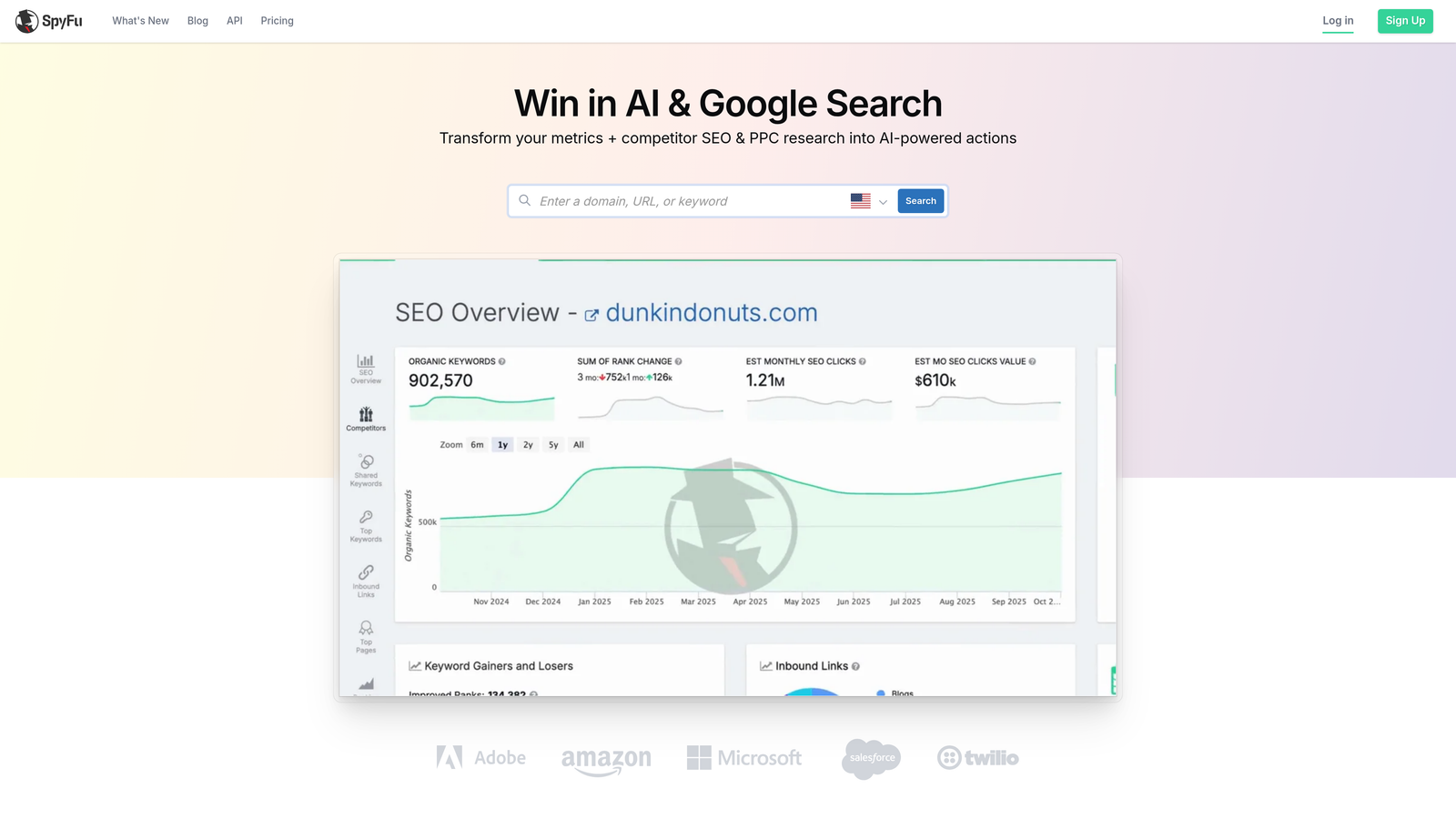
SpyFu is a competitive intelligence tool specializing in PPC and SEO research, with historical data on competitor keywords, ad copy, and estimated ad spend going back years.
Where This Tool Shines
SpyFu does one thing particularly well: showing you exactly what your competitors have been doing in paid search over time. The historical keyword and ad copy data is genuinely useful for understanding which strategies have stuck and which have been abandoned. If a competitor has been bidding on a keyword consistently for two years, that's a signal worth paying attention to.
For the price, SpyFu punches above its weight for pure competitive research. It's significantly more affordable than SEMrush for advertisers who only need the PPC intelligence piece and don't require a full SEO suite alongside it.
Key Features
Competitor Keyword History: Access years of historical data on which keywords competitors have bid on and when.
Ad Copy Archives: View competitor ad copy over time with performance indicators to identify winning messaging.
Estimated Ad Spend: Get ballpark estimates of competitor monthly ad spend and click volumes.
Keyword Overlap Analysis: Identify where your keyword coverage overlaps with or diverges from competitors.
SERP Analysis: View both paid and organic results side by side for any keyword.
Best For
Agencies doing competitive research for client pitches, freelancers building keyword strategies in competitive verticals, and anyone who wants deep competitor PPC data without paying for a full SEMrush subscription.
Pricing
Basic plan starts at $39/month. Professional plan at $79/month. Both include full access to competitive PPC data.
8. Supermetrics
Best for: Automating Google Ads reporting pipelines into Sheets, Looker Studio, or BigQuery
Supermetrics is a data pipeline tool that connects Google Ads and other ad platforms to reporting destinations like Google Sheets, Looker Studio, BigQuery, and Excel.
Where This Tool Shines
Supermetrics doesn't optimize your campaigns—it automates your reporting workflow so you're not manually pulling data exports every week. Once you've set up a connector, your reports refresh automatically on whatever schedule you configure. For agencies delivering weekly or monthly performance reports to clients, this eliminates a significant chunk of manual work.
The multi-source blending capability is particularly useful. You can pull Google Ads, Facebook Ads, and LinkedIn Ads into a single Looker Studio dashboard without writing any code. What usually happens without a tool like this is that someone on the team spends hours every Monday morning pulling CSVs and pasting them into a spreadsheet. Supermetrics makes that problem disappear.
Key Features
Automated Data Pulls: Schedule automatic data refreshes from Google Ads to your preferred reporting destination.
Multi-Source Blending: Combine data from Google Ads, Facebook, LinkedIn, and other platforms in a single report.
Custom Metrics: Create calculated fields and custom metrics that aren't available in native platform reports.
White-Label Reporting: Share dashboards with clients under your agency's branding.
Multiple Destinations: Supports Google Sheets, Looker Studio, BigQuery, Excel, Tableau, and more.
Best For
Agencies and in-house teams that need to deliver regular automated performance reports across multiple ad platforms. Also strong for analysts who want to pipe Google Ads data into BigQuery or a BI tool for deeper analysis.
Pricing
The Google Sheets connector starts around $99/month. Pricing varies significantly depending on destination, data sources, and volume of queries.
9. Zapier (Google Ads Integrations)
Best for: Connecting Google Ads events to other apps and automating cross-platform alerts
Zapier is a no-code automation platform with Google Ads integrations that lets you trigger actions in other apps based on campaign events—without writing code.
Where This Tool Shines
Zapier isn't a PPC optimization tool in the traditional sense. It's a connector. But for the right workflows, it's genuinely useful. Think: get a Slack notification when a campaign goes over budget, automatically log new Google Ads leads into your CRM, or trigger an email alert when conversion volume drops below a threshold. These are the kinds of operational automations that save time and prevent costly oversights.
The most practical use case for PPC managers is building alert systems that don't require you to log into Google Ads to notice something has gone wrong. That said, Zapier works best as a complement to other tools in this list rather than a standalone PPC workflow solution.
Key Features
Google Ads Triggers: Fire automations based on events like new campaigns, lead form submissions, or conversion activity.
CRM Integration: Automatically send Google Ads leads to Salesforce, HubSpot, or other CRM platforms.
Slack and Email Alerts: Get notified in your preferred channel when specific campaign conditions are met.
No-Code Setup: Build multi-step automations using a visual interface without any scripting or development work.
Multi-App Workflows: Chain together actions across Google Ads, Google Sheets, Slack, email, and hundreds of other apps.
Best For
PPC managers who want to automate cross-platform notifications and lead routing without hiring a developer. Best used alongside other tools in this list rather than as a primary optimization workflow.
Pricing
Free tier available with limited tasks per month. Paid plans start around $19.99/month and scale with automation volume.
Which Tool Is Right for Your Setup?
Here's the honest answer: most experienced PPC managers end up using two or three of these tools depending on the task. There's no single platform that handles everything well.
That said, here's how to think about it by use case:
Daily search term cleanup and keyword management: Keywordme is the fastest option here because it works inside Google Ads without any context-switching. If this is your biggest time sink—and in most accounts it is—start here.
Rule-based automation at scale: Optmyzr is the right call for agencies managing high-spend accounts that need automated bid rules, budget pacing, and structured client reporting all in one place.
Competitor research and keyword planning: SpyFu is the better value if you only need PPC intelligence. SEMrush makes more sense if you're already using it for SEO or need the broader keyword research toolkit.
Automated client reporting: Supermetrics is the standard choice for agencies that need to deliver regular multi-platform reports without manual data exports every week.
Bulk structural changes: Google Ads Editor is free, reliable, and purpose-built for this. There's no reason not to have it installed.
Ad copy testing and diagnostics: Adalysis fills a specific gap that other tools don't address well. If systematic ad testing is part of your workflow, it's worth the investment.
The best starting point is always whatever solves your biggest current time sink. For most PPC managers and agency owners, that's the daily grind of search term review and negative keyword management. That's exactly the workflow that tools like Keywordme were built to eliminate.
If you want to see how much faster your search term workflow can get, start your free 7-day trial of Keywordme—no spreadsheets, no switching tabs, just faster optimization right inside Google Ads.
.svg)