
9 Best Google Ads Workflow Tools With a Free Trial in 2026
A practical guide to google ads workflow tool trial.


You want to test a Google Ads workflow tool before you pay for it, and you don't want to burn a trial week on something that doesn't fit how you work. The tools below were picked for three things: a free trial or free tier, a clear job in the daily Google Ads routine (search terms, bidding, reporting, audits, research), and a realistic fit for freelancers and small agencies. Trial terms change often, so confirm length, limits, and pricing on each vendor's site before you sign up. A disclosure: Keywordme is our own product, and it sits at #1 because of that. We've tried to describe its limits as plainly as the others.
Quick Comparison of the Tools
- Keywordme: freelancers and agencies who review search terms weekly; $12/month per user (as of company information) with a 7-day free trial; works inside the native Google Ads Search Terms Report instead of a separate dashboard.
- Optmyzr: agencies managing many accounts; see website for pricing, free trial offered; the largest library of rules and optimization checks on this list.
- Google Ads Editor: anyone doing big structural changes; free; first-party offline bulk editing with change review before posting.
- Adalysis: agencies wanting routine audit coverage; see website for pricing, free trial offered; recurring automated audits and alerts across accounts.
- Google Ads Scripts: technical freelancers; free; fully custom automation you write yourself.
- Looker Studio: freelancers who want custom client dashboards; free tier; flexible build-your-own dashboards with data blending.
- Swydo: agencies sending recurring branded reports; see website for pricing, free trial offered; ready-made white-label reports without building dashboards.
- Google Ads Smart Bidding: accounts with reliable conversion tracking; free to use, ad spend applies; auction-time automated bidding built into the platform.
- Semrush: marketers researching before launch; see website for pricing, trial terms change; competitor ad and keyword research outside your account.
1. Keywordme
Keywordme is a Chrome extension that adds one-click actions to the Search Terms Report inside Google Ads. It's built for people who review search terms every week and are tired of exporting to spreadsheets to do it.
A quick vocabulary check, because it matters here. A keyword is what you bid on. A search term is what someone actually typed. A negative keyword blocks matching searches, and a positive keyword targets them. Keywordme works on the gap between the two: you read the search terms, then turn the good ones into keywords and the junk into negatives.
What sets it apart on this list is where it lives. Everything happens in the native Google Ads interface, so there's no separate dashboard to log into and no data to move around.
- Add negative keywords with one click straight from the Search Terms Report, so junk queries stop costing you sooner.
- Add keywords with match types applied instantly, which removes the manual formatting step.
- Keyword clustering helps you group related terms into tighter lists.
- Bulk editing lets you act on many terms at once instead of one row at a time.
- Multi-account and team support suits agencies where several people touch client accounts.
Setup is installing the extension in Chrome and opening Google Ads as usual. The person who reviews search terms runs it day to day, so there's little to administer.
The limits are real. It focuses on search terms and keywords only: no bidding automation, no reporting, no ad creative. It also requires Chrome. If your pain is dashboards or audits, look further down the list.
Pricing: $12/month per user as of company information, flat rate, with a 7-day free trial. Confirm on the site. What to test: run one full weekly search term review in the trial and compare the time against your current method.
Best for: Freelancers and agencies who review search terms every week.
2. Optmyzr
Optmyzr is a PPC management platform with rule-based optimizations, audits, and bulk editing, aimed at agencies and specialists running many accounts.
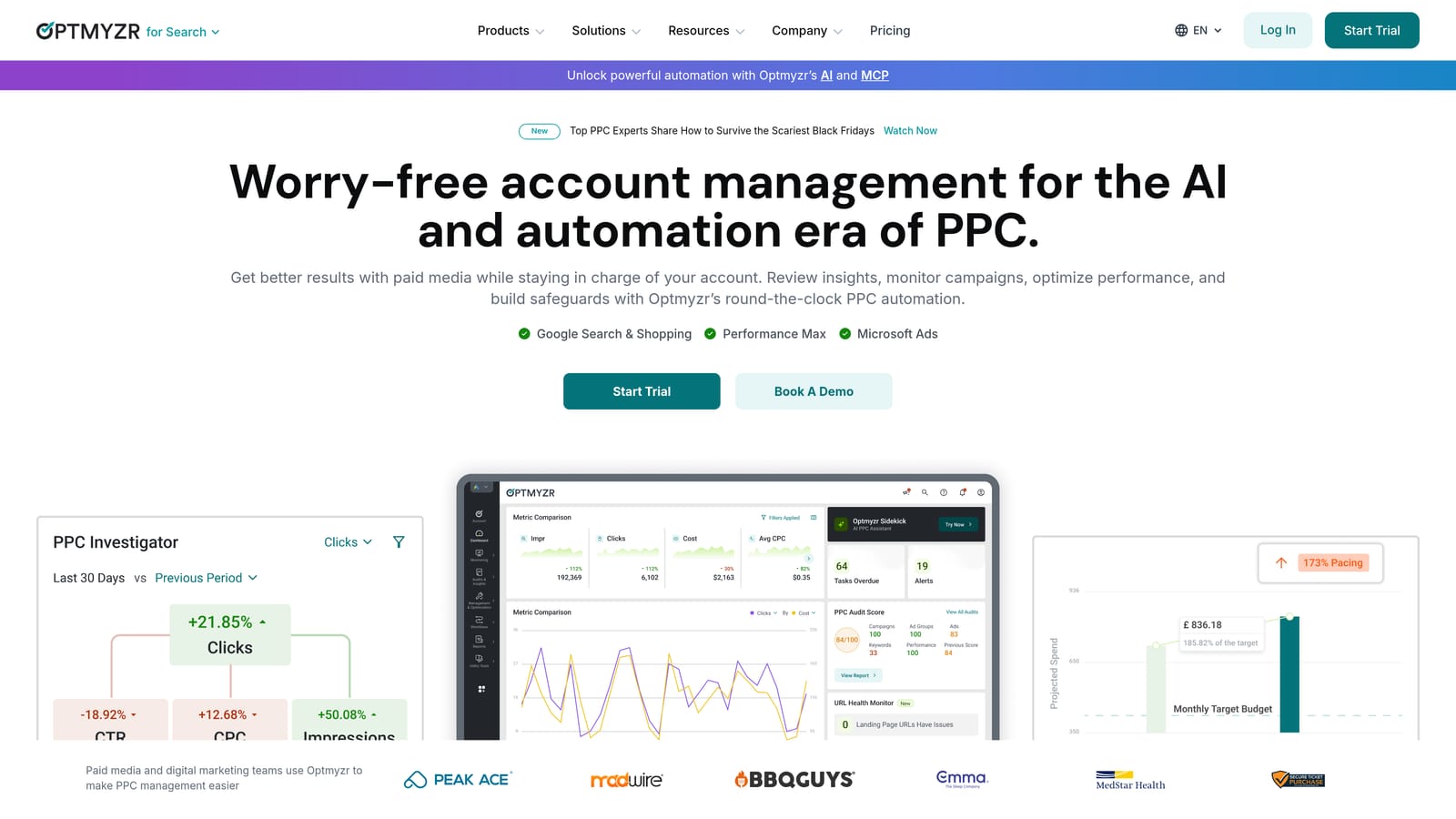
Its distinguishing strength is breadth. It has a large library of rules and optimization checks, so a team can standardize how every account gets looked at instead of relying on each person's habits.
- Rule-based automation lets you define conditions and actions so routine adjustments don't depend on someone remembering them.
- Account audits and optimization suggestions point you to what needs attention first.
- Bulk editing cuts down repetitive changes across campaigns.
- Reporting tools give you client-facing output from the same platform.
It connects to Google Ads and Microsoft Advertising, and may support other ad platforms (verify on the site). Expect a real setup period: connecting accounts, then deciding which rules and checks you trust. A PPC lead or account manager usually owns it.
The trade-off is the learning curve. Pricing is tiered and tied to spend, which can feel heavy for a solo advertiser with small accounts. A free trial is offered; check current terms.
What to test: pick one mature account, run the audit, and see whether the suggestions tell you anything you didn't already know.
Best for: Agencies managing many accounts that want rule-driven optimization.
3. Google Ads Editor
Google Ads Editor is Google's free desktop application for managing campaigns in bulk. You download your account, make changes offline, and post them when ready.
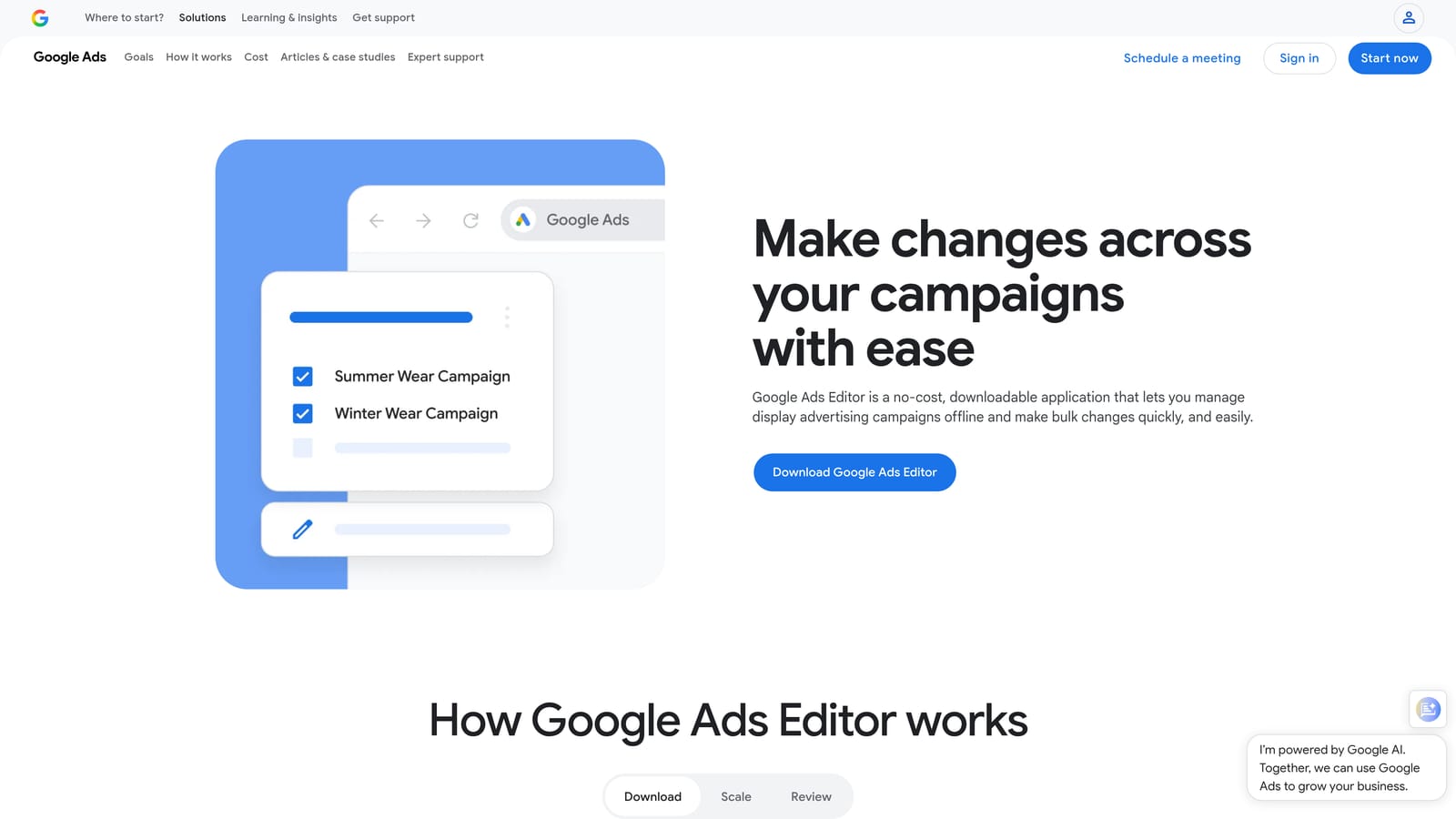
Nothing else here matches it on price for structural work. It's free, first-party, and built for the jobs that are painful in the browser: building out a new account, restructuring ad groups, or rolling the same change across many campaigns.
- Bulk edits across campaigns save you from changing settings one at a time.
- Offline editing lets you build and revise without touching the live account.
- Copy and paste across accounts speeds up reusing structures for similar clients.
- Change review before posting shows exactly what will go live, which catches mistakes.
Setup is a download and an account sync, and whoever builds or restructures campaigns uses it. The limitation: it's a manual tool. It offers no search term shortcuts and no recommendations, so it won't tell you what to change, only help you change it fast.
Pricing: free. There's no trial to run out, so test it on a real task like a new campaign build, and review the pending changes carefully before you post.
Best for: Large structural changes and account builds at no cost.
4. Adalysis
Adalysis is an automated audit and alerting platform that flags problems in ads, keywords, and budgets across accounts. Think of it as a checker that never skips a week.
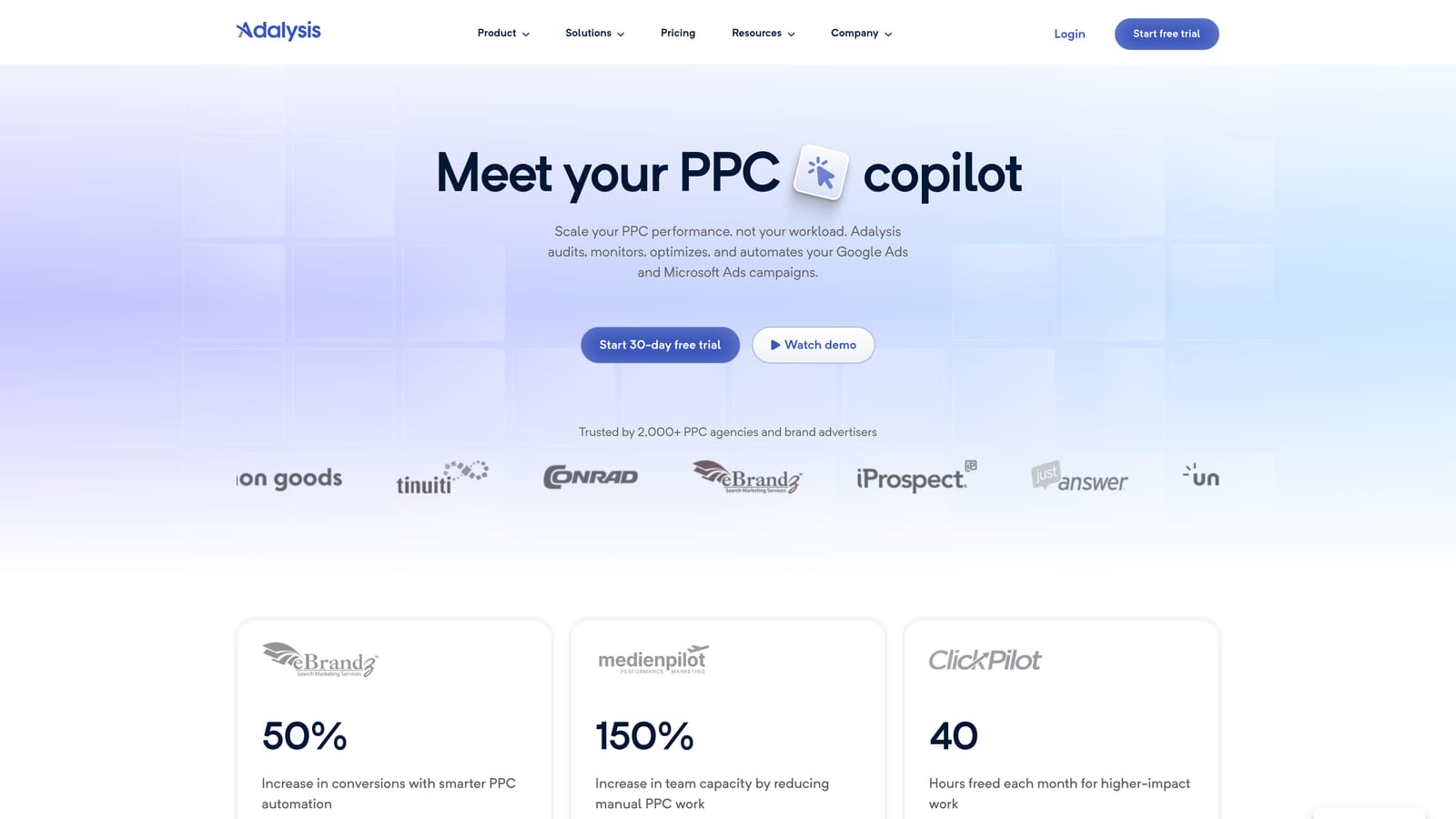
Its edge over the rest of the list is recurring automation of that checking. If you manage enough accounts that manual audits slip, scheduled audits and alerts catch the issues for you.
- Automated account audits surface problems without you opening every account.
- Ad testing analysis helps you judge which ad variations are actually winning.
- Alerts notify you when something changes or breaks.
- Scheduled reports keep clients or teammates informed without manual exports.
It connects to Google Ads and, reportedly, Microsoft Advertising (verify). Setup is linking accounts and tuning which alerts matter, otherwise the noise adds up. A PPC manager typically reviews the findings.
The key limitation: it surfaces issues but you still apply the fixes yourself. Pricing is tiered and spend-based, and a free trial is offered (confirm current terms).
What to test: run the first audit on your messiest account and count how many findings you'd actually act on.
Best for: Agencies that want routine audit coverage without manual checking.
5. Google Ads Scripts
Google Ads Scripts lets you write JavaScript that runs inside Google Ads for custom checks, alerts, and reports. It's free and built into the platform.
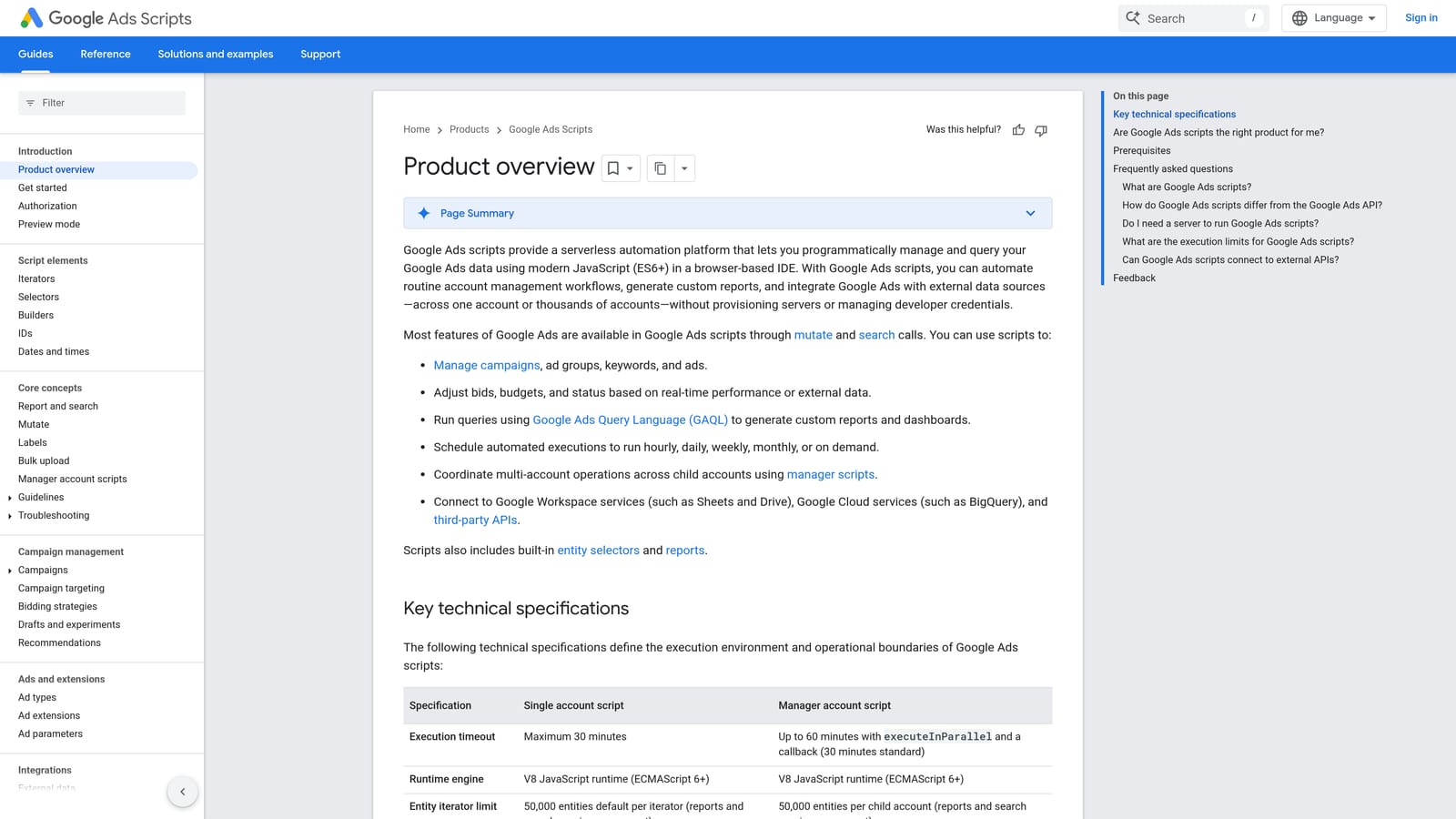
Its standout quality is flexibility. If you can describe a check, you can probably script it, and no paid tool on this list lets you shape automation this precisely.
- Scheduled runs mean your checks happen without you remembering to do them.
- Budget and spend alerts can warn you before an overspend becomes a problem.
- Custom reports to Google Sheets give you exactly the columns you want.
- Preview mode lets you test a script before it changes anything live.
It works with Google Ads and Google Sheets. Setup means writing or adapting code, and the person who wrote it has to maintain it when things change.
That's the catch: it needs coding skill and ongoing upkeep. If nobody on your team writes JavaScript, it's a poor fit.
Pricing: free. What to test: build one simple spend alert and run it in preview mode first.
Best for: Technical freelancers building custom alerts and reports.
6. Looker Studio
Looker Studio is a free dashboard and reporting tool with a native Google Ads data connector. It's a reporting layer only.
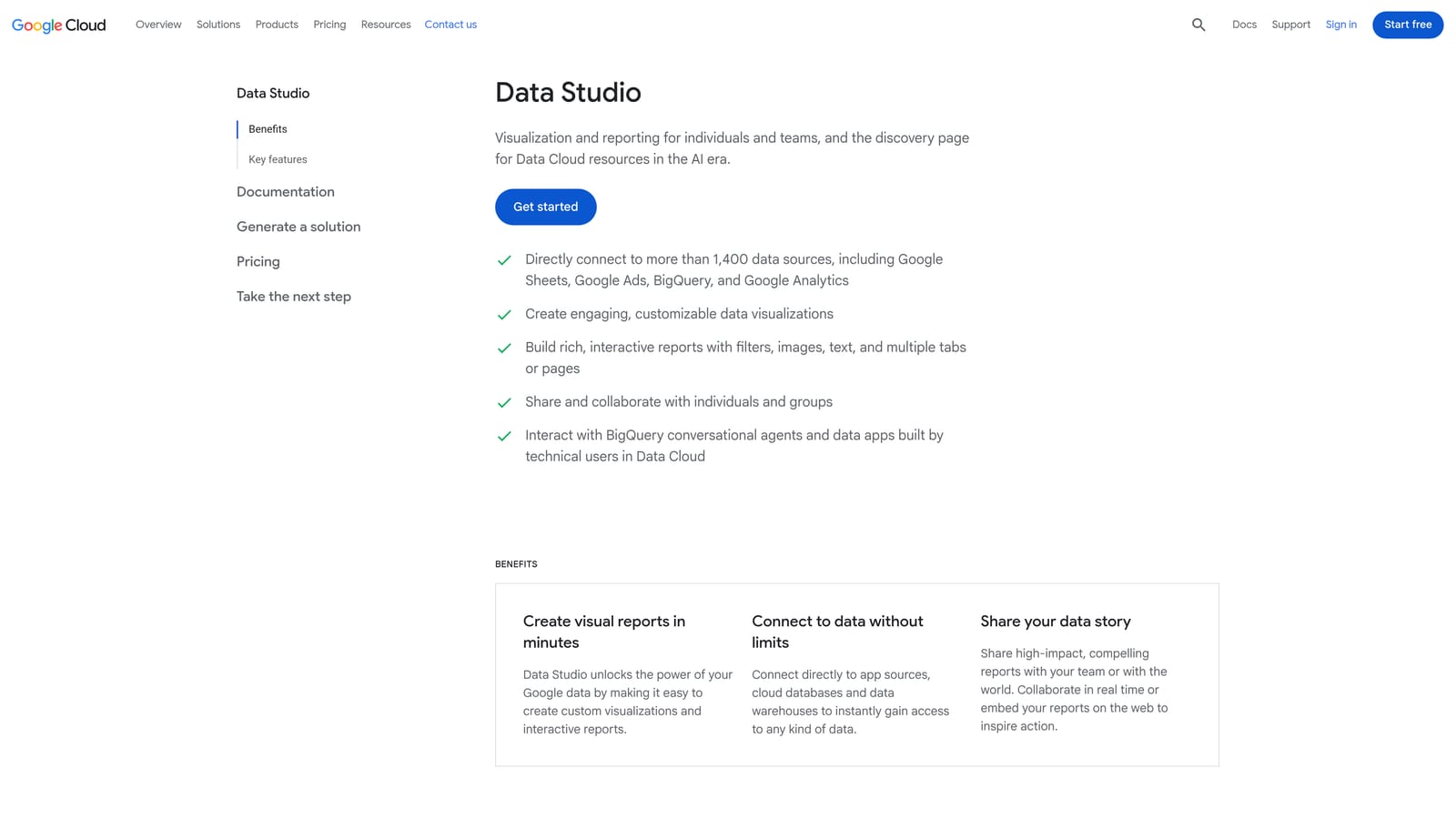
Its distinctive strength is flexibility at no cost. You build the dashboard you want, and you can blend Google Ads data with other sources.
- The Google Ads connector pulls account data in without manual exports.
- Custom dashboards let you show clients the metrics they care about.
- Shareable client reports replace emailed screenshots and spreadsheets.
- A template gallery gives you a starting point so you're not designing from scratch.
It also connects to Google Analytics, Google Sheets, and third-party connectors. Whoever builds the report owns it, and setup takes real time up front.
It doesn't change campaigns, and building good dashboards is a skill. Pricing: free tier; verify any paid Pro options on Google's site.
What to test: rebuild your current monthly client report and see whether it saves time the second month.
Best for: Freelancers who want free custom client dashboards.
7. Swydo
Swydo is an automated client reporting platform for agencies, with templated and white-label reports.
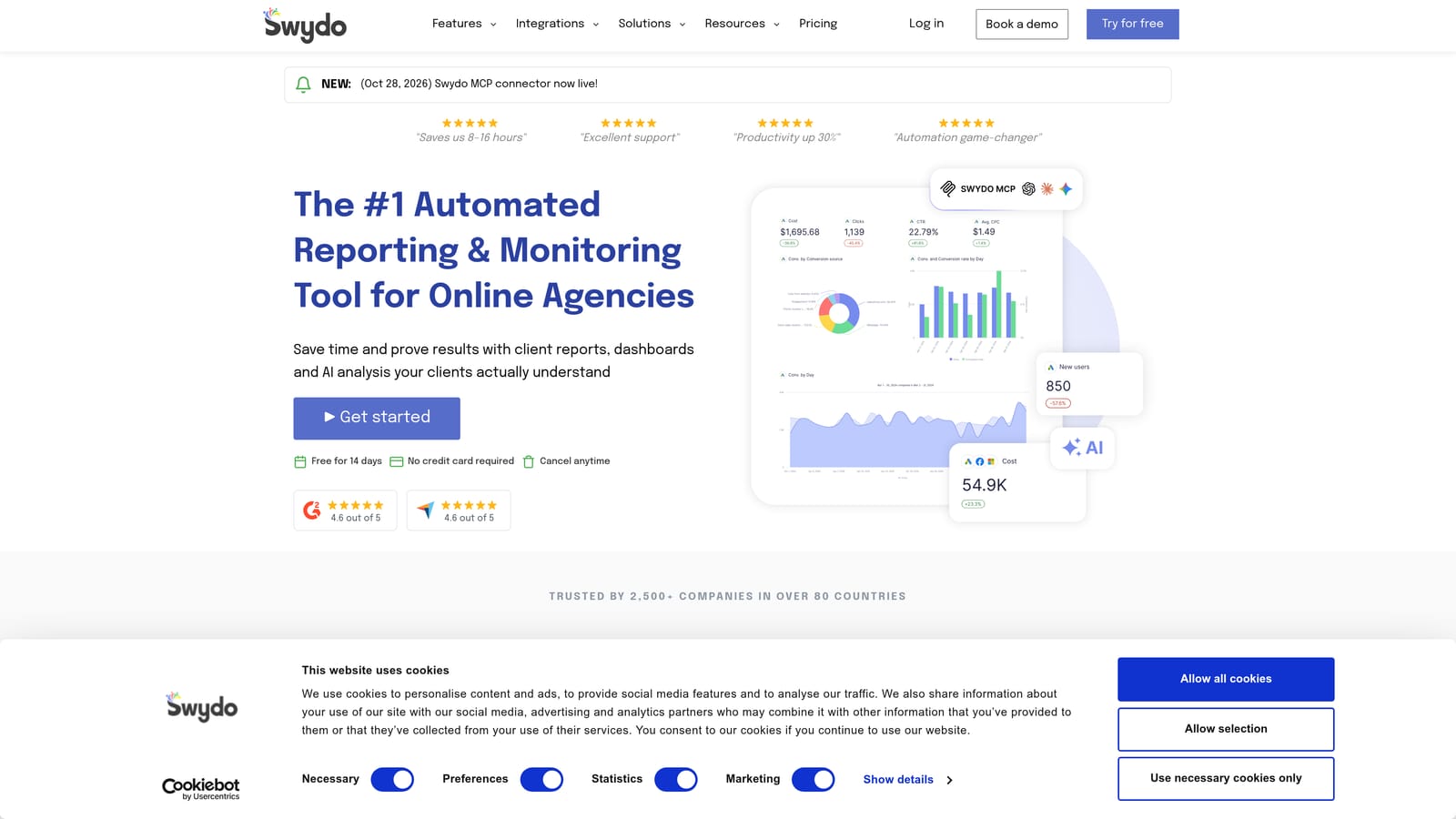
Where Looker Studio asks you to build, Swydo hands you ready-made reports you can brand. That's the difference: less design work, more cost.
- Automated report scheduling sends reports to clients on a set cadence.
- White-label reports carry your agency's branding instead of a vendor's.
- Multi-channel data sources let one report cover several platforms.
- Report templates get new clients set up quickly.
It connects to Google Ads, Google Analytics, Meta Ads, and other marketing platforms (verify the list). Setup is connecting each client's accounts and picking a template; an account manager usually handles it.
It's reporting only, and may be more than a single-client freelancer needs. Plans are paid with a free trial (verify current terms); see the site for pricing.
What to test: set up one real client and check whether the output is something you'd send unchanged.
Best for: Agencies sending recurring branded reports to many clients.
8. Google Ads Smart Bidding
Google Ads Smart Bidding is a set of automated bidding strategies in Google Ads that use machine learning to set bids at auction time.
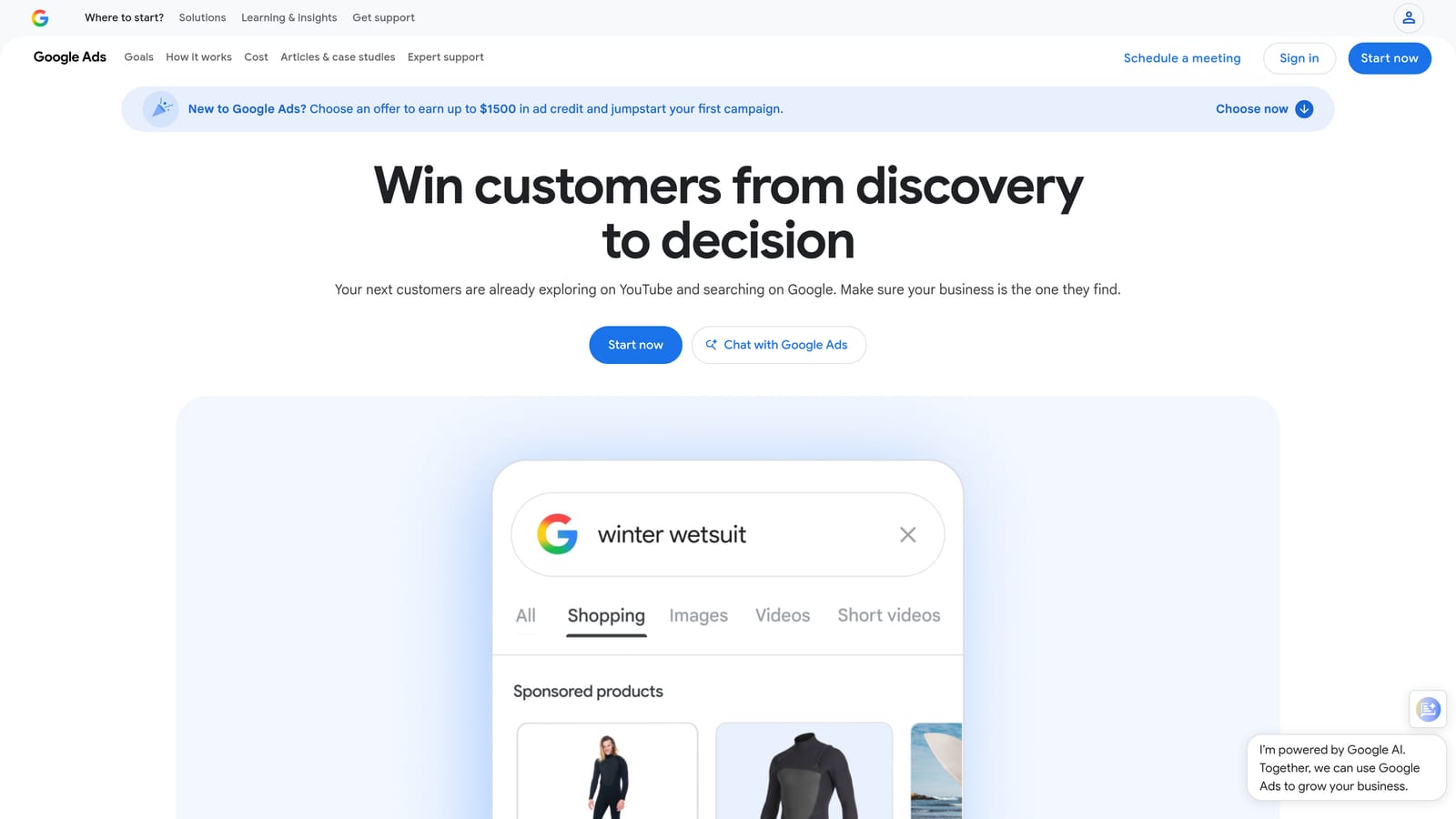
It's the only bidding automation on this list, and it's built in, so there's nothing to install or buy.
- Maximize conversions aims to get as many conversions as your budget allows.
- Target CPA aims for conversions at a cost per acquisition you set.
- Target ROAS aims for a return on ad spend you set.
- Campaign experiments let you test a strategy against your current setup before committing.
It depends on Google Ads conversion tracking, so setup effort is really tracking quality. Whoever manages the campaign owns it.
A common misconception: Smart Bidding does not clean up search terms. It sets bids; it doesn't decide which queries deserve to match. You still need search term review alongside it. And it only performs as well as your conversion data.
Pricing: free to use; ad spend applies. What to test: run a campaign experiment rather than switching a live campaign outright.
Best for: Accounts with reliable conversion tracking that want to test automated bidding.
9. Semrush
Semrush is a marketing suite whose PPC tools cover keyword research and competitor ad research.
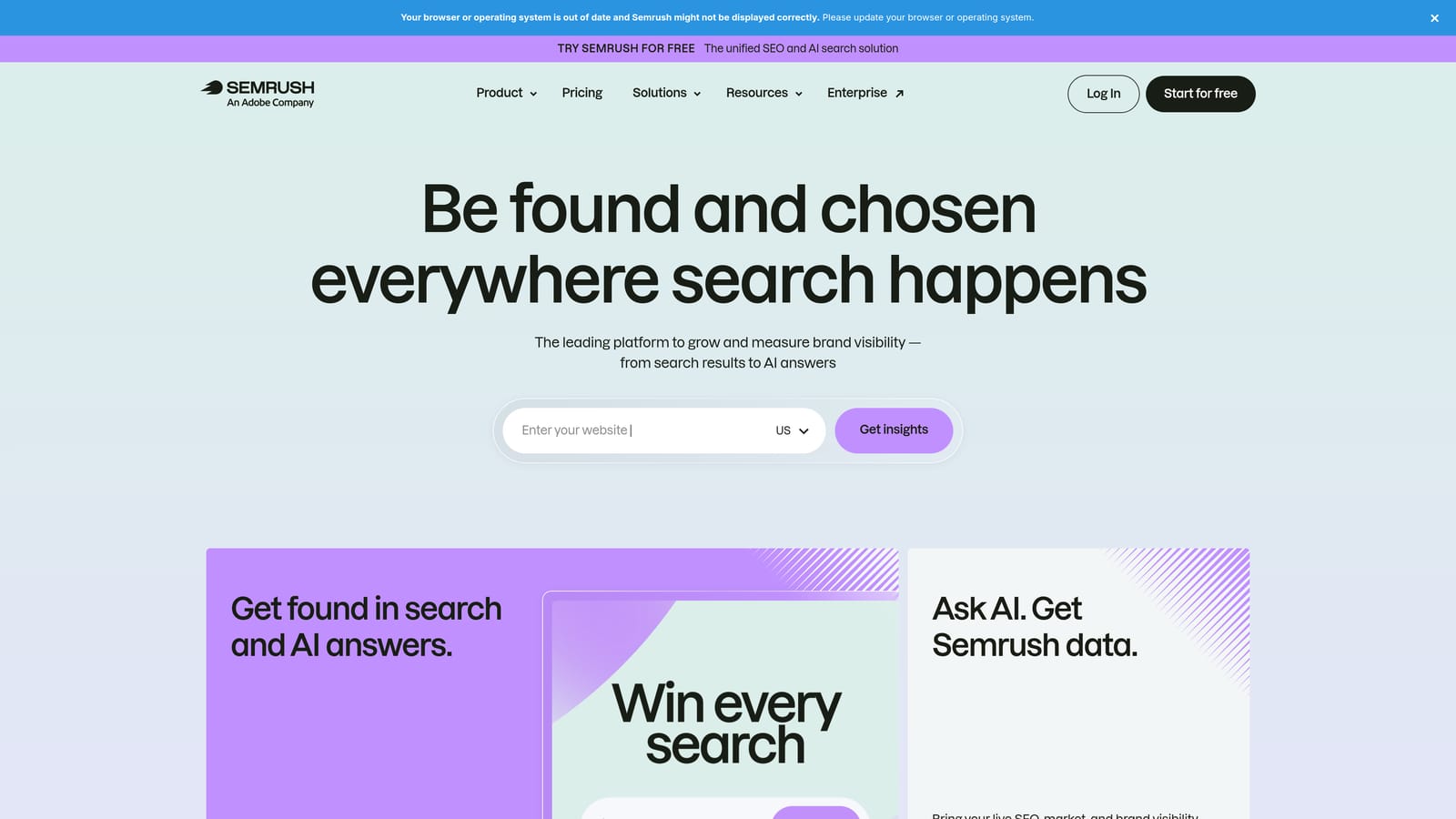
It's the only research-first option here. You use it before you build or expand campaigns, to see what competitors bid on and where keyword gaps are.
- PPC keyword research suggests terms worth targeting before you spend on them.
- Competitor ad and keyword analysis shows what others in your market are running.
- Keyword gap analysis highlights terms competitors use that you don't.
- The wider SEO toolkit helps if you also handle organic search.
Integrations may include Google Ads, Google Analytics, and Looker Studio (verify each). A marketer or strategist uses it, and setup is light compared with account-connected tools.
It isn't an in-account editing tool, and the full suite is more than PPC-only users need. Subscription plans apply, and trial terms change, so confirm on the site.
What to test: research one competitor and one new campaign theme, then judge whether the findings change your plan.
Best for: Marketers who need competitive and keyword research ahead of launching campaigns.
Matching One Trial to One Workflow Problem
A trial only tells you something if it tests one real task. Pick the problem that costs you the most time, then match it.
- Search term cleanup inside Google Ads: Keywordme, our own product, so weigh that accordingly. It does this one job and nothing else.
- Free bulk work and automation: Google Ads Editor for structure, Google Ads Scripts if you can code.
- Agency audits: Optmyzr or Adalysis, depending on whether you want rules or recurring checks.
- Reporting: Looker Studio if you'll build it, Swydo if you want it ready-made.
- Research before launch: Semrush.
Smart Bidding and audit tools won't replace search term review, so don't expect them to. Confirm current trial terms on each site before you start, since they change.
If search terms are your bottleneck, Start your free 7-day trial of Keywordme. Optimize Google Ads Campaigns 10X Faster. Without Leaving Your Account. Keywordme lets you remove junk search terms, build high-intent keyword lists, and apply match types instantly, right inside Google Ads. No spreadsheets, no switching tabs, just quick, seamless optimization. Start your free 7-day trial (then just $12/month) and take your Google Ads game to the next level.
