
9 Best Google Ads Workflow Plugins for Faster Optimization in 2026
This guide ranks nine Google Ads workflow plugins, including Chrome extensions, Google Ads Editor, scripts, and add-ons, by the manual job each one removes. Each tool is judged on routine work saved, fit with the native interface, multi-account handling, and cost, so marketers, freelancers, and agencies can optimize faster.


This list is for marketers, freelancers, and agency owners who want less manual work inside Google Ads. "Plugin" is a loose term here. It covers Chrome extensions, Google's own desktop editor, scripts, and add-ons that connect Google Ads to other apps. We sorted them by the job they remove (search term triage, bulk edits, monitoring, reporting, automation) and judged each on routine work saved, fit with the native interface, multi-account handling, and cost. Keywordme is our own product and sits at #1, so weigh our take accordingly. We have tried to be as plain about its limits as about everyone else's.
Quick comparison: what each tool takes off your plate
- Keywordme: advertisers who live in the Search Terms Report; $12/month per user; adds one-click search term actions inside the native Google Ads interface.
- Google Ads Editor: anyone making large structural edits; free; offline bulk editing with a review step before posting.
- Google Ads Scripts: technical advertisers; free; fully custom automation logic written in JavaScript.
- Optmyzr: agencies running many accounts; tiered pricing, see website; a rule engine plus one-click optimizations at scale.
- Adalysis: teams wanting continuous monitoring; see website for pricing; ongoing automated audits and alerting.
- Supermetrics: custom cross-channel reporting; see website for pricing; pulls ad data into spreadsheets and BI tools.
- Zapier: routing leads and alerts; see website for pricing; connects Google Ads to a very wide app ecosystem.
- Looker Studio: client reporting on a budget; free; client-ready dashboards with a native Google Ads connector.
1. Keywordme
Keywordme is a Chrome extension that adds one-click actions to the Search Terms Report inside Google Ads. It is built for advertisers who spend a big chunk of their week deciding which search terms (the actual queries people typed) deserve to become keywords, and which should be blocked as negative keywords.
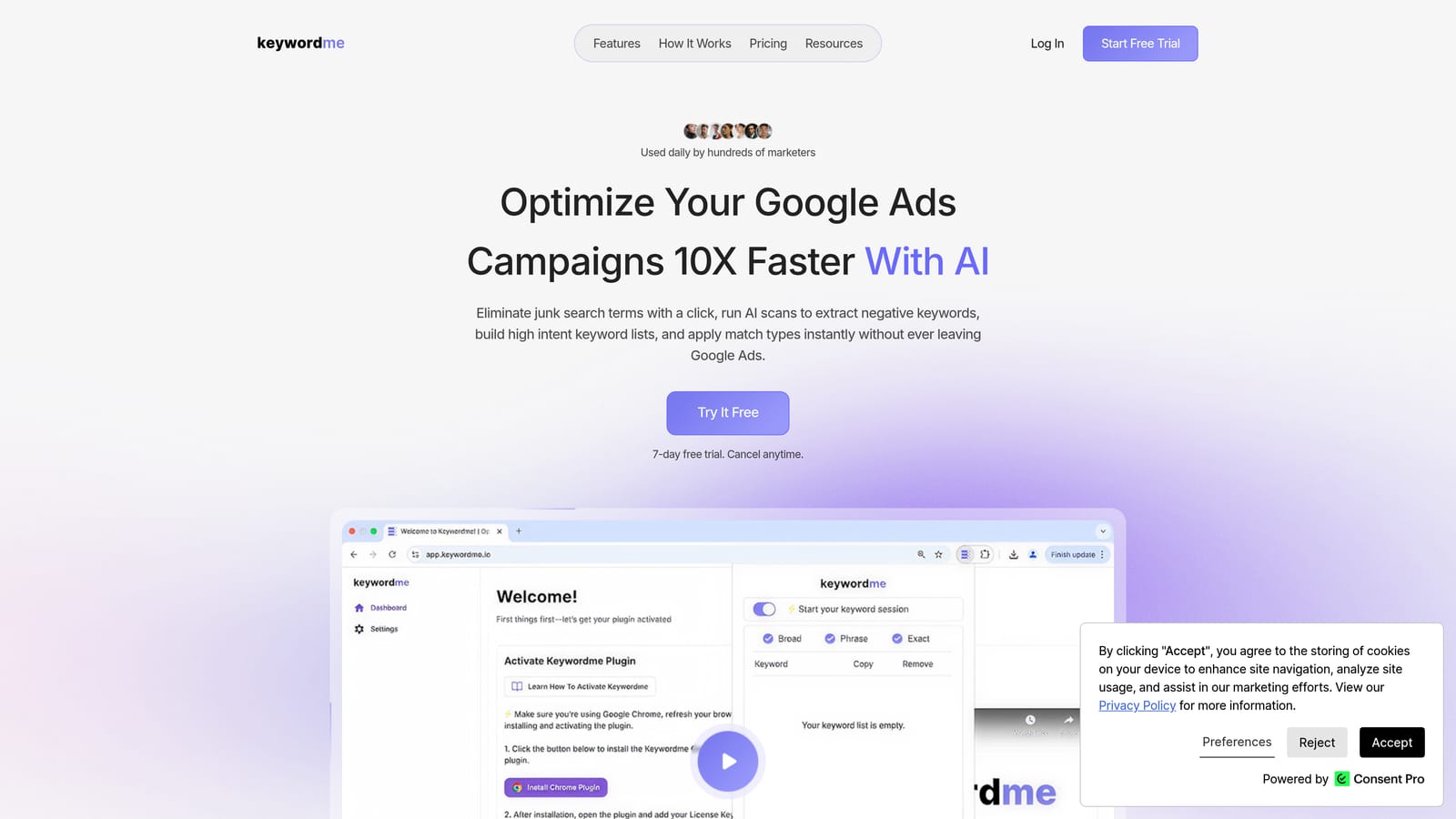
What sets it apart on this list is where it lives. There is no export, no spreadsheet, and no separate dashboard. You work in the same Google Ads screen you already use, and you decide every action yourself with a click.
- One-click negative keywords straight from the Search Terms Report, so junk queries get blocked without a trip to another screen.
- Add keywords with the match type applied instantly, which cuts the repetitive typing and formatting of broad, phrase, and exact variants.
- Keyword clustering, which groups related terms so you can build tighter keyword lists faster.
- Bulk editing for applying the same change across many terms at once.
- Multi-account and team support, so agencies can use it across client accounts and share seats among staff.
Setup is light: you install the extension in Chrome, then work in Google Ads as usual. Whoever does search term reviews runs it day to day, whether that is a solo advertiser or a PPC specialist on an agency team.
The limits are real. Keywordme focuses on search term and keyword workflows, so it does not handle bidding, ad testing, or reporting. It works in Chrome only. If your pain is dashboards or automated alerts, you will need something else alongside it.
Pricing is $12 per month per user, with a 7-day free trial. The cost scales with the number of users, not with ad spend or account count.
Best for: Advertisers who spend much of their time on search term reviews.
2. Google Ads Editor
Google Ads Editor is Google's free desktop application for managing campaigns in bulk. You download account data, make changes offline, then post them back to the account. It suits anyone whose edits are structural: restructuring ad groups, updating hundreds of ads, or building out new campaigns.
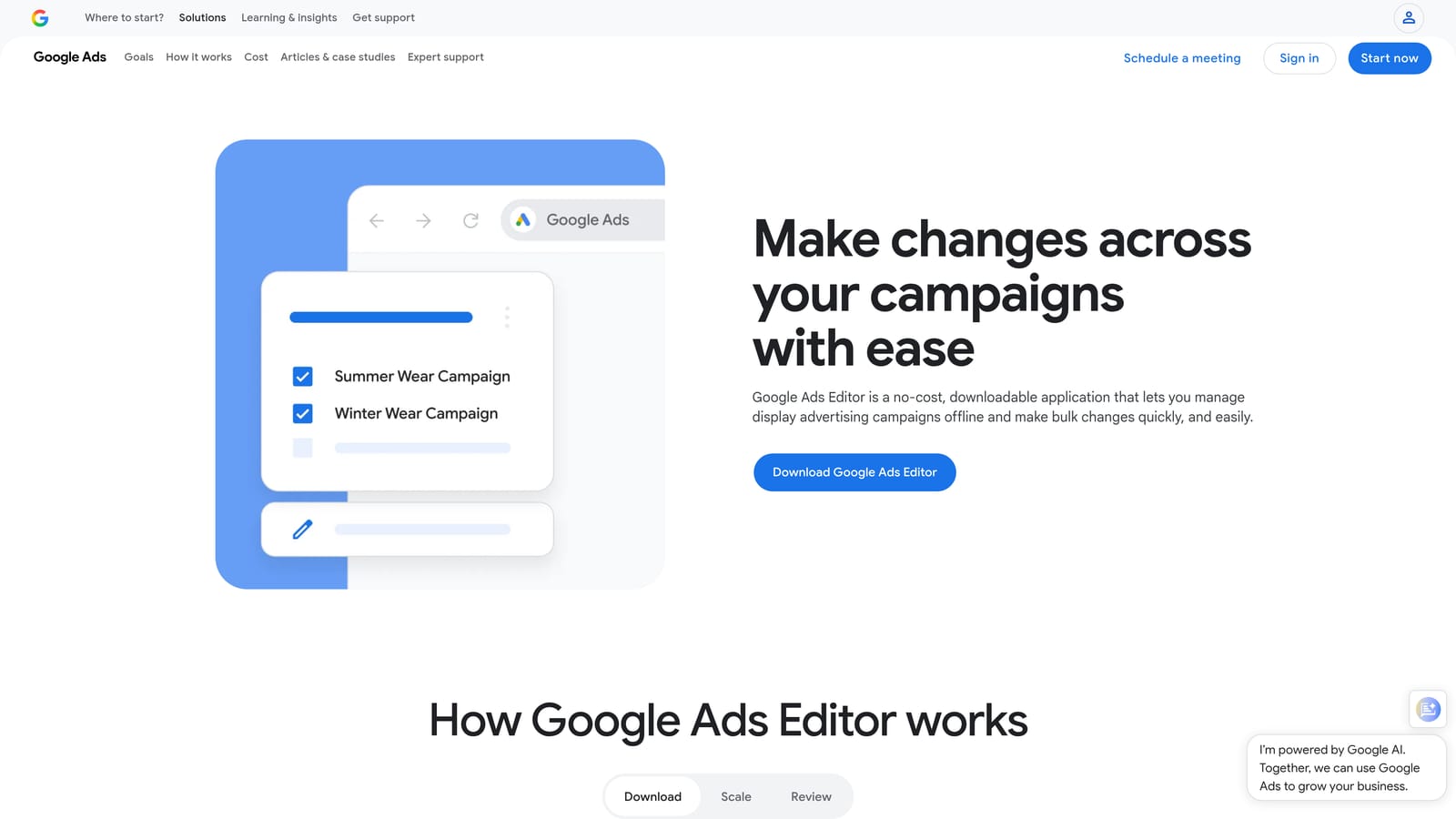
Its edge over the rest of this list is the draft-and-review model. You can stack up a large batch of changes, check exactly what will be posted, and only then push it live. That is a safer way to make sweeping changes than clicking through the web interface.
- Bulk edits across campaigns, ad groups, keywords, and ads, so a change that would take hours in the browser takes minutes.
- Offline drafting, so you can prepare work without being logged in to the live account.
- Copy and paste across accounts, which helps when you replicate a proven structure for a new client.
- Change review before posting, so you can catch mistakes before they affect spend.
The trade-off is that it is a separate app, not an in-interface plugin. You work in a different environment from the live Google Ads screen, and you have to download and sync account data first. It is also less convenient for the quick, small decisions that make up a search term review, where jumping out to a desktop app costs more time than it saves.
Setup is a download and sign-in. A PPC manager or account specialist typically runs it, and there is a learning curve if you have only used the web interface.
It is free to use, as of November 2026.
Best for: Large structural edits across many campaigns.
3. Google Ads Scripts
Start with the limitation: Google Ads Scripts requires you to write JavaScript. If nobody on your team can do that, or maintain it, skip ahead. For those who can, it is the most flexible option here, because you define the logic yourself.
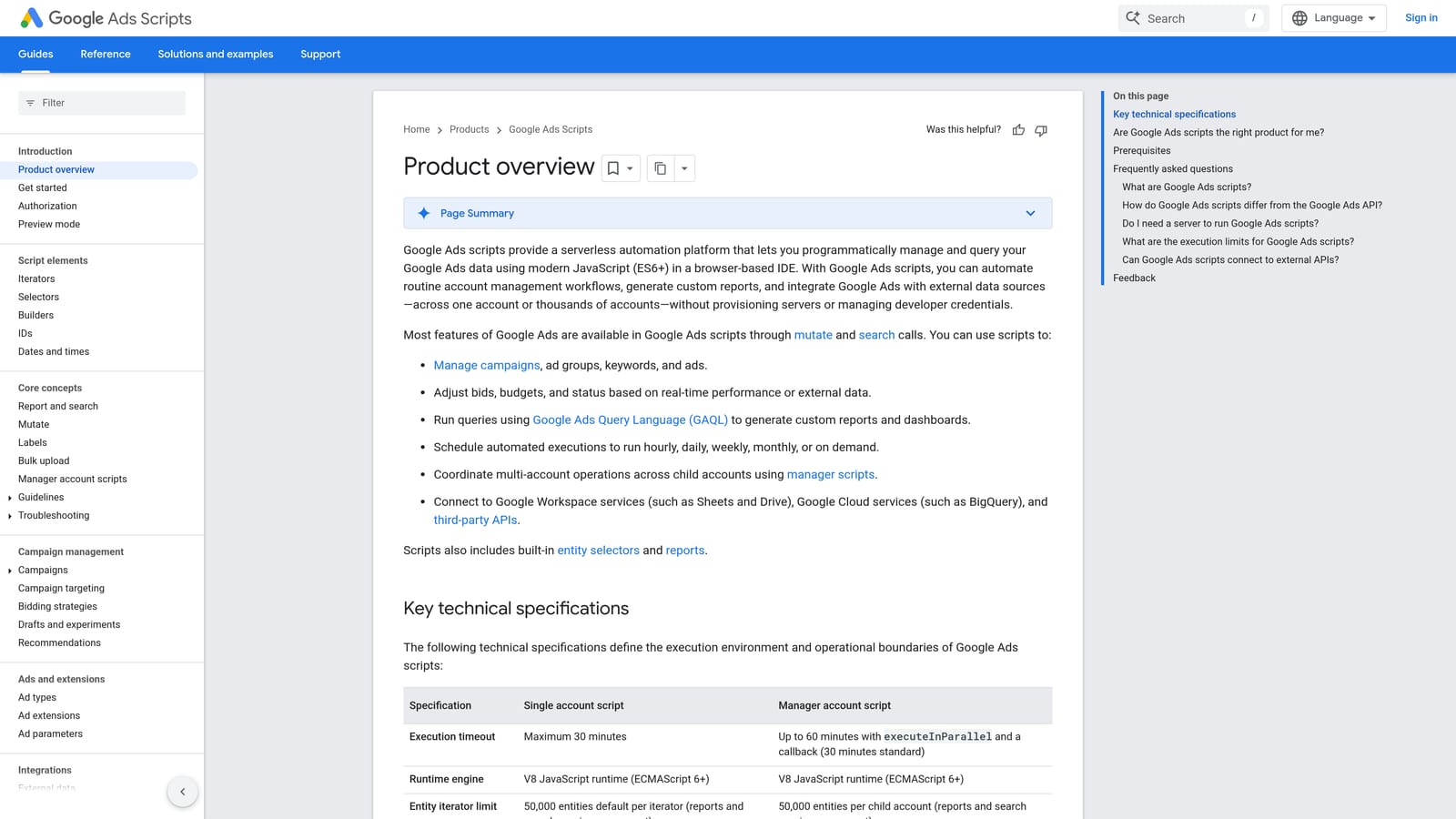
Scripts run inside your Google Ads account on a schedule you set. They can check conditions, send alerts, and produce reports, all at no cost. Where other tools give you a menu of options, this one gives you a blank page.
- Scheduled scripts, so checks run on their own every hour, day, or week without you remembering to do them.
- Custom alerts, for example flagging when something in your account crosses a threshold you care about.
- Automated reporting, which can write account data into a Google Sheet for others to read.
- Account-level logic, so you can encode your own rules instead of adapting to a vendor's.
It connects to Google Sheets and Gmail, which covers the two most common needs: getting data out and getting notified.
The upkeep is the catch. Scripts are only as good as whoever wrote them, and they need attention when your account structure or Google's platform changes. A script that silently breaks can be worse than no script, because you assume the check is still happening. Review what each script does before you trust it, and test on a small scope first.
There is no charge for Scripts, as of November 2026. The real cost is developer time.
Best for: Technical advertisers who want custom automation.
4. Optmyzr
Optmyzr is a full PPC management platform, and it is the heavyweight of this list. It is designed for agencies and in-house teams juggling many accounts, where consistency and speed across the portfolio matter more than polish on any single account.
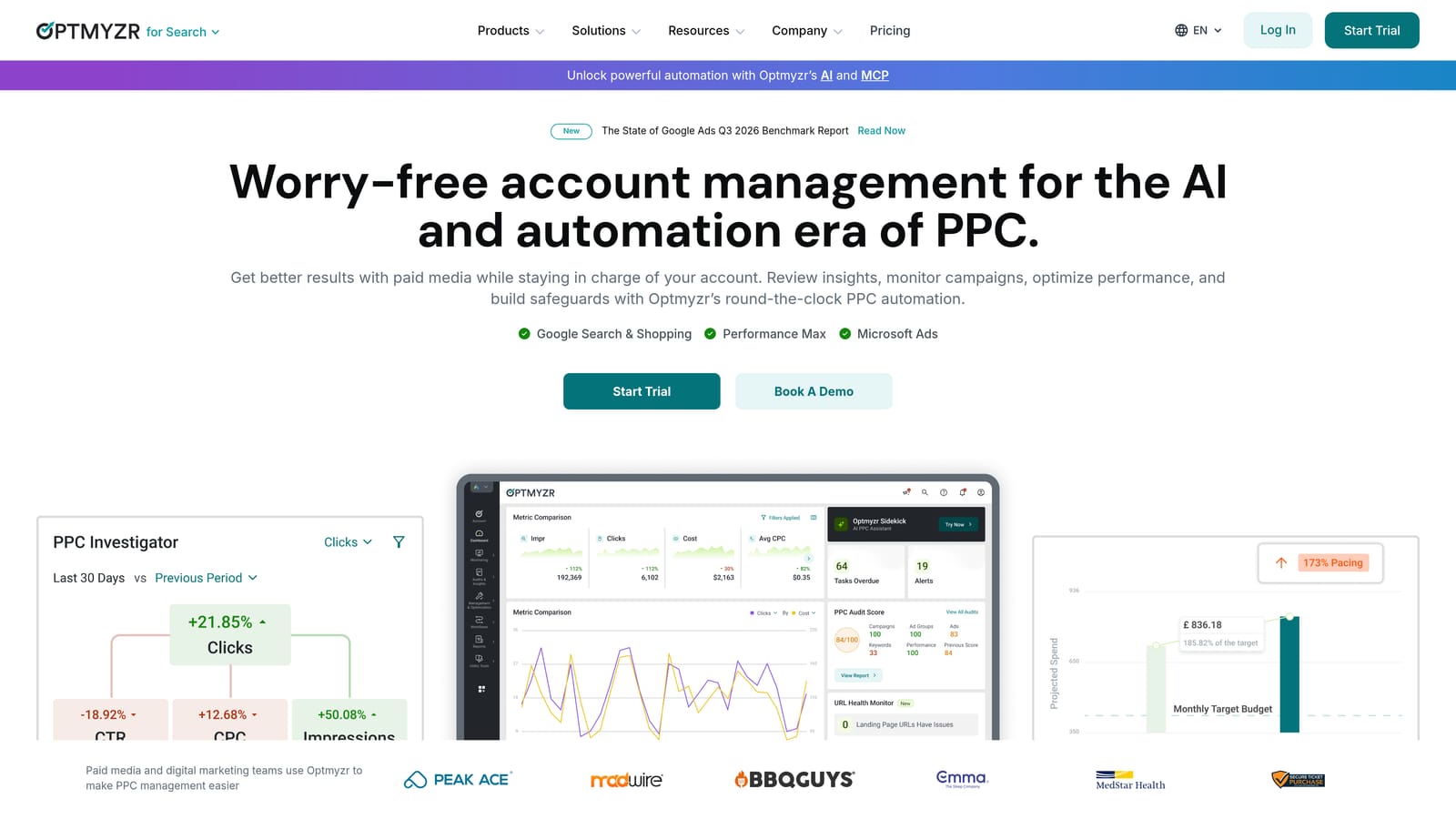
Its distinguishing feature is the rule engine paired with one-click optimizations. You can set up rules that flag or act on conditions across accounts, and apply suggested fixes in bulk instead of hunting for them one account at a time.
- Rule-based automation, so recurring checks and adjustments follow logic you define rather than memory.
- Account audits that surface issues across an account without a manual walkthrough.
- Bulk tools for making the same change across many campaigns or accounts.
- Reporting, so client updates can come from the same platform.
It works with Google Ads and Microsoft Ads, which helps if you run both channels. Expect a real onboarding period: you connect accounts, configure rules, and decide who owns the process. In an agency, that is usually a senior PPC manager first, then the wider team.
It is a bigger commitment than a lightweight extension, and it lives in its own platform rather than inside the Google Ads screen. For a freelancer with a handful of accounts, much of it may go unused.
Pricing is tiered. We have not confirmed current plan prices, so check the official pricing page as of November 2026, and look at what drives the tier you would land in.
Best for: Agencies managing many accounts.
5. Adalysis
Adalysis is a monitoring and auditing platform. Where several tools here help you do work faster, this one tells you where to look. It watches accounts continuously and flags problems and opportunities so you are not relying on a weekly manual review to catch them.
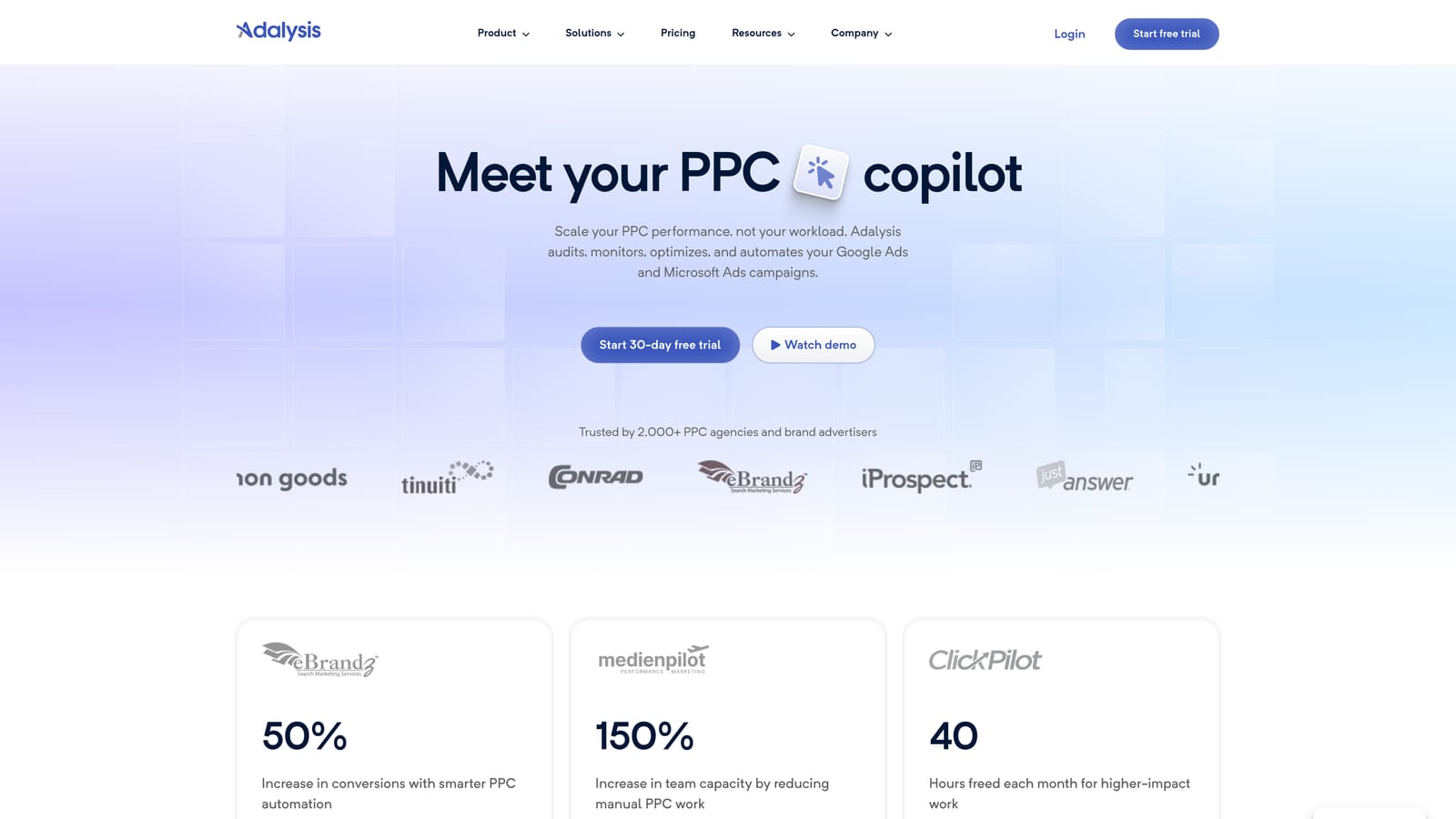
That ongoing automated monitoring is its standout trait. Think of it as a second pair of eyes that does not get tired or forget to check.
- Account audits that scan for issues across campaigns, so you start a review with a list instead of a blank page.
- Alerts that tell you when something changes or needs attention, shortening the gap between a problem and your response.
- Ad testing analysis, which helps you judge which ad variations are actually winning.
- Reporting for sharing results with clients or stakeholders.
It supports Google Ads and Microsoft Ads. Setup means connecting your accounts and tuning which alerts matter, so you are not buried in notifications. A PPC lead or account manager usually owns that triage.
The limitations: it is a separate dashboard, so findings live outside the Google Ads interface, and you still make the fixes yourself elsewhere. It also does not speed up the click-by-click work of search term reviews.
We have not verified current pricing, so confirm plans and what moves the price on the official site as of November 2026 before you budget.
Best for: Teams that want continuous account monitoring.
6. Supermetrics
Supermetrics does one job: it moves Google Ads data into the places where you analyze and report on it. It is not an optimization tool, and it cannot change anything in your campaigns. If that is clear going in, it can save a lot of copy-and-paste.
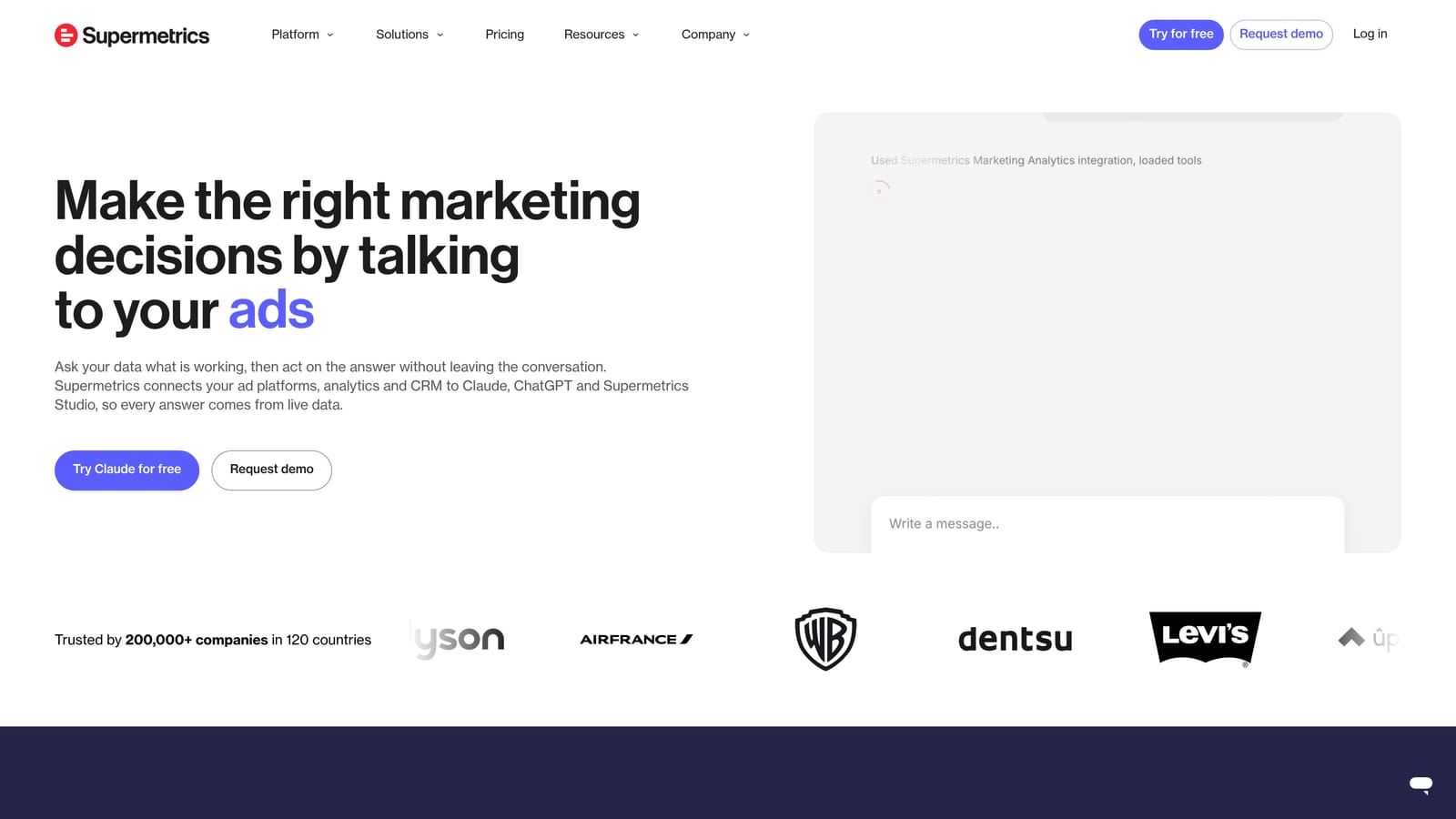
What it does that nothing else here does as well is pull data from multiple channels into one spreadsheet or BI tool. If you report on Google Ads next to other ad platforms, that cross-channel view is the reason to look at it.
- A Google Ads connector that pulls account data without manual exports.
- A Google Sheets add-on, so analysis can live in the spreadsheet your team already uses.
- A Looker Studio connector, for feeding dashboards.
- Scheduled refresh, so reports update on their own instead of needing a weekly pull.
It also works with Excel. Setup is mostly authorizing your accounts and building the queries or templates once. After that, whoever owns reporting, often an analyst or account manager, maintains them.
It is reporting only. Nothing you do in Supermetrics edits a campaign, adds a negative keyword, or changes a bid. It is also overkill if all you need is a simple Google Ads dashboard, since Looker Studio covers that for free.
Pricing varies by plan, and we have not verified current rates. Check the official pricing page as of November 2026, including which data sources and destinations affect cost.
Best for: Custom cross-channel reporting.
7. Zapier
Zapier is a no-code automation tool that connects Google Ads to other apps. It is not about optimizing campaigns. It is about moving information around so people do not have to: a new lead lands in your CRM, or a notification goes to Slack.
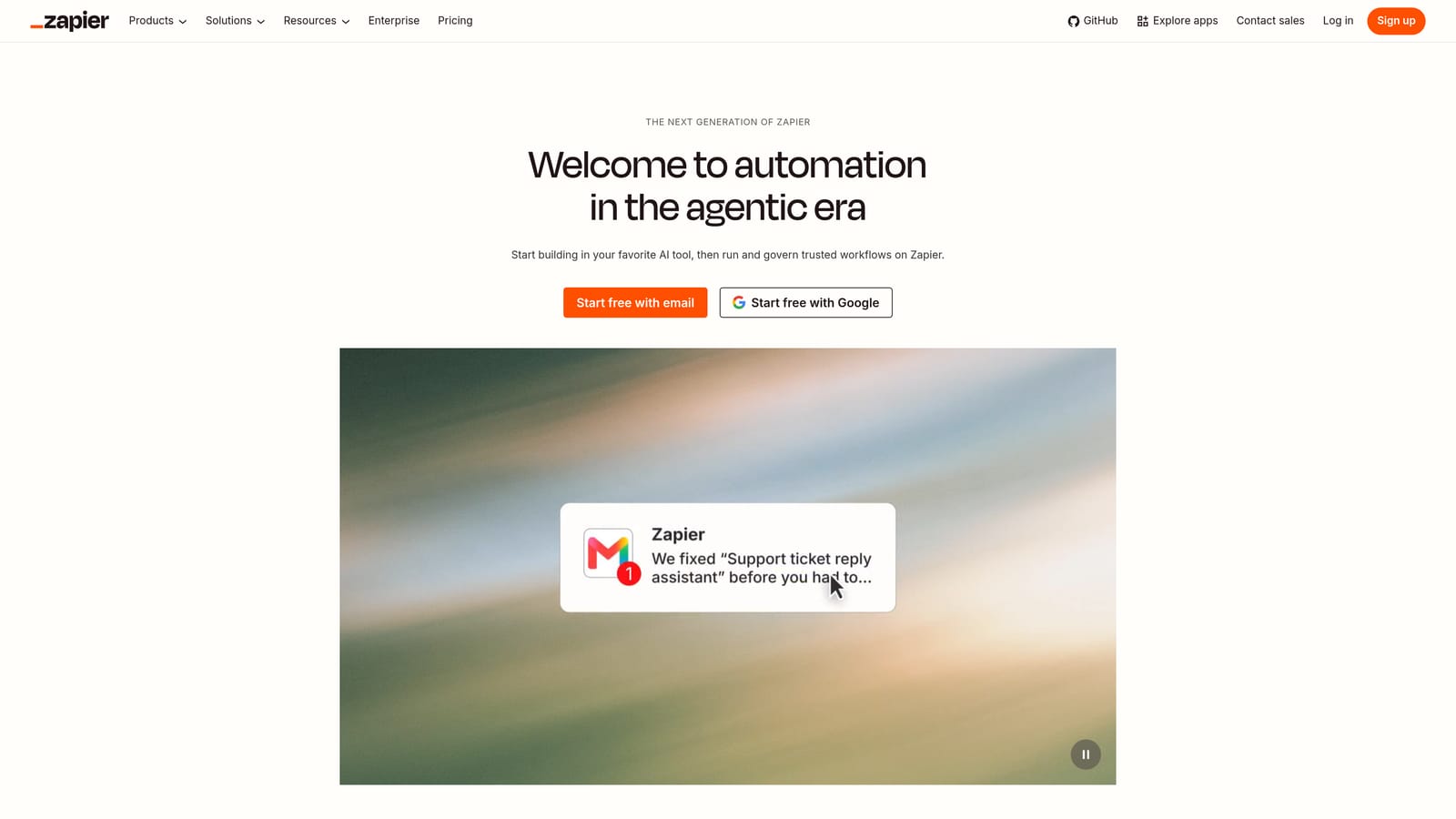
Its edge is breadth. Zapier connects to a very wide ecosystem of apps, so if a tool you use has an integration, you can probably wire it to Google Ads without writing code.
- Triggers and actions, so something happening in one app automatically does something in another.
- Lead form routing, which sends Google Ads lead form submissions to your CRM or inbox instead of leaving them sitting in the account.
- Multi-step workflows, for chaining several actions, such as logging a lead, alerting a rep, and updating a sheet.
- Thousands of app connections, which covers most of the stack a small team already runs.
It works with Google Ads, Slack, CRMs, and Google Sheets, among many others. Setup is point-and-click, and a marketer can usually build a simple workflow without developer help. Someone should own the workflows, though, because broken connections can quietly drop leads.
It moves data and does not optimize anything. It will not review search terms, edit keywords, or adjust bids. If your problem is campaign efficiency rather than lead handling, it is the wrong tool.
Pricing depends on the plan you choose, and these change often. Check the current plans and what drives the price (such as task volume) as of November 2026.
Best for: Routing leads and alerts to other tools.
8. Looker Studio
Looker Studio is Google's free dashboard tool, with a native Google Ads connector. It is the budget answer to client reporting: you build a dashboard once, and clients or colleagues can view it whenever they like.
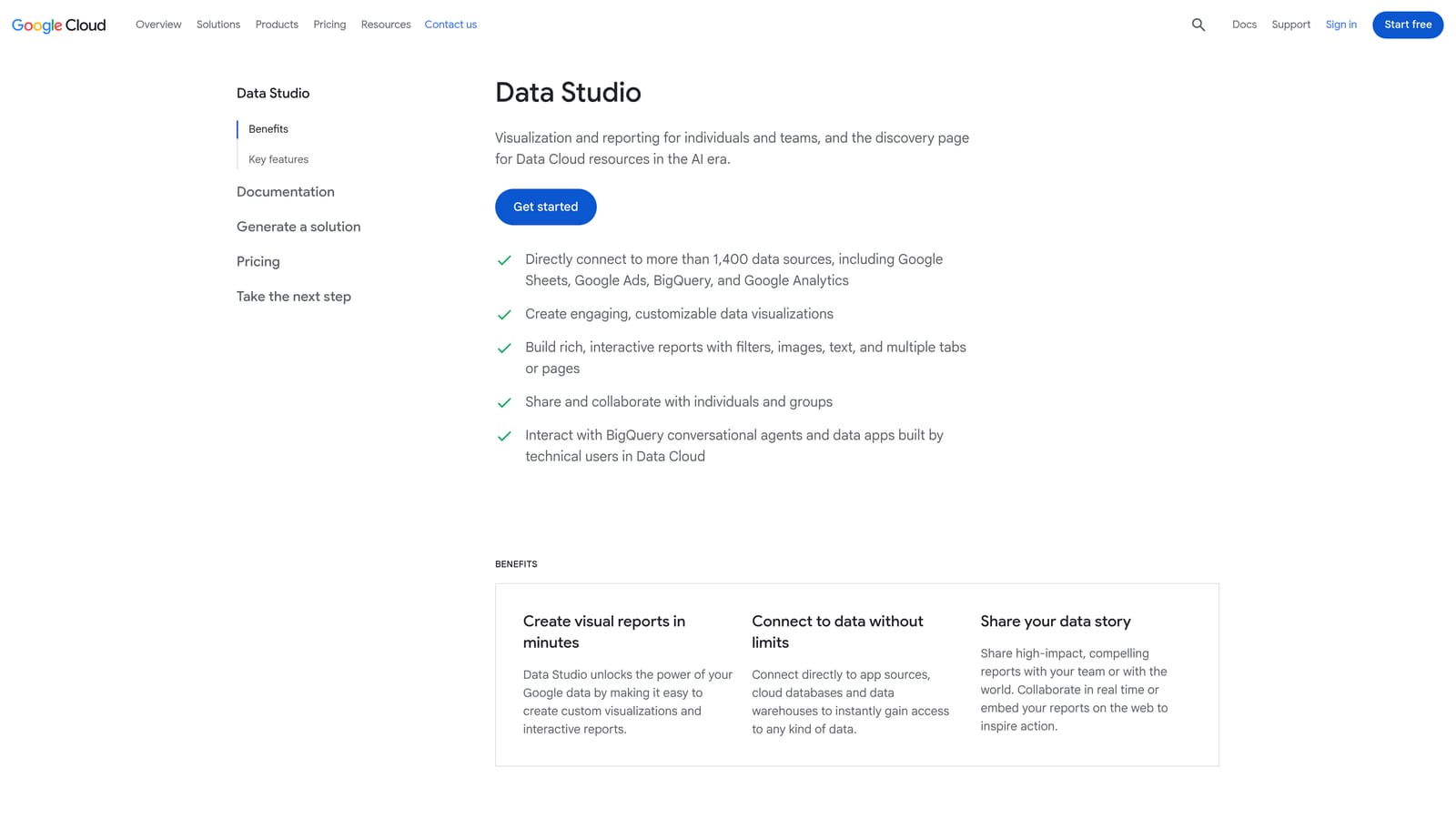
Free, client-ready dashboards are the standout. For many freelancers and small agencies, it removes the need to pay for a reporting platform at all.
- A Google Ads connector, so your performance data feeds dashboards directly.
- Custom dashboards, letting you show the metrics each client actually cares about.
- Scheduled report emails, so stakeholders get updates without you sending them manually.
- Shareable reports, so you can give clients a link rather than a PDF.
It also connects to Google Sheets and BigQuery, which helps when your data comes from more than one place. Setup is the time you spend building the first report; after that, templates can be reused across clients. An account manager or analyst usually owns it.
It is reporting only. It will not change a campaign, and complex cross-channel blending can get fiddly without a connector like Supermetrics. Dashboards also need upkeep when metrics or account structures change.
It is free to use, as of November 2026.
Best for: Client reporting at no cost.
Matching tools to the way you work
Most people do not need all of these. The usual pattern is one tool that acts on your account and one that reports on it.
- Solo advertisers and freelancers: Keywordme for search term triage, plus Looker Studio for free client reporting. Add Google Ads Editor when you have a big restructure.
- Agencies: Optmyzr for rules and audits across the portfolio, with Keywordme handling the daily search term work inside each account. Adalysis is worth a look if monitoring is your gap.
- Technical teams: Google Ads Scripts for custom logic, with Looker Studio or Supermetrics as the output layer.
- Reporting-heavy workflows: Supermetrics when you need multi-channel data in one place, Looker Studio when Google Ads alone will do, and Zapier when the real issue is getting leads and alerts to the right people.
Prices and plans for the third-party tools change, so confirm them on each official site before you commit.
Optimize Google Ads Campaigns 10X Faster. Without Leaving Your Account. Keywordme lets you remove junk search terms, build high-intent keyword lists, and apply match types instantly, right inside Google Ads. No spreadsheets, no switching tabs, just quick, seamless optimization. Start your free 7-day trial (then just $12/month) and take your Google Ads game to the next level.
