
9 Best Google Ads Workflow Efficiency Tools
This guide reviews the 9 best Google Ads workflow efficiency tools in 2026, selected specifically for how directly they reduce manual campaign management tasks like search term review, match type updates, and negative keyword building. Whether you're a solo freelancer or a multi-client agency, these tools are built to save you real hours every week.


If you manage Google Ads campaigns, you already know how much time disappears into repetitive tasks. Combing through search terms, updating match types, building negative keyword lists, exporting data to spreadsheets just to make a simple decision. It adds up fast, and none of it is the work you actually want to be doing.
The good news: there are tools built specifically to cut that friction. This list covers the best tools for improving Google Ads workflow efficiency in 2026. Whether you're a solo freelancer managing a handful of accounts or an agency running dozens of clients, at least a few of these will save you real hours every week.
A quick note on how these tools were selected: everything here was chosen based on how directly it reduces manual work inside Google Ads workflows, not just whether it's a popular PPC tool in general. Priority went to tools that are actively maintained, reasonably priced, and genuinely useful for day-to-day campaign management.
1. Keywordme
Best for: Faster search term review and keyword management directly inside Google Ads
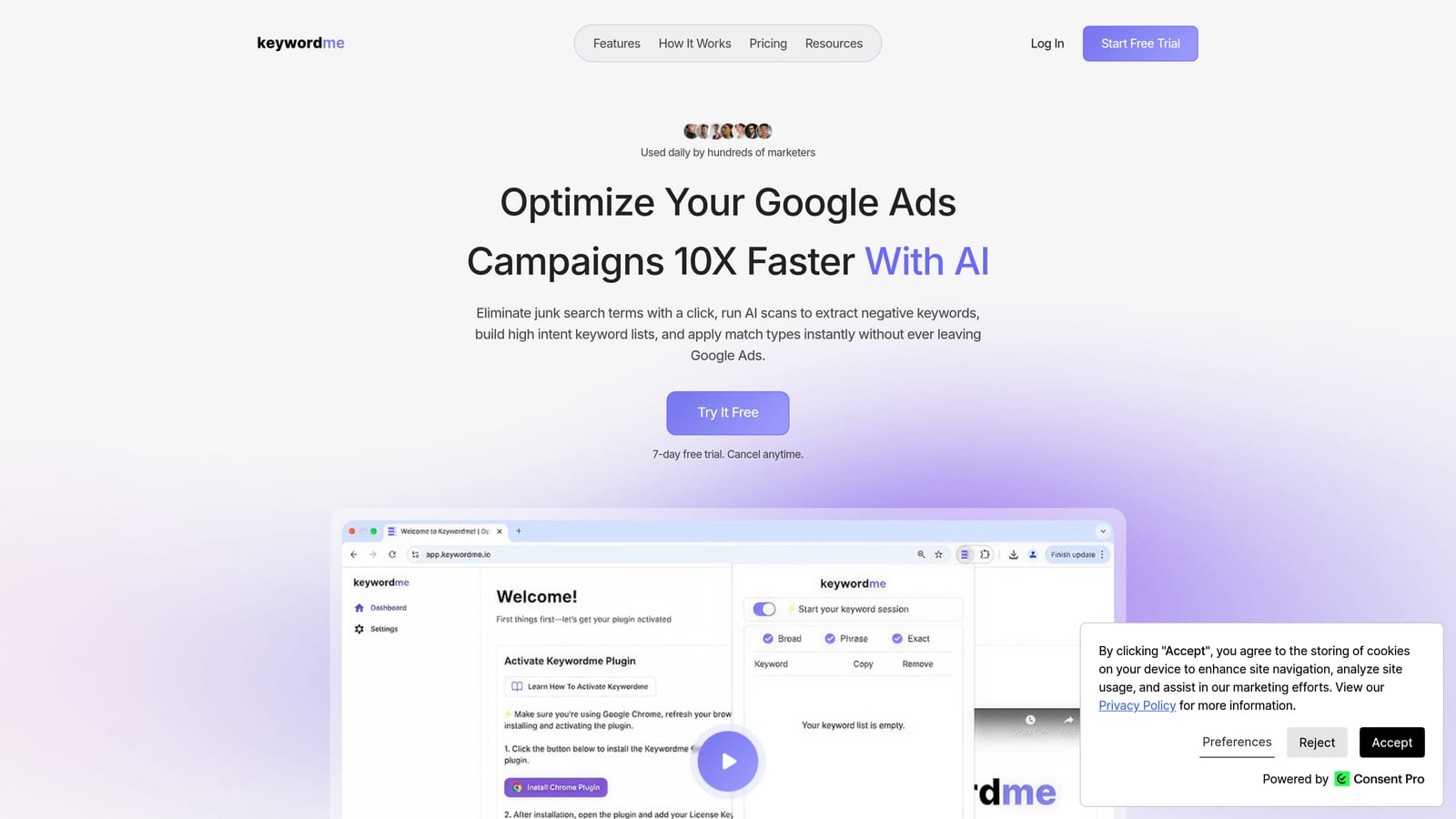
Keywordme is a Chrome extension that integrates directly into Google Ads' Search Terms Report, letting you take action on search terms without ever leaving the native interface.
Where This Tool Shines
Most Google Ads practitioners spend a significant chunk of their optimization time inside the Search Terms Report, deciding which search terms to keep, which to exclude as negatives, and which to promote into keyword groups. Traditionally, that process involves exporting data, working through a spreadsheet, and then manually re-entering decisions back into Google Ads. Keywordme cuts out the round trip entirely.
Because it lives inside Google Ads as a Chrome extension, there's no separate dashboard to log into and no data to export. You review search terms, apply actions, and move on. For anyone doing this work daily or across multiple accounts, the time savings are real and immediate. The company describes it as enabling optimization up to 10x faster, based on their own benchmarks.
Key Features
One-click negative keyword addition: Add negative keywords directly from the Search Terms Report without exporting or switching tools.
Instant match type application: Apply broad, phrase, or exact match types to keywords on the spot, without leaving the Google Ads interface.
Keyword clustering and bulk editing: Group related search terms into keyword clusters and make bulk edits across multiple terms at once.
Multi-account and team support: Manage multiple client accounts and collaborate with team members, making it practical for agency use.
In-interface workflow: Everything happens inside Google Ads itself, so there's no context switching or separate tool to maintain.
Best For
Keywordme suits Google Ads practitioners who spend regular time in the Search Terms Report and want to move faster without changing their core workflow. It's a practical fit for solo freelancers who manage multiple accounts and agencies where team members need a consistent, efficient process for keyword management.
Pricing
$12/month per user, flat rate. A 7-day free trial is available with no credit card required to start.
2. Google Ads Editor
Best for: Bulk offline editing and large-scale campaign changes
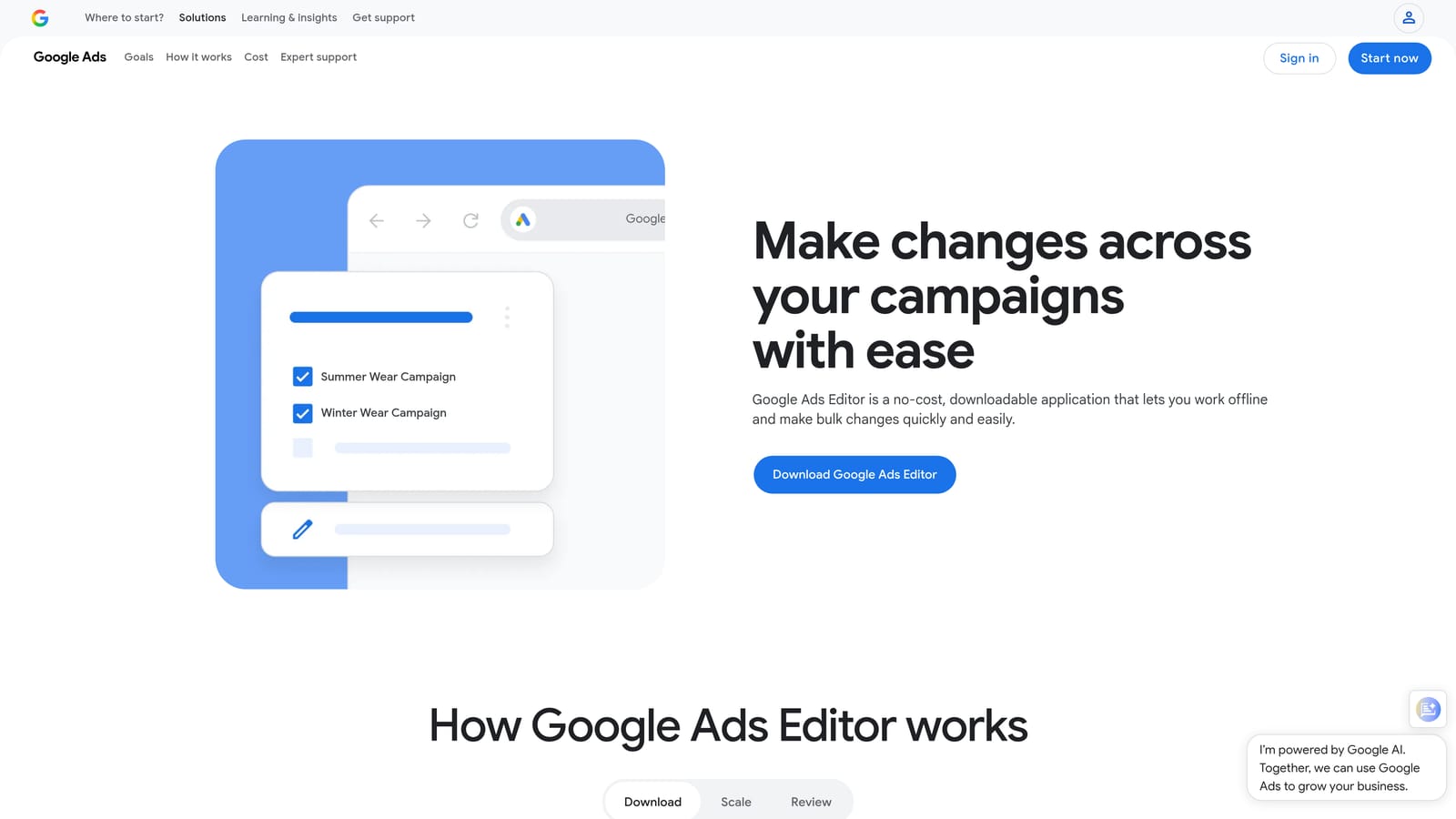
Google Ads Editor is Google's free official desktop application for managing campaigns offline, reviewing changes before they go live, and handling bulk edits that would take hours to do manually inside the live interface.
Where This Tool Shines
If you've ever tried to make the same change across 50 ad groups inside the Google Ads web interface, you already understand why Google Ads Editor exists. It downloads your account data locally, lets you make sweeping bulk changes, and gives you a chance to review everything before pushing it live. That review step alone prevents a lot of costly mistakes.
It also handles multi-account management in a single desktop window, which makes it valuable for agency workflows where you're regularly moving between clients. The copy-paste functionality for campaign structures is particularly useful when launching new campaigns that mirror existing ones.
Key Features
Bulk offline editing: Edit campaigns, ad groups, keywords, and ads in bulk without clicking through the live interface one item at a time.
Preview before publishing: Review all pending changes in a summary view before anything goes live in the account.
Multi-account management: Switch between multiple accounts in a single desktop application.
Copy and paste campaign structures: Duplicate campaign setups across accounts or ad groups quickly.
Find and replace: Update ad copy, URLs, or keywords across large sets of campaigns in seconds.
Best For
Anyone who regularly makes large-scale changes to Google Ads campaigns. Particularly valuable for agencies onboarding new clients, restructuring accounts, or managing high-volume campaigns where clicking through the web interface isn't practical.
Pricing
Free. Available to any Google Ads account holder.
3. Optmyzr
Best for: Automated optimization workflows with human review for agencies and larger teams
Optmyzr is a PPC management platform built around rule-based automations, one-click optimization recommendations, and multi-account reporting across Google Ads, Microsoft Ads, and other platforms.

Where This Tool Shines
Optmyzr sits in a useful middle ground: it surfaces optimization recommendations and can automate repetitive decisions, but it keeps a human review step before changes go live. For agencies managing multiple clients, that combination of automation and control matters. You get the speed of automation without the risk of changes going live unchecked.
The account health monitoring and one-click optimization features are particularly well-suited to teams that run regular optimization cycles. Instead of manually auditing each account to find what needs attention, Optmyzr surfaces the priority actions and lets you work through them efficiently.
Key Features
Rule-based automated optimizations: Set up custom rules to handle recurring optimization tasks, with an approval step before changes are applied.
One-click optimization recommendations: Account health checks surface prioritized recommendations that can be applied quickly.
Multi-platform support: Manage Google Ads, Microsoft Ads, and other platforms from a single interface.
PPC reporting and dashboards: Build and share performance reports for clients or internal stakeholders.
Multi-account management: Designed to handle agency-scale account portfolios in one place.
Best For
Agencies and in-house teams managing multiple accounts who want structured automation with oversight. Less suited to solo freelancers managing one or two small accounts, where the platform's depth may exceed what's needed.
Pricing
Paid plans with pricing based on ad spend managed. Check optmyzr.com for current rates.
4. Google Ads Scripts
Best for: Free, flexible automation for tech-comfortable Google Ads practitioners
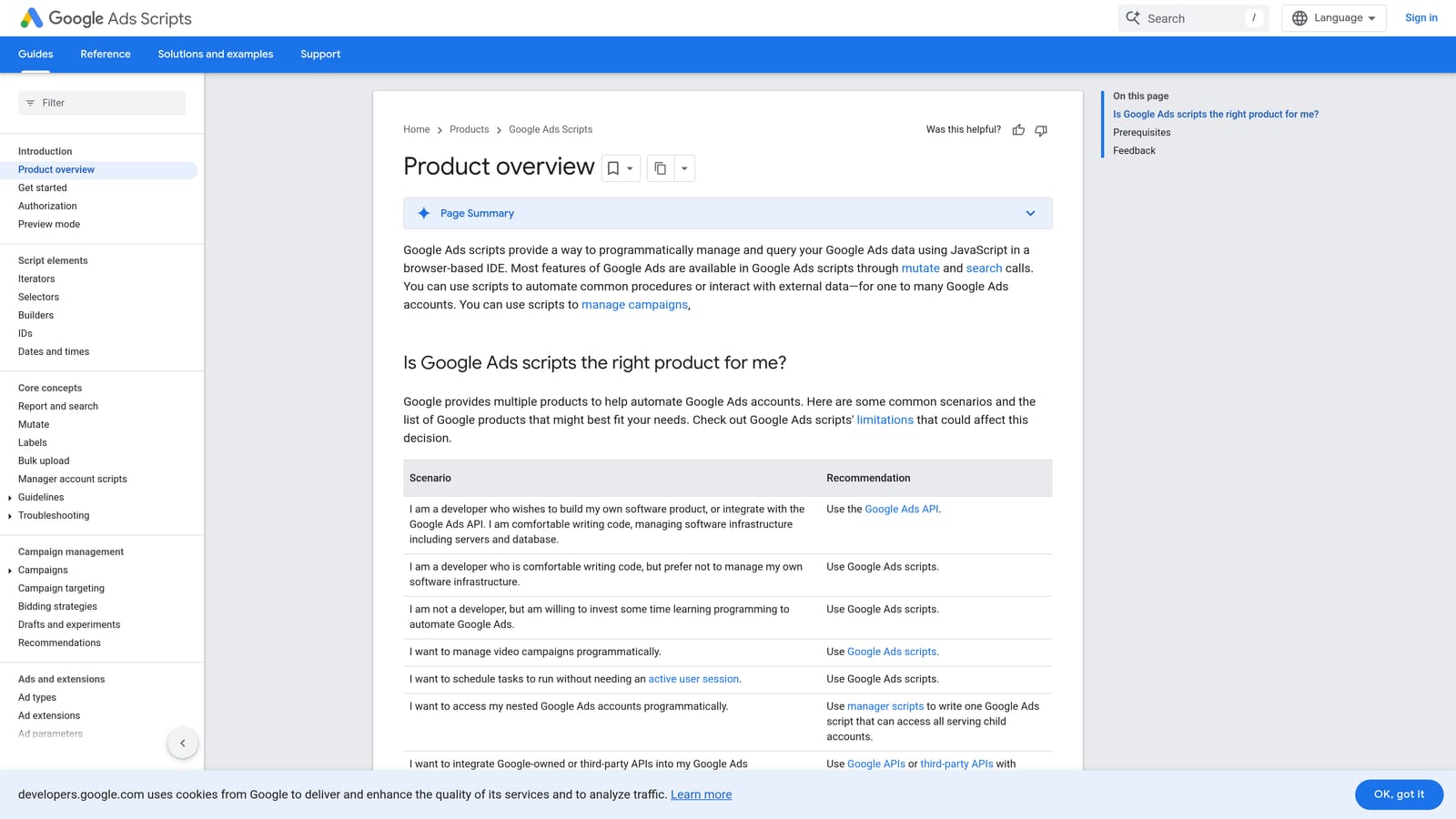
Google Ads Scripts is a built-in JavaScript automation environment inside Google Ads that lets you automate repetitive account management tasks, schedule them to run automatically, and work across single accounts or manager (MCC) accounts.
Where This Tool Shines
Scripts are powerful because they're native to Google Ads and completely free. Common uses include automated budget alerts, scheduled search term reports, bid adjustments based on performance rules, and negative keyword management at scale. Once a script is set up and scheduled, it runs without any manual intervention.
The learning curve is real if you're not comfortable with JavaScript, but the PPC community has built a substantial library of pre-built scripts that can be copied and configured with minimal coding knowledge. Sources like Brainlabs and Karooya publish well-documented scripts that cover many common use cases.
Key Features
JavaScript automation built into Google Ads: Automate account management tasks without a third-party subscription.
Scheduled execution: Scripts can run automatically on a set schedule, hourly, daily, or weekly.
Pre-built community scripts: A large library of ready-to-use scripts is available from trusted PPC community sources.
MCC support: Scripts can run across manager accounts, making them viable for agency-scale automation.
No additional cost: Available to any Google Ads account at no charge.
Best For
Practitioners comfortable with basic JavaScript or willing to adapt pre-built scripts. Especially useful for tasks that need to run on a schedule, like budget pacing alerts or automated performance reports, where a manual daily check would otherwise be required.
Pricing
Free. Requires a Google Ads account.
5. Supermetrics
Best for: Automated data pulls from Google Ads into reporting destinations for agencies
Supermetrics is a data connector that automatically pulls Google Ads performance data into reporting destinations including Google Sheets, Looker Studio, Excel, and BigQuery, eliminating the need for manual data exports.
Where This Tool Shines
Manual report building is one of the biggest time drains in agency workflows. Supermetrics addresses this directly by connecting Google Ads to wherever your reporting lives and scheduling automatic data refreshes. Once the connection is configured, reports update on their own without anyone having to export, format, or paste data.
It supports multiple ad platforms alongside Google Ads, which is practical for agencies managing clients across Google, Meta, and other channels. The ability to pull all platform data into a single reporting destination simplifies cross-channel reporting considerably.
Key Features
Multi-destination connectors: Pulls data into Google Sheets, Looker Studio, Excel, BigQuery, and various BI tools.
Scheduled automatic data pulls: Data refreshes on a set schedule without manual exports.
Multi-platform support: Connects to Google Ads alongside other ad platforms in a single subscription.
Customizable queries: Select specific data fields, date ranges, and filters to match your reporting needs.
Agency-scale use: Widely used by agencies to power client reporting workflows across multiple accounts.
Best For
Agencies and teams that build regular client reports and need reliable, automated data pipelines from Google Ads into their reporting tools. Less cost-effective for solo freelancers or small accounts where the volume doesn't justify the subscription cost.
Pricing
Paid plans with pricing that varies by destination and data sources. Check supermetrics.com for current rates.
6. DataSlayer
Best for: Automated Google Ads reporting for freelancers and smaller agencies on a budget
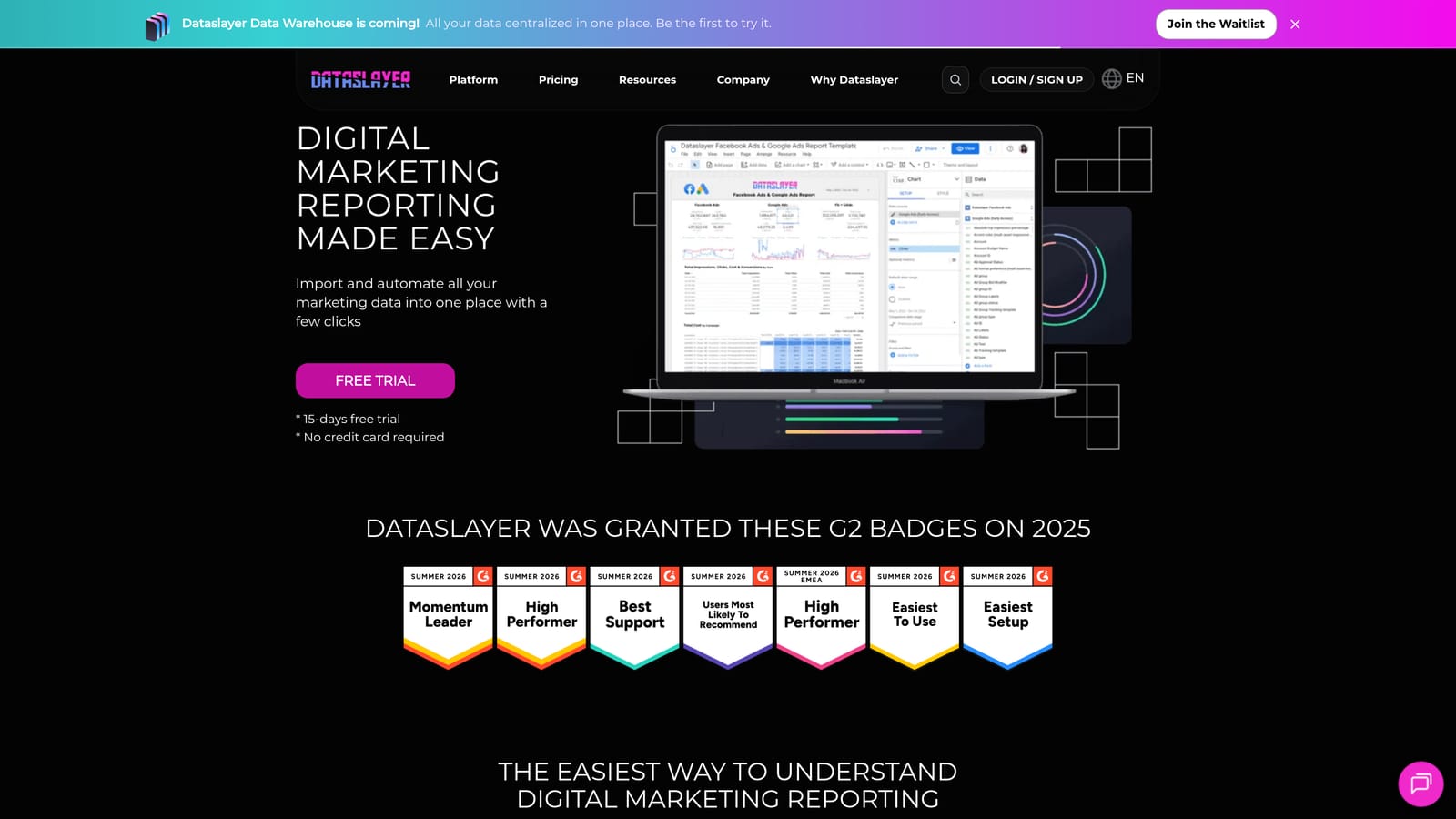
DataSlayer is a reporting connector for Google Ads and other ad platforms that works with Google Sheets and Looker Studio, often positioned as a more accessible alternative to Supermetrics for smaller teams.
Where This Tool Shines
DataSlayer covers the core automated reporting use case, pulling Google Ads data into Sheets or Looker Studio on a schedule, at a price point that makes more sense for freelancers and small agencies. The free tier handles lower-volume reporting needs, which means you can test it before committing to a paid plan.
For practitioners who primarily need Google Ads data in Google Sheets with automatic refreshes, DataSlayer gets the job done without requiring the broader feature set or pricing of larger connectors. It's a practical starting point for teams building out their first automated reporting workflow.
Key Features
Google Ads connector for Sheets and Looker Studio: Pulls campaign data directly into your preferred reporting destination.
Free tier available: Lower-volume reporting needs are covered without a paid subscription.
Multi-platform support: Connects to Facebook Ads and other platforms alongside Google Ads.
Scheduled data refreshes: Reports update automatically on a set schedule.
Simpler pricing structure: More accessible for smaller teams compared to enterprise-focused connectors.
Best For
Freelancers and small agencies who need automated Google Ads reporting in Google Sheets or Looker Studio but don't need the full feature set of a premium data connector. A good entry point before scaling up to more comprehensive solutions.
Pricing
Free tier available for lower-volume use. Paid plans for higher data volumes. Check dataslayer.ai for current rates.
7. Google Looker Studio
Best for: Free, shareable campaign performance dashboards with automatic data refresh
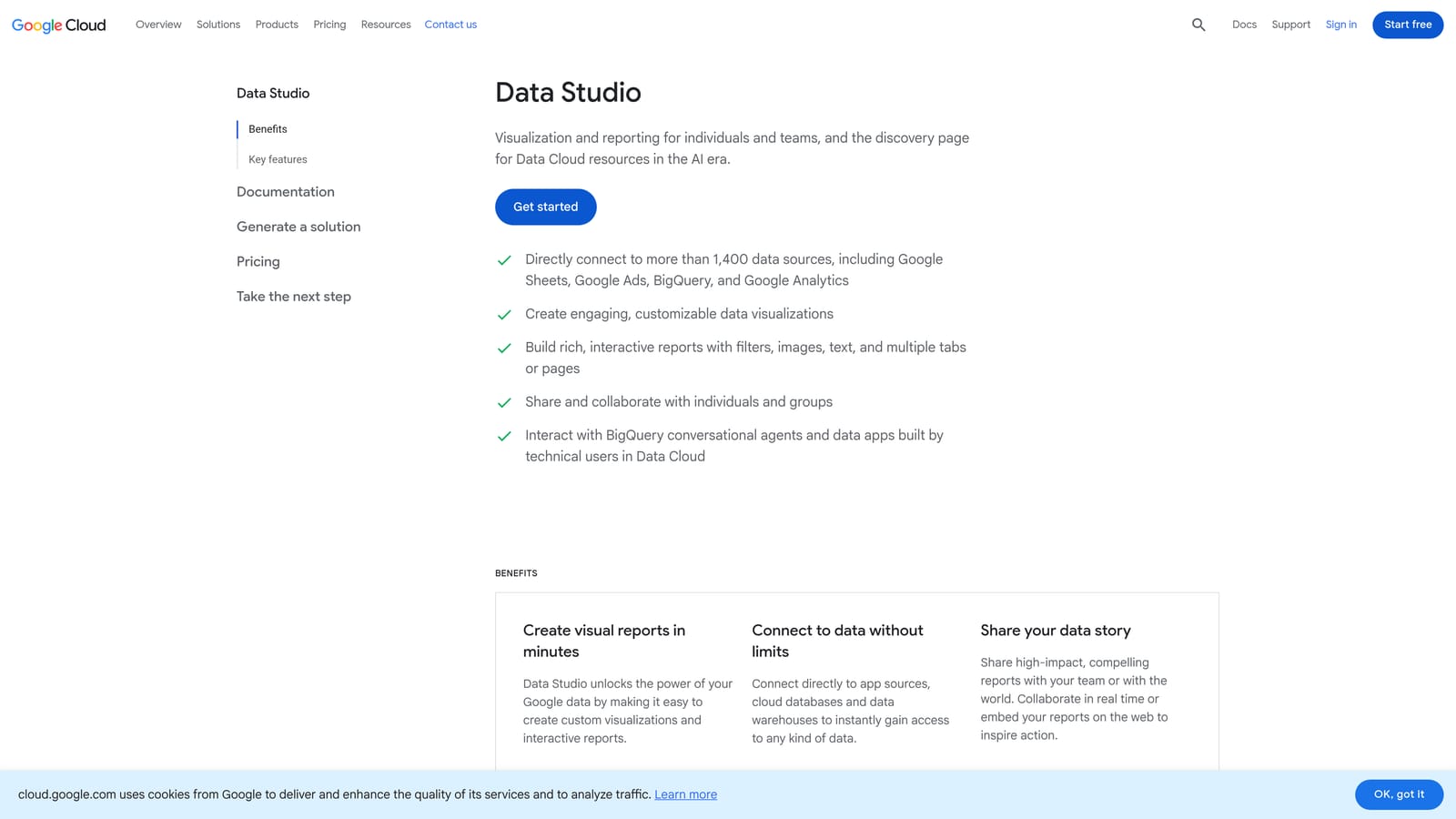
Google Looker Studio is Google's free data visualization tool with a native Google Ads connector, letting you build shareable, automatically-updating dashboards without paying for a third-party reporting tool.
Where This Tool Shines
For anyone building client-facing reports or internal performance dashboards, Looker Studio eliminates the manual rebuild cycle. Connect it to your Google Ads account, configure your metrics and visualizations once, and the dashboard updates automatically whenever new data is available. Clients or stakeholders get a live view without you having to touch anything.
The drag-and-drop report builder is approachable for practitioners who aren't data analysts, and the native Google Ads connector means you don't need a separate subscription to get started. For teams already using DataSlayer or Supermetrics, Looker Studio is typically the destination those connectors feed into.
Key Features
Native Google Ads connector: No third-party tool required for basic reporting use cases.
Free to use: Available with any Google account at no cost.
Shareable interactive dashboards: Share live dashboards with clients or team members via a link.
Drag-and-drop report builder: Build custom visualizations without needing technical expertise.
Automatic data refresh: Connected data sources update automatically so dashboards stay current.
Best For
Any Google Ads practitioner who builds performance reports regularly. Particularly useful for client-facing agencies that want to deliver professional, always-current dashboards without adding reporting overhead to their workflow.
Pricing
Free. Available with any Google account.
8. Slack (with Google Ads Integrations)
Best for: Real-time Google Ads performance alerts pushed to your team's communication channels
Slack is a team communication platform that, when connected to Google Ads via Zapier or Google Ads Scripts, can send real-time performance alerts directly to shared channels, reducing the need to manually check dashboards for issues.
Where This Tool Shines
Slack itself isn't a Google Ads tool. Its workflow efficiency value comes entirely from integration. When you set up alerts for budget thresholds, conversion drops, or spend anomalies, those notifications land in the channel where your team is already working. That's a meaningful shift from the alternative, which is someone manually checking dashboards throughout the day hoping to catch problems early.
For agency teams coordinating across multiple accounts, this setup also creates a natural place for task handoffs. An alert fires, someone picks it up, and the response is logged in the same thread. It's a lightweight way to build accountability into performance monitoring without adding a separate project management layer.
Key Features
Real-time performance alerts: Budget thresholds, conversion drops, and spend anomalies pushed directly to team channels.
Integration via Zapier or Scripts: Connects to Google Ads through Zapier automations or custom Google Ads Scripts.
Reduces manual dashboard checks: Alerts surface issues proactively rather than requiring periodic manual review.
Team coordination support: Threads and channels support task assignment and follow-up around campaign changes.
Free tier available: Smaller teams can use Slack's core functionality without a paid plan.
Best For
Agency teams and in-house marketing teams managing multiple accounts or campaigns where proactive performance monitoring matters. Less relevant for solo practitioners who already have visibility into their accounts without needing team-wide notifications.
Pricing
Free tier available. Paid plans for larger teams with more message history and feature needs. Check slack.com for current rates.
9. Zapier
Best for: No-code automation connecting Google Ads to the rest of your tool stack
Zapier is a no-code automation platform that connects Google Ads to CRMs, spreadsheets, Slack, email tools, and thousands of other apps, automating cross-platform handoffs without requiring any development work.
Where This Tool Shines
Google Ads doesn't exist in isolation. Conversion data needs to reach your CRM. Lead form submissions need to sync to your email tool. Budget alerts need to reach the right person. Zapier handles those handoffs automatically using a visual workflow builder that doesn't require code. If you can describe the trigger and the action, you can build the automation.
Common Google Ads use cases include logging new conversions to a spreadsheet, triggering Slack notifications when spend crosses a threshold, and syncing lead form submissions to a CRM in real time. These are the kinds of tasks that often fall through the cracks or get done manually, and Zapier turns them into set-and-forget workflows.
Key Features
5,000+ app connections: Connects Google Ads to CRMs, spreadsheets, Slack, email platforms, and hundreds of other tools.
No-code automation builder: Visual workflow editor requires no developer involvement.
Multi-step workflows: Chain multiple actions together in a single automation for more complex cross-platform tasks.
Free tier available: Low-volume automations are covered without a paid subscription.
Common Google Ads uses: Conversion logging, budget alerts, lead form syncing, and performance notification workflows.
Best For
Practitioners who want to automate the connective tissue between Google Ads and the rest of their tool stack without writing code. Especially useful for agencies managing client workflows that span multiple platforms and need reliable data handoffs between them.
Pricing
Free tier available for low-volume automations. Paid plans for higher task volumes and more complex workflows. Check zapier.com for current rates.
Which Tool Is Right for Your Workflow?
The right combination depends on where your time is actually going. Here's a quick way to think about it by use case.
Solo freelancers: Keywordme, Google Ads Editor, and Looker Studio cover most workflow needs at low cost. Keywordme handles search term review and keyword management directly in the interface. Google Ads Editor handles bulk campaign edits. Looker Studio handles reporting. That's a complete stack for most solo practitioners.
Agencies: Add Optmyzr or Supermetrics to the mix. Optmyzr brings structured automation and multi-account management. Supermetrics powers automated client reporting pipelines. Both are built for the scale and repeatability that agency workflows require.
Everyone: Google Ads Scripts and Zapier are worth exploring once the basics are covered. They unlock automation that compounds over time, handling the recurring tasks that would otherwise require daily manual attention.
The biggest efficiency gains usually come from fixing the most manual, repetitive task first. For most Google Ads practitioners, that's search term review and keyword management. It's the work that happens most frequently, takes the most clicks, and benefits most from being done faster and more consistently.
That's exactly the problem Keywordme was built to solve. It brings the entire search term review and keyword management workflow inside Google Ads, so you're not exporting data, switching tools, or rebuilding context every time you run an optimization session. Start your free 7-day trial and see how much time you get back on your next optimization session. After the trial, it's $12/month per user.
.svg)