
9 Best Google Ads Workflow Automation Tools
This guide reviews nine Google Ads workflow automation tools — spanning in-interface keyword optimization, bulk editing, bid management, and reporting dashboards — to help freelancers and agencies cut repetitive work and focus on strategy. It also includes a practical guide on which tool combinations make the most sense for different account setups.


If you're still copying search terms into spreadsheets, manually applying match types, or hunting through reports to find wasted spend, you're losing time you can't get back. Google Ads workflow automation tools cut through that repetitive work so you can focus on strategy instead of grunt work.
Whether you're a solo freelancer managing a handful of accounts or an agency juggling dozens of clients, the right tool can turn a two-hour optimization session into something far more manageable. This list covers nine tools that genuinely speed up Google Ads workflows: from in-interface keyword optimization to reporting automation and bid management.
One thing worth noting upfront: these tools serve different parts of your workflow. Some live inside Google Ads itself, some handle bulk edits offline, some automate rules and bids, and some pull data into dashboards. The best practitioners typically combine two or three. We've organized the list to reflect that variety, and the conclusion includes a quick guide on which combinations make sense for different setups.
1. Keywordme
Best for: In-interface search term cleanup and keyword optimization without leaving Google Ads
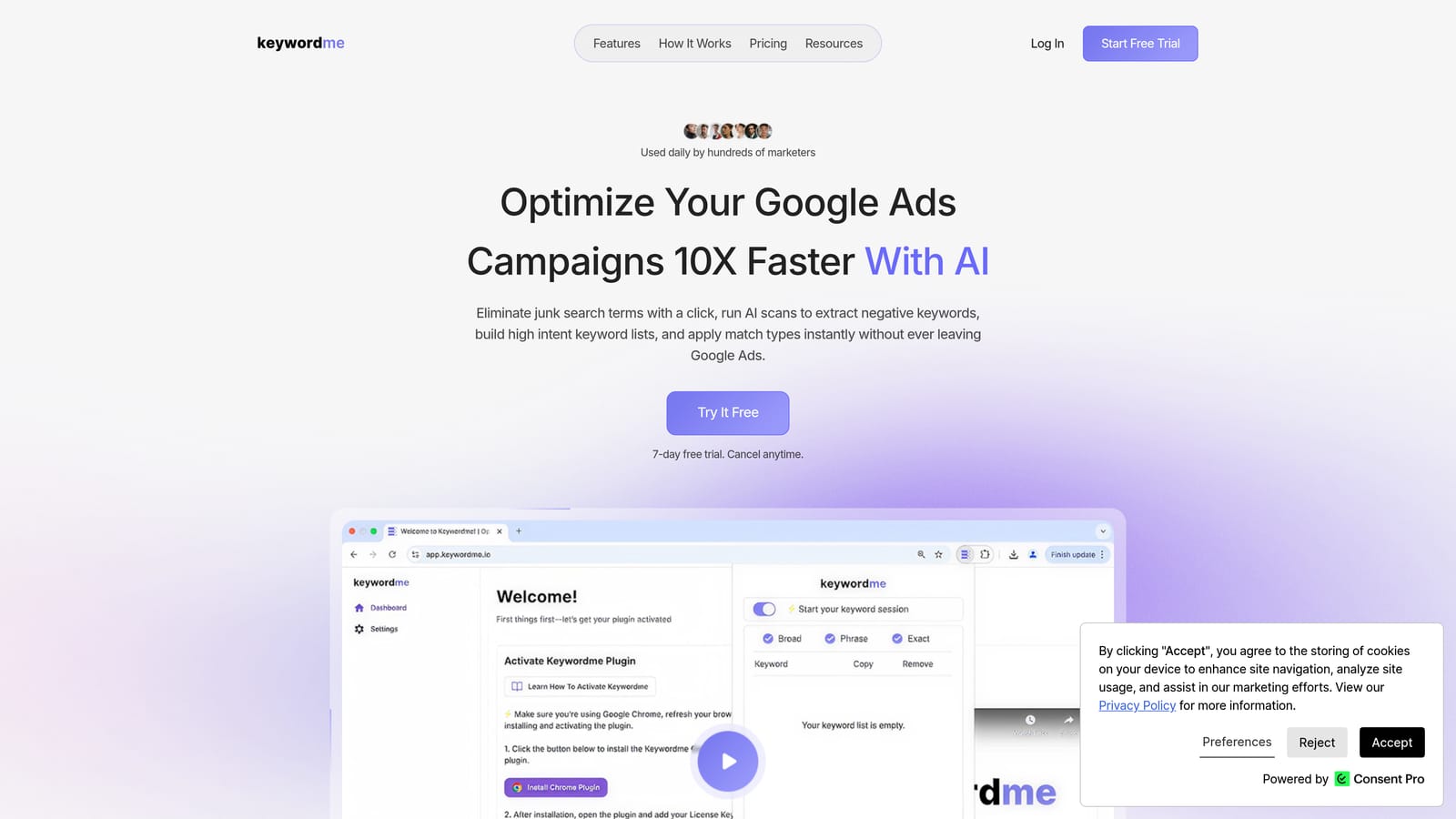
Keywordme is a Chrome extension that integrates directly into the Google Ads Search Terms Report, letting you take one-click actions on keywords and search terms without exporting anything to a spreadsheet.
Where This Tool Shines
Most keyword optimization workflows involve exporting data, working through it in a spreadsheet, and then re-importing changes. Keywordme removes that loop entirely. You review search terms inside Google Ads the way you normally would, but instead of copying rows into another tool, you act on them directly: add a negative keyword, apply a match type, or flag a term for a new ad group with a single click.
For agencies managing multiple accounts, the bulk editing and multi-account support make it especially practical. You're not rebuilding the same workflow in a spreadsheet every time you switch clients. If negative keyword management and match type application are where your time disappears, this is the tool most directly aimed at that problem. You can read more about why negative keywords matter and when to apply match types on the Keywordme blog.
Key Features
One-click search term removal: Eliminate junk search terms directly in the Search Terms Report without exporting to a spreadsheet.
Instant negative keyword additions: Add negatives at the campaign or ad group level in a single action.
Match type application: Apply broad, phrase, or exact match types to keywords without leaving the Google Ads interface.
Keyword clustering: Group related search terms into organized ad groups to improve account structure.
Bulk editing and multi-account support: Handle large volumes of changes and switch between client accounts without rebuilding your workflow each time.
Best For
Freelancers and agency teams who spend significant time in the Search Terms Report and want to cut down on manual keyword management. Particularly useful for anyone managing multiple accounts where search term cleanup is a recurring, time-consuming task.
Pricing
$12/month per user. A 7-day free trial is available with no commitment required.
2. Google Ads Editor
Best for: Bulk offline edits across campaigns, ad groups, and keywords
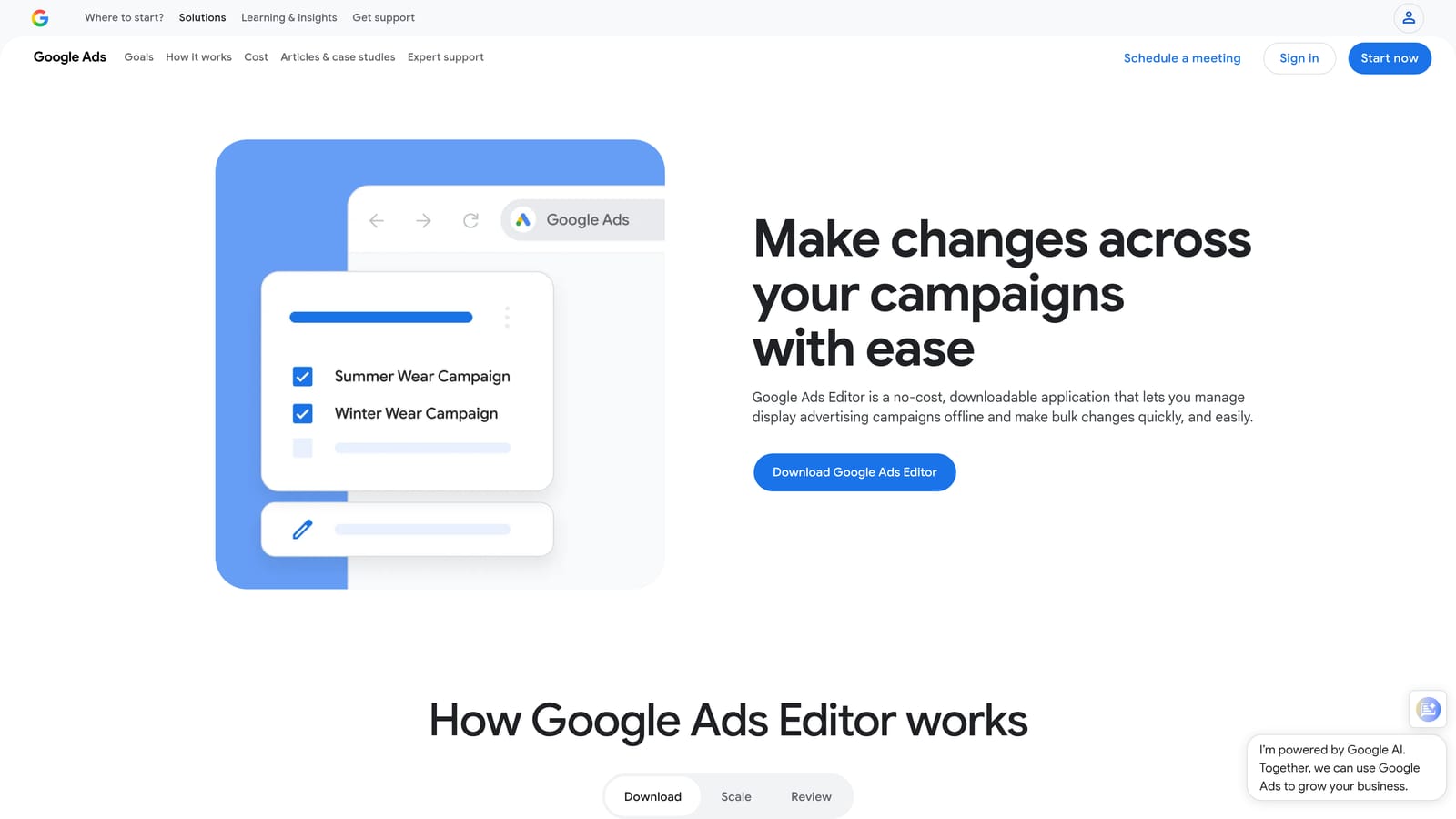
Google Ads Editor is Google's free desktop application for making large-scale changes to campaigns offline before pushing them live.
Where This Tool Shines
Editor is the go-to tool when you need to make sweeping changes across an account: renaming ad groups, updating destination URLs across hundreds of ads, or restructuring keyword lists. The offline editing model means you can review everything in draft form before anything goes live, which is genuinely useful when the stakes are high.
It's not glamorous, and it has a learning curve if you're new to it, but for bulk operations it's hard to beat. Most experienced PPC practitioners treat it as a foundational part of their toolkit rather than a standalone solution.
Key Features
Bulk find-and-replace: Update text across campaigns, ad groups, and keywords in one action.
Offline editing with draft review: Make changes without affecting live campaigns until you're ready to upload.
Multi-account management: Manage multiple accounts from a single interface without switching tabs.
CSV import/export: Move large keyword lists or ad sets in and out using spreadsheet files.
Free to use: No subscription or cost—download and go.
Best For
Any Google Ads practitioner who regularly makes large-scale structural changes. Particularly valuable for agencies onboarding new clients or rebuilding account structures, where bulk editing saves hours of manual work.
Pricing
Free. Available directly from Google with no subscription required.
3. Optmyzr
Best for: Rule-based automation and one-click optimizations across multi-account agency setups
Optmyzr is a PPC management platform that combines rule-based automation, optimization suggestions, and diagnostic tools for agencies and in-house teams managing complex Google Ads accounts.

Where This Tool Shines
Optmyzr sits in the middle of your workflow: it surfaces what needs attention, explains why, and gives you a one-click path to act on it. The PPC Investigator feature is particularly useful for diagnosing performance drops without manually cross-referencing dimensions in the Google Ads interface. Instead of spending an hour figuring out why conversions dropped, you get a structured breakdown.
The rule-based automation engine lets you build custom triggers for bids, budgets, and keywords without writing JavaScript. For agencies that want automation without a developer, this is a meaningful advantage over native Google Ads Scripts.
Key Features
Rule-based automation: Set custom triggers for bid adjustments, budget pacing, and keyword management without code.
One-click optimization suggestions: Actionable recommendations with clear reasoning behind each suggestion.
PPC Investigator: Diagnose performance changes across accounts without manual dimension analysis.
Pre-built and custom scripts: Access a library of optimization scripts or build your own.
Multi-account dashboard: Manage and monitor multiple client accounts from a centralized view.
Best For
Mid-size to large agencies managing multiple accounts who want automation and diagnostics without requiring a technical developer on the team. Also well-suited to in-house teams with complex campaign structures.
Pricing
Subscription-based with tiered plans. Check optmyzr.com for current pricing, as tiers are based on account volume and features.
4. Google Ads Scripts
Best for: Custom automation for technical users who want full control at no cost
Google Ads Scripts is Google's native JavaScript-based automation layer, built directly into the Google Ads platform and available to any advertiser at no cost.
Where This Tool Shines
Scripts give you direct programmatic access to your Google Ads data and settings. If you can define the logic, you can automate it: pause keywords when quality scores drop below a threshold, send email alerts when a campaign's daily budget is exhausted before noon, or pull performance data into a Google Sheet on a schedule. The flexibility is essentially unlimited for anyone comfortable with JavaScript.
The practical barrier is the technical requirement. Scripts are not a no-code tool, and poorly written scripts can cause unintended changes to live campaigns. That said, Google's community script library and third-party repositories offer a solid starting point for common use cases, reducing the amount of code you need to write from scratch.
Key Features
Custom bid automation: Adjust bids based on any condition you can define in JavaScript.
Scheduled ad and keyword management: Pause or enable campaign elements automatically based on time or performance triggers.
Automated reporting: Generate and email performance reports on a schedule without manual exports.
Community script libraries: Access pre-written scripts for common tasks via Google's solutions library.
Free: Runs natively inside Google Ads with no additional cost.
Best For
Technical PPC practitioners, developers, and agencies with in-house technical resources who want maximum automation flexibility without paying for a third-party platform.
Pricing
Free. Requires JavaScript knowledge to write or meaningfully customize scripts.
5. Adalysis
Best for: Automated ad testing, account auditing, and ongoing performance monitoring
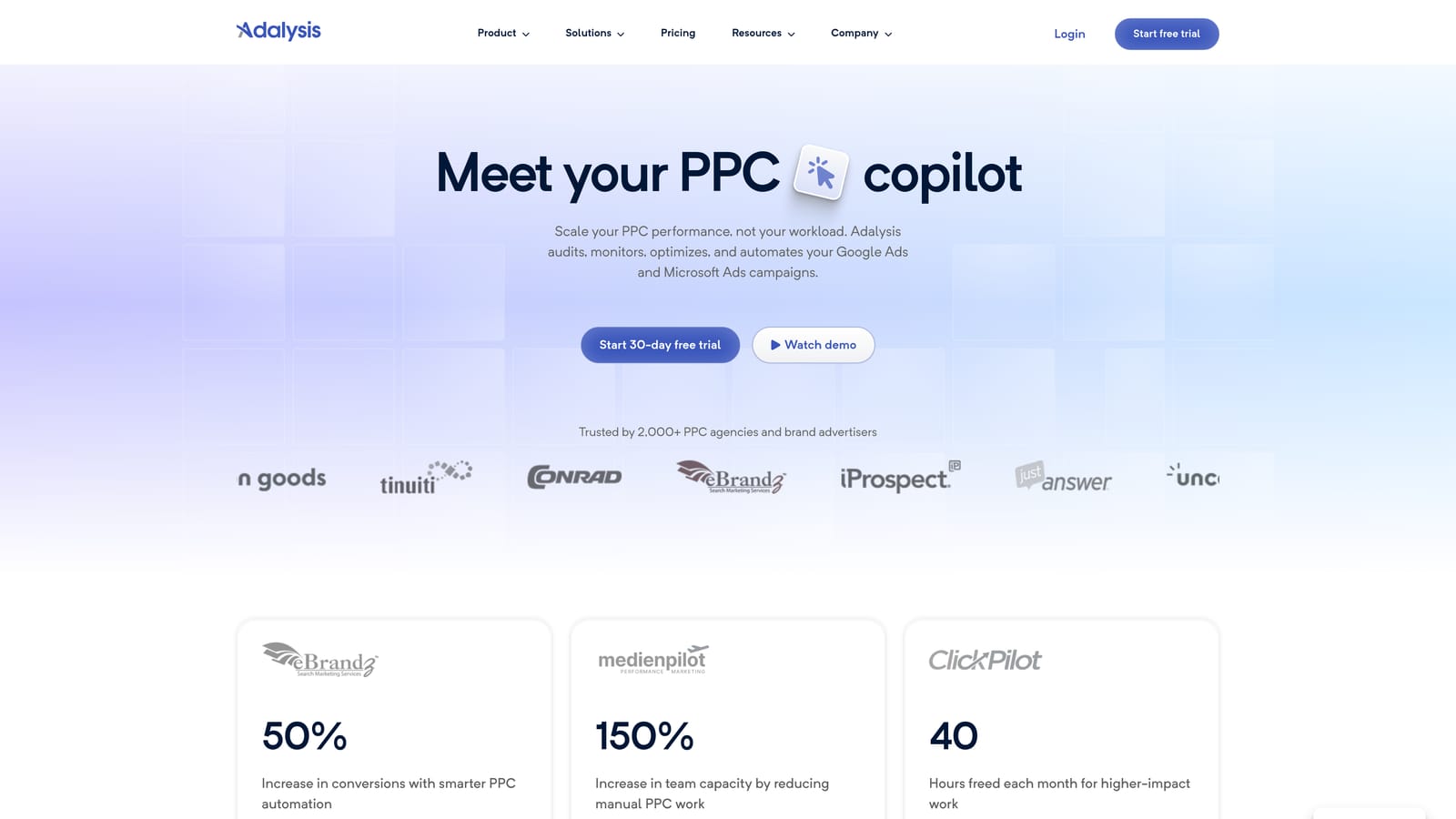
Adalysis is a SaaS platform built specifically for automating ad testing and account health monitoring across Google Ads accounts.
Where This Tool Shines
Ad testing is one of those tasks that's easy to set up and easy to forget about. Adalysis automates the monitoring layer: it tracks statistical significance across your ad variations and can automatically pause underperforming ads when the data supports it. This removes the manual process of checking test results across dozens of ad groups on a regular cadence.
The account audit functionality is also worth calling out. Rather than running a manual audit to find structural issues, Adalysis surfaces alerts for common problems—missing ad variations, low-quality scores, disapproved ads—across the account automatically. For agencies managing many accounts, this kind of passive monitoring reduces the chance that issues go unnoticed between active review sessions.
Key Features
Automated A/B ad testing: Track performance differences between ad variations with statistical significance monitoring.
Automatic pausing of underperforming ads: Remove losing ad variations from rotation without manual intervention.
Account-wide audit alerts: Catch structural issues and common problems across the account automatically.
Quality Score monitoring: Track Quality Score trends at the keyword level over time.
Structured testing framework: Run organized tests across multiple campaigns with consistent methodology.
Best For
Agencies and in-house teams who run ongoing ad tests and want automated monitoring rather than manual result-checking. Also useful for practitioners who want passive account health alerts without building custom scripts.
Pricing
Subscription-based. See adalysis.com for current tiers, as pricing varies by account size.
6. Zapier (Google Ads Integrations)
Best for: Connecting Google Ads to external tools without writing code
Zapier is a no-code automation platform that connects Google Ads to hundreds of external apps, from CRMs and Slack to Google Sheets and databases.
Where This Tool Shines
Zapier doesn't optimize your campaigns directly. What it does is eliminate the manual handoffs between Google Ads and the other tools in your stack. Common use cases include triggering a Slack notification when a campaign hits a spend threshold, automatically pushing Google Ads conversion data into a CRM when a lead comes in, or scheduling regular data exports to Google Sheets for reporting purposes.
For teams where Google Ads data needs to flow into other systems regularly, Zapier removes the manual step of doing that transfer. The no-code builder means most practitioners can set these workflows up themselves without involving a developer.
Key Features
Spend threshold alerts: Trigger Slack or email notifications when campaign spend hits a defined limit.
CRM data sync: Automatically push Google Ads conversion data to HubSpot, Salesforce, or other CRMs.
Scheduled data exports: Send Google Ads performance data to Google Sheets on a recurring schedule.
No-code workflow builder: Build and manage automations without writing any code.
Broad app connectivity: Connect Google Ads to hundreds of tools across your marketing and operations stack.
Best For
Marketers and agency teams who need Google Ads data to flow into other tools automatically. Particularly useful when your workflow crosses multiple platforms and manual data transfers are eating into your time.
Pricing
Freemium model with limited free automations. Paid plans are subscription-based. See zapier.com for current pricing, as tiers vary by task volume.
7. Looker Studio
Best for: Automated, shareable Google Ads dashboards and scheduled client reporting
Looker Studio is Google's free data visualization and reporting tool with a native Google Ads connector that refreshes automatically and supports scheduled report delivery.
Where This Tool Shines
If you're still manually pulling Google Ads data and pasting it into a slide deck or PDF for client reports, Looker Studio removes that entire process. You build a dashboard once, connect it to your Google Ads account, and it stays current automatically. Clients get a live link they can check anytime, or you can schedule email delivery of a report snapshot on a regular cadence.
The native Google Ads connector is the key advantage here. You don't need a third-party data pipeline to get started—just a Google account. For practitioners who want more data sources or historical flexibility, pairing Looker Studio with Supermetrics (covered next) extends what's possible.
Key Features
Native Google Ads connector: Pull campaign data directly without a third-party tool, with automatic data refresh.
Scheduled report delivery: Email dashboard snapshots to clients or stakeholders on a set schedule.
Customizable dashboard templates: Build or adapt templates for common PPC metrics and client reporting layouts.
Shareable live links: Share dashboards as live URLs rather than static PDFs.
Free to use: Available to anyone with a Google account at no cost.
Best For
Agencies and freelancers who need professional, automated client-facing reporting without paying for a dedicated reporting platform. Also useful for in-house teams who want live dashboards for internal performance monitoring.
Pricing
Free with a Google account. No subscription required.
8. WordStream Advisor
Best for: Guided weekly optimization workflows for SMBs and SMB-focused agencies
WordStream Advisor is a guided PPC management platform built around a structured weekly workflow that surfaces prioritized optimization tasks and automated performance alerts.
Where This Tool Shines
WordStream's signature feature is the 20-Minute Work Week, which aggregates your highest-priority optimization actions into a single guided session. Rather than deciding where to focus, the platform tells you what to do first based on potential impact. For practitioners managing smaller accounts or SMB clients who don't have time for deep daily analysis, this structured approach can help maintain consistent optimization without requiring advanced PPC expertise.
It's worth noting that WordStream has gone through ownership and product changes over the years. Before committing, verify the current product status and feature set at wordstream.com. If you're evaluating WordStream as a workflow tool and want to compare alternatives, the Keywordme blog covers WordStream alternatives in detail.
Key Features
20-Minute Work Week: A guided workflow that surfaces and prioritizes the highest-impact optimization tasks each week.
Automated performance alerts: Notifications when account performance deviates from expected ranges.
Keyword and negative keyword suggestions: Recommendations surfaced automatically based on account data.
Account grading: Automated scoring of account health across key dimensions.
Cross-channel reporting: Coverage across both Google Ads and Microsoft Ads from a single dashboard.
Best For
SMBs managing their own Google Ads accounts and agencies with SMB-focused client portfolios who want a guided, structured optimization process rather than an open-ended platform.
Pricing
Subscription-based. Check wordstream.com for current pricing, and verify the current product status before purchasing.
9. Supermetrics
Best for: Automated Google Ads data pipelines into Sheets, Looker Studio, BigQuery, and beyond
Supermetrics is a data pipeline tool that automates scheduled Google Ads data pulls into reporting and analytics destinations, eliminating manual data exports from your workflow.
Where This Tool Shines
Looker Studio's native Google Ads connector covers the basics, but Supermetrics goes further: it lets you combine Google Ads data with data from other channels (Meta, LinkedIn, Microsoft Ads) in a single destination, pull longer historical windows, and schedule refreshes to destinations like BigQuery for more sophisticated analysis. For agencies running multi-channel reporting or analysts who need clean, structured data for deeper work, this flexibility is significant.
The practical value is in eliminating the manual export-and-paste cycle. Once a Supermetrics connection is configured, your reporting destination updates automatically on whatever schedule you set. This is particularly useful for agencies where reporting is a weekly deliverable across multiple clients.
Key Features
Scheduled automatic data refreshes: Pull fresh Google Ads data into your reporting destination on a set schedule without manual exports.
Multi-destination connectors: Push data to Google Sheets, Looker Studio, BigQuery, and other platforms.
Cross-channel data blending: Combine Google Ads data with other paid channels in a single reporting view.
Historical data pulls: Access extended historical data for trend analysis beyond what native connectors support.
Agency reporting pipelines: Widely used for automating recurring client reporting across multiple accounts.
Best For
Agencies and analysts who need automated, multi-channel reporting pipelines and work with reporting destinations beyond Looker Studio's native capabilities. Also well-suited to teams where reporting consistency across many clients is a core workflow requirement.
Pricing
Subscription-based, priced by connector and destination. See supermetrics.com for current pricing, as costs vary significantly depending on the destinations you need.
Which Tool Is Right for Your Workflow?
No single tool covers everything, and the most effective setups typically combine one in-interface optimization tool with a reporting layer. Here's a quick guide based on where your biggest time drain is.
Solo freelancers: Start with Keywordme for in-interface keyword optimization and Looker Studio for client reporting. Both are low-cost (Keywordme at $12/month, Looker Studio free), and together they cover the two tasks that eat the most time in smaller account management workflows.
Agencies managing multiple accounts: Keywordme handles the search term and keyword layer directly inside Google Ads. Pair it with Optmyzr for rule-based automation and diagnostics, or Adalysis if ad testing and account auditing are priorities. Add Supermetrics if you need a clean multi-channel reporting pipeline.
Technical users: Google Ads Scripts give you maximum flexibility at no cost if you're comfortable with JavaScript. Combine with Supermetrics for automated data pipelines and Looker Studio for dashboards, and you have a powerful, largely free stack.
No-code users: Zapier fills the gap between Google Ads and the rest of your tool stack without requiring any development work. Pair with Looker Studio for reporting and Keywordme for in-interface optimization, and you can automate most of the repetitive handoffs in your workflow without writing a line of code.
The common thread is this: the best stack depends on where your time is actually going. If search term review and keyword management are the bottleneck, that's where to start. If client reporting is taking hours each week, fix that first. Pick the tool that addresses your real constraint, not the one with the longest feature list.
Keywordme is built specifically for that first constraint. It removes junk search terms, builds high-intent keyword lists, and applies match types instantly, right inside Google Ads, without spreadsheets or tab-switching. Start your free 7-day trial and see how much time you get back on your next optimization session. After the trial, it's $12/month per user.
.svg)