
9 Best Google Ads Workflow Automation Software Tools
Discover the 9 best Google Ads workflow automation software tools for 2026, designed to eliminate repetitive tasks like search term reviews, negative keyword management, and bid adjustments—so freelancers and agencies can scale campaigns faster without the spreadsheet grind.


TL;DR: The best Google Ads workflow automation software helps you cut wasted spend, manage keywords faster, and scale campaigns without drowning in spreadsheets. Whether you're a solo freelancer or an agency juggling dozens of accounts, the right tool can turn hours of manual work into a few clicks. This list covers tools ranging from in-interface Chrome extensions to full-stack PPC platforms, ranked by how well they actually streamline your Google Ads workflow. We've focused on tools that automate the repetitive stuff: search term reviews, negative keyword management, match type changes, bid adjustments, and reporting. If you're tired of exporting CSVs just to do basic optimization, this guide is for you.
In most accounts I audit, the biggest time sink isn't strategy. It's the grind. Reviewing hundreds of search terms. Manually adding negatives. Exporting to spreadsheets just to apply a match type. It adds up fast, especially when you're managing multiple clients or campaigns simultaneously.
The good news is there are tools built specifically to eliminate that grind. Here are the top Google Ads workflow automation tools worth your attention in 2026.
1. Keywordme
Best for: Fast, in-interface search term management and keyword optimization without leaving Google Ads
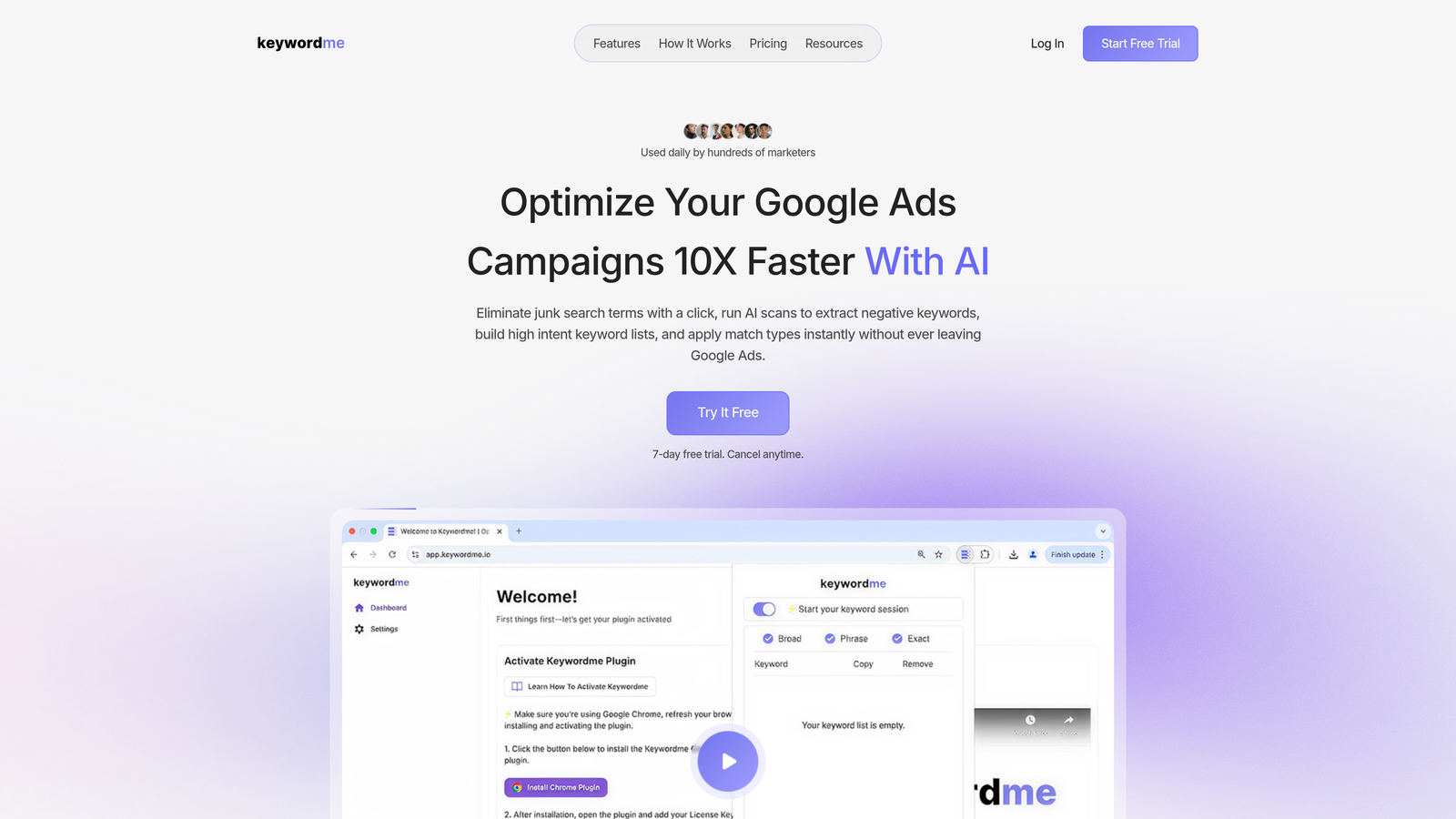
Keywordme is a Chrome extension that plugs directly into Google Ads' Search Terms Report, letting you remove junk queries, add negative keywords, apply match types, and cluster keywords without ever leaving the native interface.
Where This Tool Shines
Most optimization tools pull your data into a separate dashboard, which means you're constantly context-switching. Keywordme flips that model. It lives inside Google Ads, so your workflow stays in one place. You see a junk search term, you click once to add it as a negative. Done. No export, no spreadsheet, no bulk editor gymnastics.
For agencies managing multiple accounts, the multi-account and team support features mean you can standardize how your whole team handles search term reviews. The keyword clustering capability is particularly useful for building tightly themed ad groups quickly, which is something that usually takes a painful amount of manual work.
Key Features
One-click negative keyword addition: Add negatives directly from the Search Terms Report without leaving the native Google Ads UI.
Instant match type application: Apply broad, phrase, or exact match to keywords in seconds, bypassing the bulk editor entirely.
Keyword clustering: Group related search terms into tightly themed ad groups to improve Quality Score and ad relevance.
Bulk editing and multi-account support: Handle high-volume edits and manage multiple client accounts from one streamlined workflow.
Fully native experience: Works entirely inside Google Ads, no separate dashboard, no tab switching, no data exports required.
Best For
Freelancers and agency teams who spend significant time in the Search Terms Report and want to move faster without changing their existing Google Ads setup. Also a strong fit for anyone who's been burned by clunky third-party dashboards and just wants to work where they already are.
Pricing
$12/month per user. A 7-day free trial is available, making it easy to test before committing.
2. Optmyzr
Best for: Rule-based PPC automation and one-click optimizations for agencies and in-house teams
Optmyzr is a comprehensive PPC management platform offering rule-based automations, one-click optimizations, and account auditing tools built for teams that manage Google Ads at scale.

Where This Tool Shines
Optmyzr's Rule Engine is genuinely powerful. You can set up custom logic that automatically adjusts bids, pauses keywords, or flags anomalies based on conditions you define. It surfaces these recommendations in a clean interface so you can review and apply them with a single click, rather than digging through the account manually.
The Enhanced Scripts library is another standout. If you want JavaScript automation but don't want to write it from scratch, Optmyzr has a solid library of pre-built scripts you can deploy quickly. The audit trail feature is also worth mentioning: every automated change is logged, which is critical when you need to explain account decisions to a client.
Key Features
Rule Engine: Build custom automation rules for bids, keywords, and budgets based on your own performance logic.
One-click optimizations: Algorithmically surfaced recommendations you can apply without manual analysis.
Enhanced Scripts library: Pre-built and customizable Google Ads scripts for advanced automation use cases.
Shopping campaign management: Feed optimization and product-level bidding controls for e-commerce accounts.
Full audit trails: Every automated change is logged and reviewable, keeping you accountable and client-ready.
Best For
Mid-to-large agencies and in-house PPC teams who want a centralized platform for managing complex automation logic across multiple accounts. Less suited for solo advertisers or small budgets given the pricing.
Pricing
Starts around $208/month. Check optmyzr.com for current plan details.
3. WordStream Advisor
Best for: Guided weekly optimization workflows for smaller advertisers and non-technical PPC managers
WordStream Advisor (now part of LocaliQ) is a guided PPC management tool that surfaces your highest-impact weekly actions through its signature 20-Minute Work Week workflow.

Where This Tool Shines
The 20-Minute Work Week concept is genuinely useful for advertisers who don't live in Google Ads every day. Instead of asking you to figure out what to optimize, WordStream tells you: here are the five things that will move the needle most this week. For small business owners or marketing generalists managing their own campaigns, that kind of guided approach removes a lot of decision paralysis.
The performance benchmarking feature is also handy. Seeing how your CTR or CPC compares to industry averages gives you a quick sense of where you're underperforming, without needing to dig through reports yourself.
Key Features
20-Minute Work Week: A prioritized weekly optimization checklist based on your account's actual performance data.
Automated alerts: Flags underperforming keywords and ads so you don't have to hunt for problems.
Keyword and negative keyword suggestions: Surfaces new keyword opportunities and irrelevant query patterns automatically.
Industry benchmarking: Compares your account performance against category averages for quick context.
Simplified interface: Designed for non-technical users who want results without deep PPC expertise.
Best For
Small business owners, marketing generalists, and newer advertisers who want a structured, guided approach to Google Ads optimization rather than full manual control.
Pricing
Custom pricing. Contact WordStream or LocaliQ directly for a quote.
4. Adalysis
Best for: Automated ad testing, Quality Score monitoring, and account-wide auditing at scale
Adalysis is a Google Ads optimization platform built around automated ad testing, account auditing, and Quality Score tracking for advertisers running large numbers of ad variations.
Where This Tool Shines
The mistake most agencies make with ad testing is running it manually and waiting too long to call a winner. Adalysis automates the statistical significance tracking, so you know when a test has enough data to act on, and it can automatically pause the underperformer. That removes a huge amount of guesswork and follow-up from your workflow.
The account-wide audit capability is also strong. It scans for issues across Quality Score, disapproved ads, policy flags, and structural problems, then surfaces actionable alerts rather than just a data dump. For large accounts with dozens of campaigns, this kind of proactive monitoring is hard to replicate manually.
Key Features
Automated A/B ad testing: Tracks statistical significance and auto-pauses losing ad variations.
Account-wide auditing: Surfaces actionable alerts for Quality Score drops, policy issues, and structural problems.
Quality Score tracking: Monitors QS trends over time and flags opportunities for improvement.
Search term analysis: Built-in workflow tools for reviewing search terms and managing negative keywords.
Automated ad pausing: Removes underperforming ads from rotation without manual intervention.
Best For
Advertisers and agencies running large volumes of ad variations who need structured, statistically sound testing workflows. Also strong for teams who want proactive account health monitoring without manual auditing.
Pricing
Starts around $99/month. Check adalysis.com for current pricing tiers.
5. Google Ads Scripts
Best for: Custom, free automation for technically capable advertisers who want full control
Google Ads Scripts is a free, built-in feature that lets you write JavaScript to automate almost any campaign action, from bid adjustments to custom alerts to bulk keyword changes.
Where This Tool Shines
Scripts are the most flexible automation option available in Google Ads, and they cost nothing. If you can write or adapt JavaScript, you can automate virtually anything: pause keywords when inventory runs out, send email alerts when CPA spikes, pull custom reports into Google Sheets on a schedule. The community library from sources like Brainlabs and Optmyzr means you often don't need to write from scratch.
The tradeoff is the technical barrier. If you're not comfortable with code, scripts can be frustrating to troubleshoot. And unlike dedicated platforms, there's no visual interface or audit trail built in. But for technically capable advertisers or agencies with a developer on hand, scripts are genuinely powerful automation infrastructure.
Key Features
Fully customizable JavaScript automation: Automate any account action that's accessible via the Google Ads API.
Scheduled execution: Run scripts hourly, daily, or weekly without manual triggering.
Pre-built community library: Large library of ready-to-use scripts for bidding, reporting, alerts, and keyword management.
Native integration: Runs directly inside your Google Ads account with no third-party dependency.
Cross-account management: Manager Account (MCC) scripts can operate across multiple client accounts simultaneously.
Best For
Technically skilled advertisers, in-house PPC teams with developer support, or agencies that want powerful custom automation without paying for a platform. Not recommended for non-technical users.
Pricing
Free. Included with all Google Ads accounts.
6. Zapier (Google Ads Integrations)
Best for: Connecting Google Ads to other tools in your stack without writing code
Zapier is a no-code automation platform that connects Google Ads to hundreds of other apps, enabling cross-platform workflows like spend alerts, lead syncing, and Slack notifications.
Where This Tool Shines
Zapier isn't a PPC tool, but it fills a gap that PPC-specific tools often ignore: connecting Google Ads to the rest of your workflow. What usually happens here is that lead data sits in Google Ads while your CRM is somewhere else, and syncing them manually is a recurring headache. Zapier automates that bridge.
Common use cases include triggering a Slack alert when a campaign exceeds a daily spend threshold, automatically adding new Google Ads leads to a CRM, or logging conversion data into a Google Sheet for client reporting. It works best as a workflow layer on top of your existing PPC stack, not as a replacement for any of it.
Key Features
5,000+ app integrations: Connect Google Ads to CRMs, Slack, Google Sheets, email platforms, and more.
Spend and performance triggers: Fire alerts or actions automatically when campaigns hit defined thresholds.
Lead data syncing: Automatically push Google Ads lead data to your CRM without manual export.
Visual workflow builder: No coding required to set up multi-step automations.
Flexible trigger logic: Combine conditions across multiple apps to create sophisticated cross-platform workflows.
Best For
Agencies and freelancers who want to automate the connective tissue between Google Ads and their broader tech stack. Particularly useful for teams already using Zapier for other workflows.
Pricing
Free tier available. Paid plans start around $19.99/month. Check zapier.com for current pricing.
7. Skai
Best for: Enterprise-level omnichannel advertising automation across Google, Meta, Amazon, and retail media
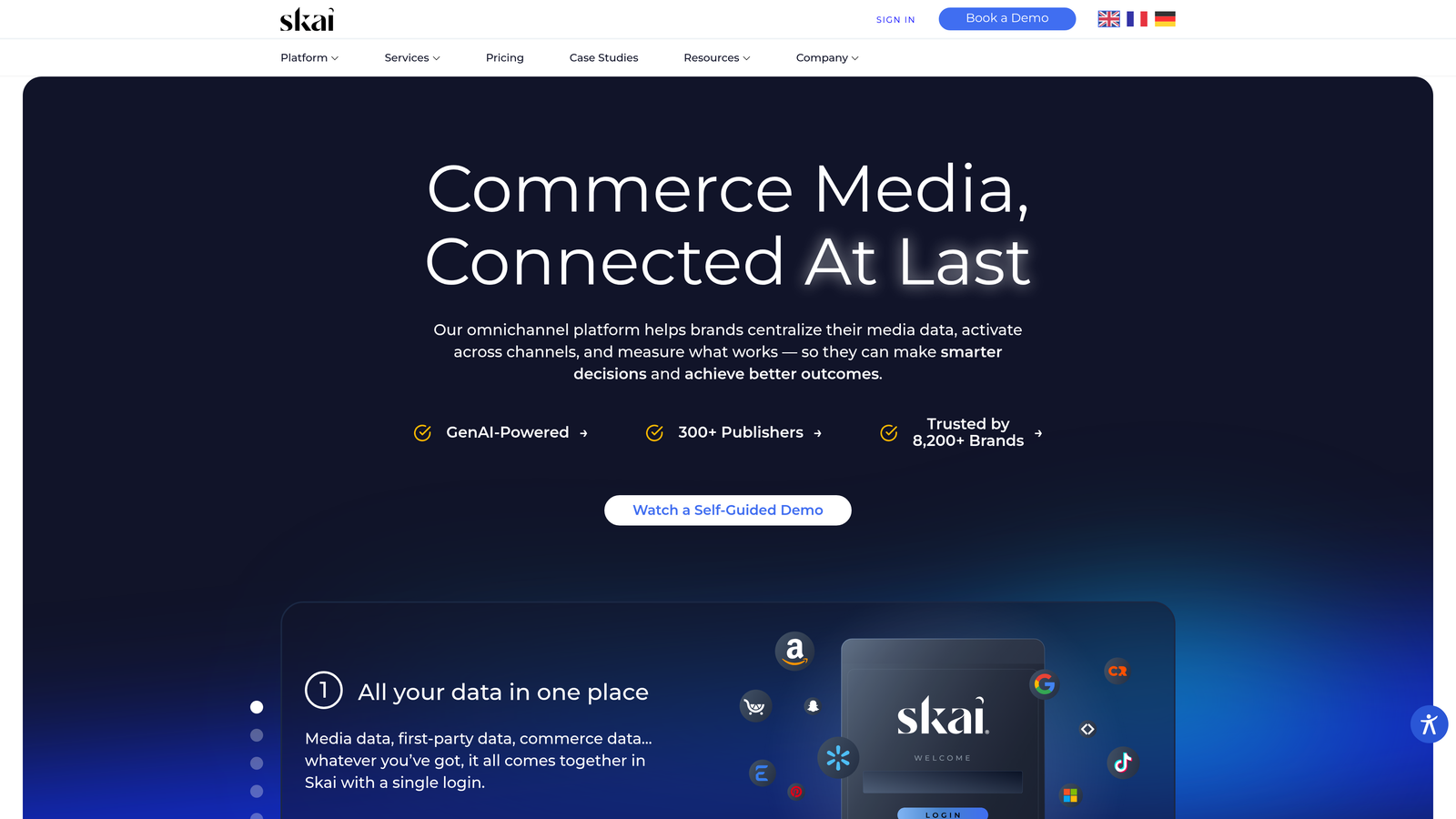
Skai (formerly Kenshoo) is an enterprise omnichannel advertising platform with AI-driven automation for Google Ads, paid social, Amazon, and retail media, all managed from a single interface.
Where This Tool Shines
Skai operates at a level of scale and complexity that most tools don't touch. If you're managing significant budgets across Google, Meta, and Amazon simultaneously, the ability to apply unified automation logic and attribution modeling across all channels in one place is genuinely valuable. The AI-powered budget pacing and predictive bidding are designed for accounts where manual bid management simply isn't feasible.
It's worth being direct: Skai is not built for freelancers or small agencies. The platform is designed for large brands and holding company agencies with dedicated media operations. If that's your context, it's worth evaluating. If it's not, the other tools on this list will serve you better.
Key Features
AI-powered budget pacing: Automatically distributes spend to hit goals without over- or under-delivering.
Cross-channel automation: Unified campaign management across Google, Meta, Amazon, and retail media.
Predictive bid management: Machine learning models that adjust bids based on performance signals in real time.
Advanced audience management: Signal-based optimization and audience segmentation across channels.
Enterprise reporting and attribution: Custom attribution modeling and cross-channel performance analysis.
Best For
Large brands, holding company agencies, and enterprise media teams managing significant cross-channel budgets who need unified automation and attribution at scale.
Pricing
Enterprise pricing. Contact Skai directly for a custom quote.
8. Acquisio
Best for: Machine learning bid optimization for local advertisers and agencies managing high volumes of small-budget campaigns
Acquisio is a machine learning-driven bid and budget management platform designed specifically for local advertisers and the agencies that serve them at scale.
Where This Tool Shines
Local campaign management is a genuinely different challenge from managing a handful of large national accounts. You're often dealing with dozens or hundreds of small-budget campaigns, each with its own location, offer, and performance goal. Manual bid management at that volume is essentially impossible. Acquisio's ML models are specifically tuned for this environment, optimizing bids based on local conversion goals rather than generic account-level signals.
The white-label reporting is a practical feature for agencies that want to deliver polished client reports without building a custom reporting stack. The automated budget reallocation also helps prevent the common local campaign problem of some locations exhausting budget while others underdeliver.
Key Features
ML-based bid optimization: Machine learning models tuned specifically for local campaign goals and small-budget environments.
Automated budget reallocation: Dynamically shifts spend across campaigns and accounts to maximize performance.
White-label reporting: Branded client-facing reports for agency delivery without custom development.
Multi-location campaign management: Built to handle high volumes of location-specific campaigns efficiently.
Performance alerts and pacing controls: Automated notifications and guardrails to prevent budget waste.
Best For
Local marketing agencies managing many small-budget campaigns across multiple locations, and advertisers with local campaign structures that require high-frequency bid optimization.
Pricing
Custom pricing. Contact Acquisio directly for a quote.
9. NinjaCat
Best for: Automated white-label reporting and client dashboard delivery for agencies
NinjaCat is a reporting and analytics automation platform that helps agencies eliminate manual report-building with white-label dashboards and scheduled delivery across channels.
Where This Tool Shines
Reporting is one of the most time-consuming parts of agency work, and it's also one of the least strategic. NinjaCat automates the data pulling, formatting, and delivery so your team isn't spending hours every month building the same client decks from scratch. It connects to Google Ads, Facebook Ads, Google Analytics, and other platforms, consolidating everything into a single branded dashboard.
The template library is particularly useful for agencies that want to standardize reporting across clients without rebuilding from zero each time. Scheduled delivery via email or client portal means reports go out automatically, which removes a recurring operational bottleneck entirely.
Key Features
Automated report generation: Pulls data from Google Ads, Facebook, Analytics, and more into pre-built or custom templates.
White-label client dashboards: Fully branded dashboards with custom logos, colors, and domain options.
Scheduled report delivery: Automatically sends reports via email or client portal on a defined schedule.
Cross-channel data consolidation: Combines performance data from multiple platforms into a single view.
Template library: Standardize reporting formats across all clients to reduce setup time.
Best For
Agencies that spend significant time on manual client reporting and want to automate delivery without sacrificing quality or branding. Not a campaign optimization tool, but an essential workflow automation layer for client-facing teams.
Pricing
Custom pricing. Contact NinjaCat directly for a quote.
Which Tool Is Right for Your Workflow?
The honest answer is that the best tool depends on where your biggest time sink actually is. There's no single platform that handles everything well, and most advertisers benefit from layering a few tools together rather than trying to find one solution that does it all.
Here's a quick breakdown by use case:
If your biggest bottleneck is search term review and keyword management: Start with Keywordme. It's the fastest way to clean up wasted spend and build better keyword lists without leaving Google Ads.
If you need rule-based automation and account-wide optimization logic: Optmyzr is the strongest option, especially for agencies managing multiple accounts with complex bidding requirements.
If you're newer to PPC and want guided recommendations: WordStream Advisor's 20-Minute Work Week gives you a structured starting point without overwhelming you with data.
If ad testing and Quality Score monitoring are your priority: Adalysis handles this better than almost anything else in the market.
If you want free custom automation and have technical resources: Google Ads Scripts offer unmatched flexibility at zero cost.
If you need to connect Google Ads to your CRM, Slack, or other tools: Zapier is the simplest no-code solution for cross-platform workflow automation.
If you're an enterprise team managing cross-channel budgets at scale: Skai or Acquisio are built for that level of complexity.
If client reporting is eating your team's time: NinjaCat automates the delivery layer so your team can focus on actual optimization.
For most freelancers and agency teams, the highest-leverage starting point is fixing the search term review workflow. It's where wasted spend accumulates fastest, and it's where an in-interface tool like Keywordme pays for itself almost immediately.
If you want to see how much time you can reclaim on your next campaign review, Start your free 7-day trial and run through your Search Terms Report the way it was meant to be done: fast, clean, and without leaving Google Ads.
.svg)