
8 Best Google Ads Workflow Automation Extensions in 2026
This guide reviews 8 top Google Ads workflow automation extensions for 2026, comparing pricing, ideal use cases, and limitations to help advertisers cut manual search term cleanup and account management time.


If you manage Google Ads accounts, you know the drill: pull the Search Terms Report, scan for junk queries, add negatives, adjust match types, export to a spreadsheet if the interface gets too clunky, repeat next week. The tools below were chosen because they cut real time out of that loop, whether by living inside the Google Ads interface itself, running scripts in the background, or automating rule-based changes across accounts. Some are literal browser extensions. Others are desktop apps, native Google features, or full web platforms, and the distinction matters for how they fit into your day. Each entry below covers what the tool does, who it suits, and where it falls short so you can match it to your actual workflow rather than just its feature list.
Quick Comparison
- Keywordme: best for solo advertisers and agencies triaging search terms directly in Google Ads; starting price $12/month per user; the only tool here built to run one-click cleanup entirely inside the native Search Terms Report.
- PPC Ninja: best for agencies juggling several accounts; pricing on website; adds broader in-UI bulk-action shortcuts beyond just search terms.
- Google Ads Editor: best for advertisers needing verified, large-scale offline edits; free; the only first-party Google desktop tool for bulk changes.
- Google Ads Scripts: best for technically inclined advertisers wanting custom logic; free; the only option offering fully self-written automation rules.
- Optmyzr: best for agencies managing multiple ad platforms; pricing on website; combines optimization suggestions with cross-channel account audits.
- WordStream Advisor (LocalIQ): best for SMBs wanting a guided routine; pricing on website; its 20-Minute Work Week turns upkeep into a repeatable weekly habit.
- Adalysis: best for teams wanting ongoing account monitoring; pricing on website; the only tool here focused on continuous background auditing and alerts.
- Revealbot: best for advertisers automating Google Ads alongside social channels; pricing on website; rules trigger changes automatically without manual clicks.
1. Keywordme
Keywordme is a Chrome extension that layers one-click optimization actions directly onto the Google Ads Search Terms Report. Instead of exporting search term data to a spreadsheet to sort through what's wasting spend, you work right inside the report you're already looking at: remove junk terms, add negative keywords, and apply match types with a click.
What sets it apart from the rest of this list is scope and depth in one specific place. It doesn't try to be a cross-channel automation platform or a rules engine. It's built to make the single most repetitive Google Ads task, search term cleanup, dramatically faster, without asking you to leave the native interface or learn a new dashboard.
- Clears junk search terms from the report in one click instead of manually flagging and excluding each one
- Applies match types instantly so you're not re-entering keywords in a separate editor
- Builds negative keyword lists as you go, rather than compiling them after the fact in a spreadsheet
- Groups related search terms through keyword clustering, making patterns in wasted spend easier to spot
- Supports bulk editing plus multi-account and team access, useful once you're managing more than one client
Setup is just a Chrome extension install, no separate login or dashboard to learn, and it runs for whoever already works inside the Google Ads account, whether that's a solo advertiser or an agency PPC manager. The tradeoff is that it's purpose-built: if you need automation for Meta or TikTok campaigns too, this isn't that tool. Pricing is a flat $12/month per user, as of September 2026, with a 7-day free trial to test it against your own account's search term volume.
Best for: Solo advertisers and agencies who want faster search term triage without leaving Google Ads.
2. PPC Ninja
PPC Ninja is a Chrome extension that adds bulk-action and automation shortcuts across the Google Ads interface, not just the Search Terms Report. It's aimed squarely at agencies that need to move fast across several client accounts in a single sitting.

Where it pulls ahead of a narrower tool is breadth. Instead of one workflow done well, it covers a range of bulk in-UI actions: negative keyword management, rule-based cleanup, and campaign-level shortcuts, all from inside Google Ads.
- Manages negative keywords in bulk across campaigns instead of one at a time
- Adds shortcut actions throughout the Google Ads UI to cut down repetitive clicks
- Applies rule-based cleanup logic so recurring tasks don't need to be redone manually each time
- Supports multiple accounts, which matters for agencies rotating between client logins
It installs as a Chrome extension, so setup is light, but the broader feature set means a real learning curve. A new user has to figure out which shortcuts apply to which task, whereas a single-purpose tool is more or less self-explanatory on day one. It suits agency operators who are willing to spend a bit of time exploring the interface in exchange for one extension that handles several types of edits. Pricing runs on subscription tiers; check the website for current rates, since PPC tool pricing shifts often.
Best for: Agencies that need one extension to handle several types of bulk Google Ads edits.
3. Google Ads Editor
Google Ads Editor is Google's own free desktop application for making and reviewing large numbers of account changes offline before pushing them live. It's not a browser extension, it's a downloadable app you sign into with your Google Ads credentials.

The advantage here is trust and currency. As a first-party Google tool, it stays aligned with policy changes and interface updates without the lag that can affect third-party software, and Google documents its capabilities directly.
- Lets you draft and review changes offline before uploading, reducing the risk of half-finished edits going live
- Handles multiple accounts from a single interface, useful for agencies managing several clients
- Copies campaigns across accounts, saving you from rebuilding similar structures from scratch
- Shows a change history before posting, so you can catch mistakes before they hit the live account
Setup involves downloading the app and signing in, and it's typically run by whoever handles account structure and bulk campaign builds, often a PPC manager or account strategist. Its limitation is scope: it has no one-click search term automation and no in-browser workflow, so it doesn't replace a tool built specifically for search term triage. It's free, which makes it an easy addition regardless of what else is in your stack.
Best for: Advertisers who need reliable, Google-verified bulk editing across large accounts.
4. Google Ads Scripts
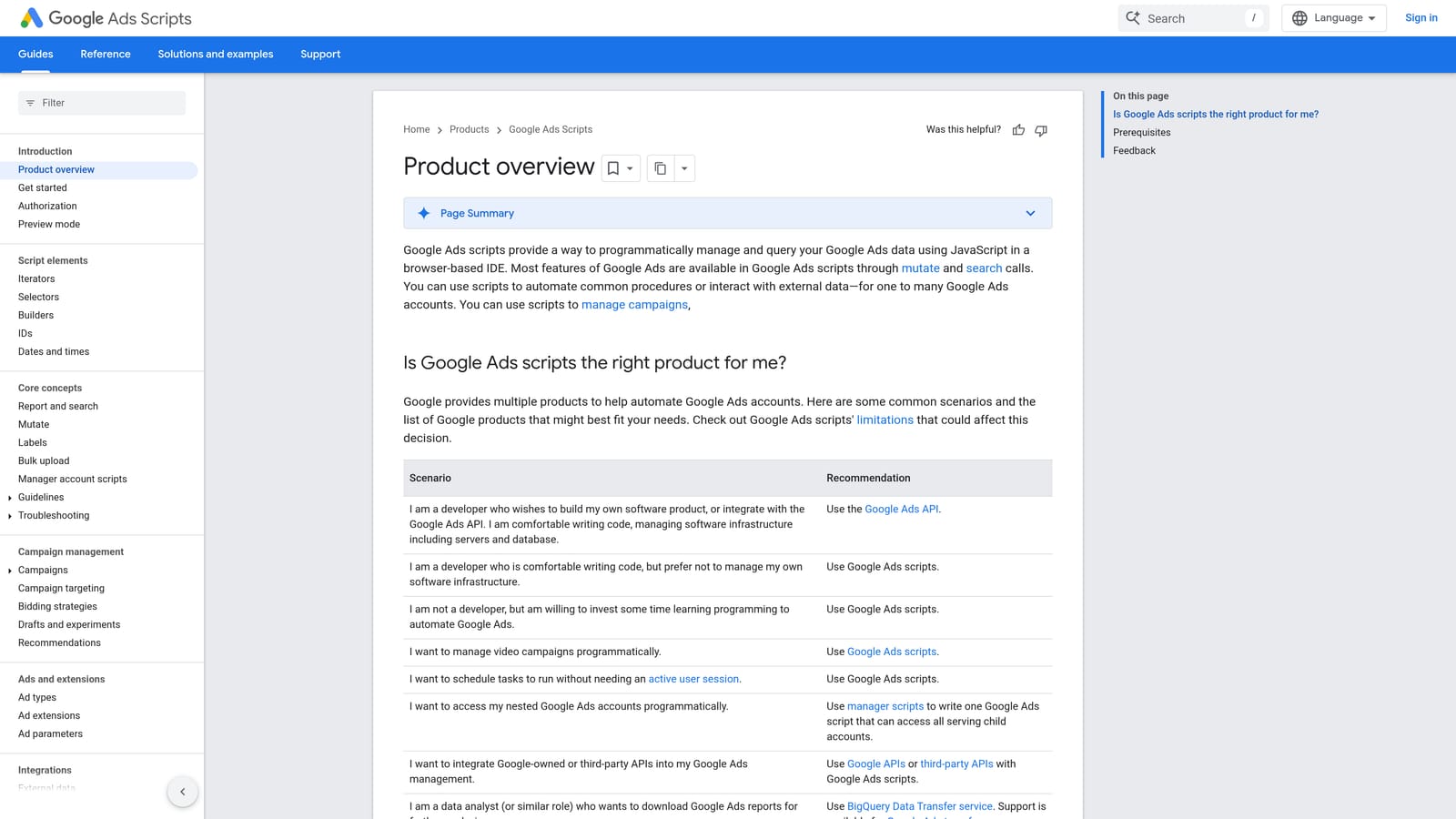
Google Ads Scripts is a native feature inside Google Ads that lets you write JavaScript to automate tasks such as bid changes, performance alerts, and scheduled reports. It runs directly within your account, no separate software required.
What makes it different
Every other automation tool on this list works from a preset menu of options. Scripts hands you full control: you write the logic, so the automation does exactly what you specify, whether that's pausing keywords below a certain quality score or emailing you when spend spikes.
Who can actually use it
- Runs custom scheduled automation on whatever timeline you define, hourly, daily, or weekly
- Adjusts bids and budgets based on logic you write, not a vendor's default rule set
- Sends automated email alerts when specific account conditions are met
- Queries account data directly, giving you flexibility comparable to working with the Google Ads API
The catch is obvious: you need JavaScript skill, or a developer on hand, to build and maintain scripts. That puts it out of reach for a lot of marketers who'd otherwise want the flexibility. It's also free, since it's a built-in Google Ads feature, and it's typically owned by whoever on the team is comfortable with code, sometimes a PPC lead, sometimes a contracted developer.
Best for: Technically inclined advertisers who want fully custom automation without paying for a third-party tool.
5. Optmyzr
Optmyzr is a web-based PPC management platform offering one-click optimization suggestions, rule-based automation, and account audits across multiple ad channels, not just Google Ads.

Its standout trait is combining optimization suggestions with cross-platform account management in a single dashboard. Where Keywordme focuses narrowly on the Search Terms Report and PPC Ninja stays within Google Ads bulk actions, Optmyzr is built for teams managing Google Ads and Microsoft Ads side by side.
- Surfaces one-click optimization suggestions across campaigns instead of requiring manual review of each metric
- Automates bid and budget changes through configurable rules, cutting down on manual adjustments
- Runs account audits across channels, flagging structural or performance issues in one pass
- Builds custom reporting dashboards so client or internal reports don't need to be assembled by hand
Because it's a full platform rather than a lightweight browser add-on, setup takes longer: connecting accounts, configuring rules, and getting your team onto the dashboard is a bigger lift than installing an extension. It's generally run by an agency's PPC lead or ops person rather than an individual freelancer working solo. Pricing is subscription-based and scales with account count, so check the website for current numbers before committing.
Best for: Agencies managing Google Ads alongside other ad platforms who want one automation hub.
6. WordStream Advisor (LocalIQ)
WordStream Advisor, now under LocalIQ, is a PPC management platform that surfaces automated recommendations for wasted spend, keyword changes, and bid adjustments.
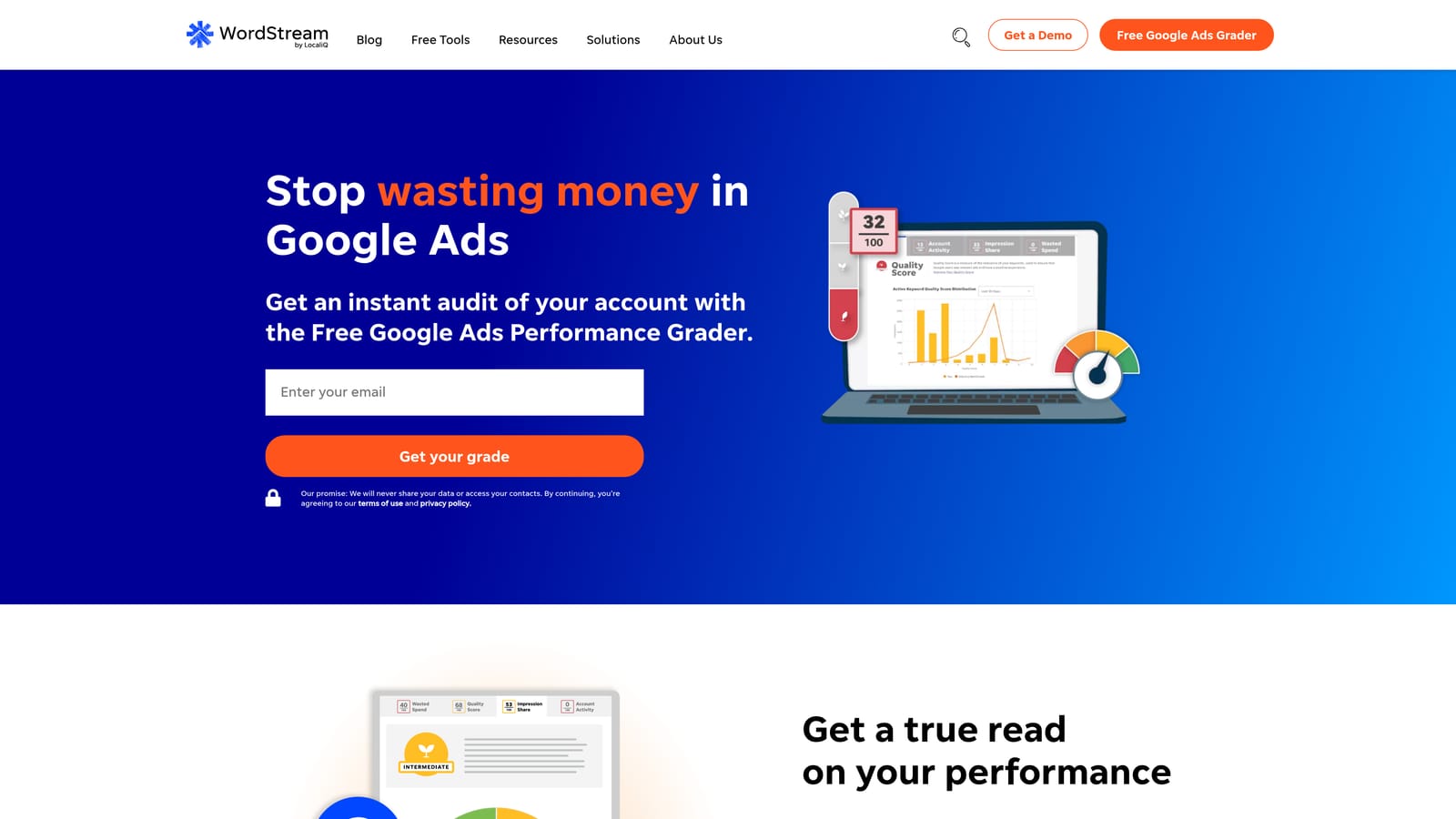
Its defining feature is the "20-Minute Work Week," a guided workflow that packages account upkeep into a short, repeatable routine rather than an open-ended audit. That structure is genuinely different from the other platforms here, which tend to leave you to define your own review cadence.
- Flags wasted spend automatically so you're not manually digging through reports to find it
- Walks you through a structured weekly routine instead of an open-ended optimization checklist
- Suggests keyword and bid changes based on account performance data
- Grades account performance to give a quick read on overall health
It leans toward small and mid-size advertisers rather than large multi-client agency operations. If you're running dozens of accounts with varied structures, the guided routine can feel more rigid than helpful. Setup involves connecting your Google Ads (and optionally Microsoft Ads or social) accounts to the platform, and it's typically run by an in-house marketer rather than a dedicated PPC specialist. Pricing is subscription-based; see the website for current plans.
Best for: SMB advertisers who want a guided, low-effort routine for regular account upkeep.
7. Adalysis
Adalysis is an automated auditing platform that continuously scans Google Ads accounts for quality score issues, ad text problems, and structural errors.
Unlike tools built around one-click execution, Adalysis's value is in ongoing background monitoring. It flags new issues as they appear instead of requiring you to schedule and run a manual audit yourself.
- Runs ongoing automated audits so issues surface without you having to look for them
- Checks ad text and landing pages for problems that could hurt Quality Score or compliance
- Sends alert notifications the moment a new issue is detected
- Includes split-testing tools for ad copy, useful once you've cleaned up structural issues
The tradeoff is that it's focused on auditing and alerts rather than one-click execution of changes inside the Search Terms Report. It tells you what's wrong; it doesn't necessarily fix it for you with a single click the way Keywordme does for search term cleanup. It's typically run by whoever owns account quality control, often a PPC manager checking alerts weekly rather than daily. Pricing is subscription-based, tied to ad spend, so confirm current tiers on the website.
Best for: Teams that want ongoing account health monitoring layered on top of manual optimization work.
8. Revealbot
Revealbot is a rule-based automation platform that triggers bid, budget, or status changes automatically once performance conditions are met, across Google Ads, Meta Ads, and TikTok Ads.
Its defining trait is that rules run on their own once set. You're not clicking through the interface to apply a change; the platform executes it the moment your conditions are met, which is a meaningfully different workflow from every extension-based tool on this list.
- Builds condition-based rules so changes happen automatically instead of manually
- Adjusts bids and budgets the moment performance thresholds are crossed
- Applies the same rule logic across multiple ad channels, not just Google Ads
- Sends Slack and email alerts when rules trigger, keeping you informed without constant checking
Because Revealbot was originally built for social ad automation, its Google Ads-specific rule library is narrower than what you'd get from a Google Ads-native tool. If your spend is almost entirely on Search campaigns, you may find some rule types feel more tailored to Meta or TikTok than to Google Ads. Setup requires connecting each ad account and building out rules, a task usually owned by a PPC manager or automation specialist. Pricing is subscription-based, tied to ad spend tier, so check the website for current rates.
Best for: Advertisers running Google Ads alongside social channels who want one automation rule engine for all of them.
Matching the Tool to the Task in Front of You
If your biggest time drain is weekly search term cleanup, Keywordme handles that specific job inside the Google Ads interface itself, no exporting, no separate dashboard. If you're managing bulk account edits across several clients, PPC Ninja or Google Ads Editor cover that ground, with the Editor being the free, Google-verified option and PPC Ninja offering broader in-UI shortcuts. If you have development resources and want fully custom logic, Google Ads Scripts costs nothing but your time to build it.
For broader rule-based or audit-driven account management, Optmyzr, WordStream Advisor, Adalysis, and Revealbot each take a different angle: cross-channel optimization, a guided weekly routine, continuous auditing, or automated rule execution across ad platforms. Which one fits depends on how many channels you run and how hands-off you want the process to be.
If search term cleanup is eating your week, that's the easiest place to start. Optimize Google Ads campaigns 10x faster without leaving your account. Keywordme lets you remove junk search terms, build high-intent keyword lists, and apply match types instantly, right inside Google Ads. No spreadsheets, no switching tabs, just quick, seamless optimization. Start your free 7-day trial (then just $12/month) and take your Google Ads game to the next level.
.svg)