
9 Best Tools for Google Ads vs Third-Party Dashboards in 2026: Native, Extension, and Platform Options
This guide breaks down Google Ads vs third party dashboards by comparing nine tools across native, extension, and platform categories. It covers where each tool sits, which PPC jobs it handles, how openly it prices, and whether it suits a solo advertiser or an agency, so you can decide where your PPC work should happen.


Whether you run a handful of accounts or a few dozen, you need to decide where the work happens: in the native Google Ads interface, in an extension layered on top of it, or in a separate platform or dashboard. The tools below were chosen by where they sit (inside Google Ads or outside it), which PPC jobs they cover (search term cleanup, bulk edits, audits, automation, reporting), how openly they price, and whether they suit a solo advertiser or an agency. Prices and features change, so check each vendor's site before buying. Details here reflect the tools as of October 2026, and several vendors do not publish prices at all.
Quick Comparison of Native, Extension, and Dashboard Tools
- Keywordme: freelancers and agencies who want faster search term cleanup; $12/month per user; adds one-click actions directly inside the Google Ads Search Terms Report.
- Google Ads (native interface and Editor): small accounts and tight budgets; free; first-party data and controls with no sync lag.
- Optmyzr: agencies managing many accounts; see website for pricing; a large library of reviewable optimization tools.
- Adalysis: teams that want monitoring and ad testing insight; see website for pricing; automated audits and alerts across accounts.
- Google Looker Studio: marketers building free client reports; free; custom dashboards with sharing at no license cost.
- Supermetrics: reporting teams combining many channels; see website for pricing; one data pipeline for many marketing sources.
- Swydo: agencies sending branded monthly reports; see website for pricing; white-label templated reporting built for agencies.
- DashThis: non-technical marketers who want quick dashboards; see website for pricing; template-based setup priced by dashboard count.
- Google Sheets with Google Ads scripts: technical advertisers who want custom logic; free; fully customizable analysis you control.
1. Keywordme
Keywordme is a Chrome extension that adds one-click actions to the Search Terms Report inside Google Ads. It is our own product, so weigh this section with that in mind. It is built for freelancers and agency teams who spend a lot of time sorting search terms (what people actually typed) into keywords worth bidding on and negative keywords worth blocking.
The distinctive part is where it lives. You stay in the native interface, so there is no separate dashboard to log into and no weekly export to a spreadsheet. Keywordme says it can make optimization up to 10x faster; that is the company's own claim, not an independent benchmark, and your speedup will depend on how you work today.
- Add negative keywords straight from the Search Terms Report with one click, instead of copying terms into a separate list.
- Add search terms as keywords with your chosen match types applied, which cuts down on manual entry mistakes.
- Cluster related keywords so you can build tighter groups faster.
- Edit in bulk when the same change applies to many terms.
- Share access across multiple accounts and team members, which suits agencies handling several clients.
Setup is a browser extension install, and the person doing the weekly search term review is usually the one who runs it. The limits are real. Keywordme focuses on search term and keyword workflows only. It has no cross-channel reporting and no client-facing dashboards, so it will not replace a reporting tool. It also requires Chrome. Remember that it speeds up your decisions; you still review each term and decide what to add or block.
Pricing: $12/month per user, so cost scales with the number of seats. A 7-day free trial is offered; verify current terms on the site.
Best for: Freelancers and agencies who want faster search term cleanup without leaving Google Ads.
2. Google Ads (Native Interface and Editor)
The Google Ads interface, plus the free Google Ads Editor desktop app for bulk changes, is the baseline every other tool on this list is measured against. Everything you do elsewhere ends up here anyway. For many small accounts, it is all you need.
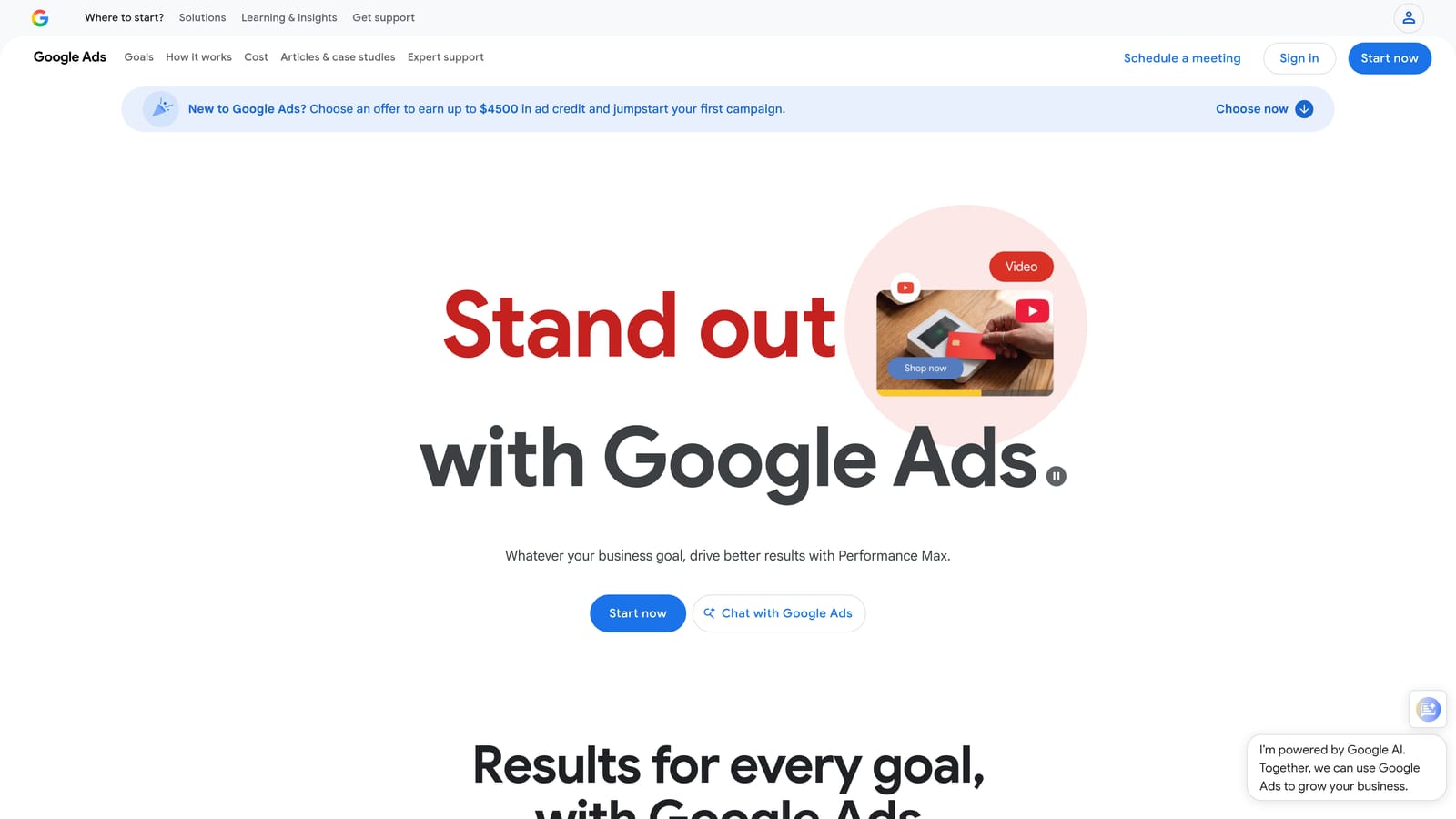
Its edge is first-party data and control. What you see is current, with no sync lag, no connector to break, and no extra bill. Editor lets you download accounts, make many edits offline, and post them back, which is the right tool for large structural changes.
- The search terms report shows the queries that triggered your ads, so you can find waste and new keyword ideas.
- Shared negative keyword lists let you apply one set of blocks across multiple campaigns.
- Automated rules and scripts handle routine changes on a schedule.
- Google Ads Editor handles bulk edits across campaigns and accounts.
- Recommendations suggest changes, which you can review before applying.
It connects to Google Analytics, Looker Studio, and the Google Ads API, so third-party tools can plug into it. The downside is time. Reviewing search terms by hand is slow once an account has real volume, and cross-account reporting is basic. If you manage many clients, you will feel that quickly. Treat Recommendations as suggestions to evaluate against your goals, not instructions.
Pricing: Free to use. You pay for ad spend only.
Best for: Advertisers with small accounts or a tight budget who can handle manual work.
3. Optmyzr
Optmyzr is a PPC management platform that sits outside Google Ads and layers rule-based optimization and reporting on top of your accounts. It is designed for agencies and in-house teams that run many accounts and want the same checks applied consistently across all of them.

What sets it apart on this list is breadth: a large library of optimization tools, each of which you can review before acting. That makes it a good fit when you want structure and repeatability rather than ad hoc cleanup.
- Optimization tools and one-click recommendations point out specific changes you can review and apply.
- A rule engine lets you set your own conditions and automate routine checks.
- Reporting helps you share results with clients or stakeholders.
- Multi-account management keeps many accounts in one place, so you are not logging in and out of each.
It supports Google Ads, Microsoft Ads, and Amazon Ads, so it also helps if you run more than one search platform. Expect a steeper learning curve than a lightweight extension, since there is a lot to configure and learn. The cost and complexity can be hard to justify for a small account with a few campaigns. Someone on the team, usually a PPC lead, needs to own the setup and decide which tools to use.
Pricing: Tiered; see the website for current plans. Expect the price to depend on the size of your accounts and the plan you choose.
Best for: Agencies managing many accounts that want structured, repeatable optimizations.
4. Adalysis
Adalysis is an auditing and monitoring platform for paid search. Where other tools help you make changes, Adalysis mostly tells you what needs attention. If your worry is that something is quietly broken across accounts, this is the category it addresses.
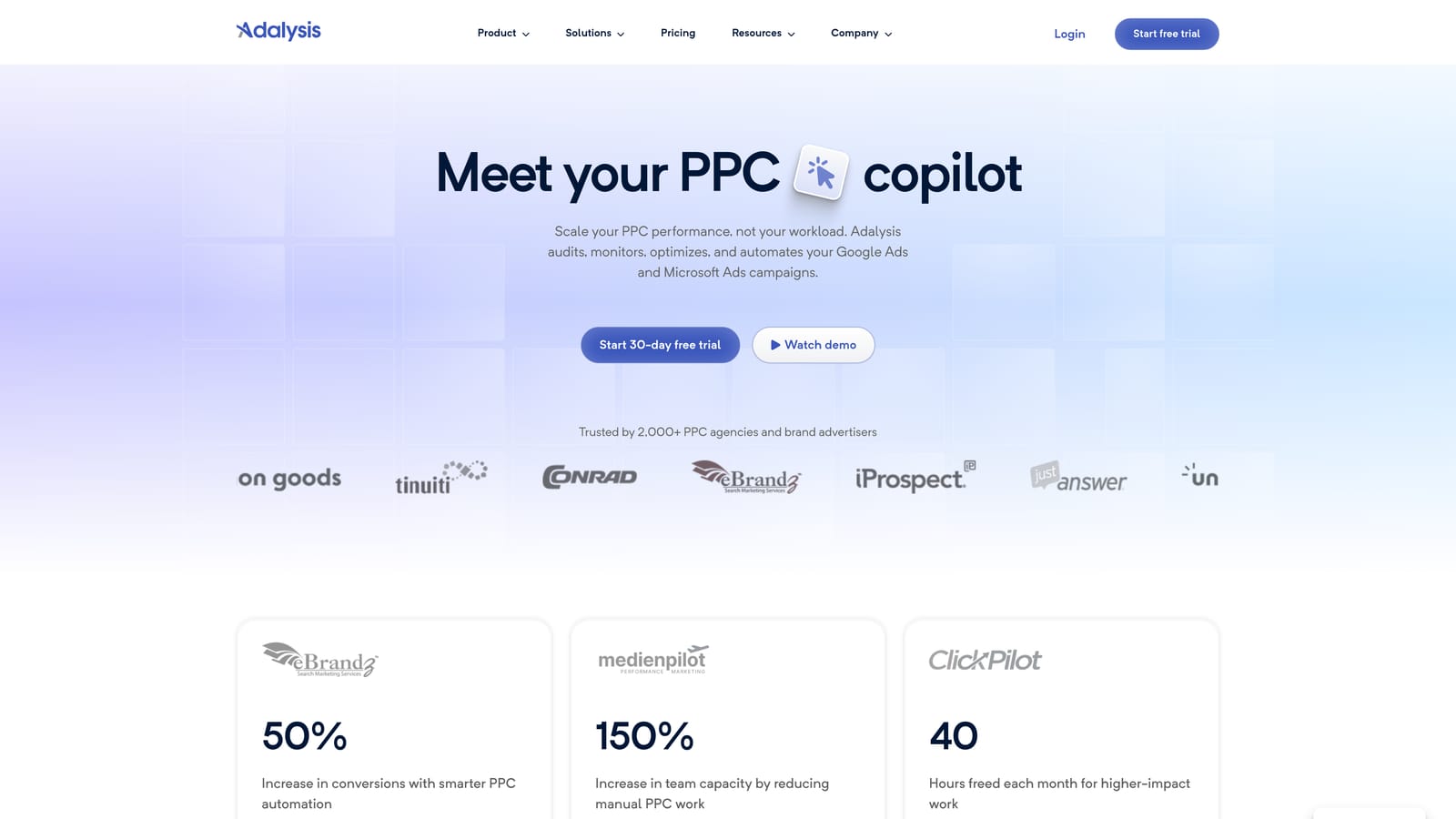
Its strength is automation of the checking itself. Audits and alerts surface issues you would otherwise find only by combing through accounts manually.
- Automated account audits flag problems and missed opportunities without a manual walkthrough.
- Alerts tell you when something changes or breaks, so you can react quickly.
- Ad testing analysis shows which ad variations are winning, so you can make decisions with more confidence.
- Quality and budget monitoring keeps an eye on spend and account health.
It works with Google Ads and Microsoft Ads. The main limitation is that it is analysis-first. Many of the fixes it points to still need manual action, in Google Ads or elsewhere, so it does not replace a tool for the hands-on work like search term cleanup. A PPC manager or account lead typically reviews its output regularly.
Pricing: Account-based; see the website for current plans. The price is tied to the accounts you connect.
Best for: Teams that want ongoing monitoring and ad testing insight.
5. Google Looker Studio
Google Looker Studio is a free dashboard and reporting tool with a Google Ads connector. It is the usual starting point when a client asks for a report that looks better than a screenshot from the interface.

Its distinguishing feature on this list is cost: custom dashboards you can share, at no license fee. It shows the work; it does not do the work.
- Custom dashboards let you choose the metrics and layout your client cares about.
- The Google Ads connector pulls campaign data in without exports.
- Data blending combines sources, such as ad data and analytics, in one view.
- Scheduled report delivery sends reports on a regular cadence without manual effort.
It also works with Google Analytics, Google Sheets, and partner connectors for other platforms. Setup takes some time, because building a clean template is a project, though you can reuse it across clients. The key limit is that it is reporting only. It cannot edit campaigns, add negatives, or change bids, so it will not fix wasted spend by itself. Some partner connectors may cost money.
Pricing: Free. Paid connectors from partners may apply.
Best for: Marketers building free client-facing reports.
6. Supermetrics
Supermetrics is a data connector. It moves data from ad platforms into the places where you report or store it, such as Looker Studio, Google Sheets, Excel, or a data warehouse. It is for people whose reporting spans more than Google Ads.
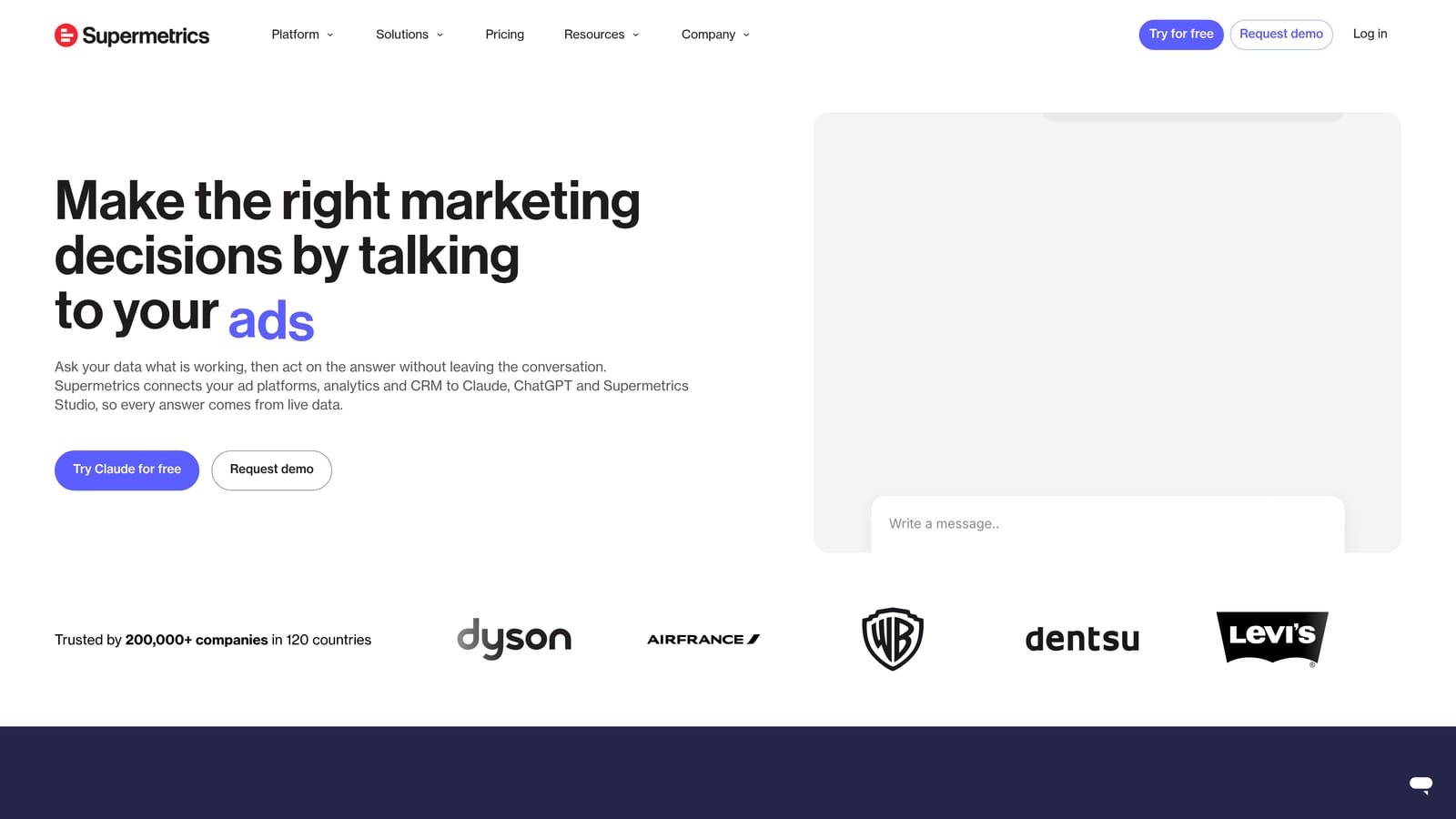
The point of difference is consolidation: many marketing data sources flow through one pipeline, so you are not stitching together separate exports for each channel.
- Connectors for many ad platforms mean you can pull Google Ads and other channels into the same report.
- Destinations include Looker Studio, Sheets, and Excel, so you can use the tools you already know.
- Data warehouse support suits teams with larger or more technical reporting setups.
- Scheduled refreshes keep reports current without manual pulls.
It integrates with Google Ads and the destinations above. It is a pipeline, not an optimization tool, so it will not tell you which search terms to block or what to change in an account. Setup is more involved than clicking through a template, and usually falls to whoever owns reporting or analytics.
Pricing: Tiered; see the website. Cost typically depends on the connectors and destinations you need.
Best for: Reporting teams combining data from multiple channels.
7. Swydo
Swydo is a reporting and monitoring platform aimed squarely at agencies. If your monthly ritual is building a client report with your logo on it, this is built for that job.
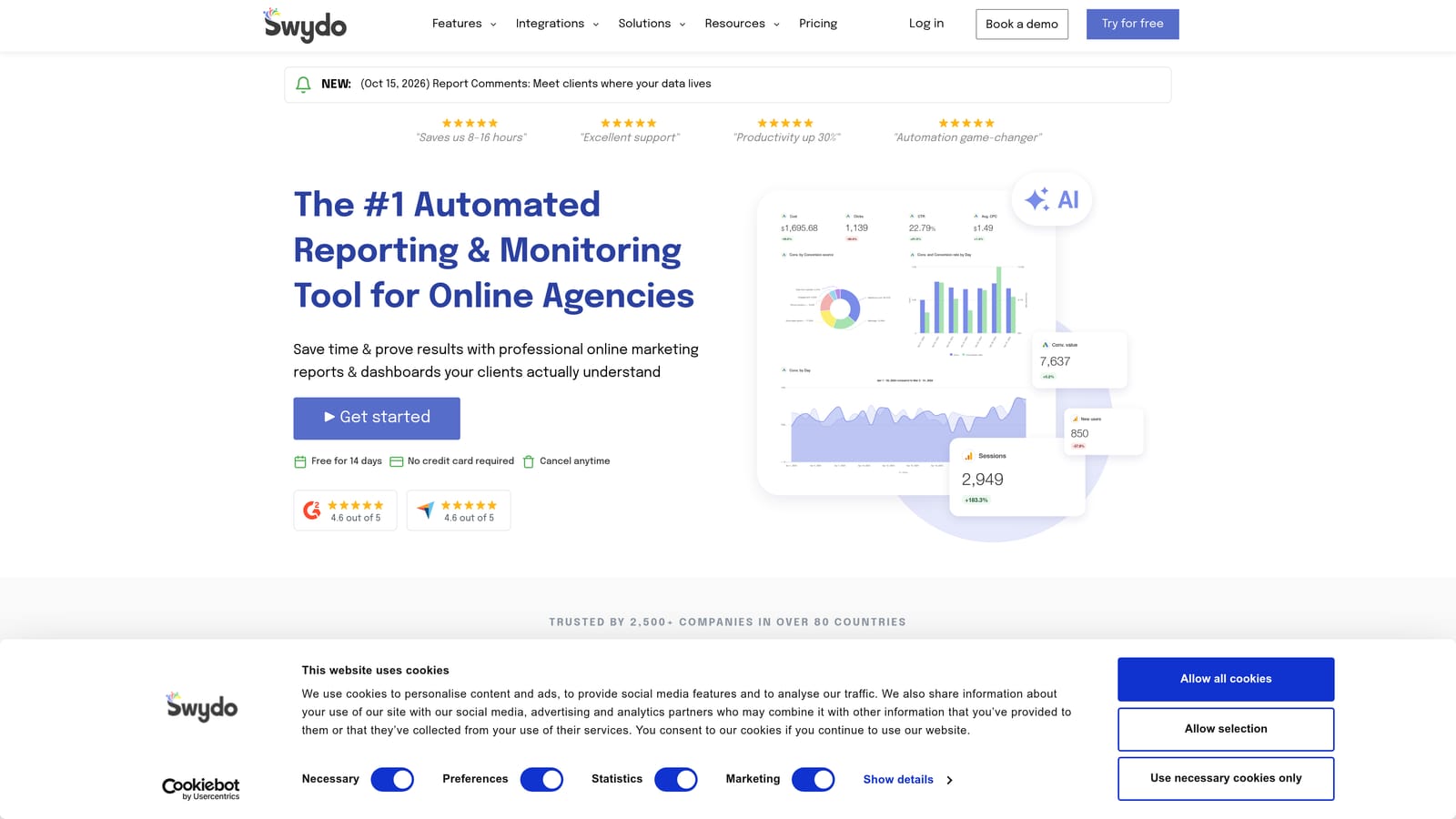
What it does that the others here do not is white-label, templated reporting designed around agency workflows.
- Automated client reports cut down the monthly time spent assembling decks.
- White-label options let you present reports under your own brand.
- KPI tracking keeps the numbers your clients care about front and center.
- Report templates let you standardize across clients and reuse your setup.
It connects to Google Ads, Google Analytics, and Meta Ads, among other sources. Setup is light compared with a full optimization platform, and account managers usually run it. It does not edit campaigns or search terms, so you still need another tool or the native interface to make changes. It is a good fit for communicating results, not for producing them.
Pricing: See the website for current plans.
Best for: Agencies that need branded monthly client reports.
8. DashThis
DashThis is a template-based marketing dashboard tool. It is meant for people who want a dashboard running quickly without learning a data tool first.
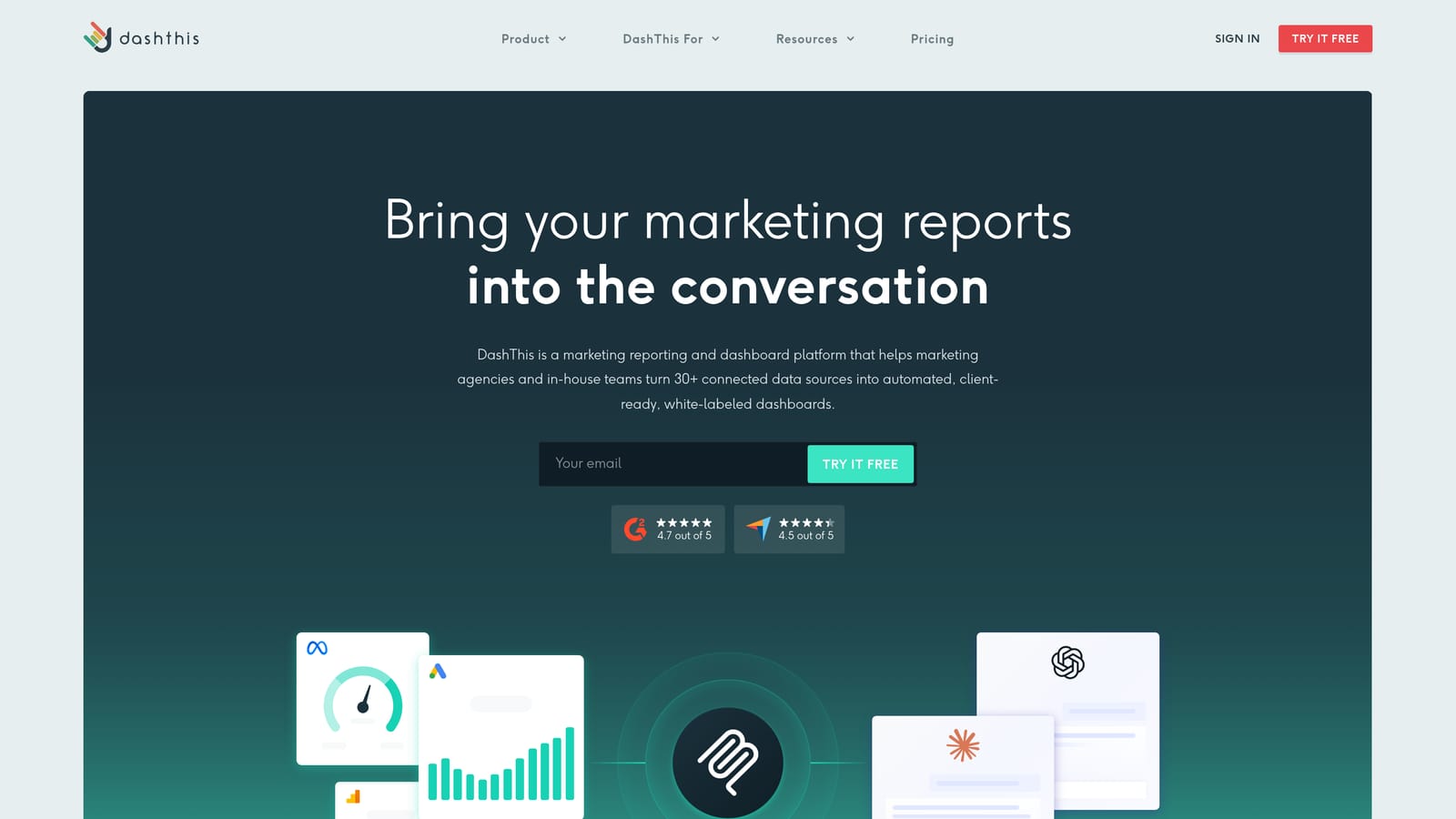
Its distinguishing trait is speed of setup, along with a pricing model based on how many dashboards you need rather than how many people use it.
- Prebuilt report templates get you to a usable dashboard without designing from scratch.
- Many marketing integrations let you combine PPC with other channels in one view.
- Automated report sharing sends dashboards to clients or colleagues on a schedule.
- Dashboard-based plans make cost predictable if you know how many reports you need.
It integrates with Google Ads, Google Analytics, and Meta Ads, among others. The tradeoff is depth: it is reporting only, with limited PPC-specific analysis, so it will show you spend and results without helping you find the waste behind them. Most users are marketers or account managers rather than technical specialists.
Pricing: See the website. Cost is tied to the number of dashboards you need.
Best for: Non-technical marketers who want simple, fast dashboards.
9. Google Sheets with Google Ads Scripts
The Google Ads scripts approach pairs scripts that run inside your account with Google Sheets for output. It is the do-it-yourself route, and it is for people comfortable writing code.

The strength is control. You decide the logic, such as which search terms get flagged and how the sheet is laid out, with no license fee.
- Custom search term analysis lets you flag terms using your own rules rather than a vendor's.
- Scheduled script runs automate the repeat work so it happens without you.
- Flexible reporting layouts let you build the sheet exactly the way you want it.
- No license cost keeps the bill at zero.
It connects Google Ads and Google Sheets. The catch is that you build and maintain it. That requires JavaScript skills, and when Google changes something or a script breaks, you are the one fixing it. Also, a script that flags terms still needs a human to decide what to do with them. It is not a good choice for a team without someone technical.
Pricing: Free.
Best for: Technical advertisers who want custom logic without paying for software.
Matching the Tool to the Job: Optimization Versus Reporting
The real split is between tools that help you do the work and tools that help you show it. A reporting dashboard will not fix wasted spend, and a search term tool will not produce a client deck. Buying one to solve the other's problem is the most common mistake.
If your pain is slow search term cleanup, stay native or add Keywordme to speed up the review inside Google Ads. If you run many accounts and want structured optimization and audits, Optmyzr or Adalysis are the stronger fits. If the pain is reporting, pick from Looker Studio, Supermetrics, Swydo, or DashThis depending on budget and how many channels you cover. Many teams pair one in-interface tool with one reporting tool.
Keywordme is the one to try if you spend hours in the Search Terms Report. Optmyzr suits agencies needing repeatable optimization across accounts, and Looker Studio is the cheapest way to start reporting well.
Optimize Google Ads Campaigns 10X Faster. Without Leaving Your Account. Keywordme lets you remove junk search terms, build high-intent keyword lists, and apply match types instantly, right inside Google Ads. No spreadsheets, no switching tabs, just quick, seamless optimization. Start your free 7-day trial (then just $12/month) and take your Google Ads game to the next level.
.svg)