
8 Best Google Ads Tools Without Dashboards for Faster Optimization in 2026
A practical guide to google ads tools without dashboards.


If you run Google Ads for a living, you probably don't want one more login just to clean up search terms or check on bids. This list is for marketers, freelancers, and agency owners who would rather work inside Google Ads, or in a lightweight format like an extension, script, built-in feature, or spreadsheet. Tools were chosen for how much manual PPC work they remove and how little extra dashboard time they ask for. "No dashboard" is a spectrum, so each entry says plainly how far it goes.
Quick Comparison of the Tools
- Keywordme: advertisers and agencies who clean search terms weekly; $12/month per user; adds one-click keyword and negative actions directly in the native Search Terms Report.
- Google Ads Scripts: technical advertisers who want custom automation; free; fully custom code that runs inside your account with no third-party software.
- Google Ads Editor: people building or restructuring large accounts; free; offline bulk editing with a review step before you post changes.
- Google Ads Automated Rules and Recommendations: simple scheduled automation and quick health checks; free; built into the account with nothing to install.
- Google Sheets with Google Ads data connectors: lightweight client reporting; free, add-on pricing varies; reporting you fully control without a BI dashboard.
- Optmyzr: agencies managing many accounts; pricing on its website; rule-based optimization workflows that scale across accounts.
- Adalysis: agencies running structured ad tests and audits; pricing on its website; the deepest ad testing and audit focus on this list.
- Google Ads Mobile App: quick checks and urgent changes away from your desk; free; control from your phone.
1. Keywordme
Keywordme is our own product, so weigh this entry with that in mind. It's a Chrome extension that adds one-click actions to the Search Terms Report inside Google Ads. A quick definition: search terms are what people actually typed into Google, while keywords are what you bid on. Keywordme sits at the point where you turn one into the other, or block it.
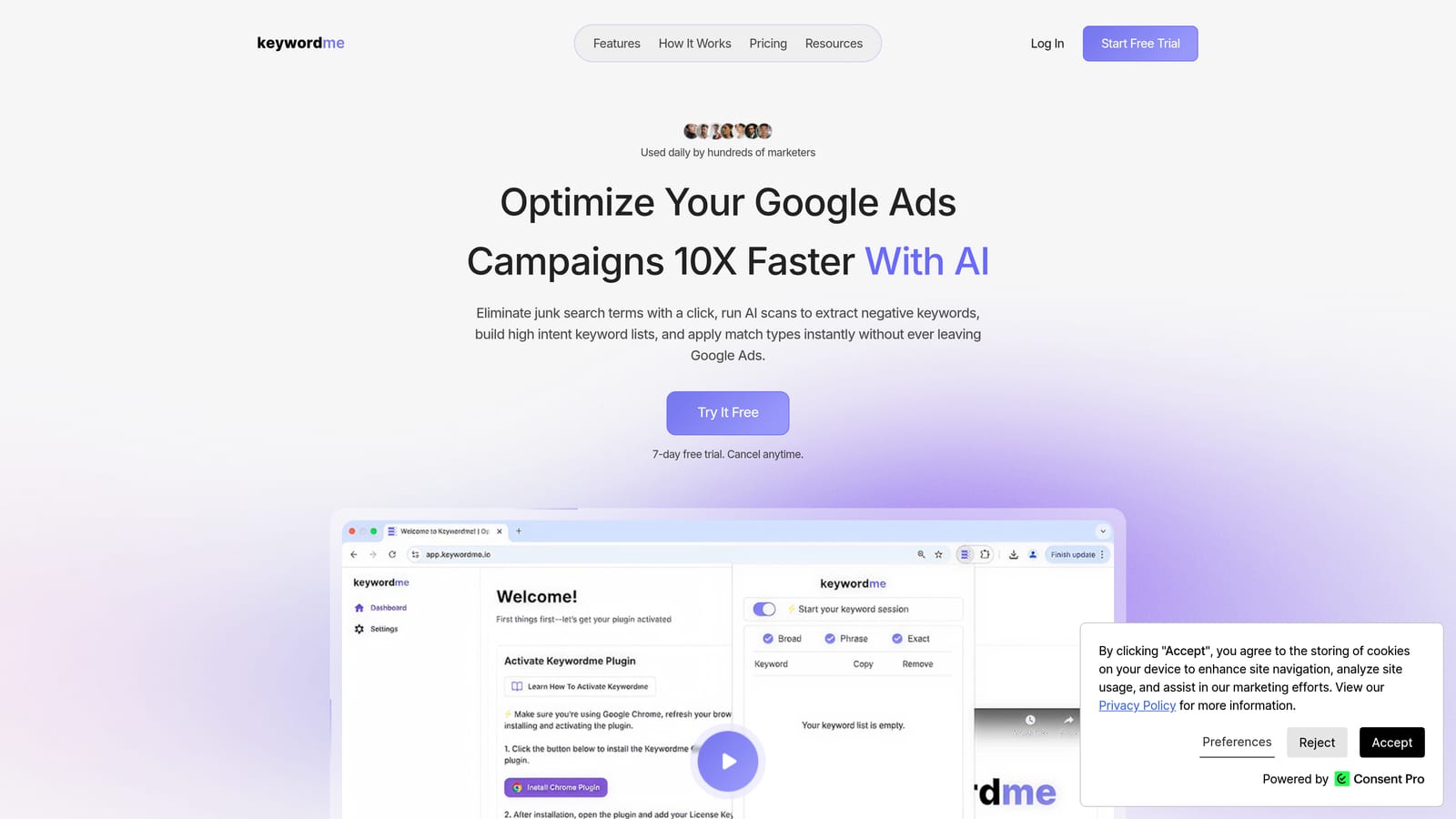
What it does differently from everything else here is work in the native Google Ads interface itself. There's no export, no separate dashboard, and no spreadsheet in the middle. You look at the report you already use and act on rows directly.
- Add a search term as a keyword or as a negative keyword with a click, so a weekly cleanup doesn't mean copying and pasting between tabs.
- Apply match types instantly, which keeps new keywords consistent with how you structure campaigns.
- Keyword clustering helps you group related terms into tighter keyword lists.
- Bulk editing lets you handle many rows at once instead of one at a time.
- Multi-account and team support suits agencies where several people touch several clients.
Setup is installing the extension in Chrome and opening Google Ads. Whoever does search term reviews runs it day to day, whether that's a freelancer or a junior on an agency team. Keywordme's own marketing says it helps you optimize up to 10x faster; treat that as the vendor's claim, since your gain depends on how much manual cleanup you do now.
The limits are real. It focuses on search terms and keywords, so there's no bid automation, no reporting, and no ad creative. It's Chrome-only. It also doesn't decide for you: you still review each term, and the classic mistake of adding a search term as a broad match negative and blocking good traffic is still yours to avoid.
Pricing is $12 per month per user, with a 7-day free trial, as of publication. Cost scales with the number of users, not with ad spend or accounts.
Best for: Advertisers and agencies who clean search terms and build keyword lists every week.
2. Google Ads Scripts
Google Ads Scripts is Google's built-in JavaScript automation. You write code in the account, schedule it, and it runs there with no outside software. If a task can be described as logic, such as pausing ads that hit a threshold or emailing you when spend spikes, a script can probably do it.
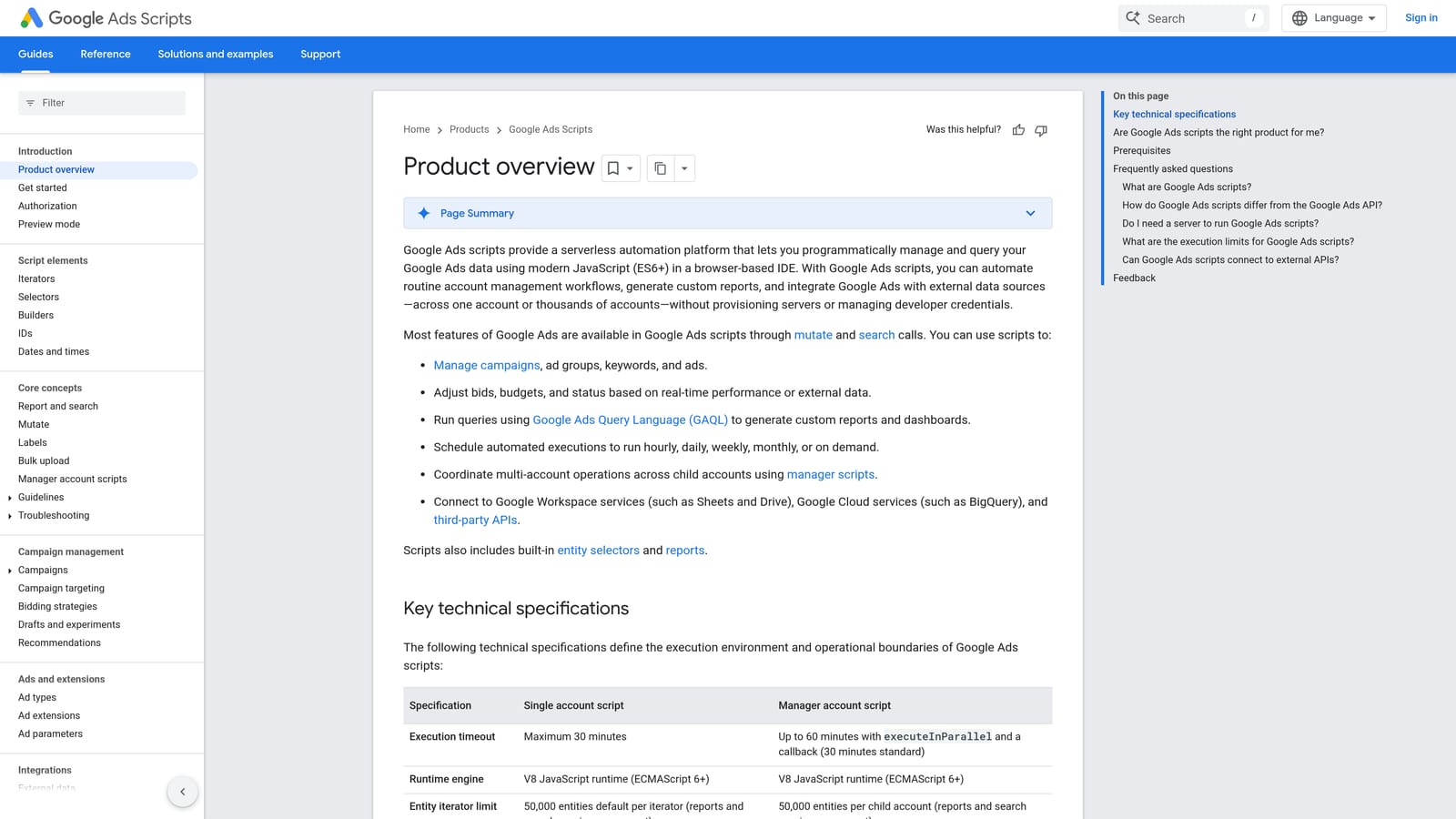
Its distinctive strength is total flexibility. Nothing else on this list lets you build exactly the check or change you want, for free, without leaving Google's own environment.
- JavaScript automation inside Google Ads lets you encode your own rules instead of settling for preset ones.
- Scheduled runs mean checks happen hourly, daily, or weekly without you remembering.
- Email alerts and reports flag problems like budget overspend as they happen.
- Account and campaign changes via code let a script act, not just report.
- Writing data to Google Sheets gives you simple reporting without a dashboard.
It integrates with Google Sheets and Gmail. Setup effort depends entirely on who you are. If you code, a basic alert script is quick to adapt from Google's documentation. If you don't, expect a steep climb or a freelance developer.
That's the main limitation: it needs coding skills and ongoing maintenance. Scripts can break when Google changes things, and someone has to own them. A script that changes your account also deserves careful testing before it runs unattended. It's not a good fit for a marketer who just wants to click through search terms.
Pricing is free.
Best for: Technical advertisers who want custom alerts and automations.
3. Google Ads Editor
Google Ads Editor is Google's free desktop application for managing campaigns in bulk. It's honest to say this is a separate app, so it reduces dashboard time rather than eliminating it. What it replaces is the slow, click-by-click editing in the browser when you have hundreds or thousands of items to change.

Where it's strong
Structural work. Building a new account, duplicating campaigns for new regions, or rewriting ad copy across many ad groups is far faster here than in the web interface. You download accounts, edit offline, then review every change before posting it live, which is a useful safety net.
- Bulk edits across campaigns and accounts save hours on large restructures.
- Offline editing lets you work on a plane or a bad connection and post later.
- Copy and paste between accounts speeds up building similar accounts for different clients.
- Change review before posting lets you catch mistakes before they hit live campaigns.
- CSV import and export bridges to spreadsheets when you want to prep changes elsewhere.
Where it isn't
It isn't built for search term analysis. You can edit keywords and negatives in it, but the judgment work of reviewing what people searched happens elsewhere. It also requires installing and syncing a desktop app, and a team needs to agree who posts changes to avoid overwriting each other.
It integrates with your Google Ads accounts directly. Pricing is free.
Best for: Building and restructuring large accounts in bulk.
4. Google Ads Automated Rules and Recommendations
Google Ads automated rules and Recommendations are native features, so there's nothing to install and no extra login. Automated rules perform simple actions on a schedule. The Recommendations tab suggests improvements and shows an optimization score.
The standout here is zero friction. If you want a basic safety net today, this is the quickest route, because it lives where you already work.
- Rules can change status, budgets, or bids on a schedule, for example pausing a campaign at the end of a promotion.
- Email alerts tell you when a rule runs or a condition is met.
- The Recommendations tab surfaces suggestions you might not have considered.
- Optimization score gives a rough health signal across an account.
- Review before applying means suggestions don't change anything until you accept them.
Setup is minimal and anyone with account access can do it. The limitations are in the logic. Rules are basic, so complex conditions are out of reach, and that's where Scripts or a third-party platform come in.
Recommendations need a critical eye. They are Google's suggestions, not verdicts on what's right for your business, and accepting them blindly is a common way to add broad keywords or loosen targeting you didn't intend. Treat the optimization score as a prompt to look, not a target to hit.
Pricing is free.
Best for: Simple scheduled automation and quick health checks.
5. Google Sheets with Google Ads Data Connectors
Google Sheets is a way to get reporting without a dedicated BI dashboard. You pull Google Ads data into a sheet, then build whatever view you need with formulas, pivot tables, and charts.
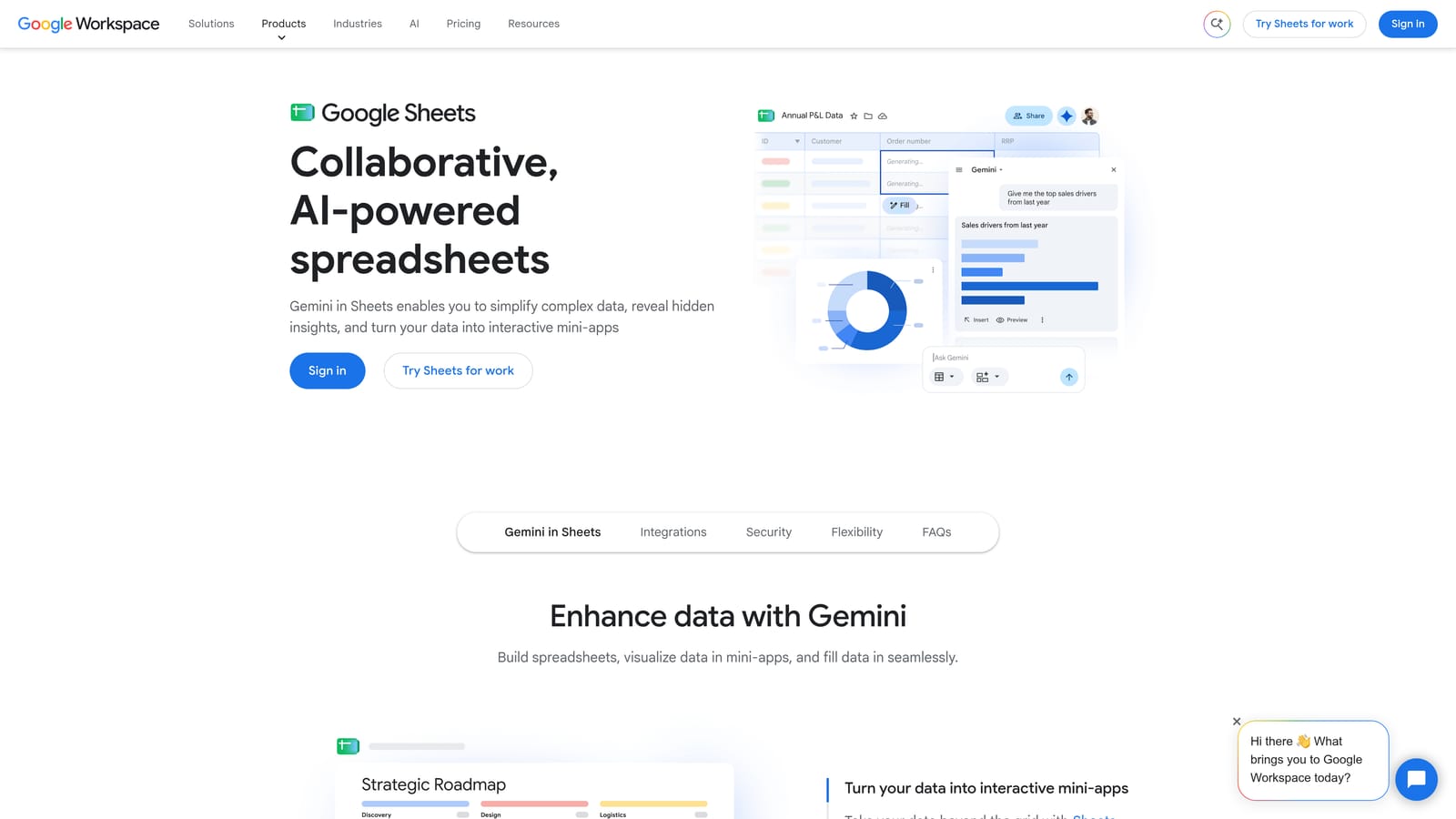
What it does well is flexibility you control. You decide the metrics, the layout, and what a client sees, and sharing is as easy as sharing a link.
- Custom reports with formulas let you calculate the exact metrics your clients ask about.
- Data arrives via Google Ads Scripts or add-ons, so check which current options suit you before committing.
- Easy sharing means clients see a live link instead of a PDF.
- Pivot tables and charts let you slice performance by campaign, device, or anything else you pulled in.
It integrates with Google Ads Scripts and the wider Google Workspace. Setup depends on the connection method: a script-based feed takes some code, while an add-on is usually more point and click. Whoever owns reporting runs it, and it needs regular upkeep when columns, accounts, or client requests change.
That upkeep is the catch. It's still spreadsheet work, and formulas break, connections expire, and a report can quietly go stale. It also does nothing to optimize an account on its own. If your pain is search term cleanup rather than reporting, it won't help.
Sheets is free with a Google account. Add-on pricing varies by provider.
Best for: Lightweight custom reporting for clients.
6. Optmyzr
Optmyzr is a third-party PPC management platform with rule-based optimizations and audits. To be upfront, it has its own interface, so it's on this list for cutting manual work, not for avoiding a dashboard entirely.

Its edge is scale. Agencies with many accounts can apply the same optimization logic across clients instead of repeating checks by hand.
- Rule-based automation applies your logic across accounts so routine checks don't depend on memory.
- One-click optimizations turn findings into changes with less manual editing.
- Account audits flag issues across structure, ads, and keywords.
- Reporting helps you produce client-facing updates from the same platform.
- Bid and budget management covers the levers agencies adjust most often.
It supports Google Ads and Microsoft Advertising. Setup means connecting accounts and configuring rules, and a good result takes some time investing in that configuration. Usually a PPC lead or account manager runs it.
For a solo advertiser with one or two accounts, it can be more than you need, and learning another platform may cost more time than it saves. It also isn't an in-account tool, so you'll be logging in to it.
Pricing is tiered by ad spend; see the Optmyzr website for current plans.
Best for: Agencies managing many accounts that want scalable automation.
7. Adalysis
Adalysis is a PPC auditing and testing platform. It highlights ad testing opportunities and wasted spend, and it's the most audit-focused tool on this list.
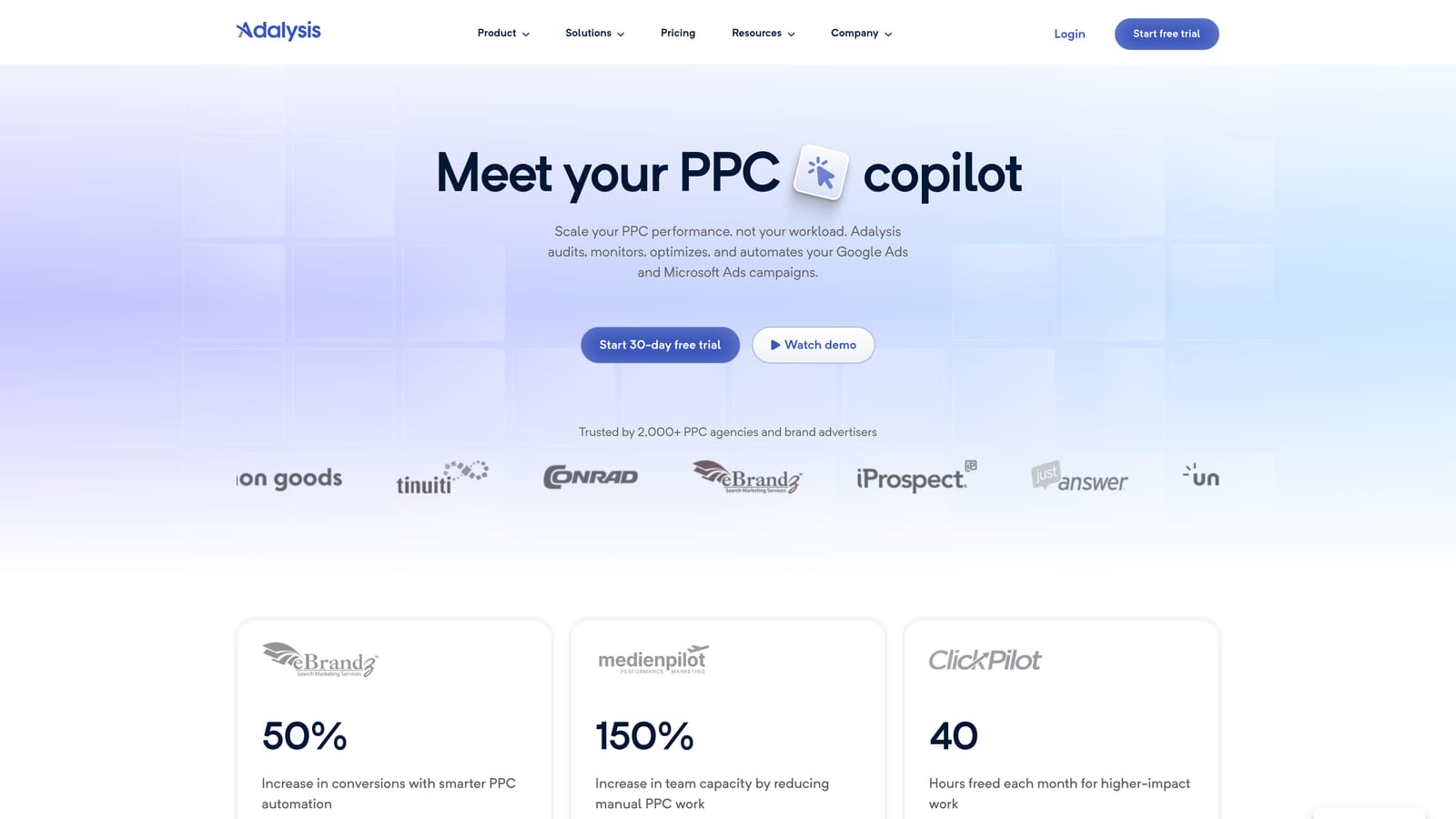
The thing it does best is systematic ad testing. If your team wants a repeatable process for deciding which ad variations to keep, it provides structure that the free native tools don't.
- Ad testing and analysis help you see which ads are winning and which are worth replacing.
- Account audits find structural and performance issues you might miss in manual reviews.
- Alerts flag changes or problems so you don't discover them at month-end.
- Search term and quality insights point to wasted spend and weak spots in relevance.
- Reporting supports client updates built from audit findings.
It works with Google Ads and Microsoft Advertising. You connect accounts and review what it surfaces, so setup is lighter than building automation from scratch. An analyst or account manager normally owns the review.
It lives in its own interface and is about auditing and recommendations rather than acting inside the account, so you'll still make the changes in Google Ads or elsewhere. Solo advertisers with a handful of campaigns may not use enough of it to justify the cost.
Pricing is based on ad spend; see the Adalysis website for current plans.
Best for: Agencies running structured ad tests and account audits.
8. Google Ads Mobile App
The Google Ads mobile app is Google's official app for monitoring and making quick changes from your phone. It's the lightest-weight option here, and the one you'll use when you're nowhere near a laptop.
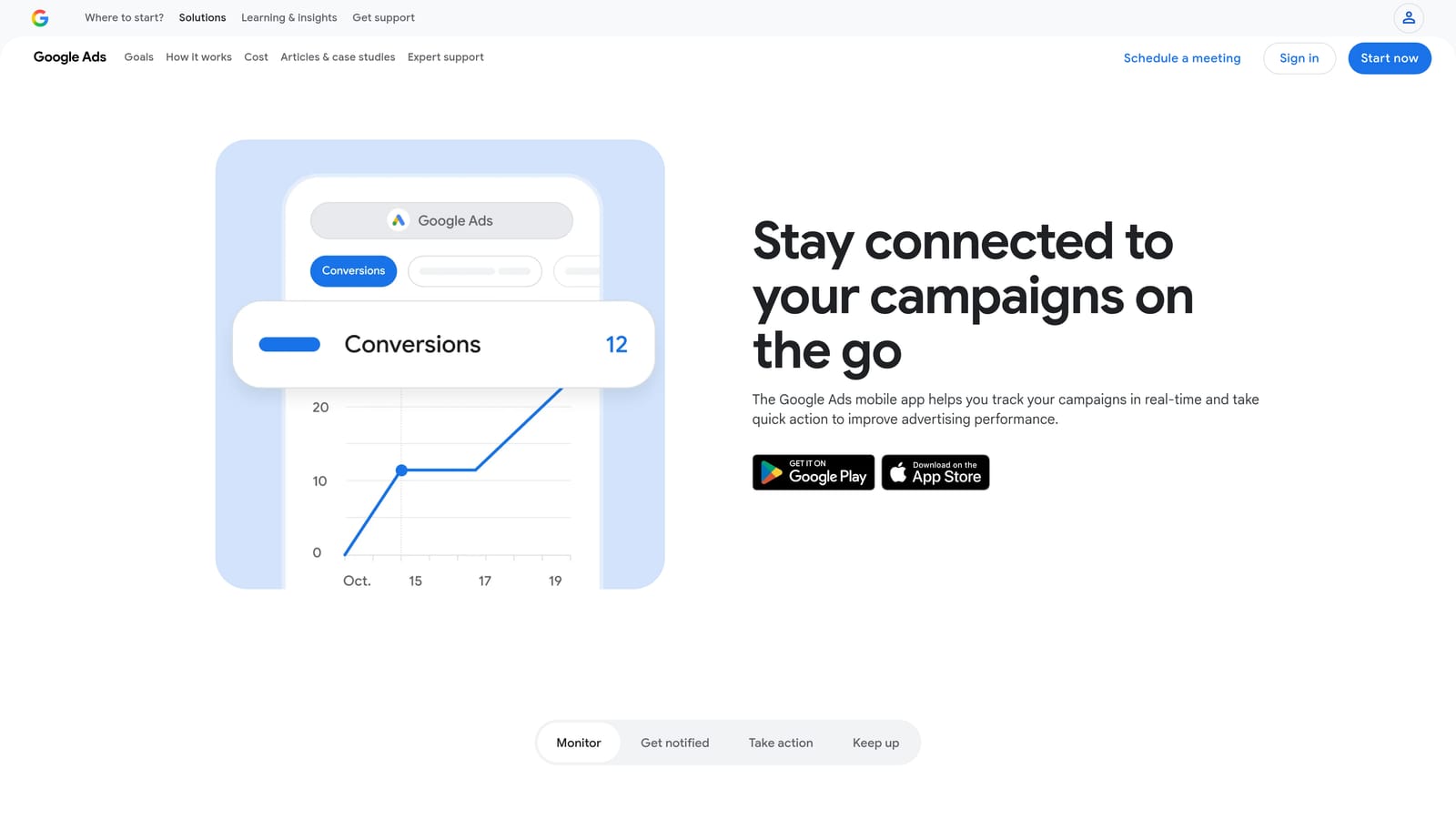
Its standout is immediacy. When a budget is burning faster than expected on a Saturday, you can act in minutes.
- Campaign monitoring gives you a quick look at performance without opening a browser.
- Pause and enable campaigns lets you stop a problem fast.
- Budget adjustments help you respond to overspend or a surge in demand.
- Alerts push important changes to your phone.
- Recommendation review lets you look at suggestions on the go, ideally with the same skepticism you'd apply on desktop.
It connects to your Google Ads accounts, installs in minutes, and anyone with access can use it. The tradeoff is depth. A phone screen is a poor place for deep search term cleanup or keyword building, and it isn't meant to be. Think of it as a remote control, not a workbench.
Pricing is free.
Best for: Quick checks and urgent changes away from your desk.
Which Tool Fits Which Job
Most people on this list will end up combining two or three tools, because none of them covers everything. Here's how the picks break down by situation:
- In-interface search term and keyword cleanup: Keywordme. It's built for the weekly job of reviewing search terms and turning them into keywords or negatives without leaving the report.
- Free automation: Google Ads Scripts if you can code, automated rules if you can't.
- Bulk builds and restructures: Google Ads Editor.
- Agency-scale audits and optimization: Optmyzr or Adalysis, depending on whether you want broad automation or deeper ad testing.
- Quick checks on the move: the Google Ads mobile app.
If search terms are where your time goes, start there. Keywordme lets you work inside Google Ads, and you stay in control of every term you add or block.
Optimize Google Ads Campaigns 10X Faster. Without Leaving Your Account. Keywordme lets you remove junk search terms, build high-intent keyword lists, and apply match types instantly, right inside Google Ads. No spreadsheets, no switching tabs, just quick, seamless optimization. Start your free 7-day trial (then just $12/month) and take your Google Ads game to the next level.
