
8 Best Google Ads Tools vs Spreadsheets: What to Use for PPC Optimization in 2026
A practical guide to google ads tools vs spreadsheets.


If you manage Google Ads in spreadsheets, you've probably wondered whether a dedicated tool would save real time or just add another login. This list is for marketers, freelancers, and agency owners weighing that question. Each tool is judged on the spreadsheet job it replaces (search term cleanup, keyword building, bulk changes, reporting, rules), how much setup it needs, and what it costs. The spreadsheet itself is included as an honest baseline. Pricing and features are as of October 2026, so check each vendor before you buy.
The Tools Side by Side
- Keywordme: freelancers and agencies cleaning up search terms often; $12/month per user; works inside the native Search Terms Report with no export or import step.
- Google Ads Editor: anyone making large structural changes or building accounts; free; official offline editing with a review step before changes post.
- Google Ads Scripts: technical advertisers who want custom automation; free; fully custom logic written in code.
- Google Ads Automated Rules: people who want basic recurring checks without code; free; no-code rules that run inside the account on a schedule.
- Optmyzr: agencies managing many accounts; tiered pricing, see the vendor's site; cross-account optimization workflows.
- Looker Studio: anyone sending client reports; free; live shareable dashboards that replace pasted reports.
- Google Sheets: one-off audits and custom analysis; free; unlimited flexibility for any analysis you can imagine.
1. Keywordme
Keywordme is a Chrome extension that adds one-click actions to the Search Terms Report inside Google Ads. It's our own product, so here's the plain version: it does one job, and it's built for people who do that job constantly.
A quick definition first. A search term is what someone actually typed into Google. A keyword is what you bid on. A negative keyword stops your ads from showing for matching searches. The classic spreadsheet routine is to export search terms, mark the junk, copy the negatives back, and import them. Keywordme collapses that loop into clicks on the report you're already viewing.
- Add negative keywords straight from the Search Terms Report, so junk terms stop costing you without an export.
- Add high-intent search terms as keywords with the match type you choose, which avoids the common slip of adding a negative as broad when phrase or exact was intended.
- Cluster keywords so you can group related terms and spot themes instead of scanning long lists row by row.
- Bulk edit keywords, handy when a review turns up dozens of changes at once.
- Work across multiple accounts with team support, which suits agencies sharing a workflow.
Setup is installing the extension and opening Google Ads in Chrome. The person doing the weekly search term review runs it day to day, and nobody needs technical skills.
The limits are real. It's focused on search term and keyword workflows, so it isn't a reporting tool and it doesn't automate bids. It requires Chrome. And it doesn't decide anything for you: you still read each search term and judge intent yourself, which is the part a spreadsheet can't do either.
Pricing is $12/month per user with a 7-day free trial, so cost scales with seats rather than ad spend. Confirm the current terms on the Keywordme site.
Best for: Freelancers and agencies doing frequent search term cleanup.
2. Google Ads Editor
Google Ads Editor is Google's free desktop application for editing accounts in bulk. You download your account data, make changes locally, review them, and post them back. That draft-and-review step is what sets it apart from anything else here: you see every pending change before it goes live.

Its natural territory is structure. Building a new account with hundreds of ad groups, renaming campaigns, or swapping ad copy across many campaigns is far less painful here than in the browser. It also accepts CSV imports and copy-paste, so if your spreadsheet is a planning document, Editor is the way to push that plan into the account.
- Bulk edit across campaigns and ad groups, so one change doesn't mean fifty manual ones.
- Import and export CSV files, or paste from a spreadsheet, to connect your planning sheets to the account.
- Manage multiple accounts in one app, which saves logging in and out.
- Review changes before posting, catching mistakes while they're still drafts.
- Work offline, then sync when you're ready.
There is a learning curve, and you'll want to download fresh account data before each session so you aren't editing something that's gone stale. The bigger limitation is purpose. Editor isn't built for search term analysis: it's where you apply decisions in bulk, not where you find them. If your pain is reading through search queries and sorting good from junk, this won't help much.
It's free. Nothing moves the price.
Best for: Large structural changes and account builds.
3. Google Ads Scripts
Google Ads Scripts lets you write JavaScript that runs inside your Google Ads account on a schedule. If your spreadsheet routine is "pull numbers, check them, flag problems," a script can do all of that automatically and write the results to a Google Sheet or email you.

This is the most flexible option on the list and the most demanding. You can build any check you can describe in code: a budget pacing alert, a report of search terms above a spend threshold, a broken-URL scan. Nobody else on this list offers fully custom logic.
- Schedule automation so a check runs daily or weekly without you opening a spreadsheet.
- Send custom alerts, so you hear about problems before the client does.
- Read from and write to Google Sheets, which keeps your existing sheets alive but fills them automatically.
- Build custom reports around the exact metrics you care about.
- Run at account level or across a manager account (MCC), useful for agencies with many clients.
The catch is that someone must write and maintain the code. Scripts break when requirements change, and a script nobody understands becomes a liability when its author leaves. If nobody on your team writes JavaScript, you'll either borrow scripts and hope, or spend more time debugging than you ever spent in spreadsheets.
Scripts also won't make judgment calls for you. They can flag a search term that spent money without converting, but whether it's junk or just slow is still your decision.
Scripts are free, with no price tiers. Your real cost is the hours spent building and maintaining them.
Best for: Technical advertisers who want custom automation.
4. Google Ads Automated Rules
Limits first: Google Ads automated rules handle simple if-then logic, and that's all. They can't tell whether a search term is relevant to your business.
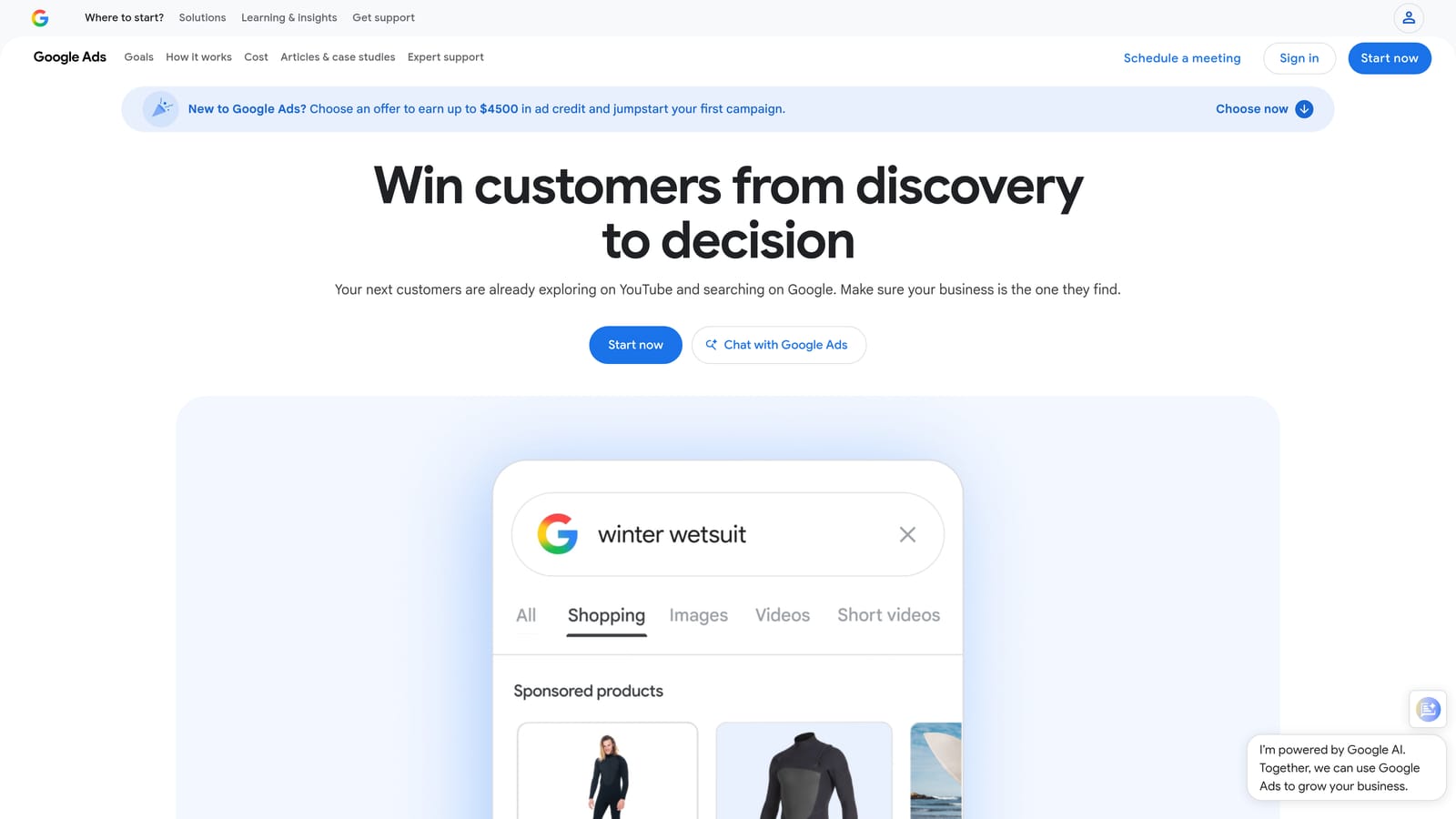
Within that limit they're useful. You set a condition, an action, and a schedule, and Google Ads runs it for you with no code and no extra tool. A typical use is pausing a campaign when cost passes a threshold, or emailing you when conversions drop to zero. It replaces the spreadsheet habit of checking the same few numbers every Monday.
- Pause or enable campaigns, ad groups, or ads when conditions are met, so routine switching doesn't depend on your memory.
- Adjust bids and budgets by rule, for simple, predictable changes.
- Send email alerts, which turns a manual check into a notification.
- Run on a schedule you choose, from one-time to recurring.
Setup takes minutes inside the account, and whoever owns the account can run it. That's its appeal, and its ceiling. Rules work on metrics, not meaning. A rule that pauses keywords with high spend and no conversions can't distinguish a bad keyword from a good one with a short data window, so rules can pause things you'd rather keep. Review what a rule will do before you switch it on, and recheck it when your account changes.
They're free, so there's nothing to compare on price.
Best for: Basic recurring checks without coding.
5. Optmyzr
Optmyzr is a third-party PPC management platform aimed at people running many accounts. Where the tools above each do one thing, Optmyzr bundles optimization suggestions, rule-based automation, account audits, and reporting into one product.

Its distinctive strength is working across accounts. An agency with dozens of clients can run the same audits and checks everywhere instead of rebuilding a spreadsheet template for each one. That's the job it's designed to replace: the sprawling master workbook with a tab per client.
What you get
- Optimization suggestions you can review and act on, rather than hunting for issues yourself.
- Rule-based automation that goes beyond what native automated rules offer.
- Account audits for quickly assessing a new or inherited account.
- Reporting you can produce for clients without assembling it by hand.
- Multi-account management, so one workflow covers your whole book.
What to weigh
It supports Google Ads and Microsoft Advertising; check the vendor's site for other platforms. Setup means connecting accounts and learning the platform, and someone on your team needs to own it, since a big toolset left alone just becomes another unused login.
The main limitation is fit. A solo advertiser with a few accounts will likely pay for depth they don't use. Pricing is tiered, and I'm not quoting figures since they change; see the Optmyzr site for current plans and what moves the price.
Best for: Agencies managing many accounts.
6. Looker Studio
Looker Studio is Google's free dashboarding tool, and it replaces one specific spreadsheet chore: the monthly report where you export numbers, paste them into a template, and send a PDF. Connect it to Google Ads and the dashboard updates itself.

That live link is the point. A client opens a link and sees current performance, so you stop sending stale snapshots. If reporting eats more of your week than optimizing, this is probably the highest-return swap on the list.
- Pull data through the Google Ads connector, so no manual export is needed.
- Share live dashboards by link, giving clients self-serve access.
- Blend data from sources like Google Analytics, to see ad spend next to site behavior.
- Build calculated fields for metrics Google Ads doesn't show by default.
- Schedule report delivery, so reports arrive without you remembering to send them.
It also connects to Google Sheets and offers partner connectors for other platforms, which is helpful if you're mixing ad channels. Building a good template takes a few hours the first time, then gets reused across clients.
The limitation is simple: it reports and nothing else. It can't pause a keyword, add a negative, or change a bid. Think of it as the output side of your workflow, paired with something else for the actions. Complex dashboards with lots of blended data can also load slowly.
The standard version is free. A paid Pro tier exists, so check Google's current details if you need team-management features.
Best for: Client reporting without manual updates.
7. Google Sheets
The baseline, and it earns its place. Google Sheets can do almost any analysis you can imagine with pivot tables and formulas, which none of the tools above match for sheer flexibility. Want to cross-tabulate search terms by word count, then compare conversion rates by match type? Sheets does it in minutes.
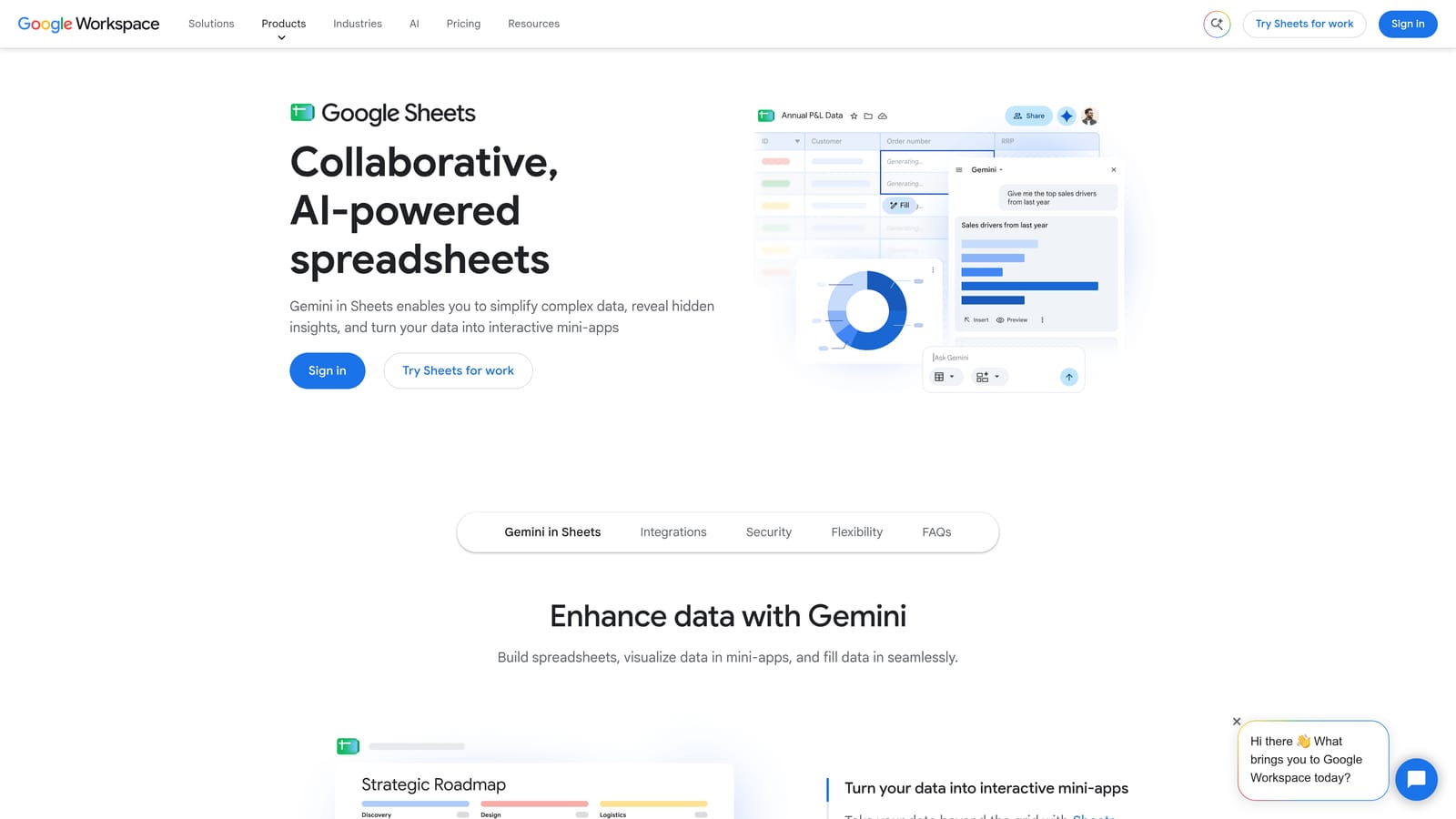
The trouble is the trip data takes. You export from Google Ads, analyze, decide, then re-enter your decisions in the account by hand or by import. There's no direct path back. That causes the typical problems: exports that are stale by the time you act on them, and negatives pasted in with the wrong match type because the sheet column said one thing and the upload assumed another.
- Pivot tables and formulas let you slice search term data any way you want.
- Flexible one-off analysis means you can answer odd questions without waiting for a vendor feature.
- Collaboration lets several people comment and edit the same file.
- Data can arrive by export, add-ons, or Scripts, and the last of these can keep a sheet refreshed automatically.
It also connects to Looker Studio, so a sheet can feed a dashboard. Setup is nearly zero and anyone can run it, which is why it persists.
It's free with a Google account, with paid Workspace plans if you need them. Cost is never the issue; your time is. If you review search terms weekly, the export-and-reimport loop is the cost, and that's what the tools above are meant to cut.
Best for: One-off audits and custom analysis.
Matching Your Workload to the Right Setup
You don't have to pick one. Most good setups combine two or three of these, and the right mix depends on which spreadsheet job costs you the most.
- Solo advertiser doing weekly search term cleanup: Keywordme, since the review happens where the data lives. Add Looker Studio if reporting is a chore too.
- Agency managing many accounts: Optmyzr for cross-account audits and automation, Keywordme for the hands-on search term work, and Google Ads Editor for big builds.
- Reporting-heavy clients: Looker Studio, because live dashboards end the monthly copy-paste.
- Coders who want automation: Google Ads Scripts, with automated rules covering the simple checks.
- When a spreadsheet is still right: one-off audits, odd analysis questions, and anything where you need flexibility more than speed.
If search term cleanup is your biggest time sink, that's where to start.
Optimize Google Ads Campaigns 10X Faster. Without Leaving Your Account. Keywordme lets you remove junk search terms, build high-intent keyword lists, and apply match types instantly, right inside Google Ads. No spreadsheets, no switching tabs, just quick, seamless optimization. Start your free 7-day trial (then just $12/month) and take your Google Ads game to the next level.
.svg)