
Google Ads Tools vs Manual Optimization: 7 Tools Worth Comparing
This guide compares Google Ads tools vs manual optimization across the three tasks that consume the most account management time: search term cleanup, bid and match type management, and account auditing. It breaks down 7 specific tools, including pricing and best-fit use cases, to help advertisers decide what to automate and what to keep doing by hand.


Deciding between manual optimization and software usually isn't an either-or choice. Most Google Ads tools automate one specific slice of the workday, whether that's scanning the Search Terms Report for junk, bulk-editing hundreds of keywords, or auditing account structure, while final judgment calls still sit with you. The tools below were chosen because they map directly onto the three tasks that eat up the most manual time: search term cleanup, bid and match type management, and ongoing account auditing.
Quick comparison
- Keywordme: best for solo advertisers and agencies doing daily search term cleanup; starting price $12/month per user; the only tool here that works one-click, in-line, inside the native Search Terms Report with zero export step.
- Google Ads Editor: best for advertisers making large structural changes across many campaigns; free; lets you stage bulk edits offline before posting them all at once.
- Google Ads Scripts: best for technical advertisers who want recurring tasks automated; free; the only tool on this list that runs unattended on a schedule.
- Optmyzr: best for agencies managing multiple client accounts; quote-based; combines rule-based automation with cross-platform reporting in one dashboard.
- WordStream Advisor (LOCALiQ): best for less technical marketers who want guided suggestions; quote-based; bundles an automated account grader with a prioritized workflow.
- Adalysis: best for teams wanting continuous account audits; pricing on site; built specifically to flag issues rather than make edits itself.
- Search Ads 360: best for enterprise teams running campaigns across search engines; quote-based; manages bids and reporting across Google Ads and Microsoft Ads from one interface.
1. Keywordme
Keywordme is a Chrome extension that adds one-click actions on top of the native Google Ads Search Terms Report. It's built for the part of the job that never really goes away: reading through search terms, deciding which ones are wasting spend, and either negating them or promoting them into your keyword list. Instead of exporting a report to a spreadsheet, sorting it, and re-uploading changes, you make the call and act on it right where the data lives.
What sets it apart on this list is that there's no context switch. Every other tool here either requires a separate application, a dashboard login, or a script environment. Keywordme sits inside the tab you're already working in.
- Removes junk search terms as negative keywords with a single click instead of a multi-step negation workflow
- Builds bulk negative keyword lists from patterns you spot across a report, rather than one term at a time
- Applies match types instantly when you decide a search term deserves to become a keyword
- Clusters related keywords so you can spot themes in a messy search terms list faster
- Supports multi-account and team access, useful when more than one person touches the same accounts
Setup is just installing the Chrome extension and connecting it to your Google Ads login; there's no separate platform to learn. It's meant to be run by whoever already owns daily optimization, whether that's a solo advertiser or an account manager at an agency. It does not do bid automation, cross-platform reporting, or scheduled unattended changes; it's purpose-built for search term, keyword, and match type work, so if you need broader campaign automation you'll pair it with something else. Pricing is a flat $12/month per user as of 2026, with a 7-day free trial; confirm current terms on the site before committing.
Best for: Solo advertisers and agencies who want faster search term cleanup without leaving Google Ads.
2. Google Ads Editor
Google Ads Editor is Google's own free desktop application for making bulk changes offline before pushing them live. It's aimed at advertisers who already know what changes they want to make and just need to make hundreds or thousands of them quickly, across one account or many.

The main thing it does that nothing else here does well is let you stage a large batch of edits, review every one of them, and post them all at once rather than clicking through the web interface change by change.
- Lets you build and edit campaigns, ad groups, and keywords offline, then upload when ready
- Supports copy-paste and find-and-replace across large keyword or ad copy lists
- Shows a preview of pending changes before anything goes live, reducing the risk of a bad bulk upload
- Manages multiple accounts from a single downloaded application
It integrates directly with your Google Ads account and requires nothing more than downloading the app and signing in, so setup effort is minimal. Most PPC managers run it themselves rather than handing it to a junior team member, since a bad find-and-replace can ripple across an entire account.
Its real limitation is that it's a pure editing tool. It won't tell you which search terms are wasting budget or which keywords are underperforming; you still need to do that analysis somewhere else, whether that's manually in the Search Terms Report or with a tool built for that purpose. It's free with any Google Ads account.
Best for: Advertisers making large structural changes across many campaigns at once.
3. Google Ads Scripts
Google Ads Scripts is a free, first-party feature that lets you write JavaScript to automate checks and actions inside your account. Unlike every other tool on this list, it can run on a schedule without a person triggering it, which makes it the closest thing here to true unattended automation.
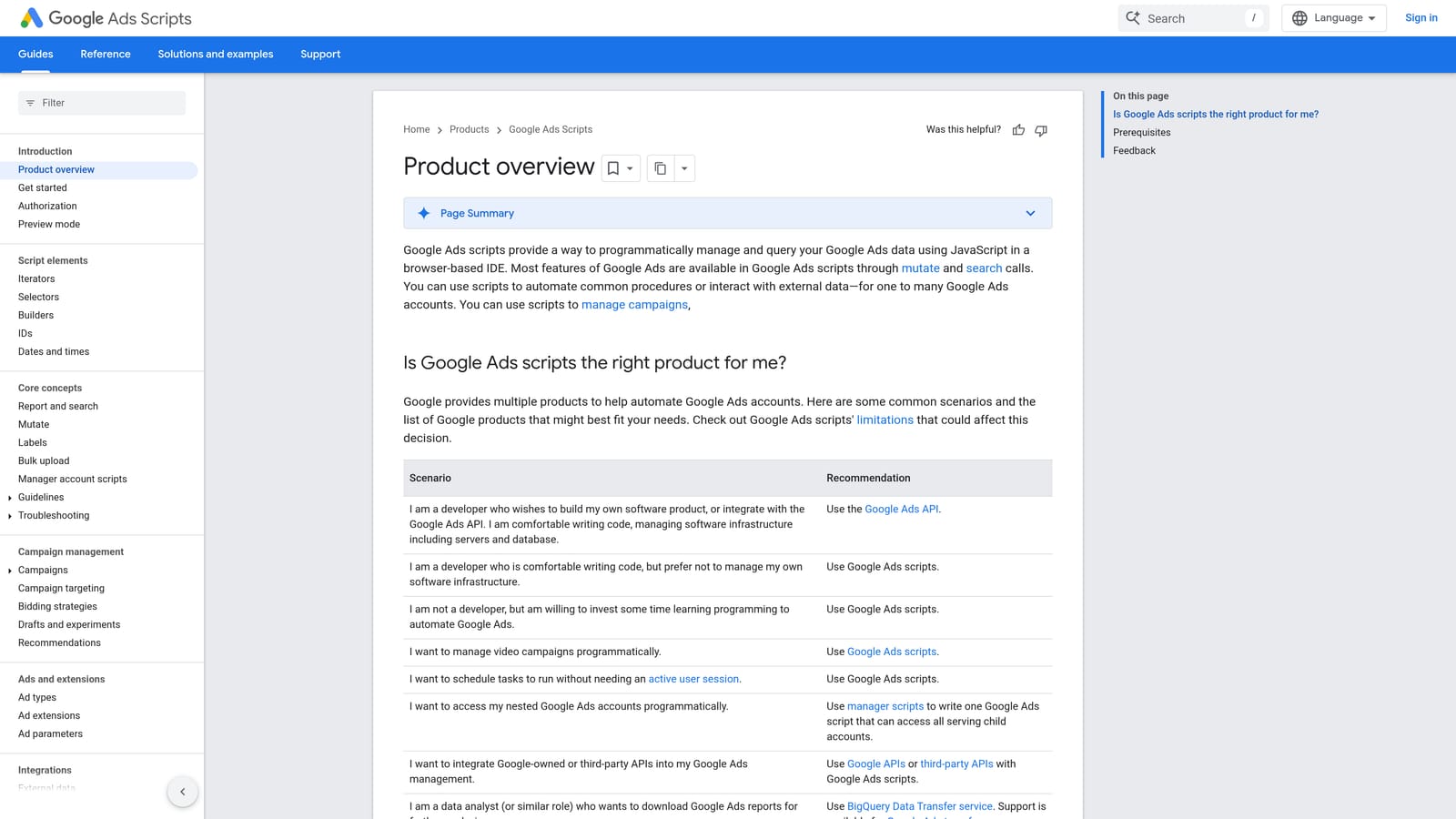
A script might check search terms nightly and pause keywords below a spend threshold, flag budget pacing issues, or export performance data to a Google Sheet every morning. The logic is entirely up to whoever writes it.
- Runs on a schedule you define, so recurring checks happen without manual intervention
- Reads account, campaign, ad group, and keyword-level data for custom reporting or rule logic
- Can pause, enable, or adjust bids on items automatically based on conditions you set
- Works with Google Sheets for custom exports and alerts
This is the one tool on the list where setup effort is genuinely nontrivial. You need someone comfortable writing JavaScript, or a library of trusted pre-written scripts, and someone who understands Google Ads' script quotas and execution limits. It's free, but the cost is time and technical skill rather than a subscription.
The tradeoff for that unattended power is risk: a logic error in a script can pause the wrong campaigns or apply bad changes across an entire account before anyone notices. It's not a fit for teams without at least one technically confident person to write and monitor scripts.
Best for: Technical advertisers comfortable writing or adapting scripts for recurring, rule-based tasks.
4. Optmyzr
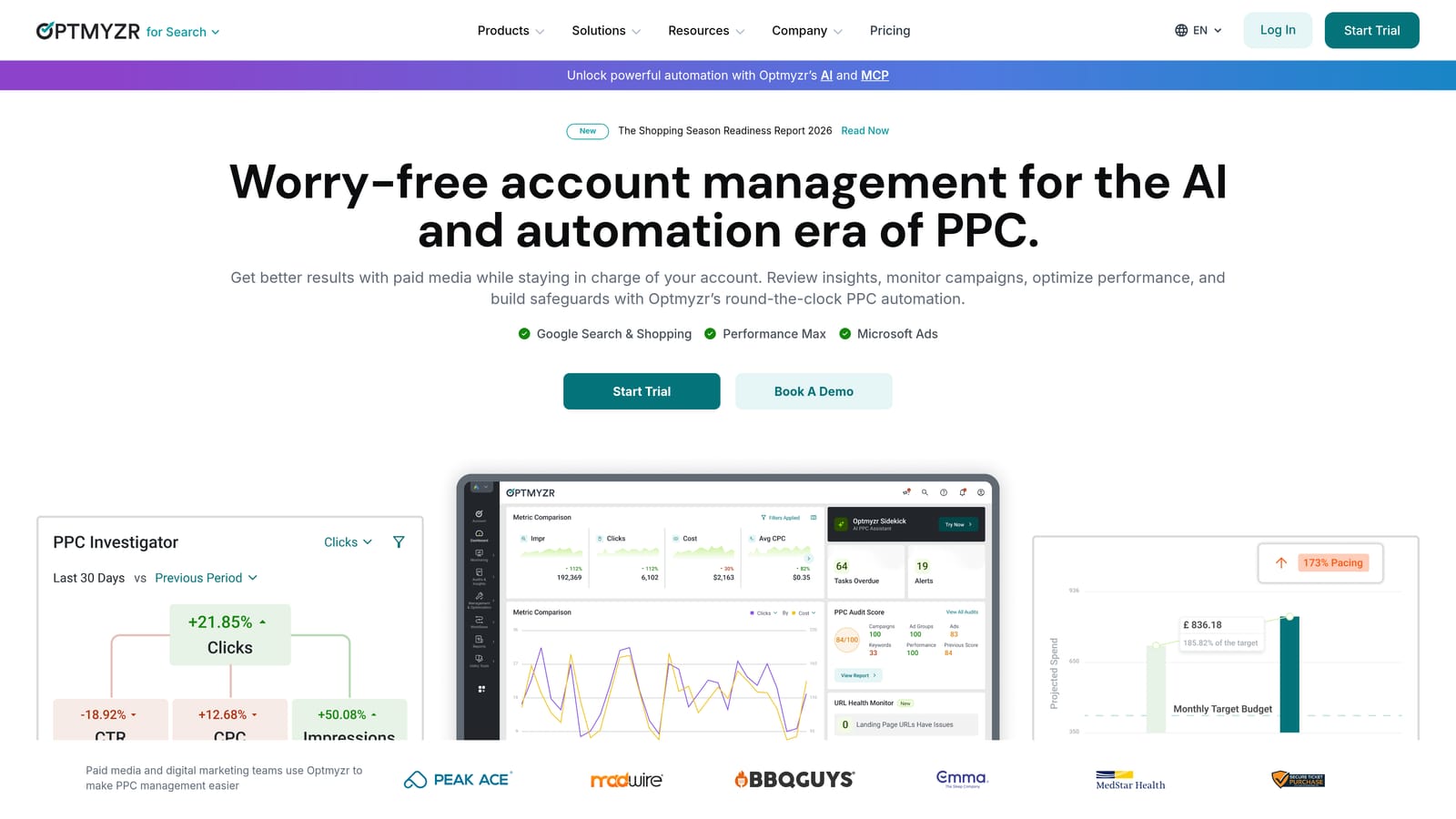
Optmyzr is a PPC management platform built around rule-based automation, bid management, and cross-account reporting. It's designed less for a single advertiser cleaning up one account and more for agencies juggling dozens of them.
What it does well
Optmyzr's pre-built optimization "recipes" package common tasks, like finding wasted spend on search terms or identifying bid opportunities, into repeatable rules you can apply across accounts. That combination of rule automation and reporting in one dashboard is what separates it from single-purpose tools like Keywordme or Ads Editor.
- Pre-built optimization recipes handle common tasks like search term mining and bid adjustments without custom scripting
- Rule-based bid and budget automation applies your logic across campaigns without manual clicking each time
- Cross-account reporting rolls up performance across an entire client roster into one view
- Search term mining tools surface patterns similar to what you'd catch reviewing reports manually, but across more accounts at once
Who runs it, and who it doesn't suit
It connects to Google Ads, Microsoft Ads, and Google Analytics, and it's typically managed by a dedicated PPC manager or agency ops person rather than a marketer wearing five hats. The setup and rule-building involved means it takes more onboarding time than a browser extension. For a solo advertiser with one small account, the platform's scope and pricing generally outweigh the benefit; it's built with multi-account management in mind. Pricing is quote-based, so check current tiers directly on optmyzr.com.
Best for: Agencies needing rule-based automation and reporting across multiple client accounts.
5. WordStream Advisor (LOCALiQ)
WordStream Advisor, now under LOCALiQ, centers on an automated account grader that benchmarks your account and surfaces prioritized suggestions. Where Optmyzr leans on rule-building, WordStream leans on guided workflows for people who don't want to build rules at all.

Its account grading and the "20-Minute Work Week" concept package optimization into a short, prioritized checklist rather than a raw dashboard of levers to pull. That guided structure is the main thing distinguishing it from the rest of this list.
- Grades your account against benchmarks so you know where it's weak before digging into individual campaigns
- Sends alerts on budget pacing, keyword issues, and ad problems as they come up
- Presents a simplified dashboard aimed at non-technical users rather than PPC specialists
- Suggests a short weekly workflow instead of an open-ended list of possible optimizations
It connects with Google Ads, Microsoft Ads, and Facebook Ads, and it's designed to be run by a marketer without deep PPC training, which makes it a fit for in-house teams without a dedicated ad specialist. The tradeoff is that WordStream's plans have historically been bundled with managed ad spend commitments; that structure may have changed, so confirm current terms before signing anything. Pricing is quote-based as of 2026.
Best for: Less technical marketers who want guided, prioritized optimization suggestions.
6. Adalysis
Adalysis is built around continuous, automated auditing rather than making changes. It scans your account on an ongoing basis and flags problems: disapproved ads, overlapping keywords bidding against each other, wasted spend patterns, and more.
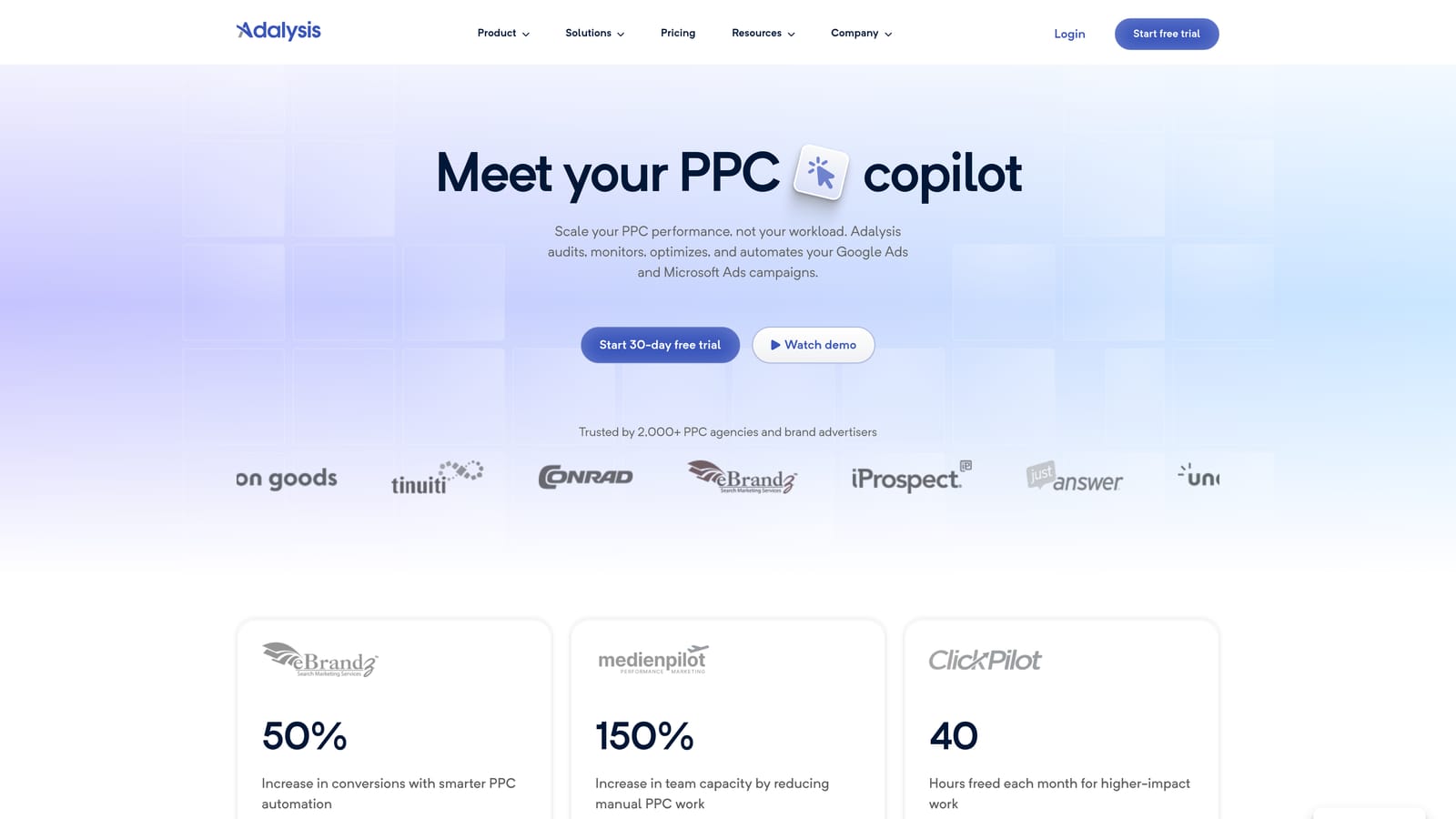
That focus on ongoing auditing, rather than one-time bulk edits or bid rule automation, is what separates it from tools like Optmyzr or Ads Editor. It's less about doing the work for you and more about making sure nothing slips through the cracks between manual reviews.
- Runs continuous account audits so structural issues get caught without a manual weekly review
- Alerts on disapproved ads, keyword overlap, and wasted spend as they happen
- Includes ad testing tools to track statistically significant winners and losers
- Delivers scheduled reports so stakeholders see account health without you compiling it manually
It connects to Google Ads and Microsoft Ads and is typically run by whoever owns account health, an account manager or PPC lead checking alerts as they arrive. The limitation is built into its design: Adalysis flags issues, it doesn't fix them. You'll still need to act on its findings manually or with another tool, like Keywordme for search term cleanup or Ads Editor for bulk fixes. Pricing details are on their site and should be checked directly, as of 2026.
Best for: Teams that want automated ongoing account audits between manual reviews.
7. Search Ads 360
Search Ads 360 is Google Marketing Platform's enterprise bid management tool, built for advertisers running coordinated campaigns across Google Ads and other search engines like Microsoft Ads. It's a different scale of tool than everything else on this list.

The distinguishing feature is cross-engine management from a single interface. Where every other tool here operates within Google Ads (or Google Ads plus Microsoft Ads reporting), Search Ads 360 is built specifically to manage bids and pull reporting across multiple engines as one unified operation.
- Manages bids across Google Ads and Microsoft Ads from a single centralized console
- Centralizes reporting across engines instead of stitching together separate exports
- Automates bidding through rule-based logic applied consistently across accounts
- Supports enterprise-level account structures with the scale that large advertisers need
It integrates with Google Ads, Microsoft Ads, Google Analytics, and other Google Marketing Platform tools, and it's generally implemented and run by a dedicated search team or an agency operating at enterprise scale, not a single marketer. Setup involves real onboarding, often with Google's own implementation support given the platform's complexity.
That complexity, combined with enterprise pricing, makes it impractical for solo advertisers or anyone managing a single small account. It's built for organizations already running significant spend across more than one search engine. Pricing is quote-based, as of 2026.
Best for: Enterprise teams running coordinated campaigns across Google Ads and other search engines.
Matching the tool to your account size
If you're a solo advertiser or freelancer doing daily search term cleanup, Keywordme handles the bulk of that work without pulling you out of Google Ads, and Google Ads Scripts is worth learning if you want a few recurring checks to run themselves overnight. If you're an agency managing a roster of client accounts, Optmyzr's rule automation paired with Adalysis's continuous audits covers both the doing and the checking, while Google Ads Editor stays useful for any large one-off restructuring. Enterprise teams running budgets across Google Ads and Microsoft Ads together have really one clear option here in Search Ads 360, given its cross-engine bid management.
None of these tools remove the need for judgment about what's actually a wasted search term or a worthwhile keyword. What they change is how much manual clicking and spreadsheet work stands between you and that decision. If your bottleneck is specifically the Search Terms Report, that daily grind of scanning for junk terms, building negative lists, and applying match types, Start your free 7-day trial of Keywordme and see how much of that manual work disappears, then it's $12/month per user to keep it running.
.svg)