
9 Best Google Ads Tools for Small Business in 2026
Small business owners running Google Ads campaigns can save time and reduce wasted spend with the right google ads tools for small business. This 2026 guide reviews nine affordable, beginner-friendly tools that handle keyword research, negative keyword management, bid optimization, and performance tracking—helping you get better PPC results without needing agency-level expertise or spending hours analyzing data.


Running Google Ads as a small business owner means wearing a lot of hats—and you probably don't have time to become a PPC expert. The good news? The right tools can handle the heavy lifting, from finding profitable keywords to cutting wasted ad spend.
This guide covers the best Google Ads tools for small business owners who want better results without hiring an agency or spending hours in spreadsheets. We've focused on tools that are actually affordable, easy to learn, and solve real problems small advertisers face every day.
1. Keywordme
Best for: Fast search term cleanup and negative keyword management without leaving Google Ads
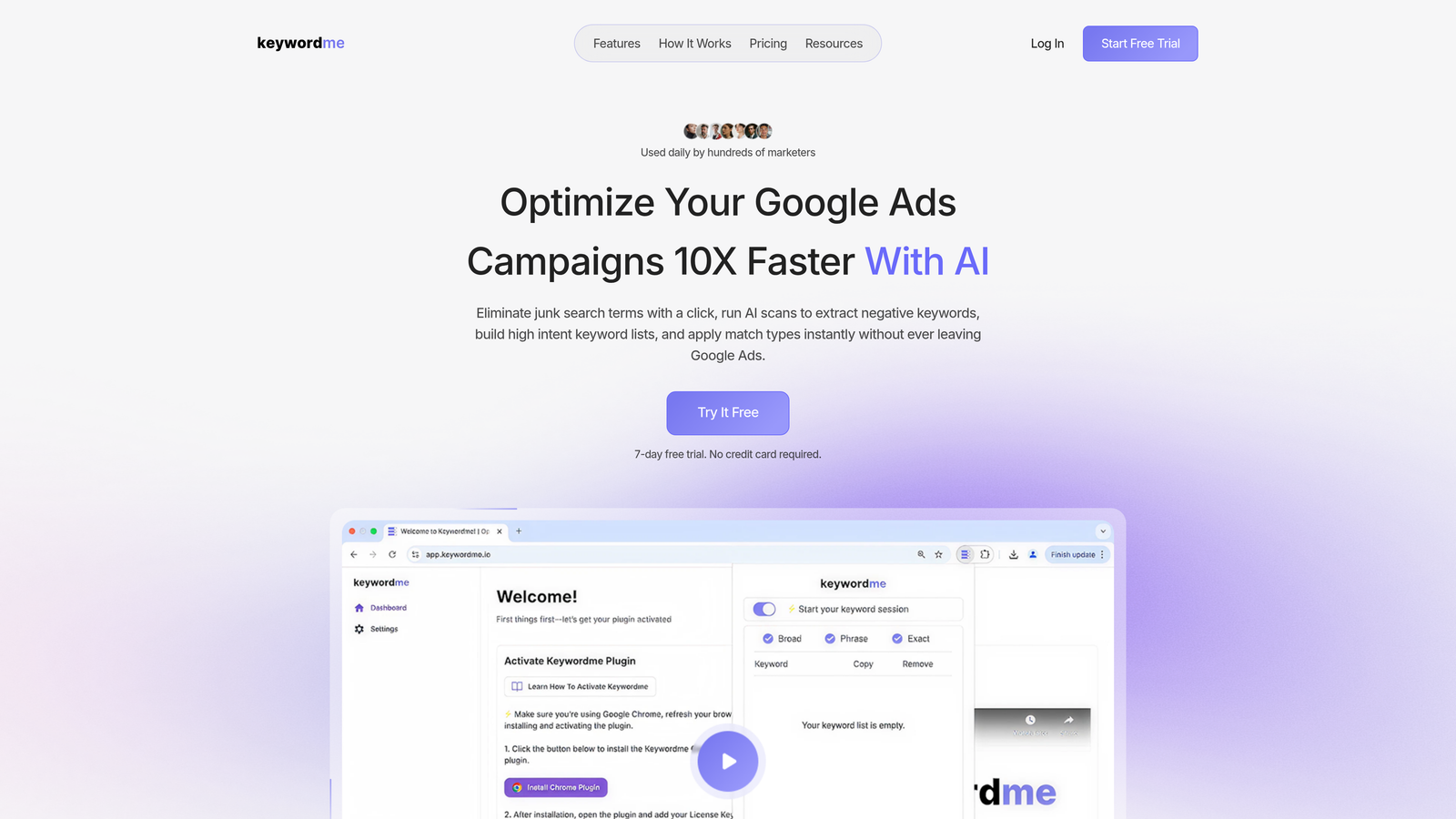
Keywordme is a Chrome extension that integrates directly into your Google Ads search terms report for one-click optimization.
Where This Tool Shines
Most small business advertisers waste hours copying search terms into spreadsheets, then manually building negative keyword lists. Keywordme eliminates that entire workflow by letting you clean up junk search terms with a single click—right inside the native Google Ads interface.
What usually happens is you spot a bad search term, copy it, open a spreadsheet, paste it, format it, then upload it back to Google Ads. With Keywordme, you just click to remove it. The time savings add up fast when you're reviewing hundreds of search terms weekly.
Key Features
One-Click Search Term Removal: Instantly add junk search terms as negatives without leaving the report.
In-Interface Negative Keyword Lists: Build and manage negative lists directly in Google Ads with no spreadsheet export.
Match Type Application: Apply exact, phrase, or broad match modifiers to keywords with a single click.
Keyword Clustering: Automatically group related keywords to streamline campaign organization.
Multi-Account Support: Manage multiple client accounts or business units from one dashboard.
Best For
Small business owners and freelance PPC managers who run their own Google Ads accounts and need to optimize search terms quickly. Also powerful for small agencies managing multiple clients who want to cut optimization time by up to 10x.
Pricing
Flat rate of $12 per month per user with a 7-day free trial. No tiered pricing or hidden fees.
2. Google Ads Editor
Best for: Making bulk campaign changes offline before publishing to your account
Google Ads Editor is Google's free desktop application for managing campaigns in bulk without an internet connection.

Where This Tool Shines
When you need to update hundreds of keywords, ad copy variations, or bid adjustments across multiple campaigns, doing it manually in the web interface is painful. Google Ads Editor lets you download your entire account, make changes in a spreadsheet-like interface, review everything, then push updates when you're ready.
The mistake most small business owners make is trying to edit campaigns one ad group at a time through the web UI. Editor turns 3 hours of clicking into 15 minutes of bulk editing.
Key Features
Bulk Editing Across Campaigns: Update bids, budgets, keywords, and ads for hundreds of items simultaneously.
Offline Campaign Management: Work on campaigns without internet, then sync changes when connected.
Copy and Paste Between Accounts: Duplicate successful campaign structures across multiple accounts instantly.
Find and Replace Functionality: Search for specific text across all campaigns and replace it in seconds.
Draft Mode Before Publishing: Review all changes in a staging environment before they go live.
Best For
Small businesses running multiple campaigns who need to make frequent bulk updates to keywords, ads, or bids. Essential if you manage seasonal promotions or test multiple ad variations regularly.
Pricing
Completely free. Download directly from Google with no account minimums or restrictions.
3. Google Keyword Planner
Best for: Discovering new keyword opportunities and estimating search volume before launching campaigns
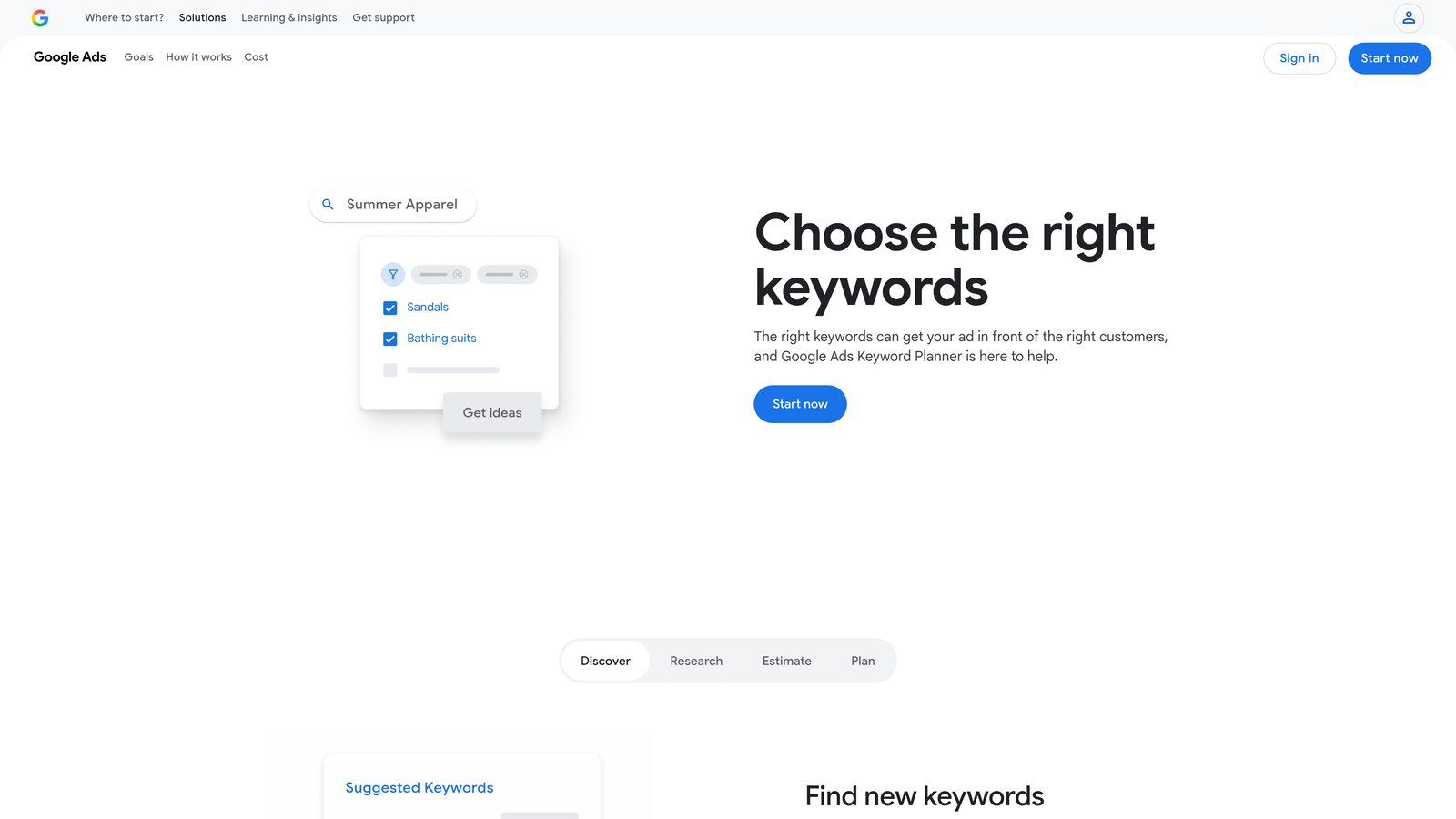
Google Keyword Planner is Google's native keyword research tool built into every Google Ads account.
Where This Tool Shines
When you're starting a new campaign or expanding into new product categories, you need to know what people are actually searching for. Keyword Planner shows you search volume ranges, competition levels, and estimated cost-per-click directly from Google's data.
In most accounts I audit, small businesses guess at keywords instead of using this tool. The result? They bid on low-volume terms or miss obvious high-intent variations that competitors are already targeting.
Key Features
Keyword Discovery from Seed Terms: Enter a product or service and get hundreds of related keyword suggestions.
Search Volume and Competition Data: See monthly search ranges and how many advertisers compete for each term.
Cost-Per-Click Estimates: Get bid range estimates to budget your campaigns accurately.
Keyword Grouping Suggestions: Automatically organize keywords into logical ad groups based on themes.
Performance Forecasting: Estimate clicks, impressions, and conversions based on your budget and bids.
Best For
Small businesses launching their first Google Ads campaigns or expanding into new markets. Also useful for quarterly keyword audits to find new opportunities competitors might be targeting.
Pricing
Free with any Google Ads account. Full data access requires active campaigns, but basic functionality works even without ad spend.
4. Optmyzr
Best for: Rule-based automation and bid management for growing small businesses
Optmyzr is a PPC management platform that automates repetitive optimization tasks using customizable rules and one-click improvements.

Where This Tool Shines
Once your Google Ads account grows beyond a few campaigns, manual bid adjustments and budget monitoring become time-consuming. Optmyzr automates these tasks with rules you set once, then let run continuously.
The platform is built around "one-click optimizations"—pre-built recommendations you can apply instantly instead of making changes manually. Think of it like having an automated checklist that reviews your account daily and flags exactly what needs attention.
Key Features
Rule-Based Bid Optimization: Set conditions like "pause keywords with zero conversions after 100 clicks" and let the system execute automatically.
One-Click Optimizations: Review suggested improvements across campaigns and apply them with a single click.
Custom Reporting Dashboards: Build client-ready reports that pull data from Google Ads, Analytics, and other platforms.
Budget Management Alerts: Get notifications when campaigns approach budget limits or pacing issues develop.
Shopping Campaign Tools: Specialized features for e-commerce advertisers running Google Shopping ads.
Best For
Small businesses spending $5,000+ monthly on Google Ads who want automation without hiring a full-time PPC manager. Also valuable for small agencies managing 5-10 client accounts.
Pricing
Starts at $249 per month. Pricing scales with managed ad spend, so expect higher tiers as your account grows.
5. WordStream
Best for: Guided PPC management with prioritized weekly recommendations
WordStream is a PPC platform that analyzes your Google Ads account and delivers prioritized optimization tasks through their 20-Minute Work Week system.

Where This Tool Shines
Most small business owners know they should optimize their Google Ads regularly, but don't know where to start. WordStream solves this by analyzing your account every week and telling you exactly which tasks will have the biggest impact—ranked by priority.
The 20-Minute Work Week approach means you log in once weekly, review the top recommendations, apply the ones that make sense, and you're done. No guessing about what needs attention or which metrics matter most.
Key Features
Weekly Prioritized Recommendations: Get a ranked list of optimization tasks based on potential impact to your account.
Performance Grader Tool: Free account audit that scores your campaigns and identifies quick wins.
Cross-Platform Ad Management: Manage Google Ads, Facebook Ads, and Microsoft Ads from one dashboard.
Landing Page Builder: Create conversion-optimized landing pages without coding or hiring a developer.
Call Tracking Integration: Track which keywords and ads drive phone calls, not just website clicks.
Best For
Small business owners who want expert guidance without hiring an agency. Ideal if you're comfortable making decisions but need help prioritizing what matters in your account.
Pricing
Custom pricing based on monthly ad spend. Typically starts around $300-500 per month for small business accounts.
6. SpyFu
Best for: Competitive intelligence and discovering competitor keywords you're missing
SpyFu is a competitive research tool that reveals which keywords your competitors bid on, their ad copy history, and estimated ad spend.

Where This Tool Shines
When you're building a Google Ads strategy from scratch, you don't have to guess which keywords work. SpyFu shows you exactly what your competitors are bidding on—including keywords they've been running for years, which signals profitability.
The historical ad copy database is particularly valuable. You can see every ad variation a competitor tested over the past decade, which headlines they kept, and which they dropped. That's free market research showing you what messaging resonates with your shared audience.
Key Features
Competitor Keyword Research: Enter any domain and see their complete paid keyword portfolio.
Historical Ad Copy Database: View years of ad variations to identify winning messaging patterns.
PPC Keyword Suggestions: Discover profitable keywords based on what competitors bid on consistently.
Domain Comparison Tools: Stack your keyword strategy against multiple competitors side-by-side.
Ad Spend Estimates: Get rough estimates of competitor monthly Google Ads budgets.
Best For
Small businesses entering competitive markets who need keyword ideas based on proven competitor strategies. Also useful for quarterly competitive audits to spot new threats or opportunities.
Pricing
Starts at $39 per month for basic plans. Higher tiers unlock more historical data and competitor tracking slots.
7. Unbounce
Best for: Building high-converting landing pages without a developer
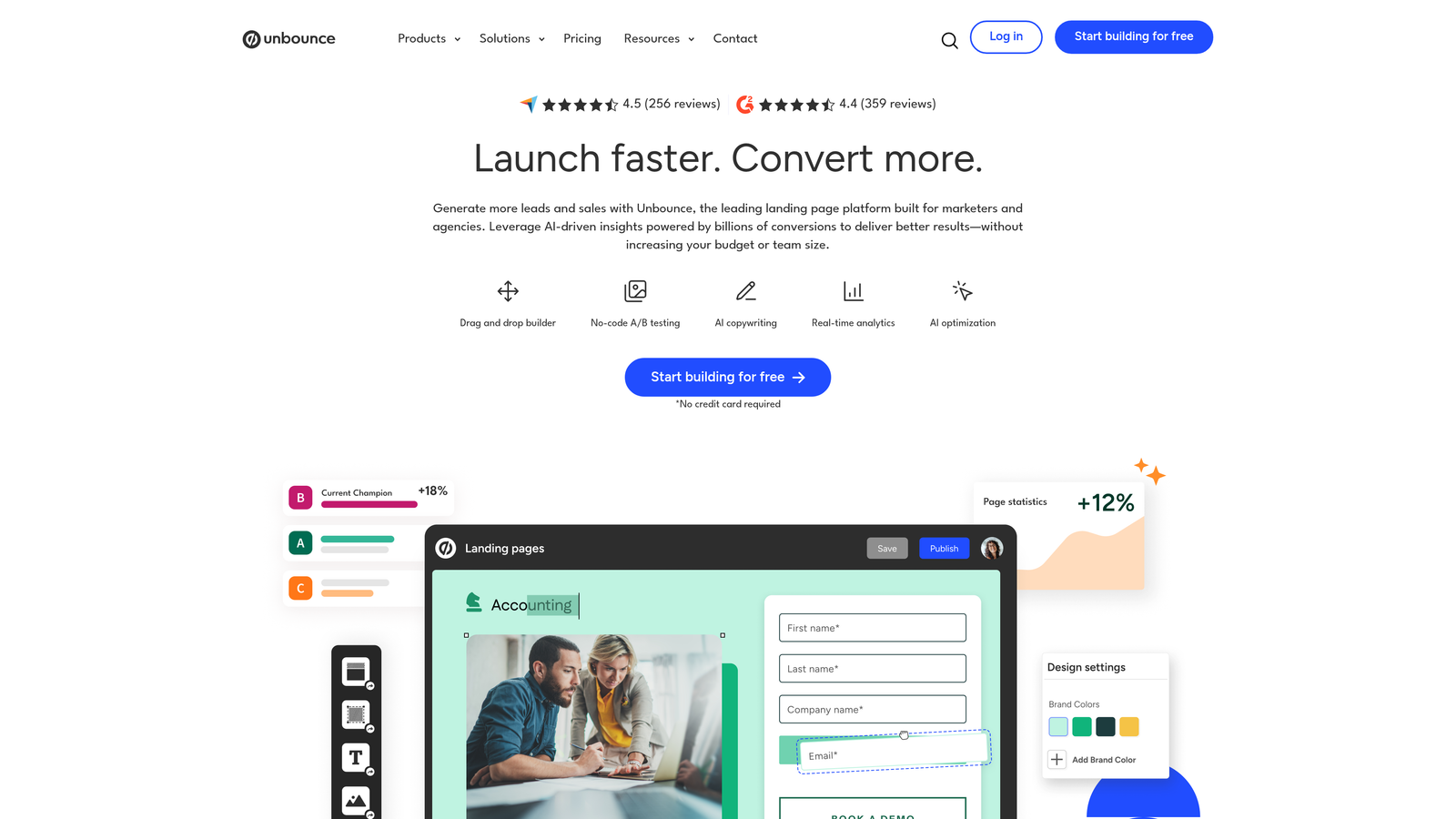
Unbounce is a landing page platform with drag-and-drop building, A/B testing, and conversion optimization features designed for paid traffic.
Where This Tool Shines
Sending Google Ads traffic to your homepage is one of the fastest ways to waste budget. Unbounce lets you create dedicated landing pages that match your ad messaging exactly, which typically doubles or triples conversion rates compared to generic website pages.
The built-in A/B testing means you can test different headlines, images, or call-to-action buttons without involving developers. Most small businesses see measurable conversion improvements within the first month just by testing two headline variations.
Key Features
No-Code Landing Page Builder: Drag-and-drop interface for creating custom pages in minutes.
A/B Testing Built-In: Test multiple page variations simultaneously and let the system pick the winner.
Dynamic Text Replacement: Automatically swap headline text to match the keyword that triggered your ad.
Pop-Ups and Sticky Bars: Add conversion elements like exit-intent pop-ups or promotional banners.
AI Copywriting Assistance: Generate headline and body copy suggestions using built-in AI tools.
Best For
Small businesses running Google Ads campaigns who want to improve conversion rates without hiring developers. Essential if you're promoting specific offers, limited-time deals, or lead generation campaigns.
Pricing
Starts at $99 per month for basic plans. Pricing increases with traffic volume and number of landing pages.
8. Adalysis
Best for: Automated ad testing and Quality Score monitoring
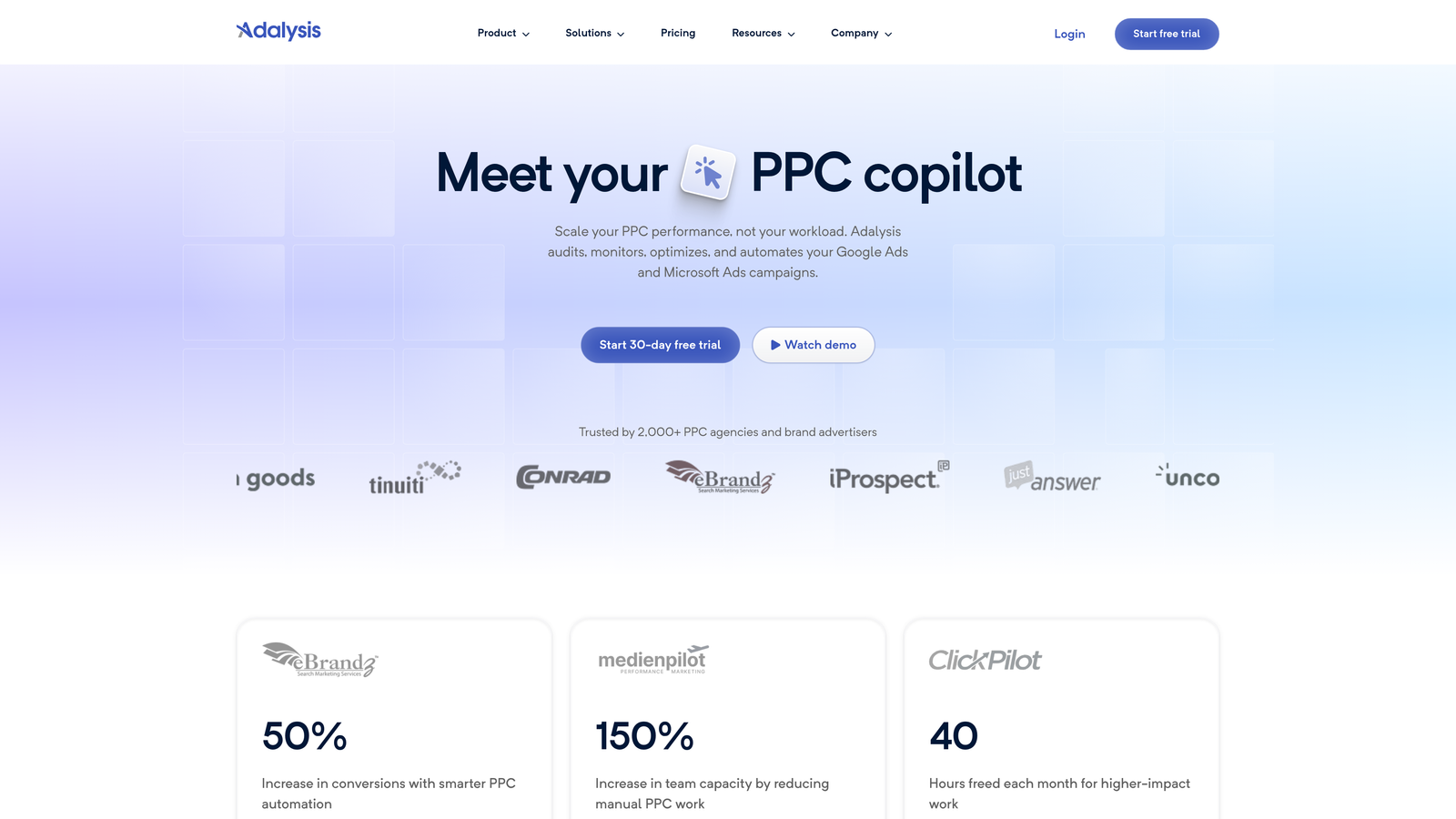
Adalysis is a PPC optimization platform focused on ad copy testing, Quality Score tracking, and automated account audits.
Where This Tool Shines
Testing ad copy manually means tracking performance in spreadsheets and remembering to pause underperforming ads. Adalysis automates the entire process—it runs your ad tests, identifies winners based on statistical significance, and can even pause losers automatically.
The Quality Score monitoring is particularly valuable for small businesses. Quality Score directly impacts your cost-per-click, but Google doesn't alert you when it drops. Adalysis tracks Quality Score changes daily and flags keywords that need attention before costs spike.
Key Features
Automated Ad Testing: Set up split tests once and let the system manage them until statistical winners emerge.
Quality Score Monitoring: Track Quality Score changes over time and get alerts when scores drop.
N-Gram Analysis: Identify which words and phrases in your ads drive the best performance.
Ad Group Health Checks: Automated audits that flag structural issues like missing ad variations or low ad counts.
Automated Alerts: Get notifications for budget pacing issues, disapproved ads, or performance anomalies.
Best For
Small businesses running multiple ad variations who want to improve click-through rates and Quality Scores systematically. Most valuable if you're already testing ads but doing it manually in spreadsheets.
Pricing
Starts at $149 per month. Pricing scales with managed ad spend and number of connected accounts.
9. Google Looker Studio
Best for: Creating custom Google Ads dashboards that update automatically
Google Looker Studio is Google's free data visualization tool for building custom reports and dashboards from Google Ads data.
Where This Tool Shines
The native Google Ads interface shows you everything, but it's not organized around the specific metrics you care about. Looker Studio lets you build custom dashboards that display only your key performance indicators—updated automatically every time you open them.
What usually happens is small business owners export data to Excel weekly to track performance. With Looker Studio, you build the report once, share a link with your team or stakeholders, and everyone sees live data without manual exports.
Key Features
Custom Dashboard Creation: Drag-and-drop interface for building reports that show exactly the metrics you need.
Google Ads Data Connector: Pull campaign, ad group, and keyword data directly from your Google Ads account.
Shareable Reports: Generate shareable links so team members or clients can view live data without Google Ads access.
Automated Data Refresh: Reports update automatically—no manual data exports or spreadsheet updates required.
Multiple Data Source Blending: Combine Google Ads data with Analytics, Search Console, or other platforms in one report.
Best For
Small businesses that need to share Google Ads performance with stakeholders who don't have direct account access. Also valuable if you track specific KPIs that aren't easily visible in the native Google Ads interface.
Pricing
Completely free with unlimited reports and dashboards. No usage limits or premium tiers.
Making the Right Choice
Here's how to pick the right tools based on your biggest pain point right now.
If you're wasting hours cleaning up search terms and building negative keyword lists, start with Keywordme. The one-click optimization inside Google Ads cuts that work from hours to minutes, and at $12 per month, it pays for itself the first time you use it.
For bulk campaign management and seasonal updates, Google Ads Editor is essential—and it's free. If you're running promotions or updating hundreds of keywords regularly, this should be your second tool after Keywordme.
When you need competitive intelligence or keyword ideas, SpyFu shows you exactly what's working for competitors at a fraction of the cost of trial-and-error testing. The $39 per month entry point makes it accessible for most small business budgets.
Start with the free tools—Google Ads Editor, Keyword Planner, and Looker Studio—then add paid solutions as your ad spend grows. Most small businesses see better results by mastering one or two tools deeply rather than juggling five platforms superficially.
The mistake I see most often is small businesses trying to optimize everything manually because they're not sure which tool solves which problem. Pick the tool that addresses your biggest bottleneck first, master it, then expand from there.
Ready to cut your Google Ads optimization time by 10x? Start your free 7-day trial of Keywordme and eliminate junk search terms, build high-intent keyword lists, and apply match types instantly—right inside Google Ads. No spreadsheets, no switching tabs, just quick, seamless optimization for $12 per month after your trial.
.svg)