
9 Best Google Ads Tools for Small Agencies in 2026
A practical guide to google ads tools for small agencies.


Small agencies live on thin margins and thinner calendars: a handful of people, a stack of client accounts, and never enough hours to work through every search terms report. This list is for agency owners, freelancers, and lead marketers who want tools that remove real Google Ads work without enterprise pricing. We judged each tool on price per seat, how well it handles multiple client accounts, setup time, and whether a small team can use it without a dedicated analyst. Pricing and features below are as of November 2026, and several vendors change plans often, so confirm on their sites before you buy.
Quick Comparison of the Tools
- Keywordme: best for small agencies cleaning search terms across client accounts; $12/month per user; does search term triage and keyword building inside the native Google Ads interface.
- Google Ads Editor: best for large structural or copy changes across many campaigns; free; lets you review every change before posting it.
- Looker Studio: best for repeatable client reporting on a budget; free; auto-updating dashboards with a native Google Ads connector.
- Optmyzr: best for growing agencies wanting structured optimization routines; pricing on request via its website; a large library of audit-style checks.
- Semrush: best for agencies that also sell SEO; subscription pricing on its website; paid and organic competitor research in one suite.
- SpyFu: best for freelancers and small agencies wanting budget-friendly competitor research; subscription pricing on its website; a multi-year history of competitor keywords and ads.
- Supermetrics: best for cross-channel reporting; plan-based pricing on its website; pulls Google Ads and other platforms into one report.
- Unbounce: best for clients with weak landing pages; subscription pricing on its website; builds and A/B tests landing pages without a developer.
- Google Ads Scripts: best for technical owners who want custom alerts; free; fully customizable monitoring with no license fee.
1. Keywordme
Keywordme is a Chrome extension that adds one-click actions directly inside the Google Ads Search Terms Report. It is our own product, so weigh this section with that in mind. It is built for people who open that report every week for several client accounts and want to stop exporting it to a spreadsheet.
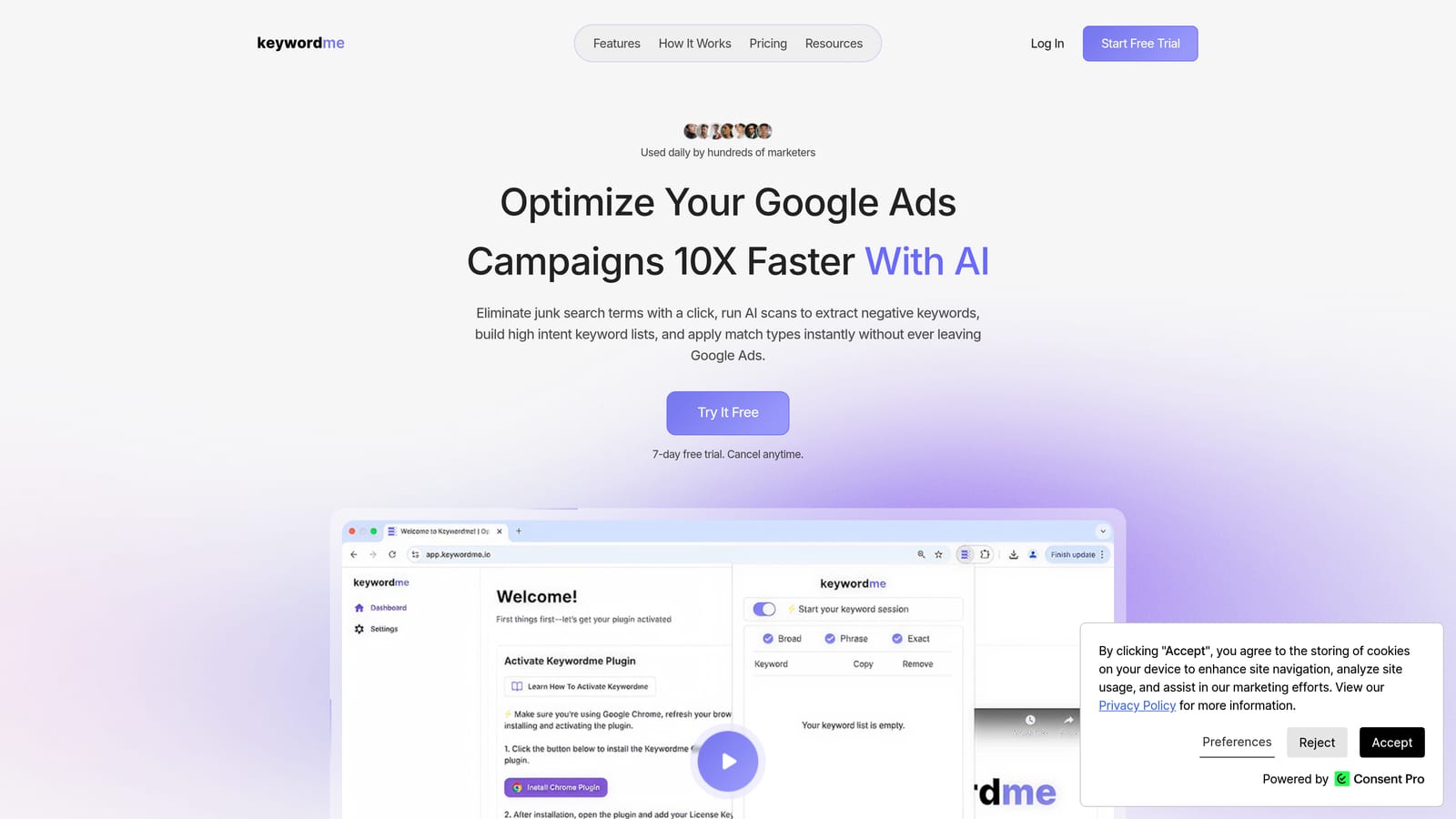
A quick definition keeps the workflow clear. A search term is what someone actually typed into Google. A keyword is what you bid on. A negative keyword blocks matching searches, while a positive keyword is one you want to trigger ads. Keywordme works at that seam: you read the search terms and turn them into negatives or new keywords with a click.
- One-click negative keywords from the Search Terms Report, so junk queries get blocked without copying anything out.
- Add search terms as keywords and apply match types without leaving Google Ads.
- Keyword clustering, which groups related terms so you can build tighter keyword lists faster.
- Bulk editing for handling many terms at once instead of one by one.
- Multi-account and team support, so several people can work across client accounts.
Setup is light: install the extension in Chrome, open Google Ads, and the controls appear in the report you already use. The person running it day to day is whoever does search term reviews, usually a account manager, not an analyst. Keywordme says it can speed up optimization by up to 10x, which is the company's own claim, and your results will depend on your accounts and how much manual work you do today.
The limits are plain. It focuses on search terms and keyword workflow, so it does not do reporting or bid automation. It also requires Chrome. You still decide which terms to block or add; it does not make changes on its own.
Pricing: $12/month per user with a 7-day free trial (verify current pricing on the site). Cost scales with the number of users.
Best for: Small agencies that spend hours each week cleaning search terms across client accounts.
2. Google Ads Editor
Google Ads Editor is Google's free desktop application for managing and bulk-editing accounts. It suits agencies that need to restructure campaigns, rewrite ad copy at scale, or roll the same change out across many accounts.

What it does better than anything else here is structural work with a safety net. You download accounts, make changes offline, and review everything before posting it to the live account. For a small team, that review step catches the "oops, wrong campaign" mistakes that cost real money.
- Bulk edits across campaigns, ad groups, ads, and keywords, which turns hours of clicking into minutes.
- Offline editing, so you can build out a new account structure before anything goes live.
- Change review before posting, so a second person can check the work.
- Copy and paste between accounts, which helps when you reuse a proven structure for a new client.
- Multi-account management from one application.
It connects only to Google Ads, and setup is just a download and sign-in. The catch is the learning curve: newer team members often need practice before they trust it. It is also not built for search term triage. You would not use it to read a search terms report and decide what to block, so many agencies pair it with a tool built for that job.
Pricing: Free, with nothing that scales by seat or spend.
Best for: Agencies making large structural or copy changes across many campaigns.
3. Looker Studio
Looker Studio is Google's free dashboard and reporting tool, with a native Google Ads connector. If clients want a monthly view of spend, clicks, and conversions, this is the cheapest way to give them a live one.
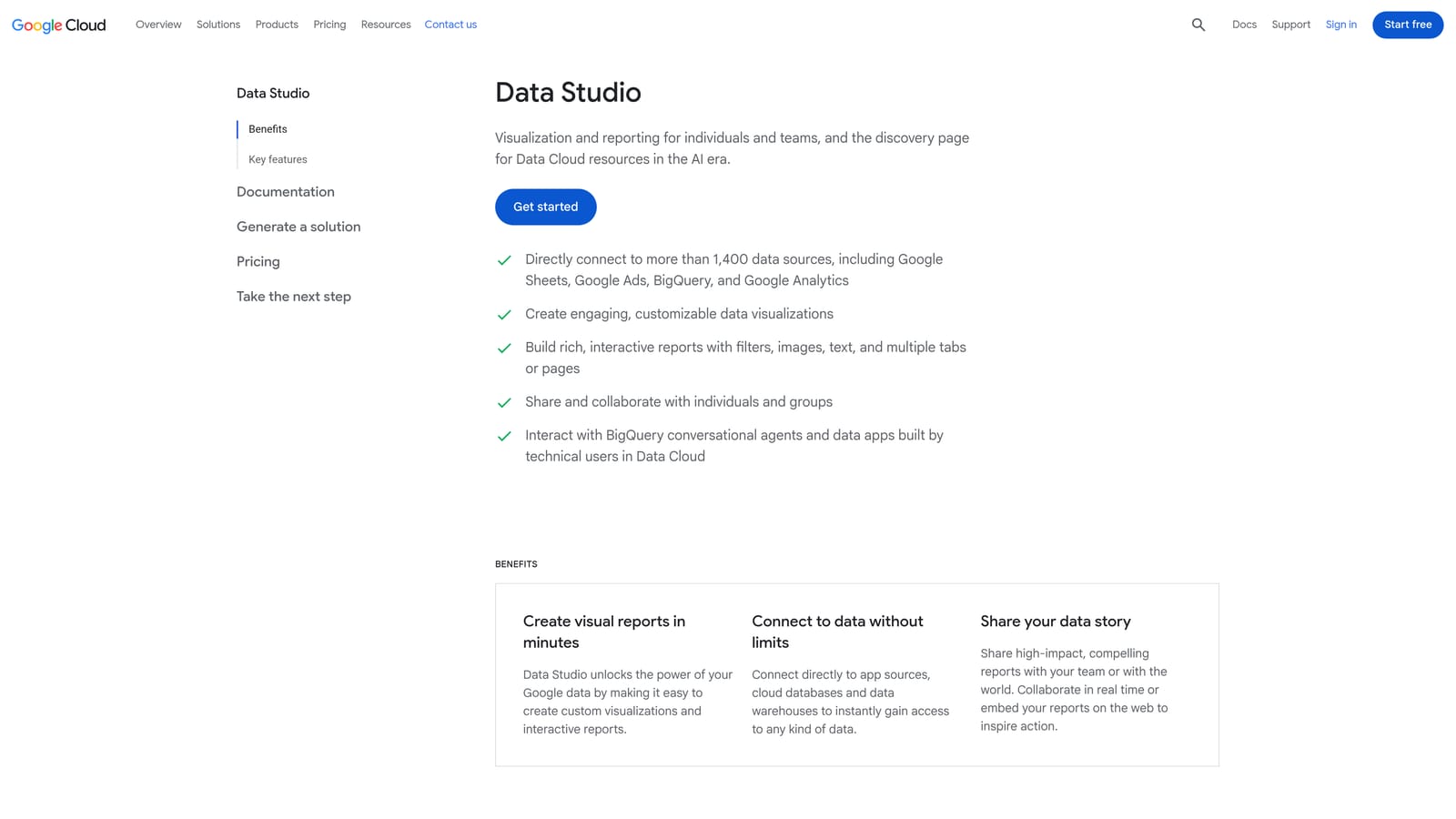
Its standout is reuse. Build one good template, point it at each client's account, and you have auto-updating dashboards without paying a license fee. That matters when reporting is the task that quietly eats the last Friday of every month.
What you get
- A native Google Ads connector, so campaign data flows in without exports.
- Customizable dashboards that you can shape around each client's goals.
- Shareable reports, so clients view a link instead of waiting for a PDF.
- Report templates that cut the build time for each new client.
- Scheduled email delivery to send reports on a set rhythm.
What it costs you in time
The tool is free; the effort is not. Someone has to build the templates, fix broken fields, and maintain them as clients change. It connects to Google Analytics, Google Sheets, and BigQuery, but data from non-Google sources may need paid third-party connectors, which is where tools like Supermetrics (below) come in. It reports on performance; it does not change anything in the account.
Pricing: Free, though some third-party data connectors carry their own fees.
Best for: Agencies that need repeatable client reporting on a budget.
4. Optmyzr
Optmyzr is a PPC management platform that combines optimization suggestions, automation rules, and reporting. It is aimed at agencies and is the broadest paid platform on this list.

Its distinctive strength is the library of audit-style checks. Instead of you deciding what to look at in each account, the platform surfaces things to review, which helps when a small team is spread across many accounts and needs a consistent routine.
- Optimization suggestions that point you at accounts and campaigns needing attention.
- Rule-based automation, so recurring checks and adjustments follow rules you define.
- Reporting to document the work for clients.
- Account audits that give you a structured starting point for new clients.
- Bulk management for making changes across many items at once.
It integrates with Google Ads, Microsoft Advertising, and Meta Ads. Expect a real onboarding period: you need to decide which rules and checks matter before the platform pays off, and someone on the team has to own that. Suggestions still need human judgment, since an audit flag is not the same as a correct decision for a given client.
The main drawback for small teams is scope and cost. It is pricier and broader than many two- or three-person shops need, and if your pain is search term cleanup alone, it is more than you want.
Pricing: Tiered, spend-based plans; see the website for current rates. Managed ad spend is the main driver.
Best for: Growing agencies that want structured optimization routines across many accounts.
5. Semrush
Semrush is a broad marketing suite, and its advertising research tools show competitors' paid keywords and ad copy. You use it to research, not to run campaigns.
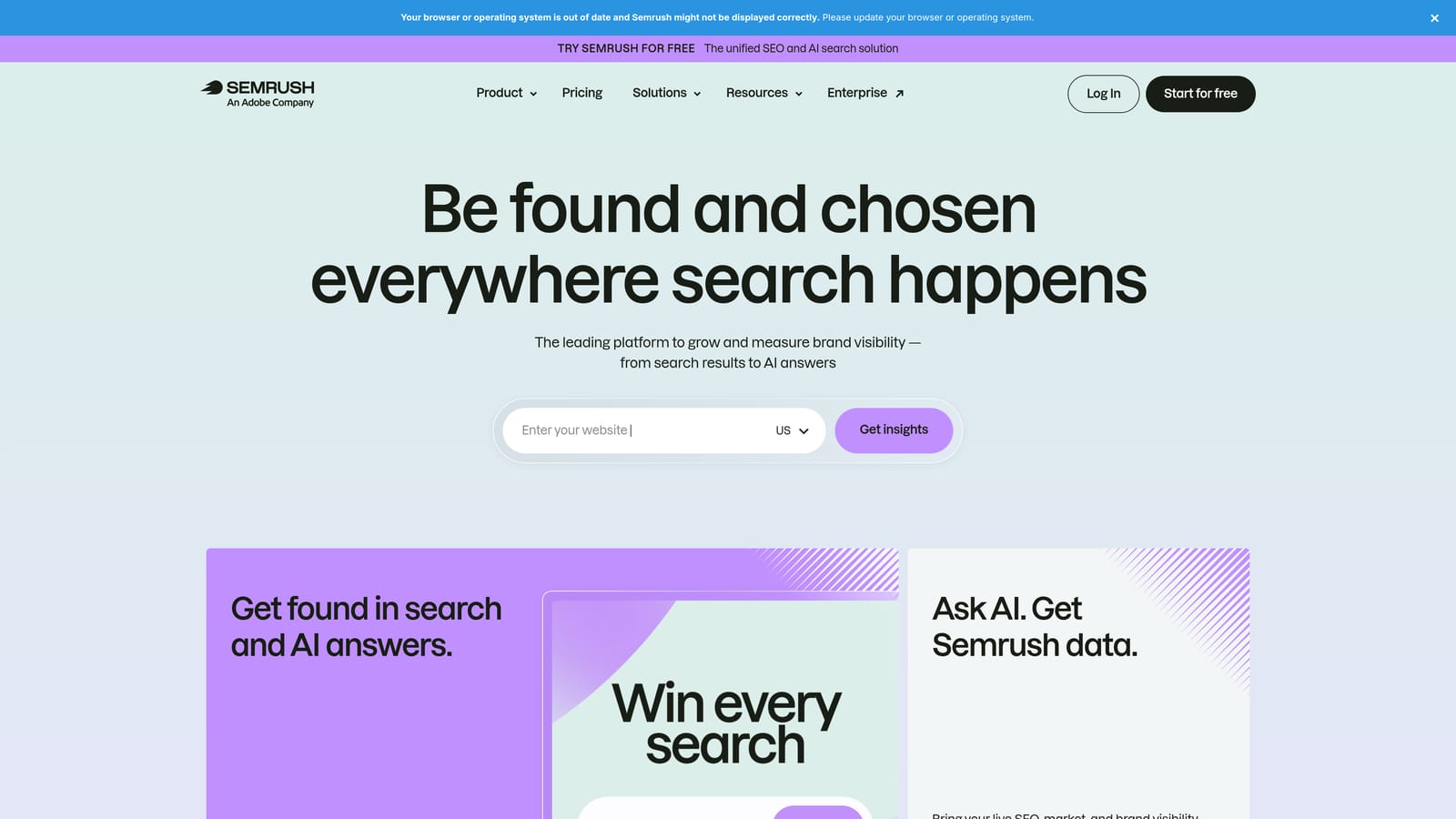
Its standout is combining SEO and paid research in one place. If your agency also sells SEO, one subscription helps with pitches, new-account research, and checking what a prospect's competitors are bidding on.
- Competitor paid keyword research, so you see which terms rivals target.
- Ad copy examples that show how competitors position their offers.
- Keyword research for building initial lists and finding gaps.
- Domain comparison to size up a client against competitors.
- Position tracking to monitor visibility over time.
It integrates with Google Analytics, Google Search Console, and Looker Studio. Setup is quick, since research needs only a domain, though the suite is large and takes time to learn well.
Know the limits. Competitor data is estimated, so treat it as direction rather than fact, and there is no campaign management. If you only do paid search and never sell SEO, you may be paying for a lot you will not use.
Pricing: Subscription plans; see the website. Price depends on the plan tier and add-ons.
Best for: Agencies that also sell SEO and need research for pitches and new accounts.
6. SpyFu
SpyFu is a competitor research tool built around paid and organic keyword history. It covers less ground than Semrush but is a lighter, more focused option for paid search research.
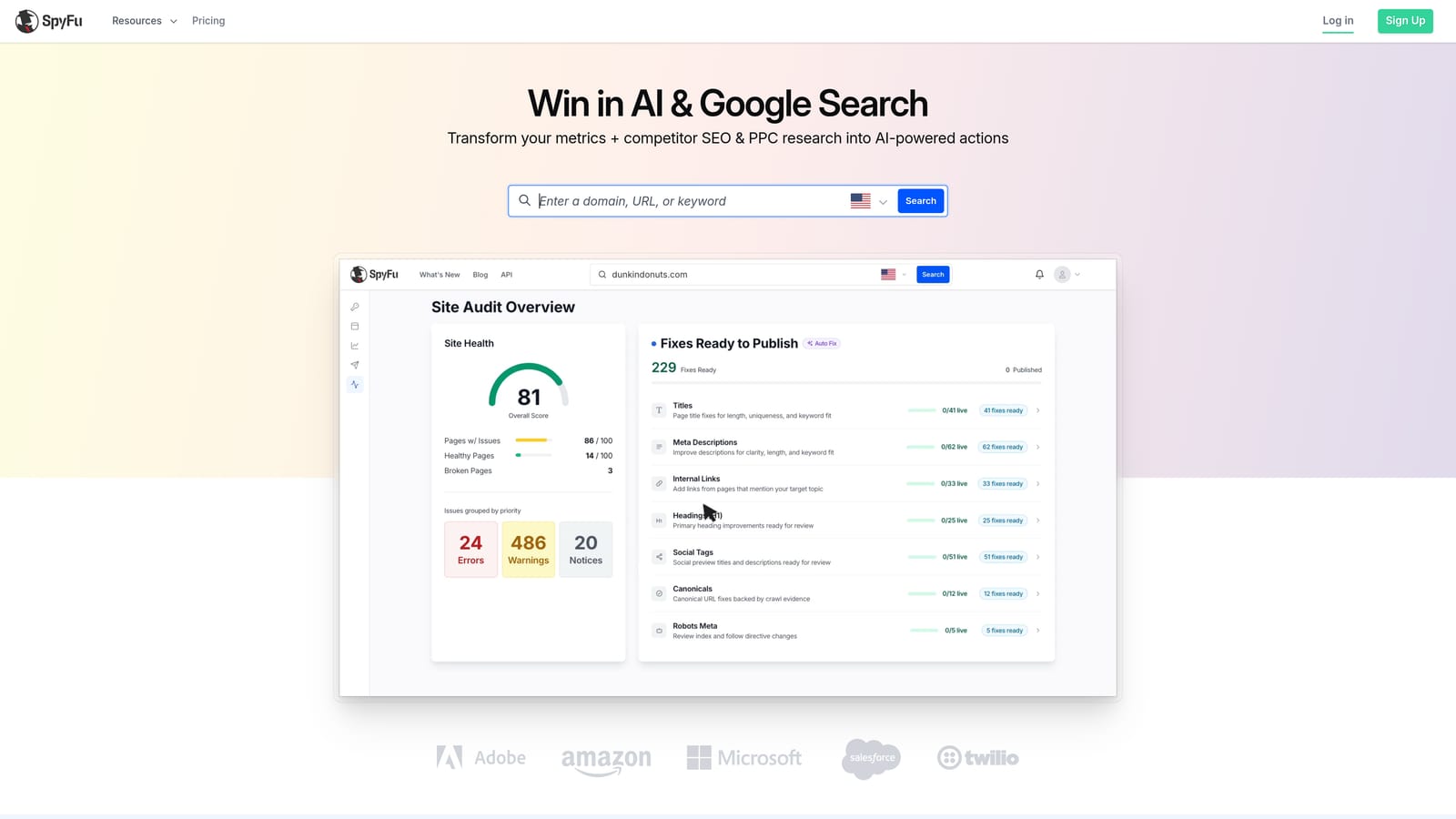
The distinctive piece is history. You can look back across multiple years at the keywords and ads a competitor has bought, which shows what they kept running (a hint at what works for them) versus what they dropped.
- Competitor PPC keyword history, to spot terms rivals have invested in over time.
- Ad history, so you can study how competitors' messaging changed.
- Keyword research to seed new campaigns.
- Domain comparison to see where a client overlaps with or trails a competitor.
The vendor does not list integrations prominently, so check its site for current options. Setup is minimal: enter a competitor's domain and read the results. A freelancer or account manager can use it without training.
As with Semrush, the data is estimated and there is no campaign management. It also has less breadth than larger suites, so if you need site audits, rank tracking, and content tools in the same login, look elsewhere. Treat the keyword lists as research ideas to test, since a competitor's history does not guarantee the same terms will work for your client.
Pricing: Subscription plans; see the website for current pricing and limits.
Best for: Freelancers and small agencies wanting budget-friendly competitor paid-search research.
7. Supermetrics
Supermetrics is a data connector that moves Google Ads data, plus data from other marketing platforms, into the places you build reports. It solves a specific problem: clients who advertise on more than one channel.
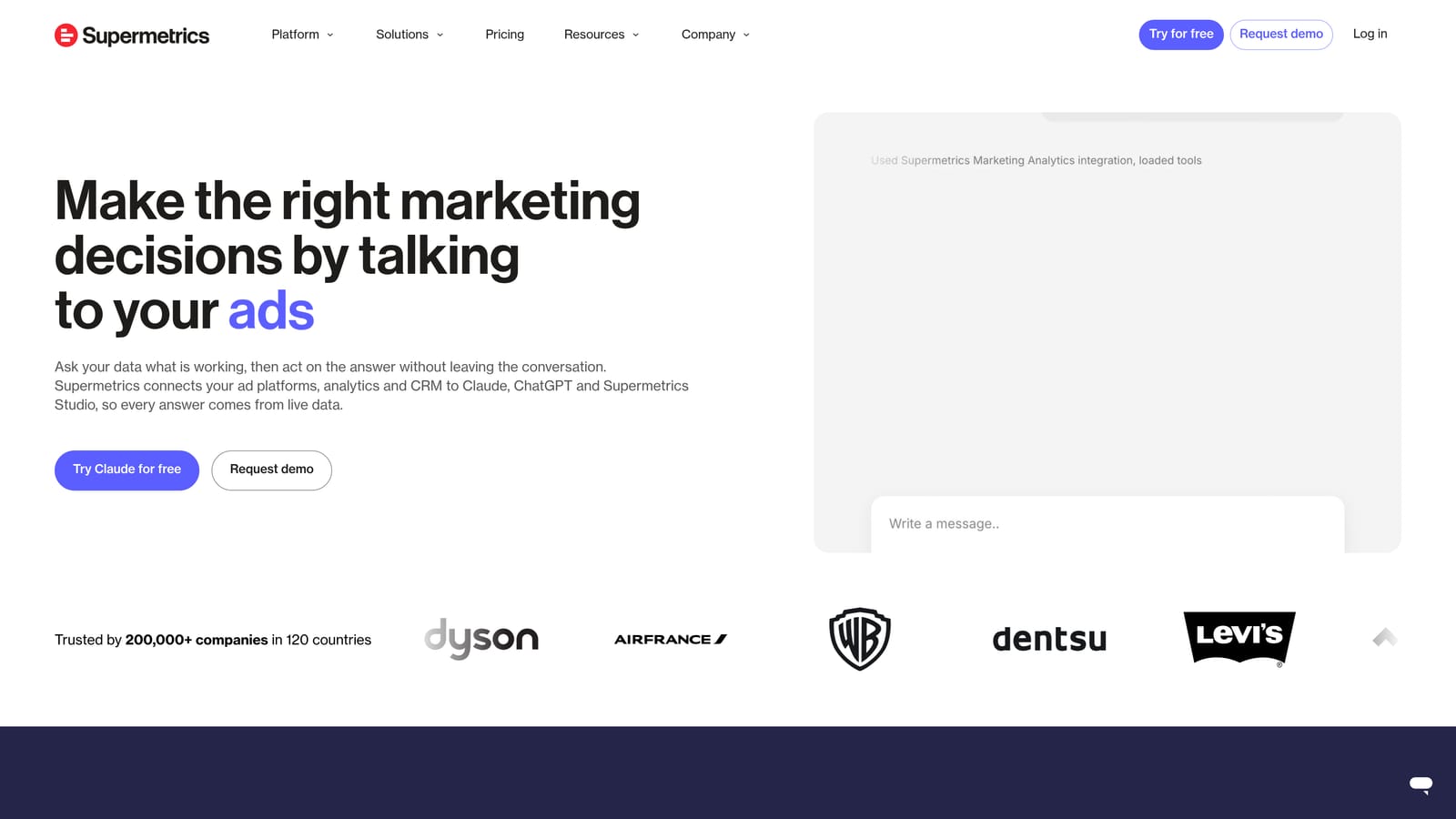
Where Looker Studio's native connector handles Google data well, Supermetrics earns its keep by pulling Meta, LinkedIn, and other ad platforms into the same report. That gives you one cross-channel view rather than three separate screenshots.
- Connectors to many ad platforms, so you can gather data from each client's channels.
- Google Sheets and Looker Studio destinations, which fit the tools many agencies already use.
- Scheduled data refresh, so reports stay current without manual pulls.
- Cross-channel reporting, which lets you compare channels side by side.
It also supports Excel and BigQuery destinations. Setup takes effort: authorizing each client's accounts, mapping fields, and building the report layout. The person who owns reporting usually owns this tool too.
It does not optimize campaigns, and it is a poor fit if every client only runs Google Ads, since Looker Studio's native connector already covers that for free. Costs scale with the connectors you use, so a client mix with many platforms gets expensive faster than a Google-only roster.
Pricing: Plan-based; see the website. The number and type of connectors drive the price.
Best for: Agencies reporting on Google Ads alongside Meta, LinkedIn, and other channels.
8. Unbounce
Unbounce is a landing page builder with A/B testing, made for conversion-focused ad traffic. It works after the click, which is a different job from everything else here.
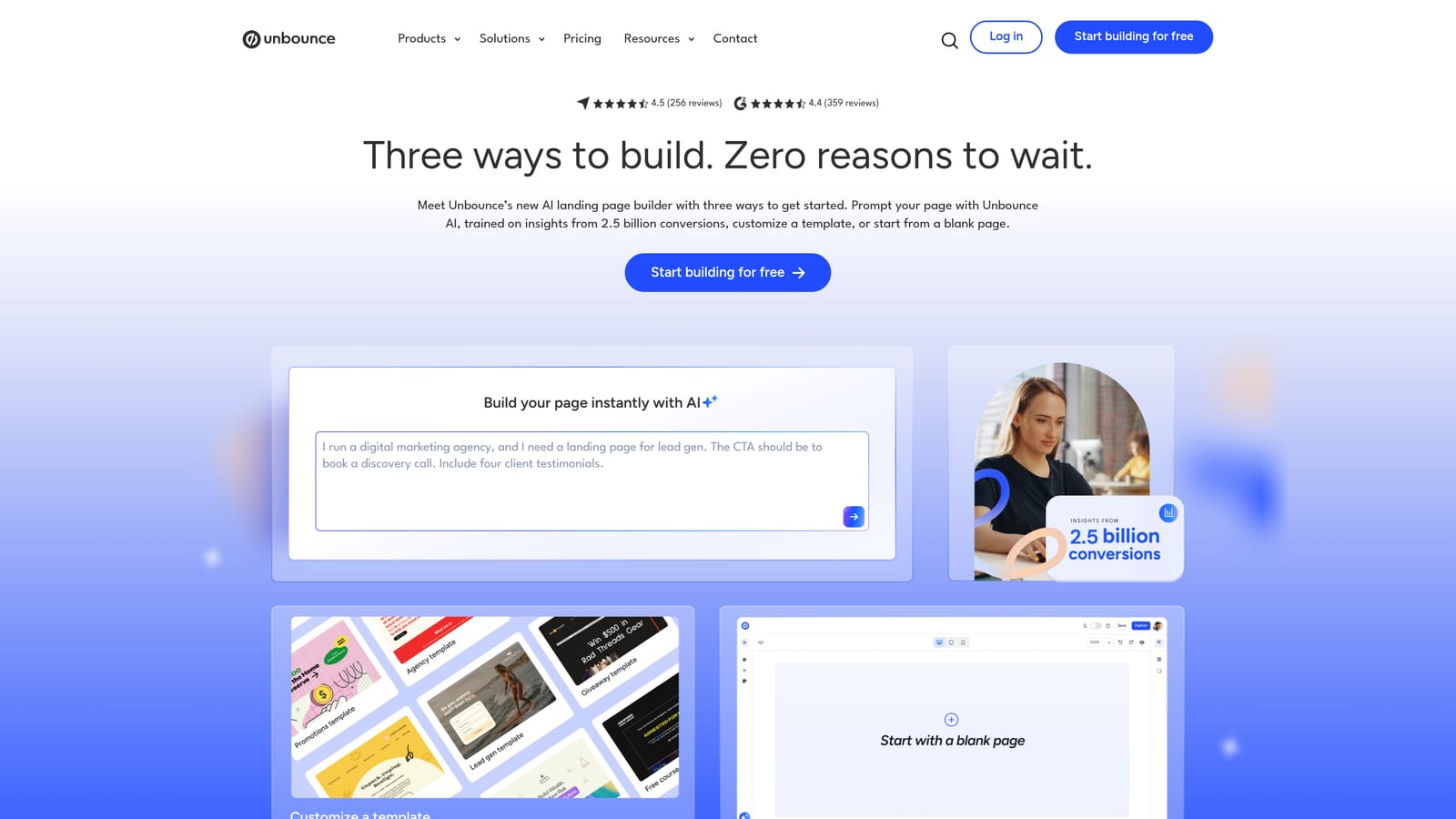
Its edge for agencies is independence. You can build and test landing pages without waiting on a client's developer or web team, which often decides how quickly a campaign can launch or improve.
- A drag-and-drop landing page builder, so marketers can publish pages without code.
- A/B testing to compare page versions with real ad traffic.
- Templates that give you a starting layout for each client.
- Popups and sticky bars for adding extra conversion prompts to a page.
It integrates with Google Ads, HubSpot, Zapier, and Mailchimp, so leads can flow into the client's CRM or email platform. Setup per client takes some time: brand styling, tracking, form connections, and domain setup. A designer or a confident account manager can run it.
It only addresses post-click conversion. It will not clean up search terms or manage bids. If a client already has strong landing pages, you do not need it. Test results also depend on having enough traffic, so low-volume accounts may struggle to reach conclusions.
Pricing: Subscription plans; see the website. Price typically varies by plan tier and traffic or page limits.
Best for: Agencies whose clients lack good landing pages for ad traffic.
9. Google Ads Scripts
Google Ads Scripts are small JavaScript programs that run inside Google Ads. They handle monitoring and custom reporting for free, if you have someone who can write or adapt code.
Nothing else on this list is as customizable. If you want an alert when a client's budget is pacing too fast, or a report written to a Google Sheet on a schedule, a script can do exactly that, shaped around your own rules.
- Custom alerts that notify you when something in an account looks wrong.
- Budget pacing checks to catch overspend or underspend early.
- Automated reports that write account data to a destination like a sheet.
- Scheduled execution, so checks run without anyone remembering to do them.
Scripts work with Google Ads, Google Sheets, and Gmail. Setup depends on the script: a copied, well-known script may take minutes, while a custom one takes real development time. The person running it needs coding skill.
That is the catch. Scripts require ongoing maintenance, and a broken script that nobody notices can leave you with false confidence. If nobody on your team writes JavaScript, this is not your tool. Always test on a low-risk account first and review what a script does before running it.
Pricing: Free, with no license fee. Your cost is the time to write and maintain scripts.
Best for: Technical agency owners who want custom alerts and checks.
Matching Tools to Jobs, and a Starter Stack for Two to Five People
Pick by job, not by brand. Here is how the list breaks down:
- Search term cleanup: Keywordme, for fast triage and keyword building inside Google Ads.
- Structural and bulk changes: Google Ads Editor.
- Reporting: Looker Studio for Google-only clients; add Supermetrics when clients run multiple channels.
- Competitor research: SpyFu for budget research, Semrush if you also sell SEO.
- Automation and oversight: Google Ads Scripts if you have the technical skill, Optmyzr if you would rather pay for structured routines.
- Landing pages: Unbounce, when the page is what is holding results back.
For a two-to-five person agency, a sensible starter stack is Keywordme, Google Ads Editor, and Looker Studio. That covers search term review, bulk changes, and client reporting for $12 per user per month, plus free tools. Add research, cross-channel reporting, or landing page software only when a real client need shows up, since the most common mistake is buying a big suite when the free tools already cover the job.
Optimize Google Ads Campaigns 10X Faster. Without Leaving Your Account. Keywordme lets you remove junk search terms, build high-intent keyword lists, and apply match types instantly, right inside Google Ads. No spreadsheets, no switching tabs, just quick, seamless optimization. Start your free 7-day trial (then just $12/month) and take your Google Ads game to the next level.
