
9 Best Google Ads Tools for Freelancers in 2026
Discover the 9 best Google Ads tools for freelancers in 2026, carefully selected for solo operators who need fast optimization, affordable pricing, and minimal setup to manage client accounts efficiently and professionally.


If you're freelancing in Google Ads, you already know the drill: you're the strategist, the analyst, the account manager, and the reporting team all rolled into one. The right set of tools can mean the difference between spending your afternoon buried in spreadsheets or spending it landing your next client.
TL;DR: The best Google Ads tools for freelancers combine fast optimization, low cost, and minimal setup. This list covers tools that actually move the needle—from in-interface campaign optimization to reporting, keyword research, and client communication. Whether you're managing one account or ten, these tools help you work faster, spend smarter, and look more professional to clients.
Every tool on this list was chosen based on four criteria: value for solo or small-team use, time-saving impact, Google Ads compatibility, and pricing that makes sense without an agency budget. No bloated enterprise platforms here—just practical tools built for real PPC workflows.
1. Keywordme
Best for: Fast, in-interface Google Ads optimization without leaving the native UI
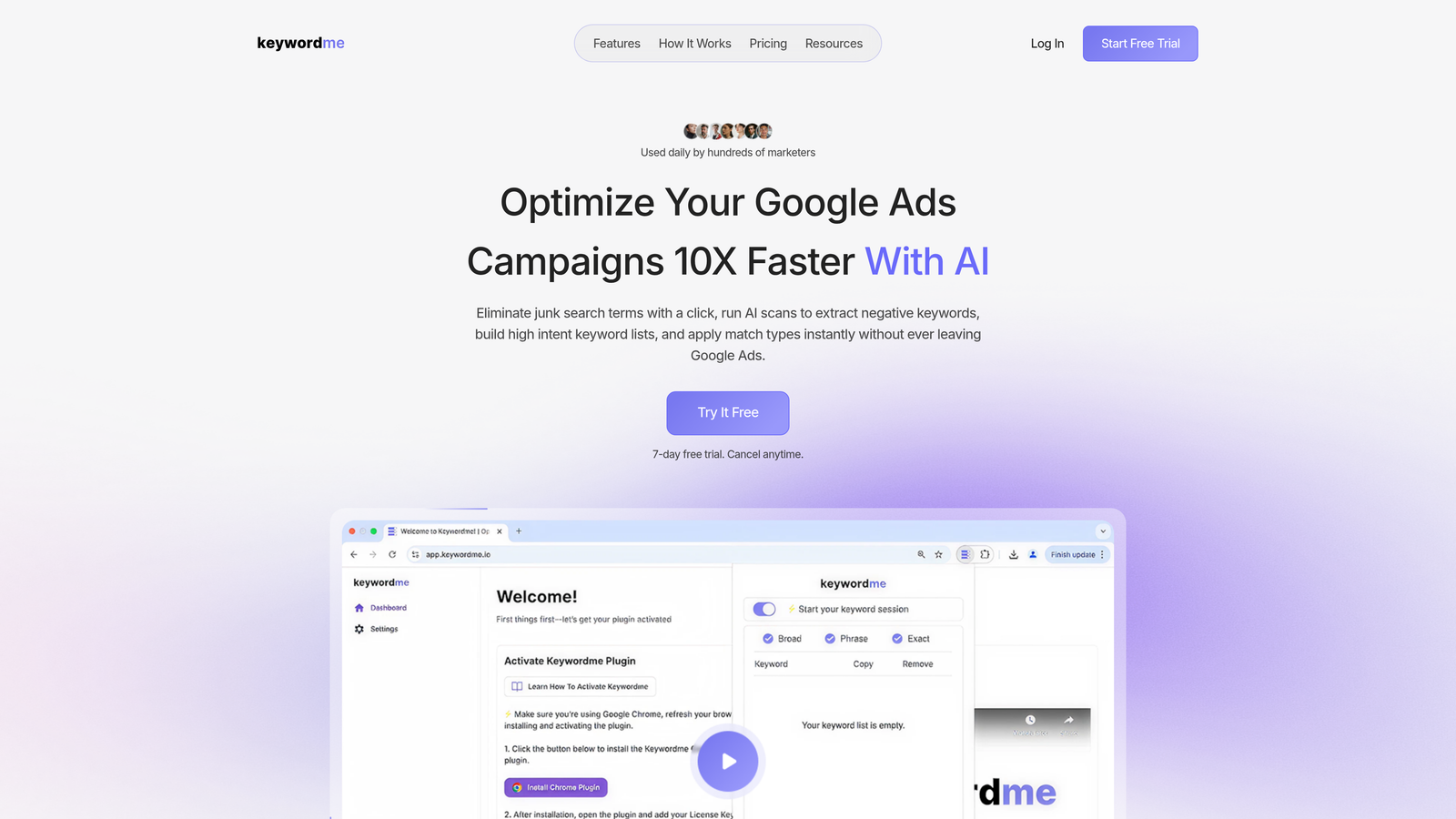
Keywordme is a Chrome extension that lets you optimize Google Ads campaigns directly inside the Search Terms Report, with no spreadsheets, no tab-switching, and no clunky third-party dashboards to juggle.
Where This Tool Shines
In most accounts I audit, the Search Terms Report is where the most time gets wasted. You're copying terms into a spreadsheet, cross-referencing your negative keyword list, then heading back into Google Ads to apply changes. Keywordme collapses that entire loop into one-click actions inside the interface you're already using.
For freelancers managing multiple client accounts, the flat-rate pricing model is genuinely refreshing. You're not paying more as your client roster grows, and the 7-day free trial means you can validate the workflow before spending a dollar.
Key Features
One-Click Negative Keyword Addition: Flag and remove junk search terms directly from the Search Terms Report without exporting anything.
Instant Match Type Application: Apply broad, phrase, or exact match types to keywords without navigating away from your current view.
Keyword Clustering and Bulk Editing: Group and organize keywords at scale, which is especially useful when building out new ad groups quickly.
Multi-Account and Team Support: Manage multiple client accounts and collaborate with team members from a single setup—useful even for solo freelancers who occasionally white-label work.
7-Day Free Trial: No credit card setup friction—just install and start optimizing immediately.
Best For
Freelancers and small agency teams who spend significant time inside Google Ads' Search Terms Report and want to cut the copy-paste-spreadsheet loop out of their workflow entirely. Particularly strong for anyone managing five or more accounts where repetitive optimization tasks compound quickly.
Pricing
$12/month per user (flat rate). 7-day free trial available. At that price point, it's one of the easiest tools to justify on a freelance budget.
2. Google Keyword Planner
Best for: Free keyword research and budget forecasting at the campaign build stage
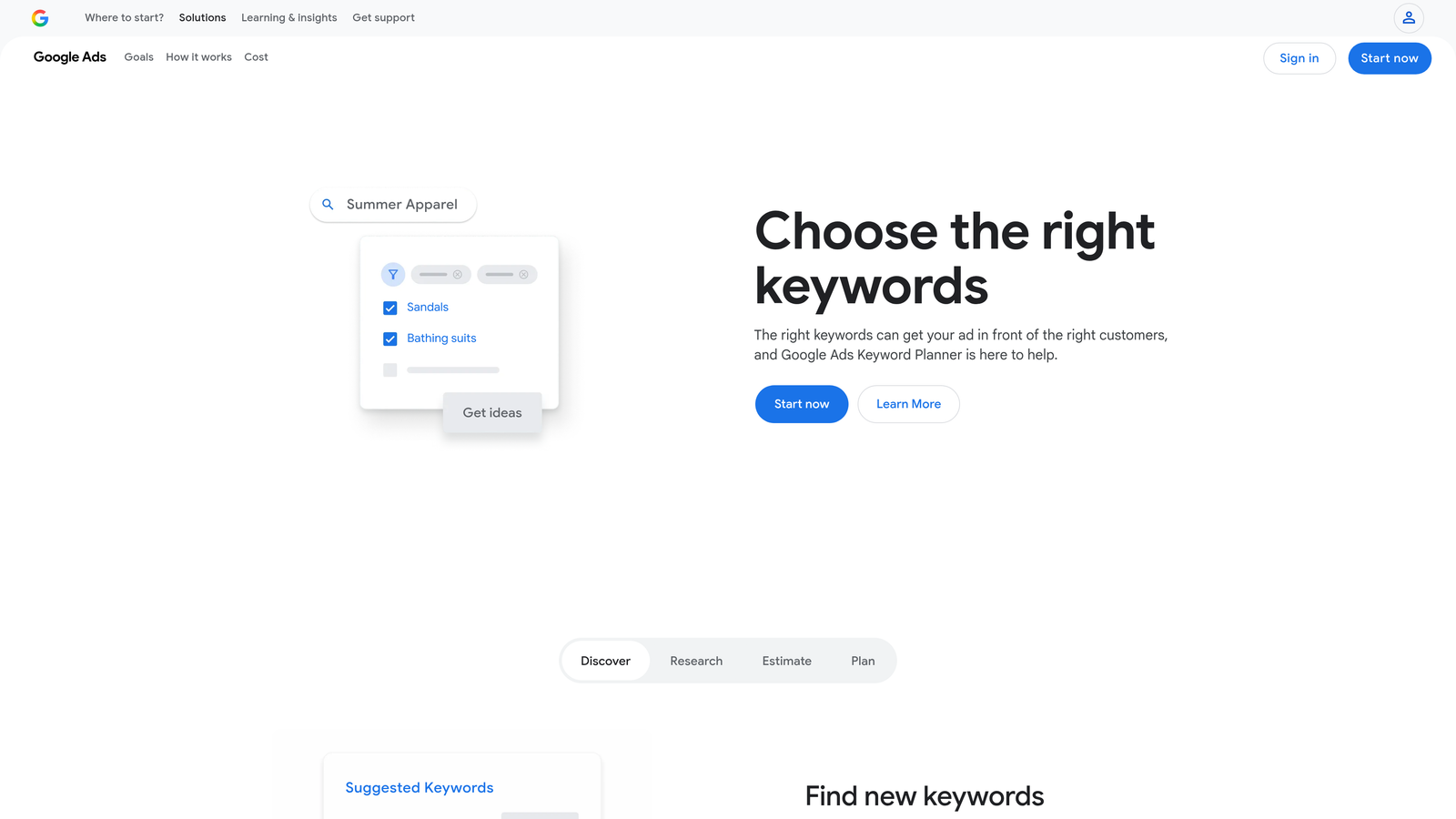
Google Keyword Planner is Google's own free keyword research tool built directly into the Google Ads platform, making it the logical starting point for any freelancer doing initial campaign research.
Where This Tool Shines
The biggest advantage here is the source: you're getting keyword data directly from Google, which means it's based on actual search behavior within the platform you're advertising on. For campaign builds, competitive research, and budget forecasting conversations with new clients, it covers the basics without any additional cost.
The limitation worth knowing upfront: volume data is shown in ranges rather than exact numbers unless your account has active spend. For a rough directional read, that's fine. For precise keyword prioritization, you'll eventually want to supplement with a paid tool.
Key Features
Search Volume Estimates: Range-based volume data tied directly to Google's own search data.
Keyword Suggestions: Generate keyword ideas from seed terms, your website URL, or a competitor's URL.
Competition and Bid Range Data: See low, medium, and high competition levels alongside suggested bid ranges for budget planning.
Forecast Tool: Project impressions, clicks, and spend based on keyword selection and bid inputs—useful for client proposals.
Completely Free: Accessible with any active Google Ads account, no additional subscription needed.
Best For
Every freelancer managing Google Ads should have this in their workflow at the research and proposal stage. It's not a replacement for deeper competitive tools, but as a free foundation layer, it's hard to argue against using it.
Pricing
Free. Requires an active Google Ads account to access full data.
3. SEMrush
Best for: Competitive PPC intelligence and keyword gap analysis before pitching or auditing accounts
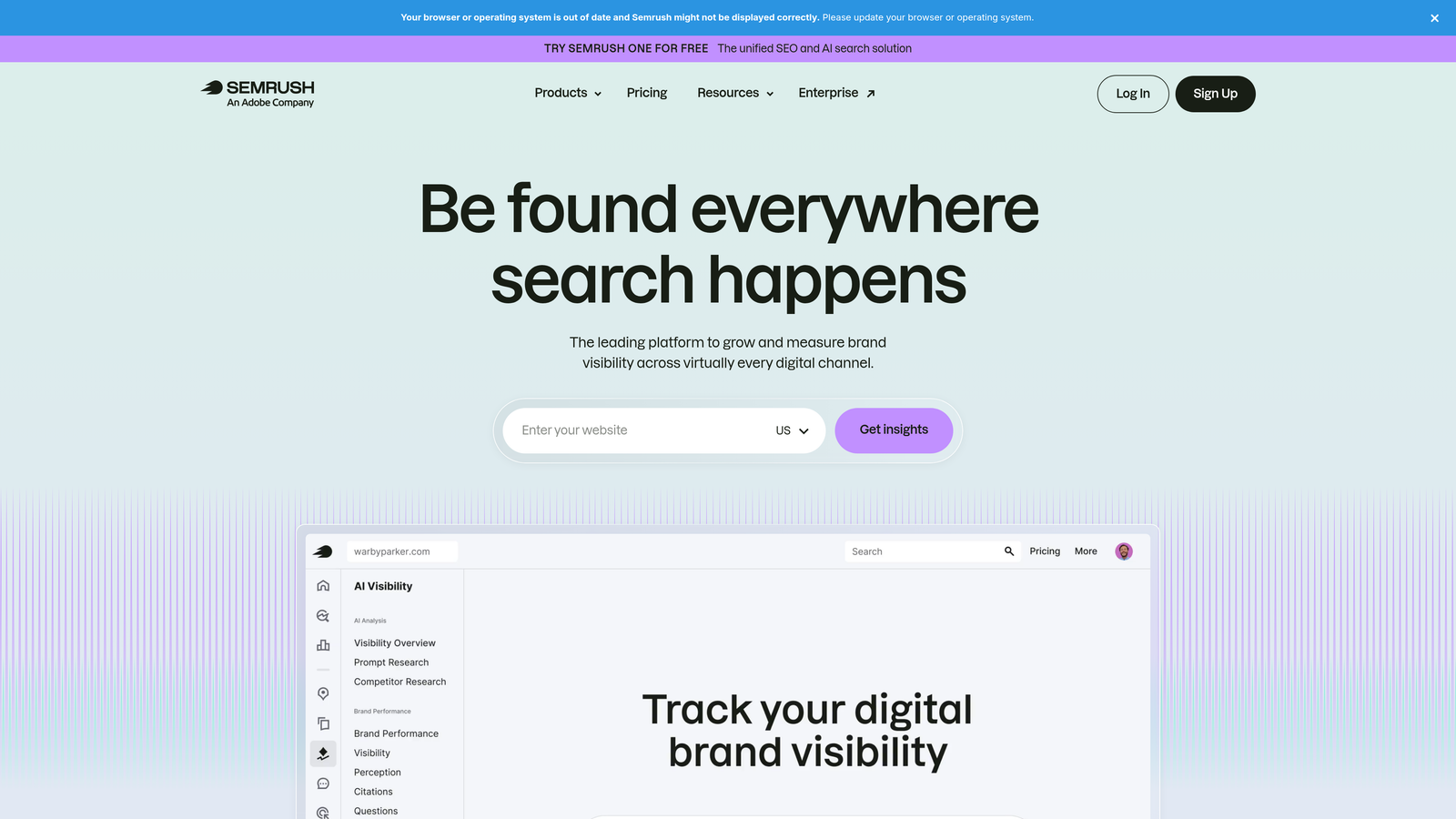
SEMrush is an all-in-one digital marketing platform with some of the strongest PPC competitor research capabilities available for freelancers who need to understand a market before diving into campaign builds.
Where This Tool Shines
What usually happens when a freelancer takes on a new client is a scramble to understand the competitive landscape fast. SEMrush makes that process significantly faster. You can pull a competitor's ad history, see which keywords they're bidding on, review their ad copy, and identify gaps in your client's current keyword coverage—all before writing a single ad.
The combined SEO and PPC data is also useful when you're advising clients on both channels, which many freelancers end up doing even if PPC is the primary engagement.
Key Features
Competitor Ad Copy and Keyword Visibility: See what keywords competitors are actively bidding on and what ad copy they're running.
PPC Keyword Research with CPC Data: Research keywords with cost-per-click estimates and competition levels specific to paid search.
Keyword Gap Analysis: Identify keywords your client's competitors are bidding on that your client isn't—a fast way to find missed opportunities.
Ad History Tracking: Review historical ad copy and landing page data to understand how competitors have evolved their messaging.
Combined SEO and PPC Data: One platform covering both channels, useful for freelancers who advise across organic and paid.
Best For
Freelancers managing higher-budget accounts or multiple clients where the competitive intelligence ROI is clear. The price point is harder to justify on small retainers, but if you're billing clients for tool access or managing significant ad spend, it earns its place.
Pricing
Starts at approximately $139.95/month (Pro plan). Check semrush.com for current pricing, as it changes periodically.
4. Optmyzr
Best for: Automation-heavy PPC management across multiple accounts without writing custom scripts
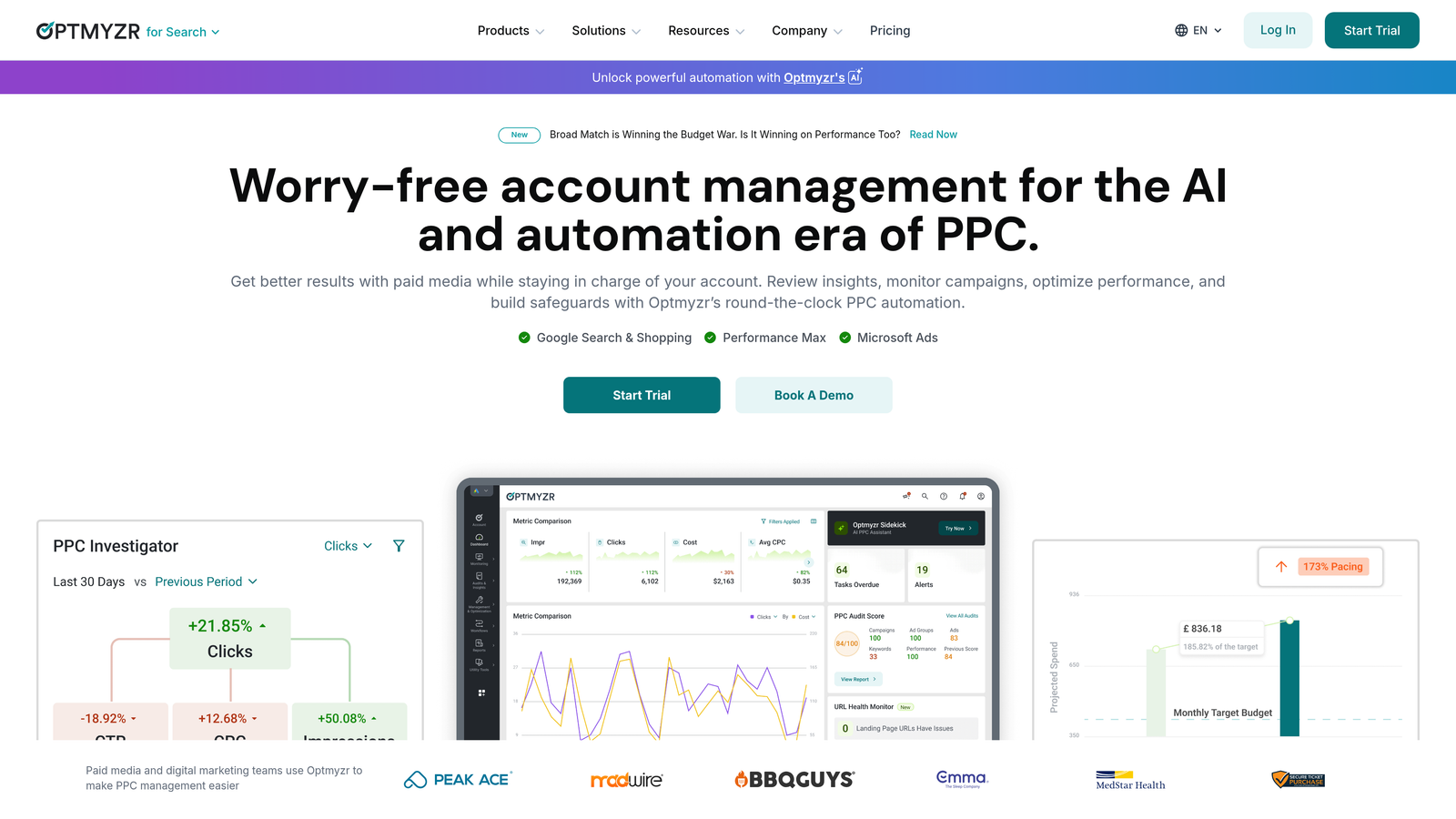
Optmyzr is a PPC management and automation platform with pre-built optimization scripts, bid management tools, and account health dashboards designed for advertisers who want systematic, scalable workflows.
Where This Tool Shines
The mistake most agencies make when recommending Optmyzr to freelancers is leading with the complexity. In practice, the pre-built scripts are what make it genuinely accessible—you don't need to know how to code to automate bid adjustments, Quality Score monitoring, or budget pacing. That's a real differentiator for solo operators who want automation without hiring a developer.
Where it really pays off is when you're managing five or more accounts and the manual optimization work starts compounding. The one-click recommendations and automated rules can reclaim significant time each week.
Key Features
Pre-Built Optimization Scripts: Ready-to-run automations for common PPC tasks—no coding knowledge required.
Automated Bid Management Rules: Set rule-based bid adjustments that run on a schedule without manual intervention.
Quality Score Tracking: Monitor Quality Score trends across your account and surface improvement opportunities.
One-Click Optimization Recommendations: Review and apply suggested changes from a centralized dashboard.
Multi-Account Management Dashboard: Oversee all client accounts from a single view, with performance summaries across accounts.
Best For
Freelancers managing larger accounts or multiple clients where automation ROI is clear. If you're spending more than a few hours per week on repetitive optimization tasks, Optmyzr is worth evaluating seriously.
Pricing
Paid plans with a free trial available. Check optmyzr.com for current pricing tiers, as plans vary by account volume and features.
5. Google Looker Studio
Best for: Free, professional-looking client reporting with live Google Ads data
Google Looker Studio is Google's free data visualization and reporting tool with a native Google Ads connector, making it the go-to choice for freelancers who need to deliver polished client dashboards without adding reporting software costs to their stack.

Where This Tool Shines
The price is obviously the headline: it's completely free. But what actually makes it valuable for freelancers is the native Google Ads connector. You're not wrangling API keys or paying for a connector tool—it just works. Build a dashboard once, share a live link with your client, and they can check performance anytime without emailing you for an update.
For freelancers who want to look more professional without investing in dedicated reporting software, Looker Studio is hard to beat. The learning curve is real, but once you have a solid template built, it's reusable across clients with minor adjustments.
Key Features
Native Google Ads Connector: Pull live campaign data directly into your reports without third-party tools or manual exports.
Shareable Live Dashboards: Send clients a link to a dashboard that updates automatically—no PDF exports required.
Customizable Templates: Build from scratch or start with community templates and adapt them to your reporting style.
Multiple Data Sources: Combine Google Ads data with Google Analytics, Search Console, or other sources in a single report.
Completely Free: No subscription, no usage limits for standard reporting use cases.
Best For
Any freelancer who needs professional client reporting without adding monthly software costs. Particularly valuable for those managing multiple clients who each need their own branded dashboard.
Pricing
Free. Requires a Google account.
6. SpyFu
Best for: Affordable PPC competitor research, especially for pre-pitch audits and underperforming accounts
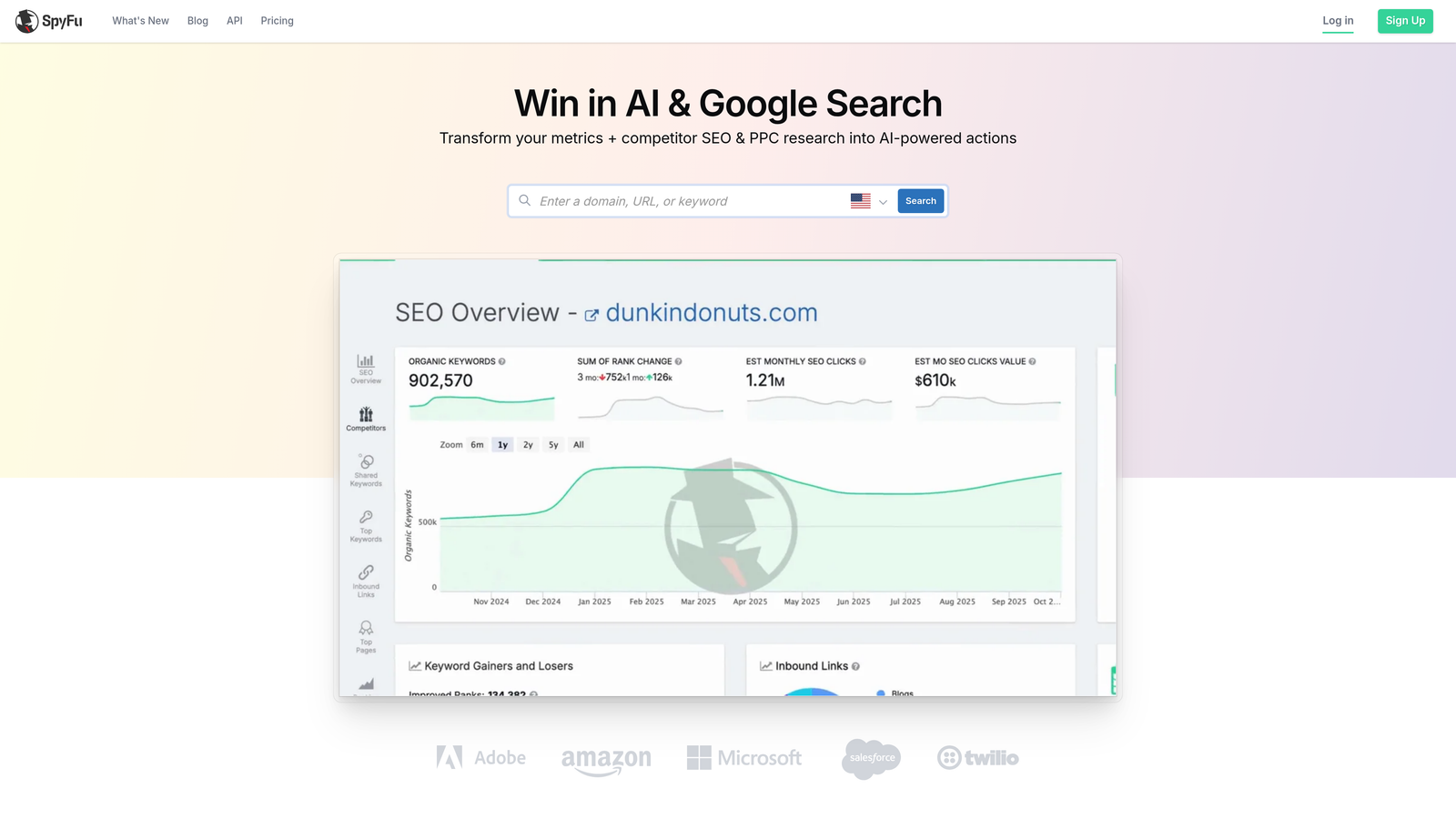
SpyFu is a competitive intelligence tool that reveals competitors' PPC keywords, ad copy history, and estimated spend—at a more accessible price point than most alternatives.
Where This Tool Shines
SpyFu is the tool I reach for when a client says "our competitors seem to be everywhere" and I need to figure out exactly where that is. The ad copy history feature is particularly useful: you can see how a competitor's messaging has evolved over time, which tells you a lot about what's working in a market and what they've tested and abandoned.
For freelancers who need competitive intelligence but can't justify SEMrush's price point on smaller retainers, SpyFu fills that gap well. It's more PPC-focused than SEMrush, which is actually an advantage if paid search is your primary channel.
Key Features
Competitor Keyword and Ad Copy History: See historical PPC keyword data and ad copy for any domain going back years.
Estimated Competitor Ad Spend: Get directional estimates on how much competitors are spending in paid search.
Most Profitable Keywords by Domain: Identify which keywords are driving the most value for a competitor's PPC strategy.
PPC Audit and Keyword Recommendations: Surface keyword opportunities and gaps based on competitive data.
Accessible Entry Pricing: Lower starting price than SEMrush, making it easier to justify on smaller freelance budgets.
Best For
Freelancers who need solid competitive PPC research without the enterprise price tag. Great for pre-pitch audits, diagnosing underperforming campaigns, or quickly understanding a new vertical.
Pricing
Starts at $39/month (Basic plan). Check spyfu.com for current pricing and plan details.
7. WordStream Advisor
Best for: Structured, guided Google Ads optimization with a systematic weekly workflow
WordStream Advisor is a guided Google Ads management platform known for its structured optimization approach and performance alert system, designed to help advertisers stay on top of account health without constant manual monitoring.

Where This Tool Shines
The core concept behind WordStream's "20-Minute Work Week" is genuinely useful for freelancers who tend to either over-optimize or let accounts drift between check-ins. The structured checklist format forces a consistent review cadence, which is something a lot of solo operators struggle to maintain across multiple clients.
The account health grading and benchmarking features are also worth noting. Being able to show a client a concrete performance grade and how it compares to industry benchmarks is a solid way to demonstrate value without building a custom report from scratch. Note that for the in-platform optimization side of the workflow, tools like Keywordme handle the actual Search Terms Report work more efficiently.
Key Features
Weekly Performance Alerts: Automated notifications surface account issues and opportunities without requiring constant manual monitoring.
Structured Optimization Checklist: The '20-Minute Work Week' framework guides you through recommended actions in a systematic order.
Account Health Grading: Score your account's performance and benchmark it against industry averages.
Keyword and Negative Keyword Recommendations: Surface keyword additions and negative keyword suggestions based on account data.
Cross-Platform Support: Manage both Google Ads and Microsoft Ads from a single dashboard.
Best For
Freelancers who want a systematic, guided approach to account management and value structured workflows over manual analysis. Particularly useful for those managing accounts across both Google and Microsoft Ads.
Pricing
Paid plans available. Check wordstream.com for current pricing. Free tools are available separately on their site.
8. Unbounce
Best for: Building and testing landing pages that improve Google Ads Quality Score and conversion rates
Unbounce is an AI-powered landing page builder with A/B testing and Google Ads integration, built for advertisers who manage the full conversion funnel rather than just the ad side.
Where This Tool Shines
Here's the thing most freelancers eventually figure out: you can optimize your campaigns to near-perfection and still get mediocre results if the landing page is weak. Unbounce is for the freelancer who's ready to own the post-click experience and charge accordingly.
The dynamic text replacement feature is particularly relevant for Google Ads work. It lets landing page headlines automatically match the keyword a user searched for, which directly improves message match and can lift Quality Score. For clients with multiple ad groups targeting different intent levels, this is a meaningful conversion lever.
Key Features
AI-Powered Landing Page Builder: Build conversion-optimized pages without needing a developer or design background.
Built-In A/B and Multivariate Testing: Test page variations and let data determine the winner automatically.
Dynamic Text Replacement: Match landing page headlines to the keyword a visitor searched for, improving relevance and Quality Score.
Google Ads Integration: Connect campaigns directly to specific landing pages and track performance within the platform.
Conversion Analytics: Built-in reporting so you can show clients exactly how landing page changes impact conversion rates.
Best For
Freelancers who manage the full funnel for clients, or those looking to expand their service offering beyond ad management into conversion rate optimization. Best suited to accounts where landing page quality is a clear performance bottleneck.
Pricing
Starts at $99/month (Build plan). Check unbounce.com for current pricing and plan details.
9. Slack (with Google Ads Integrations)
Best for: Automating client communication and Google Ads performance alerts to reduce manual reporting overhead
Slack is a team communication platform that, when connected via Zapier or native integrations, delivers automated Google Ads alerts and performance updates directly to client channels—reducing the email back-and-forth that eats into billable time.
Where This Tool Shines
This one might seem out of place on a PPC tools list, but in practice it solves a real freelancer problem: client communication overhead. When you're managing five accounts, the "how are things going?" emails and update requests can easily consume an hour or two per week. Setting up a dedicated Slack channel for each client with automated performance alerts changes that dynamic entirely.
Using Zapier to trigger Google Ads alerts—budget pacing warnings, significant conversion drops, cost spike notifications—means clients stay informed without you having to write a single update email. It positions you as proactive and transparent, which is exactly how you retain clients long-term.
Key Features
Automated Google Ads Alerts via Zapier: Set up triggers for budget pacing, performance anomalies, and weekly summaries that post automatically to client channels.
Dedicated Client Channels: Separate communication threads per client keep conversations organized and searchable.
Reduced Email Overhead: Replace manual update emails with automated notifications that clients can check on their own schedule.
Real-Time Budget and Anomaly Notifications: Catch overspend or performance drops before they become client complaints.
Free Tier Available: The free plan covers basic functionality for small teams and solo freelancers with a handful of clients.
Best For
Freelancers managing multiple client relationships who want to reduce manual communication time and appear more proactive to clients. Works best when paired with Zapier for Google Ads automation triggers.
Pricing
Free tier available. Paid plans start at $7.25/user/month (Pro). Check slack.com for current pricing.
Which Tool Should You Start With?
The smartest freelancer stack isn't the biggest one. It's the one that covers your actual bottlenecks without burning your retainer margins on software you barely use.
Here's a quick breakdown by use case to help you prioritize:
Biggest time sink is cleaning up search terms: Start with Keywordme. At $12/month flat rate, it typically pays for itself in the first optimization session by eliminating the copy-paste-spreadsheet loop entirely.
Need to research a new vertical or pitch a client: SpyFu is the more budget-friendly entry point for PPC-focused competitive research. SEMrush is worth it if you're also advising on SEO or managing higher-budget accounts.
Need professional client reporting at zero cost: Looker Studio is hard to beat. Build a solid template once, reuse it across clients, and send a live dashboard link instead of a PDF.
Managing five or more accounts and feeling the automation gap: Optmyzr is worth the investment when repetitive optimization tasks are compounding across your client roster.
Ready to own the full conversion funnel: Unbounce opens up a landing page optimization service line that many freelancers use to increase their per-client value significantly.
Start with one or two tools that address your biggest pain points, get them dialed in, and then expand. Most of these tools offer free trials, so there's no reason not to test before committing to a subscription.
If you want to go deeper on campaign efficiency, check out our guides on PPC workflow optimization and how to reduce wasted spend in Google Ads.
And if the Search Terms Report is where your time disappears, Start your free 7-day trial of Keywordme and see how much faster your optimization workflow can actually be—right inside Google Ads, no spreadsheets required.
.svg)